PageGPT
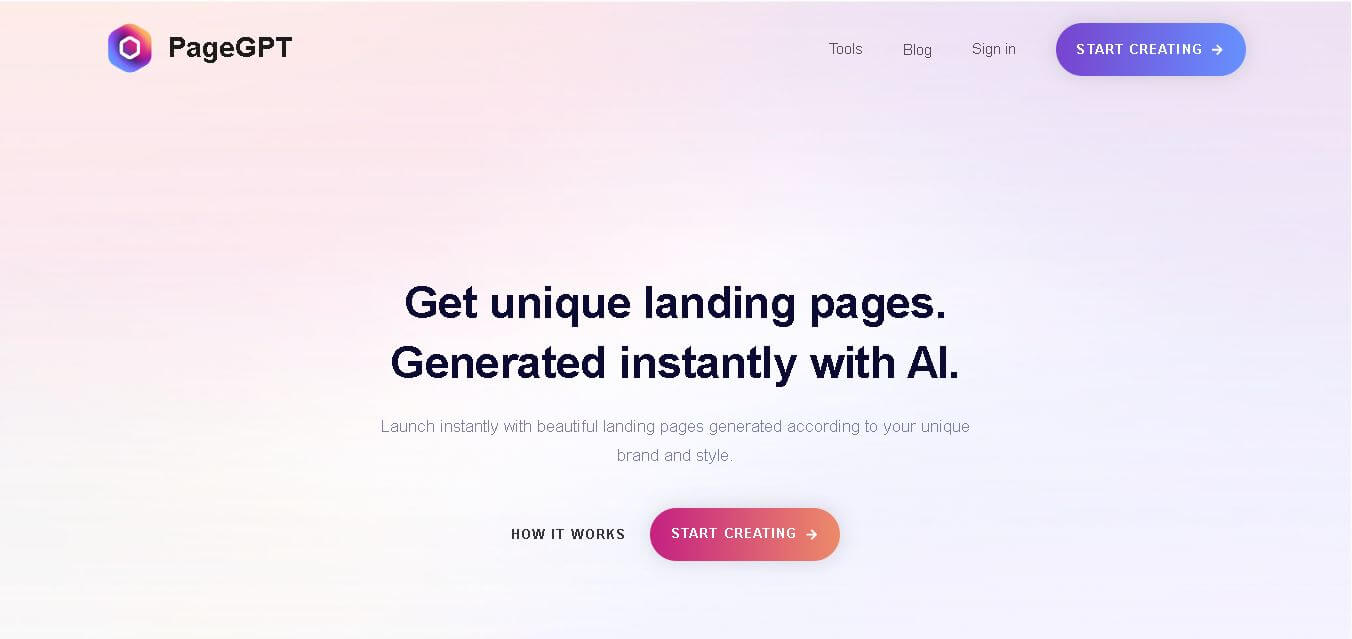
PageGPT helps businesses, creators, marketers, and entrepreneurs create customized landing pages and websites with AI. Users can describe their product and preferred style, generate designs with copy and images, then refine the result through chat or drag-and-drop editing. It also supports responsive pages, custom effects, and publishing options.
What is PageGPT?
PageGPT is a website and landing-page creation tool that generates customized designs based on a product, business, theme, and preferred visual style. Users can describe their requirements and receive tailored page designs, copywriting, and images. Its conversational editor lets users refine pages through natural-language instructions, while responsive layouts, page-speed optimization, conversion elements, animations, and export options support practical website publishing.
PageGPT focuses on AI-assisted website creation, with a 4-step workflow covering product description, page generation, customization, and publishing. Its current listed plans include a $7/7-day Trial, $19 per page, and $39 for 3 pages. The single-page plan includes 20 custom page variations, 20 section variations, 60 custom images, and 500 text generations, while the 3-page bundle includes 60 page variations, 60 section variations, 180 images, and 1,500 text generations.
- Platform Role: AI Landing Page Generator, Conversion Copywriting & Web Design Suite
- Developer & Organization: PageGPT
- Cross-Platform Access: Web Browser (pagegpt.pro) with instant deployment, custom domains, white label support, and API integrations
Use Cases:
- Generating unique product landing pages for e-commerce brands, cosmetics, and physical products
- Creating clean, high-converting SaaS landing pages with tailored call-to-action sections, pricing tables, and feature lists
- Building personal portfolio pages for creative professionals, photographers, and agencies
- Rapidly launching promotional campaign pages and lead-capture funnels with customized countdown timers and forms
- Adding conversational UI effects, hover animations, and parallax scrolling to custom landing pages without coding
Technology:
- Conversational generative AI engine trained on conversion-rate optimization (CRO) best practices
- Natural language styling interpreter for dynamic CSS/JavaScript animation generation (e.g., gradient text loops, hover tilts, parallax scrolling)
- Integrated AI copywriter and image generation models for brand-aligned visual assets
- Mobile-first, high-speed lightweight code output optimized for low load latency and search engine performance
Target Users:
- E-commerce store owners and dropshippers launching new product pages
- SaaS founders and startup marketers needing fast MVP landing pages
- Digital agencies and freelancers looking to accelerate web design workflows
- Solopreneurs and affiliate marketers wanting high-converting landing pages without design skills
Acquisition: Web application operated directly at pagegpt.pro

What are the key features of PageGPT?
PageGPT's key platform features are
- Instant AI Page Generation: Input a brief product description and theme to generate a fully customized landing page layout with matching images and copy.
- Chat-Based Customization: Adjust typography, colors, layouts, and component positions using plain conversational commands instead of complex editors.
- AI Copywriting & Image Assets: Automatically drafts persuasive, product-specific headers, subtext, feature breakdown grids, and visual imagery.
- Custom Visual Effects & Animations: Implement interactive effects like tilt-on-hover, gradient text loops, and parallax scrolling via chat prompts.
- Mobile & Speed Optimization: Ensures created pages load fast and remain fully responsive across desktop, tablet, and mobile browsers.
- White Labeling & API Access: Provides white-label options and API endpoints for agencies and developers embedding landing page generation.
How much does PageGPT cost?
PageGPT operates on a freemium model that allows users to try building pages before subscribing to paid tiers for publishing and advanced features.
Pricing Overview:
- Free Tier / Trial: Basic page generation preview and layout creation.
- Paid Plans: Unlocks custom domain publishing, higher generation limits, white-label options, and full export capabilities.
Disclaimer: Free access includes basic generation previews. Publishing live pages with custom domains, API access, or white-label branding requires a paid subscription.
Who should use PageGPT?
PageGPT is designed for online entrepreneurs and web creators, including
- E-commerce Merchants: Sellers needing original, high-converting product pages that don't look like generic Shopify templates.
- SaaS Founders: Entrepreneurs looking to launch landing pages for new apps or features in minutes.
- Marketing Agencies: Teams seeking white-label AI page generation tools to speed up client project deliverables.
What are the best alternatives to PageGPT?
Some of the strongest PageGPT alternatives include
What are the pros and cons of PageGPT?
What are the pros of PageGPT?
- Conversational editing makes tweaking layouts and adding complex animations effortless
- Generates unique, custom layouts rather than recycling identical website templates
- Combines copy generation, image creation, and UX design in one prompt workflow
- Optimized for fast page speed and mobile responsiveness out of the box
What are the cons of PageGPT?
- Granular manual pixel editing can be trickier if conversational prompts don't interpret subtle design requests perfectly
- Full custom domain hosting and agency white-label features are restricted to paid tiers
- Advanced database integrations or complex multi-page web app structures require external tool pairing
Why should you choose PageGPT?
Traditional landing page software forces users to either adjust restrictive templates or learn complex visual drag-and-drop web builders. PageGPT reimagines the creation process by placing natural language AI at the core. By allowing creators to build, write, and style landing pages purely by describing what they want, PageGPT dramatically reduces time-to-market for new marketing campaigns and product launches.
How does PageGPT compare to competitors?
While platforms like Framer AI and Webflow focus heavily on professional web designers needing extensive CMS control, PageGPT focuses directly on speed and conversion-focused creation via natural language interaction. Compared to Mixo or Relume, PageGPT stands out with its conversational prompt-based animation builder and integrated copywriting-to-image engine.
| Feature / Platform | PageGPT | Framer AI | Relume AI | Mixo AI |
|---|---|---|---|---|
| Core Focus | Conversational AI Landing Pages & CRO Copy | Interactive AI Web Design & Advanced Prototyping | AI Wireframing & Site Architecture for Webflow/Figma | Instant One-Prompt MVP Landing Pages |
| Customization Method | Conversational Prompt Chat & Natural Language | Visual Canvas Editor & Vector Controls | Figma / Webflow Sync & Component Swapping | Basic Text & Section Block Editing |
| Interactive Animations | Yes (prompt-driven hover, scroll, & gradient effects) | Yes (Pro-grade canvas spring physics & triggers) | Exported to Webflow interactions | Basic layout transitions |
| Integrated Copy & Images | Yes (product-tailored AI text & graphics) | Yes (AI text generation) | Yes (copy generation for wireframes) | Yes (stock images & basic text) |
| Best For | Marketers & sellers wanting custom pages via simple chat | Designers needing total visual design freedom | Agencies wireframe site maps for Webflow. | Founders validating ultra-fast business ideas |
How do we rate PageGPT?
| Parameter | Rating (out of 5) |
|---|---|
| Design Quality & Uniqueness | 4.7 |
| Ease of Customization (Chat UI) | 4.9 |
| Copywriting & Content Alignment | 4.6 |
| Page Speed & Mobile Responsiveness | 4.8 |
| Value for Money | 4.6 |
| Overall Score | 4.72 |
What is our review and verdict on PageGPT?
PageGPT provides an impressively smooth experience for creating landing pages. By replacing traditional drag-and-drop mechanics with natural language chat controls and automatic CRO copy generation, it enables users to launch distinct, high-quality landing pages in a fraction of the usual time.
Conclusion
PageGPT provides a conversational approach to creating customized websites and landing pages, combining AI-generated designs, copywriting, images, responsive layouts, and interactive effects. Its 4-step workflow makes the process accessible to users who want to move from an idea to a working page quickly. Features such as chat-based customization, drag-and-drop editing, publishing options, and API integration broaden its use cases. For businesses and creators seeking faster website production, PageGPT offers a practical AI-assisted workflow worth exploring.
FAQ
What is PageGPT used for?
PageGPT is useful when you want to create a landing page or website without designing everything manually. You can describe your business, product, audience, and preferred style, then let PageGPT generate a tailored design with copy and images. You can subsequently refine the page through conversational instructions or its editing interface.
How does PageGPT create a website?
PageGPT follows a straightforward four-step process. First, you provide information about your product and desired theme. Next, it generates a customized website design, copywriting, and images. You can then make changes by chatting with the editor. Finally, the completed page can be published through supported deployment and export options.
Can I customize a PageGPT-generated landing page?
Yes. PageGPT allows you to refine generated pages after creation. Instead of rebuilding the design from scratch, you can communicate requested changes through its conversational interface. The platform also provides a drag-and-drop editor, giving you another way to adjust the page and personalize details according to your branding and requirements.
Can PageGPT generate website copy and images?
Yes. PageGPT generates copywriting and images specifically around the product and theme you provide. This can reduce the time spent creating initial website content and finding suitable visuals. The platform describes its generated copy as persuasive and SEO-optimized, although users should still review and edit AI-generated content before publishing it.
Does PageGPT support mobile-friendly websites?
Yes. PageGPT states that its generated designs are optimized for mobile devices. This means pages are designed to provide a responsive experience across different screen sizes. The platform also emphasizes page speed, aiming to create fast-loading websites that can support visitor engagement and user experience across desktop and mobile devices.
Can I add animations and interactive effects with PageGPT?
Yes. PageGPT lets users add custom animations and interactive effects through its chat interface. Examples shown on the website include animated gradient text, custom hover effects, and parallax-style scrolling effects. This approach allows you to describe the desired interaction conversationally instead of manually configuring every effect through a traditional design interface.
Is PageGPT suitaIs PageGPT suitable for beginners?ble for beginners?
PageGPT can be useful for beginners because much of the website creation process is based on describing what you want in natural language. Users do not necessarily need to learn a complex design workflow before creating a page. The platform also provides a drag-and-drop editor for people who prefer more direct visual customization.
User Reviews
No reviews yet for PageGPT.
Featured Tools
Featured AI tools from TechShark

Melody Genie
MelodyGenie is an AI-powered music generator that creates original songs from simple text prompts. Users can choose styles, moods, and genres, then instantly generate melodies and full tracks, making it easy for creators, marketers, and hobbyists to produce custom music without musical expertise.
Freemium

Kimi AI
Kimi AI is an advanced AI assistant developed by Moonshot AI that helps you chat, research, write, code, and automate tasks in one place. It supports web search, file analysis, and multimodal inputs, and can even run autonomous “agent” workflows to complete complex tasks end-to-end.
Freemium

Fashion Diffusion AI
Fashion Diffusion is an AI-powered fashion design platform that helps brands and designers create clothing designs, virtual try-ons, AI models, product photos, and marketing visuals faster and cost-effectively.
Paid

Veo 4
Veo 4 AI is an AI video creation platform that generates dramatic videos from text, images, audio, and video prompts using realistic motion and synchronized sound.
Paid
Alternatives
Alternatives to PageGPT
The best PageGPT alternatives include Framer AI, Relume AI, Unbounce, and Mixo AI. While PageGPT focuses on conversational, prompt-based customization and interactive effects for conversion landing pages, tools like Framer AI cater to designers needing full visual canvas control.
 4.7
4.7Flux.ai
Design
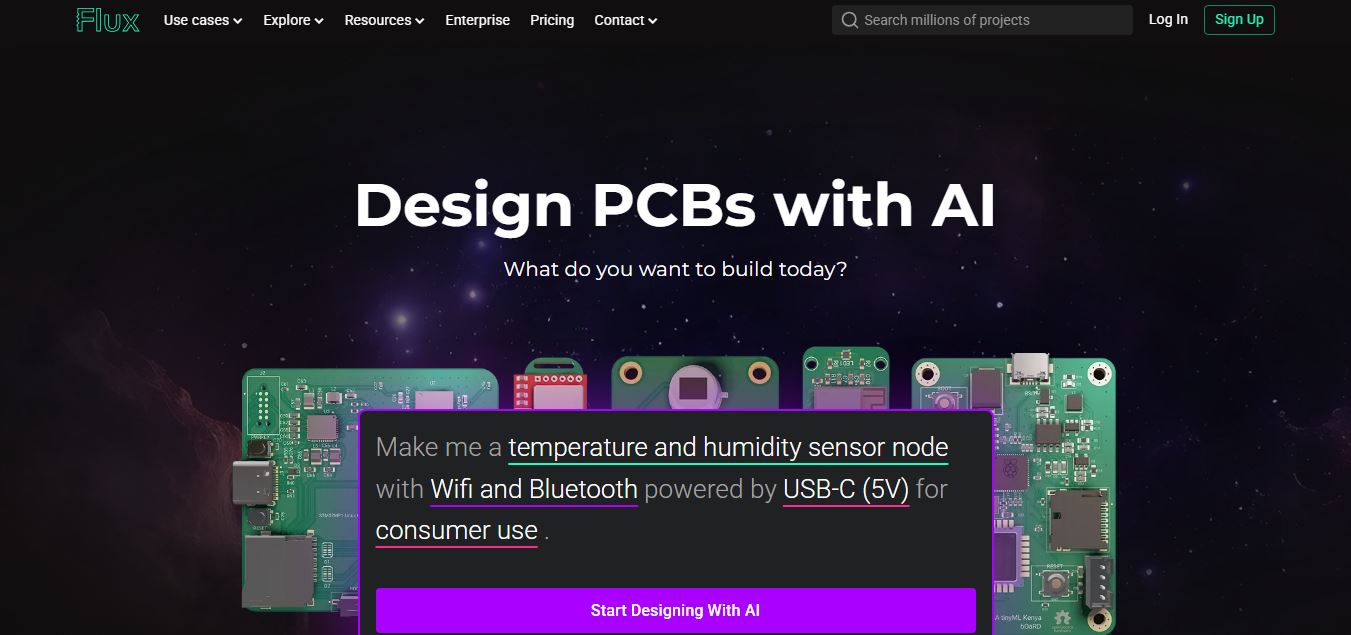
Flux AI is an AI-powered electronics design platform that helps engineers create schematics, design printed circuit boards (PCBs), select components, and optimize routing. Its browser-based workspace supports real-time collaboration, design validation, and manufacturing exports, making hardware development more accessible for individuals, startups, and engineering teams.
 4.8
4.8Repaint
Design
Repaint helps entrepreneurs and small businesses build websites, online stores, booking systems, and custom web applications using AI chat. Users can generate designs, edit content, manage customer accounts, accept payments, and organize business data without traditional coding. It offers subscription plans with different usage limits and business management capabilities.
 4.8
4.8SWAPP
Design
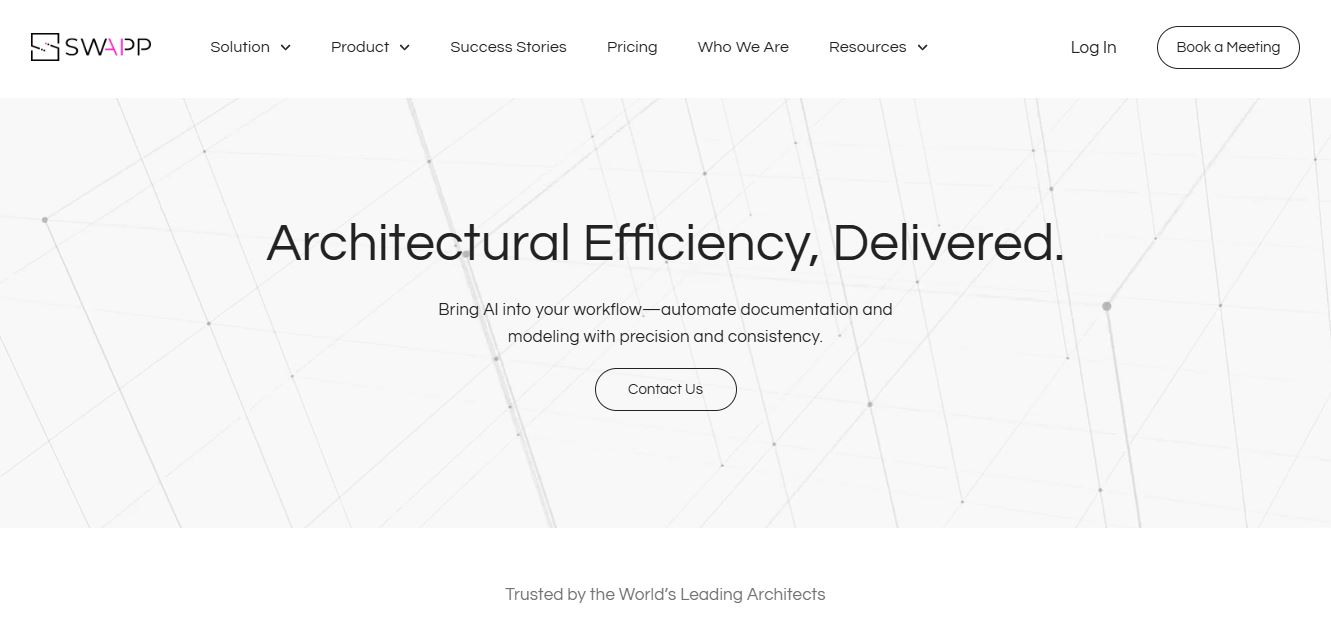
SWAPP helps architecture firms automate construction documentation, BIM modeling, and QA work inside Revit and ArchiCAD. Its Frank agent applies firm-specific standards to repetitive production tasks, while workflow memory preserves organizational knowledge. The platform is suited to teams seeking faster delivery, consistency, and less manual production effort across complex projects.
 4.9
4.9Adobe Stock
Design
Adobe Stock is a creative asset marketplace that helps designers and businesses access millions of royalty-free images, videos, templates, and 3D assets. It integrates with Adobe Creative Cloud, enabling users to search, customize, and license high-quality visuals quickly for marketing, design, and content creation.
 4.9
4.9Yellow Images
Design
Yellow Images is a digital marketplace that helps designers create branding and marketing visuals using high-quality mockups, fonts, PNGs, and graphic assets. It offers a large library of ready-to-use creative resources, enabling faster design workflows for agencies, freelancers, and ecommerce businesses.
 4.9
4.9Placeit
Design
Placeit is a browser-based design platform that helps creators and businesses generate mockups, logos, videos, and marketing visuals using ready-made templates. It allows users to quickly customize designs and download professional assets, making it ideal for ecommerce, social media, and branding without advanced design skills.
 4.8
4.8Figma AI
Design
Figma AI brings generative and assistive tools directly into Figma workflows, helping designers move from ideas to editable designs, visuals, prototypes, and production-ready experiences faster. Users can generate concepts, edit images, search files, automate repetitive work, and collaborate with teammates while keeping creative exploration inside the familiar Figma design environment.
 4.8
4.8Locofy.ai
Design
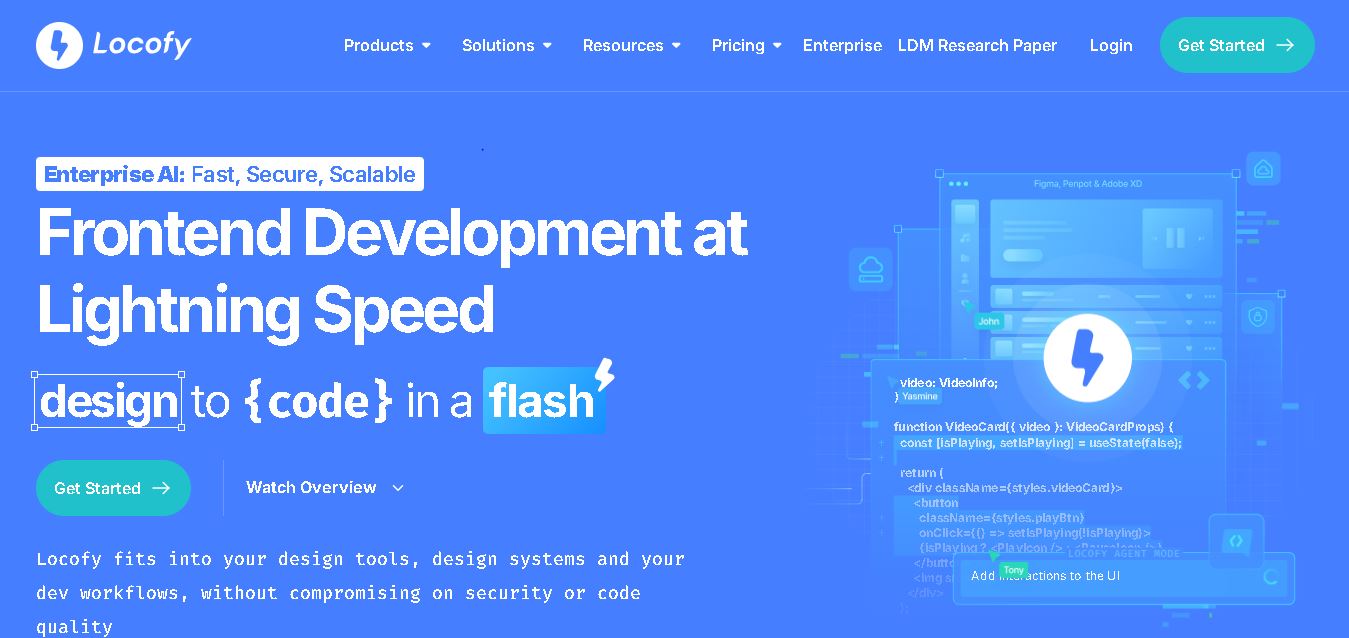
Locofy helps teams transform UI designs into developer-friendly frontend code without rebuilding interfaces manually. It supports popular design tools, web and mobile frameworks, responsive layouts, reusable components, and AI-assisted refinement. Designers can prepare screens while developers customize, export, synchronize, and continue development within familiar workflows and coding environments for teams.
 4.8
4.8Rooms.xyz
Design
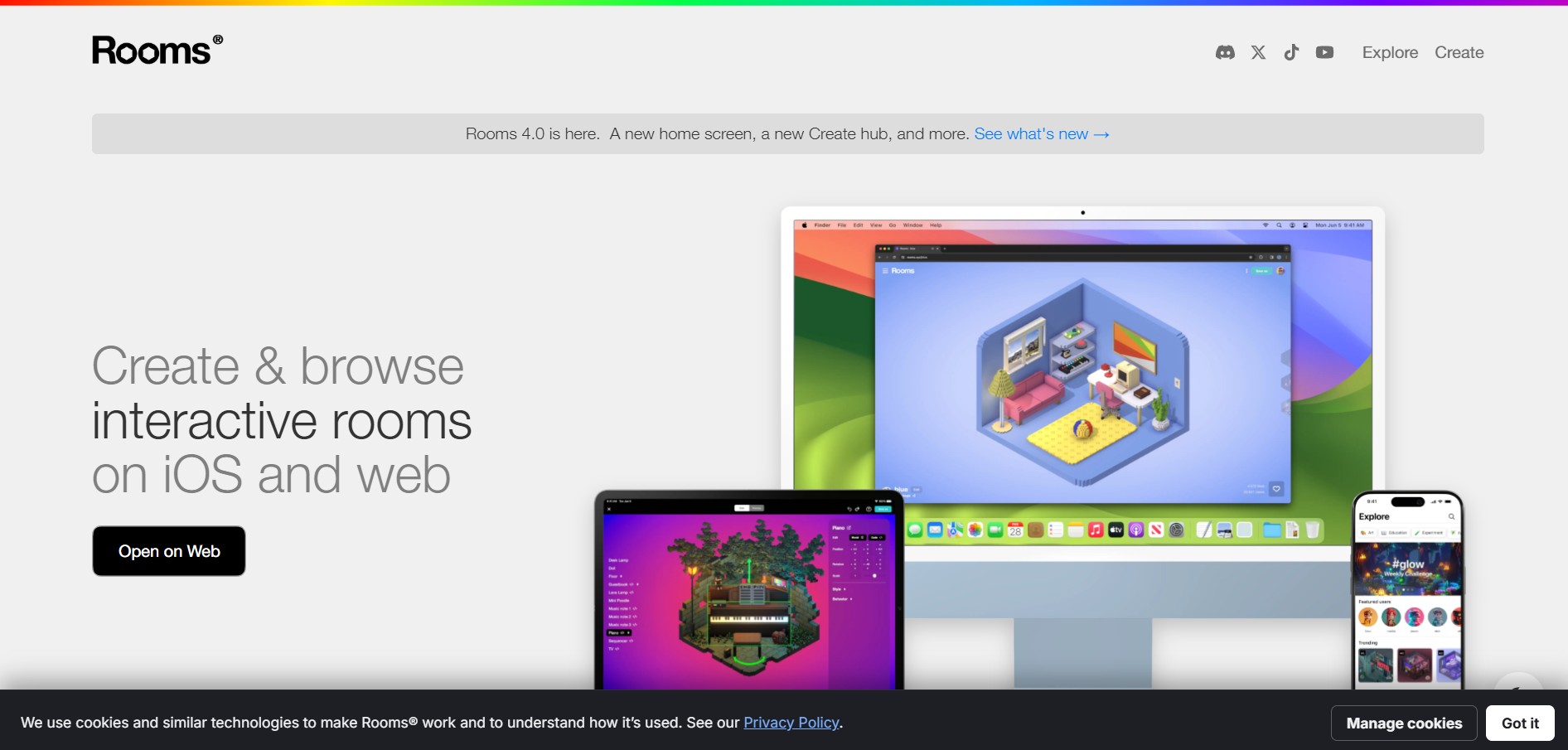
Rooms.xyz is a browser and mobile-based 3D design and game creation platform that allows users to build, code, and remix interactive 3D rooms and mini-games. Built by Things, Inc., the platform features a TikTok-like vertical feed for browsing user-generated worlds, a no-code Actions editor, deep Lua scripting support, and AI-powered voice/character integrations via Google's Gemini API.