
Repaint
Repaint AI is an AI-powered image colorization and enhancement platform that turns black-and-white or low-quality photos into vibrant, detailed visuals using AI-driven recoloring and restoration.
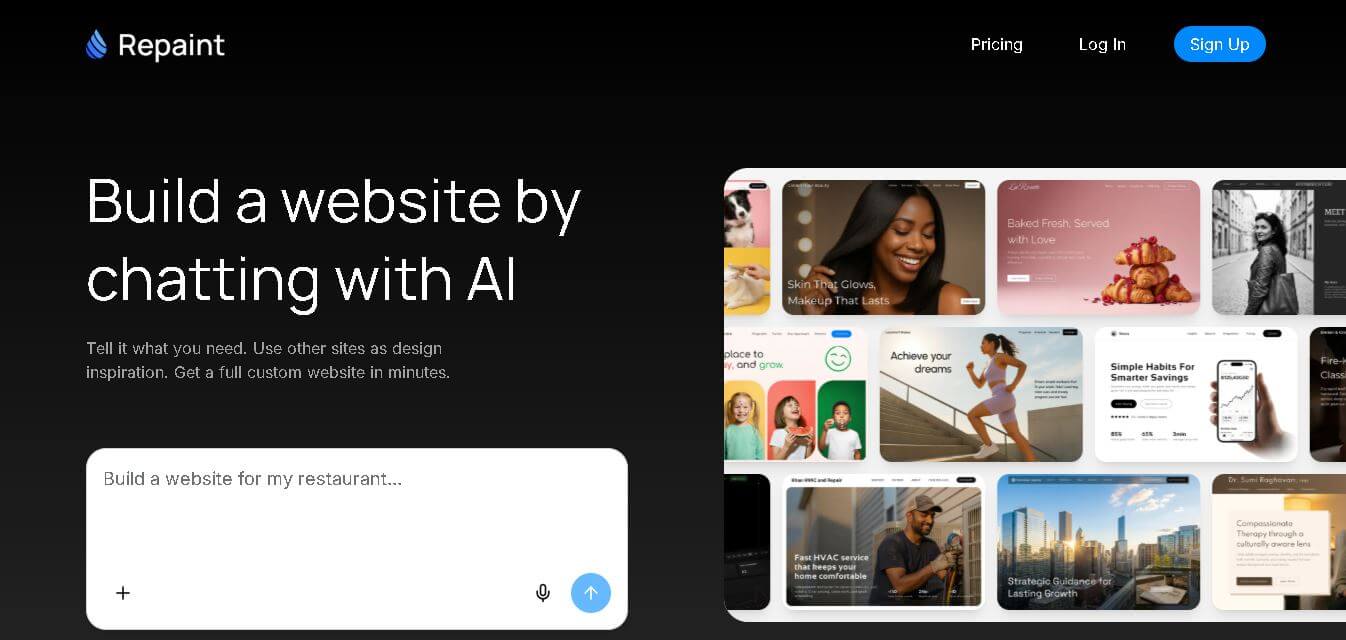
What is Repaint?
- Founder: Repaint brand
- Launch: 2024
- Use Cases:
- Colorize black-and-white photos into natural color images
- Restore old or damaged images with AI enhancement
- Change color schemes and aesthetics of modern photos
- Creative recoloring for digital art and visuals
- Batch editing for collections or archival work
- Technology: Uses advanced generative AI and computer vision models that analyze grayscale or low-quality imagery and infer realistic colors, textures, and details. It also applies enhancement AI to repair noise, sharpen edges, preserve skin tones, and adjust lighting—all driven by neural networks trained on diverse photographic data.
Repaint AI is an AI-powered image editing and colorization platform allowing users to transform, repair, and improve images with advanced generative models, particularly when recoloring black-and-white images, upgrading old images, or changing aesthetics with simple suggestions. Its primary goal is to make complex photo editing accessible to those without technical knowledge by providing easy controls, presets, and intelligent AI modifications. Repaint attempts to deliver high-quality picture outputs with minimum effort, whether it's rejuvenating historical photographs or artistically recreating imagery.
Key Features
Repaint key features are
- AI Image Colorization: Repaint turns vintage black-and-white photos into richly colored images with natural tones.
- Image Restoration & Enhancement: The tool reduces noise, removes scratches, enhances clarity, and improves visual quality.
- Creative Recoloring Tools: The tool manually adjusts tones, hues, and styles for artistic effects.
- Background & Detail Preservation: Repaint AI keeps facial features, backgrounds, and details intact while recoloring.
Repaint AI Pricing
Repaint AI offers both free and paid plans
Free Plan:
- Allows limited uses
- Allows publishing to Repaint subdomain
Premium Plan:
- The plan starts at $24 per month
- Allows connecting to custom domain
- Allows to remove Repaint branding
Disclaimer: For the latest and most accurate pricing information, please visit the official Repaint AI website.
Who is using Repaint AI?
A diverse range of users and organizations utilize Repaint AI
- Photography enthusiasts
- Creators
- Artists
- History buffs
- Social media creators
- Archivists & cultural institution.
Repaint AI Alternatives
Some Repaint AI alternatives are
- Colorize
- DeOldify
- Photoshop Neural Filters
- Hotpot AI
- Let's Enhance
Conclusion
Repaint AI is an AI-powered design platform that makes the complex process of colorizing and enhancing images easier by incorporating complex generative models into a user-friendly interface. Repaint provides a blend of automation and manual control that suits both casual users and pros, whether recycling vintage photos with lifelike color, fixing defects in old images, or creatively modifying recent imagery. Its user-friendly interface and bulk processing save time, while the underlying AI automatically infers realistic color and detail from context. Although competitors like as Photoshop and DeOldify offer similar features, Repaint stands out because to its ease of use, accessibility, and major focus on recoloring.
People are also reading:
FAQ
What does Repaint AI do?
It colorizes and enhances images using AI models
Can it restore old photos?
Yes—it repairs scratches, noise, and age damage.
Is there a free version?
Yes — basic editing is available for free with usage limits.
Does it support batch editing
Yes — multiple images can be processed together.
Is manual adjustment possible?
Yes — tones and styles can be tweaked for customized outcomes.
User Reviews
No reviews yet for Repaint.
Featured Tools
Featured AI tools from TechShark

Melody Genie
MelodyGenie is an AI-powered music generator that creates original songs from simple text prompts. Users can choose styles, moods, and genres, then instantly generate melodies and full tracks, making it easy for creators, marketers, and hobbyists to produce custom music without musical expertise.
Freemium

Kimi AI
Kimi AI is an advanced AI assistant developed by Moonshot AI that helps you chat, research, write, code, and automate tasks in one place. It supports web search, file analysis, and multimodal inputs, and can even run autonomous “agent” workflows to complete complex tasks end-to-end.
Freemium

Fashion Diffusion AI
Fashion Diffusion is an AI-powered fashion design platform that helps brands and designers create clothing designs, virtual try-ons, AI models, product photos, and marketing visuals faster and cost-effectively.
Paid

Veo 4
Veo 4 AI is an AI video creation platform that generates dramatic videos from text, images, audio, and video prompts using realistic motion and synchronized sound.
Paid
Alternatives
Alternatives to Repaint
Repaint AI is an AI-powered design platform that colorizes and enhances old or modern photos using generative AI. Alternatives include MyHeritage Colorize for simple colorization, DeOldify for open-source processing, Photoshop Neural Filters for advanced AI edits, Hotpot AI for creative effects, and Let’s Enhance for restoration and upscaling.
 4.6
4.6Mixo
Website Builders
Mixo is a website builder designed to help small businesses, startups, consultants, and service providers create websites quickly. Describe your idea, review the generated site, customize text and visuals, and publish it. It also supports contact forms, SEO, custom domains, integrations, and AI-search-friendly website structures. No coding skills are required.
 4.9
4.9Wix
Website Builders
Wix is an all-in-one cloud website builder and web development platform featuring intuitive drag-and-drop design, the Wix Studio professional agency workspace, built-in eCommerce and booking engines, automated SEO tools, and comprehensive AI generation tools.
 4.8
4.8Elementor AI
Website Builders
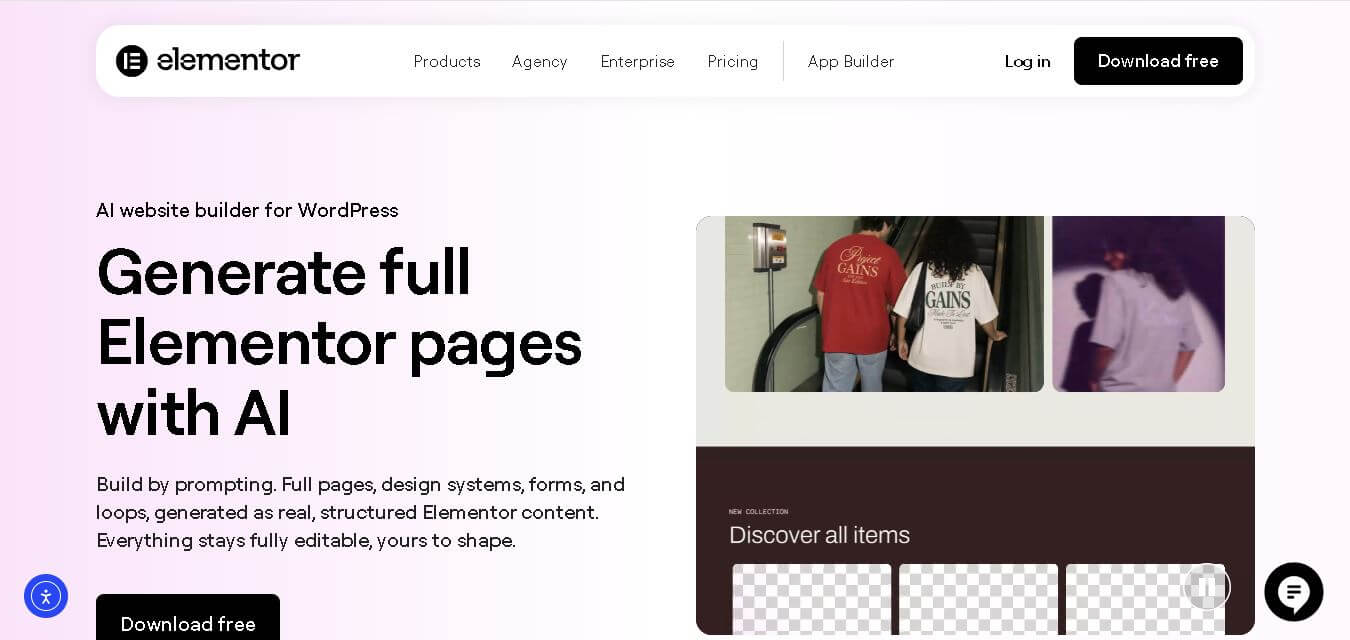
Elementor AI Page Builder helps WordPress users create websites from simple prompts. It generates page structures, written content, images, and design elements, then lets you refine everything through Elementor’s drag-and-drop editor. Its responsive layouts, multilingual content generation, AI editing, and visual customization make website creation faster while retaining manual creative control.
 4.9
4.9Dorik
Website Builders
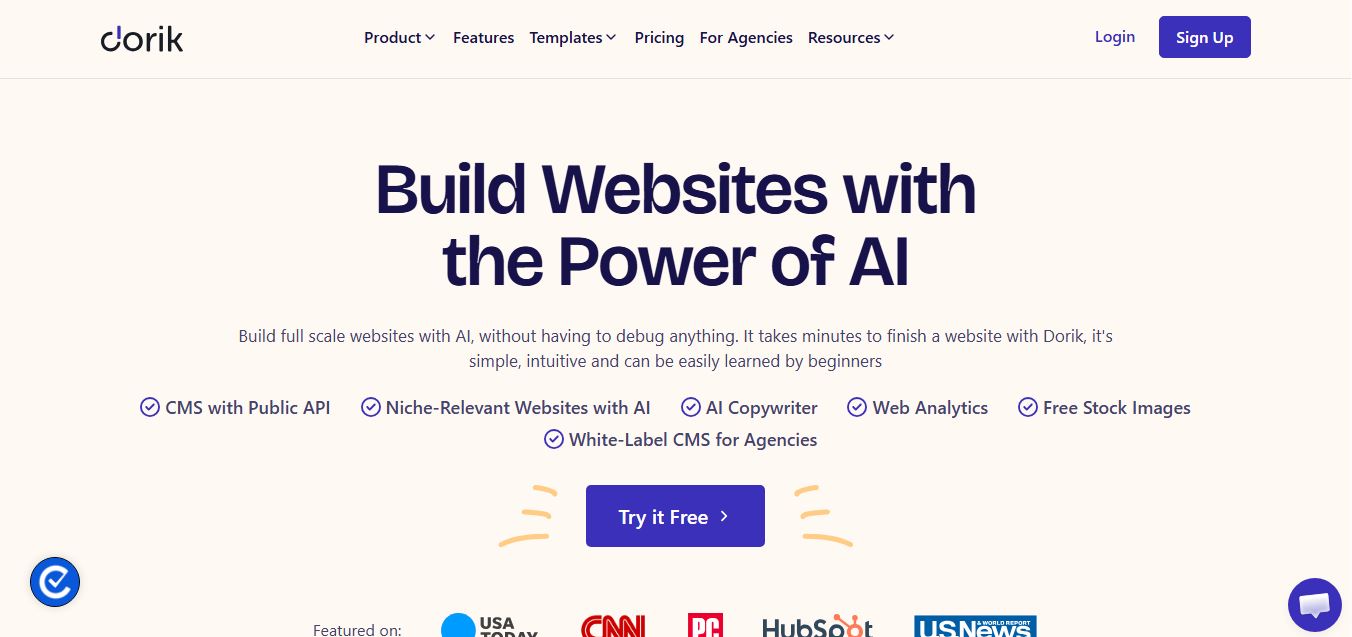
Dorik is an AI-powered website builder and no-code CMS platform that enables creators, businesses, and agencies to generate responsive websites, landing pages, blogs, and client-billed white-label portals with native Airtable integration.
 4.9
4.9Squarespace
Website Builders
Squarespace is an all-in-one website building and eCommerce platform that combines designer-crafted templates, Fluid Engine drag-and-drop customization, and Squarespace Design Intelligence (Blueprint AI) to help businesses build, sell, and grow online.
 4.8
4.8DeepSite AI
Website Builders
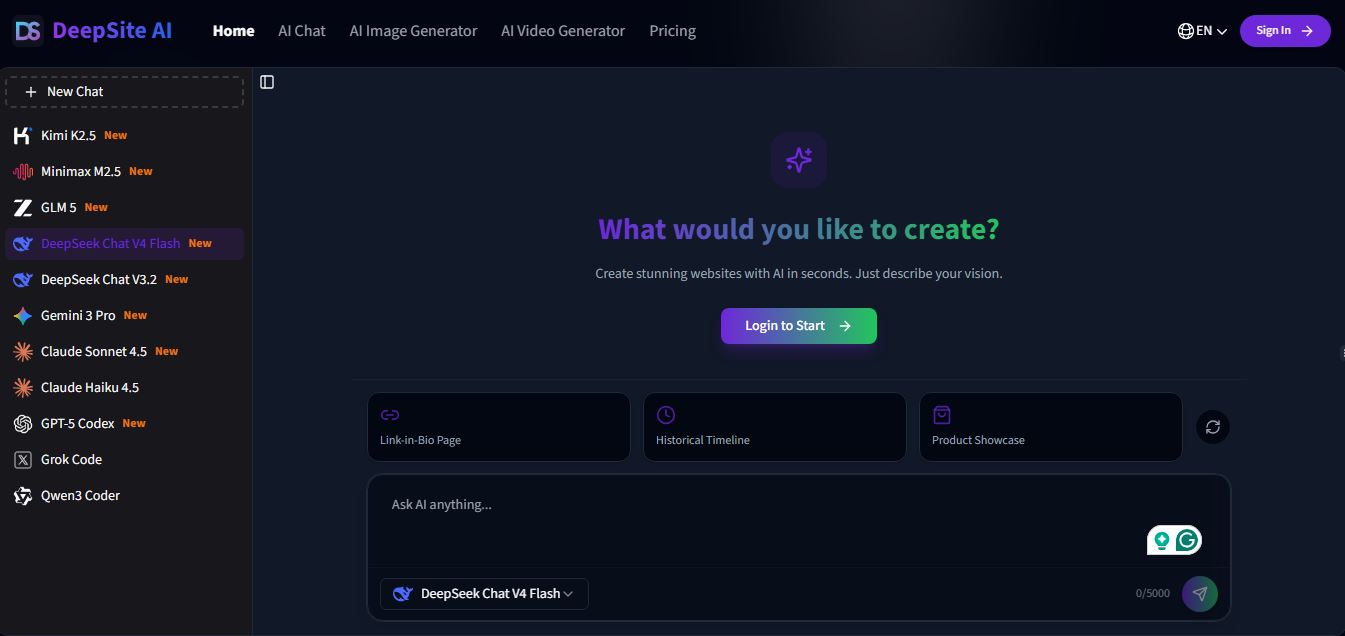
DeepSite AI is an AI-powered website builder that turns simple text prompts into fully designed, live websites with layout, content, and basic functionality included. It handles design, copy, and structure automatically, helping users launch landing pages or sites quickly without coding or design skills.
 4.9
4.9Nodlume
Website Builders
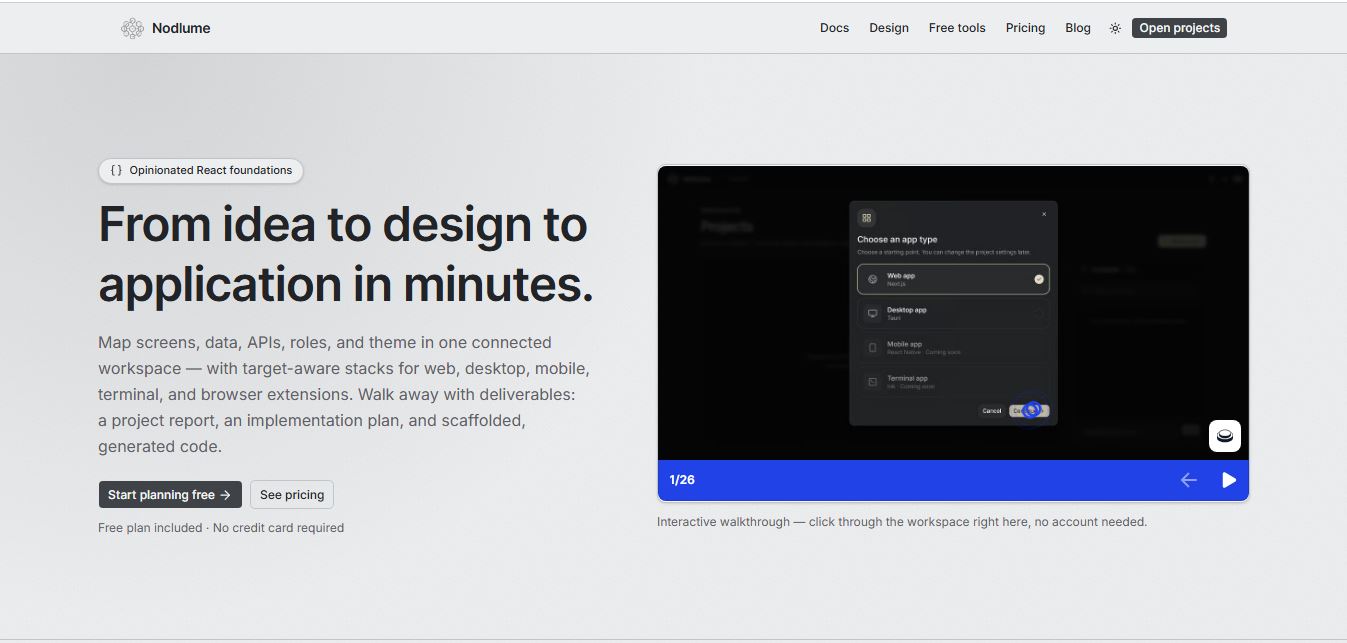
Nodlume is a visual application planning tool for React that lets you design your entire app—screens, components, data, APIs, and workflows—on a connected canvas, then export it as a real project skeleton. It helps teams plan, validate, and structure apps before writing code.
 4.8
4.8Trickle
Website Builders
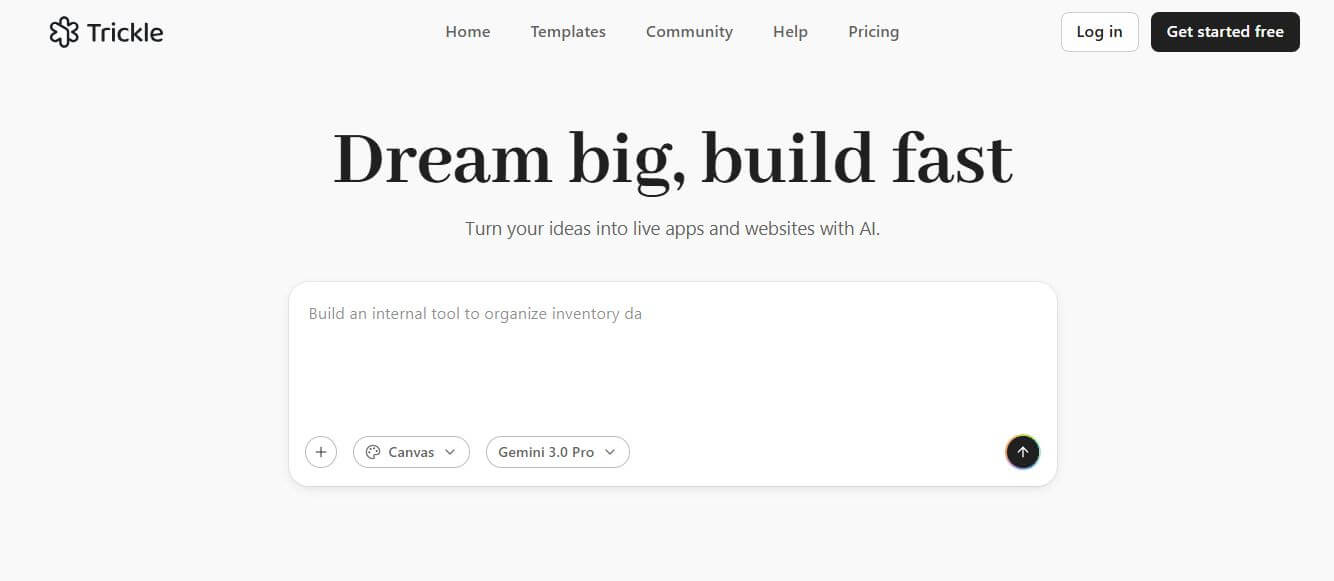
Trickle is an AI-powered builder that turns simple text prompts into fully functional websites, apps, and landing pages. It handles design, code, database, and deployment in one place, helping creators launch ideas quickly without coding or complex setup.
 4.9
4.9Hostinger AI Website Builder
Website Builders
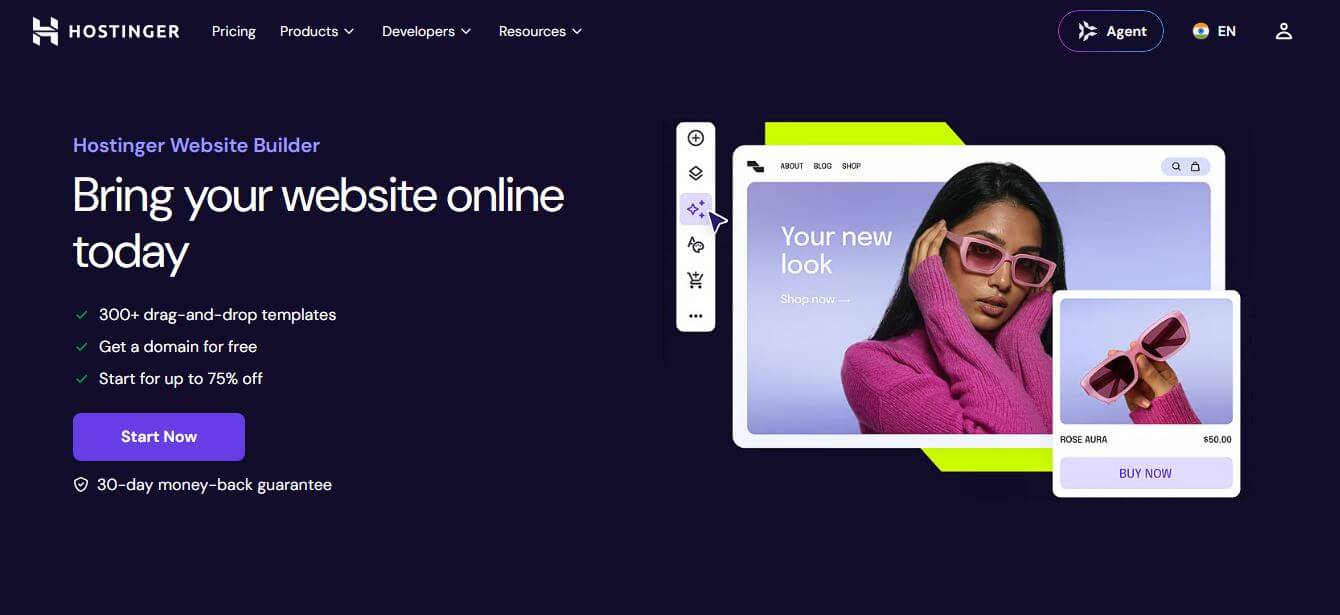
Hostinger AI Website Builder (hostinger.com/in/website-builder) is an all-in-one, no-code AI web design platform that generates fully responsive websites, copy, imagery, and eCommerce stores with bundled web hosting, free domain registration, and automated SEO tools.