Best AI Design Tools, & Software for 2026
Find the best AI design tools and software to boost creativity, speed up workflows, and create stunning visuals with ease for web, graphic, and product design.
 4.7
Flux.ai
Design
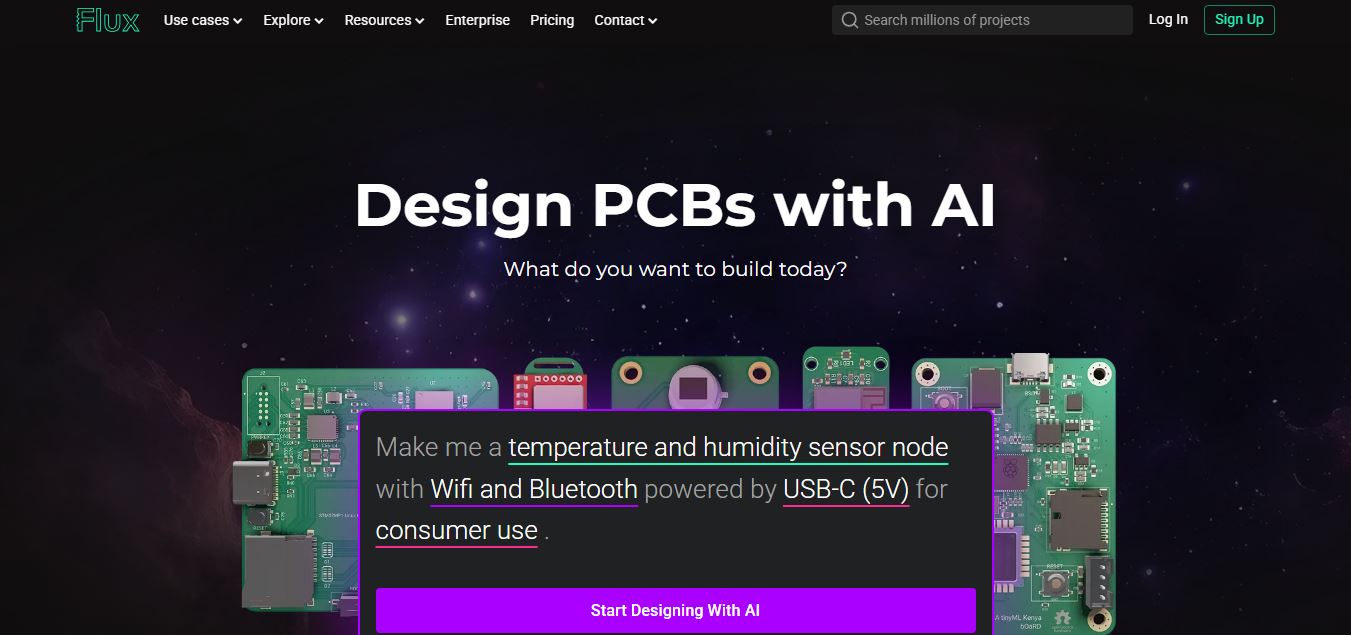
Flux AI is an AI-powered electronics design platform that helps engineers create schematics, design printed circuit boards (PCBs), select components, and optimize routing. Its browser-based workspace supports real-time collaboration, design validation, and manufacturing exports, making hardware development more accessible for individuals, startups, and engineering teams.
PaidView tool
 4.8
Repaint
Design
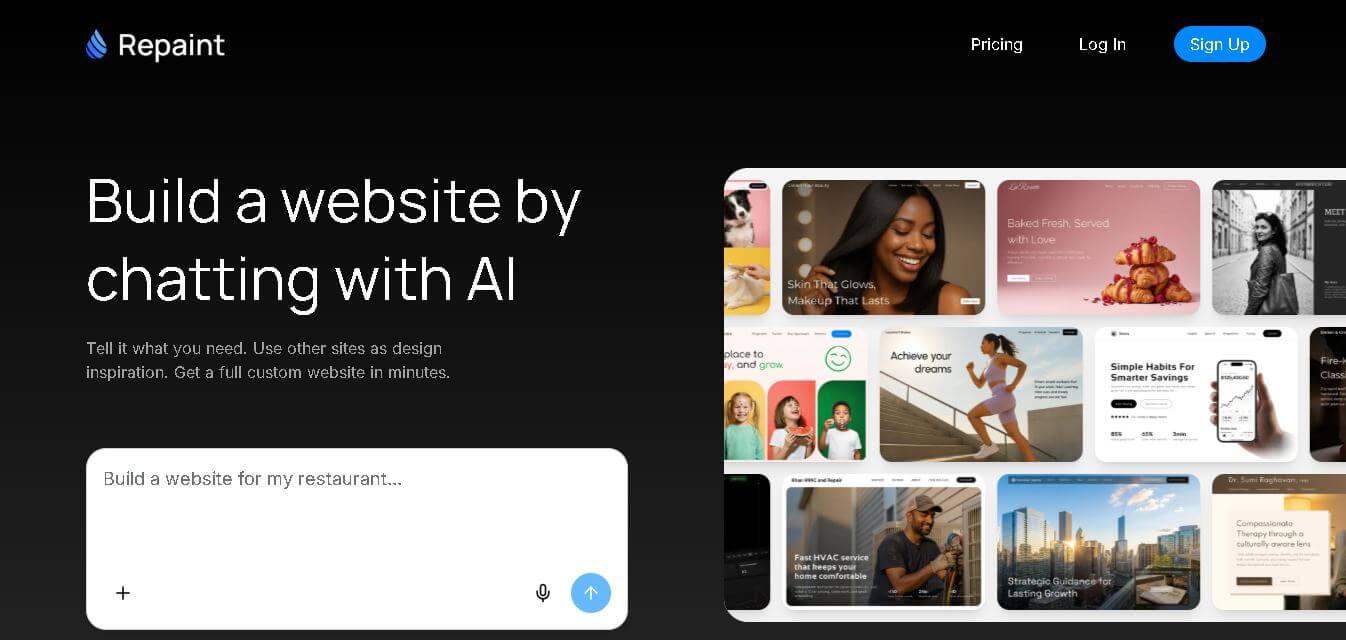
Repaint helps entrepreneurs and small businesses build websites, online stores, booking systems, and custom web applications using AI chat. Users can generate designs, edit content, manage customer accounts, accept payments, and organize business data without traditional coding. It offers subscription plans with different usage limits and business management capabilities.
FreemiumView tool
 4.8
SWAPP
Design
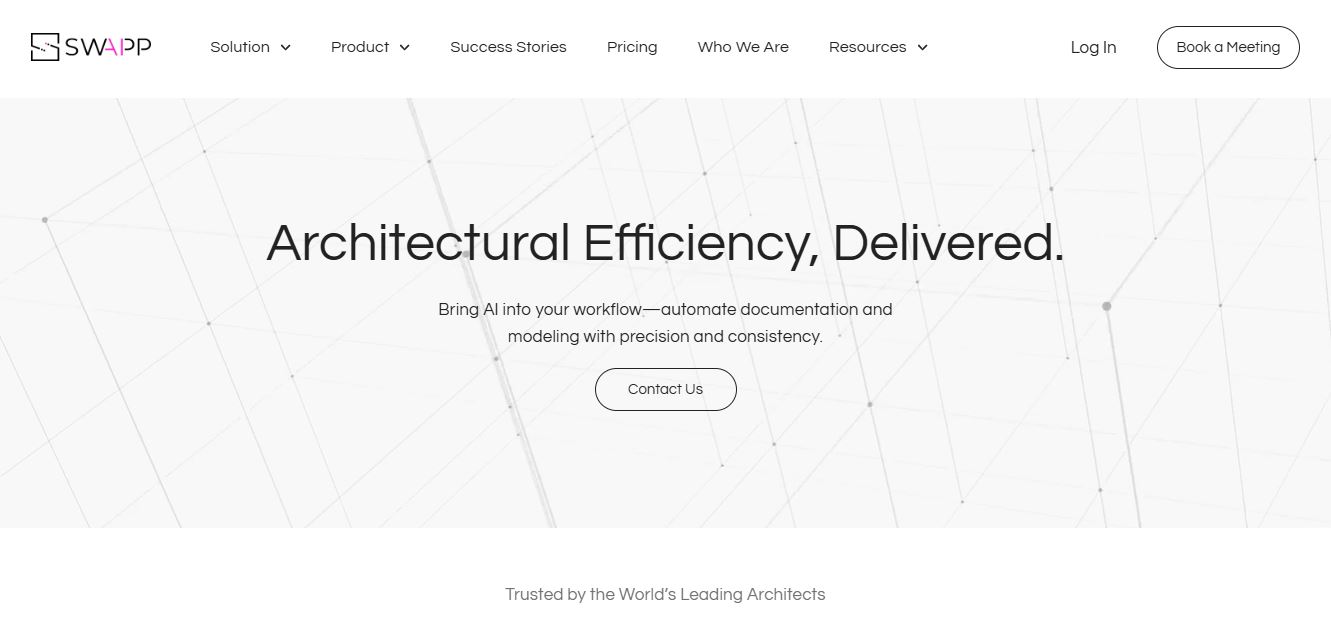
SWAPP helps architecture firms automate construction documentation, BIM modeling, and QA work inside Revit and ArchiCAD. Its Frank agent applies firm-specific standards to repetitive production tasks, while workflow memory preserves organizational knowledge. The platform is suited to teams seeking faster delivery, consistency, and less manual production effort across complex projects.
PaidView tool
 4.9
Adobe Stock
Design
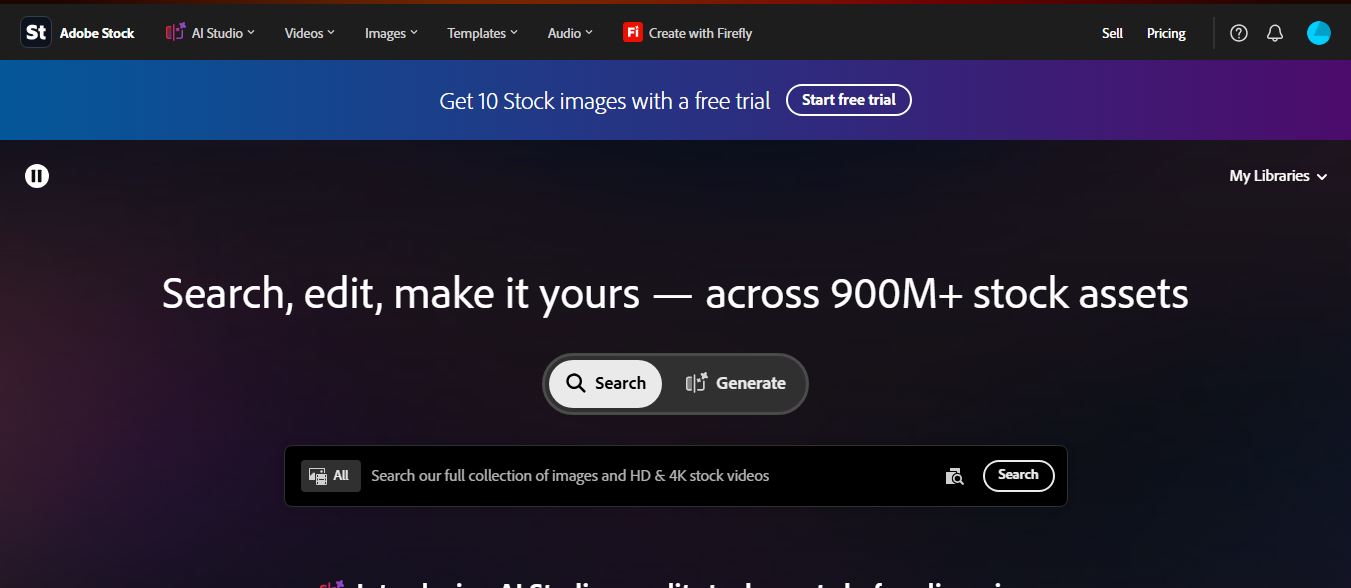
Adobe Stock is a creative asset marketplace that helps designers and businesses access millions of royalty-free images, videos, templates, and 3D assets. It integrates with Adobe Creative Cloud, enabling users to search, customize, and license high-quality visuals quickly for marketing, design, and content creation.
PaidView tool
 4.9
Yellow Images
Design
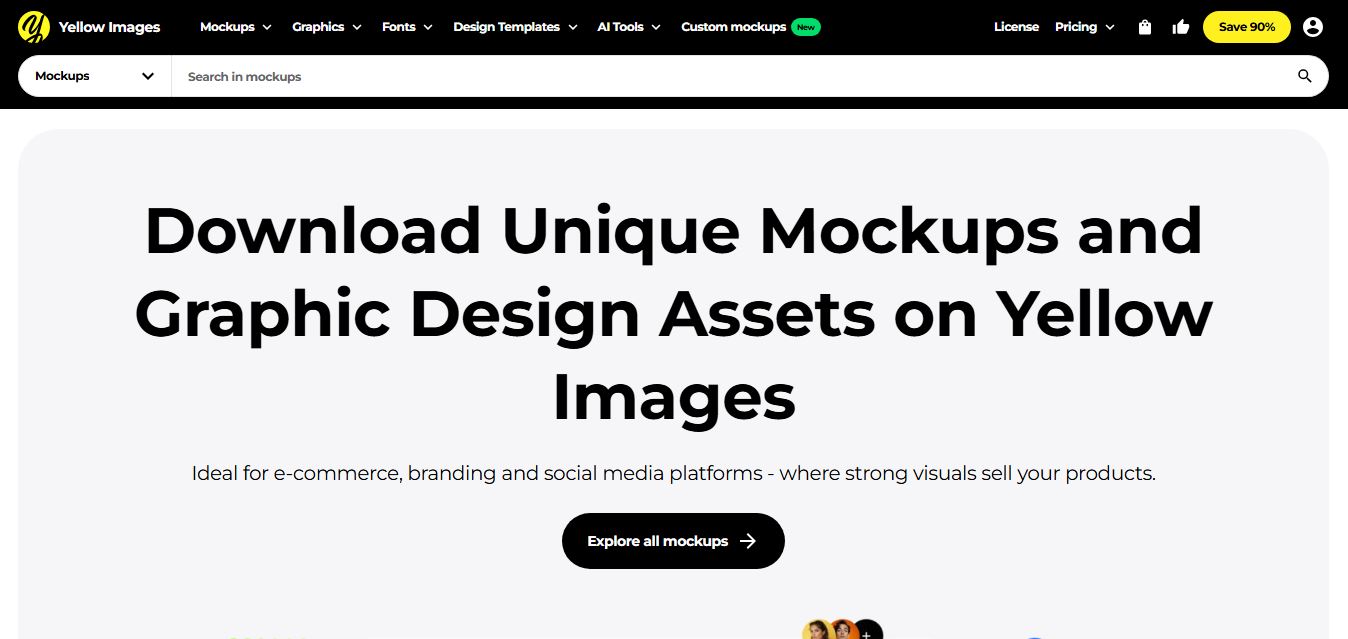
Yellow Images is a digital marketplace that helps designers create branding and marketing visuals using high-quality mockups, fonts, PNGs, and graphic assets. It offers a large library of ready-to-use creative resources, enabling faster design workflows for agencies, freelancers, and ecommerce businesses.
FreemiumView tool
 4.9
Placeit
Design
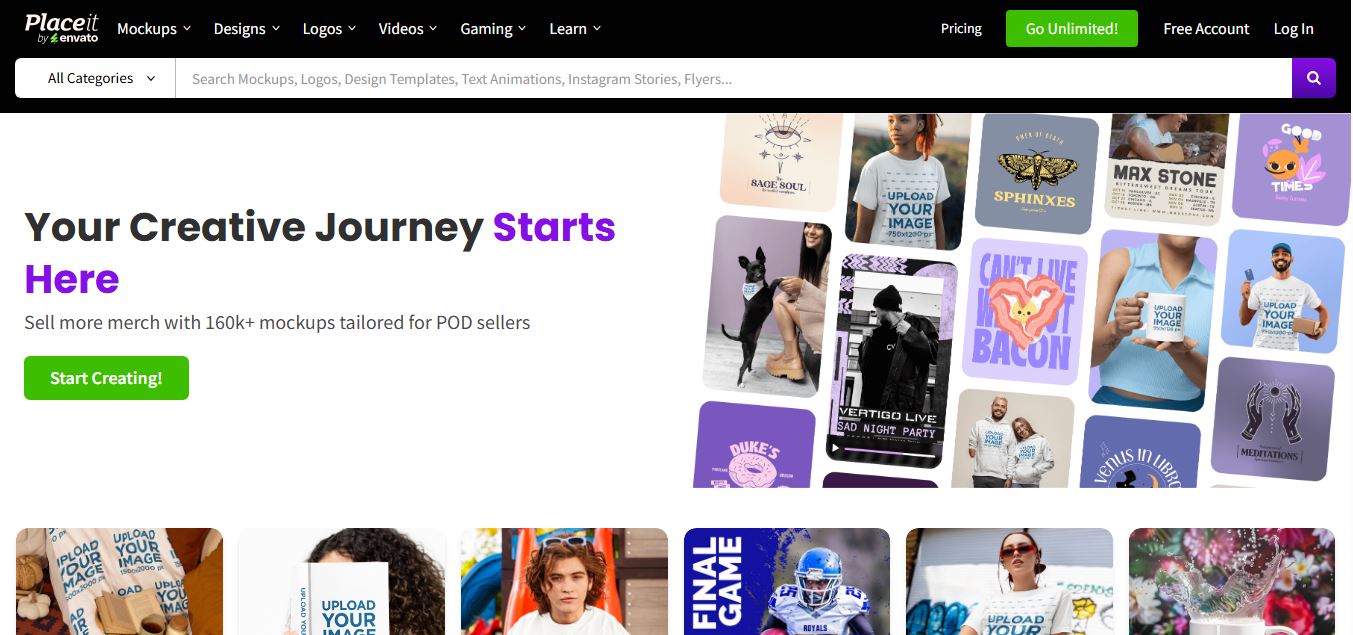
Placeit is a browser-based design platform that helps creators and businesses generate mockups, logos, videos, and marketing visuals using ready-made templates. It allows users to quickly customize designs and download professional assets, making it ideal for ecommerce, social media, and branding without advanced design skills.
FreemiumView tool
 4.8
Figma AI
Design
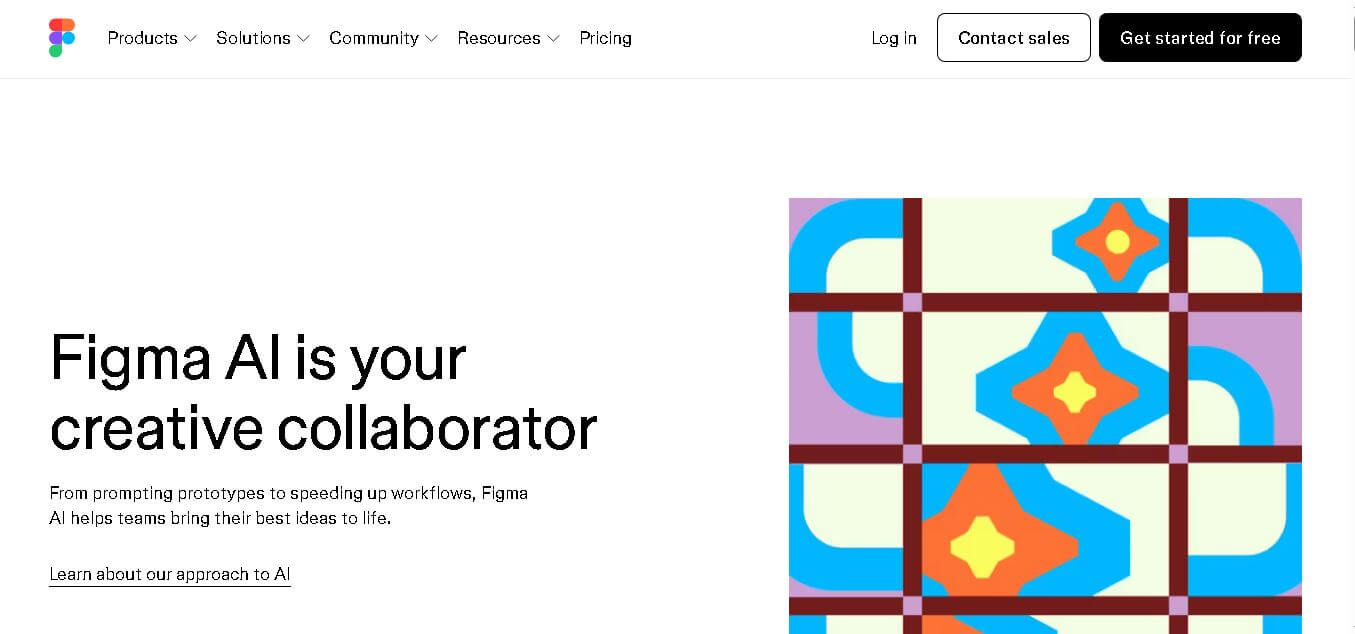
Figma AI brings generative and assistive tools directly into Figma workflows, helping designers move from ideas to editable designs, visuals, prototypes, and production-ready experiences faster. Users can generate concepts, edit images, search files, automate repetitive work, and collaborate with teammates while keeping creative exploration inside the familiar Figma design environment.
FreemiumView tool
What Are AI Design Tools?
AI design tools are software platforms that use artificial intelligence to help create visual assets such as graphics, UI/UX designs, logos, presentations, and marketing creatives. These tools automate design processes, generate layouts, and assist with creative decision-making.
On TechShark, AI design tools are categorized based on real-world use cases such as graphic design, UI/UX design, branding, presentations, and creative asset generation. Instead of manually designing from scratch, users can leverage AI to generate high-quality visuals quickly and efficiently.
For example, a marketer can create social media creatives instantly, while a designer can generate UI layouts or prototypes using AI.
Benefits of AI Design Tools
AI design tools help streamline creative workflows and improve efficiency.
Key advantages include:
- Faster design creation: Generate visuals in seconds
- Automation: Reduce manual design work
- Consistency: Maintain brand identity across assets
- Creative exploration: Generate multiple design variations
- Cost efficiency: Reduce reliance on large design teams
- Accessibility: Enable non-designers to create professional visuals
These benefits make AI design tools essential for modern businesses and creators.
What Can You Do With AI Design Tools?
AI design tools support a wide range of creative workflows.
You can use them to:
- Create graphics, logos, and branding assets
- Design UI/UX layouts and prototypes
- Generate social media creatives and ads
- Build presentations and visual content
- Edit and enhance images and visuals
- Create marketing and promotional materials
- Generate design ideas and concepts
- Automate repetitive design tasks
On TechShark, tools are categorized based on functionality to help you find the right solution quickly.
How to Choose the Best AI Design Tool
Not all design tools offer the same capabilities. Choosing the right one depends on your needs.
When comparing tools on TechShark, consider:
- Use case: Graphic design, UI/UX, branding, or presentations
- Output quality: Design aesthetics and customization
- Ease of use: Beginner-friendly vs advanced tools
- Customization: Control over layouts and styles
- Templates: Availability of pre-designed assets
- Integration: Compatibility with design and marketing tools
- Pricing: Free vs paid plans
TechShark simplifies this with filters and structured listings.
Who Should Use AI Design Tools?
AI design tools are widely used across industries and roles:
- Designers: For faster workflows and creative exploration
- Marketers: For campaigns and visual content
- Businesses: For branding and promotional materials
- Startups: For cost-effective design solutions
- Content Creators: For social media and digital content
- Entrepreneurs: For building brand identity
If your work involves visual content, AI design tools can significantly improve productivity.
Free vs Paid AI Design Tools
AI design tools come with different pricing models depending on features and usage.
- Free tools: Basic design features and templates
- Freemium tools: Limited assets and exports with upgrade options
- Paid tools: Advanced customization, assets, and integrations
On TechShark, tools are clearly labeled so you can compare pricing and choose accordingly.
Popular Types of AI Design Tools
To simplify discovery, TechShark organizes AI design tools into key categories:
- Graphic Design Tools: Create visuals and marketing assets
- UI/UX Design Tools: Build interfaces and prototypes
- Logo Generators: Create branding and logos
- Presentation Tools: Design slides and decks
- Image Editing Tools: Enhance and edit visuals
- Creative Asset Generators: Produce design concepts and ideas
This structure helps you quickly find tools based on your specific needs.
How TechShark Curates AI Design Tools
TechShark focuses on use-case-driven discovery, helping users find tools based on their design goals.
Each tool listed includes:
- A clear overview of features and capabilities
- Supported design workflows and use cases
- Pricing details (free, freemium, paid)
- Category tags for better filtering
The directory is regularly updated with new tools, ensuring you always discover the latest AI design solutions.
The Future of AI Design
AI design is evolving rapidly with advancements in generative AI, automation, and personalization. Future tools will offer more intelligent design suggestions, real-time collaboration, and deeper integration with creative workflows.
We are also seeing the rise of AI-powered design ecosystems, where tools handle ideation, creation, and optimization seamlessly. As AI continues to improve, design will become faster, smarter, and more accessible.
Explore the Best AI Design Tools on TechShark
Browse the tools above to compare features, pricing, and use cases. Whether you're creating graphics, designing interfaces, or building brand assets, TechShark helps you find the right AI design tools faster.