
Flux.ai
Flux AI is an AI-powered electronics design platform that helps engineers create schematics, design printed circuit boards (PCBs), select components, and optimize routing. Its browser-based workspace supports real-time collaboration, design validation, and manufacturing exports, making hardware development more accessible for individuals, startups, and engineering teams.

What is Flux.ai?
Flux AI is an AI-powered PCB design tool that helps engineers and hardware developers create circuit schematics, design printed circuit boards, select electronic components, and optimize layouts. It combines AI-assisted workflows with real-time collaboration to simplify electronics development. Whether you are building prototypes, developing IoT devices, or designing commercial hardware, Flux AI helps streamline the design process and prepare projects for manufacturing.
Powering over 1.3 million builders and millions of active hardware projects worldwide, Flux bridges the gap between hardware engineering workflows and modern software development practices. At the core of the platform is Flux Copilot, an integrated AI hardware engineer that helps teams research alternative parts, auto-generate schematics, review circuit connections, optimize trace routing, verify design rules, and generate fabrication-ready manufacturing files.
- Core Focus / Category: AI Hardware Design, Cloud EDA Software, Collaborative PCB Layout & Schematic Capture Platform
- Platform Architecture: 100% browser-based architecture built with WebGL 3D rendering, cloud-hosted version control, and real-time multiplayer synchronization
- Key Specialization: AI-assisted schematic creation, interactive SPICE circuit simulation, automated bill of materials (BOM) management, and multi-layer PCB routing
Use Cases:
- Designing multi-layer professional PCBs for IoT devices, wearables, and robotics entirely within a web browser
- Using Flux Copilot to validate electrical equations, troubleshoot pinouts, and suggest compatible alternate components
- Collaborating with cross-functional hardware teams and remote clients simultaneously with live cursor tracking and inline commenting
- Exporting industry-standard manufacturing deliverables including Gerbers, drill files, BOMs, and pick-and-place outputs for global fab houses
Technology:
- Flux Copilot AI reasoning engine capable of understanding circuit schematics, bill of materials constraints, and datasheet specifications
- Cloud-native schematic and layout engine with instant bidirectional cross-probing between schematic sheets and PCB traces
- Integrated SPICE simulation engine for testing component signals, frequencies, and operating tolerances prior to fabrication
Target Users:
- Electrical engineers and hardware developers looking for modern, agile PCB design tools with built-in version tracking
- Hardware startup founders building rapid prototypes without expensive enterprise CAD license commitments
- Engineering educators and electronics students seeking zero-install schematic design and circuit simulation tools
- Hardware development teams using modern engineering tools to accelerate product cycles from concept to physical boards
Corporate Entity: Operates as Flux

Key features of Flux.ai
Flux.ai's key features are
- Flux Copilot (AI Hardware Assistant): Chat with an AI assistant that analyzes circuits, suggests part placements, writes firmware boilerplates, and explains design choices.
- 100% Browser-Based Workspace: Run full schematic capture and multi-layer PCB routing directly in modern web browsers without desktop client installations.
- Real-Time Multiplayer Collaboration: Work simultaneously on the same board with team members, view edits in real time, and leave contextual comments.
- Built-In SPICE Simulation: Simulate analog, digital, and mixed-signal behavior in the design canvas to catch errors before ordering prototypes.
- Live Component Sourcing & BOM: Connect with real-time distributor data to monitor inventory levels, live unit pricing, and alternate footprint recommendations.
- Integrated Version Control: Roll back changes, track commit history, and branch revisions natively without external third-party Git wrappers.
- Automated Manufacturing Exports: Generate Gerbers, drill files, netlists, Centroid/pick-and-place files, and structured BOMs in one click.
Flux.ai Pricing
Flux.ai operates on a tiered subscription model featuring a 14-day free trial, individual creator tiers, and collaborative team plans. AI interactions are powered through Agent Compute Units (ACUs).
Explore Plan (Evaluation & Light Projects):
- Starts from ~$40.00 / month (billed annually) or $50.00 / month (billed monthly)
- Includes full electronics design suite, schematic & PCB layout tools, and 40 ACUs (Agent Compute Units) per month
Build Plan (Active Hardware Projects):
- Starts from ~$80.00 / month (billed annually) or $100.00 / month (billed monthly)
- Includes full design features, 5× included AI capacity (200 ACUs/month), and access to purchase additional compute at $2/ACU
Pro Plan (Scale-Up Development):
- Starts from ~$200.00 / month (billed annually) or $250.00 / month (billed monthly)
- Includes 800 ACUs/month (20× Explore level), faster compute priority, and hands-on support from experienced electrical engineers
Teams & Enterprise (Organizations):
- Teams starts from ~$120.00 / editor / month (billed annually) or $158.00 / editor / month (billed monthly)
- Features pooled organization-wide AI compute, shared component libraries, centralized admin control, and custom enterprise security
Disclaimer: Pricing models, trial periods, and ACU quotas are subject to updates. Visit flux.ai/p/pricing for current tier information.
Who is using Flux.ai?
Flux.ai is designed for hardware creators, electrical engineers, and engineering organizations, including
- Hardware Startups & Product Teams: Designing prototypes quickly and iterating without managing heavy on-premise CAD licenses
- Freelance Electrical Engineers: Sharing live interactive schematic reviews and 3D board visualizations with clients across the web
- Makers & IoT Developers: Designing multi-layer custom boards using AI assistance to rapidly source pinouts and microcontrollers
- Academic Institutions & Students: Teaching circuit theory, schematic design, and PCB manufacturing in modern browser environments
- Enterprise R&D Labs: Managing agile hardware development with continuous real-time design reviews and version branch management
Best Flux.ai Alternatives
Some of the strongest Flux.ai alternatives include
- Altium Designer / Altium 365
- KiCad
- Autodesk Fusion 360 / EAGLE
- EasyEDA
- Cadence OrCAD / Allegro
Pros and Cons of Flux.ai
Pros
- 100% browser-based operation eliminates local installation, driver issues, and OS incompatibility
- Real-time multiplayer editing enables hardware teams to collaborate simultaneously on the same board
- Flux Copilot assists with electrical calculations, part research, and design rule troubleshooting
- Native version control and project history tracking eliminate chaotic file naming conventions
- Live part pricing and inventory sourcing integrated directly into the design workflow
Cons
- Requires an active, stable internet connection to run design and routing operations
- Browser environment can experience latency on massive, high-density boards with hundreds of thousands of nets
- AI compute usage is metered via ACUs, requiring plan upgrades for heavy Copilot usage
- Learning curve for legacy desktop EDA users accustomed to traditional keyboard shortcuts and local workflows
Why Choose Flux.ai?
Flux.ai modernizes electronics design by bringing hardware development into the cloud-native, AI-assisted era.
- Eliminate setup overhead and design PCBs directly in your browser
- Collaborate live with your team like working in Google Docs for hardware
- Leverage Flux Copilot to accelerate part selection, design validation, and routing
- Catch errors early with integrated circuit simulation and automated rule checking
- Export standard fabrication packages compatible with all major PCB manufacturers
Flux.ai vs. Competitors
The primary difference between Flux.ai, Altium Designer, KiCad, and EasyEDA is that Flux is a cloud-first, AI-native design tool that emphasizes real-time collaborative editing and conversational hardware assistance. In contrast, Altium provides exhaustive high-speed enterprise desktop toolsets at a premium cost, KiCad delivers a battle-tested open-source desktop environment without native cloud synchronization, and EasyEDA focuses primarily on budget prototype assembly pipelines. Flux bridges the gap between collaborative software development models and physical circuit creation.
| Feature / Platform | Flux.ai | Altium Designer | KiCad | EasyEDA |
|---|---|---|---|---|
| Platform Type | 100% Cloud / Browser-native | Desktop (Windows) + Altium 365 Cloud | Offline Desktop (Cross-platform) | Cloud / Desktop Client |
| AI Copilot Assistance | Yes (Flux Copilot integrated) | Limited / Third-party add-ons | No native AI assistant | No native AI assistant |
| Real-Time Co-editing | Yes (Multiplayer canvas) | Version check-in / check-out | Manual Git / File sync | Limited collaborative features |
| Simulation Engine | Built-in SPICE Simulation | Advanced Mixed-Signal SPICE | Integrated ngspice | Integrated EasyEDA SPICE |
| Starting Price | 14-Day Trial / Explore from ~$40/mo | ~$300+/month or Perpetual License | Free / Open-Source | Free tier / Pro ~$9.90/mo |
| Best For | Agile Hardware Teams & AI-Assisted Prototyping | Enterprise High-Density & High-Speed PCBs | Open-Source Engineers & Offline Work | Budget Hobbyists & Fast PCB Fabrication |
How do we rate Flux.ai?
| Parameter | Rating (out of 5) |
|---|---|
| User Interface & Browser Performance | 4.7 |
| AI Copilot & Design Assistance | 4.8 |
| Real-Time Team Collaboration | 4.9 |
| Schematic & PCB Layout Capabilities | 4.6 |
| Value for Money | 4.6 |
| Overall Score | 4.72 |
Flux.ai Review
Flux.ai rethinks how hardware design software should function in the modern era. Traditional EDA software has historically suffered from steep onboarding curves, rigid platform locks, and cumbersome collaboration hurdles. Flux resolves these bottlenecks by executing seamlessly inside modern web browsers while pairing multi-user editing with an intelligent AI copilot. Whether asking Copilot to verify a circuit connection, checking real-time component stock levels across distributors, or running built-in SPICE simulations, Flux brings hardware design into parity with modern agile software development practices.
Conclusion
Flux AI offers a practical approach to modern electronics development by combining AI-assisted PCB design, schematic creation, component research, and collaborative workflows in one browser-based platform. It can help engineers simplify repetitive tasks, identify potential design issues, and prepare files for manufacturing. Whether you are developing an IoT device, prototyping a new product, or working with an electronics team, Flux provides useful tools to support your workflow. However, engineers should still review and validate designs before manufacturing.
FAQ
Can Flux.ai design PCBs using AI?
Yes. Flux.ai uses AI to assist with schematic creation, component selection, PCB placement, trace routing, and design checks.
Is Flux.ai free to use?
Flux.ai offers a two-week trial of its paid plans. Access to features after the trial depends on the selected plan. Check the official Flux pricing page for current details.
What are the best features of Flux.ai for PCB design?
Key features include AI-assisted schematic design, component research, PCB layout and routing, design rule checks, simulation, real-time collaboration, and manufacturing file exports.
Can beginners use Flux.ai without PCB design experience?
Yes. Beginners can use Flux.ai's AI assistance to develop schematics and explore component options. However, they should validate electrical connections and design requirements before manufacturing.
Can Flux.ai generate circuit schematics automatically?
Yes. Flux.ai can help generate circuit schematics from project requirements, suggest components, and assist with electrical connections. Users should review the output for accuracy.
Does Flux.ai support PCB layout and automatic routing?
Yes. Flux.ai provides AI-assisted PCB placement and routing tools, along with design rule checks to help identify potential layout issues.
What are the best Flux.ai alternatives?
Popular alternatives include KiCad, EasyEDA, and Altium Designer. Compare their pricing, AI capabilities, collaboration features, and design workflows to determine which best fits your requirements.
User Reviews
No reviews yet for Flux.ai.
Featured Tools
Featured AI tools from TechShark

Melody Genie
MelodyGenie is an AI-powered music generator that creates original songs from simple text prompts. Users can choose styles, moods, and genres, then instantly generate melodies and full tracks, making it easy for creators, marketers, and hobbyists to produce custom music without musical expertise.
Freemium

Kimi AI
Kimi AI is an advanced AI assistant developed by Moonshot AI that helps you chat, research, write, code, and automate tasks in one place. It supports web search, file analysis, and multimodal inputs, and can even run autonomous “agent” workflows to complete complex tasks end-to-end.
Freemium

Fashion Diffusion AI
Fashion Diffusion is an AI-powered fashion design platform that helps brands and designers create clothing designs, virtual try-ons, AI models, product photos, and marketing visuals faster and cost-effectively.
Paid

Veo 4
Veo 4 AI is an AI video creation platform that generates dramatic videos from text, images, audio, and video prompts using realistic motion and synchronized sound.
Paid
Alternatives
Alternatives to Flux.ai
The best Flux.ai alternatives include Altium Designer, KiCad, Autodesk Fusion 360 / EAGLE, EasyEDA, and Cadence OrCAD. These tools provide schematic capture, circuit simulation, and PCB layout design. While Flux.ai specializes in a browser-based, collaborative EDA environment with native AI design assistance (Flux Copilot) starting from ~$40-$50/month with a 14-day trial, alternatives like Altium Designer cater to advanced high-speed enterprise multi-layer boards, KiCad offers an offline open-source solution, and EasyEDA provides quick turnkey integration with budget prototype manufacturing. The right choice depends on whether you prioritize browser collaboration and AI-driven workflows or traditional on-premise desktop CAD suites.
 4.8
4.8Repaint
Design
Repaint helps entrepreneurs and small businesses build websites, online stores, booking systems, and custom web applications using AI chat. Users can generate designs, edit content, manage customer accounts, accept payments, and organize business data without traditional coding. It offers subscription plans with different usage limits and business management capabilities.
 4.8
4.8SWAPP
Design
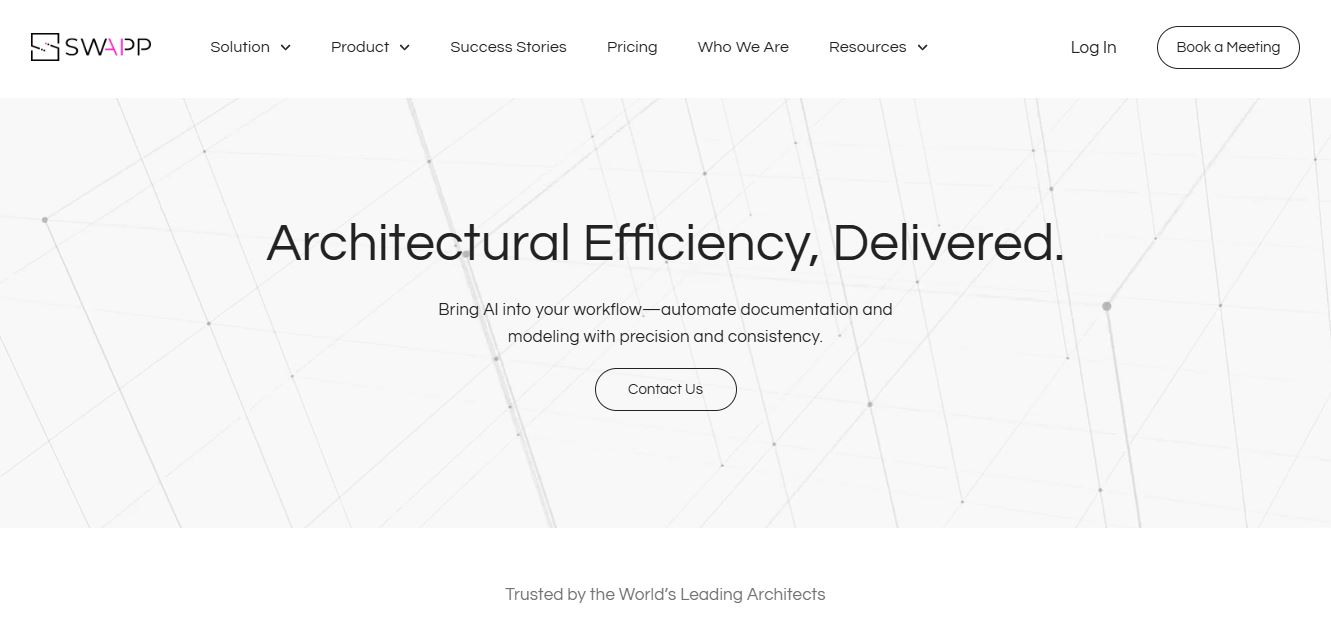
SWAPP helps architecture firms automate construction documentation, BIM modeling, and QA work inside Revit and ArchiCAD. Its Frank agent applies firm-specific standards to repetitive production tasks, while workflow memory preserves organizational knowledge. The platform is suited to teams seeking faster delivery, consistency, and less manual production effort across complex projects.
 4.9
4.9Adobe Stock
Design
Adobe Stock is a creative asset marketplace that helps designers and businesses access millions of royalty-free images, videos, templates, and 3D assets. It integrates with Adobe Creative Cloud, enabling users to search, customize, and license high-quality visuals quickly for marketing, design, and content creation.
 4.9
4.9Yellow Images
Design
Yellow Images is a digital marketplace that helps designers create branding and marketing visuals using high-quality mockups, fonts, PNGs, and graphic assets. It offers a large library of ready-to-use creative resources, enabling faster design workflows for agencies, freelancers, and ecommerce businesses.
 4.9
4.9Placeit
Design
Placeit is a browser-based design platform that helps creators and businesses generate mockups, logos, videos, and marketing visuals using ready-made templates. It allows users to quickly customize designs and download professional assets, making it ideal for ecommerce, social media, and branding without advanced design skills.
 4.8
4.8Figma AI
Design
Figma AI brings generative and assistive tools directly into Figma workflows, helping designers move from ideas to editable designs, visuals, prototypes, and production-ready experiences faster. Users can generate concepts, edit images, search files, automate repetitive work, and collaborate with teammates while keeping creative exploration inside the familiar Figma design environment.
 4.7
4.7PageGPT
Design
PageGPT helps businesses, creators, marketers, and entrepreneurs create customized landing pages and websites with AI. Users can describe their product and preferred style, generate designs with copy and images, then refine the result through chat or drag-and-drop editing. It also supports responsive pages, custom effects, and publishing options.
 4.8
4.8Locofy.ai
Design
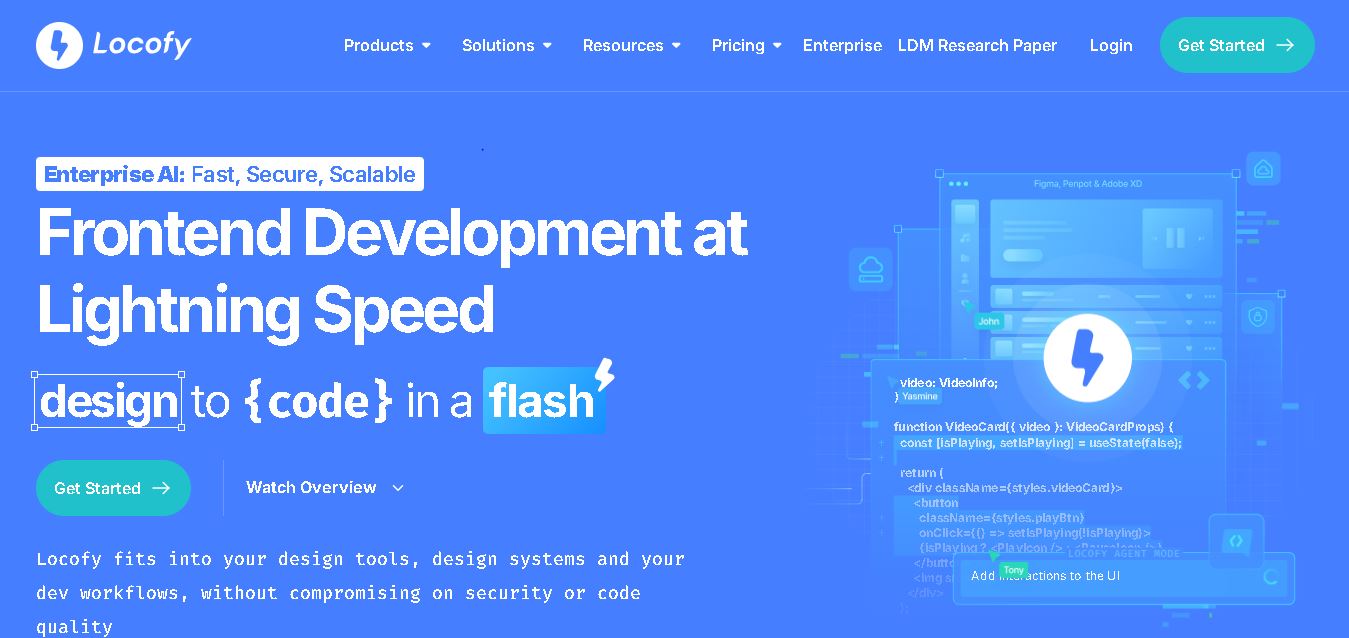
Locofy helps teams transform UI designs into developer-friendly frontend code without rebuilding interfaces manually. It supports popular design tools, web and mobile frameworks, responsive layouts, reusable components, and AI-assisted refinement. Designers can prepare screens while developers customize, export, synchronize, and continue development within familiar workflows and coding environments for teams.
 4.8
4.8Rooms.xyz
Design
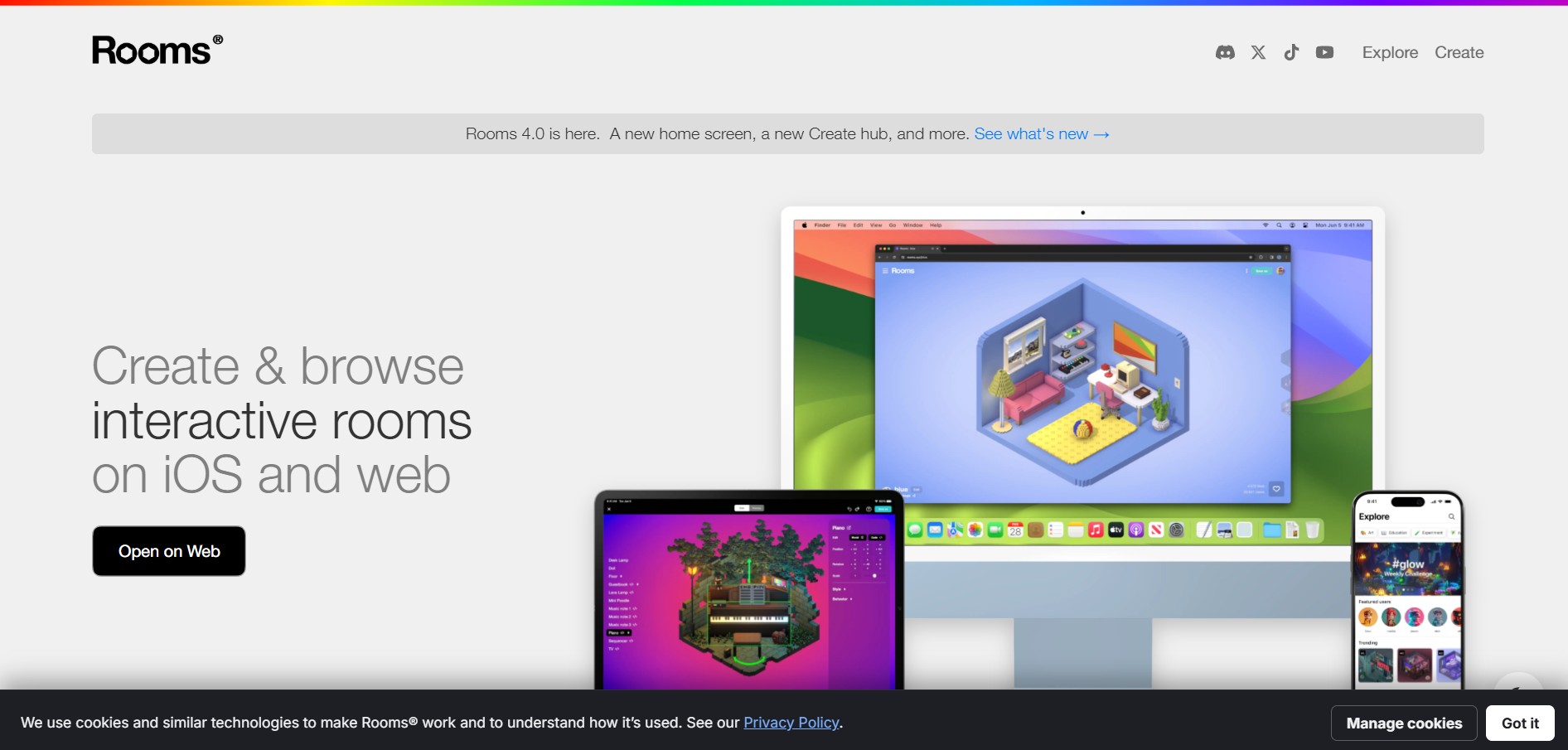
Rooms.xyz is a browser and mobile-based 3D design and game creation platform that allows users to build, code, and remix interactive 3D rooms and mini-games. Built by Things, Inc., the platform features a TikTok-like vertical feed for browsing user-generated worlds, a no-code Actions editor, deep Lua scripting support, and AI-powered voice/character integrations via Google's Gemini API.