
10 Best AI Presentation Makers in 2026 (Tested, Compared & Ranked)
Compare the 10 best AI presentation makers of 2026 — features, pricing, pros and cons — and find the right AI slide generator for pitch decks, reports, and business presentations.
Explore moreAn AI presentation maker is a software tool that uses artificial intelligence to create presentation slides from prompts, documents, notes, URLs, or existing content. Modern AI presentation generators can create outlines, slide copy, layouts, images, charts, branding, and editable presentations. Popular options in 2026 include Gamma, Microsoft PowerPoint with Copilot, Canva, Beautiful.ai, Presentations.AI, Google Slides with Gemini, Plus AI, SlidesAI, Prezi AI, and Decktopus AI.
If you've ever stared at a blank slide at 11 p.m. before a big pitch, you already know why AI presentation makers exist. Building a professional deck used to mean spending hours fiddling with fonts, alignment, and stock photos before you even got to the actual message. Now, an AI slide generator can turn a rough outline, a Word doc, or a single prompt into a structured, on-brand presentation in a couple of minutes.
But "AI presentation software" has become a crowded category fast, and not every tool does the same job well. Some are AI-native design engines that build both content and visuals from scratch. Others are AI PPT makers layered onto template libraries. A few live directly inside PowerPoint or Google Slides so you never have to leave your existing workflow. Picking the wrong one usually means burning through free credits on a deck that still needs two hours of manual cleanup.
Today, you can describe an idea in a prompt, upload a document, paste an article, provide a URL, or start with an existing presentation—and an AI presentation generator can turn that input into a structured slide deck. Depending on the platform, AI can also generate slide copy, layouts, images, charts, speaker notes, branding, and even presentation coaching. But not every AI presentation maker works the same way.
Some tools are designed for fast, visually polished decks. Others are better if you already work in PowerPoint or Google Slides. Some focus on brand consistency, while others are particularly useful for pitch decks, education, sales presentations, or turning long-form content into slides. This guide covers 10 of the best AI presentation makers in 2026, what each tool does well, who should use it, key features, limitations to consider, and how to choose the right AI slide maker for your needs.
Quick Comparison: Best AI Presentation Makers
| AI presentation maker | Best for | Key strength | Works with |
|---|---|---|---|
| Gamma | Fast AI-generated decks | Prompt-to-presentation workflow | Web, PowerPoint, Google Slides, PDF |
| Canva | Designers, marketers, educators | Templates + AI + visual content | Canva, PPT, PDF, video |
| Beautiful.ai | Business presentations | Automated layouts and consistency | Web, PowerPoint/PDF workflows |
| Microsoft Copilot in PowerPoint | Microsoft 365 users | Native PowerPoint AI | PowerPoint |
| Gemini in Google Slides | Google Workspace users | Native Google Slides generation | Google Slides |
| Plus AI | Existing PowerPoint/Slides workflows | AI inside your slide software | PowerPoint, Google Slides |
| Prezi AI | Visual storytelling | Dynamic, zoom-based presentations | Prezi |
| Presentations.AI | Business and branded decks | Brand-focused AI presentation creation | Web, PowerPoint |
| SlidesAI | Students and everyday users | Turns text and documents into slides | Google Slides, PowerPoint, web |
| Decktopus | Business, sales and pitch decks | Generation + delivery coaching | Web, PPT, PDF, PNG |
The comparison above is based on publicly documented capabilities available in 2026. Features, limits, pricing, and availability can change, so check each provider before making a purchasing decision.
What Is an AI Presentation Maker?
An AI presentation maker is a software tool that uses artificial intelligence to automatically create, design, and enhance presentations. Instead of manually building slides from scratch, users can input a topic, outline, or prompt—and the tool generates structured slides with content, visuals, layouts, and even speaker notes.
An AI presentation maker simplifies the entire presentation creation process by combining natural language processing (NLP), machine learning, and design automation. These tools understand your input (like a topic or brief description) and turn it into a complete slide deck within minutes.
For example, when you enter a prompt such as “Create a presentation on fintech trends in 2026,” the AI will:
- Generate a logical slide structure (intro, trends, stats, case studies, conclusion)
- Write slide content in a clear, concise format
- Suggest visuals, icons, and layouts
- Apply design themes automatically
This eliminates the need for manual research, writing, and design work—saving hours of effort.
10 Best AI Presentation Makers for 2026
1. Gamma — Best for Fast AI-Generated Presentations
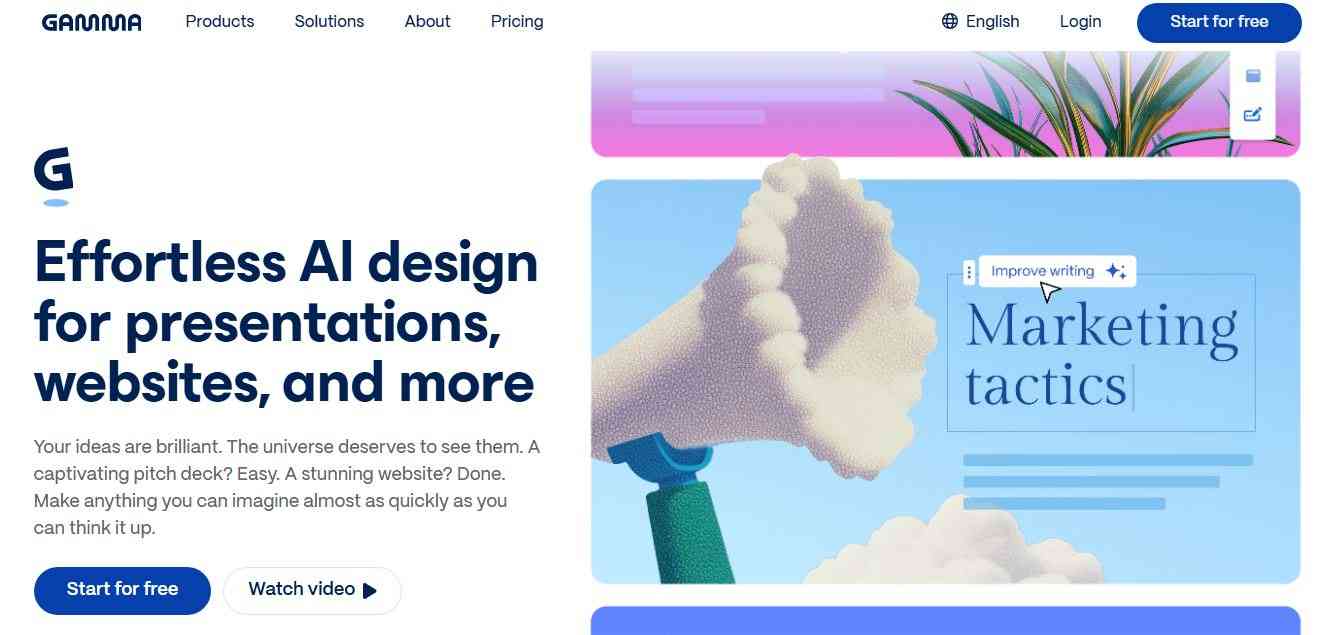
Gamma is one of the most recognizable AI-first presentation platforms. Its workflow is built around turning an idea, prompt, outline, or source material into a structured visual presentation. Gamma currently says that more than 250 million presentations, websites, social posts, and documents have been generated on its platform, while its homepage reports more than 100 million users. These are company-reported figures rather than independently audited industry statistics. One reason Gamma is attractive is that it doesn't require you to begin with a traditional blank slide.
Its creation workflow includes three useful approaches:
- Generate: Start with a topic or prompt.
- Paste: Give Gamma existing text and have it structured and formatted.
- Import: Bring in an existing PowerPoint, document, or webpage and transform it.
Best for: Creating complete presentations quickly from prompts, text, documents, or existing content.
Gamma's help documentation confirms these three creation modes. Gamma can also export presentations to PowerPoint, PDF, and Google Slides, making it more practical for users who need a conventional slide format after generating their initial deck.
Why use Gamma?
Gamma is particularly useful if you would rather not spend time manually designing slides. You can start with a topic or existing content and then use AI to revise the deck.
For example, a marketer could prompt:
"Create a 12-slide presentation explaining our Q4 digital marketing strategy for a SaaS audience."
Gamma can then provide the initial structure, copy, layouts, and visuals.
Key Gamma features
- AI presentation generation from prompts
- Import existing documents and presentations
- AI-powered editing and rewriting
- AI-generated visuals
- Presentation themes
- Brand customization
- Collaboration
- Publishing through web links
- Presentation analytics on applicable plans
- Export to PPTX, PDF, PNG, and Google Slides
- AI-generated documents and other visual content
Gamma currently offers Free, Plus, Pro, Ultra, and business-oriented plans. Its pricing page indicates that the Free plan includes presentation creation and exports, while paid plans add higher limits, branding controls, advanced AI models, analytics, and other capabilities.
Pros
- Very fast initial generation
- Strong AI-first workflow
- Useful for starting from documents or existing text
- Good for non-designers
- Multiple export options
Cons
- AI-generated content still needs fact-checking
- Users wanting traditional PowerPoint editing may prefer a native PowerPoint workflow
- Highly customized corporate decks may require additional manual refinement
Best use case: Fast business decks, startup presentations, educational presentations, reports, proposals, and first drafts.
2. Microsoft PowerPoint with Copilot — Best for PowerPoint Users
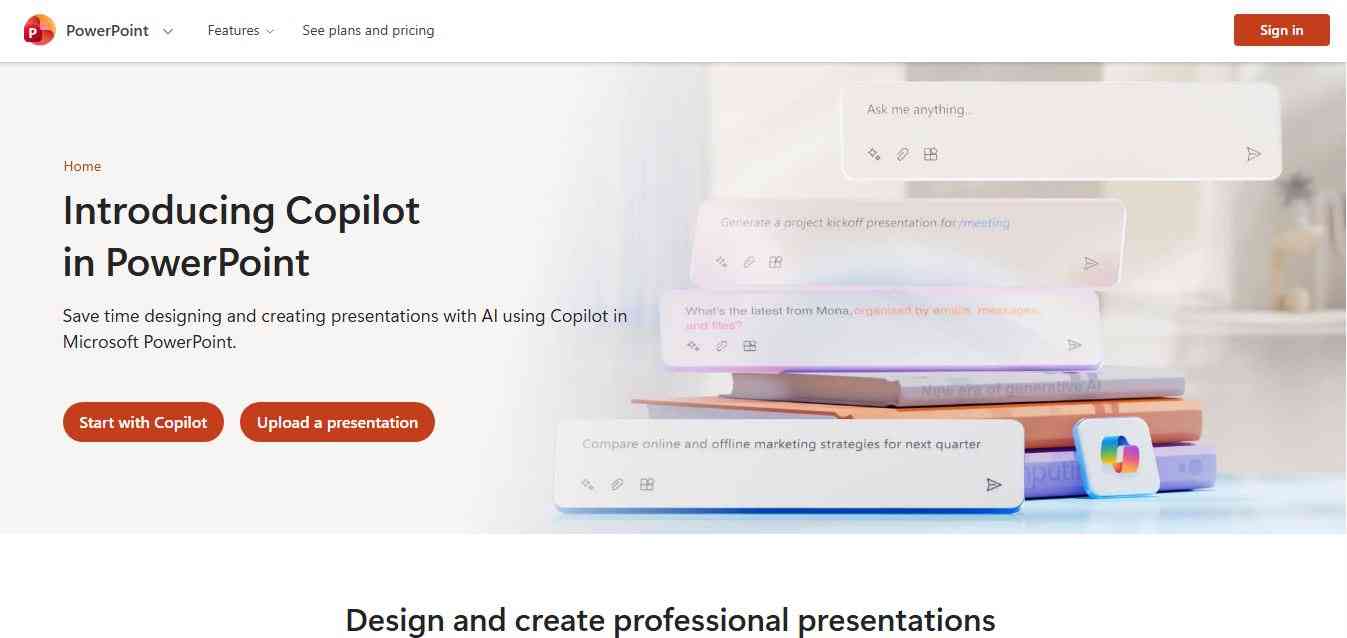
If your organization already uses Microsoft PowerPoint, you may not need a separate AI presentation platform. Copilot in PowerPoint can generate presentations from prompts and reference documents. Microsoft says users can describe the presentation they want, provide relevant information, and have Copilot create a presentation that can then be reviewed and edited. Copilot can also work with existing presentations. Microsoft documents capabilities for adding slides, reorganizing content, rewriting text, generating visuals, summarizing presentations, and understanding presentation content.
Best for: Businesses, enterprise teams, Microsoft 365 users, and anyone who needs editable PowerPoint presentations.
Key PowerPoint Copilot features
- Generate presentations from prompts
- Create slides from reference files
- Work with Word documents
- Generate and refine slide content
- Rewrite text
- Summarize presentations
- Generate visuals
- Reorganize slides
- Analyze presentation content
- Work with PowerPoint templates
- Support brand-oriented workflows
Microsoft also says Copilot can use an organization's PowerPoint template as a foundation for generating more brand-consistent presentations.
Why use PowerPoint with Copilot?
The biggest advantage is familiarity. Instead of creating an AI-generated deck in one application and then moving it into PowerPoint, you can use AI within the presentation environment many organizations already use.
This is especially useful for:
- Corporate presentations
- Board presentations
- Sales decks
- Internal reports
- Executive presentations
- Financial presentations
- Training materials
- Client presentations
Potential limitation
Copilot availability and capabilities depend on your Microsoft 365 subscription, organization settings, and region. Microsoft explicitly notes that some Copilot features may not be available to every user.
3. Canva — Best for AI Design and Visual Presentations
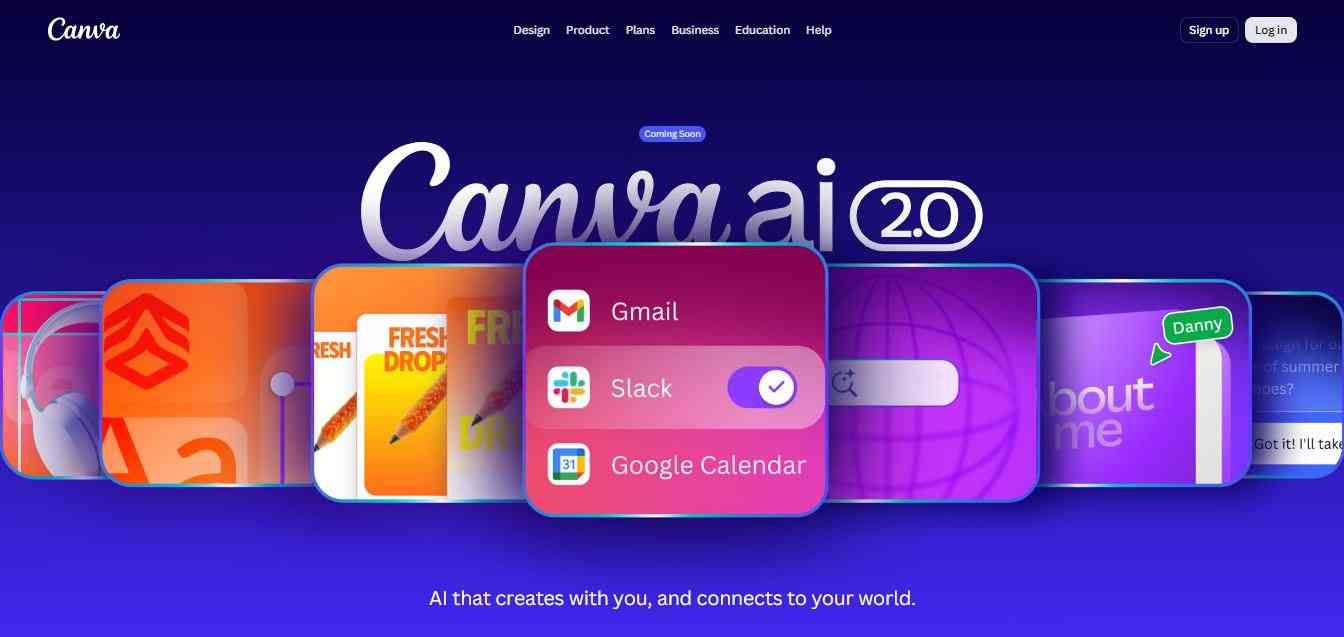
Canva is more than an AI presentation maker. It is a broad visual design platform, and its AI features are integrated into that larger ecosystem. Canva's Magic Design for Presentations can take a text idea and generate a presentation with an outline, content, and design. Canva describes the workflow as entering an idea and receiving a first draft containing topic-related content and designed pages.
Best for: Marketers, creators, students, educators, small businesses, social media teams, and users who want presentation design plus broader visual-content capabilities.
Key Canva AI presentation features
- AI presentation generation
- AI-powered design suggestions
- Presentation templates
- Brand customization
- Stock images and media
- AI image generation
- AI writing tools
- Presentation editing
- Collaboration
- Export and sharing options
- Large ecosystem of visual design tools
The advantage of Canva is the combination of AI + templates + visual assets + manual editing.
If your presentation needs a lot of visual material, Canva can be especially convenient because you can continue editing the deck inside the same design ecosystem.
Why use Canva?
Canva works well when a presentation is only one part of your content strategy.
For example, a marketing team might create:
- A sales presentation
- A product launch deck
- LinkedIn graphics
- Social media posts
- Infographics
- Videos
- Posters
- Documents
within the same broader platform.
Potential limitation
Canva's strength is its broad design ecosystem. If your only requirement is generating highly structured, business-focused presentations from complex documents, specialized AI presentation tools may provide a more focused workflow.
4. Beautiful.ai — Best for Automated Slide Design
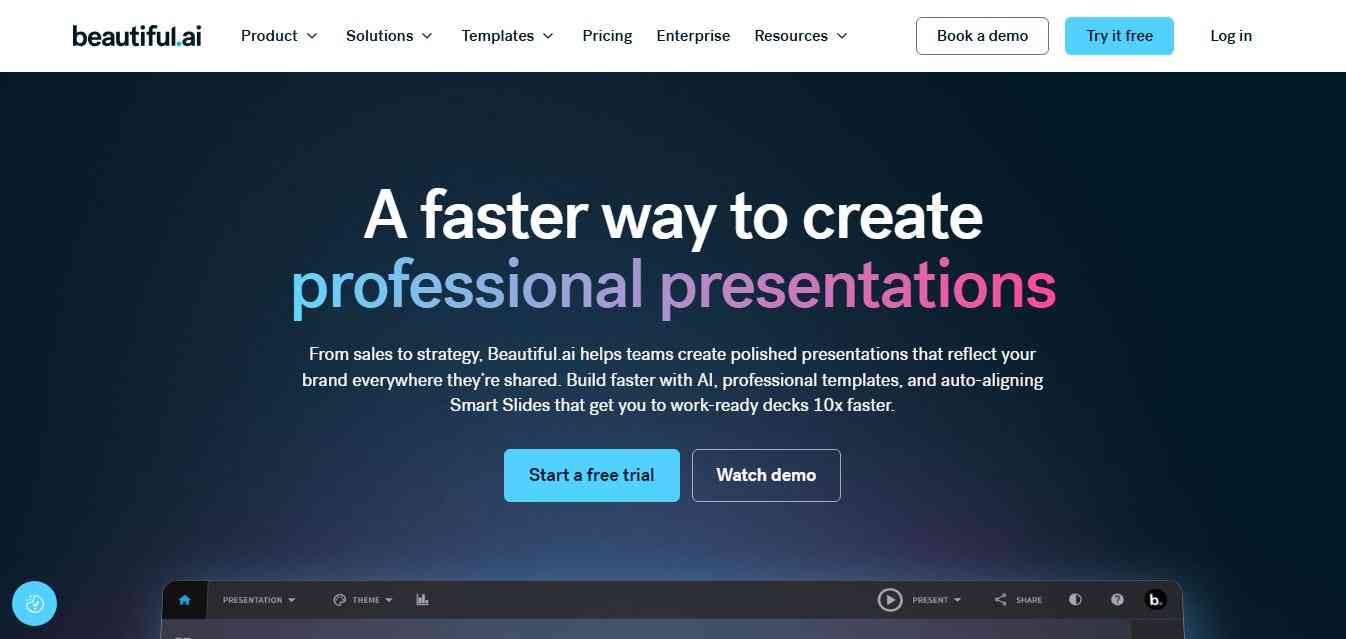
Beautiful.ai takes a different approach from traditional presentation software. Its Smart Slides automatically resize, realign, and adapt content as you edit. This reduces the amount of manual formatting required when adding or changing content. Its current AI workflow allows users to start with a prompt or supporting material, develop an outline, and then generate the presentation. Beautiful.ai says users can provide documents, PDFs, links, or detailed slide-by-slide instructions.
Best for: Business professionals, consultants, sales teams, marketers, and organizations that care about consistent presentation design.
Key Beautiful.ai features
- AI presentation generation
- Smart Slides
- Automated layout
- AI-powered slide editing
- Brand themes
- Charts and data visualization
- Presentation templates
- Collaboration
- Presentation analytics
- Stock image and video libraries
- AI-generated images
- Voice and video capabilities
Beautiful.ai also provides an AI editing tool for individual slides that can regenerate or restructure them without requiring you to rebuild the entire presentation.
Why use Beautiful.ai?
Its biggest differentiator is reducing formatting work.
Imagine you have a slide containing six data points. In traditional presentation software, changing the content can require manually resizing boxes, adjusting spacing, and fixing alignment.
Smart Slides are designed to handle much of that layout work automatically.
Potential limitation
Users who want pixel-level control over every individual object may prefer PowerPoint or another highly flexible design environment.
Best for: Professional presentations where consistency and automatic formatting matter.
5. Presentations.AI — Best for Business Presentation Generation
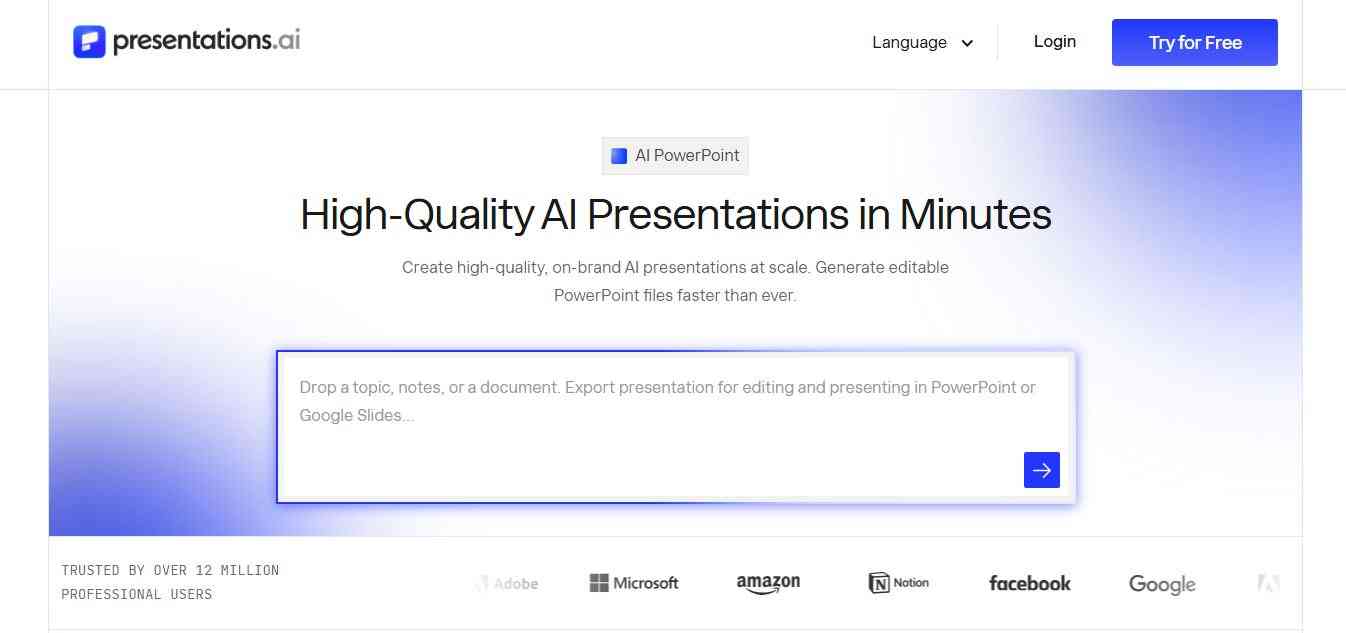
Presentations.AI focuses specifically on AI-powered presentation creation. The platform says users can start with a topic, URL, or document and generate a complete presentation with slide copy, layouts, branding, and PowerPoint export. Presentations.AI currently reports 12M+ users, 20M+ presentations created, 14+ languages, and SOC 2 Type II on its AI presentation maker page. These are company-reported figures rather than independently audited market statistics.
Best for: Business presentations, professional teams, pitch decks, branded presentations, and PowerPoint exports.
Key features
- Prompt-to-presentation generation
- Document-to-presentation
- URL-to-presentation
- AI pitch deck generation
- Brand synchronization
- PowerPoint export
- AI slide creation
- Presentation refresh workflows
- Templates
- Business presentation tools
- Multilingual presentation generation
One particularly useful feature is brand synchronization. Presentations.AI says users can provide their company URL and the system can extract brand elements such as logos, colors, and fonts.
Why use Presentations.AI?
It's particularly relevant for organizations producing presentations repeatedly.
For example:
- Weekly sales reports
- Monthly business reviews
- Investor updates
- Product presentations
- Marketing reports
- Client proposals
- Pitch decks
The platform's current product positioning also emphasizes refreshing recurring presentations instead of rebuilding them from scratch.
6. Google Slides with Gemini — Best for Google Workspace Users
Google has increasingly integrated Gemini directly into Google Slides. In July 2026, Google announced that Gemini in Google Slides could help users generate presentations from prompts while using reference material such as Google Docs, Sheets, PDFs, and previous presentations. Google's Slides product page also highlights Gemini capabilities for generating slides, summarizing content, generating images, and working with content stored in Google Drive.
Best for: Google Workspace users, collaborative teams, educators, businesses, and anyone already working in Google Slides.
Key Gemini in Google Slides features
- AI-generated presentations
- Prompt-based slide creation
- Reference Google Docs
- Reference Google Sheets
- Reference PDFs
- Use previous presentations as context
- AI image generation
- Content summarization
- Collaborative editing
- Browser-based workflow
- Google Workspace integration
Why use Google Slides with Gemini?
The main benefit is integration.
If your team already works in:
- Google Drive
- Google Docs
- Google Sheets
- Google Slides
- Gmail
- Google Workspace
You can keep your presentation workflow within that environment. This can be particularly useful for teams collaborating on the same deck.
Potential limitation
As with Microsoft Copilot, access to specific Gemini capabilities depends on the relevant Google Workspace plan and rollout.
7. Plus AI — Best for AI Presentations Inside PowerPoint and Google Slides
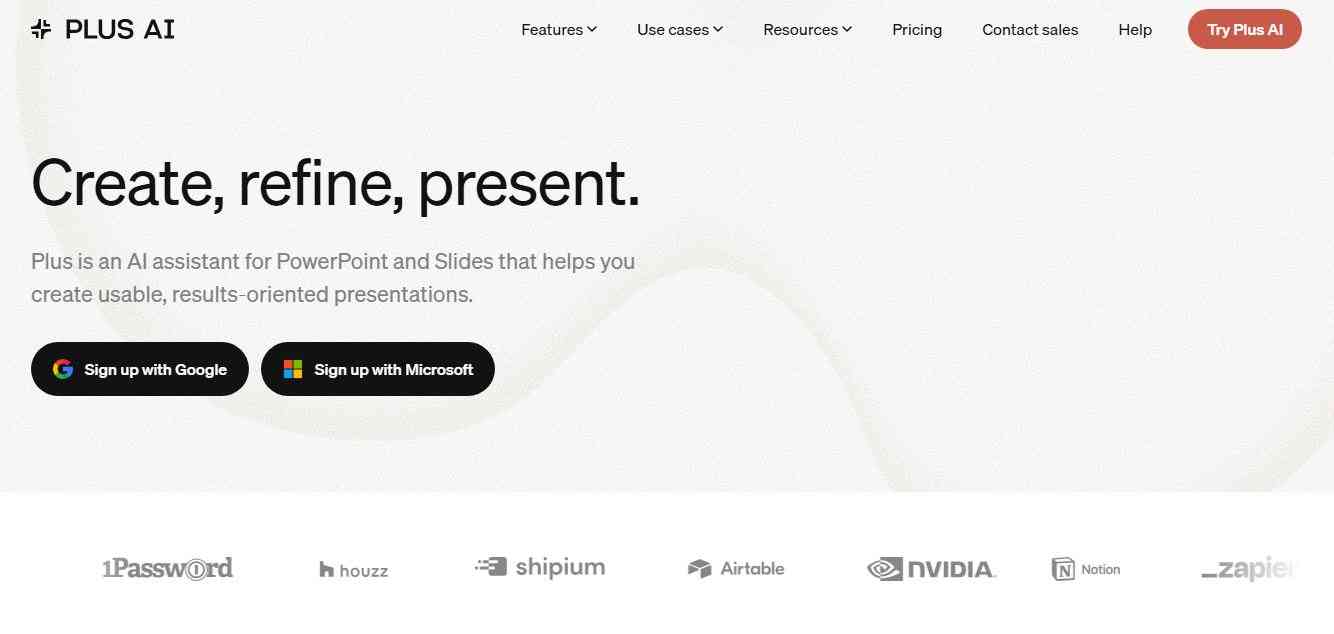
Plus AI focuses on helping users create and refine presentations directly inside familiar presentation software. According to its official website, Plus AI works inside both PowerPoint and Google Slides. Users can start with prompts or uploaded files and use AI to rewrite, reformat, add images, icons, and charts.
Best for: Professionals who want AI presentation generation without leaving PowerPoint or Google Slides.
Key Plus AI features
- AI presentation generation
- PowerPoint integration
- Google Slides integration
- Upload documents
- Rewrite slides
- Reformat slides
- Add images
- Add icons
- Add charts
- AI slide editing
- Presentation templates
- Native presentation workflow
Why use Plus AI?
The main attraction is that you don't necessarily have to learn an entirely new presentation application. If your workflow already revolves around PowerPoint or Google Slides, an AI add-in can be easier to adopt than moving your team to a completely different platform.
Potential limitation
Because Plus AI is designed around existing presentation platforms, its value is closely tied to how much you use PowerPoint or Google Slides.
8. SlidesAI — Best for Turning Text and Documents Into Slides
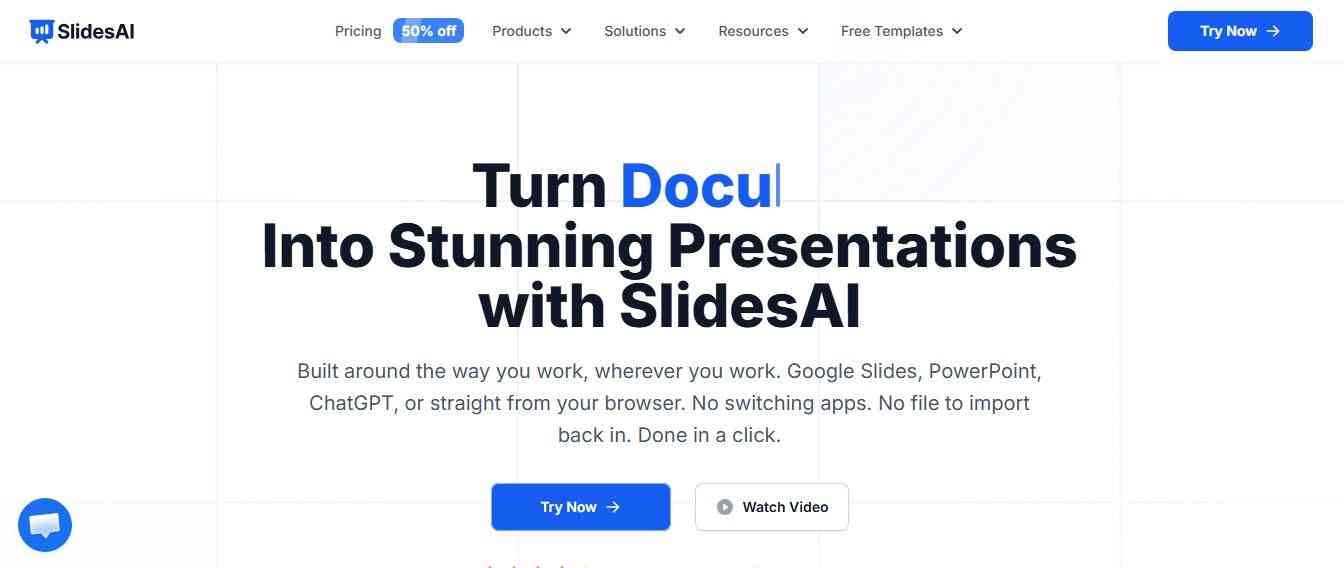
SlidesAI is designed around a straightforward concept: turn text, prompts, notes, or documents into presentations. The platform works through its web application and integrations with Google Slides, PowerPoint, and ChatGPT. SlidesAI reports 14M+ installs, more than 2,000 reviews, and a 4.3 Google Workspace rating on its website. These figures come from the vendor and may change over time.
Best for: Students, educators, professionals, researchers, and anyone who regularly turns written content into presentations.
Key SlidesAI features
- Text-to-presentation
- Prompt-to-presentation
- Document-to-presentation
- Google Slides integration
- PowerPoint integration
- ChatGPT integration
- AI rewriting
- AI summarization
- AI translation
- Themes and layouts
- AI-generated images
- Stock image search
- PPTX export
- PDF export
SlidesAI's current documentation describes a workflow where users can review and edit the slide-by-slide outline before the final slides are generated.
This is valuable because the outline is arguably more important than the visual design.
If the structure is wrong, a beautiful deck is still a bad presentation.
Why use SlidesAI?
It can be especially useful for converting:
- Research papers
- Blog posts
- Reports
- Essays
- Meeting notes
- Course material
- Long-form articles
- Business documents
into presentations.
9. Prezi AI — Best for Dynamic Visual Storytelling
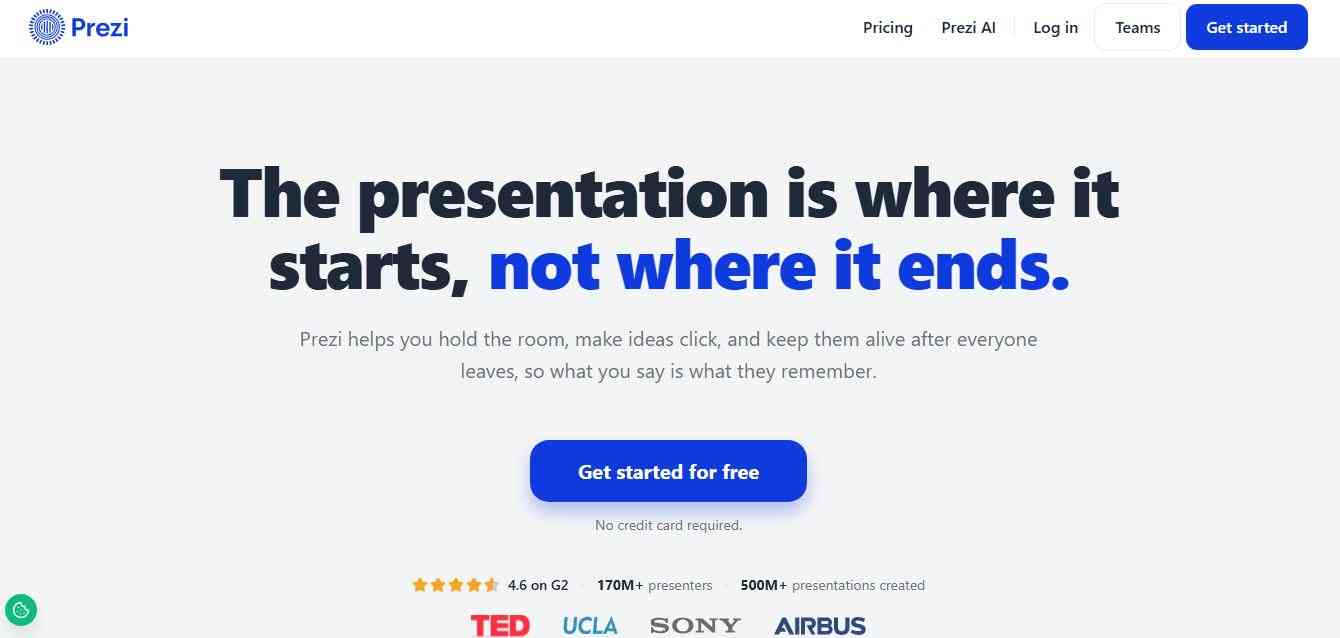
Prezi AI takes an approach that differs from traditional slide-by-slide presentations. Its AI presentation maker allows users to enter a topic or upload a file, after which Prezi AI generates a presentation that can be customized. Prezi describes its AI capabilities as helping generate layouts, visuals, and text while supporting dynamic, story-driven presentations.
Best for: Story-driven presentations, education, visual explanations, training, and presentations where movement and spatial storytelling are important.
Key Prezi AI features
- AI presentation generation
- File-based presentation generation
- Dynamic visual storytelling
- AI-assisted layouts
- AI writing assistance
- Visual presentation structure
- Customization
- Presentation templates
- Collaboration and sharing
Why use Prezi AI?
Prezi can be useful when your presentation benefits from showing relationships between ideas rather than simply moving from Slide 1 to Slide 2 to Slide 3.
For example, it can work well for:
- Training presentations
- Educational lessons
- Concept explanations
- Strategic frameworks
- Storytelling
- Workshops
Potential limitation
If your company expects standard PowerPoint-style slides and highly conventional layouts, Prezi's visual approach may require some adaptation.
10. Decktopus AI — Best for Complete Presentation Creation and Delivery Coaching
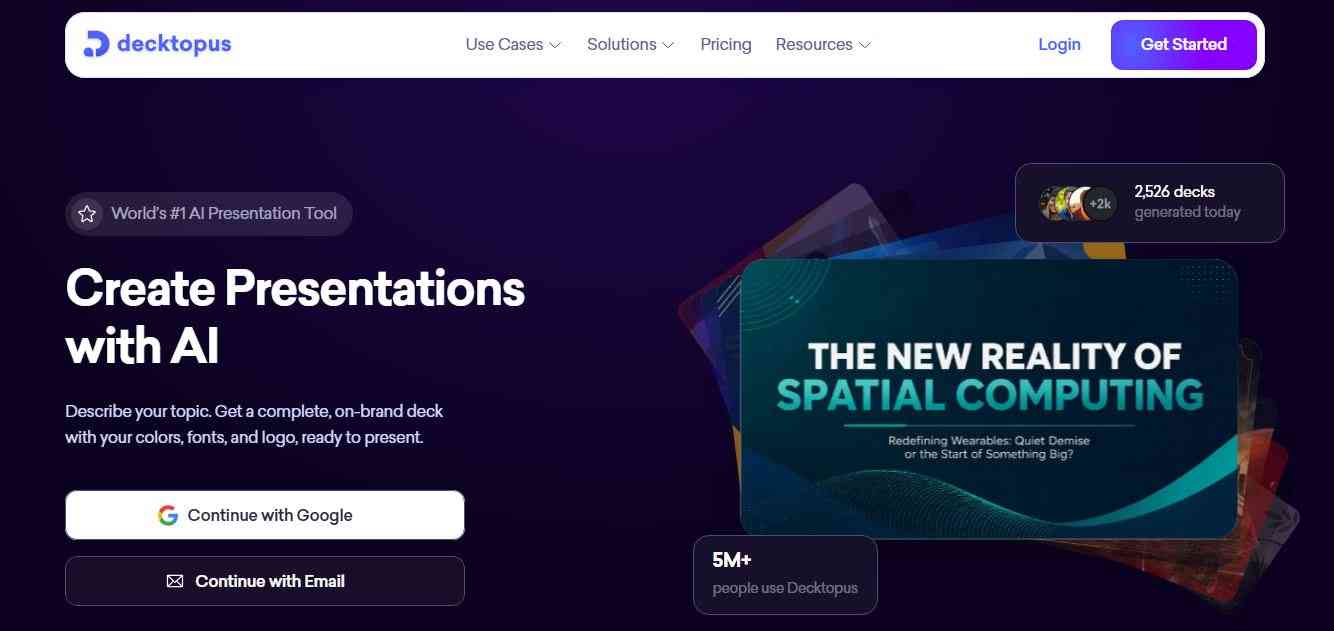
Decktopus AI generates presentations from a topic, notes, or uploaded files. Its workflow covers more than just slide generation: the platform also offers AI delivery coaching. Decktopus reports more than 4 million users worldwide and says that its platform has generated more than 2 billion presentations. These are company-reported figures.
Best for: Business professionals, educators, consultants, sales teams, and users who want help creating and practicing a presentation.
Key Decktopus features
- AI presentation generation
- AI-generated visuals
- Speaker notes
- Prompt-based editing
- PDF-to-presentation
- Brand import
- Brand colors and fonts
- Version history
- PPT export
- PDF export
- PNG export
- Team collaboration
- AI presentation coaching
- Presentation rehearsal
Decktopus also says users can enter their company website URL so the system can extract branding elements and apply them to presentations.
Another notable feature is its AI delivery coaching. Instead of stopping once it generates the slides, Decktopus helps users rehearse and improve their delivery.
Why use Decktopus?
It can be useful for people who struggle with both making the presentation and presenting it. For example, a salesperson could create a pitch deck, customize the slides, and then rehearse the delivery using AI feedback.
Best for: End-to-end presentation creation and practice.

AI Presentation Maker Comparison
| AI Presentation Tool | Best For | AI Generation | PowerPoint | Google Slides | Branding | Standout Feature |
|---|---|---|---|---|---|---|
| Gamma | Fast AI decks | Yes | Yes | Yes | Yes | Fast AI-first workflow |
| PowerPoint + Copilot | Microsoft users | Yes | Native | No | Yes | AI inside PowerPoint |
| Canva | Visual design | Yes | Export | Export | Yes | Huge design ecosystem |
| Beautiful.ai | Professional design | Yes | Export | Export | Strong | Smart Slides |
| Presentations.AI | Business decks | Yes | Yes | — | Strong | Brand/business workflows |
| Google Slides + Gemini | Google Workspace | Yes | Export/import | Native | Yes | Workspace integration |
| Plus AI | Existing slide workflows | Yes | Native | Native | Yes | AI inside PowerPoint/Slides |
| SlidesAI | Text-to-slides | Yes | Add-in | Add-on | Yes | Written-content conversion |
| Prezi AI | Visual storytelling | Yes | Export options | — | Yes | Dynamic presentation format |
| Decktopus AI | End-to-end creation | Yes | Yes | — | Strong | AI delivery coaching |
Important: Features, integrations, plans, pricing, export formats, and AI limits change frequently. Always verify the current product documentation before making a purchasing decision.
How Does an AI Presentation Generator Work?
Most AI presentation tools follow a similar workflow.
Step 1: Understand the input
The AI receives a prompt, document, URL, notes, or another source.
For example:
"Create a presentation about the future of renewable energy for MBA students."
The system analyzes the topic and determines the likely structure.
Step 2: Build an outline
The AI organizes the subject into logical sections.
A renewable-energy presentation might include:
- Introduction
- Current energy landscape
- Renewable energy technologies
- Market trends
- Benefits
- Challenges
- Business opportunities
- Case studies
- Future outlook
- Conclusion
Step 3: Generate slide content
The AI converts the outline into individual slides.
Each slide may contain:
- Headline
- Supporting text
- Bullet points
- Statistics
- Visual suggestions
- Charts
- Speaker notes
Step 4: Apply a visual design
The AI presentation maker chooses layouts, typography, colors, images, and other design elements. Some tools use templates. Others use dynamic layouts.
Step 5: Refine the deck
The user can then ask AI to:
- Rewrite a slide
- Make text shorter
- Change the tone
- Add examples
- Create a new slide
- Change the layout
- Generate an image
- Summarize information
- Translate the presentation
This human-plus-AI workflow is usually more effective than treating the generated deck as a finished product.
Key Facts About AI Presentation Makers in 2026
Here are several useful facts to know when evaluating AI presentation software.
1. AI presentation creation is now integrated into major productivity suites
Microsoft has integrated Copilot into PowerPoint, while Google has brought Gemini capabilities directly into Google Slides.
2. AI presentation tools are moving beyond simple text generation
Modern platforms can help with content, layouts, visuals, brand consistency, editing, collaboration, exporting, and presentation analysis.
3. Some tools can generate presentations from existing documents
PowerPoint Copilot, Gamma, SlidesAI, Beautiful.ai, Presentations.AI, Decktopus, and other platforms can use existing content as input.
4. AI presentation platforms increasingly support brand consistency
Branding features are becoming important for companies creating presentations at scale. Gamma, Beautiful.ai, Presentations.AI, Canva, Decktopus, and Microsoft PowerPoint all provide different forms of brand customization.
5. Product-reported user numbers show substantial adoption
Gamma currently reports more than 100 million users on its main site, while its AI presentation page reports more than 250 million generated presentations, websites, social posts, and documents.
How to Choose the Best AI Presentation Maker?
Choosing an AI PPT maker should start with your workflow—not simply the number of AI features.
1. Consider your existing software
If your company uses Microsoft 365, PowerPoint Copilot may be the natural option.
If your organization uses Google Workspace, Gemini in Google Slides may be more convenient.
For those without a strong preference, an AI-first platform like Gamma may provide a more specialized presentation workflow.
2. Check PowerPoint export quality
If you need to deliver a .PPTX file, test the export before adopting a tool.
Look for:
- Editable text
- Editable charts
- Correct fonts
- Correct spacing
- Consistent layouts
- Working images
- Correct animations
- Preserved branding
A beautiful web-based presentation isn't necessarily equivalent to a fully editable PowerPoint deck.
3. Evaluate brand controls
Businesses should look for:
- Brand colors
- Fonts
- Logos
- Templates
- Locked layouts
- Brand kits
- Reusable themes
Brand consistency becomes particularly important when multiple employees generate presentations.
4. Look at input options
The best AI presentation generator for you may depend on what you already have.
If your starting point is a:
- Blog post
- Word document
- Spreadsheet
- URL
- Research report
- Existing PowerPoint
choose a tool that supports that input format.
5. Don't ignore AI editing
Generating the first presentation is only half the job.
Look for AI features that let you:
- Rewrite slides
- Shorten text
- Expand explanations
- Change tone
- Add slides
- Remove slides
- Generate visuals
- Improve structure
- Translate content
6. Check collaboration
For teams, consider:
- Real-time collaboration
- Comments
- Permissions
- Shared workspaces
- Version history
- Brand controls
- Analytics
7. Consider presentation analytics
For sales, marketing, and investor presentations, analytics can help you understand whether people actually engage with the presentation.
Some platforms offer viewer analytics or engagement tracking, while others focus primarily on creation.
How to Create a Better AI Presentation
Using an AI slide maker doesn't automatically produce a great presentation.
Your input matters.
Give the AI a clear audience
Instead of:
"Create a presentation about cybersecurity."
Try:
"Create a 12-slide cybersecurity presentation for non-technical business executives. Explain the five biggest organizational risks, use simple language, include statistics from reputable sources, and end with a practical 90-day action plan."
The second prompt provides substantially more context.
Specify the purpose
Tell the AI whether you're creating:
- A sales presentation
- Investor pitch
- Training deck
- Webinar
- Classroom presentation
- Board presentation
- Product demo
- Marketing report
The purpose changes the structure.
Specify the desired length
Include the approximate number of slides.
For example:
"Create a 10-slide presentation."
This helps prevent unnecessarily long decks.
Specify the tone
You can request:
- Professional
- Executive
- Conversational
- Academic
- Persuasive
- Educational
- Technical
- Simple
- Data-driven
Provide source material
If accuracy matters, provide source documents or authoritative references.
This is especially important for:
- Financial presentations
- Medical presentations
- Legal presentations
- Academic presentations
- Investor presentations
- Research presentations
AI can generate plausible-sounding information that still needs verification.

AI Presentation Maker Prompt Template
You can use the following framework with most AI presentation generators:
- Topic: [presentation topic]
- Audience: [target audience]
- Purpose: [educate / persuade / sell / inform / report]
- Length: [number of slides]
- Tone: [professional / conversational / academic]
- Structure: [specific sections]
- Visual style: [minimal / modern / corporate / colorful]
- Brand requirements: [colors / fonts / logo]
- Data requirements: Use reliable and current sources.
- Final slide: [CTA / summary / recommendations / next steps]
Example
Create a 12-slide professional presentation about AI adoption in small businesses. The audience is business owners and senior managers. Explain current use cases, benefits, implementation challenges, costs, risks, and practical adoption steps. Use a clear executive tone, minimal text per slide, data-driven visuals, and a final 90-day implementation roadmap. Include source references for important statistics.
This type of prompt gives an AI presentation maker much more useful context than simply saying "make a presentation about AI."
Benefits of Using an AI Presentation Maker
Faster first drafts
AI can dramatically reduce the time required to go from a blank page to a structured first draft.
Less manual formatting
Automated layouts can reduce repetitive work involving fonts, spacing, alignment, and slide structure.
Easier content repurposing
A long report can become a presentation.
A blog post can become a webinar deck.
Meeting notes can become an executive summary.
A research document can become an educational presentation.
More accessible presentation design
People without formal graphic-design experience can use AI slide makers to create more visually structured presentations.
Faster iteration
AI can help users generate alternative headlines, rewrite copy, create new slides, summarize sections, or change the tone.
Limitations of AI Presentation Makers
AI presentation tools are powerful, but they aren't magic.
AI can make factual mistakes
Always verify important claims, statistics, citations, names, dates, and numbers.
Generated content can be generic
A one-line prompt often produces generic content.
Better inputs produce better results.
Design quality can vary
A presentation may look polished but still contain too much text or poor information hierarchy.
AI can create unnecessary slides
More slides do not necessarily mean a better presentation.
Export quality differs
A presentation that looks perfect in a web editor may need adjustment after PowerPoint export.
Human judgment remains important
AI can generate the structure and content, but the presenter still needs to decide:
- What matters?
- What should be removed?
- What does the audience need to remember?
- What action should the audience take?
AI Presentation Maker vs Traditional PowerPoint
Traditional PowerPoint gives you granular control but requires more manual work. AI presentation software focuses on reducing that manual work.
| Factor | Traditional PowerPoint | AI Presentation Maker |
|---|---|---|
| Starting from blank | Manual | AI-assisted |
| Content generation | Mostly manual | AI-assisted |
| Layout | Manual/template-based | Often automated |
| Images | Manual search | AI or automated |
| Rewriting | Manual | AI-assisted |
| Outline creation | Manual | AI-assisted |
| Brand consistency | Templates | Templates + AI |
| Speed | Depends on user | Generally faster for first drafts |
| Control | Very high | Varies by platform |
| Accuracy | User-controlled | Requires verification |
The ideal workflow isn't necessarily AI instead of humans. It's usually AI for repetitive work + humans for judgment.
Conclusion
AI presentation makers are changing how individuals and businesses create professional slides by reducing design work, speeding up content creation, and simplifying presentation workflows. From Gamma and Canva to PowerPoint Copilot, Beautiful.ai, and SlidesAI, each platform offers different strengths for business, education, marketing, and creative projects. The best AI presentation maker depends on your goals, preferred software, branding needs, collaboration requirements, and export options. By combining AI automation with human creativity, fact-checking, and strategic storytelling, you can create engaging, accurate, and professional presentations faster while maintaining quality and consistency.
People are also reading:
- AI Browser vs Traditional Browser
- AI Deepfake Tools
- Best AI Content Detectors
- Best AI Background Remover Tools
- Best AI Fitness Tools
- Best AI Music Tools
- Best AI Compliance Tools
Frequently Asked Questions (FAQs)
1. What is an AI presentation maker?
An AI presentation maker is a tool that uses artificial intelligence to create presentation slides from prompts, documents, notes, URLs, or existing content. Depending on the platform, it can generate outlines, slide content, layouts, images, charts, speaker notes, and design elements automatically.
2. How can I customize an AI-generated presentation?
You can customize an AI-generated presentation by changing the slide content, colors, fonts, images, layouts, branding, tone, and number of slides. Many AI presentation tools also let you rewrite, expand, shorten, or reorganize individual slides using AI commands.
3. Can I customize the presentation for my brand?
Yes. Many AI presentation makers allow you to add brand colors, logos, fonts, templates, and other visual guidelines. This can help businesses maintain a consistent look across sales decks, reports, proposals, training presentations, and marketing materials.
4. Can I customize the AI presentation for different audiences?
Absolutely. You can customize presentations based on the audience, such as students, customers, executives, investors, employees, or clients. When generating the presentation, specify the audience, knowledge level, presentation goal, tone, and preferred level of detail.
5. Can I customize the number of slides?
Yes. Most AI presentation generators allow you to specify the desired presentation length. For example, you can request a 5-slide summary, a 10-slide business presentation, or a 20-slide detailed presentation, depending on the platform.
6. Can I customize the tone of an AI-generated presentation?
Yes. You can usually request a specific tone, such as professional, conversational, educational, persuasive, technical, academic, or executive. Adding tone instructions to your initial prompt can make the generated content more relevant to your audience.
7. Can I customize AI-generated images and visuals?
Many AI presentation platforms allow you to replace, edit, regenerate, or reposition images and other visual elements. Some tools also provide AI image-generation features, stock media libraries, icons, charts, and other design resources.
8. Can I customize an AI presentation after it is generated?
Yes. AI generation is usually only the starting point. You can manually edit text, change layouts, replace visuals, add or remove slides, adjust branding, and use additional AI commands to refine the presentation before sharing or exporting it.
9. Can I customize an AI presentation for PowerPoint?
Yes, depending on the tool. Many AI presentation makers support PowerPoint exports or work directly inside PowerPoint. Before choosing a platform, check whether the exported presentation keeps editable text, images, charts, fonts, layouts, and other elements.