
Meta Muse Code
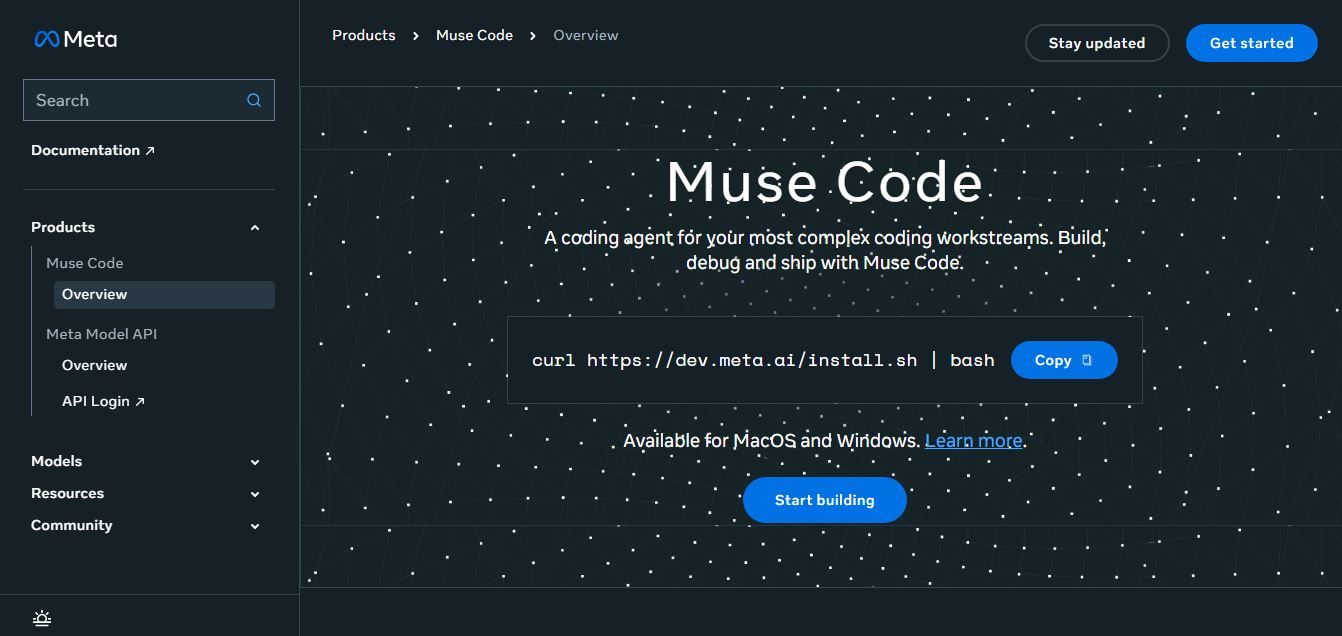
Meta Muse Code is a terminal-native AI coding agent powered by Meta’s Muse Spark models that plans, writes, audits, and executes multi-file software engineering tasks directly in developer CLI environments with multi-agent orchestration and 1M token context.
What is Meta Muse Code?
Meta Muse Code is an AI-powered coding agent developed by Meta that helps developers build, debug, and manage software directly from the terminal. Instead of just suggesting code, it can plan tasks, read project files, write and edit code, run commands, and automatically validate results. It uses multiple AI agents working together to handle complex workflows and large codebases. Built on Meta’s Muse Spark model, it supports multimodal inputs and long context, making it useful for end-to-end software development with minimal manual effort.
Meta Muse Code is an AI-powered terminal-based coding agent that helps developers plan, write, debug, and ship software using natural language prompts. It supports 1M-token context windows, multimodal inputs, and multi-agent workflows that execute tasks in parallel across large codebases. Developers can run it via CLI on macOS, Linux, and Windows, with transparent logs and real-time validation, enabling faster development and automation of complex engineering tasks.
- Founder / Creator: Meta Platforms, Inc. (Announced by Mark Zuckerberg, engineered by Meta Superintelligence Labs)
- Launch Year: 2026
Use Cases:
- Executing complex multi-file codebase refactoring and dependency upgrades directly from the terminal
- Diagnosing failed CI/CD pipeline runs and automatically generating pull request bug fixes
- Spawning parallel sub-agents to author comprehensive unit and end-to-end integration tests
- Exploring unfamiliar open-source repositories and extracting architectural dependencies using a 1M context window
Technology:
- Meta Muse Spark 1.2 and 1.3 code-specialized foundation models with native tool calling
- Multi-agent worker and reviewer subprocess orchestration with git worktree isolation
- Local OS sandboxing with interactive terminal command approval and audit logging
Target Users:
- Full-stack software engineers, backend architects, and systems developers
- DevOps engineers, Site Reliability Engineers (SREs), and platform leads
- Open-source maintainers and technical startup founders
- Engineering teams looking to standardize terminal-native AI agent workflows
Acquisition: Operates natively as a core developer product of Meta AI

Key features of Meta Muse Code
Meta Muse Code's key features are
- Terminal-Native CLI Agent: Runs directly in your shell via single-command installation, allowing direct repository manipulation without switching apps.
- Multi-Agent by Default: Spawns parallel worker sub-agents to implement changes while independent reviewer agents audit diffs and verify syntax in the background.
- Powered by Muse Spark: Co-trained with specialized Muse Spark models (1.2 and 1.3) featuring native tool calling, cross-turn reasoning, and low token retry rates.
- 1-Million-Token Context Window: Ingests entire repositories, dependency manifests, and architectural documentation in a single session without losing historical context.
- Isolated Git Worktree Fan-Out: Executes parallel feature work across isolated git worktrees to prevent mid-flight code collisions before staging final commits.
- Full Action Auditability: Every command execution, file modification, and tool invocation is transparently logged with confirmation prompts for safe system actions.
- OS Sandbox & Safe Execution: Runs bash commands and compiles code within an isolated OS sandbox to protect local developer machines from unintended side effects.
- CI/CD & Headless Automation: Operates seamlessly in headless CI pipelines and GitHub Actions to automatically triage issues, generate pull requests, and debug build failures.
Meta Muse Code Pricing
Meta Muse Code offers accessible developer subscription plans alongside ultra-competitive pay-as-you-go token rates on Meta Model API.
Everyday Usage Plan:
- $5.00/month
- Access to the latest Muse models with 10–50 prompts every 5 hours
- Includes image and video uploads, voice mode, and web search
High Usage Plan:
- $15.00/month
- 5x more usage than the Everyday Usage plan with higher prompt allowances
- Expanded multimodal file inputs and latest Muse Spark models
Power Usage Plan:
- $50.00/month
- 20x more usage than the Everyday Usage plan with expanded file uploads and early feature access
Meta Model API Standard Tier (Private):
- $1.25 / million input tokens, $0.15 / million cached input tokens, and $4.25 / million output tokens
- Prompts and code are strictly private and never used to improve Meta products
Meta Model API Contributor Tier (Discounted):
- $0.10 / million input tokens, $0.002 / million cached tokens, and $0.20 / million output tokens (opt-in to share prompt data to train Meta models)
Disclaimer: For the latest developer documentation, CLI downloads, and API rate limits, please visit the official Meta developer portal at dev.meta.ai/products/muse-code.
Who is using Meta Muse Code?
Meta Muse Code is designed for a broad range of software engineers and technical teams, including
- Full-Stack Developers: Automating multi-file feature additions and boilerplate scaffolding without leaving the terminal
- DevOps & SRE Teams: Diagnosing terminal logs and fixing broken CI/CD deployment scripts
- Open-Source Contributors: Reviewing incoming pull requests, writing test coverage, and updating repository docs
- Technical Startup Founders: Accelerating MVP iterations by delegating refactoring tasks to parallel sub-agents
- Content Creators: Using writing tools to draft engineering documentation, commit guides, and developer release notes
- Systems Programmers: Modernizing legacy codebases and conducting complex cross-repo migrations
Best Meta Muse Code Alternatives
Some of the strongest Meta Muse Code alternatives include
- Claude Code
- OpenAI Codex CLI
- GitHub Copilot
- Cursor
- Grok CLI (xAI)
- Aider (Open Source)
Pros and Cons of Meta Muse Code
Pros
- Native terminal CLI integration integrates seamlessly into existing git and shell workflows
- Multi-agent architecture coordinates background workers and reviewers simultaneously
- Massive 1M token context window allows ingestion of complete enterprise repositories
- Highly aggressive pricing starting at $5/month, with API tokens starting under $1.25/Mtok
- Robust security controls with OS sandboxing, approval prompts, and transparent audit logs
Cons
- Benchmark performance on complex reasoning slightly trails top-tier closed models like Claude Opus
- The ultra-cheap $0.10 Contributor tier uses your code prompts for model training (unsuitable for proprietary IP)
- Advanced multi-worktree parallelization requires familiarity with git branching and worktrees
- Windows PowerShell experience may require minor environment configuration compared to native UNIX shells
Why Choose Meta Muse Code?
Meta Muse Code is the ideal choice for developers and engineering teams looking for a powerful, cost-effective terminal coding agent that executes tasks directly inside their repositories.
- Runs directly in your command line with zero context-switching to browser windows
- Coordinates multiple AI sub-agents to build and review code in parallel
- Handles large-scale architectures with an expansive 1M token context window
- Protects system integrity with isolated OS sandboxing and step-by-step approvals
- Delivers exceptional value with subscription tiers starting at just $5/month
Meta Muse Code vs. Competitors
The main difference between Meta Muse Code, Claude Code, OpenAI Codex CLI, and Cursor is that Meta Muse Code introduces native multi-agent worker/reviewer parallelism and an expansive 1M token context window powered by the code-tuned Muse Spark model at an aggressive price point, whereas Claude Code relies on frontier reasoning via Claude models, OpenAI Codex CLI integrates with the OpenAI developer ecosystem, and Cursor focuses primarily on an electron-based IDE editor. Meta Muse Code stands out for its multi-agent CLI coordination and cost-to-performance efficiency.
| Feature / Tool | Meta Muse Code (dev.meta.ai) | Claude Code | OpenAI Codex CLI | Cursor (IDE/CLI) |
|---|---|---|---|---|
| Primary Interface | Terminal CLI & CI | Terminal CLI | Terminal CLI | Visual Editor / IDE |
| Underlying Model | Muse Spark 1.2 / 1.3 | Claude 3.5 / Opus | Codex / GPT-4o / GPT-5 | Multi-Model (Claude/GPT) |
| Context Window | 1,048,576 Tokens (1M) | 200K Tokens | 128K – 200K Tokens | Variable by Model |
| Multi-Agent Parallelism | Yes (Workers + Reviewers) | Single-Threaded Loop | Single-Threaded Loop | Single / Background Composer |
| Base Monthly Plan | $5.00 / month | Claude Pro ($20/mo) | ChatGPT Plus / API | Pro ($20/month) |
| Best For | Terminal Multi-Agent Coding | Frontier Reasoning & Logic | OpenAI Stack Developers | Visual IDE Code Editing |
How do we rate Meta Muse Code?
| Parameter | Rating (out of 5) |
|---|---|
| CLI Agent Usability & Speed | 4.9 |
| Multi-Agent Parallelism & Worktrees | 4.9 |
| Context Window & Repository Ingestion | 5.0 |
| Sandboxing, Safety & Auditability | 4.8 |
| Value for Money | 5.0 |
| Overall Score | 4.92 |
Meta Muse Code Review
Meta Muse Code delivers one of the most compelling and capable additions to the developer tooling ecosystem. By focusing on terminal-native mechanics rather than surface-level chat interfaces, Meta has built an agent that respects how engineers actually build software. The integration of the purpose-trained Muse Spark model ensures low tool-call failure rates, while the multi-agent worker-reviewer architecture catches syntax errors and broken imports before they ever hit production. For individual developers, startup teams, and engineering organizations seeking a cost-effective, high-throughput coding agent, Meta Muse Code is a standout tool.
Conclusion
Meta Muse Code is a premier terminal AI coding agent that redefines developer productivity through multi-agent collaboration, massive 1M token context windows, and tight repository integration. By combining native CLI commands, OS sandbox safety, git worktree fan-out, and accessible pricing starting at $5/month, it removes the friction of complex software maintenance. While enterprise teams with proprietary IP must ensure they select the private Standard tier rather than the Contributor tier, Muse Code’s speed, architectural clarity, and value make it an essential developer tool.
FAQ
What is Meta Muse Code and how does it work?
Meta Muse Code is a terminal-based AI coding agent designed to help developers handle complex software engineering tasks. It works by running inside your local development environment, where you describe a task and the agent reads your codebase, plans changes, writes code, executes commands, and validates results automatically. It is powered by Meta’s Muse Spark models and is built for long, multi-step workflows rather than simple code suggestions.
What can Muse Code do for developers?
Muse Code can handle end-to-end development tasks such as planning architecture changes, writing and refactoring code, debugging issues, running tests, and validating outputs. It is especially useful for large codebases because it can understand context across multiple files and repositories, allowing developers to automate complex engineering workflows instead of working file-by-file.
How is Muse Code different from tools like GitHub Copilot?
Unlike traditional AI coding assistants that provide inline suggestions, Muse Code acts as an autonomous agent that can execute full tasks independently. It doesn’t just suggest code—it plans, edits, runs commands, and verifies results across a project. It also uses multiple background agents working in parallel, making it more suitable for long-horizon development tasks rather than quick code completions.
What are “multi-agent” workflows in Muse Code?
Muse Code uses a multi-agent system where several background agents work simultaneously on different parts of a task. Each agent can operate in parallel, gather information, and execute subtasks, while the main agent coordinates everything. This approach improves speed and efficiency, especially when working on large or complex projects that require multiple steps or components.
Which platforms support Muse Code?
Muse Code is primarily designed for macOS and Linux environments and runs directly in the terminal. It can also be used in development workflows like CI/CD pipelines and integrated with tools like VS Code via terminal access. Some installation methods are available for Windows through PowerShell, but the core experience is optimized for Unix-based systems.
How do you install and start using Muse Code?
You can install Muse Code with a single command in your terminal, which downloads and sets up the CLI tool. After installation, you authenticate using your Meta account or API key, then run the agent inside your project directory. Once started, you simply describe your task, and Muse Code begins planning and executing it step by step.
How is pricing structured for Muse Code?
Muse Code offers flexible pricing models, including pay-as-you-go (based on tokens used) and subscription-based plans with a flat monthly fee. This allows developers to choose between usage-based billing for occasional tasks or predictable pricing for continuous development workflows.
Is Muse Code secure and does it use my code for training?
Muse Code includes options for data privacy and security, including controlled environments and the ability to manage how your data is used. In some tiers (like contributor plans), usage data may be used to improve models, while standard plans offer stricter data handling policies. Developers can also request configurations like zero data retention for sensitive projects.
User Reviews
No reviews yet for Meta Muse Code.
Featured Tools
Featured AI tools from TechShark

Melody Genie
MelodyGenie is an AI-powered music generator that creates original songs from simple text prompts. Users can choose styles, moods, and genres, then instantly generate melodies and full tracks, making it easy for creators, marketers, and hobbyists to produce custom music without musical expertise.
Freemium

Kimi AI
Kimi AI is an advanced AI assistant developed by Moonshot AI that helps you chat, research, write, code, and automate tasks in one place. It supports web search, file analysis, and multimodal inputs, and can even run autonomous “agent” workflows to complete complex tasks end-to-end.
Freemium

Fashion Diffusion AI
Fashion Diffusion is an AI-powered fashion design platform that helps brands and designers create clothing designs, virtual try-ons, AI models, product photos, and marketing visuals faster and cost-effectively.
Paid

Veo 4
Veo 4 AI is an AI video creation platform that generates dramatic videos from text, images, audio, and video prompts using realistic motion and synchronized sound.
Paid
Alternatives
Alternatives to Meta Muse Code
The best Meta Muse Code alternatives include Claude Code, OpenAI Codex CLI, GitHub Copilot CLI, Cursor, Grok CLI, and Aider. These platforms provide AI coding assistance, command-line code generation, and repository refactoring. While Meta Muse Code specializes in multi-agent worker/reviewer orchestration, 1M token context windows, and affordable $5/month plans powered by Muse Spark, alternatives like Claude Code emphasize frontier reasoning models, and Cursor provides a comprehensive graphical IDE environment. Choosing the right tool depends on whether you require terminal multi-agent execution, graphical IDE integration, or specific model ecosystems.
 4.9
4.9Xano
No Code
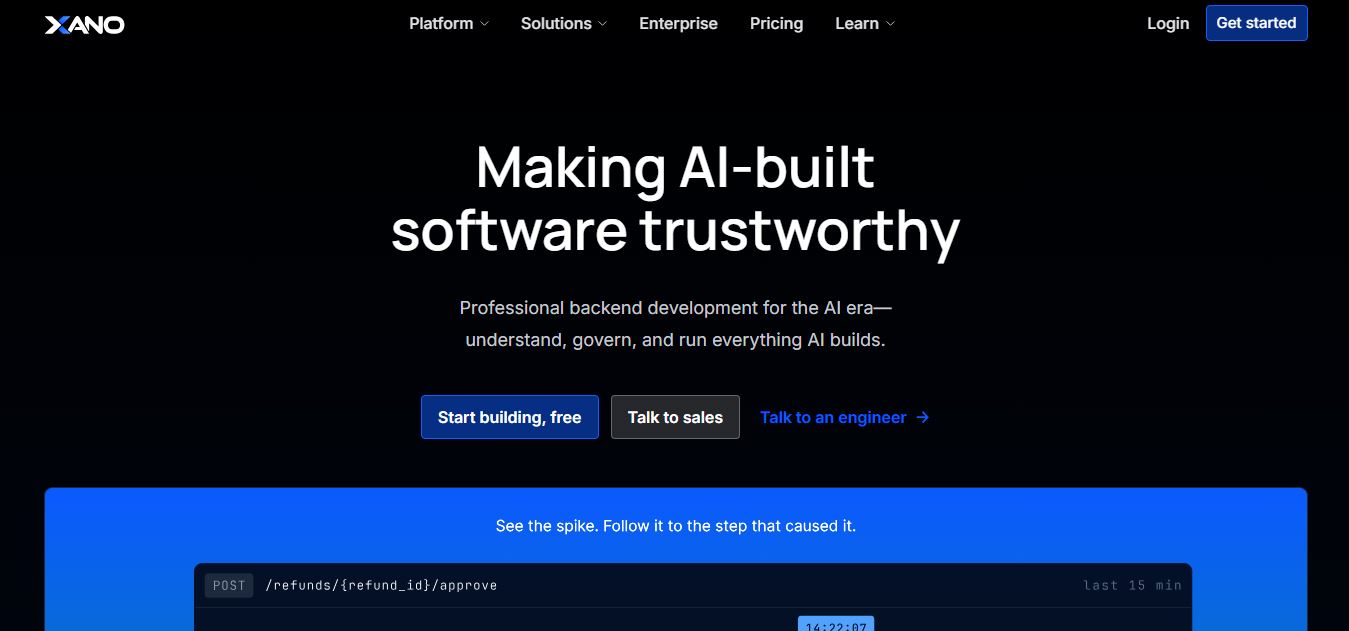
Xano is a no-code backend platform that lets users build scalable APIs, databases, and business logic without writing code. It provides a powerful server-side infrastructure, enabling developers and no-code creators to connect frontends, manage data, and launch applications quickly and efficiently.
 4.9
4.9Brainboard
Developer AI Tools
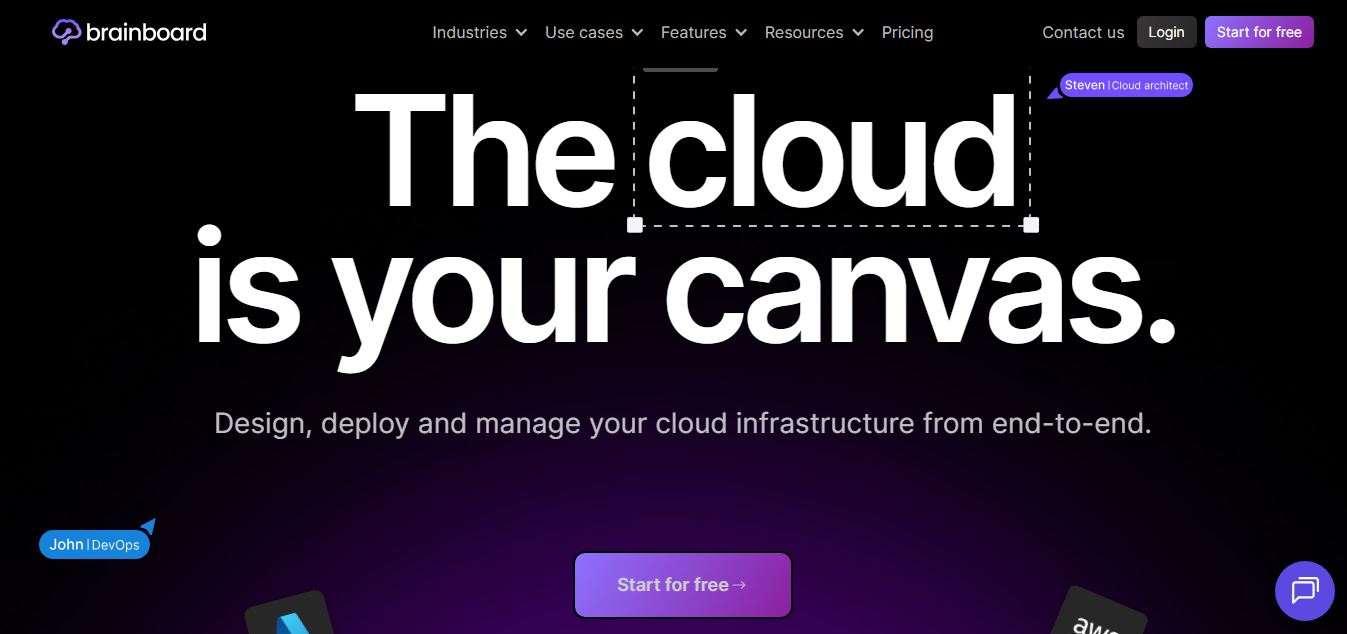
Brainboard is a visual cloud architecture and Infrastructure as Code (IaC) design platform that transforms interactive cloud diagrams into clean, production-ready Terraform code, complete with integrated visual CI/CD deployment pipelines, drift detection, and cost estimation.
 4.9
4.9Pulumi
Developer AI Tools
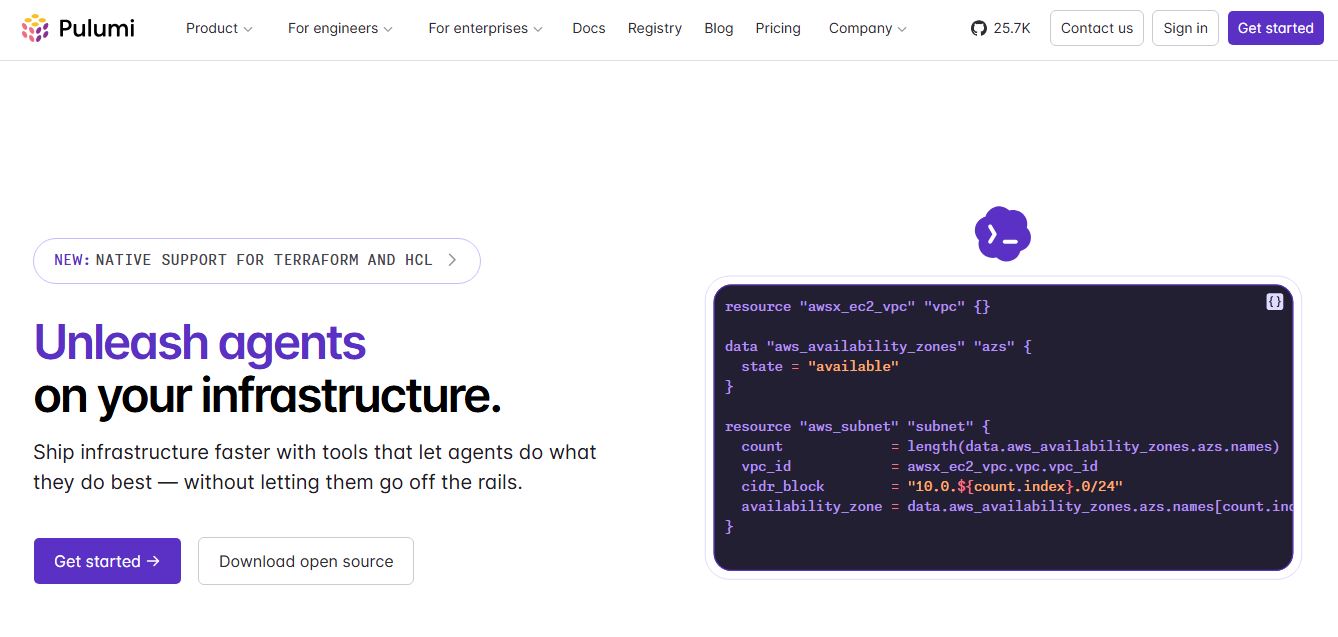
Pulumi is an open-source Infrastructure as Code (IaC) and cloud engineering platform that lets developers provision and manage multi-cloud infrastructure, Kubernetes clusters, and secrets using real programming languages like TypeScript, Python, Go, Java, and C#.
 4.9
4.9LiveKit
Developer AI Tools
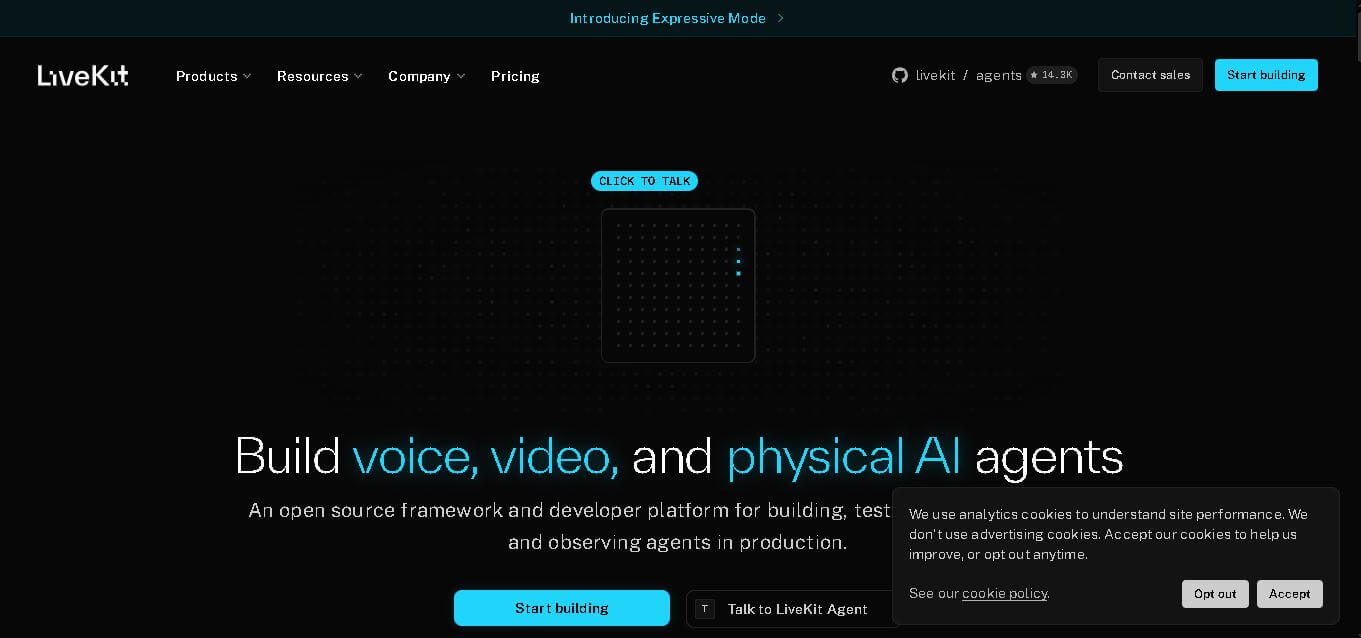
LiveKit is a real-time communication and AI agent development platform designed for developers building voice, video, and multimodal applications. It combines open-source infrastructure, WebRTC communication, AI agent tools, telephony integrations, model connectivity, cloud deployment, and observability, helping teams create responsive applications that can operate across browsers, mobile apps, and phone calls.
 4.8
4.8RTutor AI
Developer AI Tools
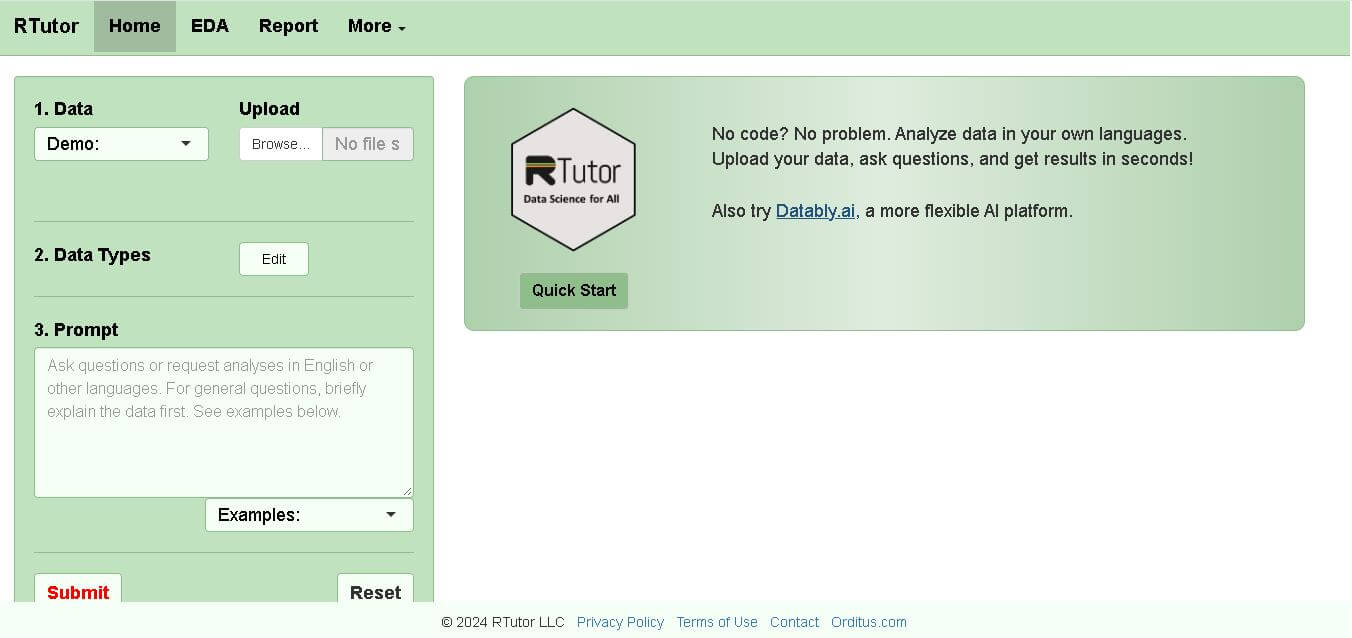
RTutor makes statistical data analysis easier by allowing users to describe what they want in natural language. It converts requests into R or Python code, executes the analysis, displays results, and supports charts and reports. Researchers, students, analysts, and beginners can use it to explore datasets without writing every command manually.
 4.9
4.9Chat Recall
Developer AI Tools
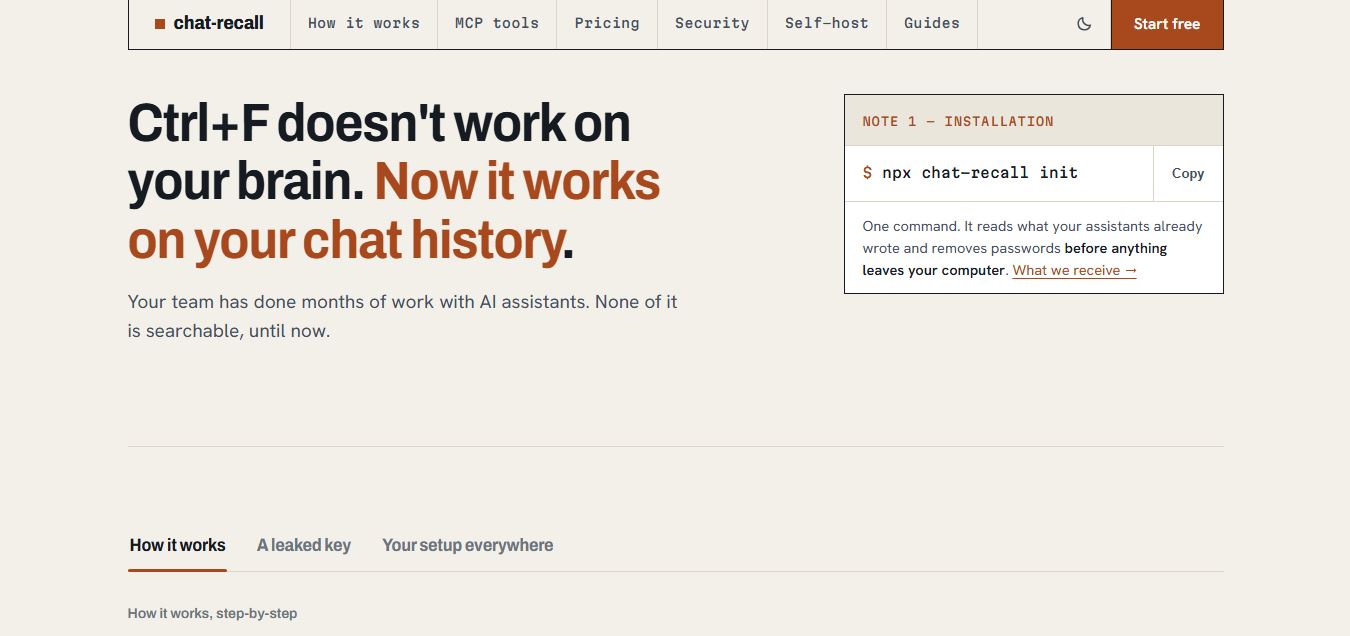
Chat Recall is a unified AI coding chat history search, intelligence, and Model Context Protocol (MCP) memory platform that indexes past conversations across multiple AI coding assistants, strips exposed API secrets locally, and gives coding agents persistent shared memory.
 4.9
4.9Cortex Docs
Developer AI Tools
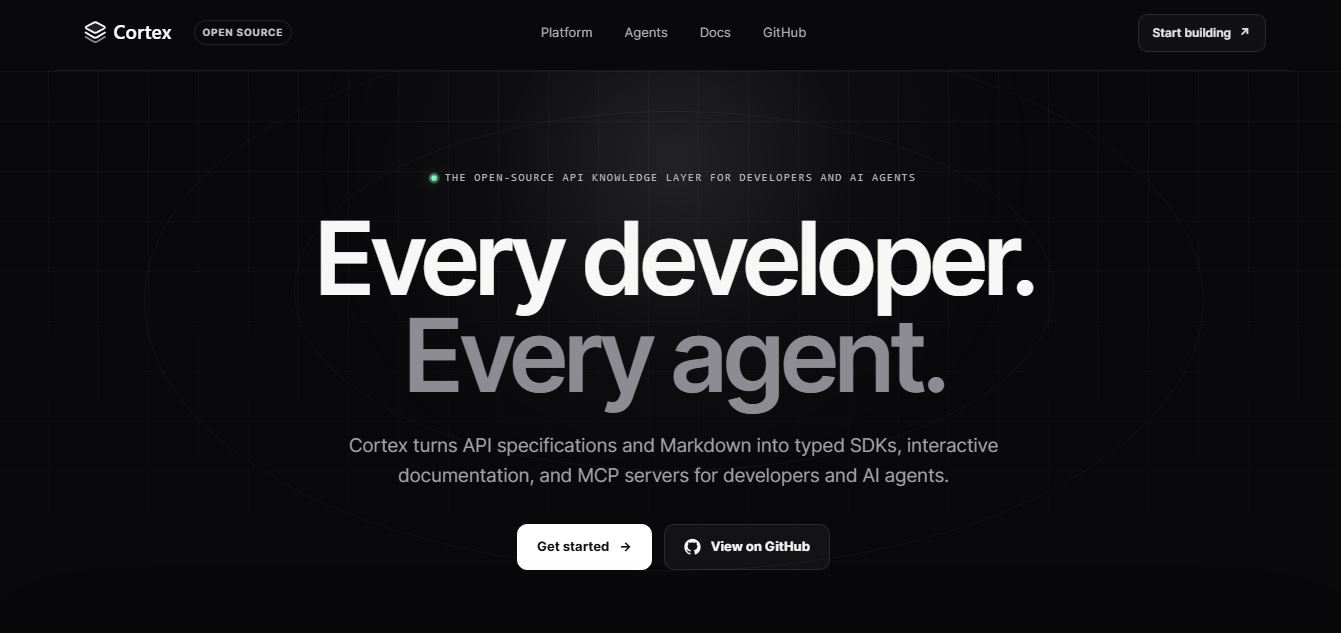
Cortex Docs is an open-source, MIT-licensed API knowledge layer and code generation toolchain that transforms API specifications into interactive documentation sites, typed SDKs in 11 languages, and Model Context Protocol (MCP) servers.
 4.9
4.9Stackness
Developer AI Tools
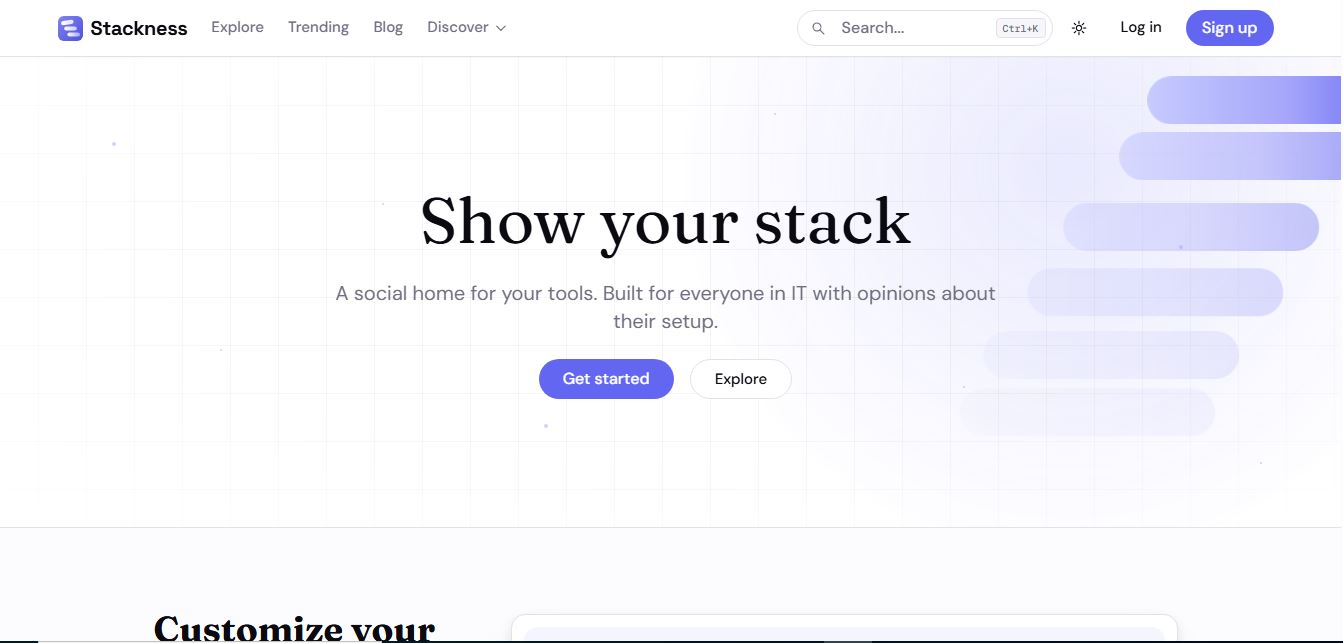
Stackness is a developer-focused social portfolio and tech stack discovery platform where engineers, designers, and tech teams showcase their daily drivers, document workflow 'Moves', explore software trend telemetry, and arrange their tooling profiles as customizable bento grids.
 4.8
4.8Nscale
Developer AI Tools
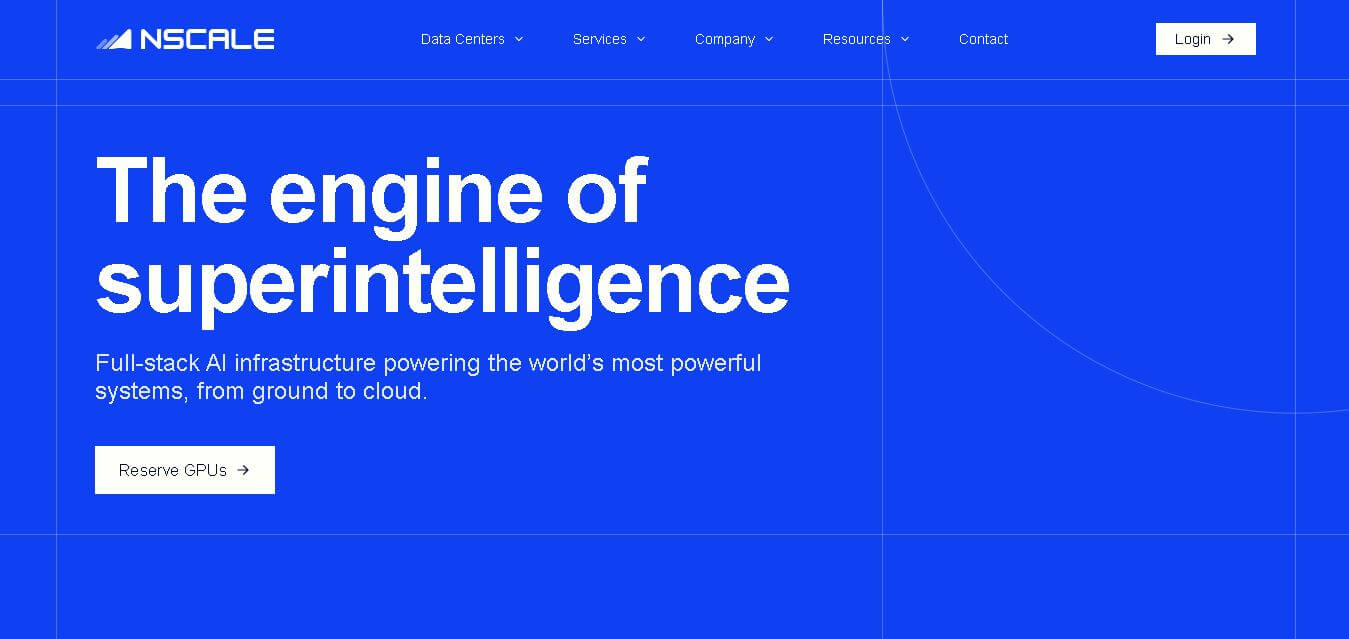
Nscale is a full-stack AI cloud provider offering GPU compute, inference, training, fine-tuning, Kubernetes, Slurm, networking, storage, and dedicated AI infrastructure. It helps AI teams and enterprises scale demanding workloads while reducing infrastructure complexity and improving performance, efficiency, and deployment speed through purpose-built AI data centers and integrated cloud services.