
Stackness
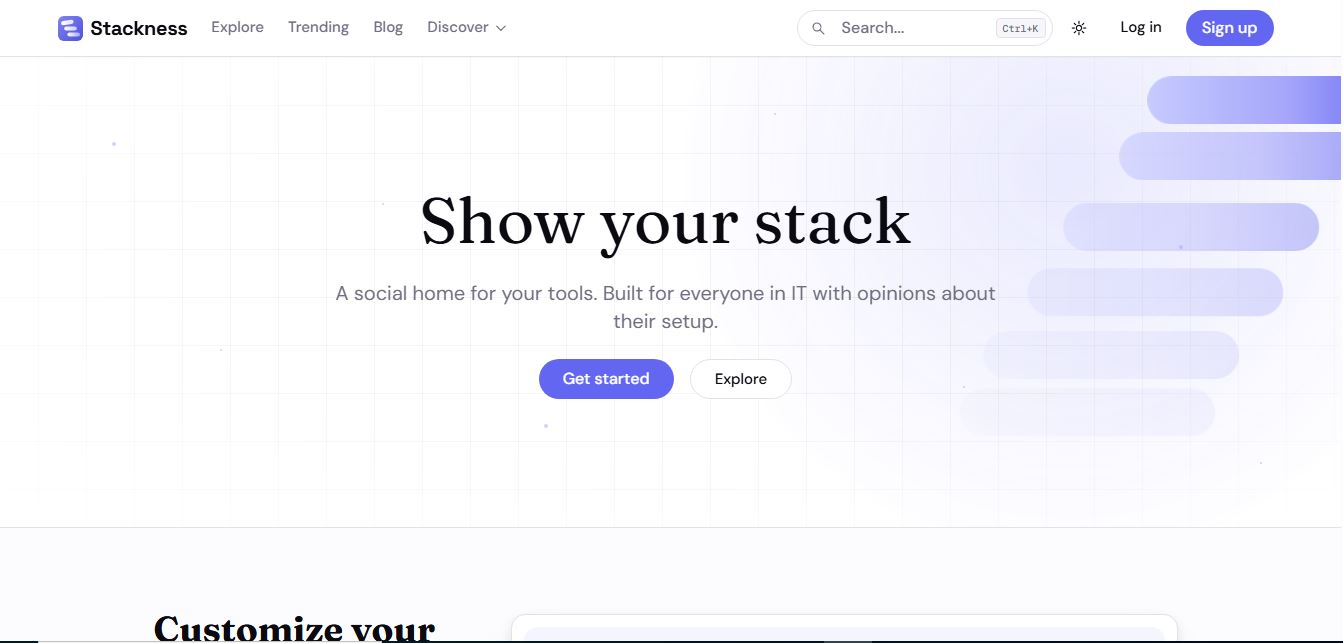
Stackness is a developer-focused social portfolio and tech stack discovery platform where engineers, designers, and tech teams showcase their daily drivers, document workflow 'Moves', explore software trend telemetry, and arrange their tooling profiles as customizable bento grids.
What is Stackness?
Stackness is a developer-focused social platform where engineers, designers, and tech teams share the tools and workflows they use to build software. Instead of just listing tools, it lets users create a public “stack profile” with their actual setup, notes, and history, plus share “moves” (how they work, not just what they use). It also shows trending tools, workflows, and community insights, helping others discover what’s working in real-world development setups.
Designed around the philosophy of sharing how developers actually work rather than just listing installed binaries, Stackness transforms static "uses" pages and GitHub README badge collections into an interactive bento-grid showcase. Instead of viewing isolated software recommendations, users can discover how peers configure, pair, and automate tools like VS Code, Claude Code, Tailwind CSS, and Docker through structured workflow commentary and telemetry graphs.
- Platform Role: Developer Stack Portfolio, Social Tech Profile Network & Tool Discovery Engine
- Founder & Creator: Sergei Gordeichuk
- Core Experience: Interactive Bento Grid Profile Builder, Workflow "Moves" Documentation, Tool Popularity Telemetry, and Model Context Protocol (MCP) profile sync
Use Cases:
- Replacing static personal website
/usespages with an interactive, regularly updated tech stack bento grid - Documenting step-by-step developer workflows ("Moves") such as prompt-driven TDD, terminal setups, or local AI agent configurations
- Tracking real-time developer adoption metrics, popularity climbs, and co-occurrence graphs for emerging libraries and tools
- Finding trustworthy tool recommendations by exploring the verified setups of respected engineers, creators, and teams
- Enabling AI coding agents to read and manage developer profile stacks automatically via native Model Context Protocol (MCP) tools
Technology:
- Interactive visual editor supporting drag-and-drop subspaces, five tile sizes, and grouped utility clusters
- Smart tool picker algorithm recommending related software based on collective community tool pairing patterns
- Model Context Protocol (MCP) server parity allowing AI assistants to query or reorder user stacks programmatically
- 12-week time-series tracking engine monitoring library migrations, tool ranking shifts, and community usage telemetry
Target Users:
- Software engineers, frontend architects, and systems developers who have strong opinions on their daily development setup
- Developer advocates, open-source maintainers, and tech content creators sharing workflows with their communities
- Engineering managers and tech recruiters reviewing authentic tooling proficiency and problem-solving patterns
- Designers, product managers, and data analysts eager to benchmark productivity apps and desktop utilities
Acquisition: Web community platform and profile network
What are the key features of Stackness?
Stackness's key platform features are
- Bento Grid Profile Editor: Organize your stack visually across customizable subspaces with five tile sizes, color accents, and clustered utility trays.
- Workflow "Moves": Share the actionable recipes, shortcut patterns, and prompt engineering tricks that bring your stack to life.
- Tap-to-Build Stack Picker: Quickly assemble your setup with an intelligent tool selector that surfaces complementary tools as you tap.
- Tool Telemetry & Pages: Dedicated directory pages for thousands of tools showing 12-week adoption velocity, top user stacks, and common companion tools.
- Model Context Protocol (MCP) Parity: Connect AI agents directly to your profile so coding assistants understand your preferred tools and shortcuts.
- Trend Discovery Feed: Explore rising stars, trending workflows, and major paradigm shifts across the tech industry.
- Centralized Bookmarks & History: Save stacks and workflow moves into personal bookmark collections for ongoing reference.
How much does Stackness cost?
Stackness is completely free for all community members, supported by an optional monthly patronage tier for power users and teams.
Pricing Plans:
- Free Community ($0): 100% free forever. Build your custom stack profile, publish unlimited workflow Moves, browse telemetry pages, and use MCP agent sync.
- Supporter Plan (CHF 5 / month): Optional community support tier providing a verified profile Supporter badge, weekly tech trends newsletter, access to historical trend wave charts, subscriber-only stacks and moves, and early access to upcoming features.
- Team Patronage (Upcoming): Dedicated collaborative spaces for company engineering teams to showcase their shared internal and external production stacks.
Disclaimer: Core stack creation and discovery are 100% free. Supporter memberships are billed in Swiss Francs (CHF 5/mo) via Stripe. Review stackness.dev for active community guidelines.
Who should use Stackness?
Stackness is designed for technology practitioners and setup enthusiasts, including
- Indie Hackers & Builders: Sharing the exact stack behind their shipped projects to build in public and gain credibility.
- Senior & Staff Engineers: Documenting architectural habits and terminal workflows to mentor junior developers asynchronously.
- Tool Hunters: Finding high-quality, community-vetted alternatives to legacy software based on authentic adoption trends.
- Developer Relations (DevRel): Monitoring real-world adoption of frameworks, CLI tools, and libraries over 12-week cycles.
What are the best alternatives to Stackness?
Some of the strongest Stackness alternatives include
- StackShare
- Uses.tech (uses.tech directory)
- Bento.me
- Peerlist
- Product Hunt
- GitHub Profile READMEs
What are the pros and cons of Stackness?
What are the pros of Stackness?
- Focuses on practical workflow recipes ("Moves") rather than static, uncontextualized tool logos
- Sleek bento-grid layout system provides a personalized, modern developer profile
- 12-week adoption telemetry provides objective insight into framework momentum
- Forward-thinking MCP server support lets AI coding agents read and arrange your stack
- 100% free core functionality without paywalling basic profile curation
What are the cons of Stackness?
- Relies on self-reported developer setups rather than automated repository package scanning
- Niche or newly open-sourced CLI tools may need to be manually submitted to the tool database
- Team and organizational collaboration spaces are still expanding
Why should you choose Stackness?
Traditional developer portfolio sites often feel impersonal, while static /uses markdown files are tedious to maintain and impossible to search across the broader community. Stackness solves this by turning your setup into a living, visual portfolio. By connecting customizable bento-grid design with actionable workflow explanations, tool adoption telemetry, and AI-ready MCP integration, Stackness gives tech professionals an engaging, single link to showcase how they build software.
- Design an interactive bento grid that showcases your real daily drivers and utilities
- Document practical workflow "Moves" to show the craft and reasoning behind your setup
- Explore objective 12-week adoption charts to see which tools are rising across the industry
- Share a unified profile link that AI agents and colleagues can inspect instantly
How does Stackness compare to competitors?
While StackShare focuses primarily on enterprise tech stacks and Bento.me functions as a general link-in-bio platform for creators, Stackness is purpose-built for developer tooling, practical workflow sharing, and software telemetry.
| Feature / Platform | Stackness | StackShare | Bento.me | Uses.tech |
|---|---|---|---|---|
| Core Focus | Developer stacks, Moves & tool trends | Enterprise software stack registry | General visual link-in-bio page | Static list of developer /uses blogs |
| Workflow "Moves" Sharing | Yes (Structured setup recipes) | Short decision notes | No (Static links & widgets) | Markdown blog prose |
| Tool Trend Telemetry | Yes (12-week adoption curves) | Company follower counts | No analytics directory | No telemetry data |
| MCP AI Agent Support | Yes (Native MCP server parity) | No | No | No |
| Pricing Structure | Free / Supporter CHF 5/month | Free / Paid enterprise plans | Free / Bento Pro options | 100% Free open-source repo |
| Best For | Showcasing personal setups & workflow tricks | Enterprise architecture documentation | Creator portfolios and social links | Browsing personal engineering websites |
How do we rate Stackness?
| Parameter | Rating (out of 5) |
|---|---|
| Profile Customization & Bento Editor | 4.9 |
| Workflow "Moves" & Community Value | 4.8 |
| Tool Telemetry & Adoption Trends | 4.8 |
| MCP Server & Agent Interoperability | 4.9 |
| Value for Money (Free Core) | 5.0 |
| Overall Score | 4.88 |
What is our review and verdict on Stackness?
Stackness brings a fresh, community-centered dynamic to developer tooling and personal portfolios. By shifting the conversation from dry tool lists to actionable "Moves" and wrapping it all in an intuitive, customizable bento-grid interface, it turns everyday setups into genuine conversation starters. With forward-looking features like Model Context Protocol (MCP) support and 12-week telemetry charts, Stackness is an engaging and valuable home for anyone who loves their tech stack.
Conclusion
Stackness helps developers stay organized and productive by bringing key parts of the development workflow into one place. Instead of switching between multiple tools, it streamlines tasks like coding, collaboration, and project management. This makes it easier to focus and maintain momentum. Overall, Stackness simplifies the development process, helping teams and individuals work more efficiently, reduce context switching, and build software with greater speed and clarity.
FAQ
What does Stackness actually do?
Stackness is a social platform for developers to showcase and discover tech stacks. Instead of explaining your setup in docs or threads, you can create a profile listing the tools you use (like frameworks, editors, infra) along with notes and context. It basically gives you one link that answers the common question: “What tools do you use?”
How is Stackness different from GitHub or portfolio sites?
GitHub shows your code and contributions, while Stackness focuses on your workflow and tool choices. It highlights the “how you work” side—what tools you use, why you chose them, and how they fit together—rather than just the output. It’s more comparable to a “/uses page,” but structured, social, and discoverable.
What are “stacks” and “moves” in Stackness?
A “stack” is your collection of tools grouped by category, while “moves” are the workflows, setups, or tricks you use with those tools. For example, a stack might include VS Code, Docker, and Postgres, while a move explains how you actually use them together in your workflow.
How does Stackness help developers discover tools?
Stackness has an explore section that shows trending tools, popular workflows, and rising technologies. You can follow developers whose setups you trust and see what tools they’re using, which helps you discover new tools based on real usage—not just marketing pages.
Can you track changes in your tech stack over time?
Yes, Stackness supports a timeline-style history of your tools. You can add start and end dates, log when you switch tools, and show how your setup evolves. This makes it useful not just as a snapshot, but as a living record of your development journey.
Is Stackness free or paid?
Stackness is free to use for most features, including creating and sharing your stack. There’s an optional supporter plan (around a few dollars per month) that unlocks extras like trend analytics, newsletters, and advanced features, but the core product remains accessible to everyone.
Who should use Stackness?
Stackness is ideal for developers, designers, DevOps engineers, and indie hackers who want to showcase their workflow, discover new tools, or build a public “stack identity.” It’s especially useful for people active in tech communities where sharing setups and tools is common.
User Reviews
No reviews yet for Stackness.
Featured Tools
Featured AI tools from TechShark

Melody Genie
MelodyGenie is an AI-powered music generator that creates original songs from simple text prompts. Users can choose styles, moods, and genres, then instantly generate melodies and full tracks, making it easy for creators, marketers, and hobbyists to produce custom music without musical expertise.
Freemium

Kimi AI
Kimi AI is an advanced AI assistant developed by Moonshot AI that helps you chat, research, write, code, and automate tasks in one place. It supports web search, file analysis, and multimodal inputs, and can even run autonomous “agent” workflows to complete complex tasks end-to-end.
Freemium

Fashion Diffusion AI
Fashion Diffusion is an AI-powered fashion design platform that helps brands and designers create clothing designs, virtual try-ons, AI models, product photos, and marketing visuals faster and cost-effectively.
Paid

Veo 4
Veo 4 AI is an AI video creation platform that generates dramatic videos from text, images, audio, and video prompts using realistic motion and synchronized sound.
Paid
Alternatives
Alternatives to Stackness
The best Stackness alternatives include StackShare, Bento.me, Uses.tech, and Peerlist. While Stackness provides an interactive developer-focused bento grid profile showcasing daily tools, actionable workflow Moves, 12-week telemetry data, and native MCP server parity for free, alternatives like StackShare focus on enterprise cloud infrastructure and Bento.me provides general link-in-bio pages for creators.
 4.9
4.9Xano
No Code
Xano is a no-code backend platform that lets users build scalable APIs, databases, and business logic without writing code. It provides a powerful server-side infrastructure, enabling developers and no-code creators to connect frontends, manage data, and launch applications quickly and efficiently.
 4.9
4.9Brainboard
Developer AI Tools
Brainboard is a visual cloud architecture and Infrastructure as Code (IaC) design platform that transforms interactive cloud diagrams into clean, production-ready Terraform code, complete with integrated visual CI/CD deployment pipelines, drift detection, and cost estimation.
 4.9
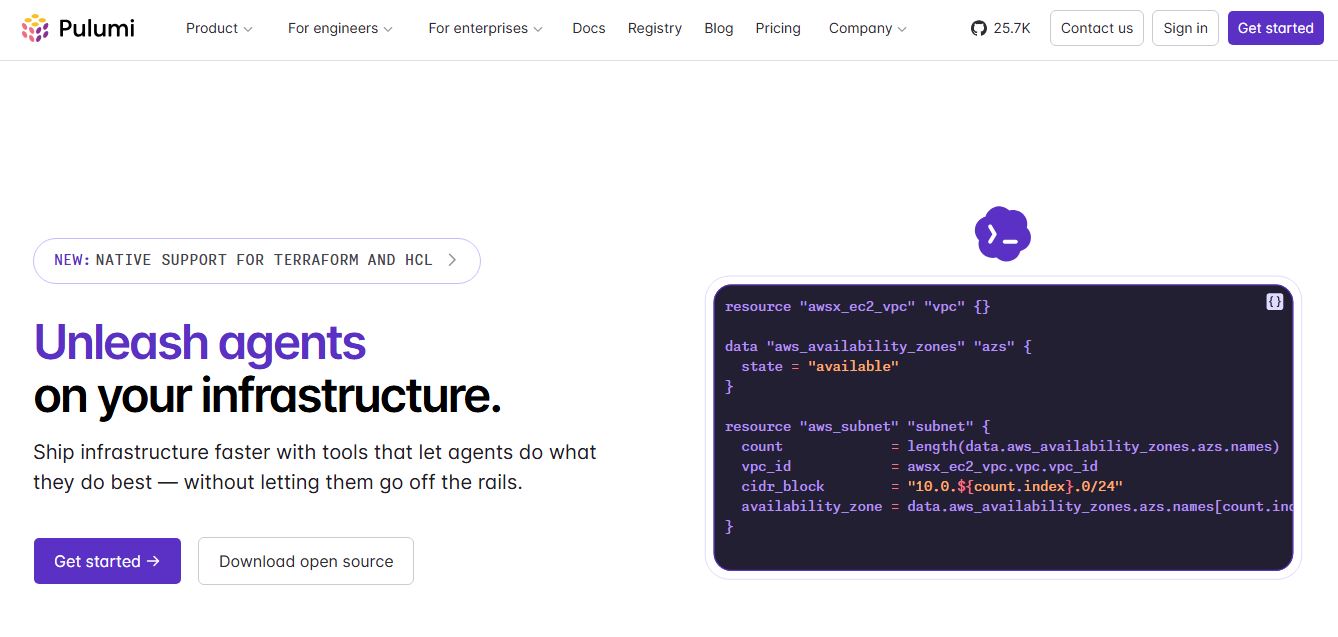
4.9Pulumi
Developer AI Tools
Pulumi is an open-source Infrastructure as Code (IaC) and cloud engineering platform that lets developers provision and manage multi-cloud infrastructure, Kubernetes clusters, and secrets using real programming languages like TypeScript, Python, Go, Java, and C#.
 4.9
4.9Meta Muse Code
Developer AI Tools
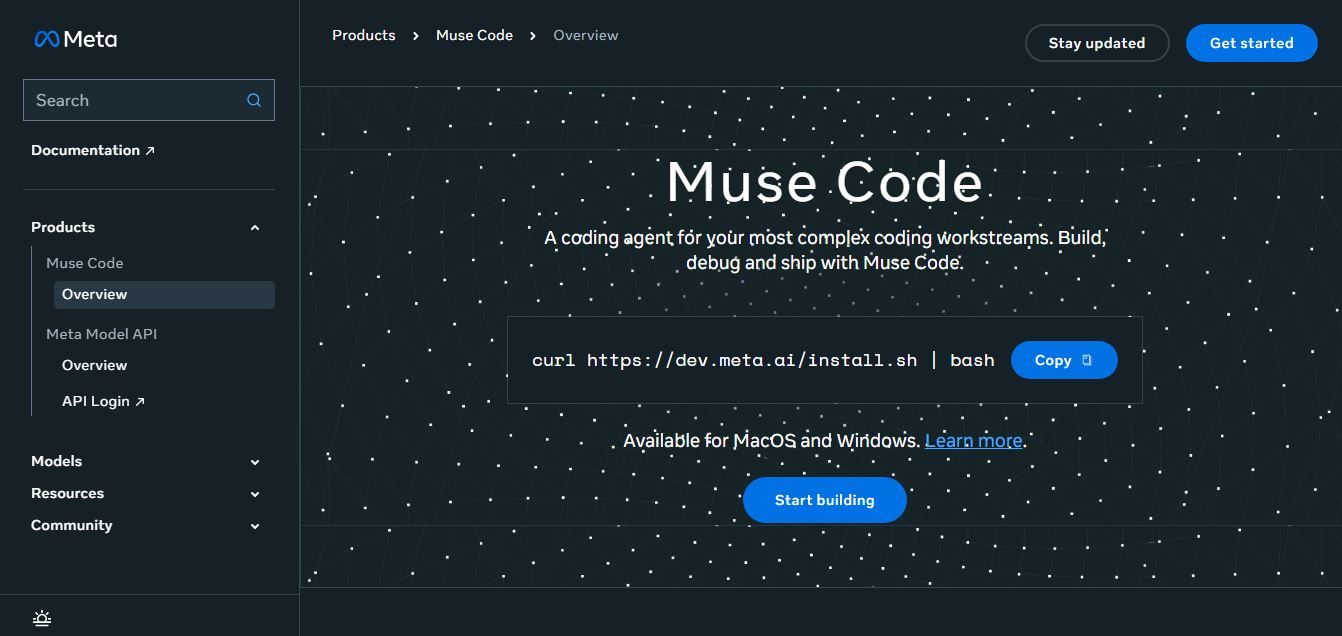
Meta Muse Code is a terminal-native AI coding agent powered by Meta’s Muse Spark models that plans, writes, audits, and executes multi-file software engineering tasks directly in developer CLI environments with multi-agent orchestration and 1M token context.
 4.9
4.9LiveKit
Developer AI Tools
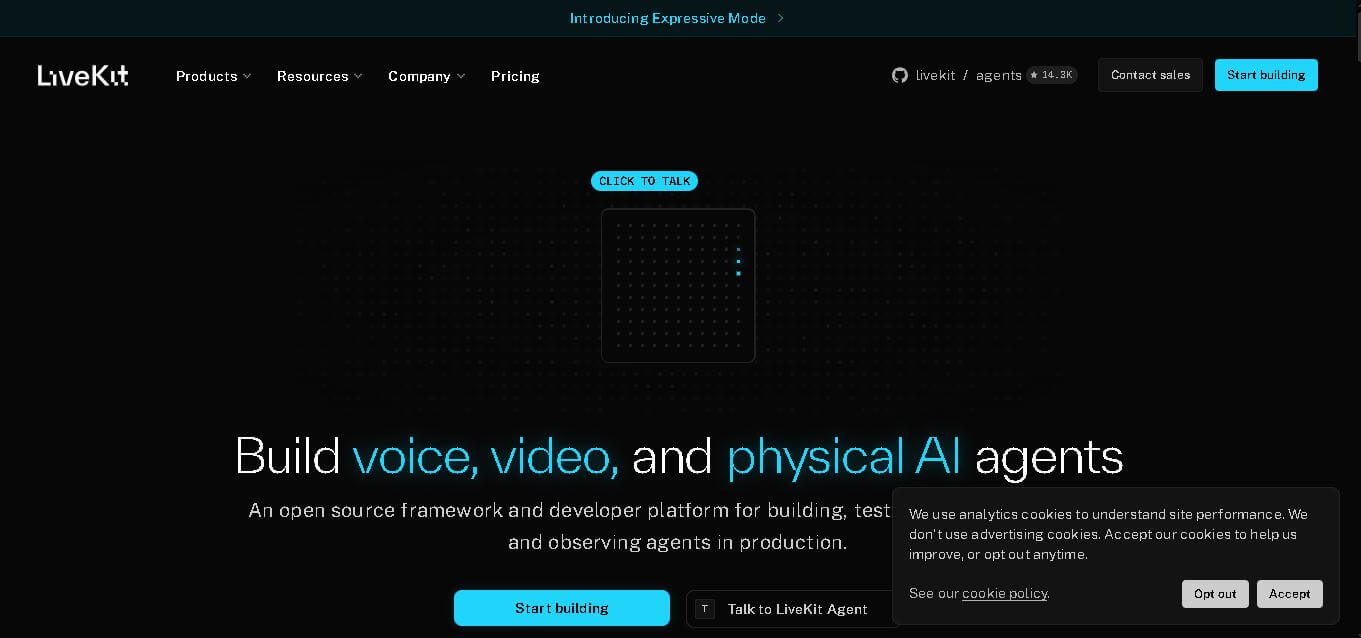
LiveKit is a real-time communication and AI agent development platform designed for developers building voice, video, and multimodal applications. It combines open-source infrastructure, WebRTC communication, AI agent tools, telephony integrations, model connectivity, cloud deployment, and observability, helping teams create responsive applications that can operate across browsers, mobile apps, and phone calls.
 4.8
4.8RTutor AI
Developer AI Tools
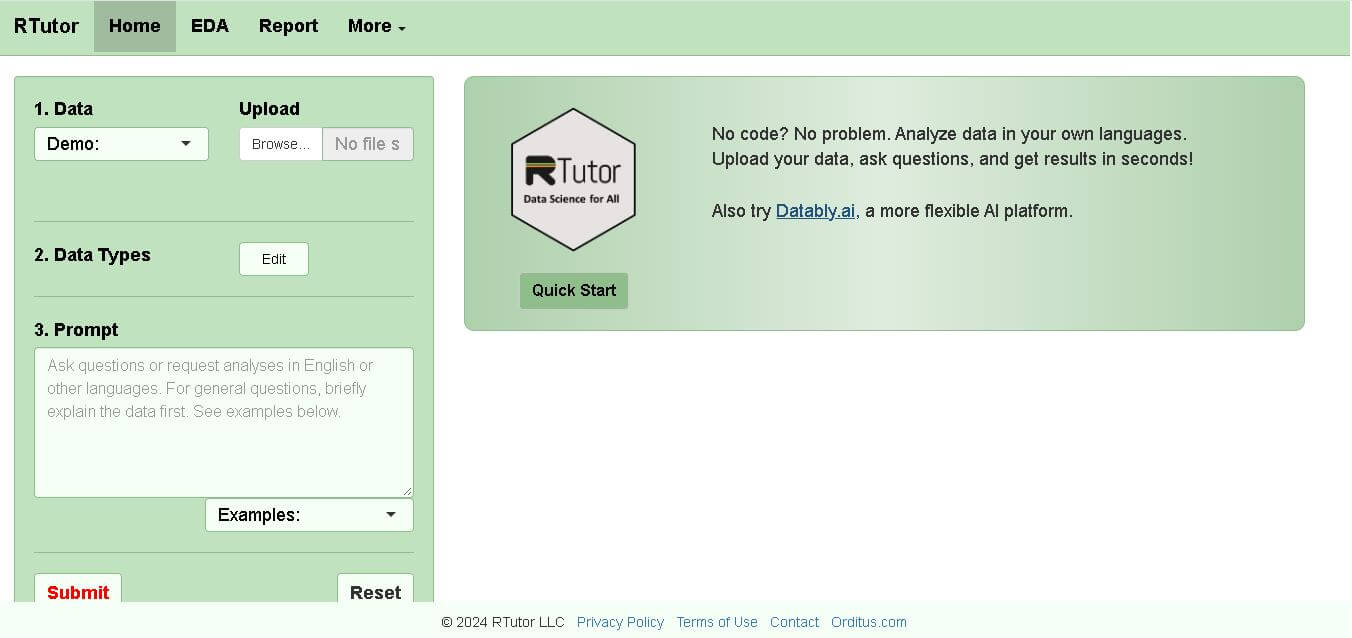
RTutor makes statistical data analysis easier by allowing users to describe what they want in natural language. It converts requests into R or Python code, executes the analysis, displays results, and supports charts and reports. Researchers, students, analysts, and beginners can use it to explore datasets without writing every command manually.
 4.9
4.9Chat Recall
Developer AI Tools
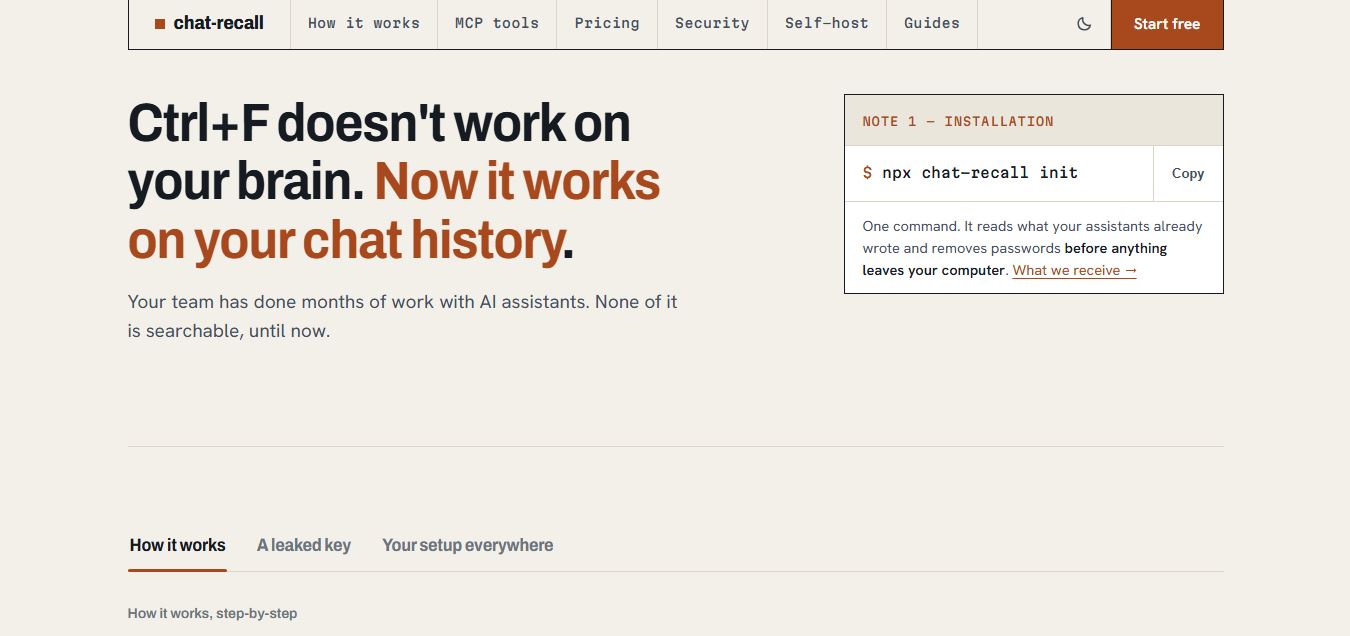
Chat Recall is a unified AI coding chat history search, intelligence, and Model Context Protocol (MCP) memory platform that indexes past conversations across multiple AI coding assistants, strips exposed API secrets locally, and gives coding agents persistent shared memory.
 4.9
4.9Cortex Docs
Developer AI Tools
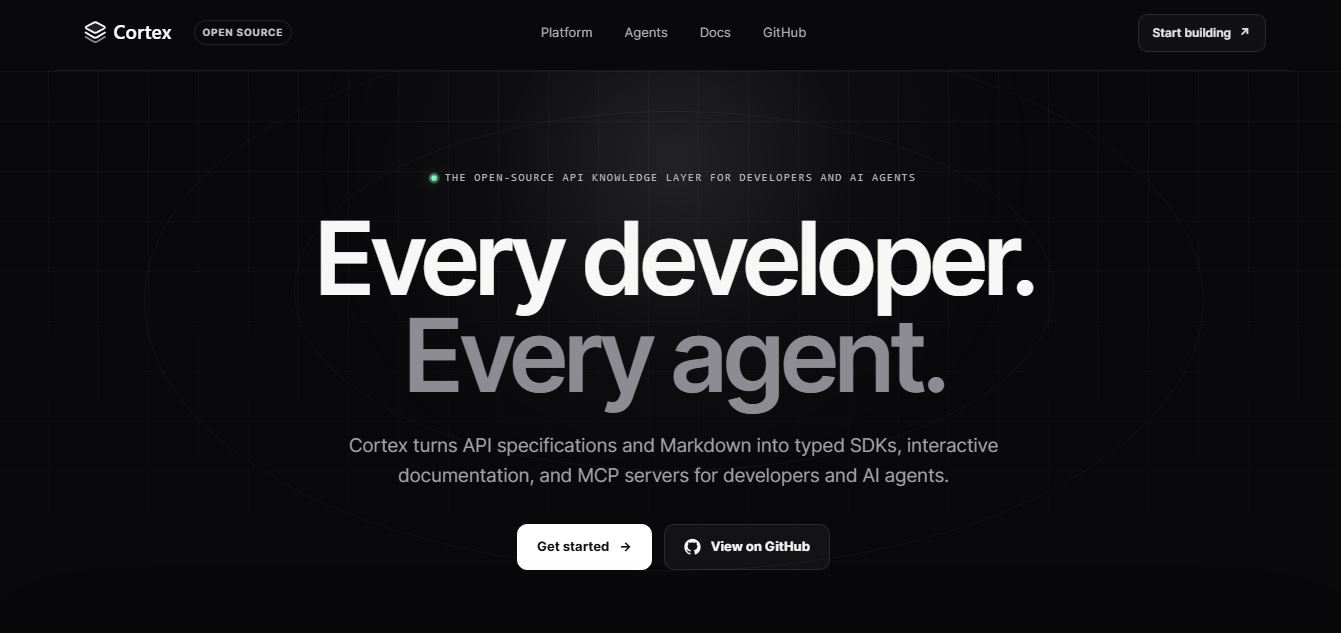
Cortex Docs is an open-source, MIT-licensed API knowledge layer and code generation toolchain that transforms API specifications into interactive documentation sites, typed SDKs in 11 languages, and Model Context Protocol (MCP) servers.
 4.8
4.8Nscale
Developer AI Tools
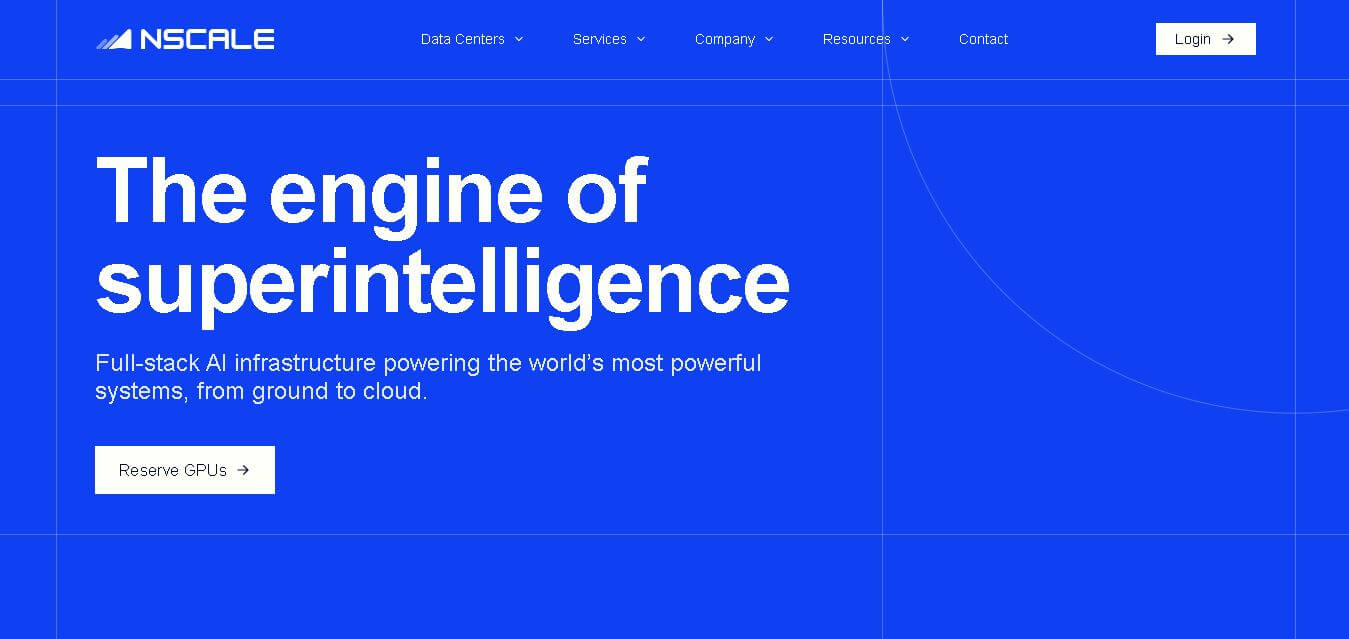
Nscale is a full-stack AI cloud provider offering GPU compute, inference, training, fine-tuning, Kubernetes, Slurm, networking, storage, and dedicated AI infrastructure. It helps AI teams and enterprises scale demanding workloads while reducing infrastructure complexity and improving performance, efficiency, and deployment speed through purpose-built AI data centers and integrated cloud services.