
LiveKit
LiveKit is a real-time communication and AI agent development platform designed for developers building voice, video, and multimodal applications. It combines open-source infrastructure, WebRTC communication, AI agent tools, telephony integrations, model connectivity, cloud deployment, and observability, helping teams create responsive applications that can operate across browsers, mobile apps, and phone calls.
What is LiveKit?
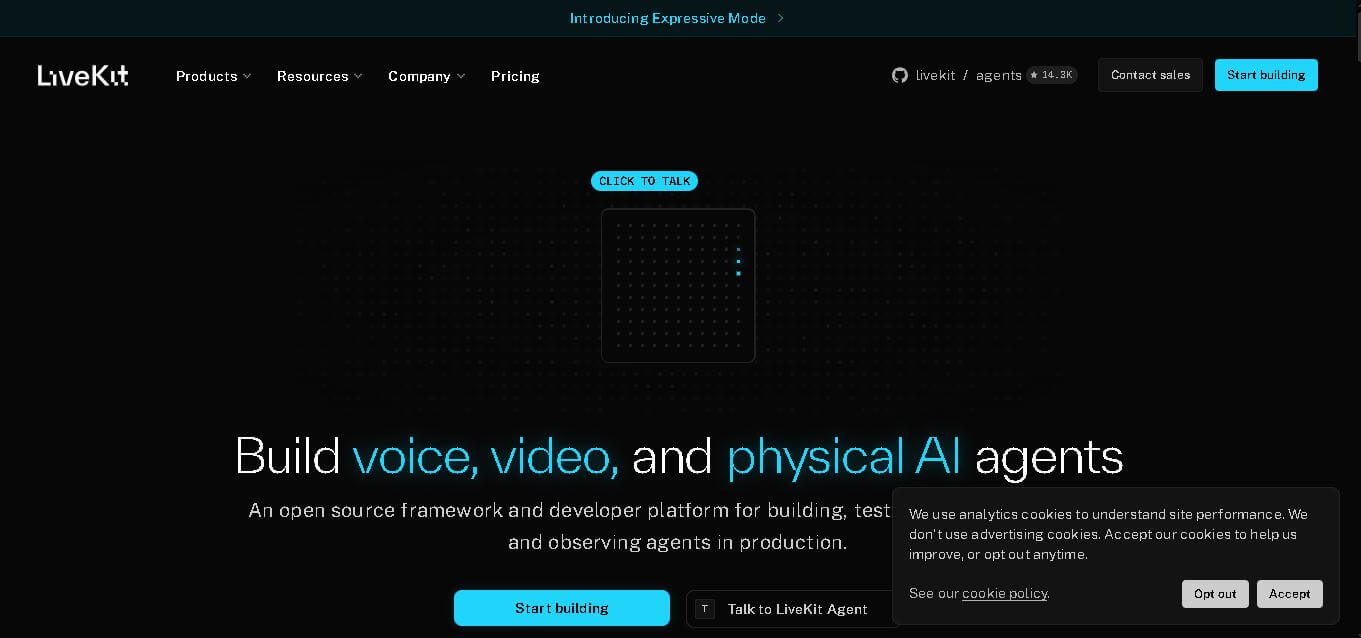
LiveKit is an open-source framework and developer platform for building real-time voice, video, and physical AI applications. It provides WebRTC-based infrastructure for connecting users and AI agents through audio, video, and data streams. Developers can use Python or Node.js to create agents, integrate AI models, add telephony, and deploy applications through LiveKit Cloud.
LiveKit supports real-time AI applications at a significant scale. According to its official website, the platform has 300,000+ developers, handles 3 billion+ calls annually, operates across 19+ global regions, and reports 99.99% uptime with approximately 100ms global latency. Its infrastructure supports voice, video, and physical AI agents, while LiveKit Cloud provides deployment, observability, inference, and telephony capabilities. The platform also offers open-source components for developers who prefer self-hosted deployments.
- Platform Role: Real-Time WebRTC Media Server, Voice AI Agent Framework, & Cloud Infrastructure
- Developer & Organization: LiveKit, Inc.
- Cross-Platform Access: Open-source SDKs for Web (React, Vue, JS), Mobile (iOS, Android, React Native, Flutter), Server (Python, Node.js, Go, Rust), and Telephony (SIP)
Use Cases:
- Building real-time conversational voice AI agents with speech-to-text (STT), large language models (LLMs), and text-to-speech (TTS) orchestration
- Deploying multi-party video conferencing, live streaming platforms, and virtual classrooms
- Connecting voice AI models to traditional telephone networks via SIP and PSTN trunking
- Streaming low-latency video feeds for robotics, autonomous vehicles, and physical AI systems
- Powering multimodal AI interactions combining speech, video vision inputs, and real-time interruption handling
Technology:
- Go-based open-source WebRTC media server optimized for high concurrency and adaptive bitrate streaming
- LiveKit Agents framework supporting automatic turn detection, noise suppression, and speech interruption handling
- Inference gateways integrating model providers like Deepgram, OpenAI, Google Gemma, Cartesia, ElevenLabs, and Azure
- Global cloud routing mesh spanning 19+ regions with enterprise-grade SOC 2 Type 2, GDPR, and HIPAA compliance
Target Users:
- AI engineers and developers building production voice assistants and multimodal AI applications
- Product teams creating custom web and mobile video calling or live streaming experiences
- Robotics and IoT engineers requiring real-time teleoperation video streams
- Enterprise infrastructure leaders needing self-hostable or managed WebRTC infrastructure at scale
Acquisition: Open-source repositories on GitHub with managed cloud services at livekit.com
What are the key features of LiveKit?
LiveKit's key platform features are
- LiveKit Agents Framework: A dedicated Python and Node.js SDK built to construct end-to-end voice AI agents with turn management and low-latency audio pipelines.
- Open Source & Self-Hostable: Full access to the core media server code, enabling complete on-premises or private cloud deployment.
- Global LiveKit Cloud: Fully managed multi-region infrastructure handling auto-scaling, TURN servers, and global network routing.
- Telephony & SIP Trunking: Direct integration to connect voice agents to inbound and outbound phone calls through providers like Twilio or Telnyx.
- Full-Stack Observability: Real-time session metrics, latency tracing, packet loss analysis, and transcript logging for every agent interaction.
- Extensive Client SDK Ecosystem: Native client libraries across Web, iOS, Android, Flutter, React Native, Unity, and Rust.
How much does LiveKit cost?
LiveKit operates on an open-source self-hosted model alongside a pay-as-you-go LiveKit Cloud tier with monthly free credits.
Pricing Tiers:
- Self-Hosted (Open Source - $0): Free forever when you self-host the open-source media server on your own infrastructure.
- LiveKit Cloud (Free Tier): Includes 1,000 free agent session minutes per month with no credit card required to start.
- LiveKit Cloud (Pay-As-You-Go): Usage-based billing per bandwidth and participant minute for scaling applications past free limits.
- Enterprise Plan: Custom volume pricing, dedicated cloud instances, SLAs, and dedicated technical support.
Disclaimer: Core LiveKit media server software is open source. LiveKit Cloud offers a free allowance of 1,000 monthly agent session minutes, after which usage-based charges apply.
Who should use LiveKit?
LiveKit is designed for software engineers, product builders, and enterprise tech teams, including
- Voice AI Developers: Teams building conversational AI agents that require low-latency voice streams and speech interruption capabilities.
- Video Application Engineers: Developers building custom WebRTC apps who want to avoid managing raw WebRTC signaling, ICE, and TURN servers.
- Robotics & Hardware Startups: Engineers streaming live camera feeds to web dashboards or remote operators.
- Enterprise Platforms: Organizations like OpenAI, Headspace, Spotify, and Salesforce need proven real-time infrastructure operating at scale.
What are the best alternatives to LiveKit?
Some of the strongest LiveKit alternatives include
- Daily.co
- Agora
- Twilio Programmable Video
- 100ms
- Retell AI
- Vapi
What are the pros and cons of LiveKit?
What are the pros of LiveKit?
- Open-source core architecture eliminates vendor lock-in and allows full self-hosting
- Industry-leading low latency (sub-100ms) optimized specifically for real-time AI voice conversations
- Flexible SDKs supporting modern tech stacks across web, desktop, mobile, and server environments
- Proven enterprise reliability handling billions of calls for platforms like OpenAI Advanced Voice
- Generous cloud tier providing 1,000 free agent minutes monthly
What are the cons of LiveKit?
- Requires developer knowledge of web protocols, audio pipelines, and API integrations compared to visual no-code builders
- Self-hosting managed deployments requires dedicated DevOps and WebRTC network expertise
Why should you choose LiveKit?
Building real-time WebRTC audio and video systems from scratch involves handling complex media servers, network NAT traversal, and low-latency synchronization. LiveKit abstracts these complexities through flexible SDKs and open-source infrastructure. Whether deploying an open-source server on your own cloud or leveraging LiveKit Cloud for managed scaling, it gives developers total control over custom business logic without compromising performance.
How does LiveKit compare to competitors?
| Feature / Platform | LiveKit | Daily.co | Agora | Vapi |
|---|---|---|---|---|
| Core Focus | Open-Source WebRTC & Voice AI Agent Platform | WebRTC Video & Voice AI APIs | Proprietary Real-Time Engagement Network | Managed Voice AI Agent Orchestration API |
| Open Source Availability | Yes (full server and client code) | No (proprietary cloud) | No (Proprietary SDKs) | No (Managed API service) |
| Self-Hosting Option | Yes (Complete) | No | No | No |
| Free Allowance | 1,000 free agent mins/mo (Cloud) / Unlimited self-hosted | 10,000 video minutes/mo | 10,000 free minutes/mo | $10 free credit |
| Best For | Developers wanting full code control over voice AI and WebRTC stacks | Fast WebRTC video and audio integration | Large-scale mobile live broadcasting | Quick voice bot creation with minimal infrastructure setup |
How do we rate LiveKit?
| Parameter | Rating (out of 5) |
|---|---|
| Real-Time Performance & Latency | 4.9 |
| Developer Experience & SDK Quality | 4.9 |
| AI Agent Capabilities & Interruption Handling | 4.8 |
| Flexibility & Open Source Architecture | 5.0 |
| Value for Money & Pricing Model | 4.8 |
| Overall Score | 4.88 |
What is our review and verdict on LiveKit?
LiveKit is a premier infrastructure platform for real-time audio, video, and voice AI development. By combining open-source transparency with a globally scaled cloud service, it offers developers unmatched architectural freedom without sacrificing enterprise performance. It stands as a gold standard for teams building next-generation conversational AI and WebRTC products.
Conclusion
LiveKit brings real-time communication and AI agent development into one developer-focused ecosystem. Its open-source framework, WebRTC infrastructure, AI integrations, telephony support, cloud deployment, and observability make it suitable for applications involving voice, video, multimodal interaction, and physical AI. Developers can self-host components or use LiveKit Cloud for managed infrastructure. With support for Python, Node.js, multiple AI providers, and scalable real-time communication, LiveKit provides a flexible foundation for building production-oriented AI experiences.
FAQ
What can LiveKit be used for?
LiveKit can be used to create real-time voice assistants, video applications, multimodal AI agents, telehealth experiences, customer-service systems, and phone-based AI applications. Developers can connect users and agents through audio, video, text, and data streams. Its infrastructure also supports robotics and other applications requiring low-latency communication between people, software, and intelligent systems.
Is LiveKit free to use?
LiveKit offers a free build plan through LiveKit Cloud, with no credit card required. The platform also provides open-source components that developers can self-host. For production applications, paid cloud plans provide additional capabilities, usage allowances, collaboration features, scaling options, and enterprise functionality. Pricing therefore depends on whether you self-host or use managed infrastructure.
Does LiveKit support AI voice agents?
Yes. LiveKit provides a dedicated Agents framework for building real-time voice AI agents. Developers can create agents using Python or Node.js and connect speech-to-text, language models, and text-to-speech services. The framework also handles important conversational requirements such as turn detection, interruptions, agent sessions, tool usage, and multi-agent workflows.
Can LiveKit handle video applications?
Yes. LiveKit supports real-time video alongside audio and data communication. Its architecture uses rooms, participants, and tracks to manage real-time media across web, mobile, and embedded applications. Developers can therefore build applications involving video calls, interactive AI experiences, multimodal agents, and other use cases where participants need to exchange live media and data.
What programming languages does LiveKit support?
LiveKit Agents supports Python and Node.js for building AI agents. Developers can also integrate LiveKit into web and mobile applications using its available SDKs and APIs. This approach allows teams to keep their existing application stack while adding real-time audio, video, data communication, and AI-agent capabilities to their products.
Does LiveKit support telephony?
Yes. LiveKit includes telephony capabilities that allow AI agents to interact with users through regular phone calls. Its platform supports phone numbers and SIP integrations, enabling developers to create inbound and outbound calling experiences. This means an agent can communicate with users through a web or mobile interface as well as traditional telephone connections.
User Reviews
No reviews yet for LiveKit.
Featured Tools
Featured AI tools from TechShark

Melody Genie
MelodyGenie is an AI-powered music generator that creates original songs from simple text prompts. Users can choose styles, moods, and genres, then instantly generate melodies and full tracks, making it easy for creators, marketers, and hobbyists to produce custom music without musical expertise.
Freemium

Kimi AI
Kimi AI is an advanced AI assistant developed by Moonshot AI that helps you chat, research, write, code, and automate tasks in one place. It supports web search, file analysis, and multimodal inputs, and can even run autonomous “agent” workflows to complete complex tasks end-to-end.
Freemium

Fashion Diffusion AI
Fashion Diffusion is an AI-powered fashion design platform that helps brands and designers create clothing designs, virtual try-ons, AI models, product photos, and marketing visuals faster and cost-effectively.
Paid

Veo 4
Veo 4 AI is an AI video creation platform that generates dramatic videos from text, images, audio, and video prompts using realistic motion and synchronized sound.
Paid
Alternatives
Alternatives to LiveKit
The top alternatives to LiveKit include Daily.co, Agora, 100ms, Retell AI, and Vapi. While LiveKit offers a fully open-source, self-hostable core alongside LiveKit Cloud for voice AI agents and WebRTC, alternatives like Daily.co focus on fully managed APIs and Vapi provides turn-key voice bot management.
 4.9
4.9Xano
No Code
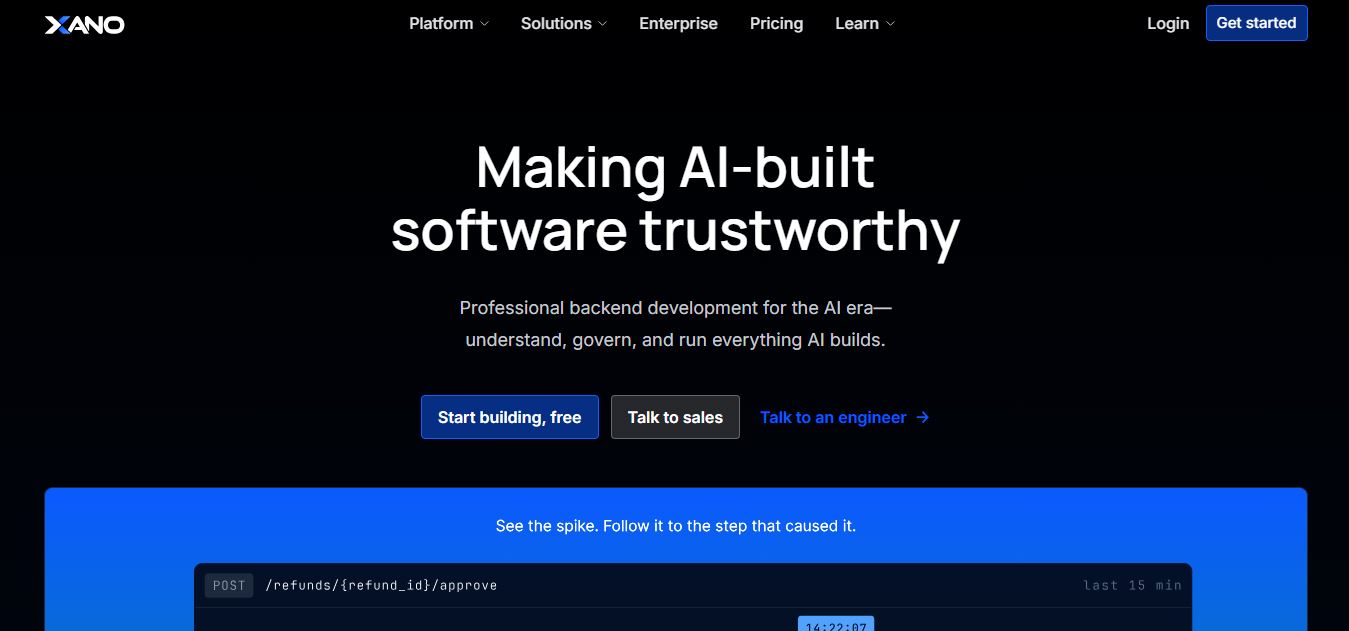
Xano is a no-code backend platform that lets users build scalable APIs, databases, and business logic without writing code. It provides a powerful server-side infrastructure, enabling developers and no-code creators to connect frontends, manage data, and launch applications quickly and efficiently.
 4.9
4.9Brainboard
Developer AI Tools
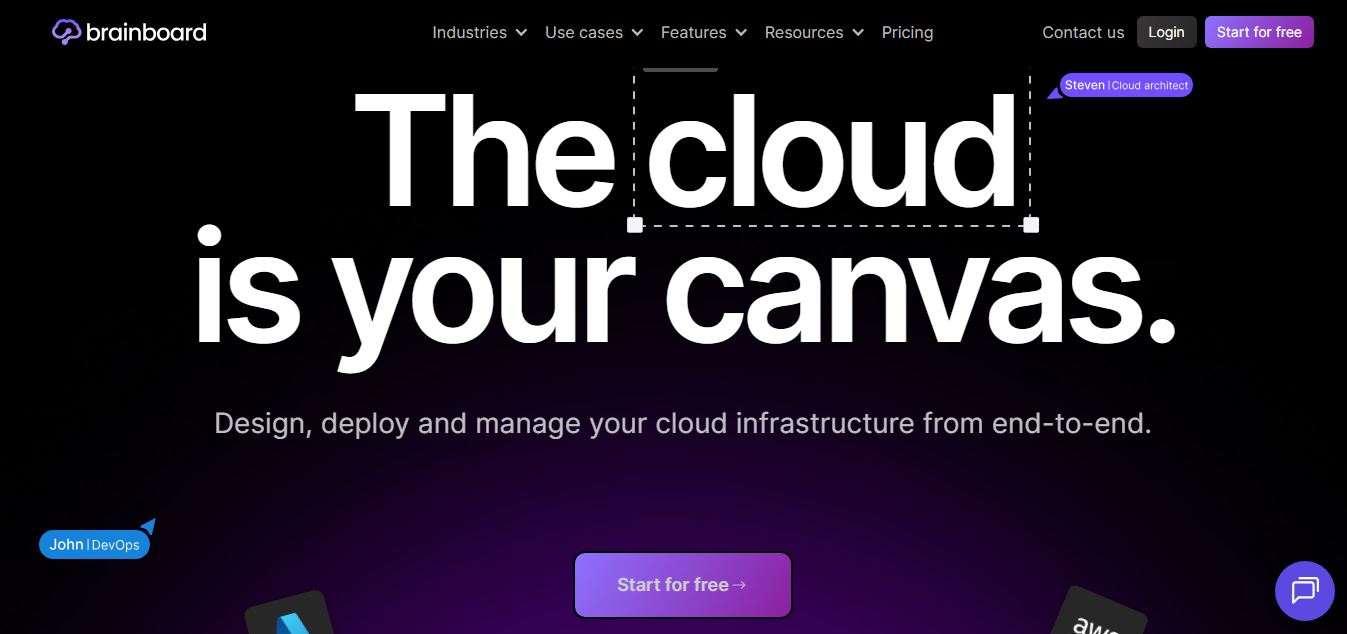
Brainboard is a visual cloud architecture and Infrastructure as Code (IaC) design platform that transforms interactive cloud diagrams into clean, production-ready Terraform code, complete with integrated visual CI/CD deployment pipelines, drift detection, and cost estimation.
 4.9
4.9Pulumi
Developer AI Tools
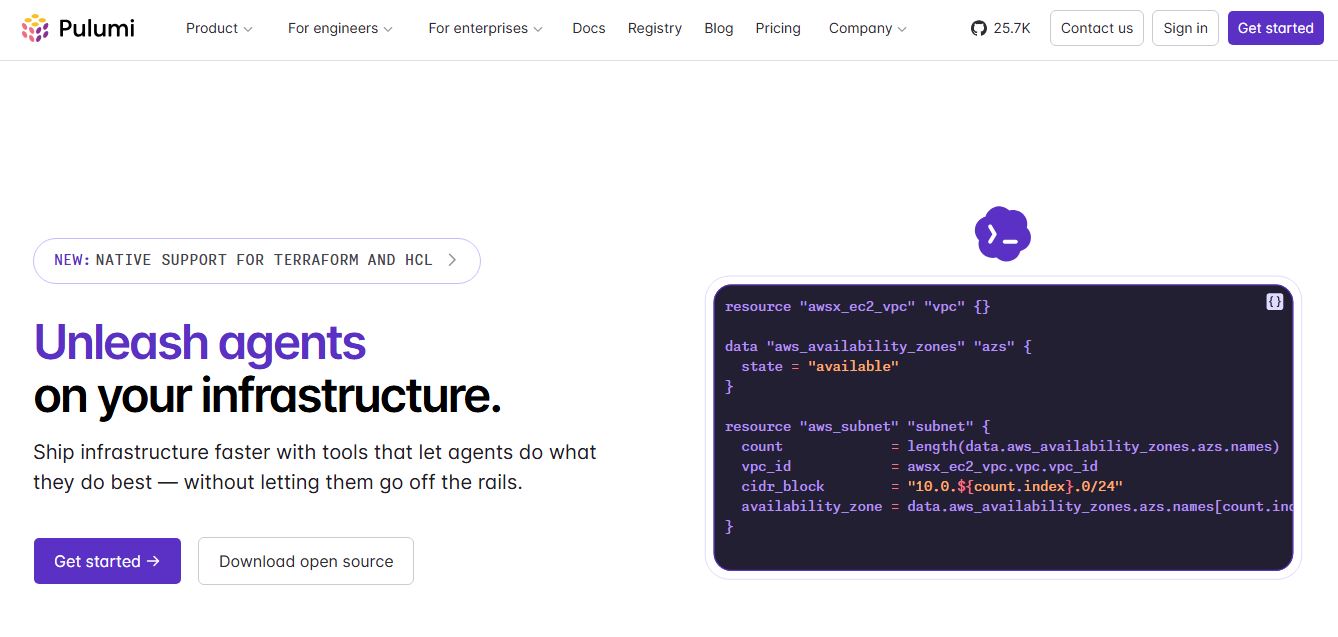
Pulumi is an open-source Infrastructure as Code (IaC) and cloud engineering platform that lets developers provision and manage multi-cloud infrastructure, Kubernetes clusters, and secrets using real programming languages like TypeScript, Python, Go, Java, and C#.
 4.9
4.9Meta Muse Code
Developer AI Tools
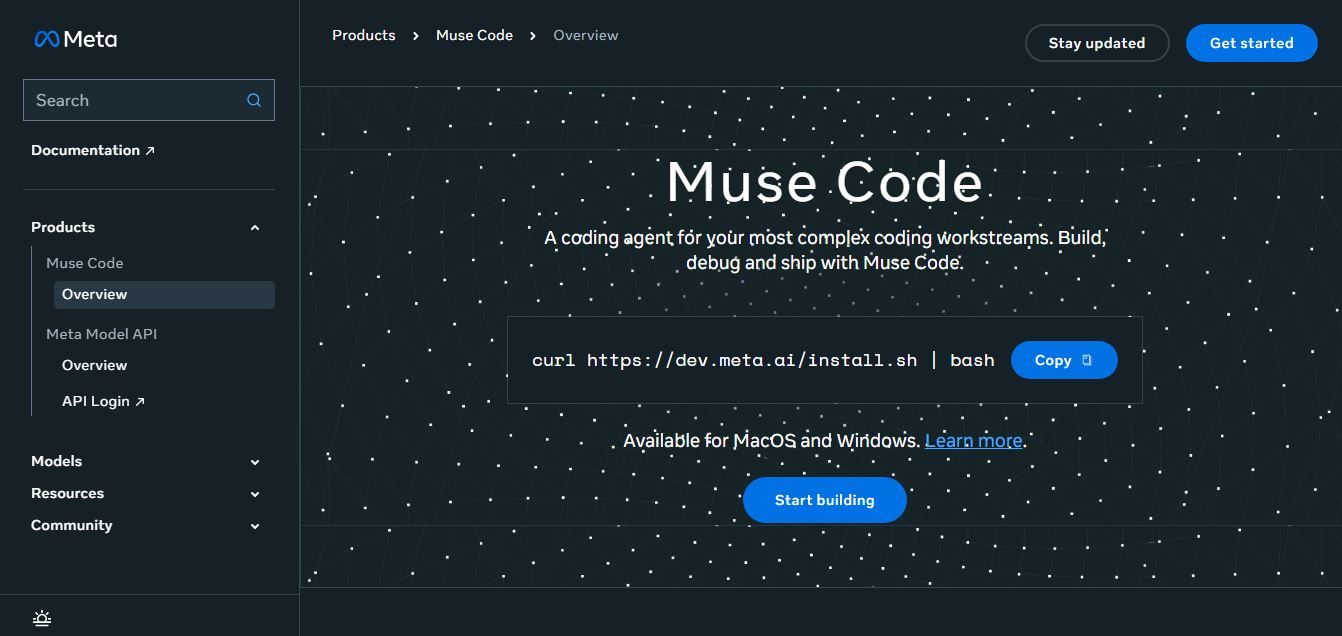
Meta Muse Code is a terminal-native AI coding agent powered by Meta’s Muse Spark models that plans, writes, audits, and executes multi-file software engineering tasks directly in developer CLI environments with multi-agent orchestration and 1M token context.
 4.8
4.8RTutor AI
Developer AI Tools
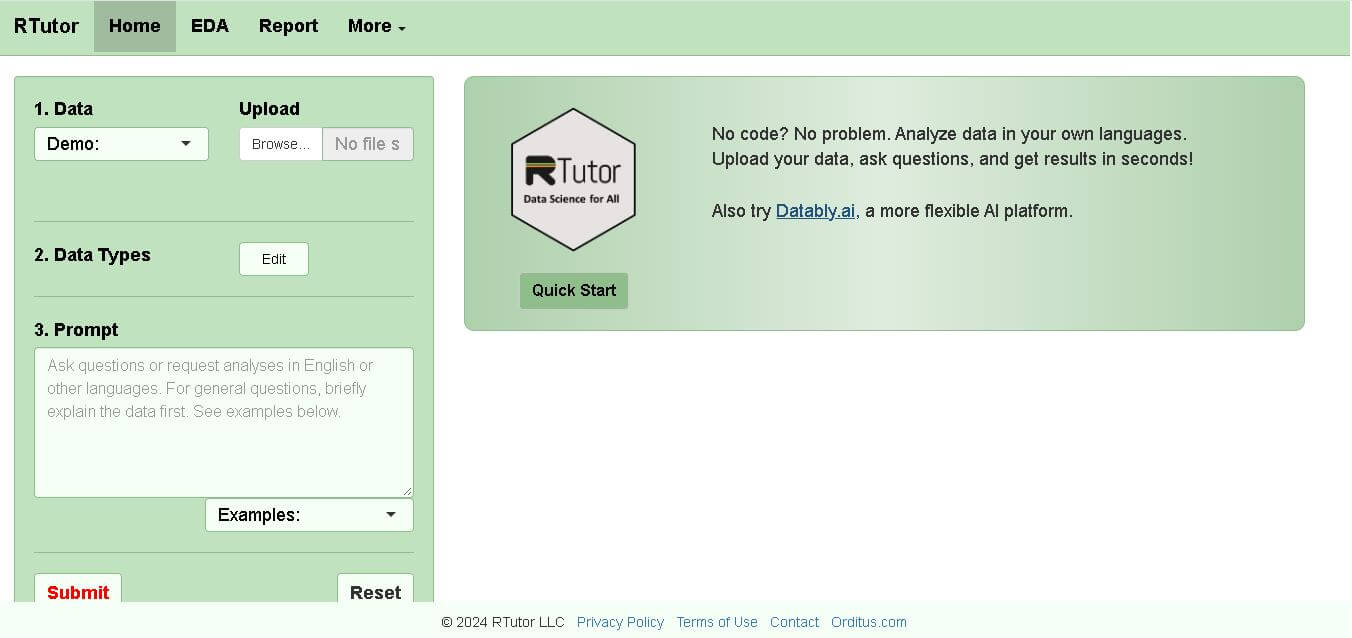
RTutor makes statistical data analysis easier by allowing users to describe what they want in natural language. It converts requests into R or Python code, executes the analysis, displays results, and supports charts and reports. Researchers, students, analysts, and beginners can use it to explore datasets without writing every command manually.
 4.9
4.9Chat Recall
Developer AI Tools
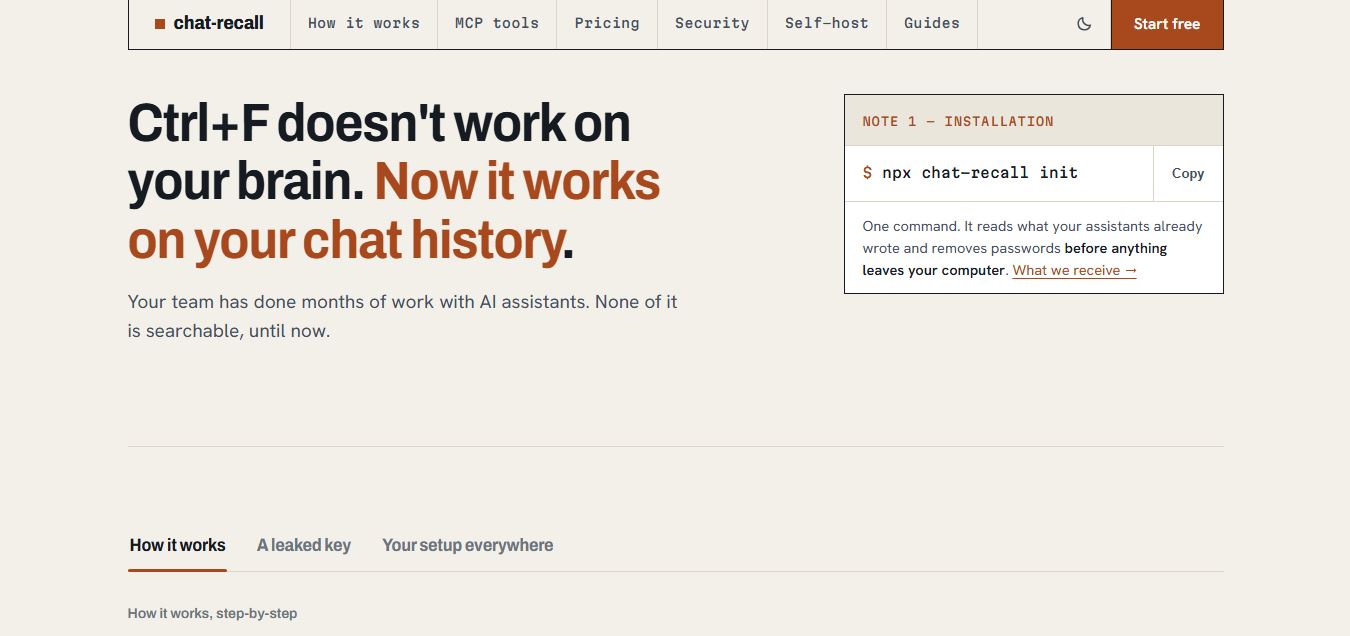
Chat Recall is a unified AI coding chat history search, intelligence, and Model Context Protocol (MCP) memory platform that indexes past conversations across multiple AI coding assistants, strips exposed API secrets locally, and gives coding agents persistent shared memory.
 4.9
4.9Cortex Docs
Developer AI Tools
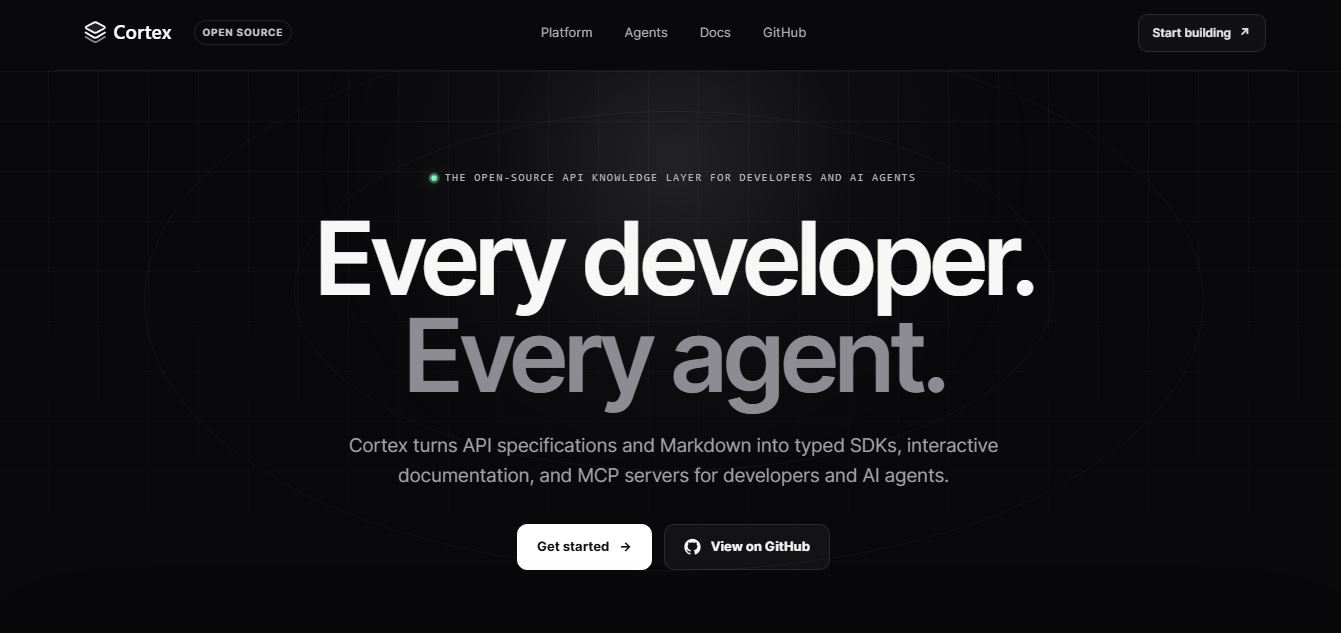
Cortex Docs is an open-source, MIT-licensed API knowledge layer and code generation toolchain that transforms API specifications into interactive documentation sites, typed SDKs in 11 languages, and Model Context Protocol (MCP) servers.
 4.9
4.9Stackness
Developer AI Tools
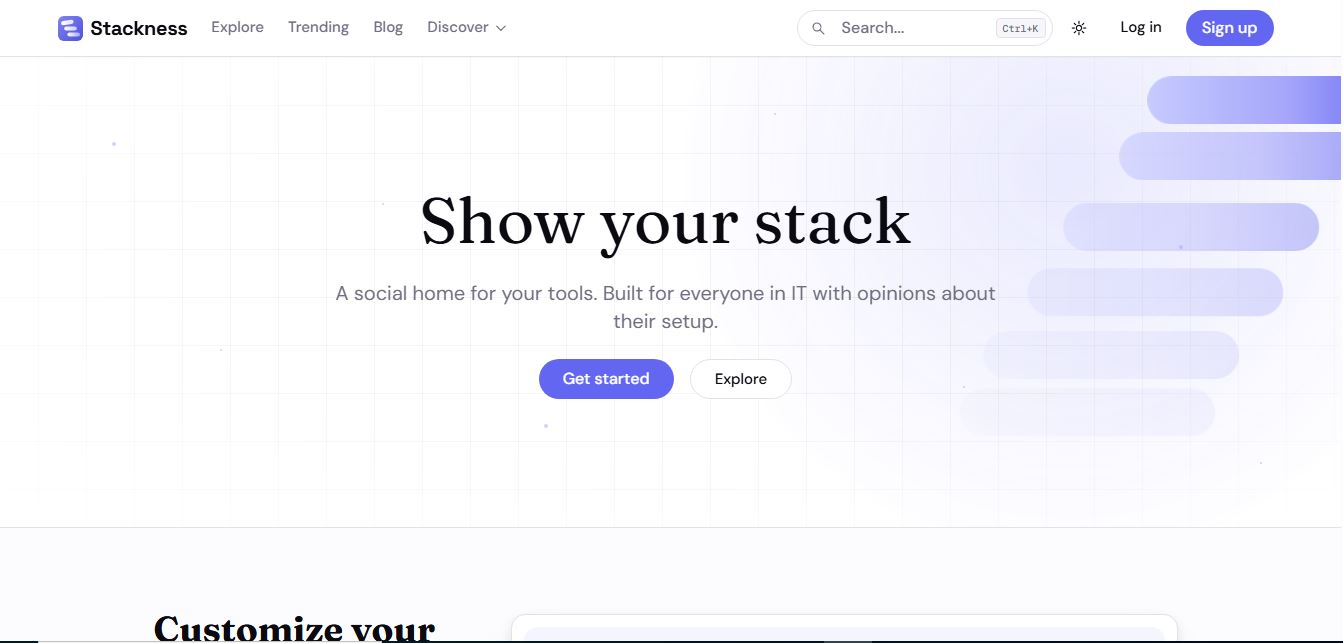
Stackness is a developer-focused social portfolio and tech stack discovery platform where engineers, designers, and tech teams showcase their daily drivers, document workflow 'Moves', explore software trend telemetry, and arrange their tooling profiles as customizable bento grids.
 4.8
4.8Nscale
Developer AI Tools
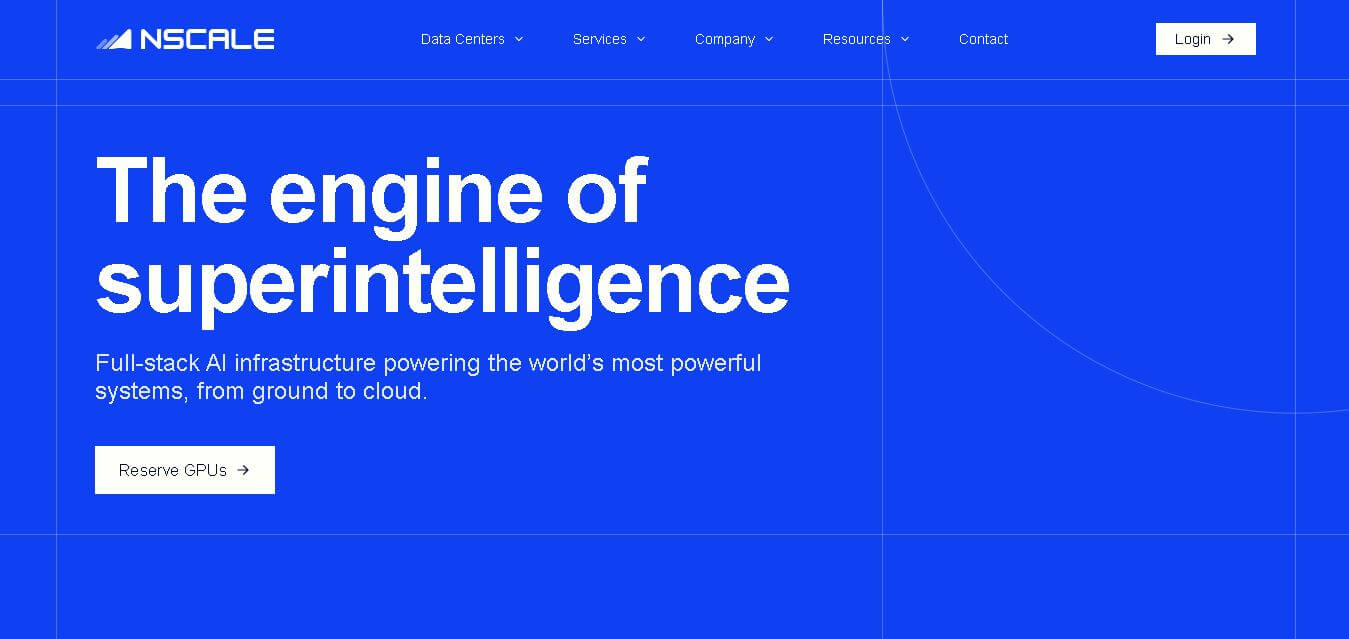
Nscale is a full-stack AI cloud provider offering GPU compute, inference, training, fine-tuning, Kubernetes, Slurm, networking, storage, and dedicated AI infrastructure. It helps AI teams and enterprises scale demanding workloads while reducing infrastructure complexity and improving performance, efficiency, and deployment speed through purpose-built AI data centers and integrated cloud services.