Brainboard
Brainboard is a visual cloud architecture and Infrastructure as Code (IaC) design platform that transforms interactive cloud diagrams into clean, production-ready Terraform code, complete with integrated visual CI/CD deployment pipelines, drift detection, and cost estimation.
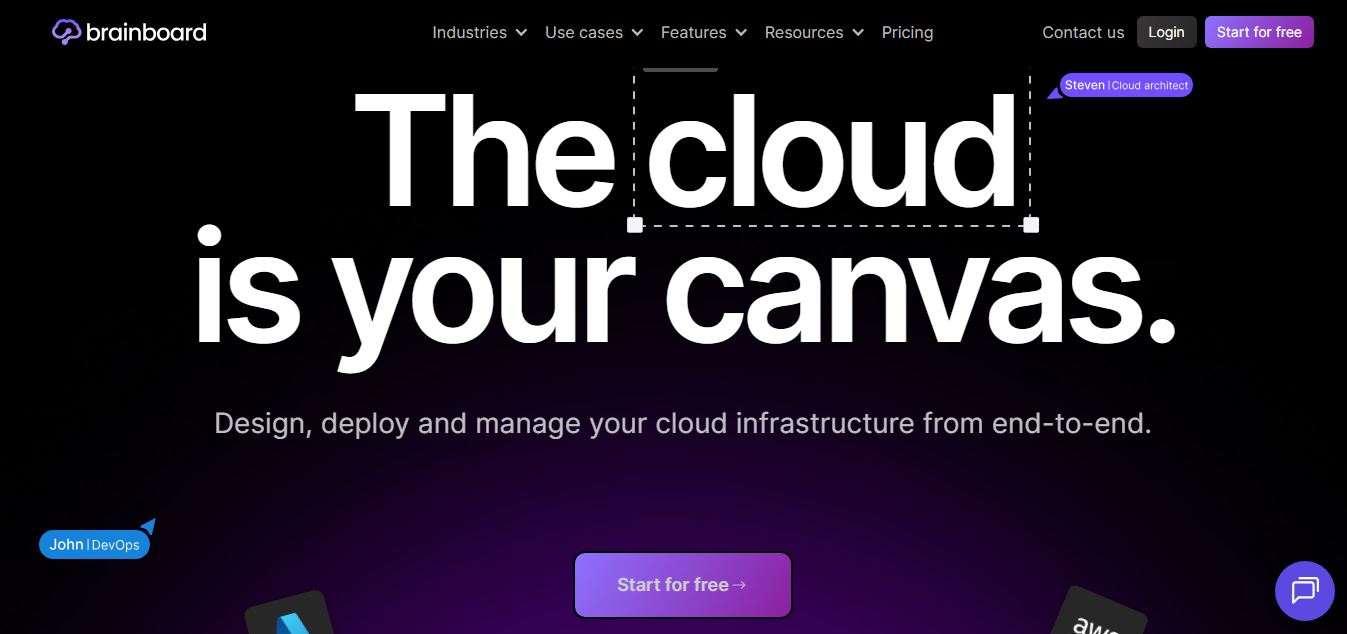
What is Brainboard?
Brainboard is an AI-powered cloud infrastructure management platform that helps teams visually design, deploy, and manage cloud environments. Instead of manually writing infrastructure code, users can build architectures through a visual interface, and the platform automatically generates Terraform code in real time. It also includes built-in CI/CD, security checks, and cost controls, making it easier to standardize and scale infrastructure across AWS, Azure, and other cloud providers. Overall, it simplifies complex DevOps workflows and reduces errors while improving collaboration.
Brainboard was founded in 2019 by Chafik Belhaoues and Jeremy Albinet (backed by Y Combinator) and is used by thousands of cloud engineers across global enterprises and fast-growing tech teams. Supporting over 150 cloud providers and services—including AWS, Azure, GCP, and OCI—Brainboard reduces the time required to design, code, and deploy cloud infrastructure from weeks to minutes. Teams using Brainboard report cutting IaC writing time by over 70 percent while maintaining 100% visual and code parity across complex multi-cloud environments.
- Founder / Leadership: Chafik Belhaoues (Co-founder & CEO) and Jeremy Albinet (Co-founder & CTO)
- Launch Year: 2019 / 2020 (YC Batch)
Use Cases:
- Visually designing multi-cloud architectures and compiling them into formatted Terraform code
- Reverse-engineering existing cloud states, Git repositories, and Terraform files into interactive diagrams
- Executing visual CI/CD pipelines (init, plan, apply) and vulnerability scans directly from the canvas
- Forecasting and optimizing monthly cloud infrastructure costs using embedded Infracost modeling
Technology:
- Bidirectional visual-to-code compiler engine supporting Terraform and OpenTofu standards
- Embedded visual CI/CD runner executing static code analysis, drift detection, and cloud applies
- Integration ecosystem spanning Checkov, tfsec, Infracost, GitHub, GitLab, and Azure DevOps
Target Users:
- Cloud architects and solutions engineers designing enterprise landing zones
- DevOps engineers, platform leads, and Site Reliability Engineers (SREs)
- Cloud security and compliance officers conducting architecture security reviews
- IT consultancies and managed service providers (MSPs) presenting designs to clients
Corporate Entity: Operates as an independent developer infrastructure company (Brainboard Inc.)

Key features of Brainboard
Brainboard's key features are
- Real-Time Visual-to-Terraform Engine: Drag and drop cloud resources on the canvas; Brainboard automatically generates clean, formatted, and validated Terraform code in real time.
- Reverse-Engineering Cloud Importer: Ingest existing Terraform state files, Git repositories, or live cloud environments to automatically generate interactive architectural diagrams.
- Visual CI/CD Deployment Engine: Execute terraform init, plan, and apply workflows directly from a visual pipeline canvas without context-switching to external terminal consoles.
- Built-In Cost Estimation: Calculates live cost estimates for planned infrastructure components using integrated Infracost analysis before applying changes.
- Policy-as-Code & Security Scanning: Runs automated security and compliance scans across designs using integrated Checkov, tfsec, and custom Open Policy Agent (OPA) rules.
- Native Git & Remote Backend Sync: Connects bi-directionally with GitHub, GitLab, Bitbucket, and Azure DevOps, preserving existing branch structures and pull request workflows.
- Collaborative Team Canvas: Work simultaneously with distributed teammates in real time with shared cursors, comment threads, and role-based access control (RBAC).
- Reusable Architecture Templates & Catalog: Package standardized, approved cloud landing zones and architectures into an internal self-service catalog for cross-team reuse.
Brainboard Pricing
Brainboard provides a free tier for individual exploration alongside monthly and annual subscription plans, with marketplace deployment options on AWS and Azure.
Free Plan:
- $0/month (Free forever)
- Unlimited visual cloud architectures and Terraform code generation for solo exploration
- Core public cloud templates and community support
Pro Plan:
- Starts at $99/user/month (or $999/user/year billed annually)
- Unlimited members and teams, native architecture versioning, and Git integration
- Embedded visual CI/CD engine, remote state backends, RBAC, and unlimited deployments
Enterprise Plan:
- Custom pricing
- Self-hosted on-premise or private VPC deployments, custom SLAs, SSO/SAML, dedicated customer success, and audit logs
Disclaimer: For the latest feature updates and enterprise deployment details, please visit the official Brainboard website.
Who is using Brainboard?
Brainboard is designed for a broad range of cloud and infrastructure professionals, including
- Cloud Architects: Translating complex enterprise requirements into valid, production-ready cloud architectures
- DevOps & Platform Teams: Automating routine Terraform writing and establishing self-service infrastructure catalogs
- Security & SRE Engineers: Verifying compliance and running pre-deployment vulnerability scans on cloud topologies
- Migration Specialists: Reverse-engineering legacy cloud estates into interactive, documentable visual diagrams
- Managed Service Providers (MSPs): Visually presenting proposed cloud architectures to client stakeholders
Best Brainboard Alternatives
Some of the strongest Brainboard alternatives include
- Pulumi
- Terraform (HashiCorp Cloud Platform)
- Cloudcraft (Datadog)
- Eraser.io
- Massdriver
- Appvia
Pros and Cons of Brainboard
Pros
- Solves documentation drift by maintaining 100% real-time synchronization between visual diagrams and Terraform code
- Visual CI/CD engine enables running plans, applies, and security scans directly on the canvas
- Built-in cost estimation with Infracost prevents cloud budget surprises before deployment
- Reverse-engineers existing Terraform code and cloud states into clean, editable diagrams
- Lowers the barrier to entry for junior engineers learning Infrastructure as Code conventions
Cons
- Paid Pro plan starts at $99/user/month, which may represent a notable cost for very small bootstrapped startups
- Advanced multi-provider architectures with custom proprietary modules may require manual parameter tuning
- Primarily focused on Terraform/OpenTofu ecosystems rather than multi-language IaC frameworks like Pulumi or AWS CDK
- High-density canvases with hundreds of microservices can require structured modularization to avoid visual clutter
Why Choose Brainboard?
Brainboard is the ideal choice for platform teams, cloud architects, and DevOps leads who want to accelerate cloud infrastructure delivery without sacrificing code quality or visual documentation.
- Automatically turns visual diagrams into validated, production-grade Terraform code
- Eliminates out-of-sync documentation by pairing visual diagrams with executable code
- Integrates security checks, cost estimation, and deployment pipelines into one workspace
- Connects seamlessly to your existing Git repositories and CI/CD workflows
- Reverse-engineers live cloud deployments into interactive visual diagrams in seconds
Brainboard vs. Competitors
The main difference between Brainboard, Cloudcraft, Pulumi, and Terraform is that Brainboard provides an interactive visual canvas that bi-directionally writes and deploys Terraform code with integrated CI/CD, whereas Cloudcraft focuses on static AWS diagrams with cost modeling, Pulumi uses general-purpose programming languages for IaC, and Terraform requires writing text configurations manually. Brainboard stands out for its visual-to-code compilation and integrated deployment pipeline execution.
| Feature / Tool | Brainboard (brainboard.co) | Cloudcraft | Pulumi | Terraform (HCP) |
|---|---|---|---|---|
| Core Focus | Visual IaC & Terraform Engine | Static Cloud Architecture | Programmatic Multi-Language IaC | Declarative Text IaC |
| Visual-to-Code Generation | Yes (Real-Time Terraform) | Basic CloudFormation | No (Code-First) | No (Text HCL) |
| Reverse-Engineering Import | Yes (Terraform / State) | AWS Account Sync | Import CLI | Terraform Import |
| Integrated Visual CI/CD | Yes (Plan, Apply, Scan) | No (Diagram Only) | Automation API | HCP Pipelines |
| Cost Estimation Built-In | Yes (Infracost Integration) | Yes (AWS Costing) | Third-Party Plugins | HCP Cost Estimation |
| Best For | Visual Cloud Architects & DevOps | AWS Diagramming & Budgets | Programmers & Platform Teams | Traditional IaC Engineers |
How do we rate Brainboard?
| Parameter | Rating (out of 5) |
|---|---|
| Visual Canvas & Diagramming Usability | 5.0 |
| Real-Time Terraform Code Synthesis | 4.9 |
| Integrated CI/CD, Security & Cost Checks | 4.9 |
| Reverse-Engineering & Git Integration | 4.8 |
| Value for Money | 4.7 |
| Overall Score | 4.86 |
Brainboard Review
Brainboard provides an elegant and practical bridge between the visual world of cloud architecture design and the code-first world of DevOps engineering. By ensuring that every visual box and connection on a canvas compiles into valid, well-structured Terraform code, it completely eliminates the chronic documentation drift that plagues modern cloud teams. The ability to visualize security vulnerabilities, run cost projections before deployment, and execute CI/CD runs directly from the diagram turns what used to be a fragmented multi-tool chore into an intuitive, unified workflow. For cloud architects, platform engineers, and DevOps teams seeking to accelerate infrastructure delivery, Brainboard is an outstanding platform.
Conclusion
Brainboard simplifies cloud infrastructure design by turning architecture diagrams into deployable code. Instead of writing everything manually, users can visually build systems and automatically generate infrastructure as code. This bridges the gap between planning and implementation. Overall, Brainboard improves collaboration between teams, reduces setup complexity, and helps developers and DevOps engineers create and manage cloud environments more efficiently.
FAQ
What is Brainboard and how does it work?
Brainboard is an AI-powered cloud infrastructure management platform that allows teams to visually design, deploy, and manage infrastructure using a collaborative interface. Instead of writing Terraform code manually, users can design architectures visually, and Brainboard automatically generates production-ready Infrastructure as Code (IaC) in real time. It acts as a centralized workspace where teams can manage infrastructure, enforce standards, and automate deployments across multiple cloud providers.
What makes Brainboard different from Terraform?
Terraform is primarily a code-based IaC tool where engineers manually define infrastructure, while Brainboard builds on top of Terraform by adding a visual layer and automation. It enables users to design infrastructure graphically and automatically generate Terraform code, reducing errors and improving collaboration. This “design-first” approach makes it easier for teams to standardize processes and onboard new engineers without deep IaC expertise.
What features does Brainboard offer?
Brainboard includes features like visual architecture design, automatic Terraform code generation, CI/CD pipeline integration, role-based access control (RBAC), drift detection, and reusable templates. It also integrates with tools such as GitHub, Slack, and security tools like Checkov and Tfsec, enabling teams to manage infrastructure workflows, enforce policies, and track changes efficiently within one platform.
Which cloud providers does Brainboard support?
Brainboard is designed for multi-cloud environments and supports major providers like AWS, Microsoft Azure, Google Cloud Platform, Oracle Cloud (OCI), and Scaleway. It allows teams to manage all these environments from a single unified interface, simplifying operations for organizations running hybrid or multi-cloud infrastructures.
Can beginners use Brainboard without Terraform knowledge?
Yes, Brainboard is designed to lower the learning curve for Infrastructure as Code. While basic familiarity with cloud concepts helps, users don’t need deep Terraform expertise because the platform handles code generation automatically. Its visual interface, templates, and guided workflows make it easier for beginners to design and deploy infrastructure while still following best practices.
How does Brainboard handle CI/CD and deployment?
Brainboard includes a built-in CI/CD engine specifically designed for infrastructure workflows. Users can run Terraform actions such as plan, apply, and destroy within a secure environment, create automated pipelines, and enforce approval workflows. This reduces manual deployment steps and ensures that infrastructure changes are tested, validated, and compliant before reaching production.
Is Brainboard free to use?
Yes, Brainboard offers a free plan that allows users to design architectures and generate Terraform code. It also provides a trial period with access to advanced features, after which users can upgrade to paid plans for team collaboration, enterprise governance, and extended capabilities.
Who should use Brainboard?
Brainboard is ideal for DevOps teams, cloud architects, platform engineers, and enterprises managing complex cloud environments. It is particularly useful for organizations adopting Infrastructure as Code, managing multi-cloud setups, or looking to standardize and automate infrastructure workflows while improving collaboration and reducing operational complexity.
User Reviews
No reviews yet for Brainboard.
Featured Tools
Featured AI tools from TechShark

Melody Genie
MelodyGenie is an AI-powered music generator that creates original songs from simple text prompts. Users can choose styles, moods, and genres, then instantly generate melodies and full tracks, making it easy for creators, marketers, and hobbyists to produce custom music without musical expertise.
Freemium

Kimi AI
Kimi AI is an advanced AI assistant developed by Moonshot AI that helps you chat, research, write, code, and automate tasks in one place. It supports web search, file analysis, and multimodal inputs, and can even run autonomous “agent” workflows to complete complex tasks end-to-end.
Freemium

Fashion Diffusion AI
Fashion Diffusion is an AI-powered fashion design platform that helps brands and designers create clothing designs, virtual try-ons, AI models, product photos, and marketing visuals faster and cost-effectively.
Paid

Veo 4
Veo 4 AI is an AI video creation platform that generates dramatic videos from text, images, audio, and video prompts using realistic motion and synchronized sound.
Paid
Alternatives
Alternatives to Brainboard
The best Brainboard alternatives include Pulumi, Terraform (HashiCorp Cloud Platform), Cloudcraft (Datadog), Eraser.io, Massdriver, and Appvia. These platforms provide cloud diagramming, infrastructure provisioning, and developer platform orchestration. While Brainboard specializes in bi-directional visual diagramming with real-time Terraform compilation and visual CI/CD execution, alternatives like Pulumi focus on programmatic multi-language code (TypeScript, Python), and Cloudcraft specializes in static AWS cost diagrams. Choosing the ideal tool depends on whether you require visual-to-Terraform compilation, programmatic software IaC, or static architectural modeling.
 4.9
4.9Xano
No Code
Xano is a no-code backend platform that lets users build scalable APIs, databases, and business logic without writing code. It provides a powerful server-side infrastructure, enabling developers and no-code creators to connect frontends, manage data, and launch applications quickly and efficiently.
 4.9
4.9Pulumi
Developer AI Tools
Pulumi is an open-source Infrastructure as Code (IaC) and cloud engineering platform that lets developers provision and manage multi-cloud infrastructure, Kubernetes clusters, and secrets using real programming languages like TypeScript, Python, Go, Java, and C#.
 4.9
4.9Meta Muse Code
Developer AI Tools
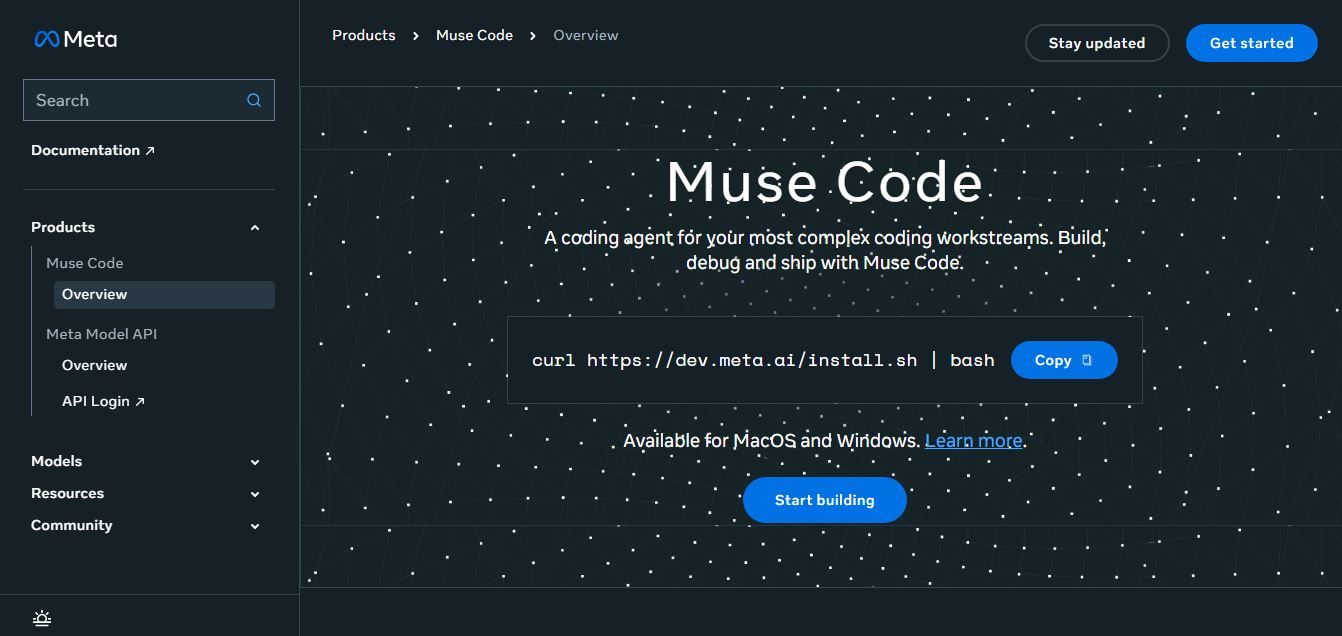
Meta Muse Code is a terminal-native AI coding agent powered by Meta’s Muse Spark models that plans, writes, audits, and executes multi-file software engineering tasks directly in developer CLI environments with multi-agent orchestration and 1M token context.
 4.9
4.9LiveKit
Developer AI Tools
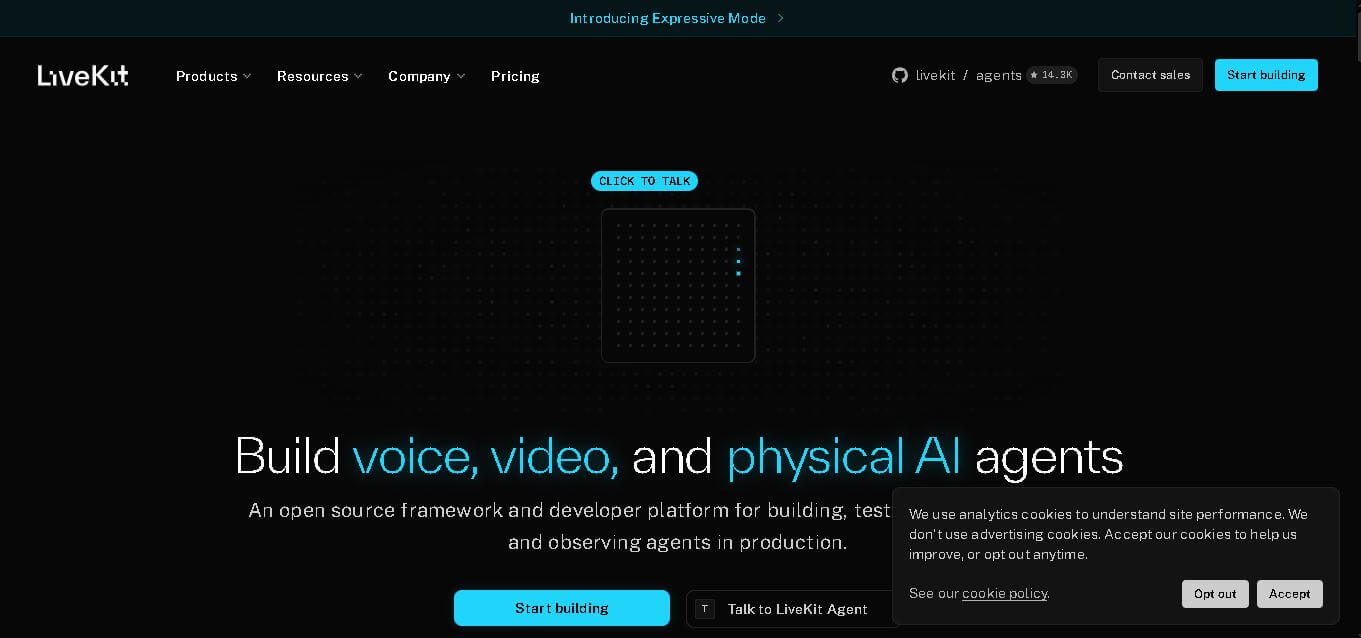
LiveKit is a real-time communication and AI agent development platform designed for developers building voice, video, and multimodal applications. It combines open-source infrastructure, WebRTC communication, AI agent tools, telephony integrations, model connectivity, cloud deployment, and observability, helping teams create responsive applications that can operate across browsers, mobile apps, and phone calls.
 4.8
4.8RTutor AI
Developer AI Tools
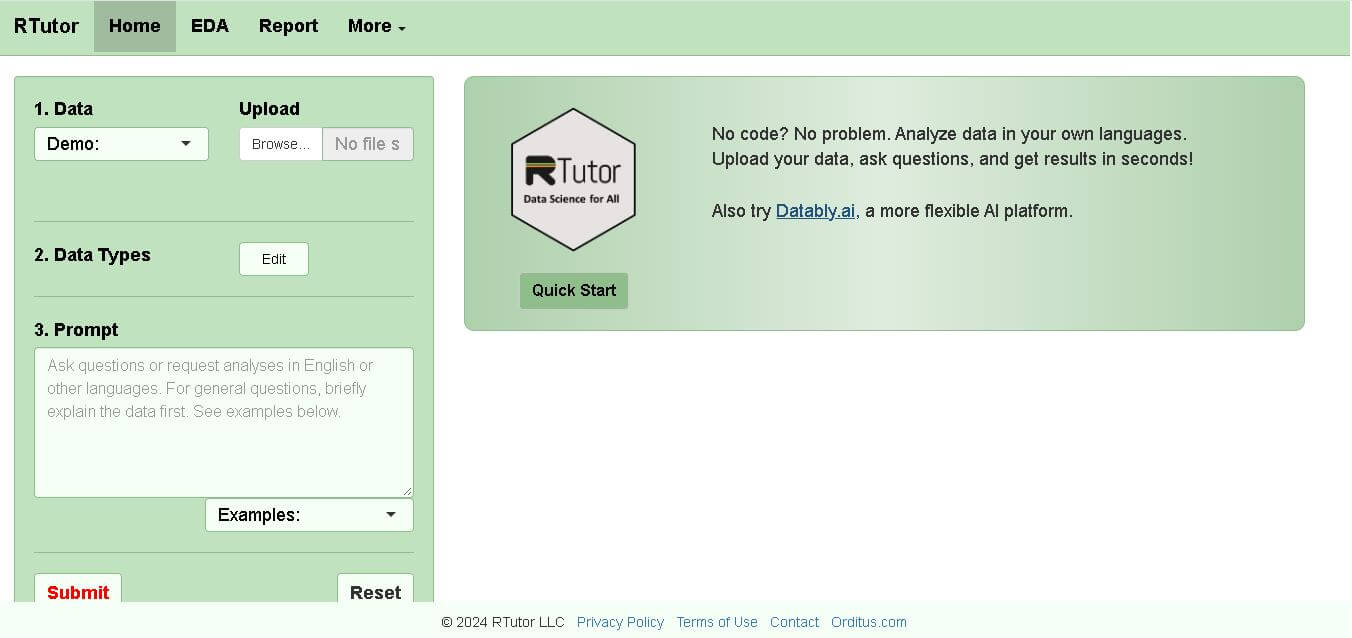
RTutor makes statistical data analysis easier by allowing users to describe what they want in natural language. It converts requests into R or Python code, executes the analysis, displays results, and supports charts and reports. Researchers, students, analysts, and beginners can use it to explore datasets without writing every command manually.
 4.9
4.9Chat Recall
Developer AI Tools
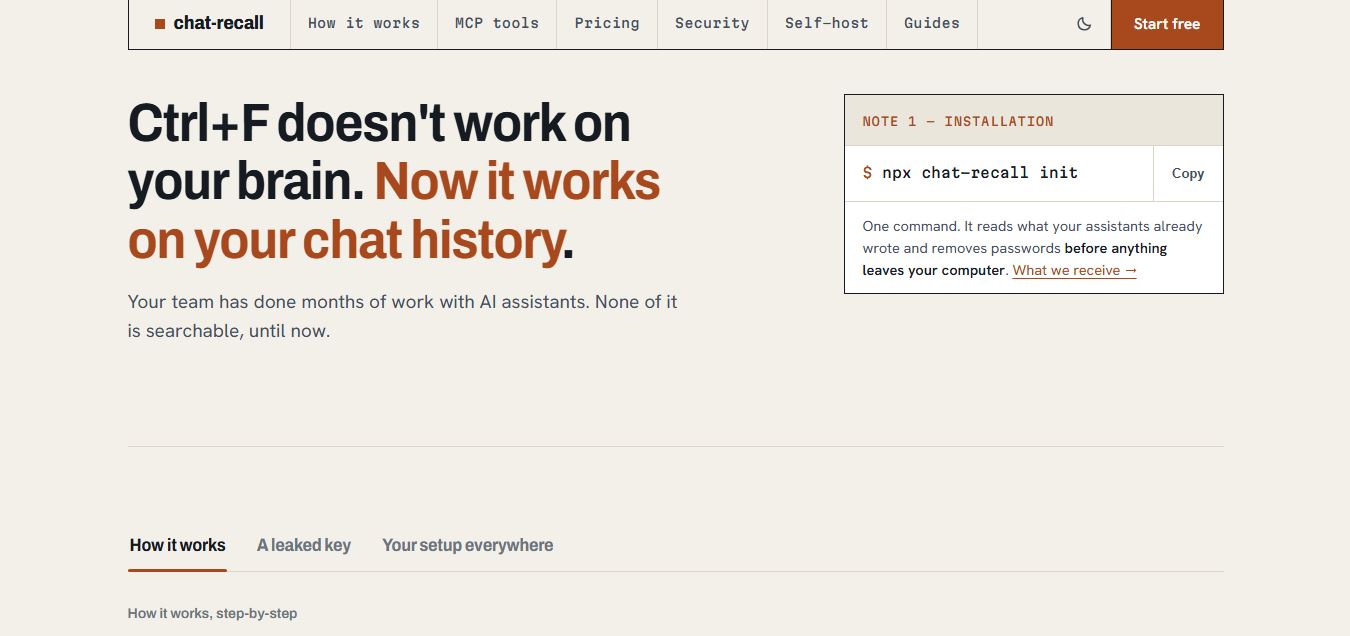
Chat Recall is a unified AI coding chat history search, intelligence, and Model Context Protocol (MCP) memory platform that indexes past conversations across multiple AI coding assistants, strips exposed API secrets locally, and gives coding agents persistent shared memory.
 4.9
4.9Cortex Docs
Developer AI Tools
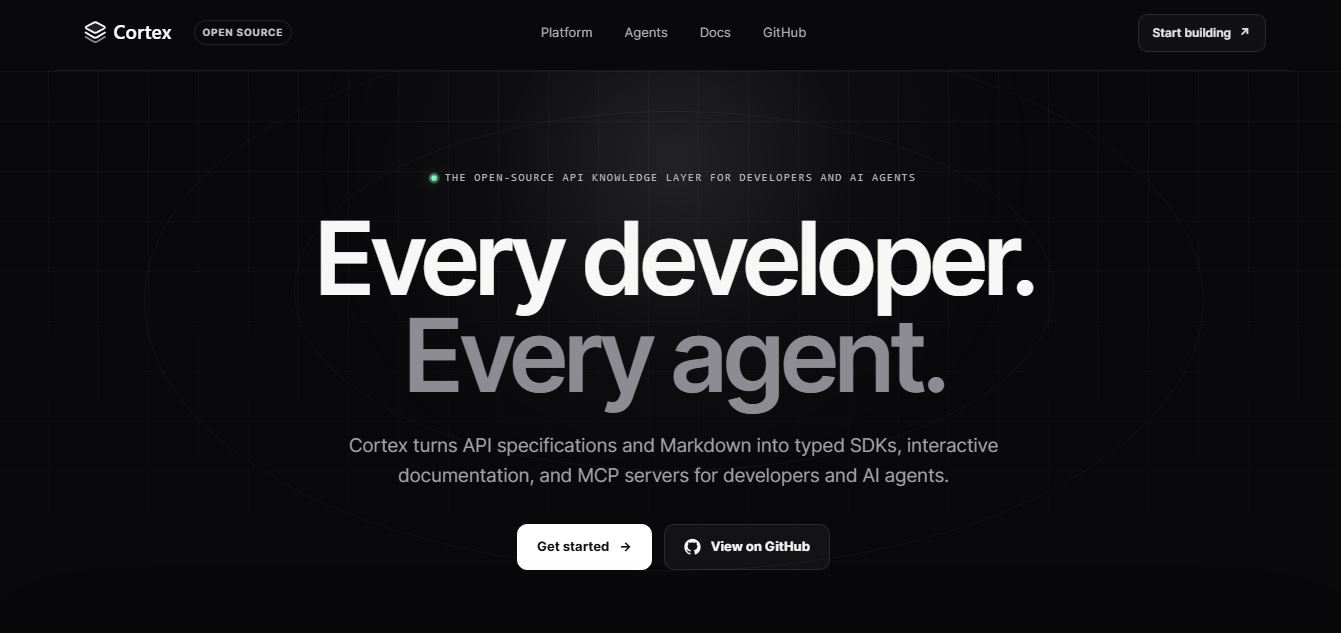
Cortex Docs is an open-source, MIT-licensed API knowledge layer and code generation toolchain that transforms API specifications into interactive documentation sites, typed SDKs in 11 languages, and Model Context Protocol (MCP) servers.
 4.9
4.9Stackness
Developer AI Tools
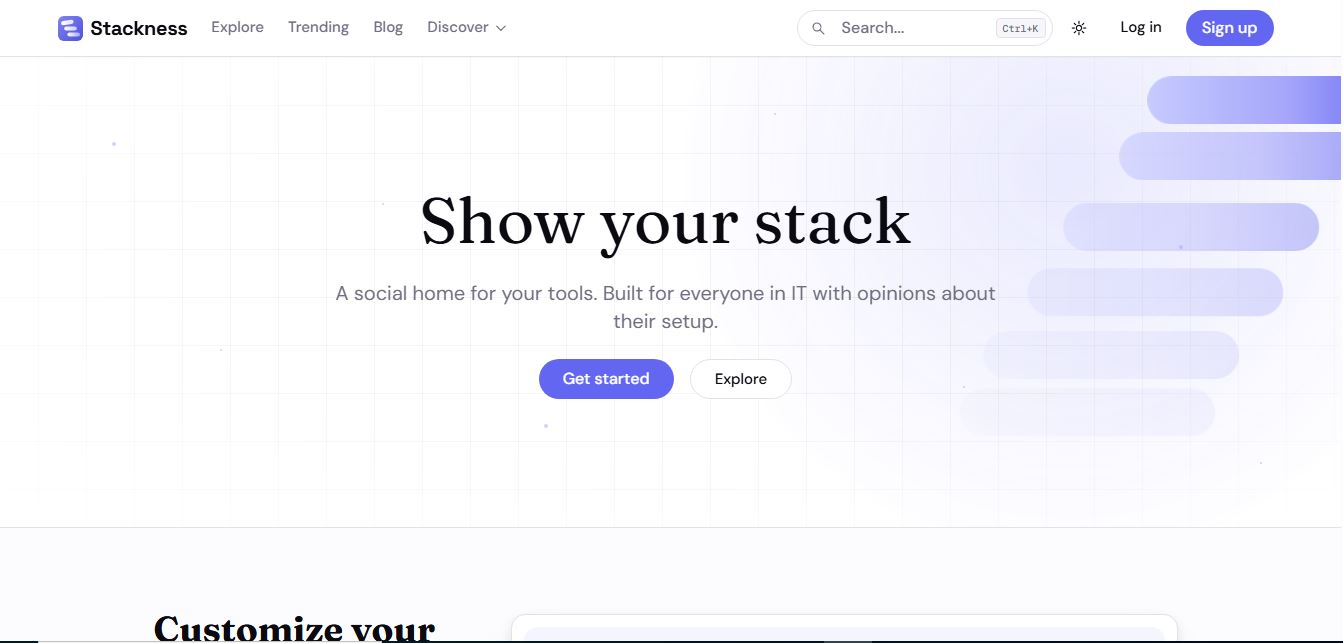
Stackness is a developer-focused social portfolio and tech stack discovery platform where engineers, designers, and tech teams showcase their daily drivers, document workflow 'Moves', explore software trend telemetry, and arrange their tooling profiles as customizable bento grids.
 4.8
4.8Nscale
Developer AI Tools
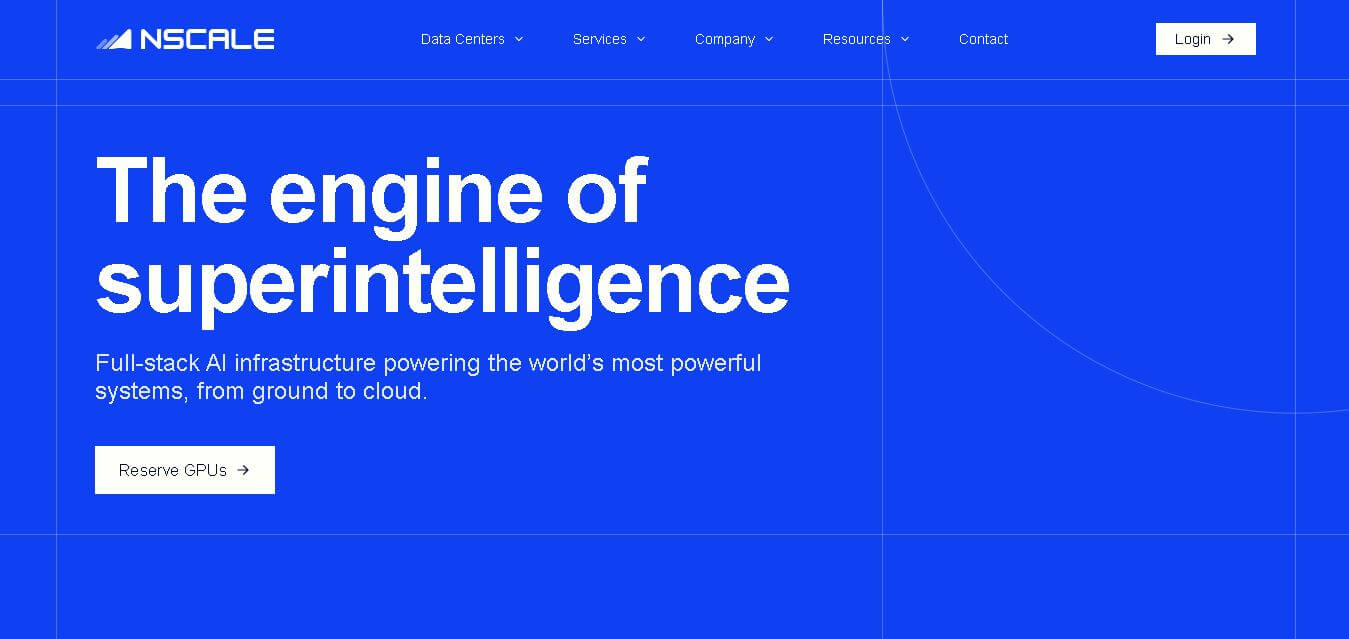
Nscale is a full-stack AI cloud provider offering GPU compute, inference, training, fine-tuning, Kubernetes, Slurm, networking, storage, and dedicated AI infrastructure. It helps AI teams and enterprises scale demanding workloads while reducing infrastructure complexity and improving performance, efficiency, and deployment speed through purpose-built AI data centers and integrated cloud services.