
Claude Code
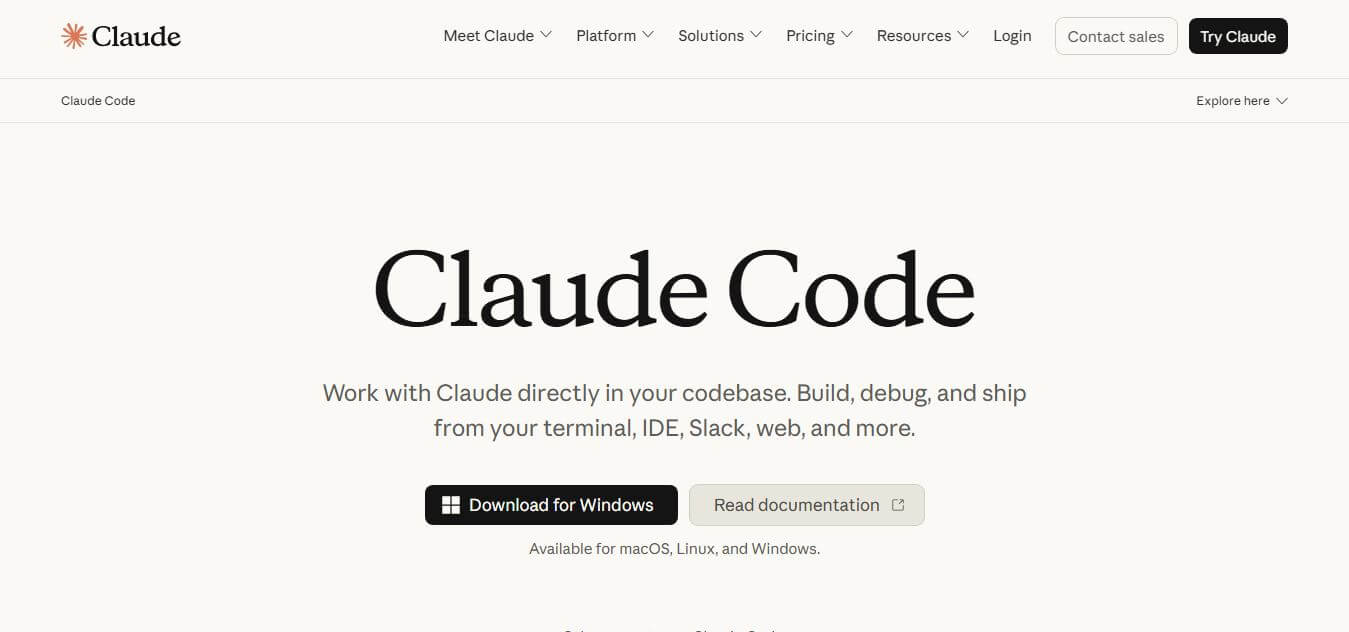
Claude Code is an agentic command-line AI coding tool developed by Anthropic that directly inspects local codebases, executes shell commands, performs multi-file refactoring, manages Git commits, and verifies code with extended reasoning inside your terminal.
What is Claude Code?
Claude Code is an agentic AI coding tool and command-line interface (CLI) created by Anthropic. It lives directly inside the developer's terminal, reading local repositories, understanding codebase architecture, executing shell commands, editing multiple files simultaneously, and creating Git commits. Featuring native terminal execution, Model Context Protocol (MCP) support, extended thinking capabilities, and permission-based safety checkpoints, Claude Code helps engineers delegate end-to-end development tasks directly from their development environment.
Claude Code processes hundreds of thousands of interactive developer sessions across the globe, with studies indicating that engineers delegate over 80 percent of execution decisions while retaining primary control over architectural planning. Built on Anthropic's advanced model architecture (including Claude 3.5 Sonnet, 3.7 Sonnet, and Opus), the CLI tool delivers prompt-caching efficiencies that reduce repeated token overhead by up to 90 percent. Supporting major IDE terminals across VS Code, JetBrains, and macOS/Linux shells, engineering teams report saving up to 10 hours per developer each week on routine refactoring, bug triage, and test suite maintenance.
- Founder / Creator: Anthropic (Dario Amodei, Daniela Amodei, and the Anthropic research team)
- Launch Year: 2025
- Use Cases:
- Automated multi-file codebase refactoring and dependency updates
- Autonomous bug fixing, unit test execution, and terminal error diagnosis
- Interactive architectural planning and deep algorithmic reasoning
- Automated Git commit generation, branch management, and PR reviews
- Technology:
- Anthropic Claude 3.5 / 3.7 Sonnet and Opus Large Language Models
- Model Context Protocol (MCP) tool integration and subagent coordination
- Subshell command execution, AST parsing, and prompt caching architecture
- Target Users:
- Full-stack, backend, and frontend software engineers
- DevOps engineers, CI/CD architects, and system administrators
- Technical leads, engineering managers, and open-source maintainers
- Startup CTOs and solo founders building scalable software products
- Acquisition: Operates natively as an Anthropic core developer product

Key features of Claude Code
Claude Code's key features are
- Agentic Multi-File Refactoring: Analyzes entire repository architectures and coordinates synchronized code changes across dozens of files simultaneously.
- Terminal & Shell Execution: Autonomously runs builds, package installations, linters, and unit test suites, reading error outputs to self-correct code.
- Permission-Based Safety Guardrails: Enforces explicit user confirmation before executing potentially destructive bash commands or overwriting files.
- Model Context Protocol (MCP) Integration: Connects seamlessly to external databases, issue trackers, internal documentation, and custom developer MCP servers.
- Extended Thinking & Deep Reasoning: Utilizes Claude's reasoning mode to plan complex architectural migrations and untangle difficult algorithmic bugs before writing code.
- Interactive Checkpoints & Visual Diffs: Review side-by-side color-coded redline diffs before changes are applied, with instant checkpoint rollbacks.
- Native Git & PR Workflow: Automatically generates descriptive commit messages, creates isolated feature branches, and assists in opening pull requests.
- Prompt Caching Cost Optimization: Automatically caches repository context and system prompts, reducing token consumption by up to 90% across long multi-turn sessions.
Claude Code Pricing
Claude Code is accessible through Anthropic subscription tiers or direct API token metering.
Free Tier:
- $0
- Basic exploratory web access and limited testing
Claude Pro Plan:
- $20/month ($17/month billed annually)
- Standard Claude Code CLI access with 5-hour rolling session windows
- Best for solo developers and small repositories
Claude Max Plans (5x & 20x):
- $100/month (5x Pro limits) – $200/month (20x Pro limits)
- Extended usage limits designed for heavy daily development, agentic workflows, and large repositories
Team & Enterprise Plans:
- Starts from $25 – $100/seat/month
- Centralized administrative governance, pooled team limits, SSO, and enterprise security compliance
API Metering (BYOK):
- Pay-as-you-go token pricing via Anthropic Console (prompt caching reduces repeated input tokens by up to 90%)
Disclaimer: For the latest model releases and pricing updates, please visit the official Anthropic documentation at anthropic.com.
Who is using Claude Code?
Claude Code is designed for a broad range of software engineers and technical teams, including
- Full-Stack & Backend Engineers: Executing complex refactors and architecture migrations across repositories
- DevOps Teams: Automating test runner diagnostics, Docker configurations, and deployment scripts
- Open-Source Maintainers: Handling bug triage, dependency updates, and documentation synchronization
- Startup CTOs & Solo Founders: Building and shipping full software MVPs with minimal engineering headcount
- Content Creators: Using writing tools to document engineering architecture, tutorials, and API specifications
- QA Automation Engineers: Generating end-to-end integration tests and unit test coverage automatically
Best Claude Code Alternatives
Some of the strongest Claude Code alternatives include
- Cursor
- Aider
- GitHub Copilot Workspace
- Windsurf (by Codeium)
- OpenHands
- Continue.dev
Pros and Cons of Claude Code
Pros
- Operates natively in your terminal without requiring you to switch to a proprietary IDE
- Can execute commands, run tests, and self-correct errors in a continuous autonomous loop
- Granular safety permissions ensure complete human control over shell commands and file overwrites
- Extended thinking mode delivers superior architectural planning on complex codebases
- Significant cost savings on repetitive contexts thanks to prompt caching
Cons
- Requires familiarity with terminal CLI tools and development workflows
- Unoptimized long sessions with repeated retries can consume substantial token budgets
- Running autonomous build loops requires active supervision on production systems
- Requires internet connectivity for Anthropic cloud inference
Why Choose Claude Code?
Claude Code is the ideal choice for developers and engineering teams who want a true autonomous coding agent that works inside their existing terminal setup.
- Moves beyond copy-paste snippets to full, multi-file codebase refactoring
- Runs terminal commands, tests code, and fixes errors autonomously
- Keeps you in control with transparent visual diffs and permission prompts
- Integrates external tools, databases, and APIs through the Model Context Protocol (MCP)
- Leverages state-of-the-art Claude models with extended reasoning capabilities
Claude Code vs. Competitors
The main difference between Claude Code, Cursor, Aider, and GitHub Copilot is that Claude Code is an official Anthropic terminal-native CLI agent designed for multi-file autonomous execution and shell interaction with native MCP support, while Cursor is a custom VS Code fork IDE, Aider is an open-source multi-model CLI tool, and GitHub Copilot focuses primarily on inline editor autocompletions. Claude Code stands out for its direct reasoning power, deep codebase comprehension, and CLI flexibility.
| Feature / Tool | Claude Code | Cursor | Aider | GitHub Copilot |
|---|---|---|---|---|
| Core Focus | Agentic CLI & Terminal Pair | AI-Native IDE (VS Code Fork) | Open-Source Multi-Model CLI | In-Editor Autocomplete & Chat |
| Interface | Terminal / Shell / IDE Terminals | Dedicated Desktop IDE | Terminal / Shell | IDE Extension |
| Shell Command Execution | Yes (Autonomous with Perms) | Yes (Terminal Agent) | Yes (Git & Run Commands) | Limited / Chat |
| Multi-File Editing | Yes (Codebase Wide) | Yes (Composer / Agent) | Yes (Repository Map) | Multi-File Edits |
| Protocol Support | Native MCP Support | Custom Rules / MCP | Custom Scripting | GitHub Ecosystem |
| Best For | Terminal Power Users & Agents | Complete AI IDE Experience | Multi-LLM CLI Developers | Standard In-Editor Autocomplete |
How do we rate Claude Code?
| Parameter | Rating (out of 5) |
|---|---|
| Codebase Reasoning & Accuracy | 5.0 |
| Autonomous Shell & Test Execution | 4.9 |
| Safety Controls & Guardrails | 4.9 |
| Terminal Developer Experience | 4.9 |
| Value for Money | 4.8 |
| Overall Score | 4.90 |
Claude Code Review
Claude Code represents a major leap forward in AI-assisted software engineering. By shifting AI from a passive advice chatbot to an active terminal teammate that can read files, write code, execute tests, and commit changes, it eliminates nearly all the friction of translating ideas into working software. The addition of extended reasoning and safety permission guardrails makes it practical for real-world production codebases. For developers and teams looking to dramatically increase their engineering throughput, Claude Code is an outstanding tool.
Conclusion
Claude Code is a powerful AI-driven coding assistant that transforms how developers build, debug, and manage software projects. By working directly inside the terminal or IDE, it integrates seamlessly into existing workflows and eliminates the need to switch between tools. Its ability to understand entire codebases, make multi-file edits, run commands, and even create pull requests makes it far more capable than traditional code assistants. What truly sets it apart is its “agentic” approach—planning tasks, executing them, and verifying results automatically. While it may require oversight for critical tasks, its impact on productivity is significant. Claude Code is a forward-thinking solution that helps developers work faster, reduce repetitive effort, and focus more on building high-quality software.
FAQ
What is Claude Code and how can Claude Code help me?
Claude Code is an AI-powered coding agent developed by Anthropic that works directly inside your development environment. Claude Code helps you build features, fix bugs, and automate coding tasks by understanding your entire codebase. Instead of manually writing and debugging code, you can simply describe what you want, and Claude Code handles the implementation for you.
How does Claude Code actually work?
Claude Code works as an “agentic” system that reads your project files, runs commands, edits code, and verifies results. When you give a task, Claude Code goes through a loop of understanding context, taking action, and checking outcomes—repeating until the task is complete. This allows it to handle complex workflows rather than just generating snippets.
What makes Claude Code different from other AI coding tools?
Claude Code stands out because it doesn’t just assist—it acts like a developer inside your environment. Claude Code can access your files, run tests, use Git, and make coordinated changes across multiple files. Unlike basic code assistants, it understands your entire project instead of just one file at a time.
What kind of tasks can Claude Code perform?
Claude Code can handle a wide range of tasks including writing features, fixing bugs, refactoring code, generating tests, resolving merge conflicts, and even creating pull requests. It can also automate repetitive tasks like updating dependencies or writing release notes, saving significant development time.
Can Claude Code work with my existing tools?
Yes, Claude Code integrates seamlessly with tools you already use, including terminals, IDEs like VS Code and JetBrains, Git workflows, and CI/CD pipelines. It enhances your existing setup instead of replacing it, so you don’t need to change your workflow.
Can Claude Code automate entire workflows?
Yes, Claude Code can automate multi-step workflows such as debugging, testing, and deployment. It can even run tasks asynchronously—like working on a repository and creating a pull request while you’re away—making it useful for large or time-consuming tasks.
Can Claude Code work across multiple files and large projects?
Yes, Claude Code is optimized for understanding entire codebases. It can search through files, analyze dependencies, and make coordinated updates across multiple parts of a project, which is especially useful for large applications.
Who should use Claude Code?
Claude Code is ideal for software developers, engineers, startups, and technical teams. It’s especially valuable for those who want to speed up development, automate repetitive coding tasks, and improve productivity across the software lifecycle.
Are there any limitations of Claude Code?
Claude Code is powerful but still requires human oversight. Complex projects may need guidance, and results depend on how clearly tasks are described. Also, usage may involve API costs or subscription plans depending on how you access it.
User Reviews
No reviews yet for Claude Code.
Featured Tools
Featured AI tools from TechShark

Melody Genie
MelodyGenie is an AI-powered music generator that creates original songs from simple text prompts. Users can choose styles, moods, and genres, then instantly generate melodies and full tracks, making it easy for creators, marketers, and hobbyists to produce custom music without musical expertise.
Freemium

Kimi AI
Kimi AI is an advanced AI assistant developed by Moonshot AI that helps you chat, research, write, code, and automate tasks in one place. It supports web search, file analysis, and multimodal inputs, and can even run autonomous “agent” workflows to complete complex tasks end-to-end.
Freemium

Fashion Diffusion AI
Fashion Diffusion is an AI-powered fashion design platform that helps brands and designers create clothing designs, virtual try-ons, AI models, product photos, and marketing visuals faster and cost-effectively.
Paid

Veo 4
Veo 4 AI is an AI video creation platform that generates dramatic videos from text, images, audio, and video prompts using realistic motion and synchronized sound.
Paid
Alternatives
Alternatives to Claude Code
The best Claude Code alternatives include Cursor, Aider, GitHub Copilot, Windsurf by Codeium, OpenHands, and Continue.dev. These platforms provide AI-powered coding assistance, terminal agents, and intelligent IDE environments. While Claude Code specializes in official Anthropic terminal-native CLI execution, extended reasoning, and MCP integrations, alternatives like Cursor provide a full standalone IDE interface, and Aider supports multiple AI model providers. Choosing the right tool depends on whether you prefer terminal CLI autonomy or a dedicated graphical IDE workspace.
 4.9
4.9Claudebin
Code Assistant
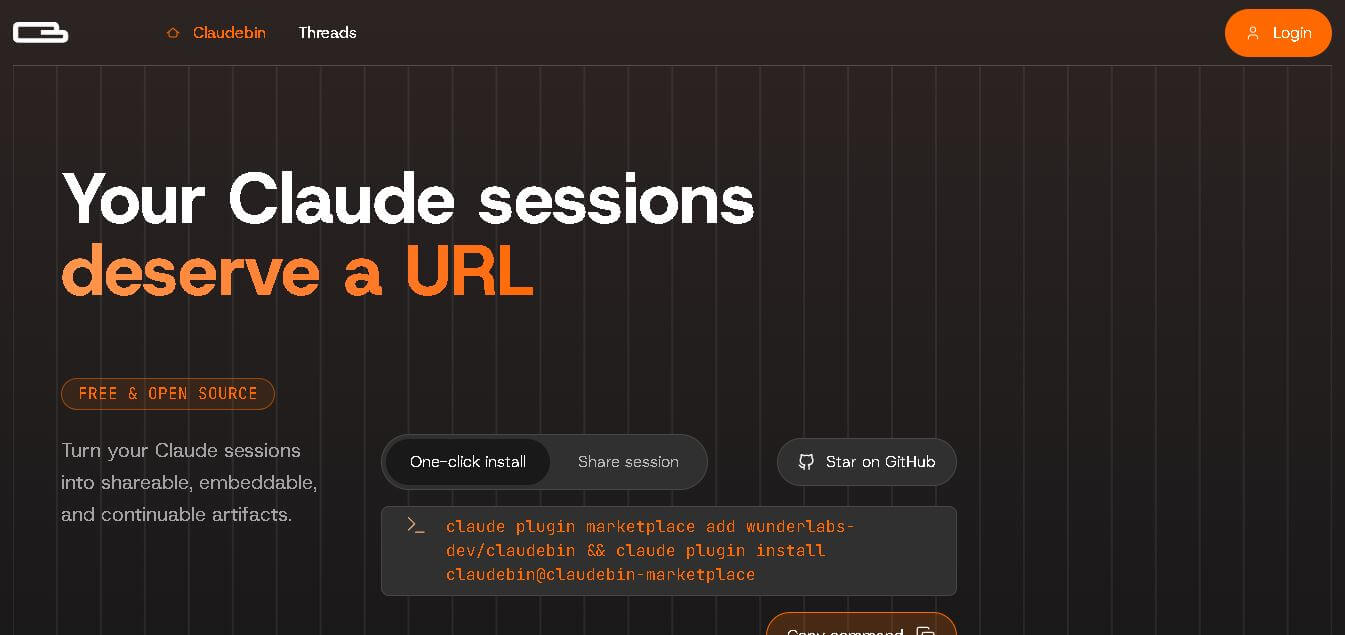
Claudebin is an open-source tool for sharing Claude Code sessions through structured, accessible web links. It captures conversations, file operations, terminal commands, and tool calls, helping developers explain their coding workflows. With session viewing and embedding capabilities, it simplifies technical documentation, collaboration, debugging discussions, and knowledge sharing across development projects.
 4.9
4.9GitFluence
Code Assistant
GitFluence is an AI-powered Git command generator that helps developers turn plain-English instructions into exact Git commands. It eliminates the need to memorize syntax, speeds up version control workflows, and lets users quickly copy accurate commands for tasks like branching, merging, and fixing commits.
 4.9
4.9Kiro
Vibe Coding
Kiro is an AI-powered developer platform that helps teams plan, build, and ship software using autonomous agents. It turns prompts into structured specs, writes and tests code, and automates workflows across IDE, CLI, and cloud, enabling faster, reliable development from prototype to production.
 4.8
4.8Emergent
Vibe Coding
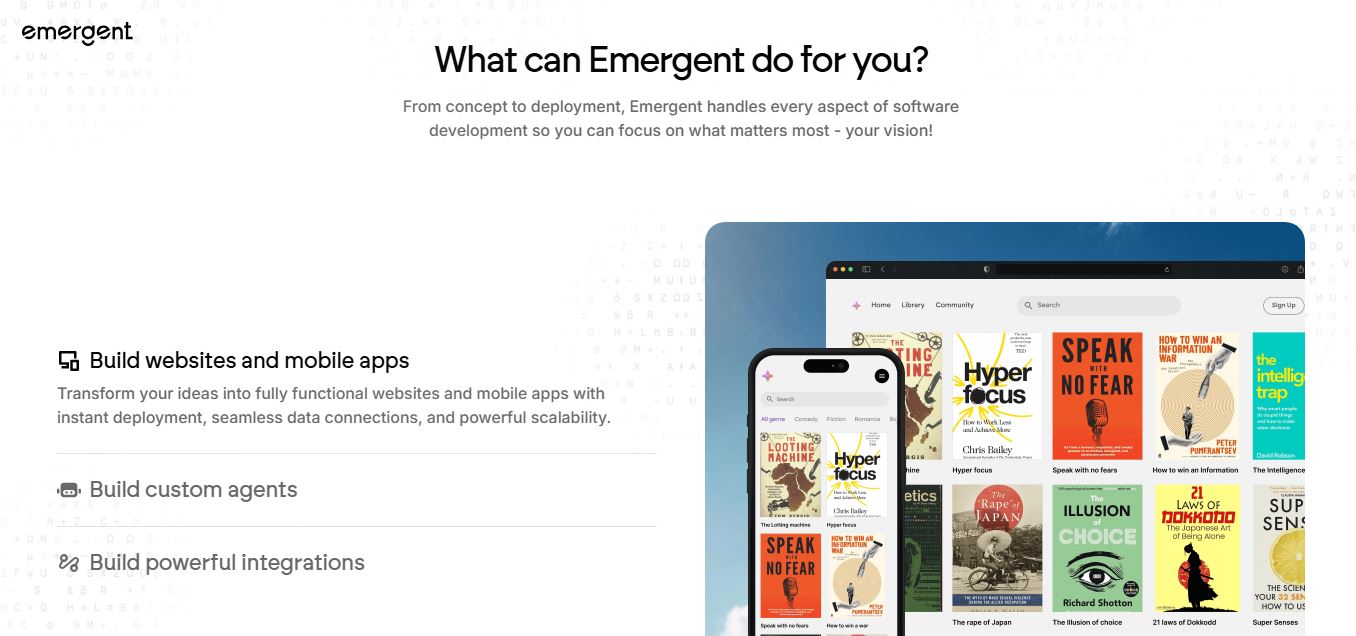
Emergent is an AI-powered app builder that lets users create full-stack web and mobile applications by simply describing their idea. It uses autonomous agents to plan, code, test, and deploy apps, handling everything from backend to hosting without requiring traditional programming skills.
 4.7
4.7Amazon Q Developer
Code Assistant
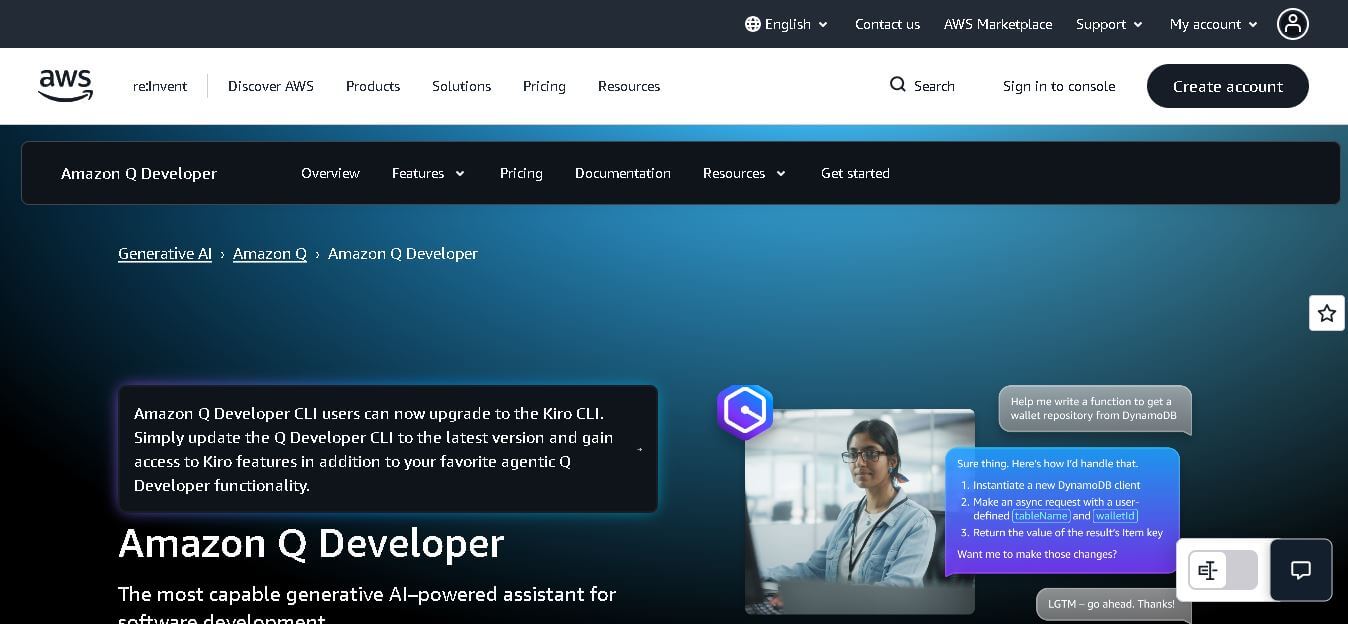
Amazon Q Developer helps developers write, explain, test, refactor, secure, and troubleshoot code while working with AWS services. It provides conversational assistance, inline suggestions, agentic coding, and cloud guidance across supported IDEs, command-line environments, and AWS interfaces. Its goal is to reduce repetitive work and help teams move from ideas to deployable software.
 4.9
4.9GitLab
Code Assistant
GitLab is a DevOps platform that provides a complete suite for planning, coding, testing, and deploying software in one place. It combines version control, CI/CD, security, and collaboration tools, helping teams streamline development workflows and deliver software faster and more efficiently.
 4.9
4.9CodeRabbit
Code Assistant
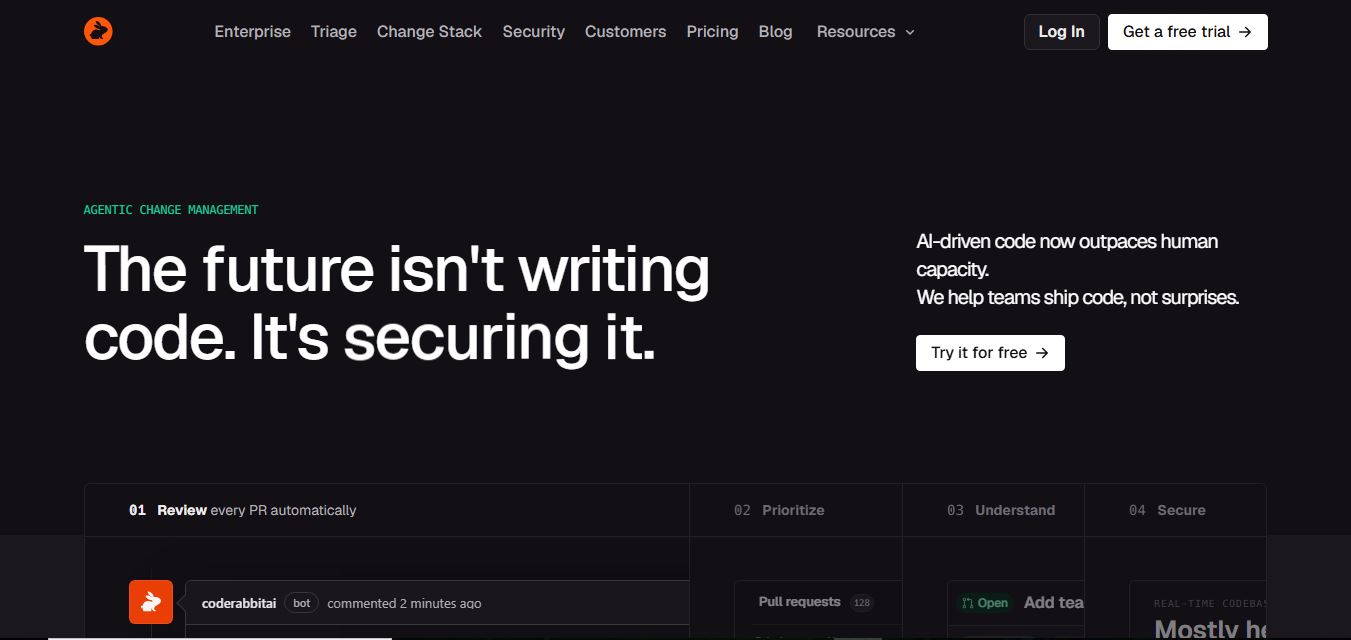
CodeRabbit is an AI-powered code review assistant that helps developers catch bugs, improve code quality, and speed up pull requests. It analyzes code changes in real time, provides actionable feedback, and integrates with Git workflows to make reviews faster and more efficient.
 4.9
4.9Sourcery
Code Assistant
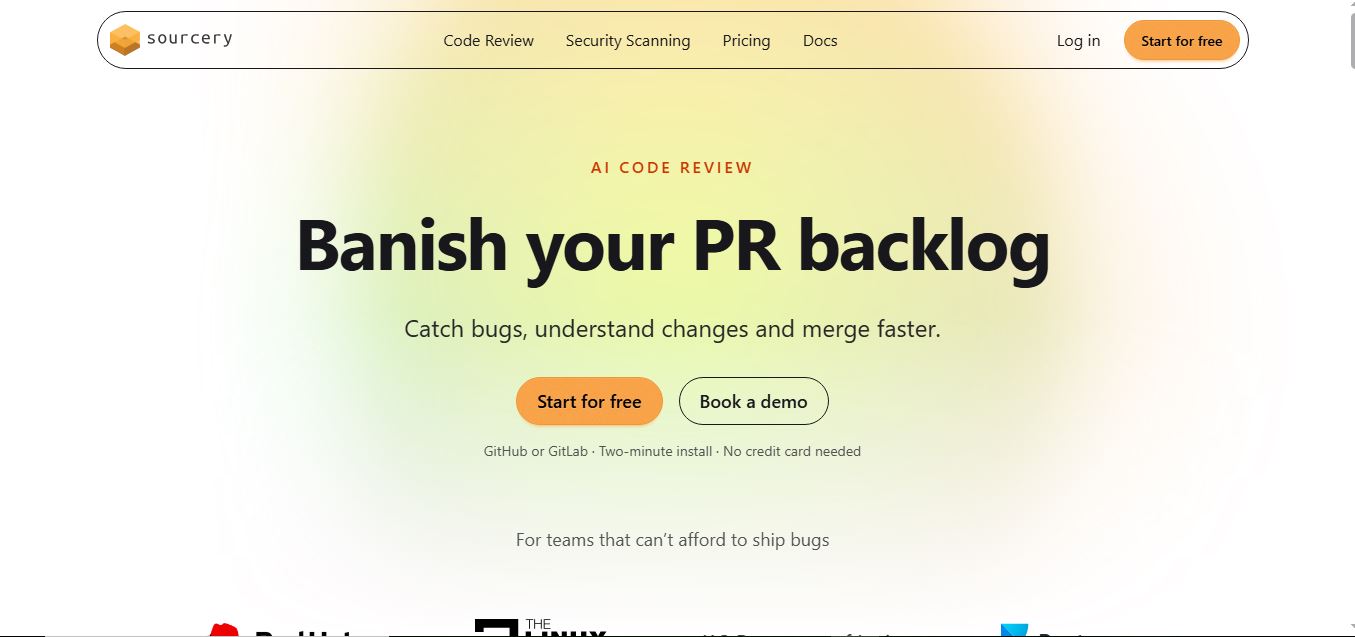
Sourcery is an AI-powered code refactoring tool that helps developers automatically improve Python code quality. It analyzes code, suggests cleaner and more efficient alternatives, and applies refactors instantly, making code more readable, maintainable, and aligned with best practices.
Tenki Cloud
Code Assistant
Tenki Cloud is a high-performance, cost-efficient cloud infrastructure platform offering disposable sandboxes for AI agents, self-hosted GitHub Actions runners, and automated AI code review.