
Cortex Docs
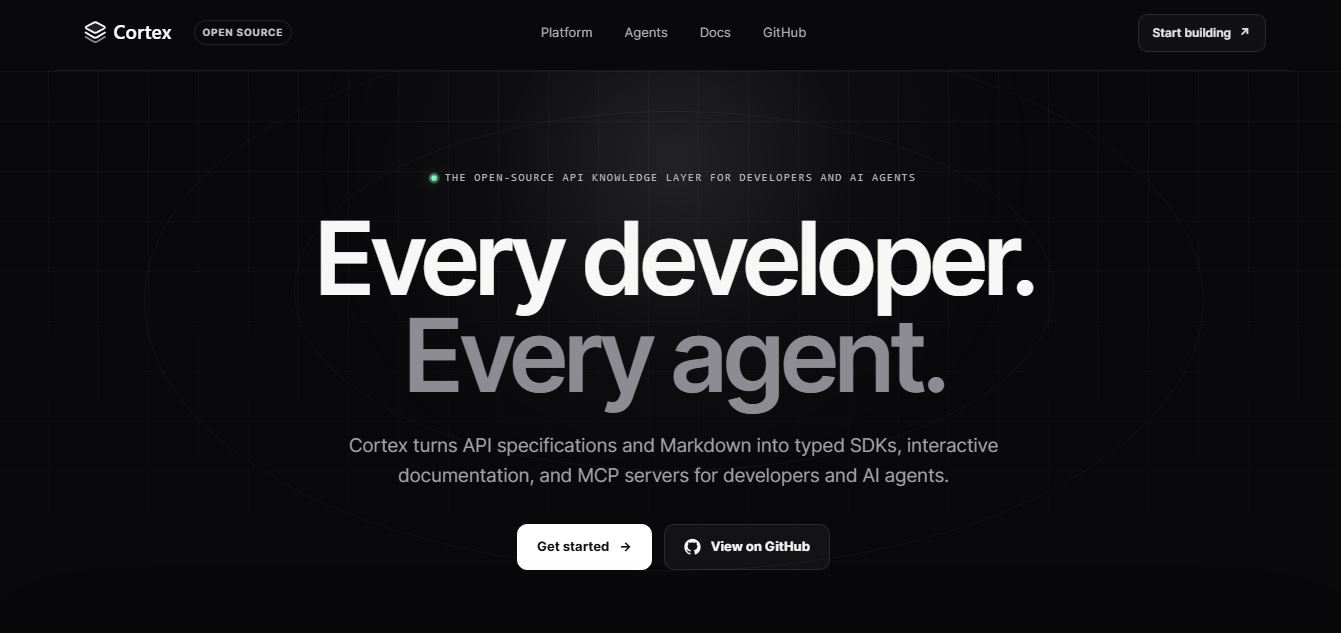
Cortex Docs is an open-source, MIT-licensed API knowledge layer and code generation toolchain that transforms API specifications into interactive documentation sites, typed SDKs in 11 languages, and Model Context Protocol (MCP) servers.
What is Cortex Docs?
Cortex Docs is an open-source API documentation, SDK generator, and agentic knowledge layer platform. Engineered to solve the fragmentation and drift that occurs when API references, client libraries, and documentation are maintained manually by separate teams, Cortex Docs ingests multi-protocol API specifications and Markdown to automatically generate interactive documentation sites, typed client SDKs across 11 programming languages, and Model Context Protocol (MCP) servers tailored for AI coding agents.
Designed around the philosophy of building one API specification that serves every developer and every AI agent, Cortex Docs redefines API delivery for the agentic development era. Instead of forcing teams to stitch together disjointed open-source generators, hosted docs platforms, and manual MCP tool definitions, Cortex uses a single configuration file (
cortex.config.yml) to unify five major API protocols into clean human portals, idiomatic client libraries, and grounded agent tools.
- Platform Role: Open-Source API Knowledge Layer, Multi-Protocol Docs Generator, Typed SDK Factory & MCP Server Creator
- Supported Protocols: OpenAPI (REST), AsyncAPI (WebSocket / Event Streams), GraphQL, gRPC (Protobuf), and OpenRPC (JSON-RPC)
- Core Deliverables: Self-hostable interactive documentation portals, typed SDKs in 11 programming languages, and standardized Model Context Protocol (MCP) servers
- Licensing & Ecosystem: 100% open-source under the MIT license, available on GitHub (github.com/cortex-docs/cortex)
Use Cases:
- Publishing self-hostable, interactive API documentation featuring live request builders, code snippets, and searchable Markdown guides
- Generating and maintaining idiomatic, type-safe client SDKs across 11 languages with automated authentication, streaming, retries, and timeouts
- Generating production-ready MCP servers that turn internal and public API endpoints into typed tools and grounded context for AI coding agents
- Consolidating heterogeneous backend architectures (REST, GraphQL, gRPC, WebSockets, and RPC) into a single documentation portal
- Automating API documentation deployment in CI/CD pipelines as code without paying per-seat SaaS documentation subscription fees
Technology:
- Multi-protocol specification parser and contract validator supporting OpenAPI v3+, GraphQL schemas, gRPC proto definitions, AsyncAPI, and OpenRPC
- Template-driven code generation engine built on Eta templates, allowing developers to export and override templates without vendor lock-in
- Model Context Protocol (MCP) compiler mapping API operations to typed JSON-schema tool calls with integrated documentation grounding
- Modular, static-friendly web architecture designed to deploy documentation portals anywhere Node.js or static web hosts run
Target Users:
- API platform engineers and backend teams seeking an automated, single source of truth for documentation and client libraries
- DevRel and developer experience (DX) leads looking to offer polished interactive docs and multi-language SDKs without heavy maintenance
- AI engineers and agentic system builders needing structured MCP tool definitions grounded in accurate API specifications
- Open-source maintainers and enterprise software architects requiring MIT-licensed, fully self-hostable developer tooling
Acquisition: Open-source CLI and platform (cortexdocs.dev / GitHub: cortex-docs/cortex)
What are the key features of Cortex Docs?
Cortex Docs key platform features are
- 5 API Protocols, 1 Configuration: Combine REST, WebSockets, GraphQL, gRPC, and OpenRPC within a single
cortex.config.ymlspecification. - Interactive Human Documentation: Generates responsive, searchable reference portals with interactive parameter inputs, sample payloads, and live testing.
- Native SDK Generation in 11 Languages: Automatically builds typed, idiomatic client libraries for TypeScript, Python, Go, Java, Kotlin, Ruby, PHP, C#, Rust, C++, and C.
- Agent-Ready MCP Server Generation: Maps every API endpoint directly to typed MCP tools, bundling specs and SDK references so AI agents integrate with grounded accuracy.
- Open-Source & Fully Customizable: Distributed under the MIT license with customizable Eta templates, enabling teams to modify code output and avoid SaaS lock-in.
- Docs-as-Code Workflow: Integrates directly into Git repositories and CI/CD pipelines (
cortex generate) for reviewable, automated versioning. - Deploy Anywhere: Host generated documentation on Vercel, Netlify, Cloudflare Pages, AWS S3, or any internal Docker/Kubernetes container.
How much does Cortex Docs cost?
Cortex Docs is an open-source project distributed under the MIT license, available freely for both commercial and personal use with optional enterprise deployment options.
Pricing Plans:
- Open Source ($0): 100% free forever under the MIT license. Full access to multi-protocol parsing (OpenAPI, GraphQL, gRPC, AsyncAPI, OpenRPC), interactive documentation generation, 11-language SDK builds, template overrides, and MCP server compilation.
- Cortex Platform / Hosted Cloud: Managed cloud hosting, automated CI synchronization, private registry management, and enterprise governance support.
Disclaimer: The core Cortex Docs generator and SDK builder are completely free and open source. Check cortexdocs.dev and github.com/cortex-docs/cortex for platform updates and enterprise cloud offerings.
Who should use Cortex Docs?
Cortex Docs is designed for engineering teams and API architects, including
- API Platform Teams: Eliminating manual documentation drift by generating interactive docs and client libraries automatically from schema contracts.
- AI Engineers & Agent Builders: Supplying coding assistants and agents (like Claude Code, Cursor, and Windsurf) with typed MCP tools directly derived from API contracts.
- Multi-Language SaaS Providers: Maintaining official SDKs in Python, Go, TypeScript, and Java simultaneously without dedicating full-time developers to client libraries.
- Open-Source Maintainers: Shipping professional, interactive documentation sites without incurring monthly per-user SaaS subscription costs.
What are the best alternatives to Cortex Docs?
Some of the strongest Cortex Docs alternatives include
- Fern
- Speakeasy
- Mintlify
- ReadMe
- Stainless
- OpenAPI Generator
What are the pros and cons of Cortex Docs?
What are the pros of Cortex Docs?
- 100% open-source under the MIT license, allowing teams to own their code and customize templates
- Unifies 5 different API protocols (REST, GraphQL, gRPC, AsyncAPI, OpenRPC) under one unified configuration
- Builds Model Context Protocol (MCP) servers automatically to empower AI coding agents with typed tools
- Generates native, typed client SDKs across 11 programming languages with built-in retries and authentication
- Eliminates expensive monthly seat-based documentation SaaS pricing for growing developer portals
What are the cons of Cortex Docs?
- Requires existing API specifications (OpenAPI, Protobuf, or GraphQL schemas) to generate output
- Self-hosted deployments require internal developer management for hosting and CDN configurations
- As an emerging open-source project, community plugins and enterprise management features are actively evolving
Why should you choose Cortex Docs?
Traditional API documentation platforms force teams into closed, expensive SaaS silos while treating SDK generation and AI tool integration as separate, disjointed problems. Cortex Docs unifies the entire developer and agent delivery pipeline. By reading your existing API specifications and producing beautiful interactive documentation, idiomatic client SDKs in 11 languages, and typed MCP servers in a single run, Cortex Docs ensures your APIs are immediately usable by human engineers and autonomous AI agents alike.
- Generate interactive documentation, typed SDKs, and MCP servers from a single CLI command
- Support REST, GraphQL, gRPC, WebSocket, and JSON-RPC APIs side by side in one unified site
- Equip AI coding agents with typed MCP tools and contextual documentation to automate integrations
- Maintain total control over your code and infrastructure with an open-source MIT license
How does Cortex Docs compare to competitors?
While Mintlify focuses primarily on beautiful developer documentation sites and Speakeasy specializes in commercial enterprise SDK generation, Cortex Docs stands out by being fully open source (MIT) and combining documentation, multi-language SDKs, and native MCP agent servers across five API protocols.
| Feature / Platform | Cortex Docs | Fern | Speakeasy | Mintlify |
|---|---|---|---|---|
| Licensing Model | 100% Open Source (MIT) | Commercial / Open Core | Commercial Enterprise | Proprietary SaaS |
| Supported Protocols | OpenAPI, GraphQL, gRPC, AsyncAPI, OpenRPC | OpenAPI, Fern Definition | OpenAPI, gRPC, AsyncAPI | OpenAPI, Markdown |
| MCP Server Generation | Yes (Built-in native MCP tool creation) | Yes (MCP integrations) | Yes (MCP generation) | No (Docs-focused) |
| SDK Output Languages | 11 Languages (TS, Py, Go, Rust, C#, etc.) | TypeScript, Python, Go, Java, Ruby | TypeScript, Python, Go, C#, Java, PHP | None (Documentation site only) |
| Pricing Structure | Free open-source / Cloud options | Free tier / Starter from $500/mo | Usage-based / Enterprise contracts | Free tier / Paid from $120/mo |
| Best For | Multi-protocol open-source docs, SDKs & MCP | API-first startups needing docs & SDKs | Enterprise API client generation & Terraform | Sleek, modern developer documentation portals |
How do we rate Cortex Docs?
| Parameter | Rating (out of 5) |
|---|---|
| Multi-Protocol Coverage & Flexibility | 5.0 |
| SDK Code Generation & Type-Safety | 4.8 |
| MCP Agent Integration & Grounding | 4.9 |
| Interactive Docs & Developer Experience | 4.8 |
| Value for Money (Open Source) | 5.0 |
| Overall Score | 4.90 |
What is our review and verdict on Cortex Docs?
Cortex Docs is a significant advancement in developer experience and API tooling. By treating AI agents as first-class consumers alongside human developers, it addresses both modern documentation and agentic tool discovery in a single pass. Its ability to parse five distinct API protocols and emit interactive portals, 11 native SDKs, and ready-to-run MCP servers under an unrestrictive MIT license makes Cortex Docs a standout tool for engineering organizations building for the future of software development.
Conclusion
CortexDocs makes creating and maintaining documentation easier by combining structured workflows with AI assistance. Instead of manually writing and updating docs, teams can generate, organize, and refine content more efficiently in one place. This is especially valuable for developer documentation and internal knowledge bases. Overall, CortexDocs reduces documentation overhead, improves clarity, and helps teams keep information accurate, consistent, and easy to access as projects evolve.
FAQ
What does Cortex Docs actually do?
Cortex Docs is an AI-driven developer tool that converts API specifications into usable outputs like SDKs, documentation, and MCP servers. Instead of manually writing docs or client libraries, you define your APIs (OpenAPI, GraphQL, gRPC, etc.), and the platform automatically generates interactive documentation and production-ready SDKs across multiple programming languages.
How is Cortex Docs different from tools like Swagger or Postman?
Traditional tools like Swagger focus mainly on documentation or testing APIs, while Cortex Docs takes a “single source → multiple outputs” approach. It doesn’t just display API docs—it generates SDKs, documentation sites, and even AI-ready MCP servers from the same configuration, reducing duplication and keeping everything in sync.
How does Cortex Docs work in practice?
Developers start by initializing a project and adding their API specs (like OpenAPI or GraphQL schemas). Cortex then validates those inputs and generates outputs such as SDKs in languages like Python or TypeScript, along with a documentation server. You can preview everything before generating, and then run a single command to produce all assets.
What features does Cortex Docs offer?
Cortex Docs includes features like multi-language SDK generation, interactive documentation, support for multiple API formats (REST, GraphQL, gRPC, WebSocket), and MCP server generation for AI agents. It also allows customization through templates and supports publishing generated outputs to repositories or package registries.
What is an MCP server in Cortex Docs?
An MCP (Model Context Protocol) server generated by Cortex Docs gives AI agents structured access to your APIs, documentation, and SDKs. This means AI tools can interact with your system in a more controlled and reliable way, using typed tools instead of guessing API behavior.
Who should use Cortex Docs?
Cortex Docs is ideal for backend developers, API-first startups, SaaS companies, and platform teams that need to maintain SDKs and documentation at scale. It’s especially useful if you support multiple programming languages or want to make your APIs easier for both developers and AI agents to use.
What problems does Cortex Docs solve?
It solves common issues like outdated documentation, inconsistent SDKs, and fragmented developer experience. By generating everything from a single configuration, it ensures that your docs, SDKs, and AI integrations stay aligned, reducing maintenance effort and improving developer onboarding.
User Reviews
No reviews yet for Cortex Docs.
Featured Tools
Featured AI tools from TechShark

Melody Genie
MelodyGenie is an AI-powered music generator that creates original songs from simple text prompts. Users can choose styles, moods, and genres, then instantly generate melodies and full tracks, making it easy for creators, marketers, and hobbyists to produce custom music without musical expertise.
Freemium

Kimi AI
Kimi AI is an advanced AI assistant developed by Moonshot AI that helps you chat, research, write, code, and automate tasks in one place. It supports web search, file analysis, and multimodal inputs, and can even run autonomous “agent” workflows to complete complex tasks end-to-end.
Freemium

Fashion Diffusion AI
Fashion Diffusion is an AI-powered fashion design platform that helps brands and designers create clothing designs, virtual try-ons, AI models, product photos, and marketing visuals faster and cost-effectively.
Paid

Veo 4
Veo 4 AI is an AI video creation platform that generates dramatic videos from text, images, audio, and video prompts using realistic motion and synchronized sound.
Paid
Alternatives
Alternatives to Cortex Docs
The best Cortex Docs alternatives include Fern, Speakeasy, Mintlify, and Stainless. While Cortex Docs is a completely free, MIT-licensed open-source solution that parses 5 protocols (OpenAPI, GraphQL, gRPC, AsyncAPI, and OpenRPC) to generate interactive documentation, typed SDKs in 11 languages, and native Model Context Protocol (MCP) servers for AI agents, alternatives like Speakeasy and Fern are commercial enterprise platforms with paid subscription tiers.
 4.9
4.9Xano
No Code
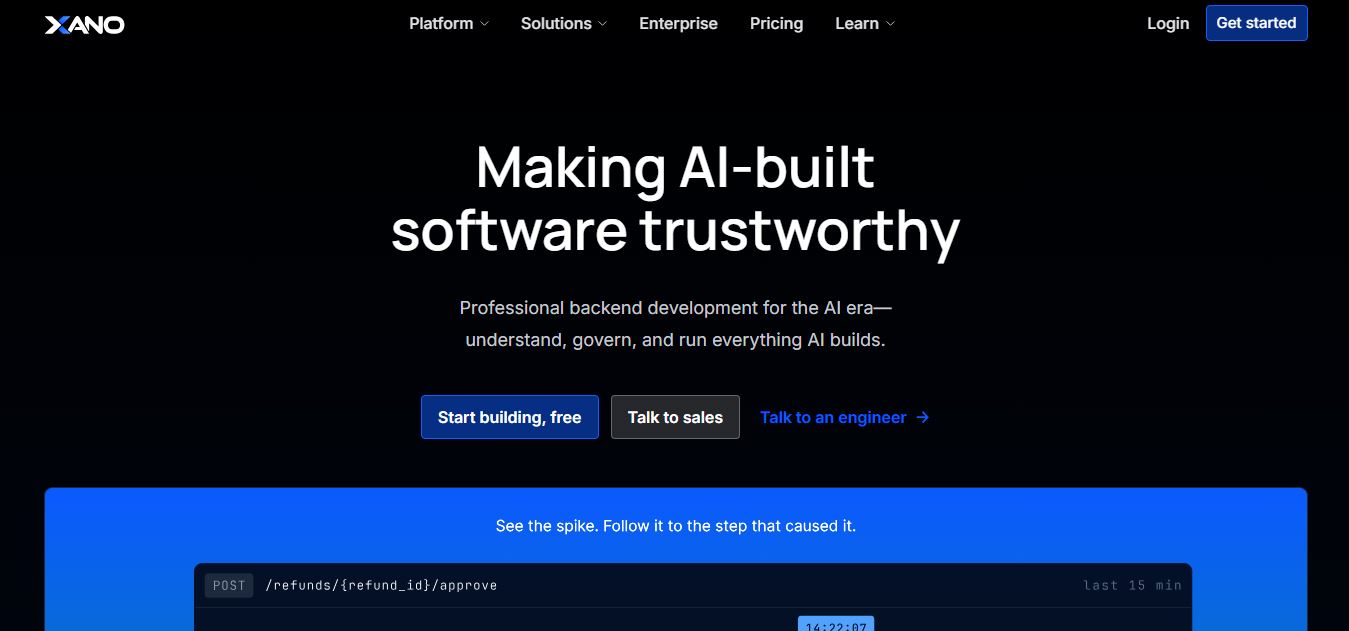
Xano is a no-code backend platform that lets users build scalable APIs, databases, and business logic without writing code. It provides a powerful server-side infrastructure, enabling developers and no-code creators to connect frontends, manage data, and launch applications quickly and efficiently.
 4.9
4.9Brainboard
Developer AI Tools
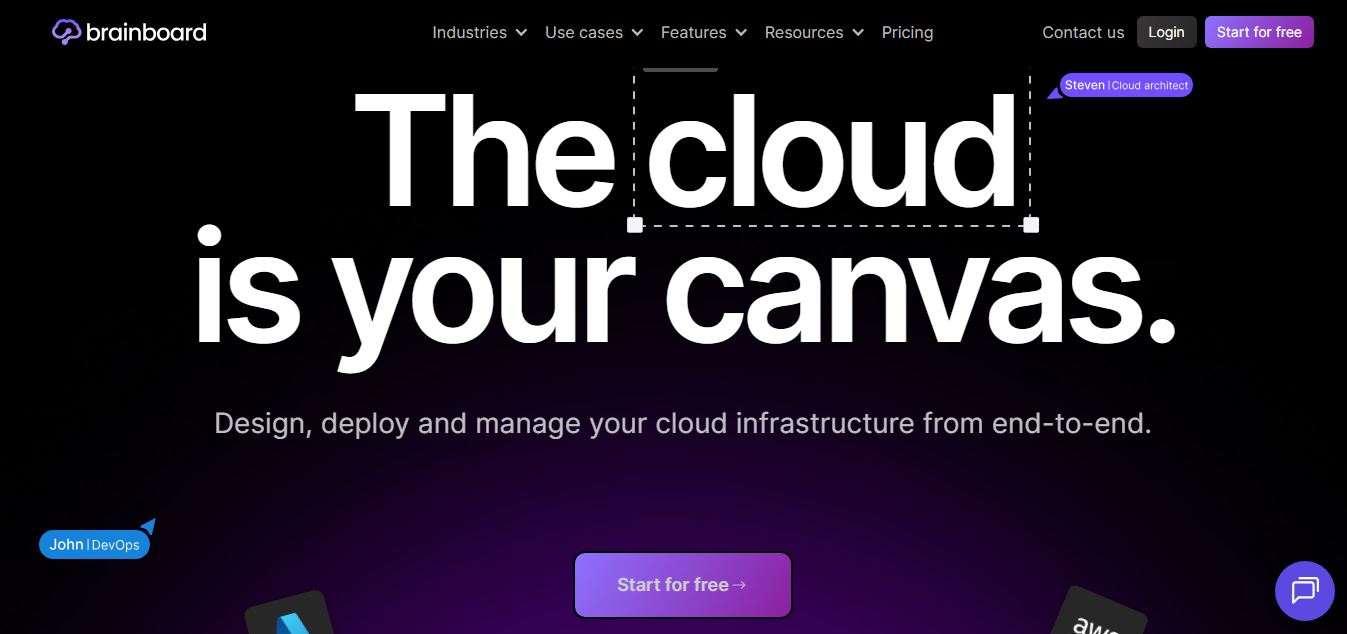
Brainboard is a visual cloud architecture and Infrastructure as Code (IaC) design platform that transforms interactive cloud diagrams into clean, production-ready Terraform code, complete with integrated visual CI/CD deployment pipelines, drift detection, and cost estimation.
 4.9
4.9Pulumi
Developer AI Tools
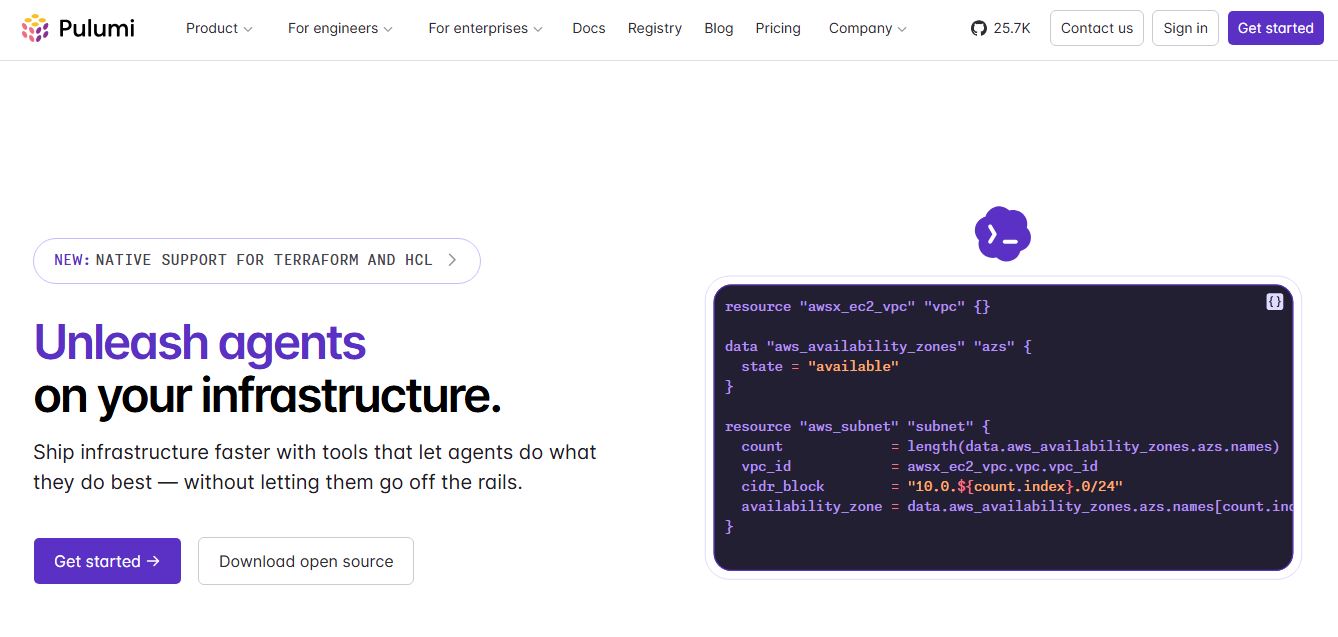
Pulumi is an open-source Infrastructure as Code (IaC) and cloud engineering platform that lets developers provision and manage multi-cloud infrastructure, Kubernetes clusters, and secrets using real programming languages like TypeScript, Python, Go, Java, and C#.
 4.9
4.9Meta Muse Code
Developer AI Tools
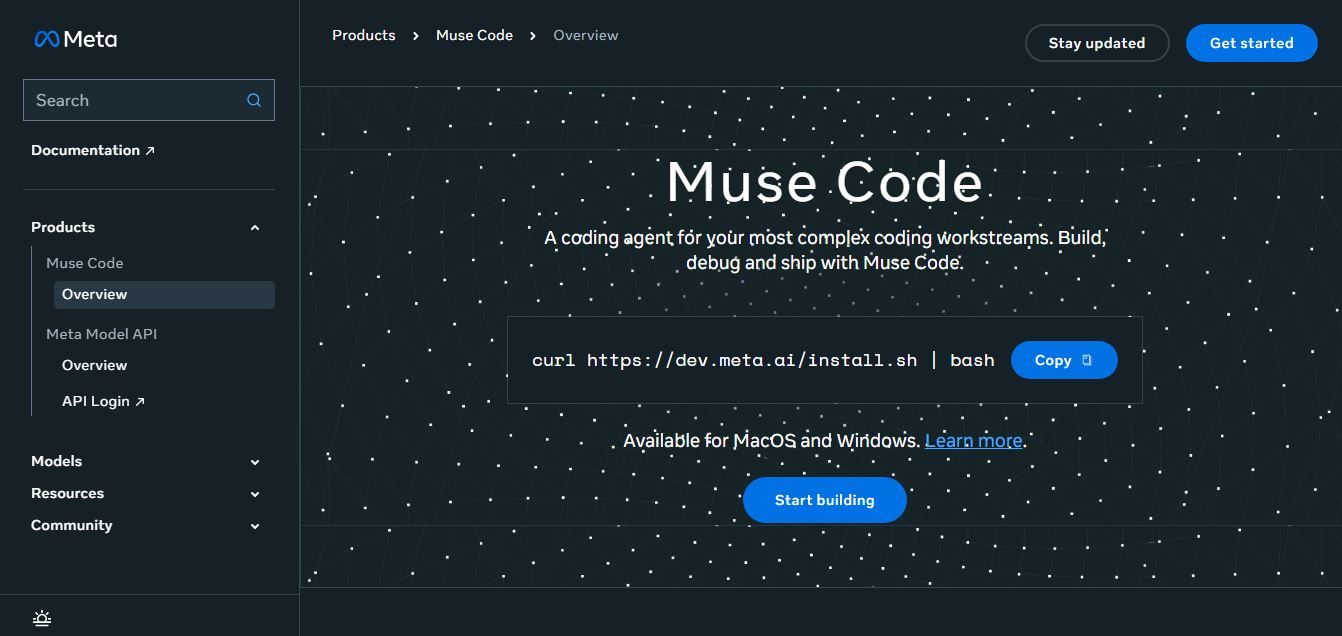
Meta Muse Code is a terminal-native AI coding agent powered by Meta’s Muse Spark models that plans, writes, audits, and executes multi-file software engineering tasks directly in developer CLI environments with multi-agent orchestration and 1M token context.
 4.9
4.9LiveKit
Developer AI Tools
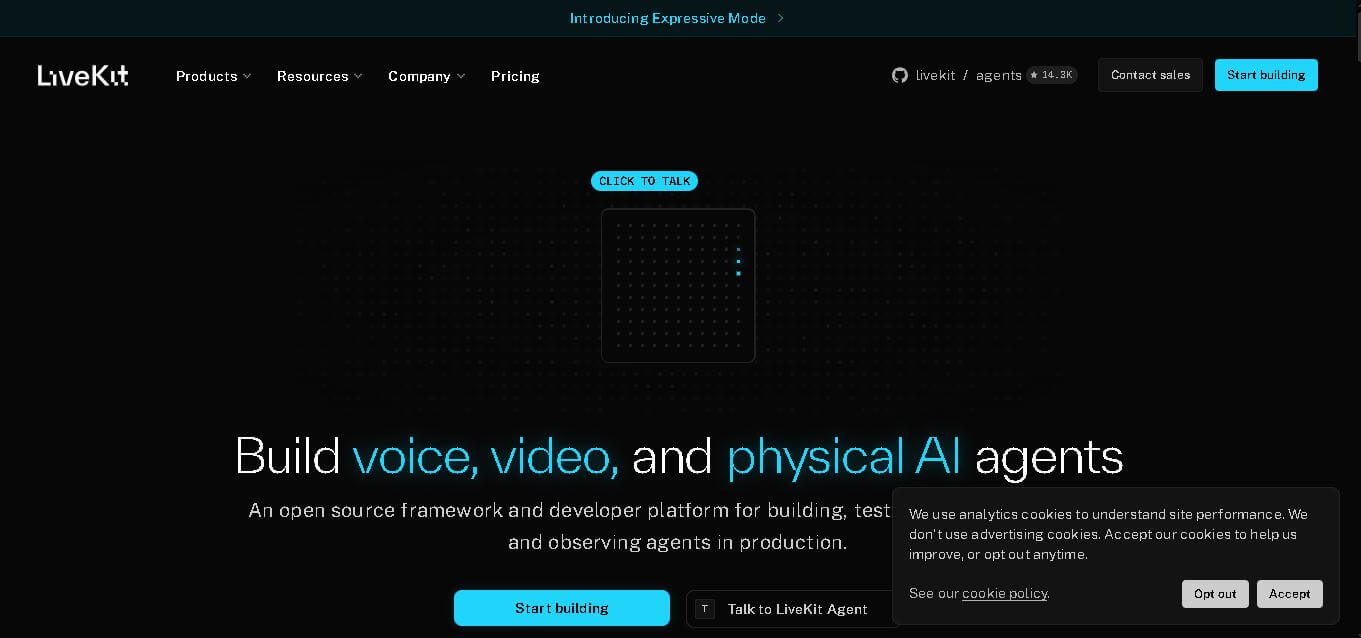
LiveKit is a real-time communication and AI agent development platform designed for developers building voice, video, and multimodal applications. It combines open-source infrastructure, WebRTC communication, AI agent tools, telephony integrations, model connectivity, cloud deployment, and observability, helping teams create responsive applications that can operate across browsers, mobile apps, and phone calls.
 4.8
4.8RTutor AI
Developer AI Tools
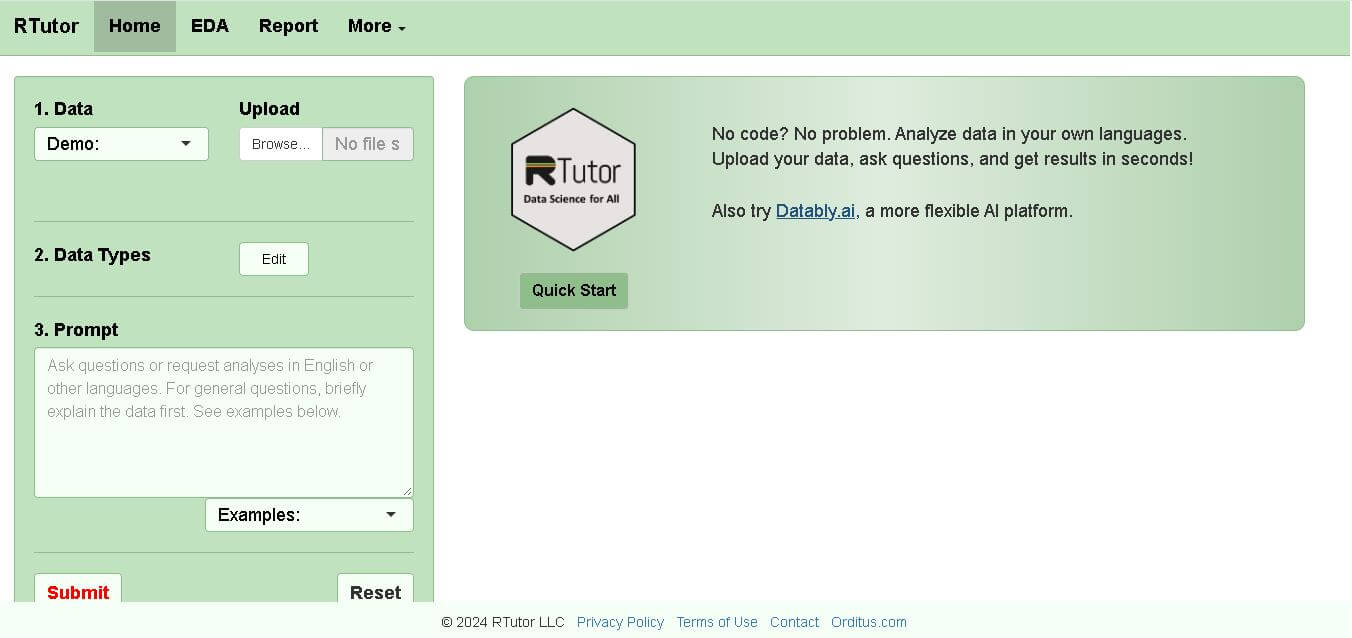
RTutor makes statistical data analysis easier by allowing users to describe what they want in natural language. It converts requests into R or Python code, executes the analysis, displays results, and supports charts and reports. Researchers, students, analysts, and beginners can use it to explore datasets without writing every command manually.
 4.9
4.9Chat Recall
Developer AI Tools
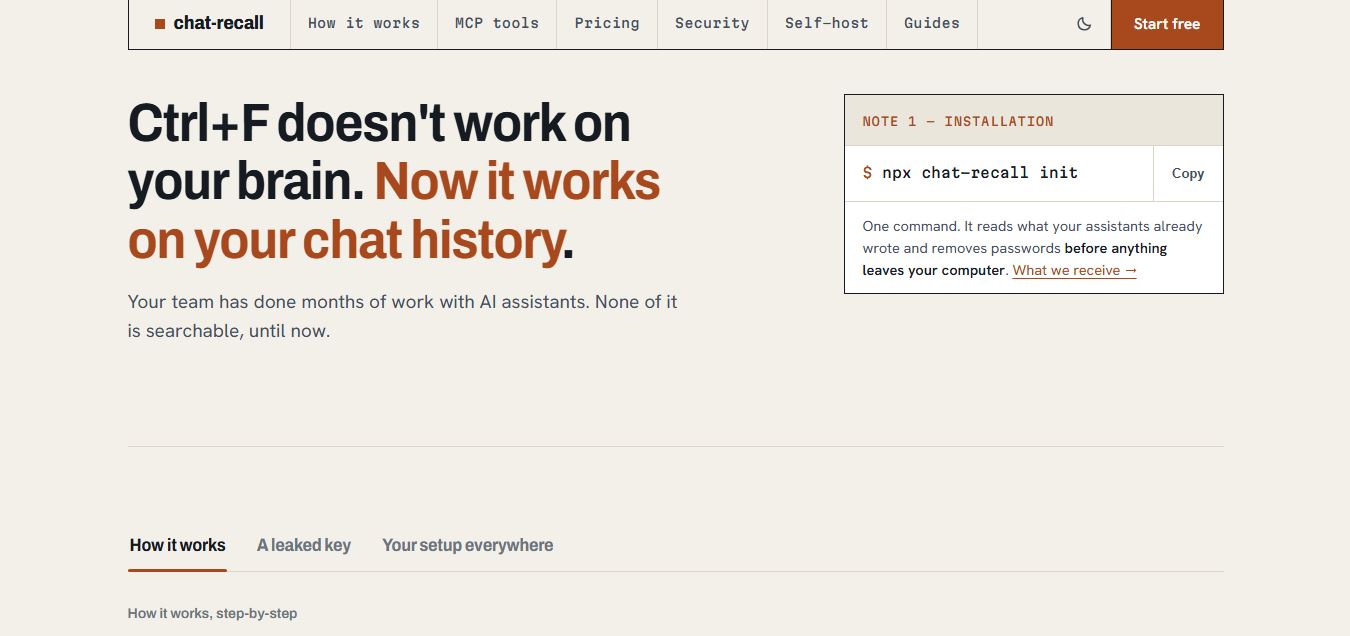
Chat Recall is a unified AI coding chat history search, intelligence, and Model Context Protocol (MCP) memory platform that indexes past conversations across multiple AI coding assistants, strips exposed API secrets locally, and gives coding agents persistent shared memory.
 4.9
4.9Stackness
Developer AI Tools
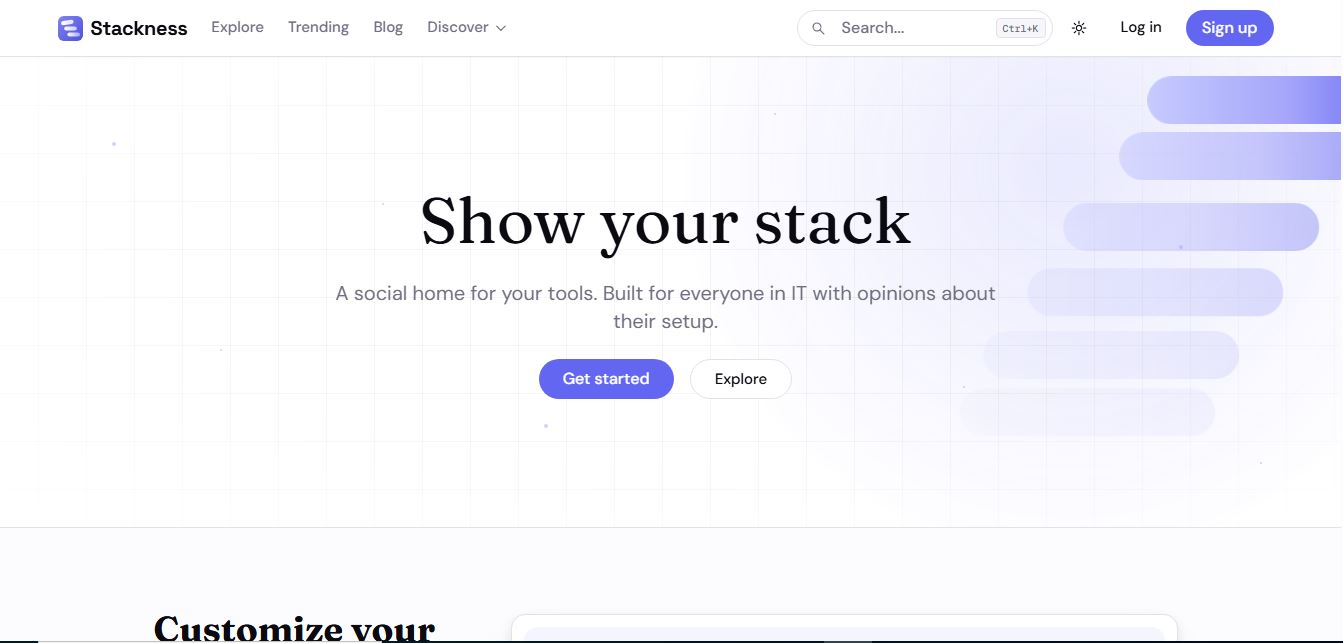
Stackness is a developer-focused social portfolio and tech stack discovery platform where engineers, designers, and tech teams showcase their daily drivers, document workflow 'Moves', explore software trend telemetry, and arrange their tooling profiles as customizable bento grids.
 4.8
4.8Nscale
Developer AI Tools
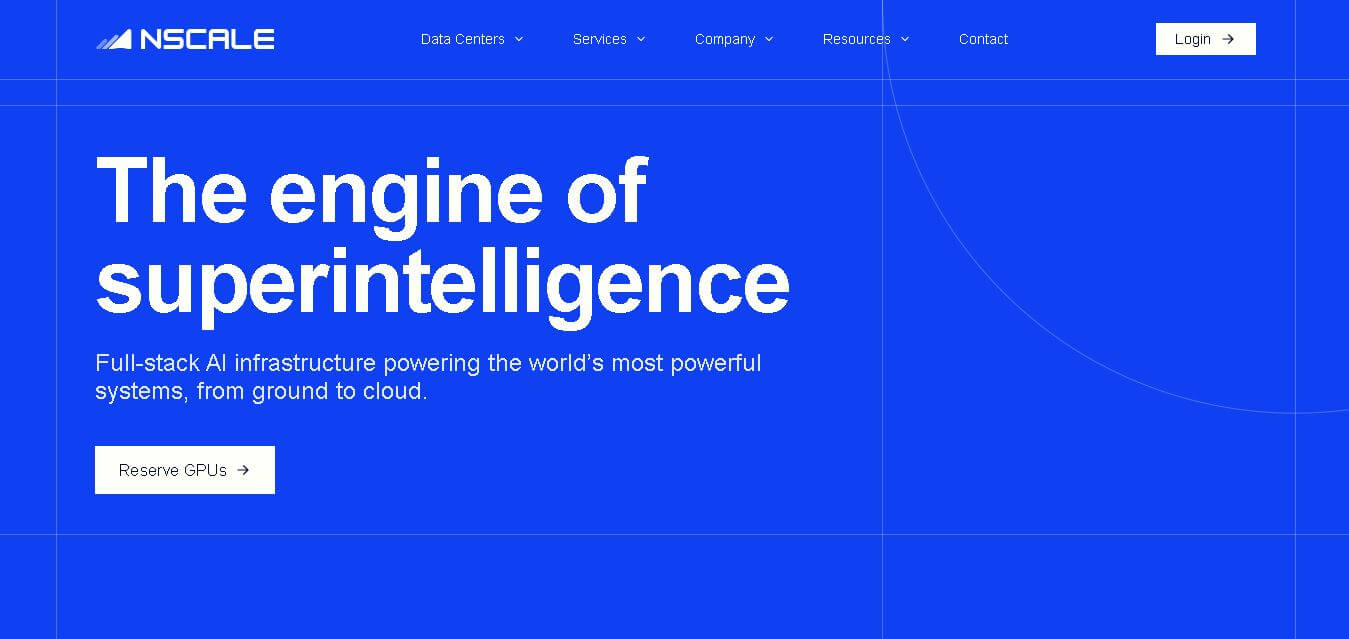
Nscale is a full-stack AI cloud provider offering GPU compute, inference, training, fine-tuning, Kubernetes, Slurm, networking, storage, and dedicated AI infrastructure. It helps AI teams and enterprises scale demanding workloads while reducing infrastructure complexity and improving performance, efficiency, and deployment speed through purpose-built AI data centers and integrated cloud services.