
Cursor
Cursor is an AI-first code editor and VS Code fork developed by Anysphere that delivers full-codebase indexing, predictive Cursor Tab autocomplete, in-line code refactoring, and multi-file agentic execution via Composer across frontier models like Claude, GPT, and Gemini.

What is Cursor?
Cursor is an AI-native integrated development environment (IDE) developed by Anysphere, an applied AI research lab founded by Michael Truell, Sualeh Asif, Aman Sanger, and Arvid Lunnemark. Built as an optimized, custom fork of Microsoft Visual Studio Code, Cursor seamlessly imports a developer's existing VS Code extensions, themes, keybindings, and settings while integrating state-of-the-art frontier language models directly into the editor's core architecture.
Built around the philosophy of “The AI-first code editor built for hyper-productive software engineering,” Cursor evolves beyond simple inline snippet suggestions. By combining semantic whole-codebase indexing with Cursor Tab (predictive multi-line completions) and Composer (an agentic multi-file code generator and execution engine), Cursor allows developers to navigate massive repositories, implement architectural refactors, and execute terminal workflows through natural language prompts.
- Platform Role: AI-Native IDE, Agentic Code Generation Suite & Intelligent Developer Workbench
- Founders & Organization: Michael Truell, Aman Sanger, Sualeh Asif, and Arvid Lunnemark (Anysphere, San Francisco, California)
- Cross-Platform Compatibility: Native desktop clients for macOS (Apple Silicon & Intel), Windows, and Linux
Use Cases:
- Drafting, editing, and refactoring code across multiple files simultaneously using the Composer agent
- Navigating, querying, and onboarding onto unfamiliar enterprise repositories using full-codebase semantic search and chat
- Accelerating day-to-day coding speed with predictive Cursor Tab multi-line autocompletions and smart cursor jumping
- Diagnosing terminal build errors, compiler panics, and stack traces with instant one-click AI debugging and automated patch diffs
- Connecting personal API keys (BYOK) to run specialized open-source models, local endpoints, or frontier LLMs with granular token control
Technology:
- Custom VS Code fork integrating low-latency C++ and TypeScript extensions directly into the editor event loop
- Proprietary embedding and vector retrieval pipeline performing remote and local semantic codebase indexing
- Composer multi-file agentic harness orchestrating codebase-wide file diffs, terminal execution, and iterative self-correction
- Multi-model frontier routing allowing seamless switching between Anthropic Claude (Sonnet/Opus), OpenAI GPT, Google Gemini, and custom endpoints
Target Users:
- Full-stack engineers, backend architects, and frontend developers seeking 2x to 3x productivity gains in daily development
- Startup founders and indie hackers building and iterating full-stack MVPs at breakneck speeds
- DevOps and infrastructure engineers navigating complex monorepos, Kubernetes manifests, and Terraform scripts
- Engineering teams in regulated industries requiring strict Privacy Mode configurations where proprietary code is never stored or trained on
Acquisition: Independent desktop developer platform built by Anysphere Inc.

What are the key features of Cursor?
Cursor's key platform features are
- Composer Multi-File Agent: Executes complex cross-file features, writes new components, applies inline diffs, and runs terminal commands within an agentic canvas.
- Predictive Cursor Tab: Anticipates your next edits across multiple lines, predicting cursor location and automatically filling boilerplate logic with tab clicks.
- Semantic Codebase Indexing: Creates a localized vector map of your entire project, enabling conversational questions like “where is user auth verified?” with deep contextual accuracy.
- In-Line Code Editing (Cmd+K / Ctrl+K): Highlight any function or code block to prompt surgical modifications, refactors, or docstring generation directly in place.
- 1-Click VS Code Import: Imports all existing Visual Studio Code extensions, custom settings, keymaps, and workspaces instantly with a single click.
- Terminal AI Integration: Intercepts terminal errors, shell failures, and missing dependencies, automatically generating shell command fixes.
- Strict Privacy Mode: Guarantees that code, prompts, and indexing embeddings are never stored on remote servers or used for model training.
- Bring-Your-Own-Key (BYOK) Flexibility: Allows developers to configure custom API keys for OpenAI, Anthropic, or local GGUF/Ollama inference endpoints.
How much does Cursor cost?
Cursor operates on a freemium model combining usage-based AI compute allowances with scalable tiers for individual developers and enterprise teams.
Individual Plans:
- Hobby Plan ($0 / month): Free forever; includes a 2-week Pro trial, limited tab completions, basic codebase indexing, and standard model requests for hobbyists.
- Pro Plan ($20 / month): The standard tier for active developers; includes unlimited Cursor Tab completions, a generous monthly usage credit pool for frontier models (Claude Sonnet, GPT, Gemini), and background Composer agent access.
- Pro+ & Ultra Plans ($60 - $200 / month): Expanded usage pools for heavy AI power users (3x to 20x the Pro credit quota), priority compute routing during peak hours, and max-context refactoring modes.
Team & Enterprise Tiers:
- Teams Plan ($40 / user / month): Includes all Pro features per seat, centralized team billing, organization-wide Privacy Mode enforcement, admin usage analytics, and SAML/OIDC SSO.
- Enterprise Plan (Custom Pricing): Custom annual licensing with pooled usage credits, SCIM user provisioning, audit logging, role-based access controls (RBAC), and dedicated enterprise support.
Disclaimer: Cursor provides a free tier to evaluate editor workflows. Heavy multi-file Composer agents and max-context model usage utilize monthly credit allowances on paid tiers. Visit cursor.com/pricing for active details.
Who should use Cursor?
Cursor is designed for software engineers, founders, and technical teams, including
- Professional Software Engineers: Developers wanting deep AI integration that edits code across multiple project files without copying back and forth from external chat tabs.
- Solo Founders & Startup Builders: Entrepreneurs turning product specs into working full-stack features in hours rather than days.
- Engineering Teams in Monorepos: Organizations navigating complex legacy codebases that benefit from global codebase semantic indexing.
- Existing VS Code Users: Developers seeking next-generation AI agent capabilities without abandoning their favorite extensions and themes.
What are the best alternatives to Cursor?
Some of the strongest Cursor alternatives include
- Windsurf (Codeium)
- GitHub Copilot (Copilot Workspace)
- Claude Code (Anthropic CLI)
- AIRUNCODE
- Replit (Replit Agent)
- Aider
What are the pros and cons of Cursor?
What are the pros of Cursor?
- Frictionless 1-click import brings all VS Code extensions, themes, and keybindings over instantly
- Composer agent can plan, generate, and edit code across multiple files simultaneously with visual diff previews
- Cursor Tab provides lightning-fast, predictive multi-line autocomplete and smart cursor repositioning
- Full codebase semantic search accurately grounds AI responses in your repository's actual architecture
- Strict Privacy Mode ensures enterprise code is never logged, stored, or used for model training
What are the cons of Cursor?
- Intensive use of frontier models across massive context windows can deplete monthly credit quotas on the standard Pro tier
- Composer agents can occasionally hallucinate subtle architectural patterns in very large monorepos without clear instructions
- Requires running a dedicated desktop application fork rather than an extension inside an existing standard VS Code builds
Why should you choose Cursor?
Traditional AI coding assistants act like glorified autocompletes or isolated side-panel chat boxes that lack a coherent understanding of your broader codebase. Cursor fundamentally changes how developers interact with AI by embedding intelligence directly into the file system and editor event loop. With features like Composer multi-file editing, predictive Cursor Tab completions, and semantic codebase indexing, Cursor enables engineers to design, build, and refactor software at unprecedented velocity.
- Edit multiple files simultaneously with reviewable inline diffs using the Composer agent
- Write code faster with predictive multi-line autocompletions and smart cursor jumping
- Ask detailed architectural questions about your entire project using semantic codebase search
- Keep your favorite development environment intact with complete 1-click VS Code compatibility
How does Cursor compare to competitors?
The primary distinctions between Cursor, Windsurf, GitHub Copilot, and Replit lie in execution environment, multi-file agency, and developer workflow. While GitHub Copilot functions primarily as an extension inside standard editors and Replit operates an in-browser cloud runtime, Cursor provides a dedicated desktop IDE fork optimized specifically for multi-file agentic refactoring (Composer) and semantic repository comprehension.
| Feature / Platform | Cursor | Windsurf (Codeium) | GitHub Copilot | Replit |
|---|---|---|---|---|
| Core Focus | AI-First VS Code Fork & Multi-File Composer | Agentic Flow State IDE & Cascade | Inline Autocomplete & Ecosystem Extension | Cloud IDE, Replit Agent & App Hosting |
| Environment | Native Desktop (macOS, Windows, Linux) | Native Desktop (macOS, Windows, Linux) | Extension for VS Code, JetBrains, Visual Studio | Cloud Browser-Based Linux Container |
| Multi-File Editing | Composer (Autonomous multi-file diffs & terminal) | Cascade (Multi-file collaborative agent) | Copilot Edits / Workspace | Replit Agent (Autonomous full-stack builder) |
| Codebase Awareness | Deep semantic vector indexing & symbols | Deep codebase context & variable tracking | Repository indexing & GitHub context | Full in-container file awareness |
| Pricing Structure | Free tier / Pro at $20/mo / Teams $40/mo | Free tier / Pro at $15/mo / Teams $30/mo | Individual ($10/mo) / Business ($19/mo) | Free tier / Core ($20/mo) / Pro ($100/mo) |
| Best For | Professional developers wanting multi-file agentic refactors and VS Code parity | Developers wanting seamless flow state and collaborative agent loops | Developers wanting a lightweight, extension-based autocomplete tool | Builders wanting prompt-to-app generation and instant cloud hosting |
How do we rate Cursor?
| Parameter | Rating (out of 5) |
|---|---|
| Multi-File Editing & Composer Autonomy | 5.0 |
| Predictive Autocomplete (Cursor Tab) | 5.0 |
| Codebase Indexing & Context Retrieval | 4.9 |
| VS Code Compatibility & Ecosystem Parity | 5.0 |
| Value for Money | 4.8 |
| Overall Score | 4.94 |
What is our review and verdict on Cursor?
Cursor is widely regarded as the gold standard in AI-assisted software engineering. By engineering an editor around language models from the ground up rather than treating AI as an afterthought plugin, Anysphere has built an indispensable tool for modern developers. Between its instantaneous VS Code compatibility, predictive tab completions, and the game-changing multi-file refactoring power of Composer, Cursor delivers a monumental leap in daily programming velocity.
Conclusion
Cursor reimagines the coding experience by embedding AI directly into the editor, making development faster and more intuitive. Instead of switching between tools, developers can write, edit, and debug code with real-time AI assistance in one place. Its ability to understand context and generate meaningful suggestions improves productivity without disrupting workflow. Overall, Cursor turns coding into a more streamlined, collaborative process, helping developers build, iterate, and solve problems with greater speed and confidence.
FAQ
What is Cursor and what does it actually do?
Cursor is an AI-powered code editor designed to help developers write, edit, and debug software faster. It combines a traditional IDE experience with an AI agent that can understand your codebase, generate code, fix bugs, and even complete full tasks from a simple prompt.
How is Cursor different from GitHub Copilot or VS Code?
Cursor goes beyond autocomplete tools like Copilot by offering a full AI agent workflow. Instead of just suggesting code line-by-line, it can analyze entire projects, make multi-file edits, run commands, and complete tasks end-to-end, making it closer to an autonomous coding assistant than a basic plugin.
What features does Cursor offer for developers?
Cursor includes advanced features like AI autocomplete (Tab), multi-line edits, smart rewrites, agent mode for end-to-end tasks, codebase understanding, terminal command execution, error detection and auto-fixing, and the ability to reference files or documentation directly inside prompts.
Can Cursor build or modify full applications using AI?
Yes, Cursor’s agent can plan, generate, and modify entire applications by understanding your project structure and executing tasks across files. It can run workflows like writing features, fixing bugs, and iterating based on errors, effectively acting like an AI developer working alongside you.
What AI models does Cursor support?
Cursor supports multiple frontier AI models from providers like OpenAI, Anthropic, and Google, along with its own custom models. It can automatically select the best model for a task or let users choose manually, balancing cost, speed, and intelligence.
Is Cursor free or paid?
Cursor offers a free “Hobby” plan with limited usage, along with paid plans like Pro (~$20/month), Pro+, and Ultra. There’s also a ₹649/month India-specific plan, making it more accessible for local developers. Paid plans unlock higher usage limits, advanced features, and access to more powerful AI models.
Who should use Cursor?
Cursor is ideal for developers, startups, indie hackers, and engineering teams who want to speed up coding and reduce manual work. It’s especially useful for people building apps, working with large codebases, or experimenting with AI-driven development workflows.
User Reviews
No reviews yet for Cursor.
Featured Tools
Featured AI tools from TechShark

Melody Genie
MelodyGenie is an AI-powered music generator that creates original songs from simple text prompts. Users can choose styles, moods, and genres, then instantly generate melodies and full tracks, making it easy for creators, marketers, and hobbyists to produce custom music without musical expertise.
Freemium

Kimi AI
Kimi AI is an advanced AI assistant developed by Moonshot AI that helps you chat, research, write, code, and automate tasks in one place. It supports web search, file analysis, and multimodal inputs, and can even run autonomous “agent” workflows to complete complex tasks end-to-end.
Freemium

Fashion Diffusion AI
Fashion Diffusion is an AI-powered fashion design platform that helps brands and designers create clothing designs, virtual try-ons, AI models, product photos, and marketing visuals faster and cost-effectively.
Paid

Veo 4
Veo 4 AI is an AI video creation platform that generates dramatic videos from text, images, audio, and video prompts using realistic motion and synchronized sound.
Paid
Alternatives
Alternatives to Cursor
The best Cursor alternatives include Windsurf (Codeium), GitHub Copilot, Claude Code, AIRUNCODE, and Replit. While Cursor provides an AI-native VS Code fork with deep codebase indexing, predictive Cursor Tab completions, and multi-file Composer editing, alternatives like Windsurf emphasize collaborative Cascade flows, GitHub Copilot integrates natively as an extension, and AIRUNCODE operates on a local-first BYOK model.
 4.9
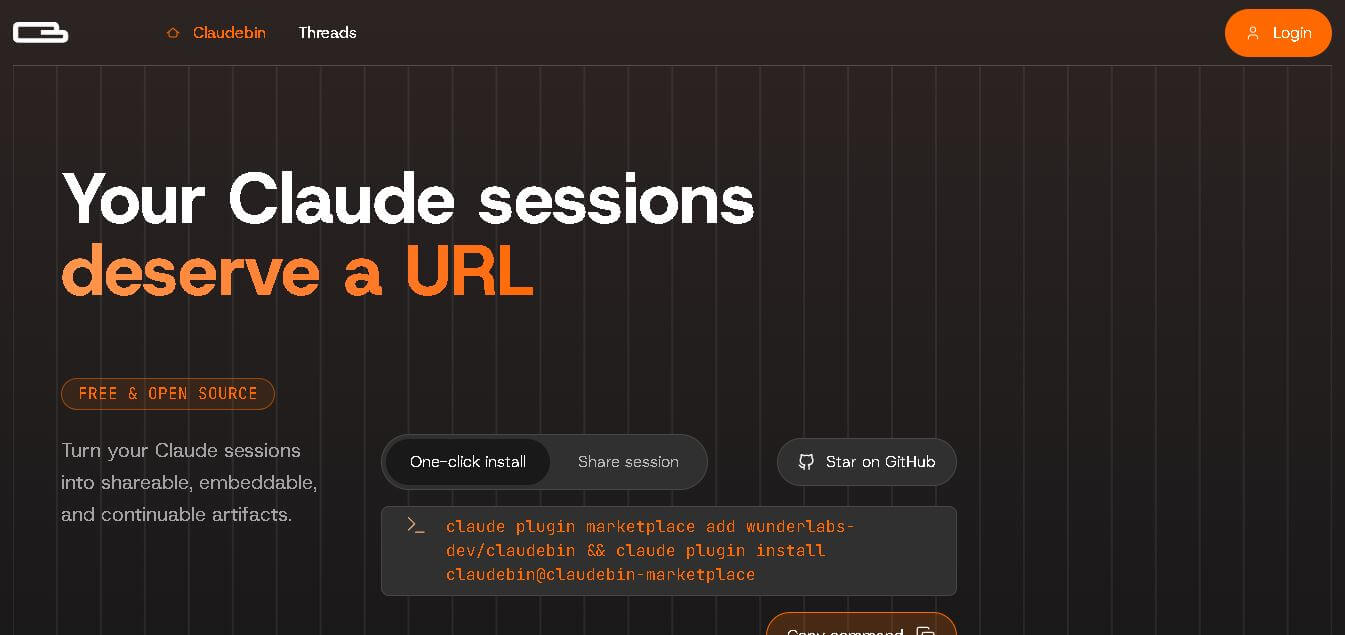
4.9Claudebin
Code Assistant
Claudebin is an open-source tool for sharing Claude Code sessions through structured, accessible web links. It captures conversations, file operations, terminal commands, and tool calls, helping developers explain their coding workflows. With session viewing and embedding capabilities, it simplifies technical documentation, collaboration, debugging discussions, and knowledge sharing across development projects.
 4.9
4.9GitFluence
Code Assistant
GitFluence is an AI-powered Git command generator that helps developers turn plain-English instructions into exact Git commands. It eliminates the need to memorize syntax, speeds up version control workflows, and lets users quickly copy accurate commands for tasks like branching, merging, and fixing commits.
 4.9
4.9Kiro
Vibe Coding
Kiro is an AI-powered developer platform that helps teams plan, build, and ship software using autonomous agents. It turns prompts into structured specs, writes and tests code, and automates workflows across IDE, CLI, and cloud, enabling faster, reliable development from prototype to production.
 4.8
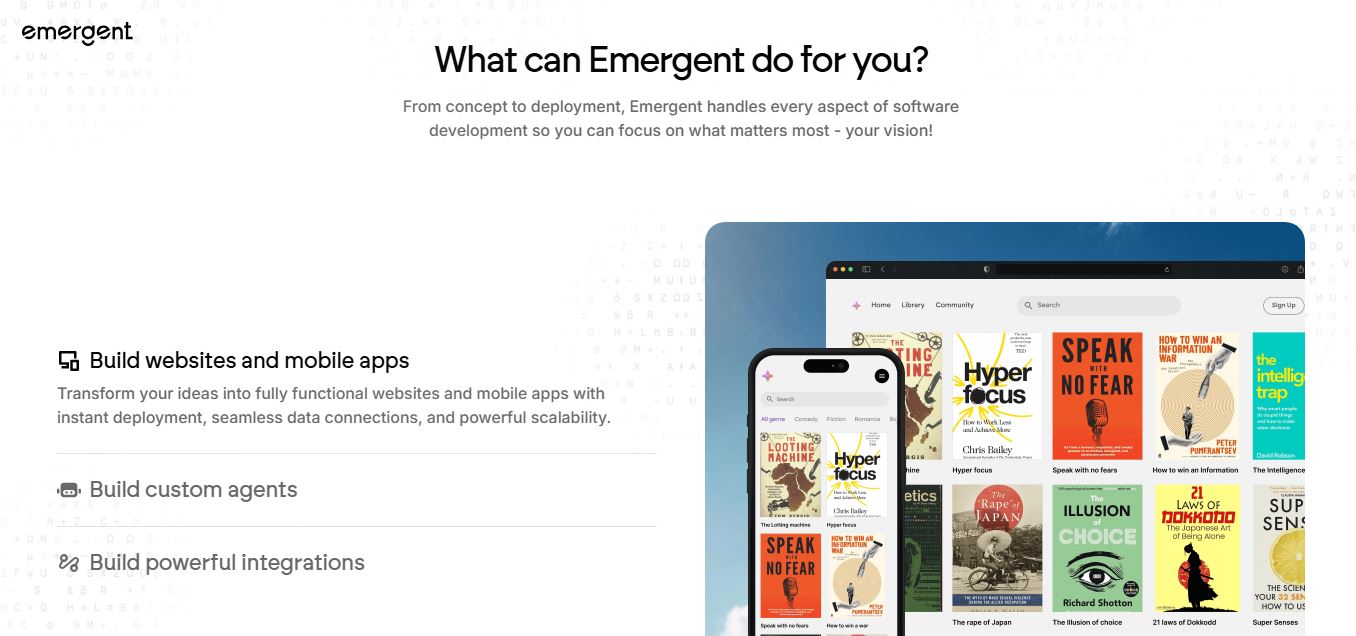
4.8Emergent
Vibe Coding
Emergent is an AI-powered app builder that lets users create full-stack web and mobile applications by simply describing their idea. It uses autonomous agents to plan, code, test, and deploy apps, handling everything from backend to hosting without requiring traditional programming skills.
 4.7
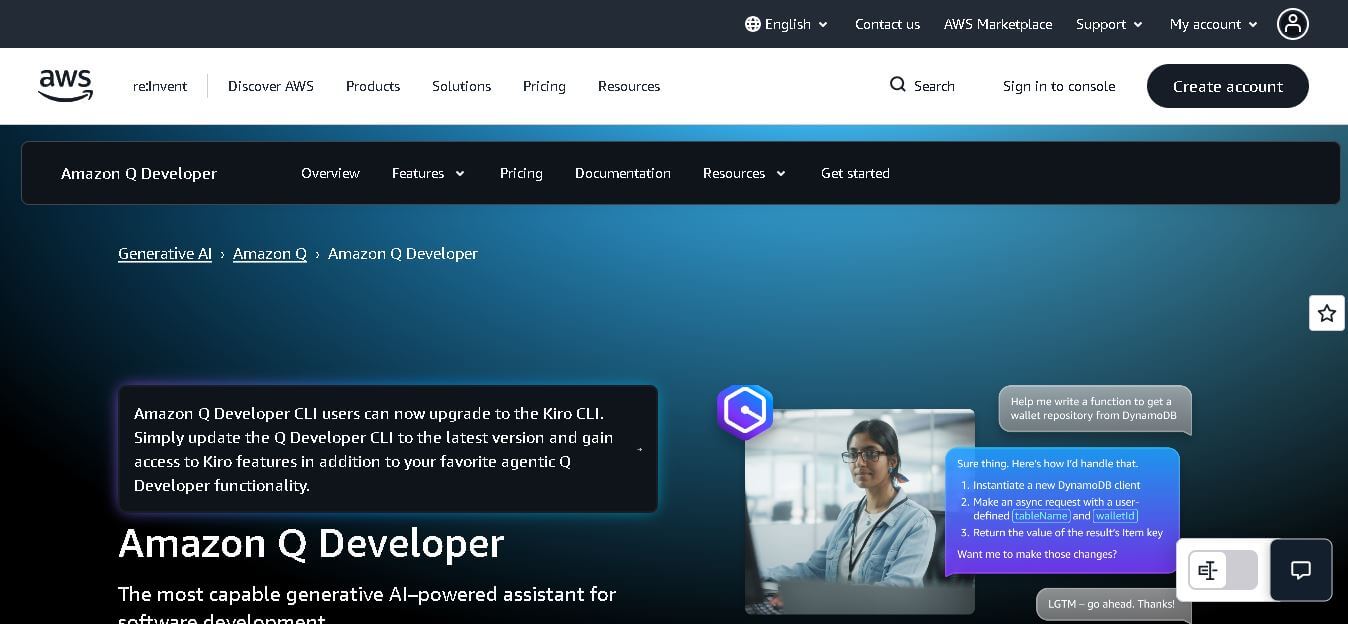
4.7Amazon Q Developer
Code Assistant
Amazon Q Developer helps developers write, explain, test, refactor, secure, and troubleshoot code while working with AWS services. It provides conversational assistance, inline suggestions, agentic coding, and cloud guidance across supported IDEs, command-line environments, and AWS interfaces. Its goal is to reduce repetitive work and help teams move from ideas to deployable software.
 4.9
4.9GitLab
Code Assistant
GitLab is a DevOps platform that provides a complete suite for planning, coding, testing, and deploying software in one place. It combines version control, CI/CD, security, and collaboration tools, helping teams streamline development workflows and deliver software faster and more efficiently.
 4.9
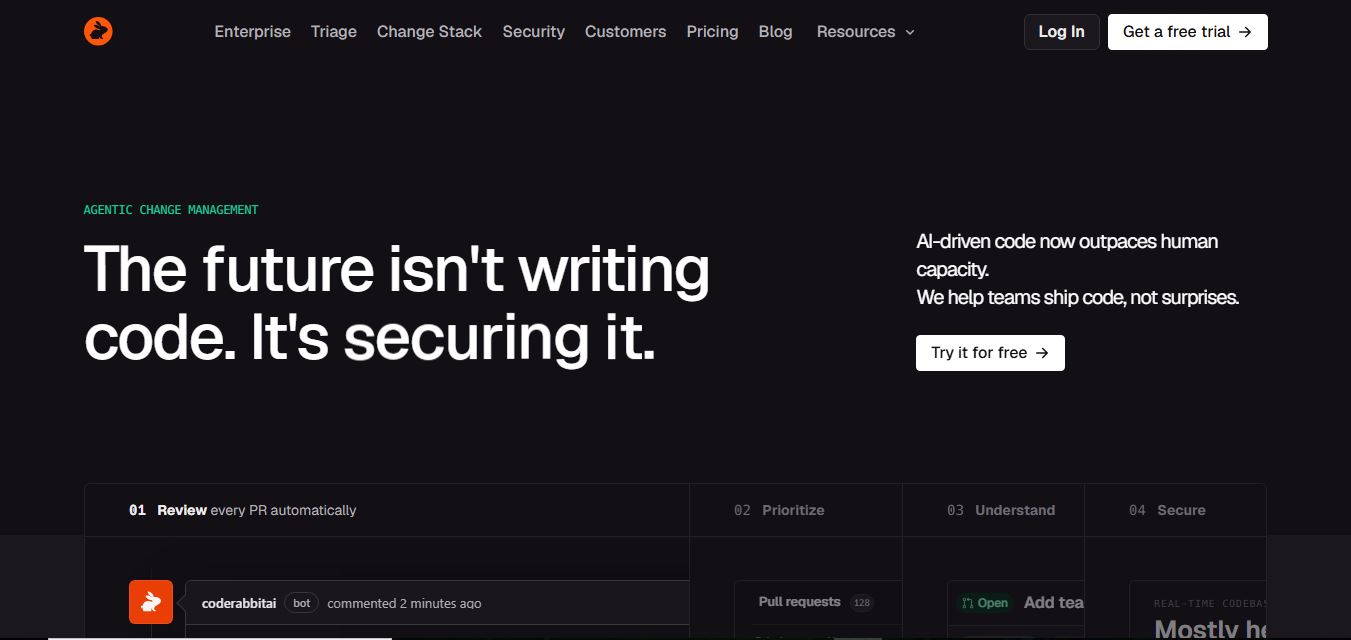
4.9CodeRabbit
Code Assistant
CodeRabbit is an AI-powered code review assistant that helps developers catch bugs, improve code quality, and speed up pull requests. It analyzes code changes in real time, provides actionable feedback, and integrates with Git workflows to make reviews faster and more efficient.
 4.9
4.9Sourcery
Code Assistant
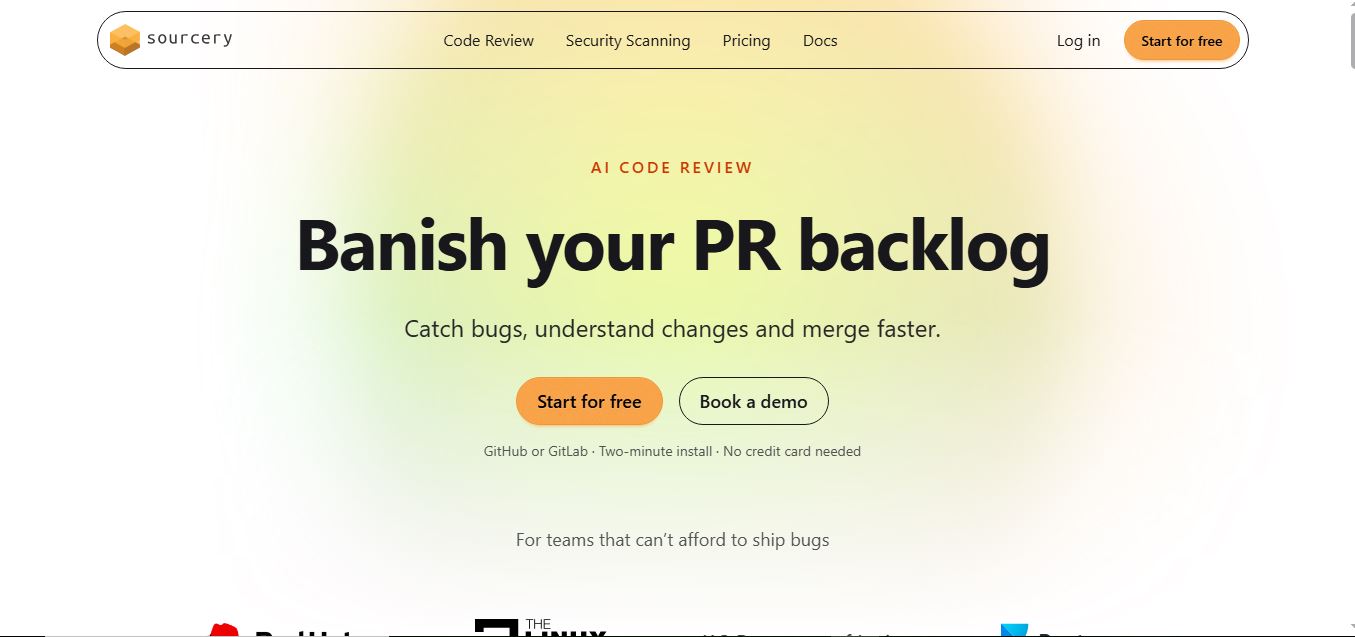
Sourcery is an AI-powered code refactoring tool that helps developers automatically improve Python code quality. It analyzes code, suggests cleaner and more efficient alternatives, and applies refactors instantly, making code more readable, maintainable, and aligned with best practices.
Tenki Cloud
Code Assistant
Tenki Cloud is a high-performance, cost-efficient cloud infrastructure platform offering disposable sandboxes for AI agents, self-hosted GitHub Actions runners, and automated AI code review.