
RTutor AI
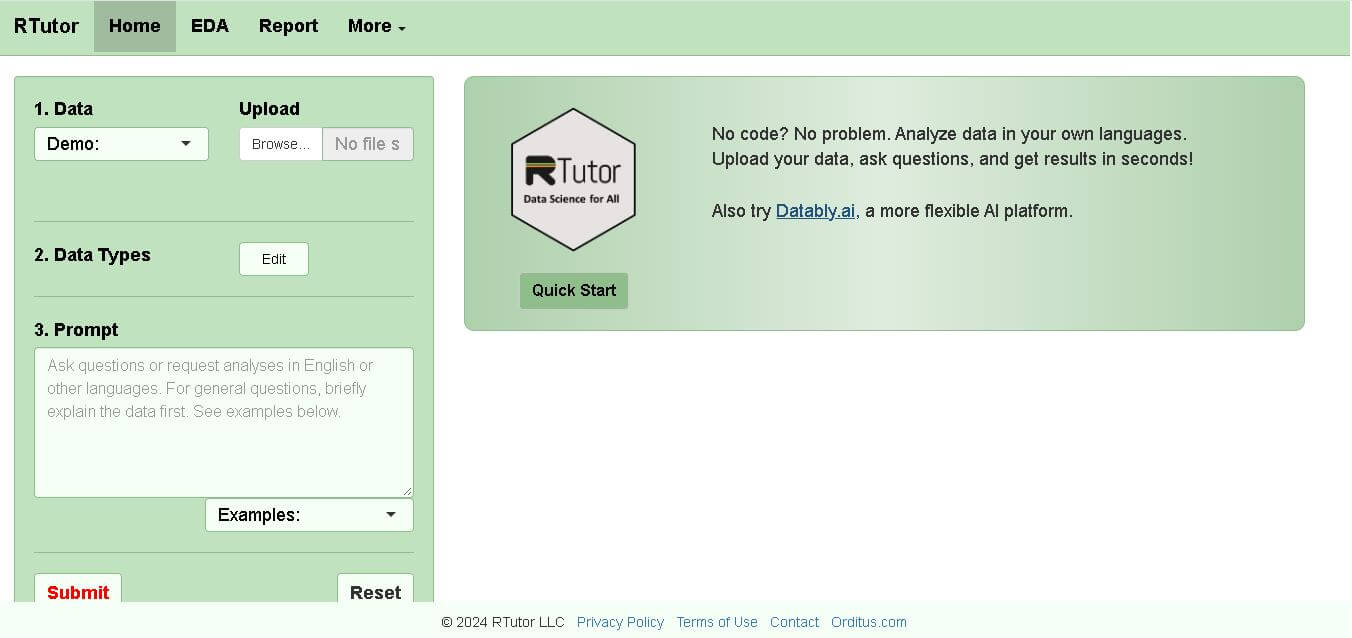
RTutor makes statistical data analysis easier by allowing users to describe what they want in natural language. It converts requests into R or Python code, executes the analysis, displays results, and supports charts and reports. Researchers, students, analysts, and beginners can use it to explore datasets without writing every command manually.
What is RTutor AI?
RTutor is a conversational data-analysis tool that converts plain-language questions into executable R or Python code. Users can upload CSV, TSV, or Excel datasets, ask analytical questions, generate visualizations, explore statistics, and download results as HTML reports. It uses OpenAI language models to translate requests into code and runs the generated analysis within its application environment.
RTutor is maintained by RTutor LLC and was created by Steven Ge. The current website identifies RTutor 2.00 and supports R and Python for data analysis. Users can upload 3 common data formats—CSV, TSV, and Excel—and optionally analyze a second dataset. Its EDA tools include 6+ analysis and visualization options, while reports can be exported as HTML.
- Platform Role: AI Statistical Assistant, Automated R/Python Code Generator, Exploratory Data Analysis (EDA) Tool
- Developer & Organization: Developed by Steven Ge and maintained by Orditus LLC (RTutor LLC)
- Cross-Platform Access: Web Browser Interface (rtutor.ai), Open-Source R Package (GitHub deployment), and Local Docker/RStudio installation
Use Cases:
- Conducting automated exploratory data analysis (EDA) on CSV, TSV, and Excel datasets with zero coding background
- Translating natural language statistical requests into clean, reproducible R (and Python) scripts for academic research
- Generating publication-ready data visualizations (GGPairs, correlation plots, histograms) and Table 1 summary statistics
- Refining data plots dynamically using iterative conversational commands (e.g., “Change background color to white”)
- Exporting reproducible data analysis workflows as RMarkdown or HTML summary reports
Technology:
- OpenAI GPT-4o and Azure OpenAI integration for contextual prompt-to-code translation
- R statistical ecosystem packages, including DataExplorer, summarytools, tableone, GGally, and corrplot
- Contextual prompt engineering that automatically ingests dataset schemas, column data types, and variable levels
- Session-based memory allowing sequential iterative code updates without losing state
- Stateless privacy architecture where uploaded datasets are processed in memory and purged upon session termination
Target Users:
- Academic researchers, biologists, and social scientists seeking rapid statistical analysis without writing manual code
- Students and educators learning R programming and statistical data visualization
- Data analysts and business intelligence teams needing fast exploratory data summaries and quick charts
- Commercial enterprises looking for customizable, locally hosted AI statistical engines
Acquisition: Open-source project and web service operated by Orditus LLC / RTutor LLC (rtutor.ai)
What are the key features of RTutor AI?
RTutor AI's key platform features are
- Natural Language to R/Python Code: Converts plain English questions into clean, executable R or Python code chunks.
- Automated EDA Reports: Generates categorical/numerical summaries, correlation matrices (corrplot), and distributions with one click.
- Iterative Conversational Editing: Previous code chunks become context, allowing users to modify existing plots and models conversationally.
- Exportable RMarkdown HTML Reports: Compile all generated code chunks and visual outputs into a structured, reproducible HTML document.
- Custom API Key Support: Users can plug in their OpenAI API keys for higher volume requests or private usage.
- Open-Source & Self-Hostable: Source code is available on GitHub for non-profit, local, or Docker installations.
How much does RTutor AI cost?
RTutor AI is free for nonprofit and academic use while offering personal API key support and custom licensing for commercial deployments.
Pricing Tiers:
- Free Non-Profit Web Access ($0): Free web access for academic and personal research using shared hosted model capacity.
- Bring Your Own Key (BYOK): Free usage of the web UI while plugging in a personal OpenAI API key (pay-as-you-go OpenAI rates).
- Commercial Enterprise Licensing: Custom licensing and local installation pricing required for commercial business deployments.
Disclaimer: Web version usage is free for non-commercial purposes. Heavy API users are encouraged to supply their own OpenAI API keys in the site settings.
Who should use RTutor AI?
RTutor AI is designed for researchers, students, and analysts, including
- Medical & Academic Researchers: Scientists who need rapid statistical analyses, Table 1 demographics, and charts without mastering R programming.
- R Language Learners: Students who want to inspect R code side by side with their natural language queries.
- Data Analysts: Professionals needing a rapid exploratory data analysis (EDA) tool before building formal pipelines.
What are the best alternatives to RTutor AI?
Some of the strongest RTutor AI alternatives include
What are the pros and cons of RTutor AI?
What are the pros of RTutor AI?
- Completely free for non-profit academic research with open-source R package availability
- Generates fully visible, editable, and reproducible R and Python code chunks
- Native integration with specialized statistical packages (summarytools, tableone, GGally)
- Stateless session security where data files are automatically deleted after closing the session
What are the cons of RTutor AI?
- Commercial usage requires explicit licensing from Orditus LLC
- Requires user verification for logical correctness in complex statistical models
- Limited to structured tabular datasets (rows as observations, columns as variables)
Why should you choose RTutor AI?
Many AI data tools hide the underlying code, making it difficult for researchers to verify or publish their methodology. RTutor AI excels in providing complete transparency: every question yields transparent, copyable R/Python scripts alongside visual outputs. Combined with built-in exploratory data analysis tools and RMarkdown exporting, RTutor AI is an invaluable asset for academic and scientific data exploration.
How does RTutor AI compare to competitors?
The primary distinction between RTutor AI, Julius AI, and ChatGPT Advanced Data Analysis is transparency and the target environment. While ChatGPT and Julius process data in closed Python sandboxes, RTutor AI specifically targets the R statistical community, providing open-source code built on established R packages and exportable RMarkdown reports.
| Feature / Platform | RTutor AI | Julius AI | ChatGPT Data Analysis | Datably.ai |
|---|---|---|---|---|
| Core Focus | R & Python Statistical Code Generation | Conversational Python Data Science | General Python Sandbox & Charting | Multi-file Data & SQL Chat |
| Primary Language | R (with Python option) | Python | Python | Python & SQL |
| Code Transparency | High (Displays full R scripts & packages) | High (Shows Python code) | High (Shows Python code blocks) | High (Shows code & SQL) |
| Report Exporting | RMarkdown / HTML Reports | Jupyter Notebook / PDF | Text / CSV / File Download | Dashboard / Custom Reports |
| Open Source Availability | Yes (GitHub package available) | No (Proprietary SaaS) | No (Proprietary SaaS) | No (Proprietary SaaS) |
| Best For | Academic researchers wanting R scripts & EDA | Data scientists wanting fast Python analysis | General users analyzing files in ChatGPT | Complex multi-file and database analysis |
How do we rate RTutor AI?
| Parameter | Rating (out of 5) |
|---|---|
| Statistical Code Generation Accuracy | 4.7 |
| R & R Markdown Ecosystem Integration | 4.9 |
| Ease of Use for Non-Coders | 4.8 |
| Data Privacy & Session Management | 4.8 |
| Value for Money & Open Source Access | 5.0 |
| Overall Score | 4.84 |
What is our review and verdict on RTutor AI?
RTutor AI is an exceptional tool for democratizing statistical analysis. By converting plain language into verifiable R scripts and providing instant EDA summaries, it connects raw data to academic-grade insights. Its open-source nature and commitment to reproducible code make it a standout choice for researchers and analysts alike.
Conclusion
RTutor offers a practical way to interact with structured datasets through natural-language instructions instead of writing every analytical command manually. Its support for R, Python, exploratory analysis, visualizations, and HTML reporting makes it useful for students, researchers, analysts, and beginners. Its strongest value comes from combining conversational prompts with executable code, while users should independently validate statistical methods and generated results before using them for important decisions.
FAQ
What can I use RTutor for?
You can use RTutor to explore datasets, create charts, perform statistical analysis, clean data, generate models, and investigate relationships between variables. Instead of writing every R command manually, you can describe your goal in plain language. RTutor generates executable code, shows the results, and lets you refine the analysis conversationally.
Can beginners use RTutor without knowing R?
Yes. RTutor is designed to let you communicate with your data using natural language, making it approachable for beginners. You can ask questions about distributions, plots, statistics, or your dataset without having to manually construct R code. However, RTutor recommends checking the generated code and results, as automatically produced scripts can sometimes be logically incorrect.
What types of files does RTutor support?
RTutor supports commonly used structured datasets, including CSV files, TSV or tab-delimited text files, and Excel spreadsheets. After you upload a dataset, RTutor loads it into R as a data frame called df. You can also upload an additional dataset as df2 when you want to analyze both datasets together.
Does RTutor generate R code automatically?
Yes. RTutor translates natural-language requests into R code and executes the resulting scripts. You can also view the code produced for your request, which makes it useful for learning how particular analyses or visualizations are performed in R. The generated code can then be reviewed, refined, or adapted for future work.
Can RTutor create charts and visualizations?
Yes. RTutor includes several exploratory data analysis and visualization options. Its interface provides tools for categorical and numerical variables, summaries, correlations, and visualization workflows such as bar charts, histograms, Q-Q plots, and pairwise plots. You can also ask follow-up questions to modify or refine previously generated visualizations.
Does RTutor support Python?
Yes. Although RTutor is strongly centered around R, its current interface includes an option to use Python instead of R for generating code and results. This gives users some flexibility when their preferred analytical workflow is Python-based while retaining RTutor's conversational approach to data analysis.
User Reviews
No reviews yet for RTutor AI.
Featured Tools
Featured AI tools from TechShark

Melody Genie
MelodyGenie is an AI-powered music generator that creates original songs from simple text prompts. Users can choose styles, moods, and genres, then instantly generate melodies and full tracks, making it easy for creators, marketers, and hobbyists to produce custom music without musical expertise.
Freemium

Kimi AI
Kimi AI is an advanced AI assistant developed by Moonshot AI that helps you chat, research, write, code, and automate tasks in one place. It supports web search, file analysis, and multimodal inputs, and can even run autonomous “agent” workflows to complete complex tasks end-to-end.
Freemium

Fashion Diffusion AI
Fashion Diffusion is an AI-powered fashion design platform that helps brands and designers create clothing designs, virtual try-ons, AI models, product photos, and marketing visuals faster and cost-effectively.
Paid

Veo 4
Veo 4 AI is an AI video creation platform that generates dramatic videos from text, images, audio, and video prompts using realistic motion and synchronized sound.
Paid
Alternatives
Alternatives to RTutor AI
The best RTutor AI alternatives include Datably.ai, Julius AI, ChatGPT Advanced Data Analysis, and Akkio. While RTutor AI specifically targets transparent R code generation, automated EDA summaries, and exportable RMarkdown reports, alternatives like Julius AI focus heavily on conversational Python data science.
 4.9
4.9Xano
No Code
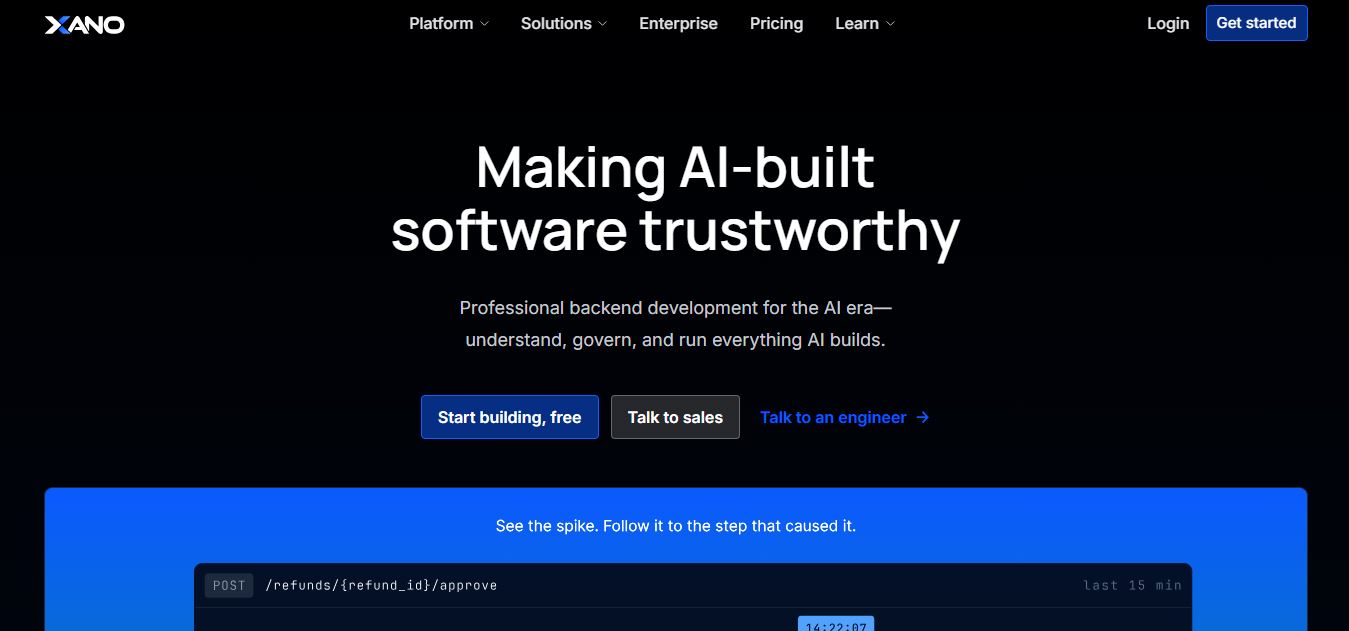
Xano is a no-code backend platform that lets users build scalable APIs, databases, and business logic without writing code. It provides a powerful server-side infrastructure, enabling developers and no-code creators to connect frontends, manage data, and launch applications quickly and efficiently.
 4.9
4.9Brainboard
Developer AI Tools
Brainboard is a visual cloud architecture and Infrastructure as Code (IaC) design platform that transforms interactive cloud diagrams into clean, production-ready Terraform code, complete with integrated visual CI/CD deployment pipelines, drift detection, and cost estimation.
 4.9
4.9Pulumi
Developer AI Tools
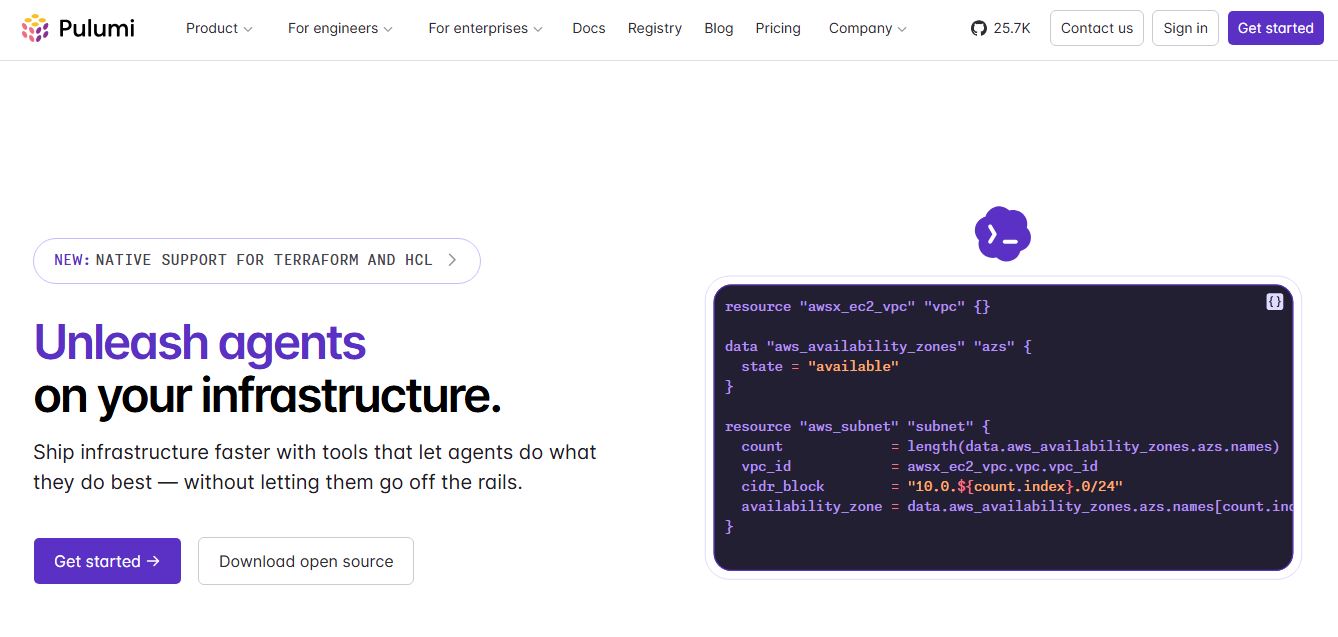
Pulumi is an open-source Infrastructure as Code (IaC) and cloud engineering platform that lets developers provision and manage multi-cloud infrastructure, Kubernetes clusters, and secrets using real programming languages like TypeScript, Python, Go, Java, and C#.
 4.9
4.9Meta Muse Code
Developer AI Tools
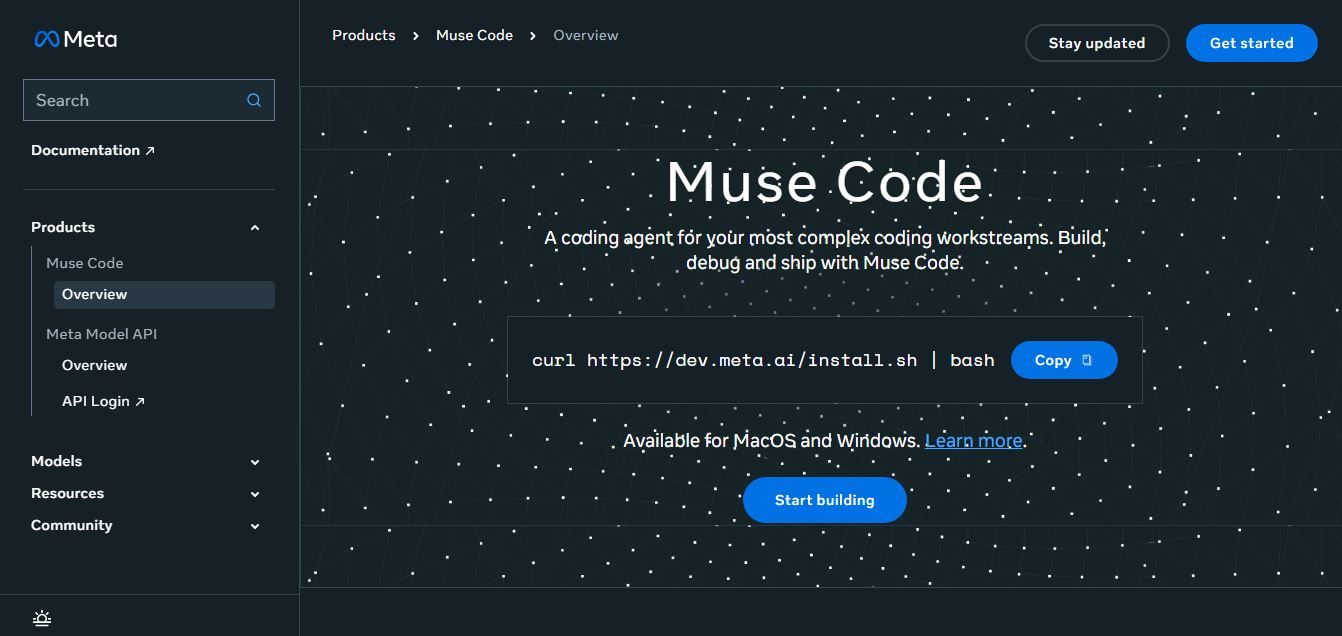
Meta Muse Code is a terminal-native AI coding agent powered by Meta’s Muse Spark models that plans, writes, audits, and executes multi-file software engineering tasks directly in developer CLI environments with multi-agent orchestration and 1M token context.
 4.9
4.9LiveKit
Developer AI Tools
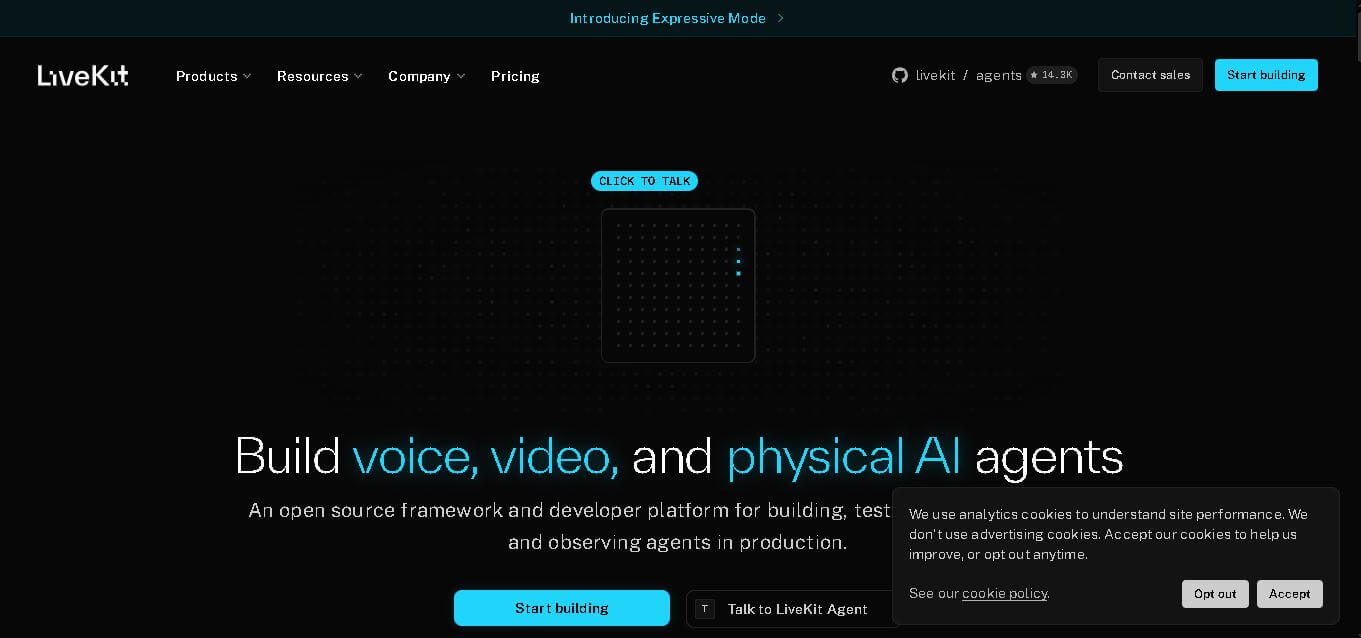
LiveKit is a real-time communication and AI agent development platform designed for developers building voice, video, and multimodal applications. It combines open-source infrastructure, WebRTC communication, AI agent tools, telephony integrations, model connectivity, cloud deployment, and observability, helping teams create responsive applications that can operate across browsers, mobile apps, and phone calls.
 4.9
4.9Chat Recall
Developer AI Tools
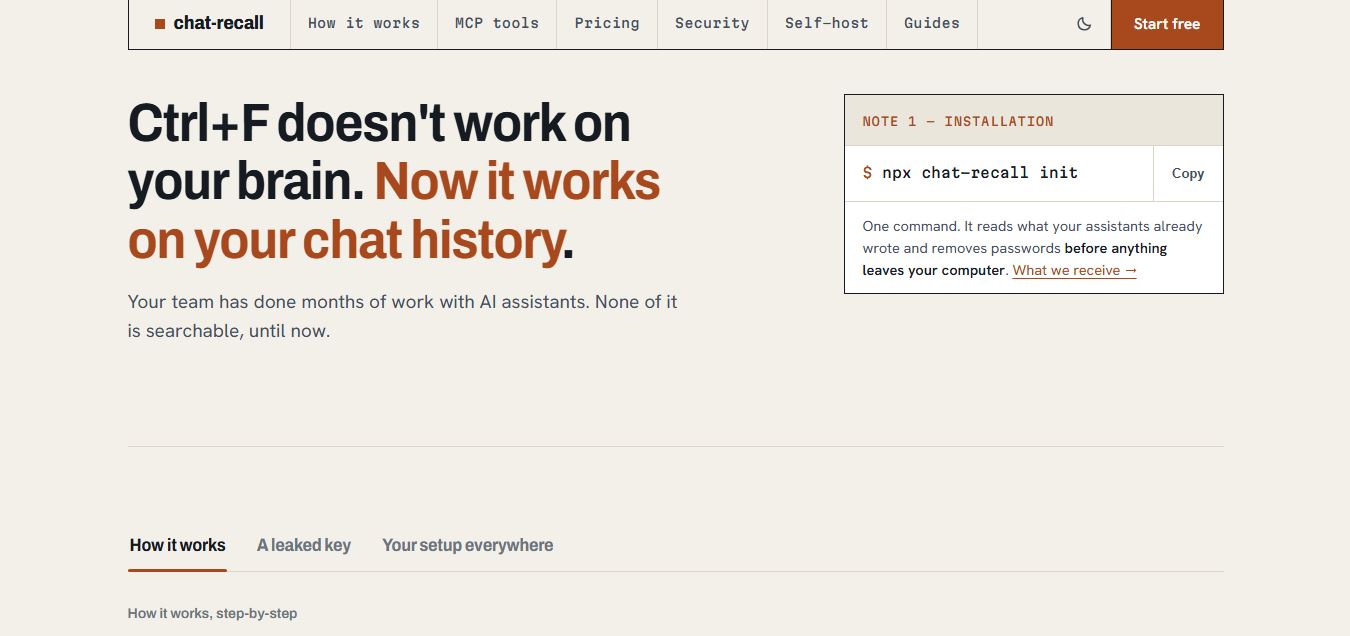
Chat Recall is a unified AI coding chat history search, intelligence, and Model Context Protocol (MCP) memory platform that indexes past conversations across multiple AI coding assistants, strips exposed API secrets locally, and gives coding agents persistent shared memory.
 4.9
4.9Cortex Docs
Developer AI Tools
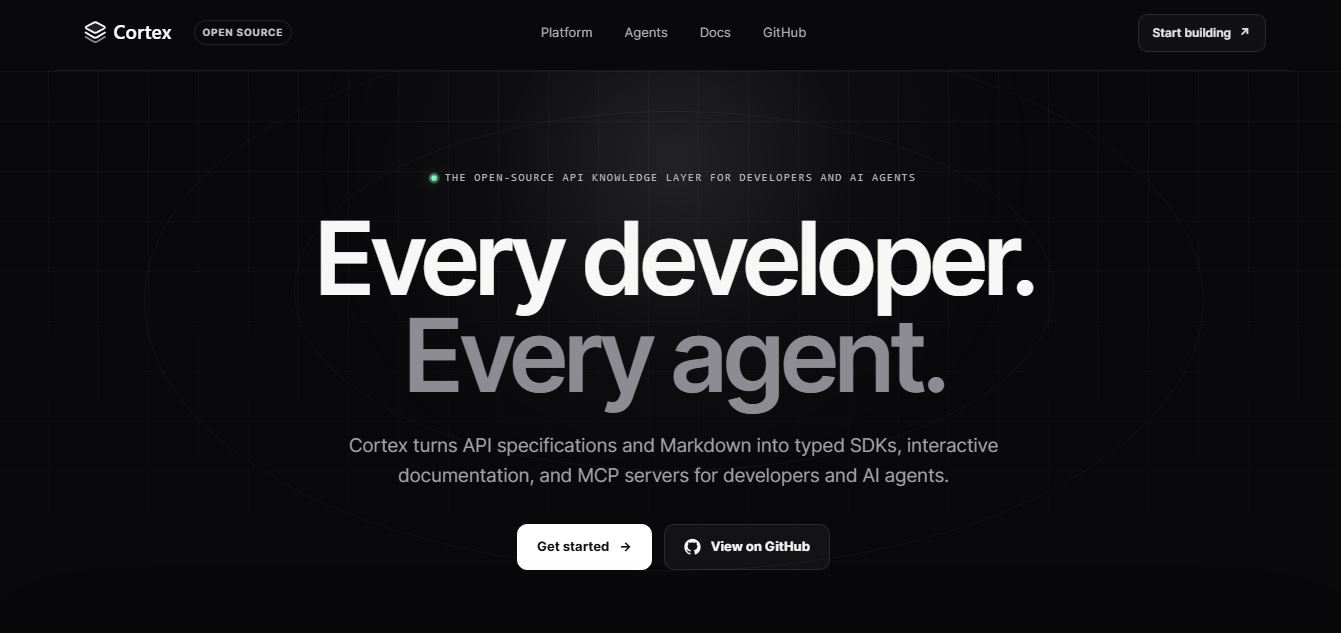
Cortex Docs is an open-source, MIT-licensed API knowledge layer and code generation toolchain that transforms API specifications into interactive documentation sites, typed SDKs in 11 languages, and Model Context Protocol (MCP) servers.
 4.9
4.9Stackness
Developer AI Tools
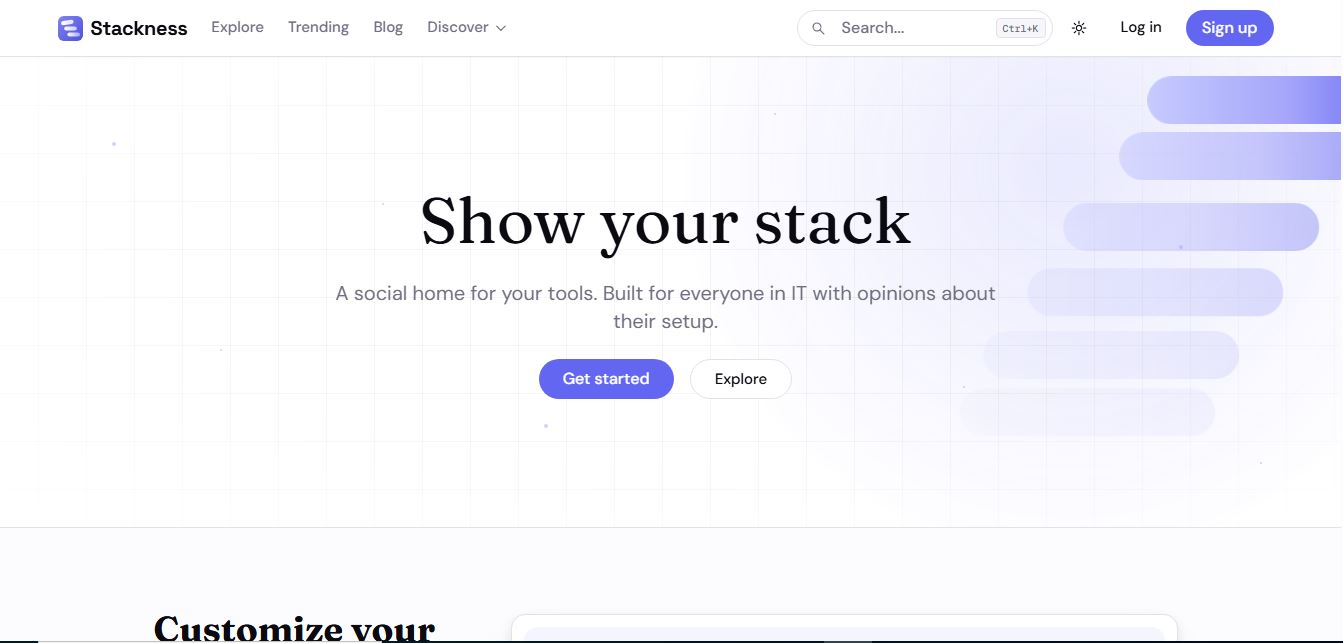
Stackness is a developer-focused social portfolio and tech stack discovery platform where engineers, designers, and tech teams showcase their daily drivers, document workflow 'Moves', explore software trend telemetry, and arrange their tooling profiles as customizable bento grids.
 4.8
4.8Nscale
Developer AI Tools
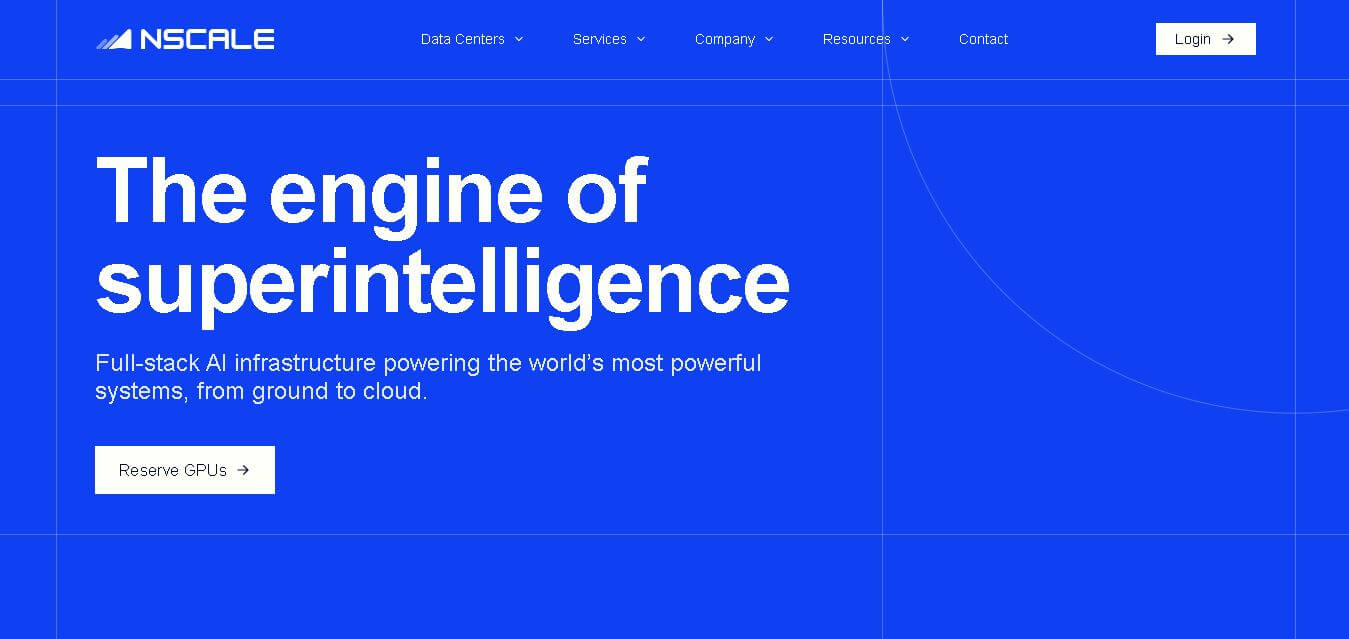
Nscale is a full-stack AI cloud provider offering GPU compute, inference, training, fine-tuning, Kubernetes, Slurm, networking, storage, and dedicated AI infrastructure. It helps AI teams and enterprises scale demanding workloads while reducing infrastructure complexity and improving performance, efficiency, and deployment speed through purpose-built AI data centers and integrated cloud services.