
SlideSpeak
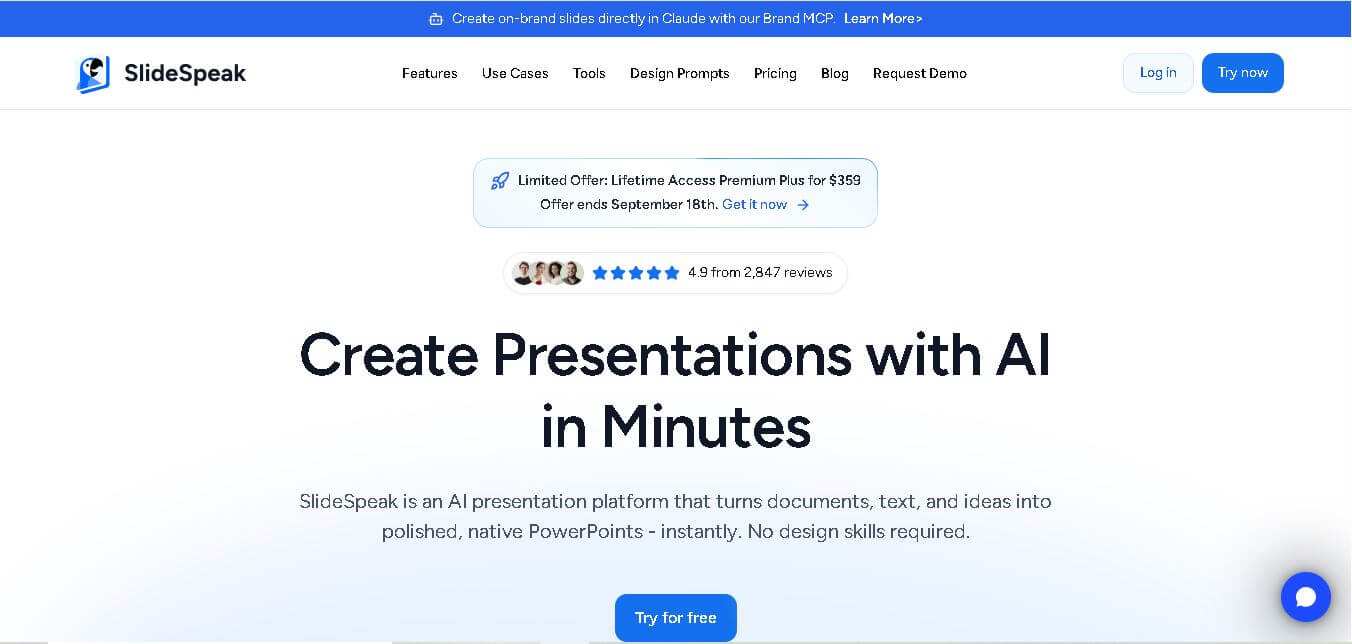
SlideSpeak is an AI-powered presentation tool that lets users chat with PowerPoint files, summarize slides, and generate new presentations from documents or prompts. It helps extract insights, create slides quickly, and turn content into clear, structured presentations with minimal effort.
What is SlideSpeak?
SlideSpeak is an AI-powered presentation platform that helps users create, edit, and convert slides from simple inputs like text prompts, PDFs, Word files, or links. It can automatically generate full PowerPoint decks, summarize documents, and even turn presentations into videos with AI narration. The platform also includes a built-in editor for customizing slides, branding, and layouts. Designed for teams, educators, and businesses, it simplifies the entire presentation workflow from idea to final output in minutes.
Unlike presentation tools that render fixed canvas designs, SlideSpeak generates native PowerPoint (.pptx) files with intact typography, vector layouts, and customizable brand styling. Beyond slide creation, it features an AI sidekick (“Charles”) for contextual editing, document summarization, slide translation, and automated video narration conversion.
- Platform Role: AI Presentation Generator, Document-to-PPT Converter, AI Video Deck Creator & PowerPoint Editor
- Cross-Platform Access: Web Browser (Chrome, Safari, Edge, Firefox), SlideSpeak API, and Brand MCP Server for AI agent integration
Use Cases:
- Converting complex PDF reports, Word proposals, and Excel data tables into clean, structured PowerPoint presentations
- Generating pitch decks, client reports, and strategic frameworks for management consulting and enterprise teams
- Transforming employee handbooks, compliance policies, and safety manuals into narrated training courses and video decks
- Summarizing long PowerPoint decks, chatting with document data, and extracting key actionable takeaways
- Translating complete presentation decks into global languages while preserving original visual hierarchy and layout
Technology:
- Large Language Model (LLM) integration for content structuring, slide outlining, and multi-language translation
- In-browser vector slide rendering engine supporting native .pptx import, export, and layout restructuring
- AI image generation, vector chart builder, and infographic generation modules
- AI voiceover synthesis engine for converting presentation slides into MP3 audio and narrated video files
- Developer API and Model Context Protocol (MCP) server integration for automated enterprise brand workflows
Target Users:
- Management consultants, market researchers, and agency leads building rapid client deliverables
- Corporate L&D teams, HR managers, and compliance officers creating employee onboarding and training modules
- Higher education instructors, professors, and students converting research papers and lecture notes into lecture slides
- Enterprise teams needing centralized brand kit compliance across PowerPoint presentations
Acquisition: Self-serve web application with free tier, individual subscriptions, and enterprise team licensing via slidespeak.co
What are the key features of SlideSpeak?
SlideSpeak's primary features include
- Document-to-Presentation Generation: Upload PDFs, Word documents, or Excel files to automatically construct organized, multi-slide PowerPoint decks.
- Native .pptx Export & Editing: Edit presentations online or export standard Microsoft PowerPoint files with fully editable text boxes, graphics, and layouts.
- AI Presentation Assistant (“Charles”): Prompt an inline AI assistant to shorten text, rewrite slide bullet points, generate visual infographics, or create custom AI images.
- PowerPoint to Video & Voiceover AI: Add natural AI voiceovers and export decks as narrated video presentations for training and marketing content.
- Automatic Slide Redesign & Brand Kit: Apply custom corporate color palettes, custom fonts, and company logos across all generated slides with one click.
- Multi-Language Slide Translation: Instantly translate full presentations across major world languages while maintaining existing layout positioning.
- Document Chat & Summarization: Ask questions, query specific data points, and extract summary insights from lengthy slide decks or uploaded reference files.
- Free Presentation Web Tools: Access over 150 standalone micro-tools for compressing PowerPoints, merging decks, converting files, and generating audio.
How much does SlideSpeak cost?
SlideSpeak operates on a freemium model with monthly/annual subscription tiers, enterprise licensing, and promotional lifetime packages.
Pricing Plans:
- Free Plan: $0 / month – Access to basic AI presentation generation, document conversion features, and standard web editing tools.
- Paid Subscriptions (Pro / Premium / Enterprise): Paid monthly or annual tiers unlock increased document upload limits, priority AI generation speed, custom brand kit integration, native high-res PowerPoint exports, advanced video narration generation, and API access.
- Lifetime Access Promos: Periodic limited-time lifetime licenses (e.g., Premium Plus lifetime access) offered directly through the platform.
Who should use SlideSpeak?
SlideSpeak is best suited for professionals and teams that heavily rely on PowerPoint, including
- Consultants & Analysts: Professionals who need to distill dense financial reports, strategy docs, and research papers into polished pitch decks rapidly.
- Corporate Trainers & HR Teams: L&D personnel turning policy documents and handbooks into video training decks with voiceover narration.
- Teachers & Academic Lecturers: Educators transforming syllabus material, PDFs, and notes into structured classroom slides.
What are the best alternatives to SlideSpeak?
Top alternatives to SlideSpeak include
- Gamma App
- Beautiful.ai
- Tome
- Pitch
- PopAi
- Canva AI Presentation Maker
- Decktopus
What are the pros and cons of SlideSpeak?
What are the pros of SlideSpeak?
- Direct document parsing converts raw PDFs, Word files, and Excel tables straight into slides
- True native Microsoft PowerPoint (.pptx) export ensures full downstream compatibility in Office 365
- Integrated AI audio voiceover and video export capabilities expand presentation formats into video courses
- Brand Kit application and MCP server support streamline team consistency
- Over 150 free micro-utilities available for quick file conversions and deck edits
What are the cons of SlideSpeak?
- Free tier includes usage limits on slide generations and advanced document uploads
- Highly complex custom layouts may still require minor manual positioning adjustments in PowerPoint
- Advanced AI video features consume extra processing credits compared to static text generation
Why should you choose SlideSpeak?
Many AI presentation builders force users into proprietary web formats that do not export cleanly to PowerPoint. SlideSpeak solves this issue by putting Microsoft PowerPoint (.pptx) native compatibility at the center of its architecture. By allowing users to generate decks directly from source documents (PDFs, Word, Excel) and customize them with an in-context AI assistant, brand kits, and automated video narration, SlideSpeak bridges the gap between raw information and delivery-ready presentations.
How does SlideSpeak compare to competitors?
While tools like Gamma App and Beautiful.ai excel at web-first, scrolling document layouts or rigid design templates, SlideSpeak focuses on document-to-deck accuracy, native PowerPoint flexibility, and multi-modal output (including AI video and audio narration).
| Feature / Platform | SlideSpeak | Gamma App | Beautiful.ai | Canva AI |
|---|---|---|---|---|
| Native PPTX Export | Yes (Full vector & editable text format) | Partial (Exports to PPTX, but best viewed on web) | Yes (Requires paid subscription) | Yes (Canva layout converted to PPTX) |
| Document Upload Input | PDF, Word, Excel, Text | Text, Docs, Web Links | Text Prompts & Outlines | Text Prompts |
| AI Audio & Video Deck Conversion | Yes (Built-in voiceovers & video generator) | No (Web view presentation focus) | No (Static slide focus) | Limited (Separate video editor) |
| Document Chat / Q&A Assistant | Yes (In-context assistant "Charles") | Yes (Inline card assistant) | No | No |
| Best For | Business users converting docs to editable PowerPoint & video decks | Interactive web-first decks and online documents | Teams prioritizing strict design rule templates | General creative graphics and multi-media presentations |
How do we rate SlideSpeak?
| Parameter | Rating (out of 5) |
|---|---|
| Document Parsing & PPT Generation | 4.8 |
| PowerPoint Export Quality & Editability | 4.9 |
| AI Assistant & In-Context Editing | 4.7 |
| Video Narration & Translation Tools | 4.7 |
| Value for Money & Pricing Flexibility | 4.8 |
| Overall Score | 4.78 |
What is our review and verdict on SlideSpeak?
SlideSpeak is a highly effective AI presentation tool for users who work extensively within the Microsoft PowerPoint ecosystem. Its ability to parse PDFs, Word docs, and Excel sheets directly into clean, editable .pptx presentations eliminates hours of manual formatting. Combined with built-in slide translation, AI voice narration, and custom brand kit capabilities, it serves as an excellent productivity hub for corporate professionals, consultants, and educators.
Conclusion
SlideSpeak helps users understand and extract insights from presentations by using AI to summarize slides and answer questions about their content. Instead of manually reviewing long decks, users can quickly get key points and relevant information. This makes it useful for professionals, students, and teams working with presentations. Overall, SlideSpeak simplifies content analysis, helping users save time and gain clarity from complex slides more efficiently.
FAQ
What is SlideSpeak and how does it work?
SlideSpeak is an AI-powered presentation generator that turns text, PDFs, Word files, and PowerPoint documents into structured slides automatically. It works by analyzing your input, generating an outline, and creating fully designed slides with content, images, and formatting—ready to download or edit.
What can you create with SlideSpeak?
With SlideSpeak, you can create presentations from scratch, summarize existing documents into slides, and even convert reports into visual decks. It also supports generating AI videos from slides, translating presentations, and extracting insights from documents.
What features does SlideSpeak offer?
SlideSpeak includes features like AI slide generation, document summarization, AI chat with documents, presentation translation, video generation, and custom templates. It also supports exporting to formats like PowerPoint and PDF, along with API access for automation workflows.
Is SlideSpeak free to use?
Yes, SlideSpeak offers a free plan that includes limited credits and basic features. Free users can generate a few presentations (around 3) and upload files up to a certain size, making it suitable for testing the platform before upgrading.
How much does SlideSpeak cost?
SlideSpeak follows a credit-based pricing model. Paid plans start at around $29/month (Premium) and go up to $34/month (Premium Plus), offering more credits, higher limits, and advanced features like branded presentations and longer version history.
How do SlideSpeak credits work?
SlideSpeak uses credits for AI actions like generating slides, videos, or translations. For example, creating a presentation typically costs 1 credit per slide, while advanced features like AI videos may use more credits. Monthly credits reset each billing cycle, and users can purchase additional credits if needed.
Can SlideSpeak automate presentation creation with API?
Yes, SlideSpeak offers an API that allows developers to automate presentation generation, editing, and summarization. You can integrate it with tools like Zapier or internal systems to generate slides programmatically from text, documents, or structured data.
Who should use SlideSpeak?
SlideSpeak is ideal for students, professionals, marketers, consultants, and teams who frequently create presentations. It’s especially useful for users who want to quickly convert documents into slides, automate reporting, or scale presentation creation without manual effort.
User Reviews
No reviews yet for SlideSpeak.
Featured Tools
Featured AI tools from TechShark

Melody Genie
MelodyGenie is an AI-powered music generator that creates original songs from simple text prompts. Users can choose styles, moods, and genres, then instantly generate melodies and full tracks, making it easy for creators, marketers, and hobbyists to produce custom music without musical expertise.
Freemium

Kimi AI
Kimi AI is an advanced AI assistant developed by Moonshot AI that helps you chat, research, write, code, and automate tasks in one place. It supports web search, file analysis, and multimodal inputs, and can even run autonomous “agent” workflows to complete complex tasks end-to-end.
Freemium

Fashion Diffusion AI
Fashion Diffusion is an AI-powered fashion design platform that helps brands and designers create clothing designs, virtual try-ons, AI models, product photos, and marketing visuals faster and cost-effectively.
Paid

Veo 4
Veo 4 AI is an AI video creation platform that generates dramatic videos from text, images, audio, and video prompts using realistic motion and synchronized sound.
Paid
Alternatives
Alternatives to SlideSpeak
The best SlideSpeak alternatives include Gamma App, Beautiful.ai, Tome, Pitch, and Canva AI. While SlideSpeak focuses on converting PDFs, Word docs, and Excel sheets into native editable PowerPoint (.pptx) decks with AI audio/video narration, alternatives like Gamma offer web-first scrolling presentations and Beautiful.ai provides strict automated template layouts.
 4.8
4.8PitchBob
Presentation
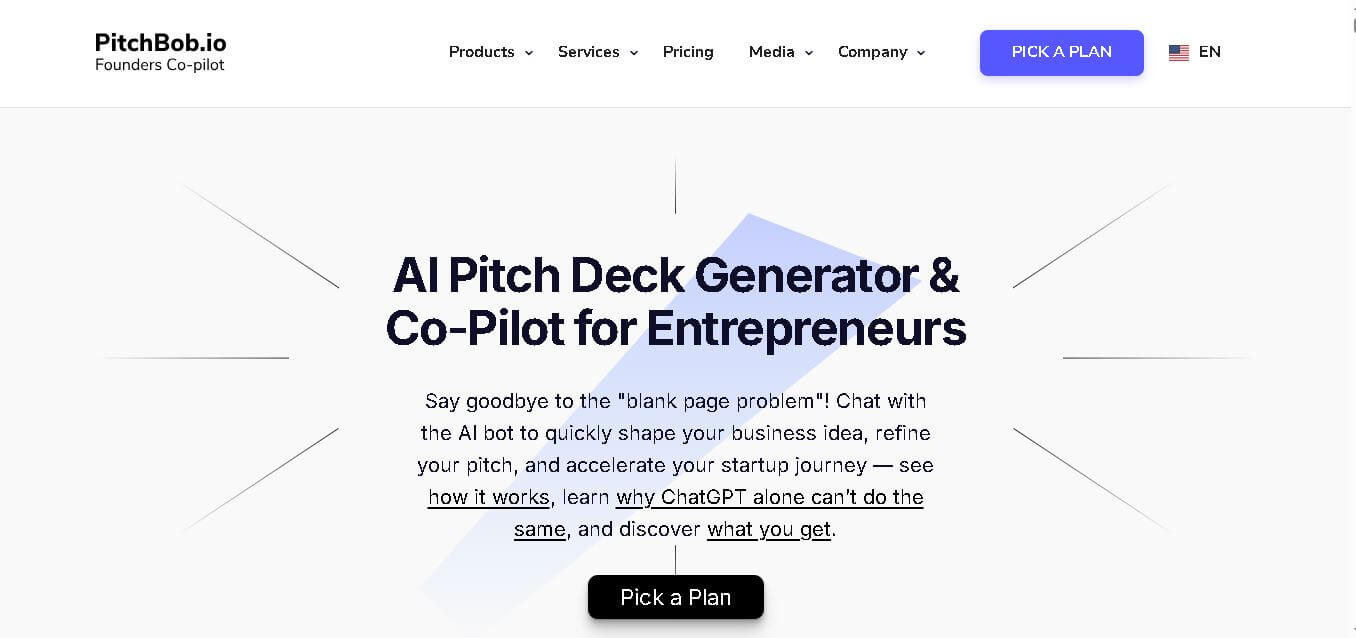
PitchBob.io helps entrepreneurs develop startup ideas and create pitch decks, investor letters, business plans, and executive summaries. Through guided AI conversations, it organizes business information, offers pitch feedback, and supports fundraising preparation. It is useful for founders who want structured startup documents without starting from a blank page.
 4.6
4.6Xavier AI
Presentation
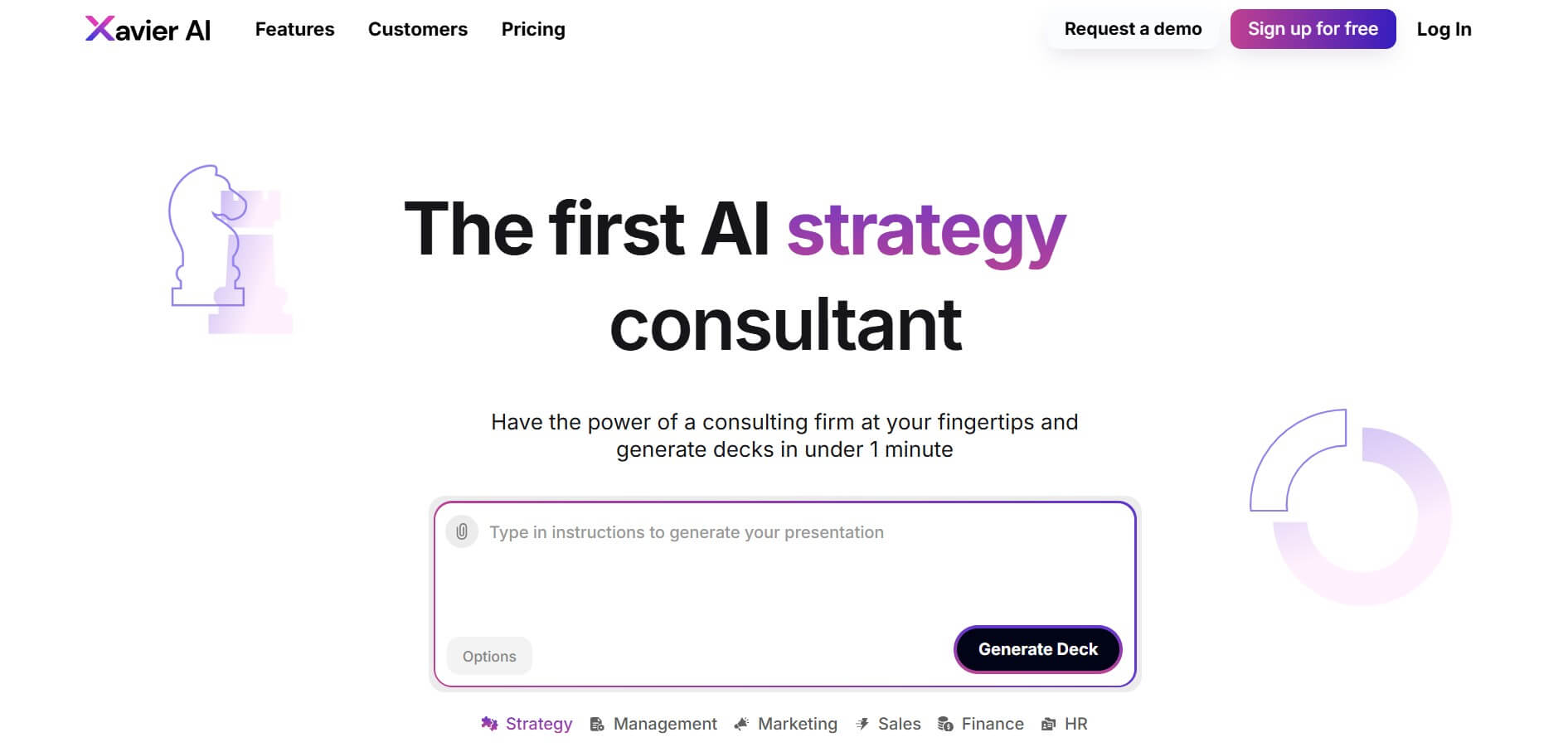
Xavier AI is a strategy-focused presentation tool designed to help professionals create consulting-style business decks quickly. It can transform prompts or uploaded documents into structured presentations, support market and competitive analysis, and provide sourced information. Users can also customize presentations to company branding and export finished decks to PowerPoint files.
 4.9
4.9Zoho Sheet
Spreadsheets
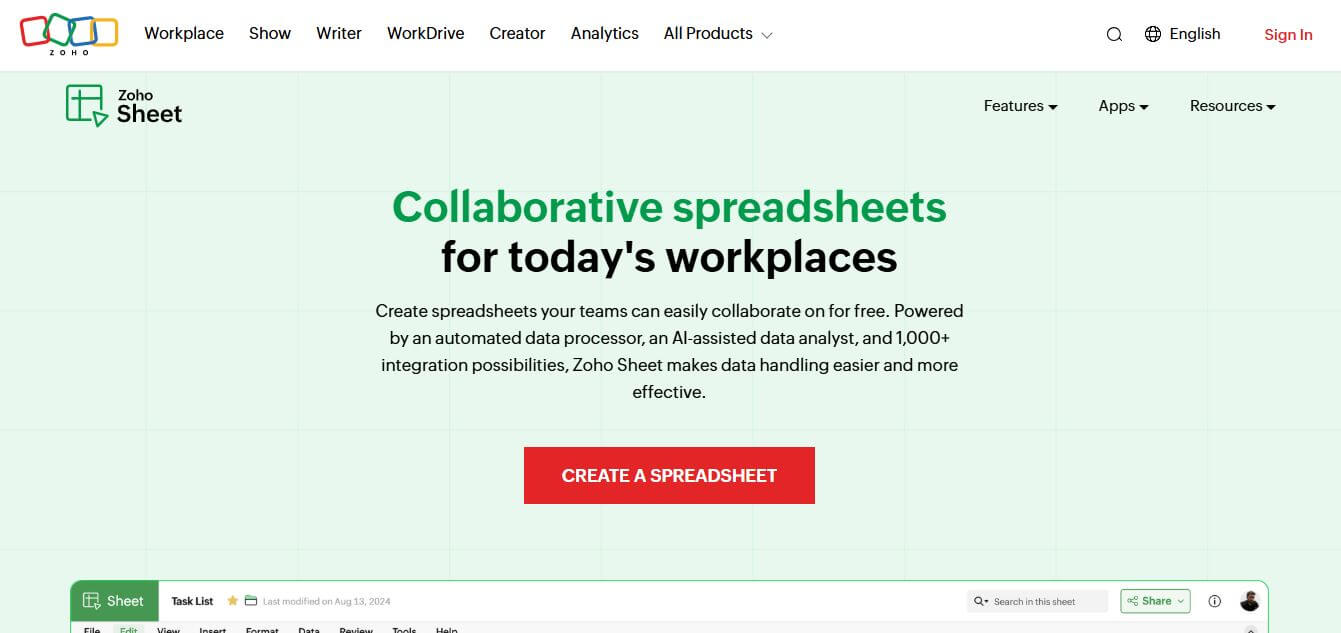
Zoho Sheet is a cloud-based spreadsheet tool that lets users create, edit, and collaborate on data in real time. It offers formulas, charts, automation, and AI-powered insights, helping teams analyze data, manage workflows, and work together efficiently from anywhere.
 4.9
4.9Slidesgo
Presentation
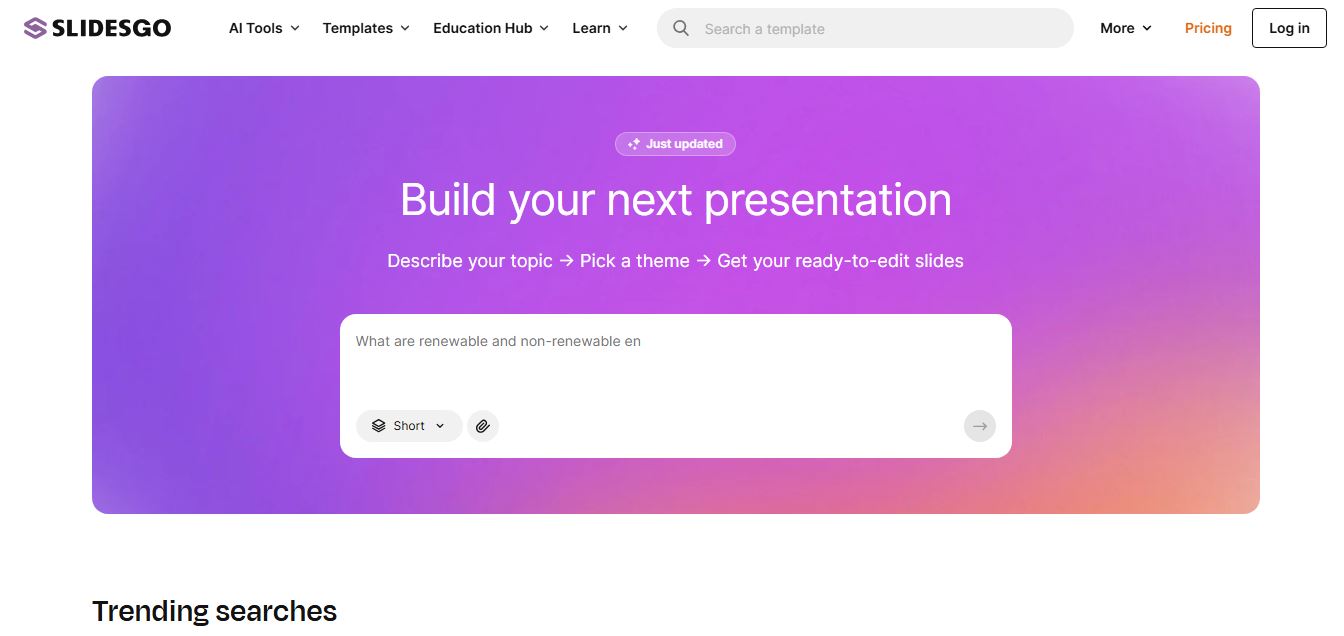
Slidesgo is a platform that offers free and premium presentation templates for Google Slides and PowerPoint. It provides professionally designed slides for business, education, and creative use, helping users create visually appealing presentations quickly without starting from scratch.
 4.8
4.8MagicSlides
Presentation
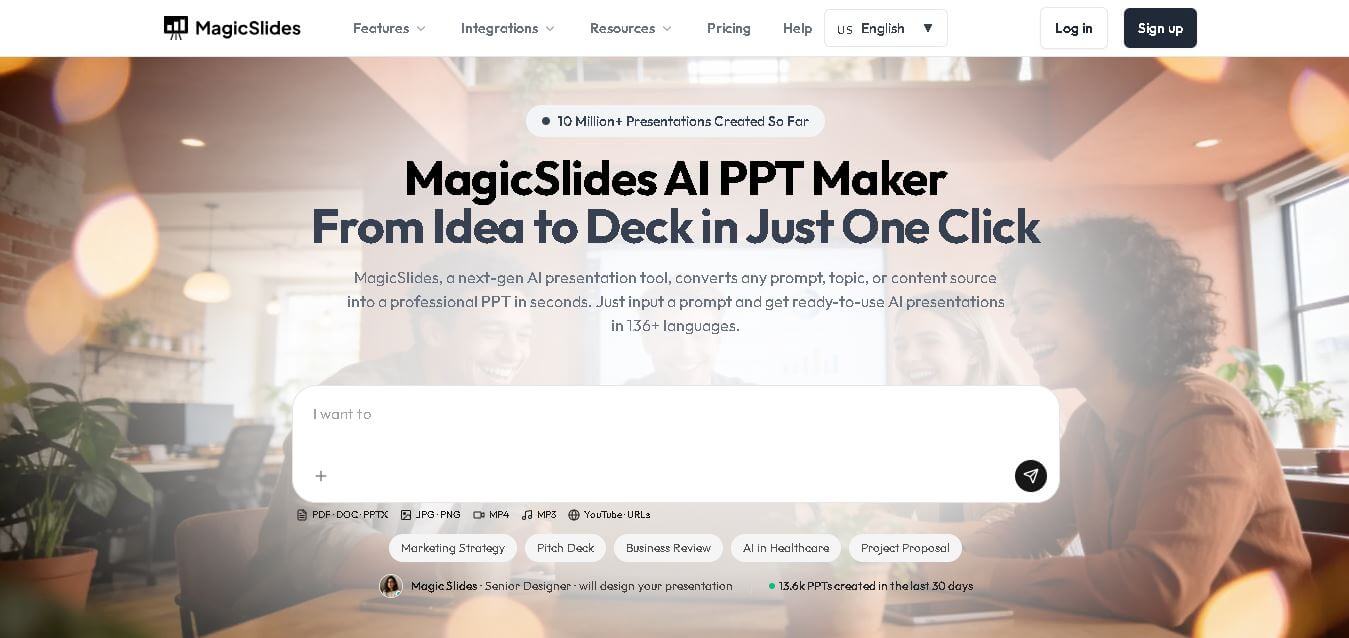
MagicSlides helps users create polished presentations from ideas, text, documents, URLs, and other content. It combines automated slide generation with templates, design systems, AI editing, image support, and multiple export formats. Students, teachers, professionals, consultants, and entrepreneurs can use it to produce presentations faster without building every slide manually.
 4.8
4.8Alai
Presentation
Alai is an AI presentation and design maker backed by Y Combinator that generates on-brand pitch decks, slide decks, infographics, carousels, and social visuals from prompts, documents, or links using custom design systems and native PPT/PDF exports.
 4.9
4.9Beautiful AI
Presentation
Beautiful.ai is an AI-powered presentation software that helps users create professional slides quickly with smart design automation. It automatically adjusts layouts, formatting, and visuals, allowing teams to build polished, consistent presentations without manual design work or advanced skills.
 4.8
4.8GitMind
Project Management
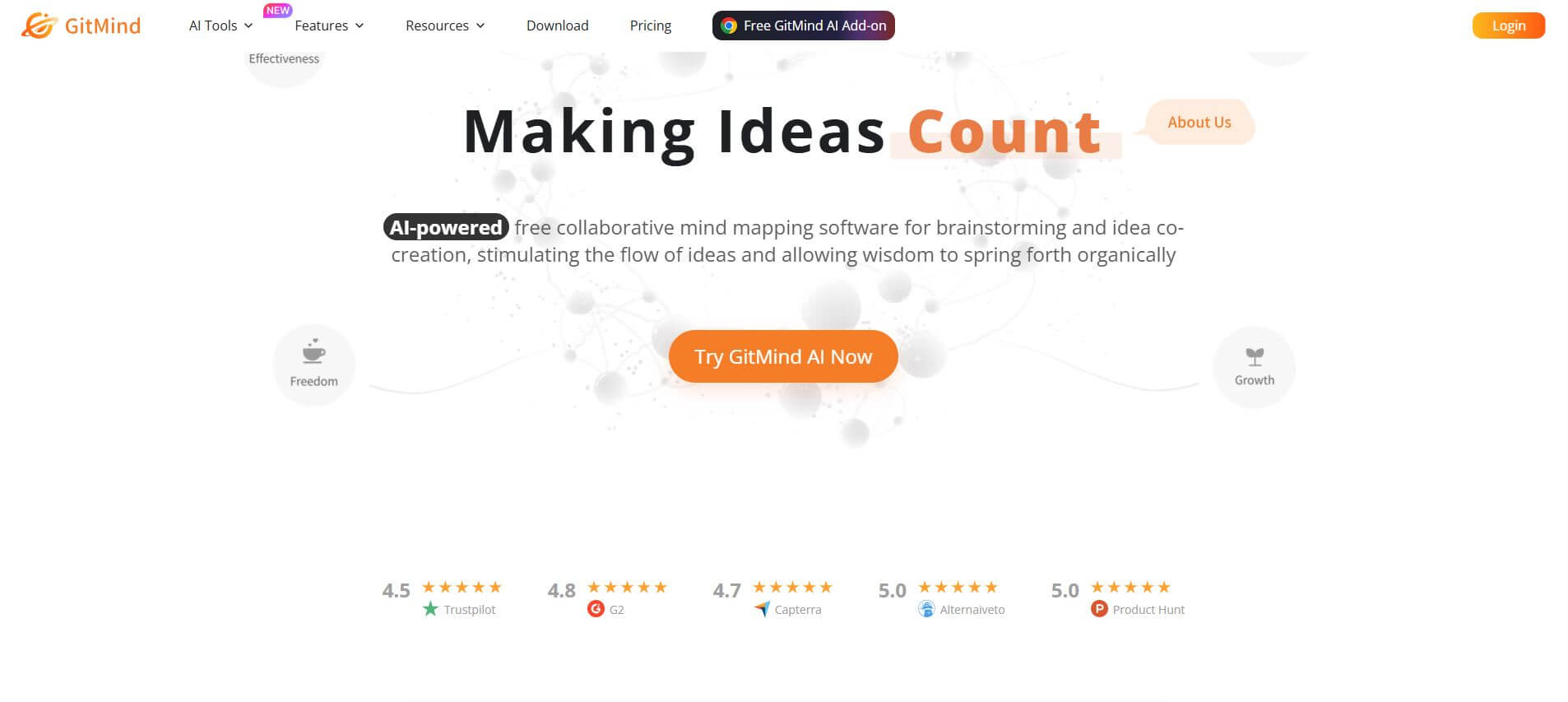
GitMind is an AI-powered mind mapping and visual workspace that turns text, videos, audio, PDFs, and websites into structured mind maps, summaries, and diagrams. It helps you organize ideas, brainstorm, plan projects, and simplify complex information using AI-driven insights and visual layouts.
ChatPPT
Presentation
Chat-PPT is an AI presentation tool that turns your prompts, documents, or ideas into complete slide decks with structured content, visuals, and layouts. It automates research, writing, and design, helping you create polished presentations quickly without manual formatting or slide-by-slide editing.