
GitMind
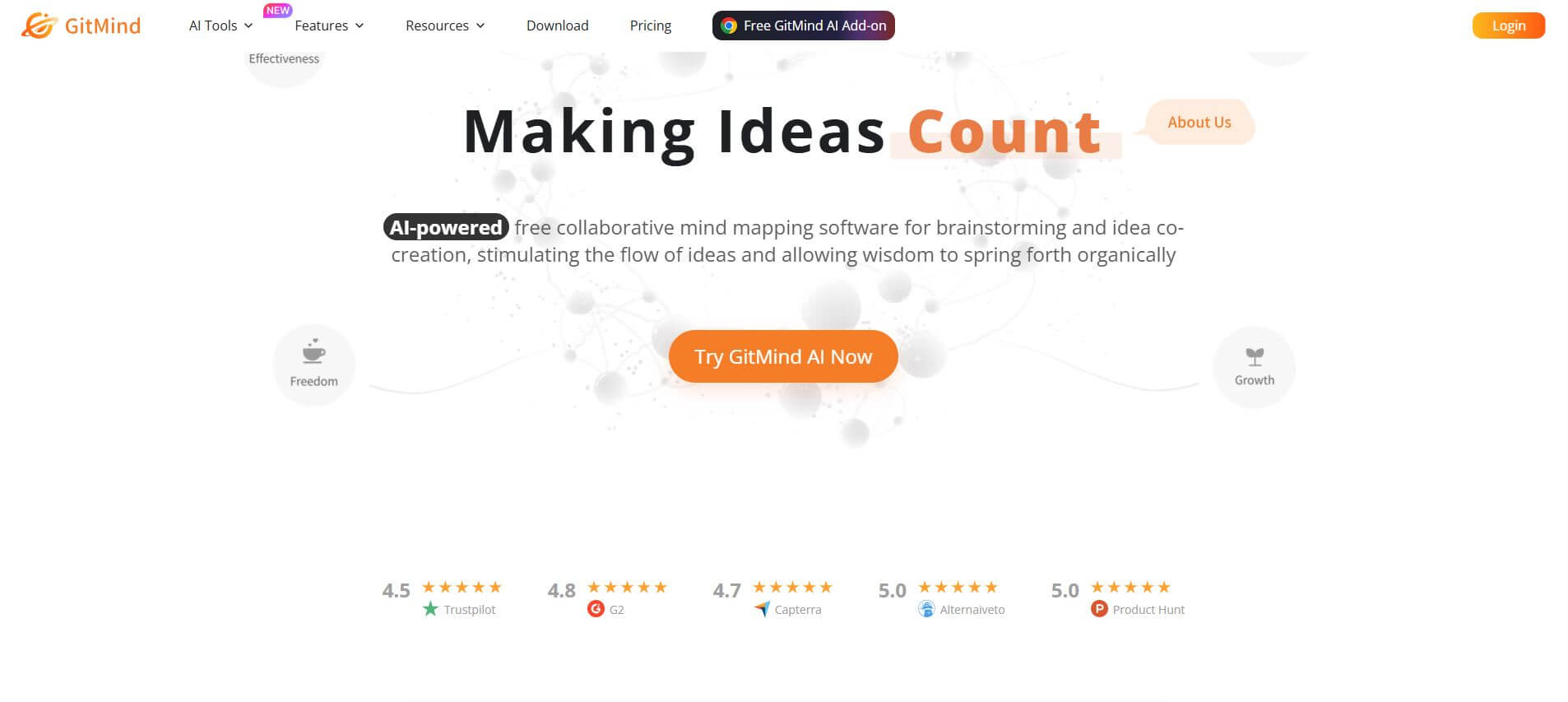
GitMind is an AI-powered mind mapping and visual workspace that turns text, videos, audio, PDFs, and websites into structured mind maps, summaries, and diagrams. It helps you organize ideas, brainstorm, plan projects, and simplify complex information using AI-driven insights and visual layouts.
What is GitMind?
GitMind is an AI-powered mind mapping and visual thinking platform that helps you turn scattered information into clear, structured ideas without manual effort. Instead of organizing notes yourself, you can upload text, PDFs, videos, audio, or even images, and it automatically converts them into summaries, mind maps, flowcharts, and visual diagrams. It also includes features like AI chat, diagram generation, and real-time collaboration, making it useful for brainstorming, studying, project planning, and content organization. Designed as an “AI second brain,” GitMind helps you quickly understand complex information, connect ideas, and stay organized across different types of content in one place.
Engineered around the philosophy of “Connecting thoughts, inspiring innovation,” GitMind functions as a digital second brain and collaborative canvas. Users can start with a simple text prompt or ingest complex materials—including PDFs, Word documents, URLs, audio recordings, and YouTube links—to automatically generate hierarchical mind maps, concept trees, logic charts, flowcharts, UML diagrams, and swimlanes. Featuring bilingual outline-to-mindmap toggling, AI summarization, real-time collaboration within project “Thought Planets,” auto-generated slideshow presentations, and cloud synchronization across Web, Windows, Mac, iOS, and Android, GitMind operates on a Freemium model (up to 10 free maps) with paid plans starting from $5.75 per month (billed annually) or $19 month-to-month.
- Platform Role: AI Mind Mapping Platform, Collaborative Diagramming Studio & Visual Knowledge Workspace
- Supported Diagram Typologies: Mind Maps, Logic Charts, Org Charts, Flowcharts, UML Diagrams, Fishbone & Swimlanes
- Cross-Platform Ecosystem: Web Browser, Windows, macOS, iOS & Android with real-time cloud sync
Use Cases:
- Transforming dense PDF research papers, textbook chapters, and meeting transcripts into structured, navigable mind maps
- Brainstorming product roadmaps, campaign architectures, and creative project trees during collaborative team sessions
- Drafting engineering workflows, decision trees, and system architectures using standardized flowchart and UML blocks
- Converting complex hierarchical brainstorms into presentation-ready slide decks with one click for classroom or boardroom delivery
- Organizing shared knowledge repositories and team documentation inside structured collaborative “Thought Planets”
Technology:
- Multimodal natural language processing (NLP) extracting core arguments and hierarchical entities from text, audio, and video
- Vector layout engine dynamically computing branch spacing, collision avoidance, and layout symmetry across complex node clusters
- Operational Transformation (OT) synchronization framework enabling multi-user real-time canvas co-editing with zero collision latency
Target Users:
- Students, researchers, and educators synthesizing complex study guides, lecture notes, and curriculum structures
- Product managers, UX designers, and technical leads mapping out user flows, system dependencies, and feature trees
- Content creators, copywriters, and authors organizing outlines, book chapters, and research dossiers visually
- Consultants and agile sprint facilitators running visual brainstorming workshops and strategic planning sessions
Acquisition: Developed and operated as an independent private productivity platform by Wangxu Technology

Key features of GitMind
GitMind's key platform features are
- AI-Powered Mind Map Generation: Enter a central topic, write a prompt, or click an existing node; GitMind's AI automatically generates branched sub-topics, questions, and contextual expansions.
- Multimodal Ingestion (Files, Web & YouTube): Upload PDFs, Word documents, or text files, or paste YouTube and webpage links to extract concise summaries and convert them directly into structured mind maps.
- Versatile Diagramming Tools: Create flowcharts, UML diagrams, tree diagrams, swimlanes, organizational charts, and fishbone diagrams within the same unified environment.
- Outline & Mind Map Bi-Directional Switcher: Toggle between an outline document view and a visual mind map with a single click, keeping structured linear thinkers and visual thinkers aligned.
- Collaborative “Thought Planets”: Create dedicated collaborative workspace hubs where team members can organize project folders, assign permissions, and co-edit diagrams simultaneously.
- One-Click Presentation Mode: Instantly transform any branch or full mind map into an animated, navigable slideshow presentation without exporting to PowerPoint.
- Extensive Template Library: Choose from over 100+ professionally designed templates spanning education, engineering, business strategy, project management, and life planning.
- High-Resolution Multi-Format Export: Export your work in standard and ultra-clear formats, including PDF, PNG, JPG, SVG, TXT, and dedicated GitMind project files.
GitMind Pricing
GitMind operates on a freemium model with a free starter tier for casual ideation, complemented by flexible monthly, annual, and business subscription packages.
Free Plan:
- $0 / Free Forever: Create up to 10 mind maps or diagram documents, access standard templates, insert up to 30 images per map, 500 MB cloud storage, 1 Thought Planet (up to 5 members), standard export options, and basic AI generation credits (no credit card required)
Pro Plan (Most Popular):
- $5.75 / month (billed annually at $69/year) or $19.00 month-to-month: Unlimited files and documents, 2,000 monthly AI credits, file summaries up to 30MB (PDF, text, YouTube, audio), HD/ultra-clear exports without watermarks, insert up to 500 images per map, 10 GB cloud storage, and up to 5 Thought Planets with 30 members each
Ultra Plan:
- $11.58 / month (billed annually) or $39.00 month-to-month: Designed for power users | 5,000 monthly AI credits, 50MB file summary allowance, 50 GB cloud storage, 10 Thought Planets with up to 100 members each, and highest-priority processing queues
Business & Team Plans:
- From $170 / year (10 seats billed annually): Shared 50,000 monthly team AI credit pool, member license management dashboard, shared organization templates, and dedicated customer support
Disclaimer: Educational discounts are available for accredited students and teachers upon verification. Software purchases come with a 30-day refund policy (7 days for monthly licenses). For the latest local currency conversions, visit gitmind.com/pricing.
Who is using GitMind?
GitMind is used by millions of individual creators, educators, and enterprise teams, including
- University Students & Researchers: Summarizing lengthy academic papers and turning book chapters into visual revision guides for exams
- Teachers & Instructional Designers: Preparing structured lesson plans, student assignment trees, and interactive classroom presentation slides
- Product Managers & Business Analysts: Outlining product specifications, user journey flows, and system logic prior to development sprints
- Cross-Functional Remote Teams: Brainstorming strategy and co-editing visual project plans in real time across different time zones
Best GitMind Alternatives
Some of the strongest GitMind alternatives include
- XMind
- MindMeister
- Miro
- Whimsical
- Coggle
- EdrawMind by Wondershare
Pros and Cons of GitMind
Pros
- Transforms long-form documents, PDFs, audio, and YouTube links directly into visual mind maps with one click
- Affordable annual pricing ($5.75/month) offering unlimited documents and high-resolution exports
- Seamless multi-platform support across web, Windows, macOS, iOS, and Android with instant cloud sync
- Includes built-in flowchart, UML, and swimlane diagramming alongside traditional mind maps
- Free tier allows new users to create up to 10 mind maps and test AI features with zero upfront payment
Cons
- The free tier is capped at 10 documents, requiring an upgrade to Pro for ongoing heavy usage
- Very large mind maps containing thousands of nodes can experience minor browser rendering latency
- Deep third-party enterprise integrations (Jira, Confluence, GitHub) are lighter compared to enterprise whiteboards like Miro
Why Choose GitMind?
Traditional mind mapping software requires starting with a blank canvas, leading to creative paralysis when trying to organize complex information. Standard AI chatbots can generate bullet points, but fail to provide spatial structure. GitMind bridges this divide.
- Converts messy documents, YouTube tutorials, and prompts into organized, visual knowledge structures in seconds
- Provides a balanced toolkit that supports both free-form mind mapping and disciplined technical flowcharts
- Enables real-time remote collaboration so teams can co-create and edit diagrams together on any device
- Features an integrated presentation mode that eliminates the need to rebuild diagrams in presentation software
GitMind vs. Competitors
The main difference between GitMind, XMind, MindMeister, and Miro lies in multimodal AI synthesis and pricing accessibility. While Miro focuses on open-ended infinite canvases and XMind emphasizes localized desktop mind mapping, GitMind combines multimodal ingestion (summarizing PDFs, audio, and YouTube videos into maps) with competitive annual pricing ($5.75/mo) and lightweight real-time collaboration.
| Feature / Platform | GitMind (gitmind.com) | XMind | MindMeister | Miro |
|---|---|---|---|---|
| Core Focus | AI Mind Mapping & Multimodal Ingestion | Professional Mind Mapping & Brainstorming | Collaborative Team Mind Mapping | Enterprise Infinite Whiteboard Platform |
| AI Document / Video to Map | Yes (PDFs, Word, URLs, YouTube, Audio) | AI Copilot (Text-to-map prompt focus) | Basic AI text expansion | Miro Assist (Prompt-based ideation) |
| Flowchart & UML Support | Yes (Integrated flowchart/swimlane tool) | Limited (Mind mapping structure focus) | Requires MeisterLabs integrations | Yes (Full shape libraries) |
| Real-Time Co-Editing | Yes (Included across plans) | Limited / Multi-user cloud options | Yes (Core feature) | Yes (Advanced team collaboration) |
| Starting Price | Free (10 files) / From $5.75/mo (annual) | Free basic / From ~$5.00/mo (annual) | Free (3 maps) / From $6.00/mo (annual) | Free tier / Starter from $8/user/mo |
| Best For | Users wanting fast AI maps from PDFs, media & prompts | Design-focused users wanting local desktop control | Teams wanting clean, minimalist web mind mapping | Cross-functional enterprises running agile ceremonies |
How do we rate GitMind?
| Parameter | Rating (out of 5) |
|---|---|
| AI Generation & Multimodal Ingestion | 4.9 |
| Diagramming Versatility (Maps, Flowcharts, UML) | 4.8 |
| Cross-Platform Sync & Real-Time Collaboration | 4.8 |
| Ease of Use & Presentation Tools | 4.9 |
| Value for Money ($5.75/mo Annual Tier) | 4.8 |
| Overall Score | 4.84 |
GitMind Review
GitMind successfully combines traditional visual diagramming with modern generative AI capabilities. By simplifying the process of turning raw thoughts, PDFs, and YouTube links into clear, structured diagrams, it removes the friction of building mind maps from scratch. Its dual-mode outline and canvas view supports different working styles, and the integrated flowchart maker makes it useful for both standard brainstorming and formal process documentation. With cross-platform availability across desktop and mobile, along with an accessible annual subscription model, GitMind is a dependable and practical visual thinking companion for education and business workflows alike.
Conclusion
GitMind redefines visual ideation by turning complex information into structured, actionable mind maps and flowcharts. With its multimodal AI summarization engine, real-time collaboration via Thought Planets, one-click presentation mode, and cross-platform synchronization, GitMind equips students, creators, and teams with an intuitive platform to organize ideas and communicate complex concepts with clarity.
FAQ
What is GitMind and who is it best for?
GitMind is an AI-powered mind mapping and brainstorming platform designed for students, marketers, teams, and creators. It helps turn ideas, notes, and documents into structured visual maps for better planning and understanding.
How is GitMind different from traditional mind mapping tools?
Most tools only let you manually create maps. GitMind adds AI—so you can generate mind maps from prompts, summarize documents, or convert complex content into structured diagrams instantly instead of building everything from scratch.
Can GitMind create mind maps automatically using AI?
Yes. You can enter a topic or upload content (PDF, webpage, audio, etc.), and it will automatically generate a complete mind map with key points and structure, saving hours of manual work.
Is GitMind free or paid?
It offers a free plan with limits (like 3 files and basic exports). Paid plans unlock unlimited maps, AI credits, higher storage, and advanced features like summaries and AI generation.
Is GitMind suitable for students?
Absolutely, students can use GitMind for note-taking, exam preparation, project planning, and knowledge visualization.
User Reviews
No reviews yet for GitMind.
Featured Tools
Featured AI tools from TechShark

Melody Genie
MelodyGenie is an AI-powered music generator that creates original songs from simple text prompts. Users can choose styles, moods, and genres, then instantly generate melodies and full tracks, making it easy for creators, marketers, and hobbyists to produce custom music without musical expertise.
Freemium

Kimi AI
Kimi AI is an advanced AI assistant developed by Moonshot AI that helps you chat, research, write, code, and automate tasks in one place. It supports web search, file analysis, and multimodal inputs, and can even run autonomous “agent” workflows to complete complex tasks end-to-end.
Freemium

Fashion Diffusion AI
Fashion Diffusion is an AI-powered fashion design platform that helps brands and designers create clothing designs, virtual try-ons, AI models, product photos, and marketing visuals faster and cost-effectively.
Paid

Veo 4
Veo 4 AI is an AI video creation platform that generates dramatic videos from text, images, audio, and video prompts using realistic motion and synchronized sound.
Paid
Alternatives
Alternatives to GitMind
The best GitMind alternatives include XMind, MindMeister, Miro, Whimsical, Coggle, and EdrawMind. These platforms provide mind mapping, flowcharting, and collaborative whiteboard canvases. While GitMind specializes in multimodal AI mind mapping—converting prompts, PDFs, documents, audio, and YouTube URLs into structured diagrams alongside built-in flowcharting and slide presentation modes for $5.75/mo annually—alternatives like Miro focus primarily on open infinite team whiteboards, and XMind emphasizes localized desktop mind mapping.
 4.8
4.8PitchBob
Presentation
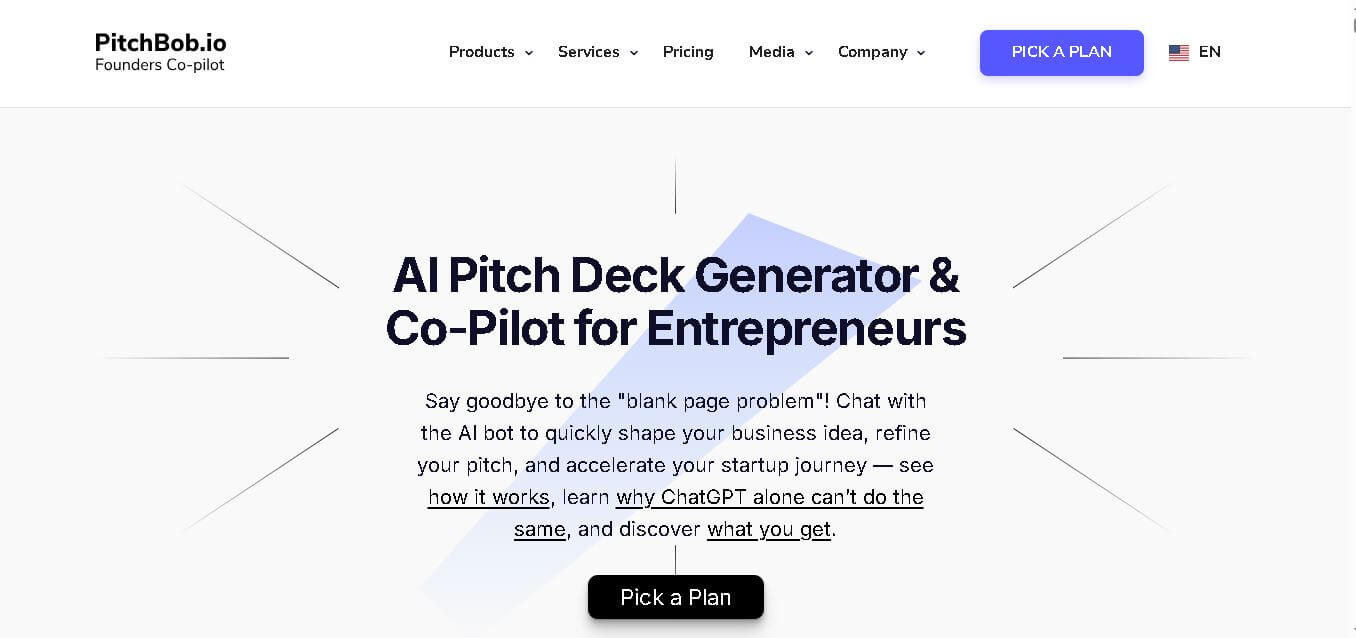
PitchBob.io helps entrepreneurs develop startup ideas and create pitch decks, investor letters, business plans, and executive summaries. Through guided AI conversations, it organizes business information, offers pitch feedback, and supports fundraising preparation. It is useful for founders who want structured startup documents without starting from a blank page.
 4.6
4.6Xavier AI
Presentation
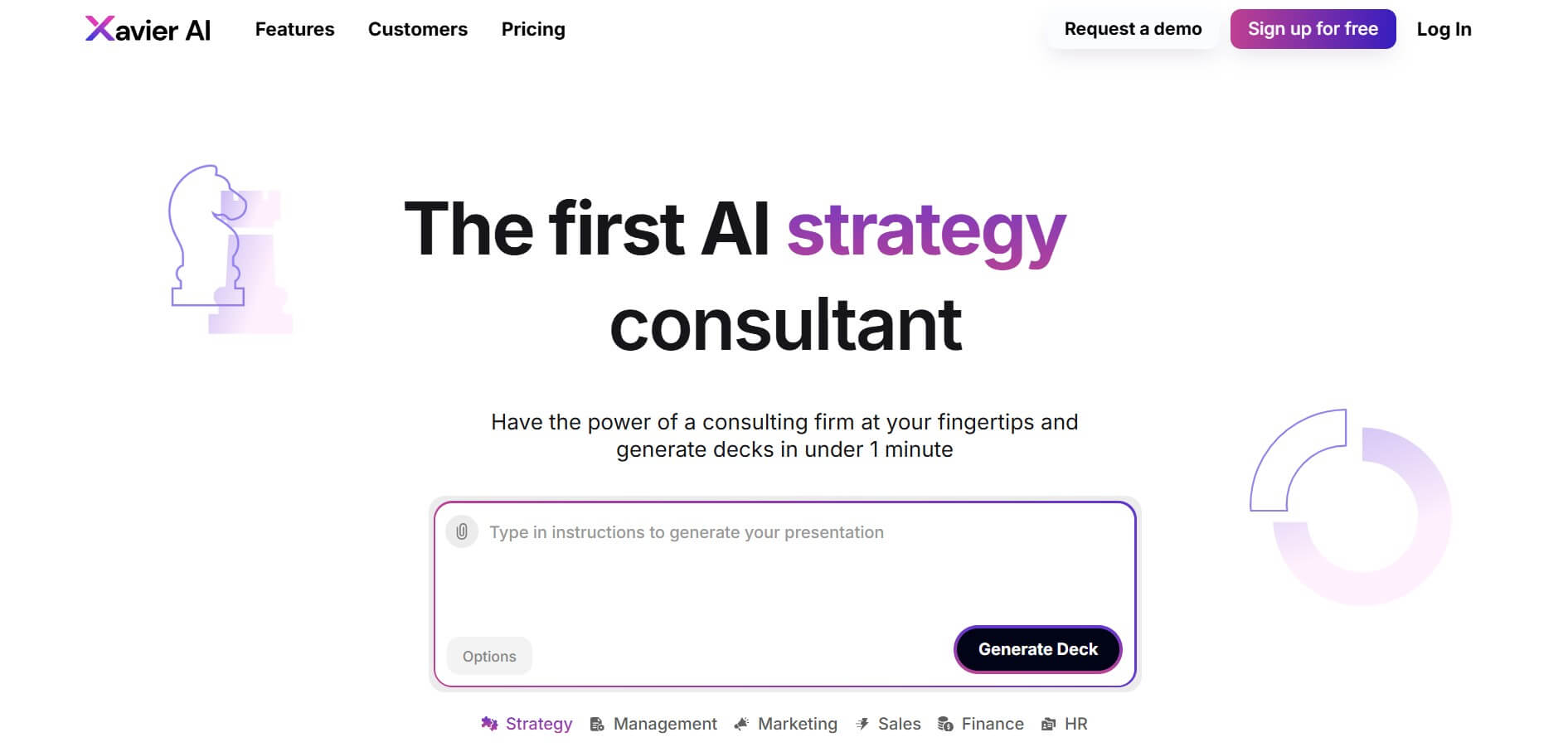
Xavier AI is a strategy-focused presentation tool designed to help professionals create consulting-style business decks quickly. It can transform prompts or uploaded documents into structured presentations, support market and competitive analysis, and provide sourced information. Users can also customize presentations to company branding and export finished decks to PowerPoint files.
 4.9
4.9Resoomer
Research
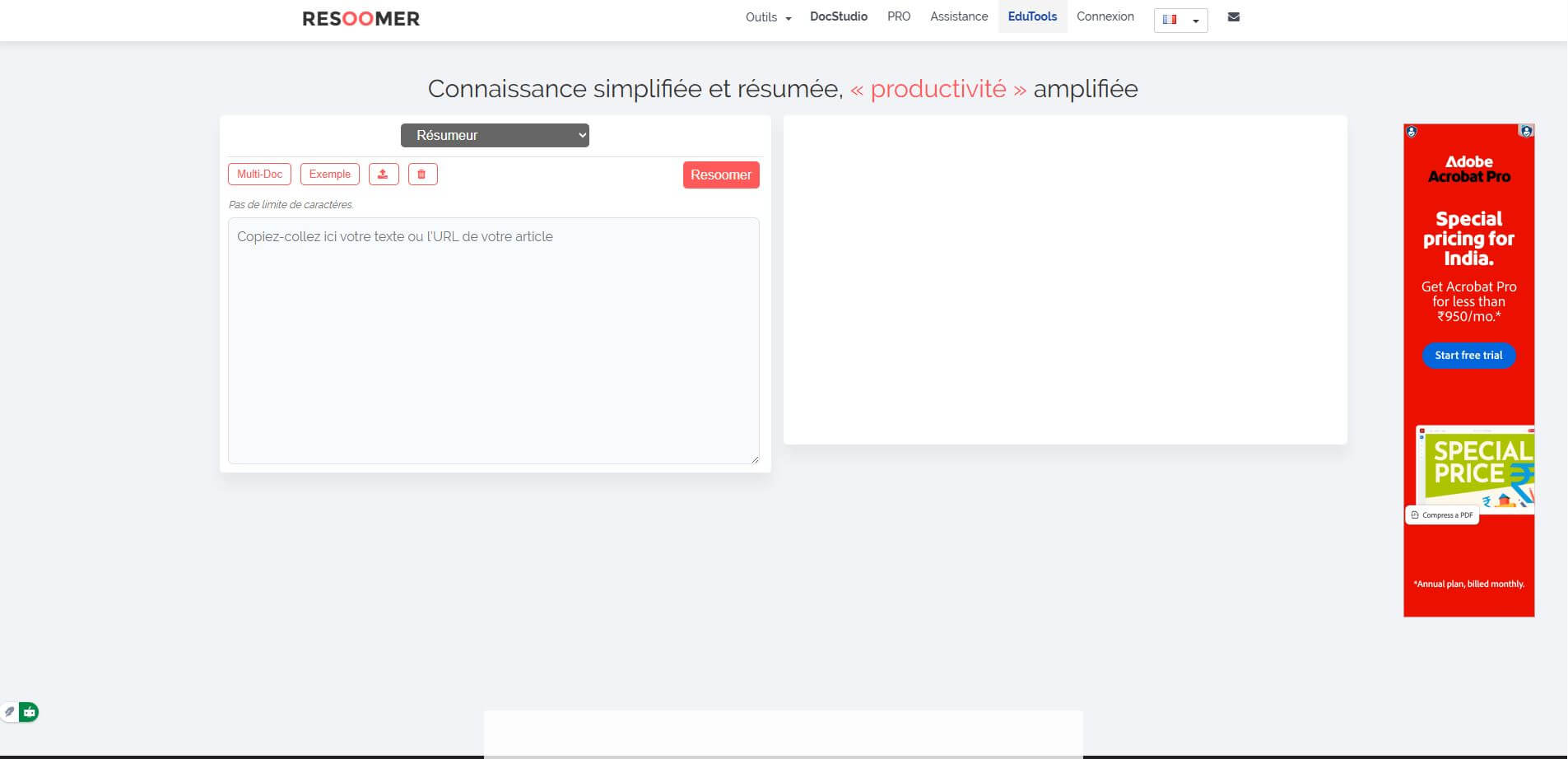
Resoomer is an AI-powered text summarization tool that helps users quickly turn long articles, research papers, and documents into concise summaries. It identifies key ideas, supports multiple formats like PDFs and URLs, and includes tools for paraphrasing, translating, and analyzing content for faster understanding.
 4.9
4.9Zoho Sheet
Spreadsheets
Zoho Sheet is a cloud-based spreadsheet tool that lets users create, edit, and collaborate on data in real time. It offers formulas, charts, automation, and AI-powered insights, helping teams analyze data, manage workflows, and work together efficiently from anywhere.
 4.9
4.9Slidesgo
Presentation
Slidesgo is a platform that offers free and premium presentation templates for Google Slides and PowerPoint. It provides professionally designed slides for business, education, and creative use, helping users create visually appealing presentations quickly without starting from scratch.
 4.8
4.8SlideSpeak
Presentation
SlideSpeak is an AI-powered presentation tool that lets users chat with PowerPoint files, summarize slides, and generate new presentations from documents or prompts. It helps extract insights, create slides quickly, and turn content into clear, structured presentations with minimal effort.
 4.8
4.8Smry
Summarizer
smry is an AI-powered reading and research workspace that helps users summarize articles, ask questions, listen to content, save highlights, follow feeds, and organize research. It supports webpages, YouTube videos, PDFs, EPUBs, documents, and other sources. Its clean reader removes distractions while keeping summaries and answers connected to the original source.
 4.8
4.8MagicSlides
Presentation
MagicSlides helps users create polished presentations from ideas, text, documents, URLs, and other content. It combines automated slide generation with templates, design systems, AI editing, image support, and multiple export formats. Students, teachers, professionals, consultants, and entrepreneurs can use it to produce presentations faster without building every slide manually.
 4.8
4.8Recall
Summarizer
Recall is an AI-powered personal knowledge base and second-brain platform that saves, summarizes, and organizes articles, YouTube videos, podcasts, and PDFs into an automatic knowledge graph with active recall quizzes and multi-model AI chat.