
Slidesgo
Slidesgo is a platform that offers free and premium presentation templates for Google Slides and PowerPoint. It provides professionally designed slides for business, education, and creative use, helping users create visually appealing presentations quickly without starting from scratch.
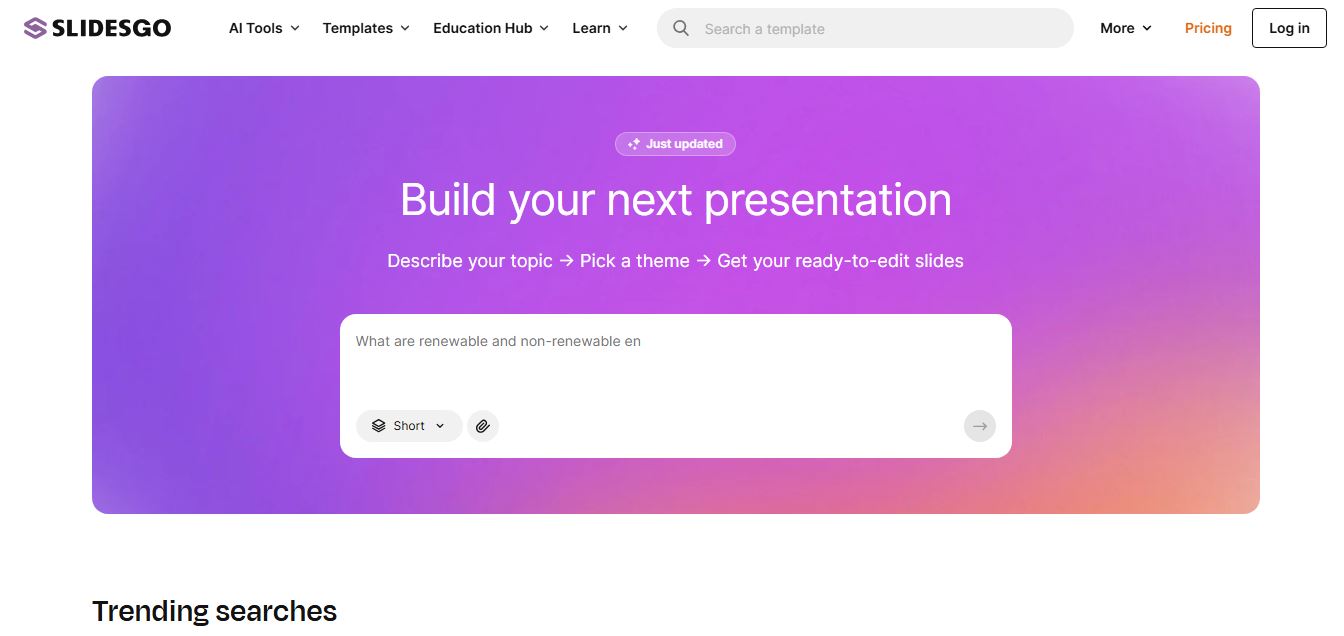
What is Slidesgo?
Slidesgo is an online platform that helps users create professional presentations quickly using ready-made Google Slides templates and PowerPoint designs. It offers thousands of customizable templates across categories like business, education, and marketing, along with modern Google Slides themes that are easy to edit and adapt. Users can also generate full presentations from text using its AI presentation maker, which handles layout, design, and content structure automatically. With built-in editing tools, visual resources, and flexible export options, Slidesgo makes it easy for students, teachers, and professionals to create high-quality slides without any design skills.
Slidesgo is an AI-powered presentation design platform that offers 30,000+ editable templates for Google Slides and PowerPoint, helping users create professional presentations quickly without design skills. It attracts around 6.6M+ monthly visits and 219K daily users, highlighting strong global adoption. The platform includes features like AI slide generation, template libraries, content editing, and export to PPT/PDF, with a free plan (limited downloads) and premium plans starting at ~$3–$6/month, enabling faster, scalable presentation creation.
- Founder / Creator: Freepik Company (Founded by Alejandro Blanes, Pablo Blanes, and Joaquin Cuenca Abela)
- Launch Year: 2019
Use Cases:
- Generating structured multi-slide presentations from natural language text prompts in seconds
- Downloading customizable, topic-specific Google Slides and Microsoft PowerPoint decks
- Designing educational lesson plans, quizzes, and classroom activities via Slidesclass
- Assembling corporate pitch decks, quarterly business reviews (QBRs), and marketing reports without professional graphic designers
Technology:
- Generative AI presentation maker aligning text generation with automated layout composition
- Web-based slide editor integrated directly with Freepik stock photography and Flaticon vector libraries
- Dual-format export engine rendering native .pptx files and direct Google Drive copy links
Target Users:
- K-12 educators, university professors, and students building classroom lessons and academic projects
- Startup founders and executives drafting investor pitch decks and board presentations
- Digital marketers, agencies, and consultants creating client strategy proposals and reports
- Content creators using writing tools to draft presentation scripts, lecture notes, and executive summaries
Corporate Entity: Operates as a flagship product line of Freepik Company

Key features of Slidesgo
Slidesgo's key features are
- 30,000+ Professionally Designed Templates: Access an expansive collection of presentation designs organized across business, education, marketing, medical, and creative disciplines.
- AI Presentation Maker: Input a topic, choose a visual tone and design style, and generate a complete, editable presentation with pre-filled content and layouts in under a minute.
- Google Slides & PowerPoint Compatibility: Download presentations as Microsoft PowerPoint (.pptx) files or open them as editable Google Slides documents in Google Drive.
- In-Browser Slide Editor: Customize typography, colors, animations, and transitions directly within your web browser without downloading external software.
- Freepik & Flaticon Asset Integration: Enhance slides with millions of high-resolution stock photos, customizable vector illustrations, and specialized icon sets.
- Slidesclass Educational Resources: Access teacher-verified, curriculum-ready slide decks designed specifically for primary, secondary, and higher education classrooms.
- No Attribution on Premium: Premium subscribers can present and distribute client deliverables commercially without needing to retain the Slidesgo attribution credits slide.
- Multi-User Team Management: Invite colleagues, assign administrative roles, manage shared billing, and collaborate across enterprise presentation workflows.
Slidesgo Pricing
Slidesgo provides an accessible freemium model with free basic downloads alongside affordable individual and team subscription tiers.
Free Plan:
- $0/month
- 3 template downloads per month, 3 AI-generated presentations per month, basic template access, online editor, and requires Slidesgo attribution credit slide
Premium Annual Plan:
- $35.99/year (approx. $3.00/month billed annually)
- Unlocks the complete 30,000+ template library, unlimited downloads (subject to 150/month fair-use security cap), unlimited AI generations (up to 150/month), ad-free browsing, Slidesclass access, and no attribution required
Premium Monthly Plan:
- Starts at approximately $5.99/month
- Provides full Premium features on a month-to-month basis with cancel-anytime flexibility
Team & Education Plans:
- Volume discounts starting from 3+ users (up to 1,000 seats), offering centralized user management, FERPA/minor data protection compliance, and custom educational discounts
Disclaimer: For current regional currency rates, seasonal educator promotions, and team licensing tiers, please visit the official Slidesgo pricing portal at slidesgo.com/pricing.
Who is using Slidesgo?
Slidesgo is designed for a broad range of presenters, educators, and creative professionals, including
- Teachers & Educators: Preparing visually engaging classroom lectures, student assignments, and interactive lesson plans
- College & University Students: Building polished project presentations, thesis defenses, and group slide decks
- Marketing Agencies & Consultants: Creating client pitch decks, social media strategy audits, and monthly performance reports
- Startup Founders: Pitching investors, drafting product roadmap decks, and presenting company overviews
- Content Creators: Using writing tools to draft presentation scripts, lecture notes, and executive summaries
- Healthcare & Corporate Teams: Presenting internal training workshops, safety briefings, and corporate quarterly reviews
Best Slidesgo Alternatives
Some of the strongest Slidesgo alternatives include
- Canva
- Gamma App
- SlidesCarnival
- Beautiful.ai
- Tome
- Prezi
Pros and Cons of Slidesgo
Pros
- Massive variety of over 30,000 high-quality templates covering virtually every industry and academic subject
- Native compatibility with both Google Slides and Microsoft PowerPoint workflows
- Integrated AI presentation maker rapidly generates preliminary outlines and structured slide decks
- Extremely affordable premium subscription starting at approximately $3.00/month (billed annually)
- Backed by Freepik and Flaticon, giving users access to rich professional visual assets and iconography
Cons
- Free plan is strictly capped at 3 downloads and 3 AI generations per month and mandates attribution
- AI-generated text content can be basic and requires human editing and fact-checking
- Download limits on Premium include a 150-template monthly fair-use security cap
- Does not offer native dynamic web-app presentation hosting compared to cloud platforms like Gamma
Why Choose Slidesgo?
Slidesgo is the ideal choice for educators, students, and business presenters who want a vast library of professionally designed Google Slides and PowerPoint templates at an accessible price.
- Saves hours of design effort with ready-made layouts, visual graphics, and typography pairings
- Generates initial slide drafts from text prompts in seconds with the built-in AI Presentation Maker
- Offers direct export to standard PowerPoint (.pptx) files and Google Drive formats
- Provides dedicated educational resources through Slidesclass for teacher lesson planning
- Delivers exceptional value with annual premium plans costing under $3.00 per month
Slidesgo vs. Competitors
The main difference between Slidesgo, Canva, Gamma App, and Beautiful.ai is that Slidesgo is anchored around downloadable, native Google Slides and PowerPoint template collections paired with an AI generator, whereas Gamma App creates dynamic, responsive web-first documents and decks, Canva is a broad graphic design platform, and Beautiful.ai enforces automated smart-slide layout formatting. Slidesgo stands out for its deep PowerPoint/Google Slides template library, educational materials, and affordable annual pricing.
| Feature / Tool | Slidesgo (slidesgo.com) | Canva | Gamma App | Beautiful.ai |
|---|---|---|---|---|
| Core Focus | Google Slides & PPT Templates | All-in-One Graphic Design | AI-Native Responsive Decks | Smart Slide Layout Automation |
| Template Count | 30,000+ Dedicated Decks | Thousands of General Designs | Growing Modular Themes | Smart Design Templates |
| AI Slide Generator | Yes (Built-in Maker) | Yes (Magic Design) | Yes (AI Document to Deck) | Yes (DesignerBot) |
| Native PPTX / Google Slides | Yes (Primary Output) | Export Available | Export Available | Export Available |
| Starting Paid Price | ~$3.00/mo ($35.99/year) | $15.00/month (Pro) | $8 – $15/month | $12.00/month (billed annual) |
| Best For | Educators, Students & PPT Users | Social & Marketing Visuals | Modern Interactive Web Decks | Corporate Brand Consistency |
How do we rate Slidesgo?
| Parameter | Rating (out of 5) |
|---|---|
| Template Variety & Design Quality | 4.9 |
| Google Slides & PowerPoint Compatibility | 5.0 |
| AI Presentation Maker & Speed | 4.7 |
| Freepik/Flaticon Asset Integration | 4.9 |
| Value for Money | 5.0 |
| Overall Score | 4.90 |
Slidesgo Review
Slidesgo has established itself as an essential creative resource for presenters around the world. By addressing the blank-canvas anxiety that teachers, students, and professionals encounter when opening PowerPoint or Google Slides, it delivers immediate inspiration with thousands of topic-tailored designs. Its AI presentation generator further accelerates deck creation by producing ready-to-refine drafts from simple text prompts. Combined with rich iconography and illustrations from the Freepik ecosystem, Slidesgo offers an unbeatable balance of quality, convenience, and cost. For regular presenters seeking high-impact visuals without a steep learning curve, Slidesgo is an outstanding platform.
Conclusion
Slidesgo makes creating presentations easier by offering a wide range of professionally designed free Google Slides templates and PowerPoint designs. Instead of starting from scratch, users can customize ready-made layouts to fit their needs, including modern Slidesgo free Google Slides templates for business, education, and marketing. This saves time while improving visual quality. Overall, Slidesgo simplifies the presentation process, helping users create engaging, polished slides quickly while maintaining flexibility and creative control.
FAQ
What is Slidesgo and how does it work?
Slidesgo is an AI-powered presentation maker and template platform that helps users create professional slides quickly. It works by allowing you to either choose from thousands of ready-made templates or generate a full presentation using AI by simply describing your topic. The platform automatically handles layout, design, and content structure, reducing hours of manual work.
What can you do with Slidesgo?
With Slidesgo, you can create business presentations, pitch decks, educational slides, marketing reports, and more. It also allows you to upload existing presentations and improve them using AI, convert documents (PDF, Word, web pages) into slides, and generate speaker notes for better delivery.
Does Slidesgo offer free templates?
Yes, Slidesgo offers a free plan that includes access to a limited number of templates and AI-generated presentations (typically around 3 per month). However, free users may see ads and need to provide attribution, while premium users get full access to the template library without restrictions.
What features does Slidesgo offer?
Slidesgo includes features like AI slide generation, template library access, content structuring, speaker notes creation, image suggestions, and design automation. It also supports conversions like text-to-PPT, PDF-to-PPT, and YouTube-to-PPT, along with real-time editing and export to PowerPoint formats.
How much does Slidesgo cost?
Slidesgo follows a freemium pricing model. Free users get limited access, while premium plans unlock unlimited template downloads and AI features. Premium pricing typically starts around $5–$6/month (or lower on annual plans), with higher-tier plans offering more credits and advanced capabilities.
Can Slidesgo generate presentations from text?
Yes, Slidesgo’s AI can convert a simple text prompt into a complete presentation. It creates an outline, generates slides with structured content, applies professional layouts, and even adds visuals and speaker notes automatically.
Who should use Slidesgo?
Slidesgo is ideal for students, teachers, marketers, business professionals, and startups who need high-quality presentations quickly. It’s especially useful for users who want to save time on design while still creating visually appealing slides.
How is Slidesgo different from other presentation tools?
Slidesgo stands out by combining AI-powered slide generation with a large template library (30,000+ designs). Unlike traditional tools that require manual design, it automates both content creation and design, making it faster and easier to produce professional presentations.
User Reviews
No reviews yet for Slidesgo.
Featured Tools
Featured AI tools from TechShark

Melody Genie
MelodyGenie is an AI-powered music generator that creates original songs from simple text prompts. Users can choose styles, moods, and genres, then instantly generate melodies and full tracks, making it easy for creators, marketers, and hobbyists to produce custom music without musical expertise.
Freemium

Kimi AI
Kimi AI is an advanced AI assistant developed by Moonshot AI that helps you chat, research, write, code, and automate tasks in one place. It supports web search, file analysis, and multimodal inputs, and can even run autonomous “agent” workflows to complete complex tasks end-to-end.
Freemium

Fashion Diffusion AI
Fashion Diffusion is an AI-powered fashion design platform that helps brands and designers create clothing designs, virtual try-ons, AI models, product photos, and marketing visuals faster and cost-effectively.
Paid

Veo 4
Veo 4 AI is an AI video creation platform that generates dramatic videos from text, images, audio, and video prompts using realistic motion and synchronized sound.
Paid
Alternatives
Alternatives to Slidesgo
The best Slidesgo alternatives include Canva, Gamma App, SlidesCarnival, Beautiful.ai, Tome, and Prezi. These platforms provide presentation design, AI slide generation, and presentation templates. While Slidesgo specializes in a massive library of 30,000+ downloadable PowerPoint and Google Slides templates paired with an AI presentation maker, alternatives like Gamma App offer interactive responsive web presentations, and Canva provides a complete graphic design workspace. Choosing the right tool depends on whether you require native PowerPoint/Google Slides files or browser-based interactive web decks.
 4.8
4.8PitchBob
Presentation
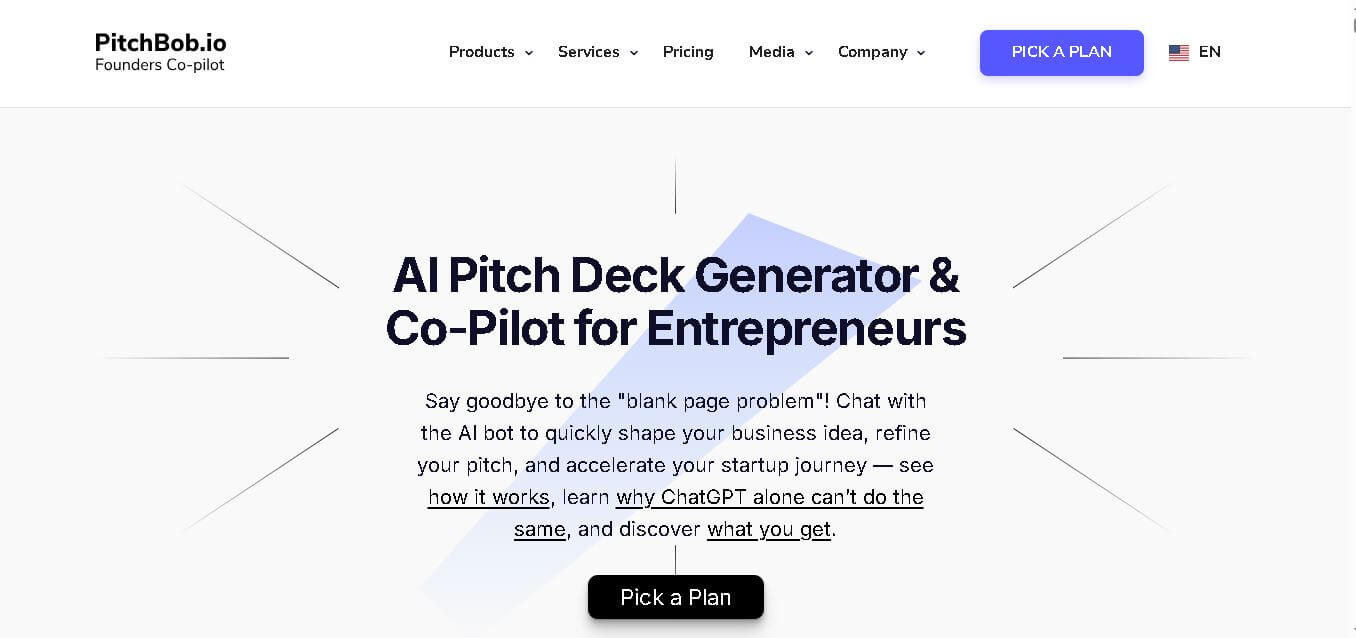
PitchBob.io helps entrepreneurs develop startup ideas and create pitch decks, investor letters, business plans, and executive summaries. Through guided AI conversations, it organizes business information, offers pitch feedback, and supports fundraising preparation. It is useful for founders who want structured startup documents without starting from a blank page.
 4.6
4.6Xavier AI
Presentation
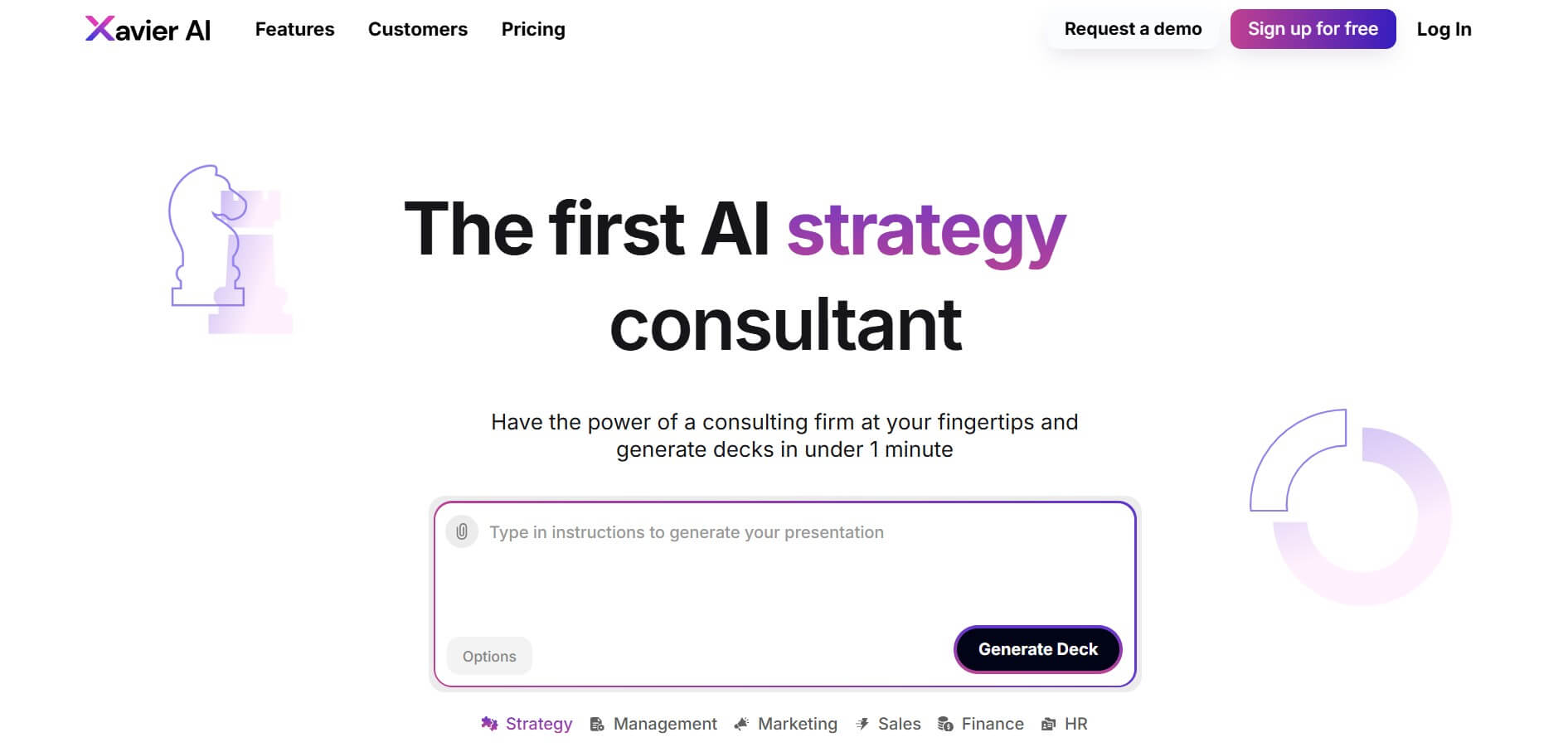
Xavier AI is a strategy-focused presentation tool designed to help professionals create consulting-style business decks quickly. It can transform prompts or uploaded documents into structured presentations, support market and competitive analysis, and provide sourced information. Users can also customize presentations to company branding and export finished decks to PowerPoint files.
 4.9
4.9Zoho Sheet
Spreadsheets
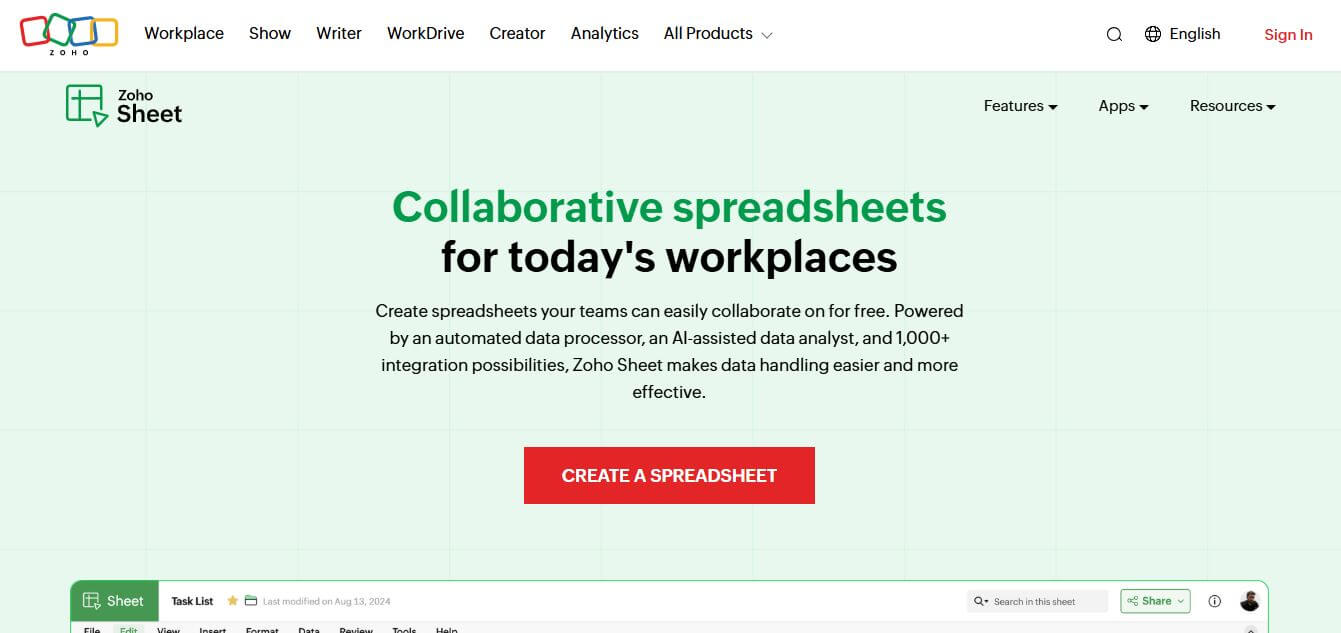
Zoho Sheet is a cloud-based spreadsheet tool that lets users create, edit, and collaborate on data in real time. It offers formulas, charts, automation, and AI-powered insights, helping teams analyze data, manage workflows, and work together efficiently from anywhere.
 4.8
4.8SlideSpeak
Presentation
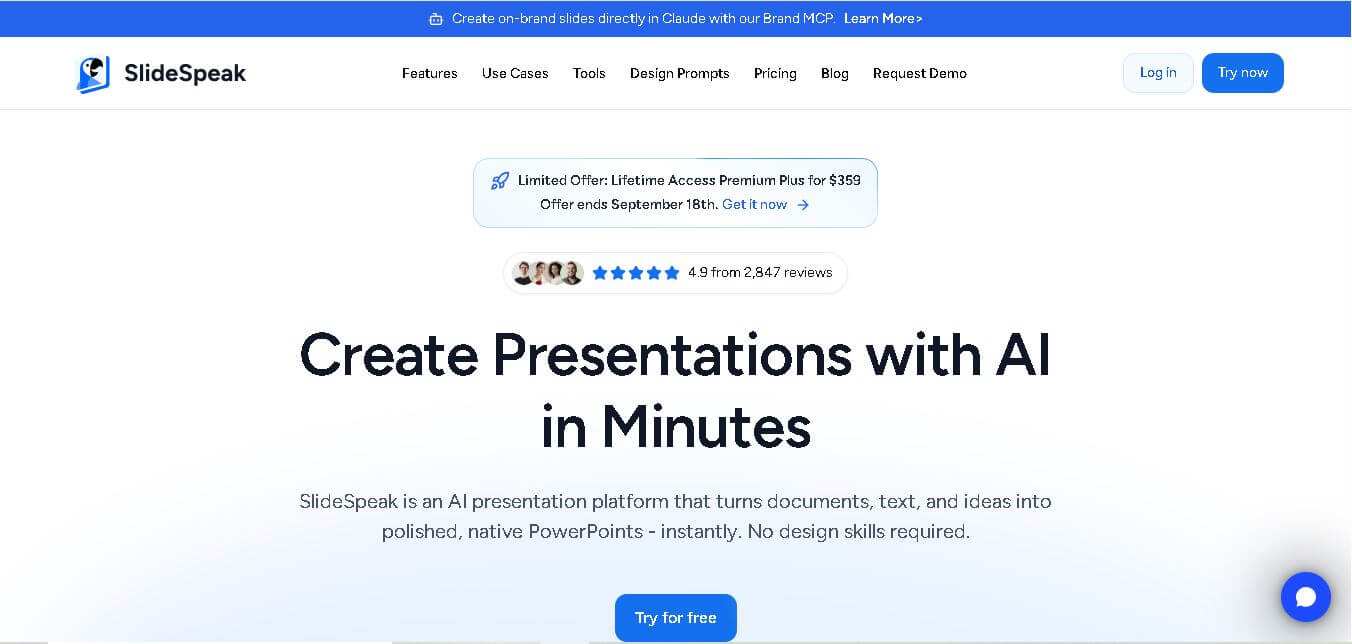
SlideSpeak is an AI-powered presentation tool that lets users chat with PowerPoint files, summarize slides, and generate new presentations from documents or prompts. It helps extract insights, create slides quickly, and turn content into clear, structured presentations with minimal effort.
 4.8
4.8MagicSlides
Presentation
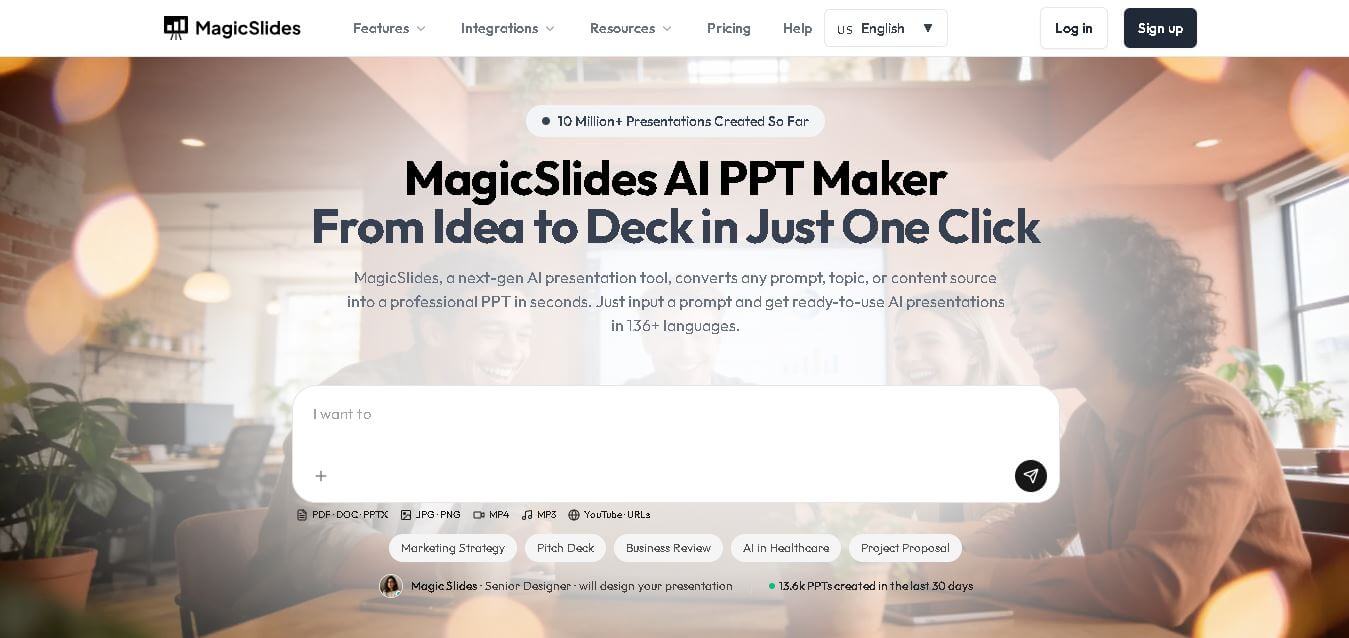
MagicSlides helps users create polished presentations from ideas, text, documents, URLs, and other content. It combines automated slide generation with templates, design systems, AI editing, image support, and multiple export formats. Students, teachers, professionals, consultants, and entrepreneurs can use it to produce presentations faster without building every slide manually.
 4.8
4.8Alai
Presentation
Alai is an AI presentation and design maker backed by Y Combinator that generates on-brand pitch decks, slide decks, infographics, carousels, and social visuals from prompts, documents, or links using custom design systems and native PPT/PDF exports.
 4.9
4.9Beautiful AI
Presentation
Beautiful.ai is an AI-powered presentation software that helps users create professional slides quickly with smart design automation. It automatically adjusts layouts, formatting, and visuals, allowing teams to build polished, consistent presentations without manual design work or advanced skills.
 4.8
4.8GitMind
Project Management
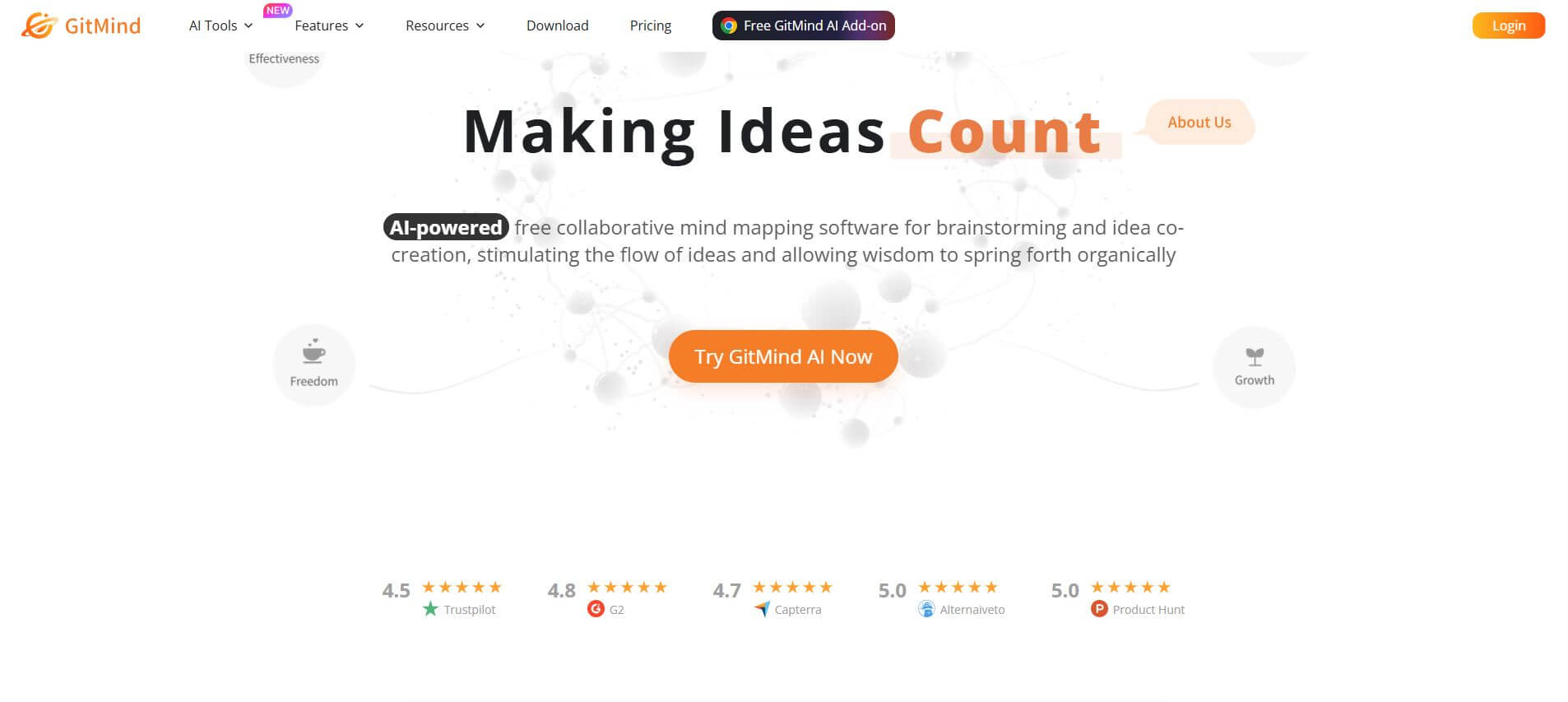
GitMind is an AI-powered mind mapping and visual workspace that turns text, videos, audio, PDFs, and websites into structured mind maps, summaries, and diagrams. It helps you organize ideas, brainstorm, plan projects, and simplify complex information using AI-driven insights and visual layouts.
ChatPPT
Presentation
Chat-PPT is an AI presentation tool that turns your prompts, documents, or ideas into complete slide decks with structured content, visuals, and layouts. It automates research, writing, and design, helping you create polished presentations quickly without manual formatting or slide-by-slide editing.