
Beautiful AI
Beautiful.ai is an AI-powered presentation software that helps users create professional slides quickly with smart design automation. It automatically adjusts layouts, formatting, and visuals, allowing teams to build polished, consistent presentations without manual design work or advanced skills.

What is Beautiful.ai?
Beautiful.ai is an AI-powered presentation software that helps users create professional slide decks quickly without design skills. It uses “Smart Slides” that automatically adjust layout, spacing, and design as you add content, so presentations always look polished. The platform also includes AI tools to generate full presentations, write slide content, and create visuals from simple prompts. With built-in templates, brand controls, and data visualization features, it enables teams to build consistent, high-quality presentations much faster than traditional tools.
Built around the mission to “Make every presentation look like it was designed by a pro,” Beautiful.ai replaces blank canvases and manual pixel-pushing with smart templates. As you type, resize elements, or drop in charts, the platform's underlying design rules apply real-time constraints—ensuring perfect typographical hierarchy, balanced grid layouts, and pristine visual corporate consistency across team decks.
- Platform Role: Smart Presentation Maker, Automated Slide Designer & Enterprise Deck Workspace
- Founder & Leadership: Mitch Harper (San Francisco, California)
- Cross-Platform Access: Web Browser App, PowerPoint Add-In (.pptx export), and Slack/Teams integrations
Use Cases:
- Building polished executive pitches, board decks, and sales presentations rapidly using smart, responsive template libraries
- Converting raw data tables into dynamic, clean charts and infographics that auto-adjust when metrics change
- Enforcing strict brand compliance across entire organizations with centralized theme libraries, fonts, and locked logo palettes
- Collaborating in real time with team members on shared workspaces, comment threads, and team template repositories
- Exporting finished presentations seamlessly to Microsoft PowerPoint (.pptx) or PDF formats for offline client delivery
Technology:
- Patented smart-template design constraint engine that automatically reflows grids, margins, and icons based on user inputs
- Generative AI slide assistant capable of drafting outlines, populating slide contents, and suggesting visual layouts from text prompts
- Centralized Brand Theme manager synchronizing corporate color codes, logos, and custom font kits across all user accounts
- Robust export and import pipelines ensuring lossless conversion between web-rendered smart slides and editable PowerPoint files
Target Users:
- Sales professionals and account executives building customized client proposals and pitch decks on tight deadlines
- Marketing leaders and brand managers needing to control corporate presentation standards without policing every slide
- Founders and startup operators creating clean investor updates without hiring professional presentation designers
- Enterprise consultants and analysts organizing complex quantitative findings into digestible visual stories
Acquisition: Independent presentation software platform headquartered in San Francisco, California (beautiful.ai)

What are the key features of Beautiful.ai?
Beautiful.ai's key platform features are
- Smart Template Library: Hundreds of modular slides (timelines, funnels, matrices, stats) that automatically format themselves as you edit.
- Real-Time Design Constraints: Eliminates overlapping text boxes and misaligned shapes by locking elements into professional design grids.
- AI Presentation Generator: Drafts complete slide decks, outlines, and talking points automatically from descriptive text prompts.
- Centralized Brand Control: Locks corporate color palettes, fonts, and logo placements to ensure every team deck adheres strictly to brand guidelines.
- Dynamic Data Charts: Bar charts, pie graphs, and metric callouts that update their visual proportions instantly when numbers change.
- Team Workspaces & Collaboration: Real-time co-authoring, comments, and shared slide libraries for streamlined team review cycles.
- PowerPoint & PDF Exports: Export decks to editable .pptx files or PDF documents for seamless compatibility with traditional clients.
How much does Beautiful.ai cost?
Beautiful.ai operates on a tiered subscription pricing model tailored for individual creators, professional teams, and corporate enterprises.
Individual & Professional Plans:
- Pro Plan ($12 / month billed annually, or ~$45 monthly): Unlimited presentations, smart slide templates, PowerPoint/PDF exports, AI presentation drafting, and slide history.
Team & Enterprise Tiers:
- Team Plan ($50 / user / month billed annually): Centralized brand controls, shared slide libraries, custom font uploads, dedicated team workspace, and priority support (minimum seat requirements apply).
- Enterprise Custom Plan: Tailored pricing for large organizations requiring advanced security, SSO, custom integrations, and dedicated account management.
Disclaimer: Beautiful.ai requires a paid subscription for full export capabilities and smart slide usage. Annual billing discounts are available at beautiful.ai/pricing.
Who should use Beautiful.ai?
Beautiful.ai is designed for business professionals, marketers, and sales teams, including
- Sales & Business Development: Crafting high-impact pitch books and client decks rapidly without spending hours on alignment.
- Marketing & Brand Teams: Guaranteeing that all company presentations maintain consistent visual branding across departments.
- Startup Founders: Designing clean, professional investor decks that look like they were built by an external agency.
- Consultants & Analysts: Summarizing complex data and market research into crisp, digestible visual slides.
What are the best alternatives to Beautiful.ai?
Some of the strongest Beautiful.ai alternatives include
What are the pros and cons of Beautiful.ai?
What are the pros of Beautiful.ai?
- Smart constraints make it literally impossible to create ugly or misaligned slides, saving massive amounts of formatting time
- Dynamic charts automatically adjust proportions and labels when underlying data is modified
- Centralized brand controls allow leaders to lock corporate fonts and colors across all employee presentations
- Clean export to PowerPoint (.pptx) ensures compatibility with traditional enterprise workflows
- Extensive library of pre-built business diagram templates (swot analysis, funnels, timelines)
What are the cons of Beautiful.ai?
- Strict design rules can feel restrictive for advanced graphic designers who want absolute pixel freedom on a blank canvas
- r
- No permanent free tier for ongoing deck building, requiring a paid subscription for practical use
- Team plans carry a higher per-user cost threshold compared to generic presentation tools
Why should you choose Beautiful.ai?
Traditional presentation software like PowerPoint leaves you staring at a blank slide, forcing you to manually calculate margins, align text boxes, and color-code charts. Beautiful.ai eliminates this friction by embedding design rules directly into the software. As you type, the layout adapts in real time. For professionals who want to produce stunning, brand-compliant presentations without wasting hours on visual formatting, Beautiful.ai provides an invaluable shortcut.
- Build professional presentations in a fraction of the time using smart, responsive slide templates
- Never worry about alignment or spacing again with real-time design constraint automation
- Keep your entire company on-brand with centralized theme locking and asset libraries
- Export seamlessly to PowerPoint or PDF when sharing with traditional stakeholders
How does Beautiful.ai compare to competitors?
The primary distinction between Beautiful.ai, Gamma, Alai, and Pitch lies in layout constraint philosophy. While Gamma builds interactive web-formatted card documents and Alai utilizes custom AI design systems for diverse multi-format carousels and decks, Beautiful.ai specializes in smart, rules-bound slide templates that automatically snap elements into mathematically perfect visual arrangements.
Core Focus Layout Engine Brand Governance Export Options Pricing Structure Best For
| Feature / Platform | Beautiful.ai | Gamma App | Alai | Pitch |
|---|---|---|---|---|
| Smart Rules-Bound Slide Templates & Branding | Web-Native Interactive Decks & Webpages | On-Brand AI Presentations, Decks & Carousels | Collaborative Team Presentation Software | |
| Patented real-time constraints (Smart Slides) | Flexible block-based vertical cards | Design system token automation | Modern presentation canvas & grids | |
| Advanced (Centralized theme & font locking) | Basic theme colors | Advanced custom brand system extraction | Workspace brand guidelines | |
| PowerPoint (.pptx) & PDF | PDF, PPTX & Web Link | Native editable PPTX & PDF | PPTX, PDF & Web Link | |
| From $12/mo (Pro) / Team plans available | Free tier / Plus from $10/mo | Free tier / Plus at $20/mo | Free tier / Pro from $20/mo | |
| Business users wanting automated slide formatting and strict corporate branding | Interactive web documents and fast conversational sharing | Founders and creators wanting flexible AI design systems and PPTX edits | Design-forward teams building collaborative pitch decks |
How do we rate Beautiful.ai?
Beautiful.ai stands out for its powerful design automation, making it one of the fastest tools for creating polished presentations without manual formatting. Its smart slide constraints ensure consistency, which is especially useful for teams maintaining brand guidelines. The platform excels in ease of use and speed, allowing users to focus on content rather than design. While pricing is slightly higher compared to some alternatives, the time saved and professional output justify the cost, making it a strong choice for business teams, startups, and marketers who need high-quality presentations quickly.
| Parameter | Rating (out of 5) |
|---|---|
| Design Automation & Smart Constraints | 4.9 |
| Corporate Branding & Team Governance | 4.8 |
| Data Charting & Diagram Flexibility | 4.9 |
| Ease of Use & Formatting Speed | 5.0 |
| Value for Money | 4.7 |
| Overall Score | 4.86 |
What is our review and verdict on Beautiful.ai?
Beautiful.ai remains an exceptional presentation tool for anyone who hates wrestling with PowerPoint formatting. By leveraging a real-time constraint engine that mathematically enforces good design principles, it ensures that every slide looks polished and professional regardless of the user's design skills. Its robust brand governance controls make it especially valuable for corporate teams and sales organizations looking to maintain visual uniformity.
Conclusion
Beautiful.ai simplifies presentation design by using AI to automatically format slides and maintain visual consistency. Instead of manually adjusting layouts, users can focus on content while the platform handles design elements. This makes it ideal for professionals who want polished presentations without design expertise. Overall, Beautiful.ai streamlines the creation process, helping users build visually appealing, structured slides quickly while maintaining a professional look.
FAQ
What is Beautiful.ai and what does it actually do?
Beautiful.ai is an AI-powered presentation tool that helps you create professional slides automatically from a simple prompt, outline, or content input. Instead of designing slides manually, it uses “Smart Slides” and AI to structure, design, and format presentations in minutes, making it faster than traditional tools like PowerPoint.
How is Beautiful.ai different from PowerPoint or Google Slides?
Unlike traditional tools where you design everything manually, Beautiful.ai automates layout, spacing, and design decisions in real time. Its Smart Slides adapt to your content automatically, so you don’t need design skills, and every slide stays visually consistent without extra effort.
What features does Beautiful.ai offer?
Beautiful.ai includes AI content generation, auto-formatting slides, 300+ slide templates, AI writing and image generation, branding tools, data visualization, and presentation analytics. It also supports embedding media, theme switching, and creating slides in multiple languages, making it a full-stack presentation platform.
Can Beautiful.ai generate presentations from a prompt or document?
Yes, Beautiful.ai allows you to start with a simple prompt, document, or link. It first creates a structured outline and then converts it into fully designed slides, letting you refine the story before generating the final presentation, which improves clarity and flow.
Is Beautiful.ai free or paid?
Beautiful.ai offers a 14-day free trial with full feature access, after which it moves to paid plans. Pricing typically starts around $12/month for individuals, with team and enterprise plans available for collaboration, advanced controls, and scalability.
Can you export Beautiful.ai presentations to PowerPoint or PDF?
Yes, Beautiful.ai supports exporting presentations to formats like PowerPoint, Google Slides, and PDF. However, some advanced design elements like animations may not fully transfer to external formats, so many users prefer sharing via link for the best experience.
Who should use Beautiful.ai?
Beautiful.ai is ideal for founders, marketers, sales teams, consultants, and students who need to create polished presentations quickly. It’s especially useful for people who want professional design quality without spending hours on formatting or hiring a designer.
User Reviews
No reviews yet for Beautiful AI.
Featured Tools
Featured AI tools from TechShark

Melody Genie
MelodyGenie is an AI-powered music generator that creates original songs from simple text prompts. Users can choose styles, moods, and genres, then instantly generate melodies and full tracks, making it easy for creators, marketers, and hobbyists to produce custom music without musical expertise.
Freemium

Kimi AI
Kimi AI is an advanced AI assistant developed by Moonshot AI that helps you chat, research, write, code, and automate tasks in one place. It supports web search, file analysis, and multimodal inputs, and can even run autonomous “agent” workflows to complete complex tasks end-to-end.
Freemium

Fashion Diffusion AI
Fashion Diffusion is an AI-powered fashion design platform that helps brands and designers create clothing designs, virtual try-ons, AI models, product photos, and marketing visuals faster and cost-effectively.
Paid

Veo 4
Veo 4 AI is an AI video creation platform that generates dramatic videos from text, images, audio, and video prompts using realistic motion and synchronized sound.
Paid
Alternatives
Alternatives to Beautiful AI
The best Beautiful.ai alternatives include Gamma App, Alai, Pitch, Tome, and Canva. While Beautiful.ai specializes in rules-bound smart templates that automatically format text, icons, and charts in real time with strict corporate brand locking, alternatives like Gamma offer flexible web-formatted cards and Alai provides AI-driven custom brand design systems with native PowerPoint editing.
 4.8
4.8PitchBob
Presentation
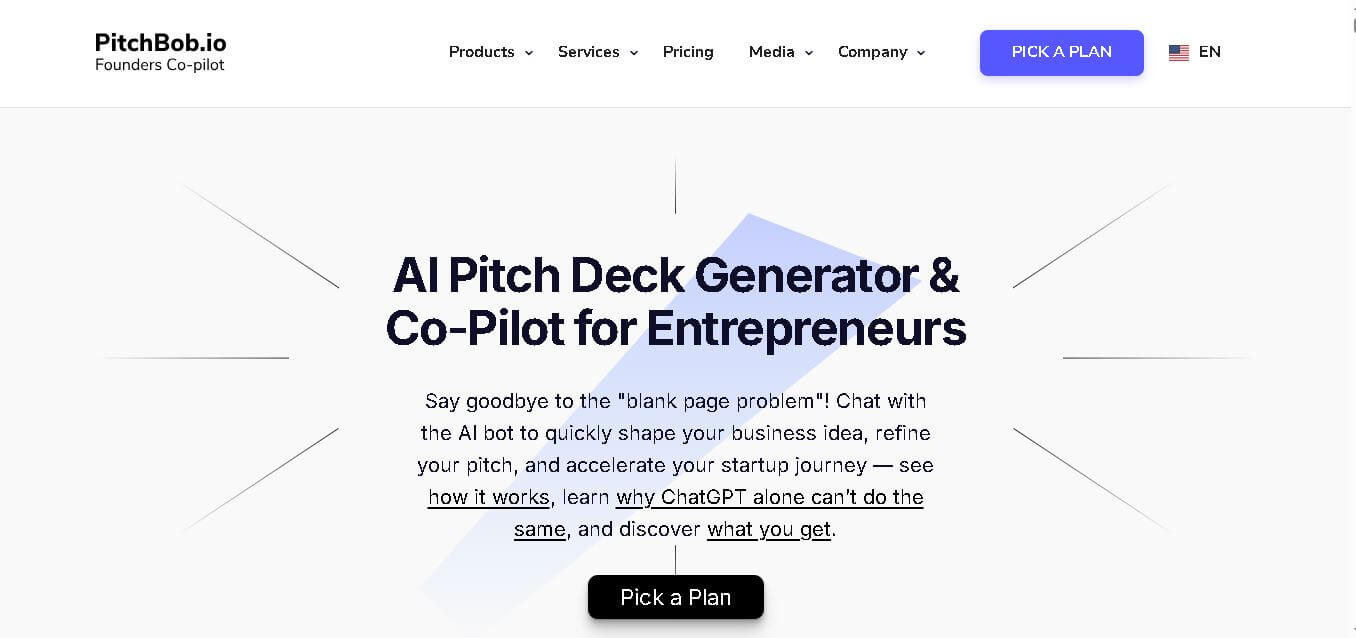
PitchBob.io helps entrepreneurs develop startup ideas and create pitch decks, investor letters, business plans, and executive summaries. Through guided AI conversations, it organizes business information, offers pitch feedback, and supports fundraising preparation. It is useful for founders who want structured startup documents without starting from a blank page.
 4.6
4.6Xavier AI
Presentation
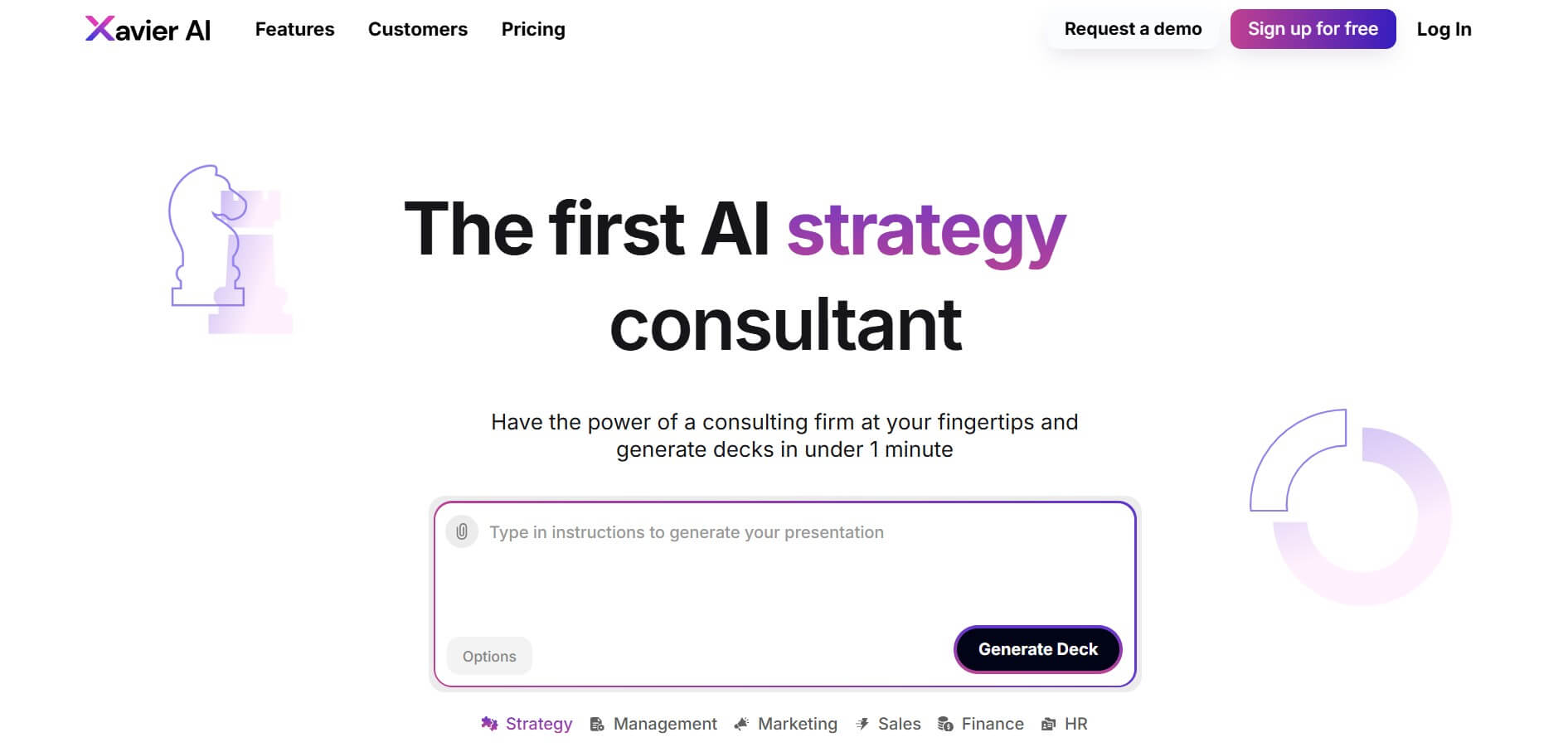
Xavier AI is a strategy-focused presentation tool designed to help professionals create consulting-style business decks quickly. It can transform prompts or uploaded documents into structured presentations, support market and competitive analysis, and provide sourced information. Users can also customize presentations to company branding and export finished decks to PowerPoint files.
 4.9
4.9Zoho Sheet
Spreadsheets
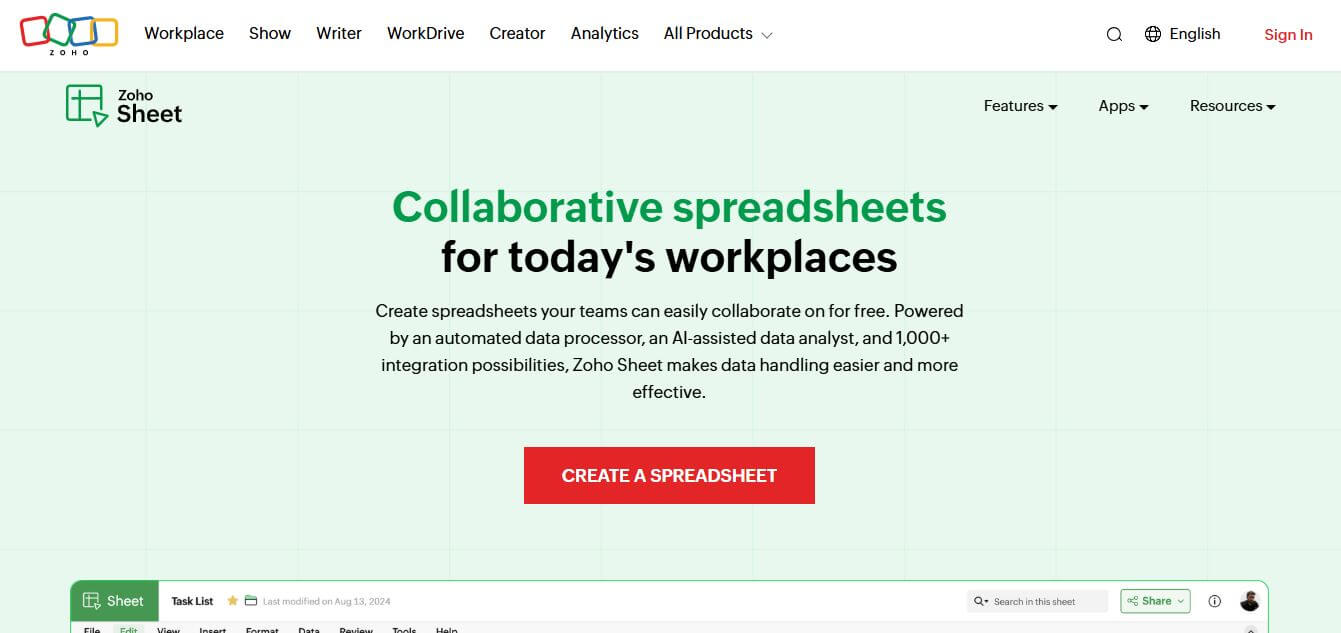
Zoho Sheet is a cloud-based spreadsheet tool that lets users create, edit, and collaborate on data in real time. It offers formulas, charts, automation, and AI-powered insights, helping teams analyze data, manage workflows, and work together efficiently from anywhere.
 4.9
4.9Slidesgo
Presentation
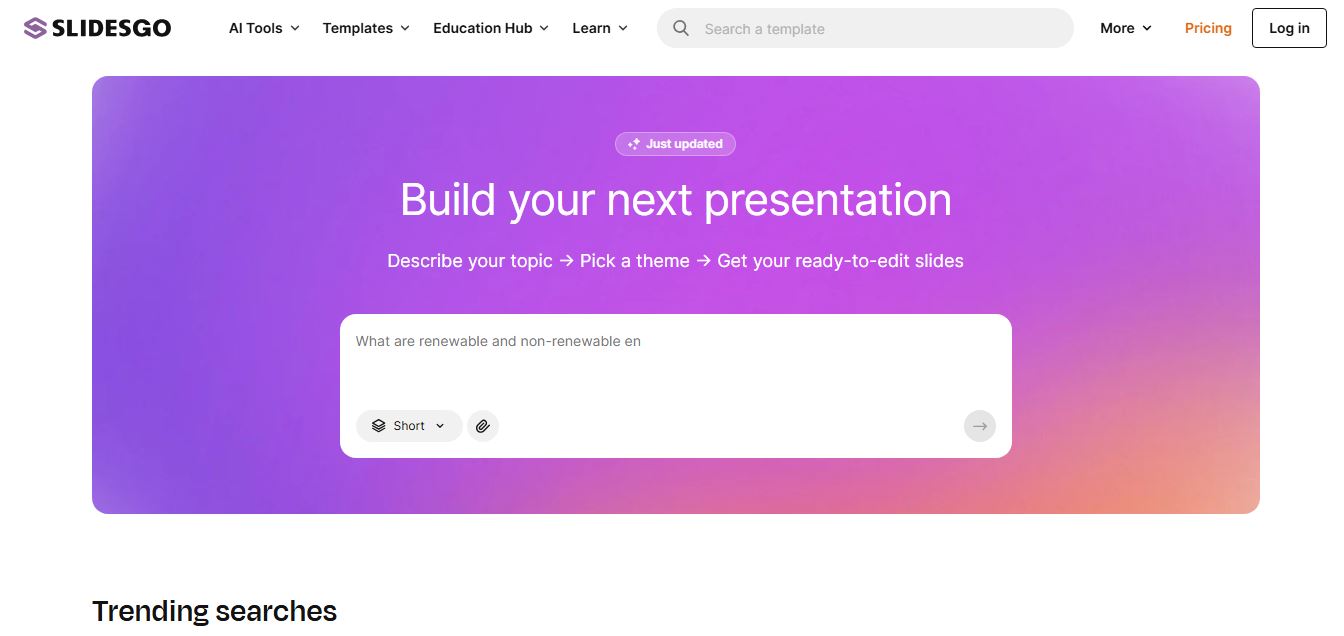
Slidesgo is a platform that offers free and premium presentation templates for Google Slides and PowerPoint. It provides professionally designed slides for business, education, and creative use, helping users create visually appealing presentations quickly without starting from scratch.
 4.8
4.8SlideSpeak
Presentation
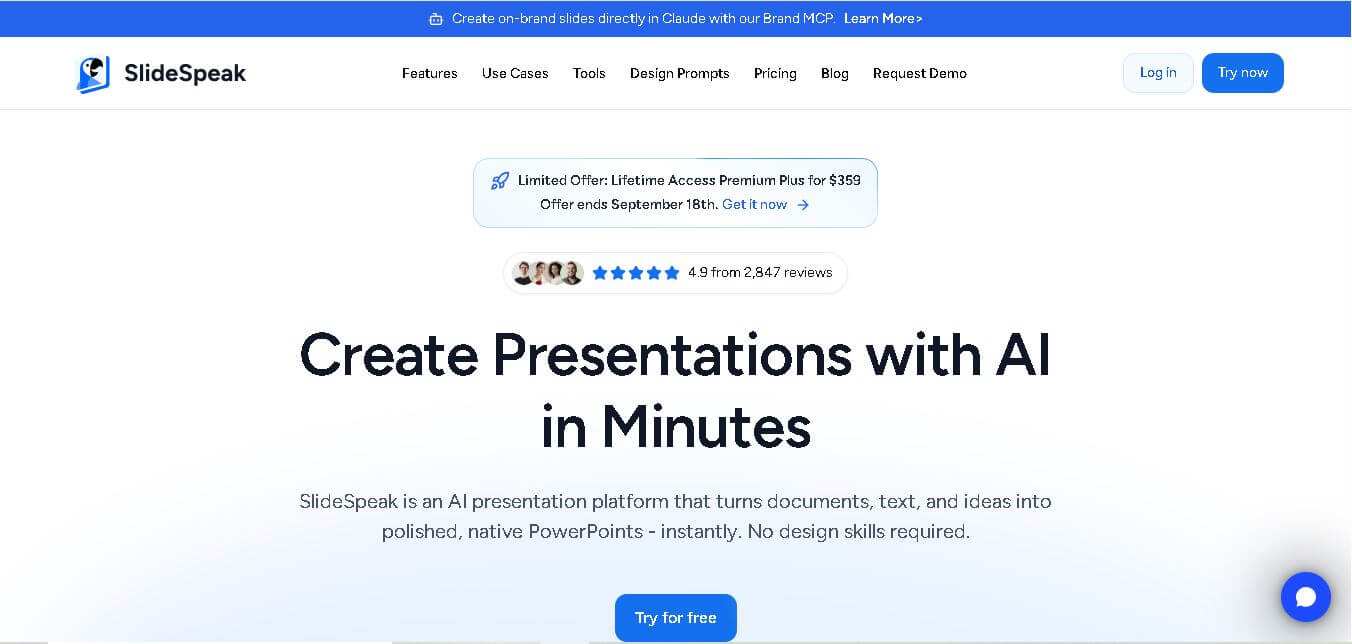
SlideSpeak is an AI-powered presentation tool that lets users chat with PowerPoint files, summarize slides, and generate new presentations from documents or prompts. It helps extract insights, create slides quickly, and turn content into clear, structured presentations with minimal effort.
 4.8
4.8MagicSlides
Presentation
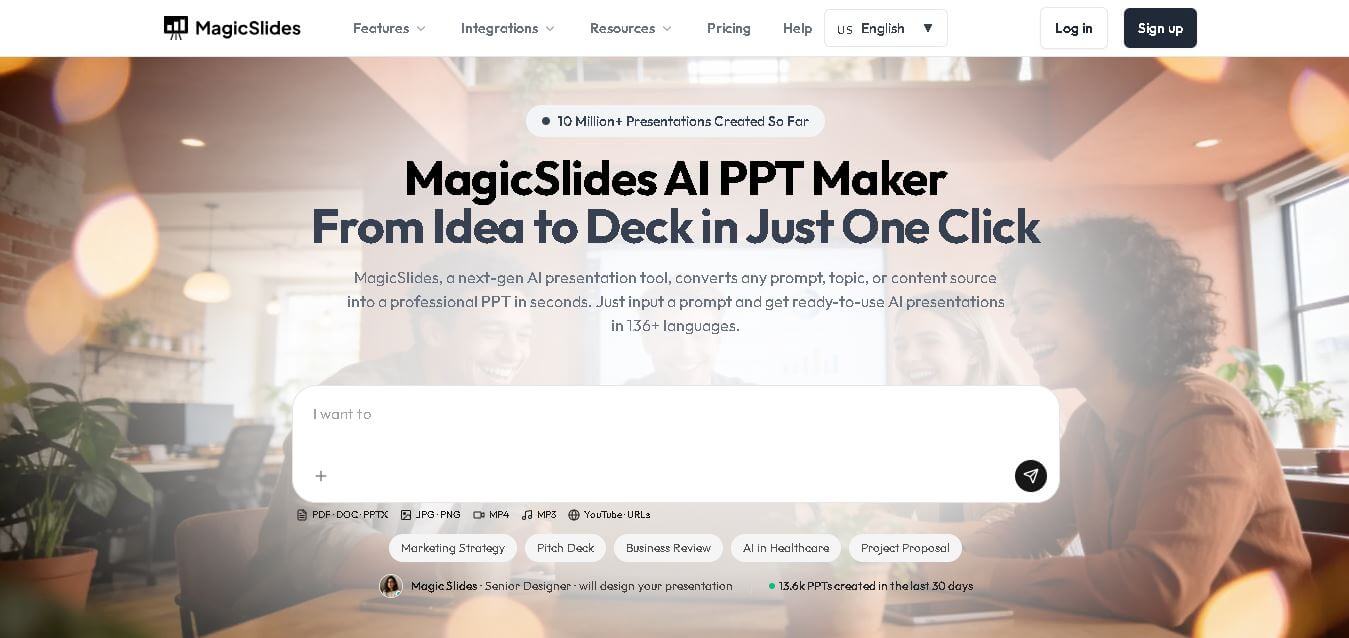
MagicSlides helps users create polished presentations from ideas, text, documents, URLs, and other content. It combines automated slide generation with templates, design systems, AI editing, image support, and multiple export formats. Students, teachers, professionals, consultants, and entrepreneurs can use it to produce presentations faster without building every slide manually.
 4.8
4.8Alai
Presentation
Alai is an AI presentation and design maker backed by Y Combinator that generates on-brand pitch decks, slide decks, infographics, carousels, and social visuals from prompts, documents, or links using custom design systems and native PPT/PDF exports.
 4.8
4.8GitMind
Project Management
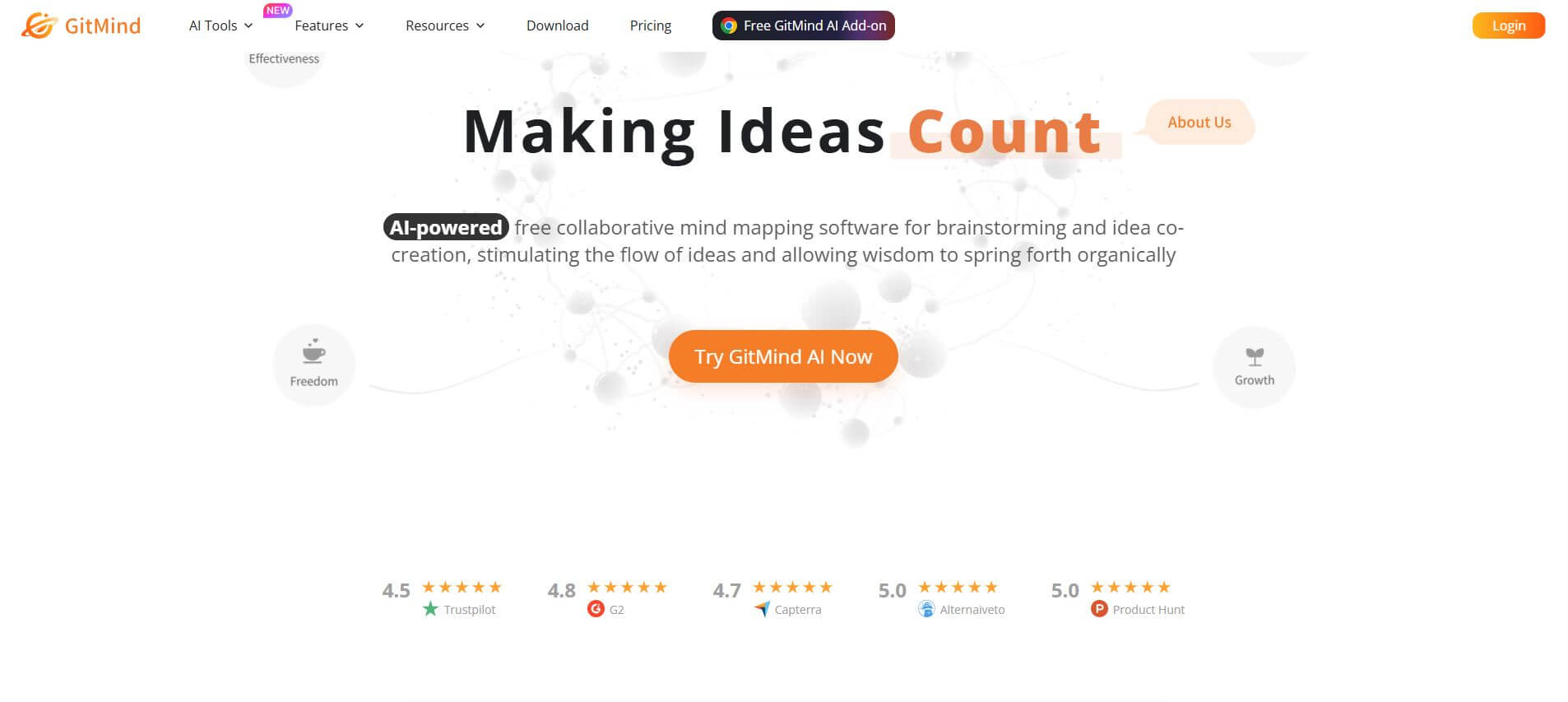
GitMind is an AI-powered mind mapping and visual workspace that turns text, videos, audio, PDFs, and websites into structured mind maps, summaries, and diagrams. It helps you organize ideas, brainstorm, plan projects, and simplify complex information using AI-driven insights and visual layouts.
ChatPPT
Presentation
Chat-PPT is an AI presentation tool that turns your prompts, documents, or ideas into complete slide decks with structured content, visuals, and layouts. It automates research, writing, and design, helping you create polished presentations quickly without manual formatting or slide-by-slide editing.