
Zoho Sheet
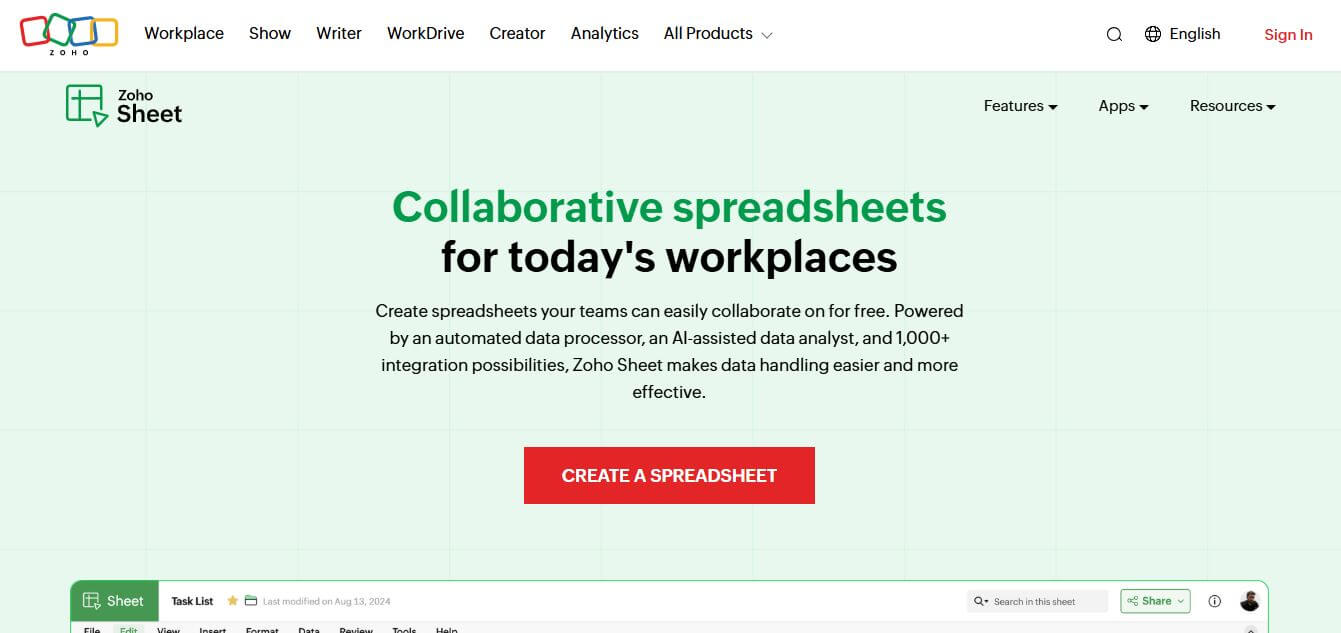
Zoho Sheet is a cloud-based spreadsheet tool that lets users create, edit, and collaborate on data in real time. It offers formulas, charts, automation, and AI-powered insights, helping teams analyze data, manage workflows, and work together efficiently from anywhere.
What is Zoho Sheet?
Zoho Sheet is a cloud-based spreadsheet application that lets users create, edit, and collaborate on data in real time. It supports formulas, charts, pivot tables, and automation features to analyze and manage data efficiently. Teams can work together simultaneously, leave comments, and track changes across versions. Zoho Sheet also integrates with other Zoho apps and third-party tools, enabling seamless workflows. It includes AI-powered assistance for data insights, making it easier to clean, visualize, and interpret information without advanced technical skills.
Developed under the Zoho Corporation umbrella—the global SaaS pioneer founded by Sridhar Vembu and Tony Thomas serving over 100 million users worldwide—Zoho Sheet is completely free for individual users, teams, and enterprises with no setup fees or hidden charges. The platform supports seamless import and export of Microsoft Excel (.xlsx, .xls) and .csv files, operates across Windows, macOS, Android, and iOS with online/offline synchronization, and connects natively to 1,000+ business applications via Zoho Flow and custom Deluge scripts.
- Founder / Leadership: Sridhar Vembu & Tony Thomas (Founders, Zoho Corporation)
- Launch Year: 2007 (Continuously upgraded with Zia AI and automated data processing)
Use Cases:
- Collaborating on multi-departmental corporate budgets, financial projections, and expense audits in real time
- Automating data hygiene by removing duplicate rows, trimming whitespace, and repairing missing values with 1-click Data Cleaning
- Generating instant pivot tables, summary statistics, and automated visualization charts by querying Zia AI in plain English
- Digitizing printed receipts, invoices, and physical data tables into editable digital spreadsheets via Data from Picture (OCR)
Technology:
- High-performance web spreadsheet rendering engine supporting 350+ mathematical, statistical, and financial functions
- Zia AI assistant engine leveraging natural language queries and predictive modeling for chart and pivot recommendations
- Deluge scripting and RESTful webhook framework integrating with Zoho CRM, Zoho Forms, and external APIs
Target Users:
- Financial controllers, accountants, and budget analysts building financial models and audit trails
- Operations managers, sales leaders, and project coordinators tracking pipeline KPIs and inventory rosters
- Educators, researchers, and students managing academic experiments and statistical datasets
- Content creators using writing tools to brainstorm article structures, refine draft voice, and eliminate writer's block
Corporate Entity: Operates as a core product of Zoho Corporation Pvt. Ltd.

Key features of Zoho Sheet
Zoho Sheet's key features are
- Real-Time Co-Authoring & Chat: Collaborate simultaneously on worksheets with teammates, review live edits, add cell-level comments, and discuss changes via built-in contextual chat.
- Zia AI Assistant & Insights: Ask natural-language questions about your numbers (e.g., 'What was our highest revenue month?') to automatically generate pivot tables, recommended charts, and summary metrics.
- Automated Data Cleaning: Scan entire sheets to detect duplicate records, locate missing values, resolve structural inconsistencies, and fix spelling mismatches with a single click.
- 350+ Built-In Functions: Comprehensive formula engine supporting standard mathematical, statistical, financial, lookup (XLOOKUP, VLOOKUP), and custom Deluge script functions.
- Data from Picture (OCR): Take a smartphone photo of a printed table, receipt, or paper report to automatically parse and convert it into structured spreadsheet cells.
- Granular Cell Locking & Permissions: Delegate view, edit, or comment permissions, lock specific cells or ranges to protect formulas, and audit complete historical version revisions.
- Dynamic Visualizations & Race Charts: Choose from 35+ chart types—including animated bar chart races, sparklines, gauges, and funnel graphs—to create engaging visual reports.
- Cross-Platform Online & Offline Sync: Work seamlessly across web browsers, dedicated Windows, macOS, Android, and iOS apps with automatic background syncing when reconnecting online.
Zoho Sheet Pricing
Zoho Sheet is completely free to use as a standalone application, offering enterprise-level spreadsheet features with no subscription paywalls or trial limits.
Free Standalone Version:
- $0 (Free Forever)
- Unlimited spreadsheets, full access to 350+ functions, automated data cleaning, Zia AI insights, real-time collaboration, cell locking, and native mobile/desktop apps
Zoho Workplace Bundles (Optional Storage & Apps):
- Standard: Starts at $3/user/month (billed annually); includes Zoho Sheet alongside professional business email (Zoho Mail 30GB), cloud storage (Zoho WorkDrive 10GB/user), Zoho Writer, and Zoho Show
- Professional: Starts at $6/user/month (billed annually); includes 100GB email storage, 100GB shared cloud storage per user, webinars, audio/video conferencing, and advanced admin security
Zoho One Suite (Enterprise Operating System):
- Starts at $37 to $90/employee/month; bundles Zoho Sheet with 45+ enterprise applications, including Zoho CRM, Books, Projects, Creator, and Analytics
Disclaimer: While Zoho Sheet is 100% free standalone, team storage quotas apply when integrated into paid Zoho WorkDrive or Zoho Workplace enterprise accounts. Visit zoho.com/sheet for current details.
Who is using Zoho Sheet?
Zoho Sheet is designed for a broad range of business professionals, teams, and analysts, including
- Financial Analysts & Accountants: Building cash-flow models, revenue forecasts, and reconciliations with complex formula arrays
- Sales Operations & RevOps: Auditing pipeline data, tracking team quotas, and analyzing conversion metrics exported from CRMs
- Project Managers & Team Leads: Tracking milestone progress, allocating project budgets, and assigning tasks in collaborative tables
- Small Business Owners & Startups: Managing operational finances, product inventories, and vendor directories without paying Microsoft 365 or Google Workspace licenses
- Content Creators: Using writing tools to brainstorm article structures, refine draft voice, and eliminate writer's block
- Educators & Academic Researchers: Conducting statistical analyses, grading distributions, and demonstrating mathematical concepts
Best Zoho Sheet Alternatives
Some of the strongest Zoho Sheet alternatives include
- Google Sheets
- Microsoft Excel Online
- Apple Numbers
- Smartsheet
- Airtable
- Coda
Pros and Cons of Zoho Sheet
Pros
- Completely free for personal and commercial team use with zero feature paywalls or trial caps
- Built-in Data Cleaning tool automatically eliminates duplicates, fixes typos, and fills blank values
- Zia AI assistant generates pivot tables and visual charts directly from plain-English prompts
- Granular security controls allow locking individual cells, ranges, and formulas per collaborator
- Native desktop and mobile apps support offline spreadsheet editing with automatic cloud syncing
Cons
- Smaller third-party add-on ecosystem compared to the extensive Google Workspace Marketplace
- Occasional latency when handling massive multi-hundred-thousand-row datasets compared to desktop Excel
- Less universally adopted in enterprise accounting firms than Microsoft Excel, requiring periodic file conversion
- Complex VBA macros require translation into Deluge or JavaScript custom functions
Why Choose Zoho Sheet?
Zoho Sheet is the ideal choice for businesses, teams, and individuals who want a modern, feature-packed cloud spreadsheet without recurring software subscription costs.
- Provides a complete enterprise-grade spreadsheet experience at $0 cost
- Saves hours of data preparation with automated 1-click Data Cleaning tools
- Offers natural-language data analysis and automatic chart creation through Zia AI
- Protects important formulas with granular cell locking and audit trails
- Integrates seamlessly across the broader Zoho ecosystem and 1,000+ external business apps
Zoho Sheet vs. Competitors
The main difference between Zoho Sheet, Google Sheets, Microsoft Excel Online, and Airtable is that Zoho Sheet is 100% free with built-in automated data cleaning and Zia AI analytics out of the box, whereas Google Sheets charges for advanced Gemini AI add-ons, Excel Online requires a paid Microsoft 365 license for full desktop capabilities, and Airtable operates as a hybrid relational database with strict record caps on free tiers. Zoho Sheet stands out for its zero-cost model, automated data hygiene, and deep office controls.
| Feature / Tool | Zoho Sheet (zoho.com/sheet) | Google Sheets | Microsoft Excel Online | Airtable |
|---|---|---|---|---|
| Core Focus | Free Cloud Spreadsheet & AI Analysis | Cloud Collaboration & Add-ons | Industry Standard Spreadsheet | Relational Database & Grids |
| Pricing | 100% Free Forever | Free ($6+/mo Google Workspace) | Free Web ($6+/mo M365 Plan) | Freemium ($20+/seat/mo) |
| Automated Data Cleaning | Yes (Built-in 1-Click Tool) | Basic Data Cleanup | Power Query Required | Formulas / Extensions |
| AI Assistant & Charts | Yes (Zia AI Included Free) | Gemini AI ($20/mo Add-on) | Copilot ($30/mo Add-on) | Airtable AI (Paid Add-on) |
| Granular Cell Locking | Yes (Specific User Levels) | Yes (Protected Ranges) | Yes (Sheet Protection) | Field Permissions (Paid) |
| Best For | Cost-Conscious Teams & Clean Data | Google Workspace Organizations | Heavy Corporate Financial Modeling | Custom App & Database Workflows |
How do we rate Zoho Sheet?
| Parameter | Rating (out of 5) |
|---|---|
| Formula Engine & Calculation Power | 4.8 |
| Zia AI Insights & Data Cleaning | 5.0 |
| Collaboration & Access Controls | 4.9 |
| Ecosystem & API Integrations | 4.8 |
| Value for Money | 5.0 |
| Overall Score | 4.90 |
Zoho Sheet Review
Zoho Sheet is one of the most underrated productivity applications in the modern cloud software landscape. While many users default to Google Sheets or Excel simply out of habit, Zoho Sheet delivers several thoughtful enhancements that solve common daily headaches. Its native Data Cleaning tool eliminates the tedious manual effort of hunting down trailing spaces, duplicates, and missing values, while Zia AI provides instant data visualization without requiring advanced pivot table expertise. Combined with robust permission controls and seamless cross-platform syncing, Zoho Sheet proves that a free tool can rival enterprise-grade office suites. For cost-conscious teams, startups, and data analysts, Zoho Sheet is an outstanding platform.
Conclusion
Zoho Sheet makes data management and collaboration easier by offering a cloud-based spreadsheet platform with real-time editing and sharing. Instead of working in isolated files, teams can analyze data, create reports, and collaborate seamlessly from anywhere. Its built-in functions and automation features improve efficiency. Overall, Zoho Sheet simplifies data workflows, helping users stay organized, make better decisions, and work together more effectively.
FAQ
What is Zoho Sheet and how does it work?
Zoho Sheet is a cloud-based spreadsheet application that allows users to create, edit, and collaborate on spreadsheets online. It works directly in your browser, enabling real-time collaboration, data analysis, and automation without needing to install any software. Users can import data, apply formulas, and share sheets with team members for simultaneous editing.
Is Zoho Sheet free to use?
Yes, Zoho Sheet offers a free plan that includes core spreadsheet features like data entry, formulas, collaboration, and sharing. Advanced features and higher storage limits may be available through Zoho’s paid plans or bundled apps within the Zoho ecosystem.
What features does Zoho Sheet offer?
Zoho Sheet includes features such as advanced formulas, pivot tables, data validation, charts, conditional formatting, automation tools, and real-time collaboration. It also supports AI-powered insights, data cleaning tools, and integrations with other Zoho apps for seamless workflows.
Can Zoho Sheet be used for team collaboration?
Yes, Zoho Sheet is built for collaboration, allowing multiple users to work on the same spreadsheet simultaneously. It includes commenting, version history, access controls, and change tracking, making it ideal for teams managing shared data or reports.
Does Zoho Sheet support Excel files?
Yes, Zoho Sheet supports importing and exporting Microsoft Excel files (.xls, .xlsx). Users can open, edit, and save Excel spreadsheets without losing formatting, making it easy to switch between platforms or collaborate with users who rely on Excel.
How does Zoho Sheet use AI?
Zoho Sheet includes AI-powered tools (like Zia) that help analyze data, detect patterns, generate insights, and automate repetitive tasks. These features make it easier to interpret large datasets and make data-driven decisions without complex manual analysis.
Who should use Zoho Sheet?
Zoho Sheet is ideal for business teams, analysts, students, and professionals who need a flexible and collaborative spreadsheet solution. It’s especially useful for users already using Zoho apps or those looking for a free alternative to Google Sheets or Excel.
How is Zoho Sheet different from Google Sheets or Excel?
Zoho Sheet stands out by combining strong collaboration features with AI-powered data insights and deep integration within the Zoho ecosystem. While Google Sheets focuses on collaboration and Excel on advanced analytics, Zoho Sheet offers a balance of both along with built-in automation and AI tools.
User Reviews
No reviews yet for Zoho Sheet.
Featured Tools
Featured AI tools from TechShark

Melody Genie
MelodyGenie is an AI-powered music generator that creates original songs from simple text prompts. Users can choose styles, moods, and genres, then instantly generate melodies and full tracks, making it easy for creators, marketers, and hobbyists to produce custom music without musical expertise.
Freemium

Kimi AI
Kimi AI is an advanced AI assistant developed by Moonshot AI that helps you chat, research, write, code, and automate tasks in one place. It supports web search, file analysis, and multimodal inputs, and can even run autonomous “agent” workflows to complete complex tasks end-to-end.
Freemium

Fashion Diffusion AI
Fashion Diffusion is an AI-powered fashion design platform that helps brands and designers create clothing designs, virtual try-ons, AI models, product photos, and marketing visuals faster and cost-effectively.
Paid

Veo 4
Veo 4 AI is an AI video creation platform that generates dramatic videos from text, images, audio, and video prompts using realistic motion and synchronized sound.
Paid
Alternatives
Alternatives to Zoho Sheet
The best Zoho Sheet alternatives include Google Sheets, Microsoft Excel Online, Apple Numbers, Smartsheet, Airtable, and Coda. These platforms provide spreadsheet calculation, data modeling, and team collaboration software. While Zoho Sheet specializes in a 100% free cloud spreadsheet application featuring built-in 1-click Data Cleaning, Zia AI natural-language analysis, and granular cell locking, alternatives like Google Sheets require paid add-ons for advanced Gemini AI capabilities, and Microsoft Excel charges for Copilot. Choosing the right tool depends on whether you require a zero-cost full-featured spreadsheet, deep Google Workspace integration, or specialized relational database grid views.
 4.8
4.8PitchBob
Presentation
PitchBob.io helps entrepreneurs develop startup ideas and create pitch decks, investor letters, business plans, and executive summaries. Through guided AI conversations, it organizes business information, offers pitch feedback, and supports fundraising preparation. It is useful for founders who want structured startup documents without starting from a blank page.
 4.6
4.6Xavier AI
Presentation
Xavier AI is a strategy-focused presentation tool designed to help professionals create consulting-style business decks quickly. It can transform prompts or uploaded documents into structured presentations, support market and competitive analysis, and provide sourced information. Users can also customize presentations to company branding and export finished decks to PowerPoint files.
 4.9
4.9Slidesgo
Presentation
Slidesgo is a platform that offers free and premium presentation templates for Google Slides and PowerPoint. It provides professionally designed slides for business, education, and creative use, helping users create visually appealing presentations quickly without starting from scratch.
 4.8
4.8SlideSpeak
Presentation
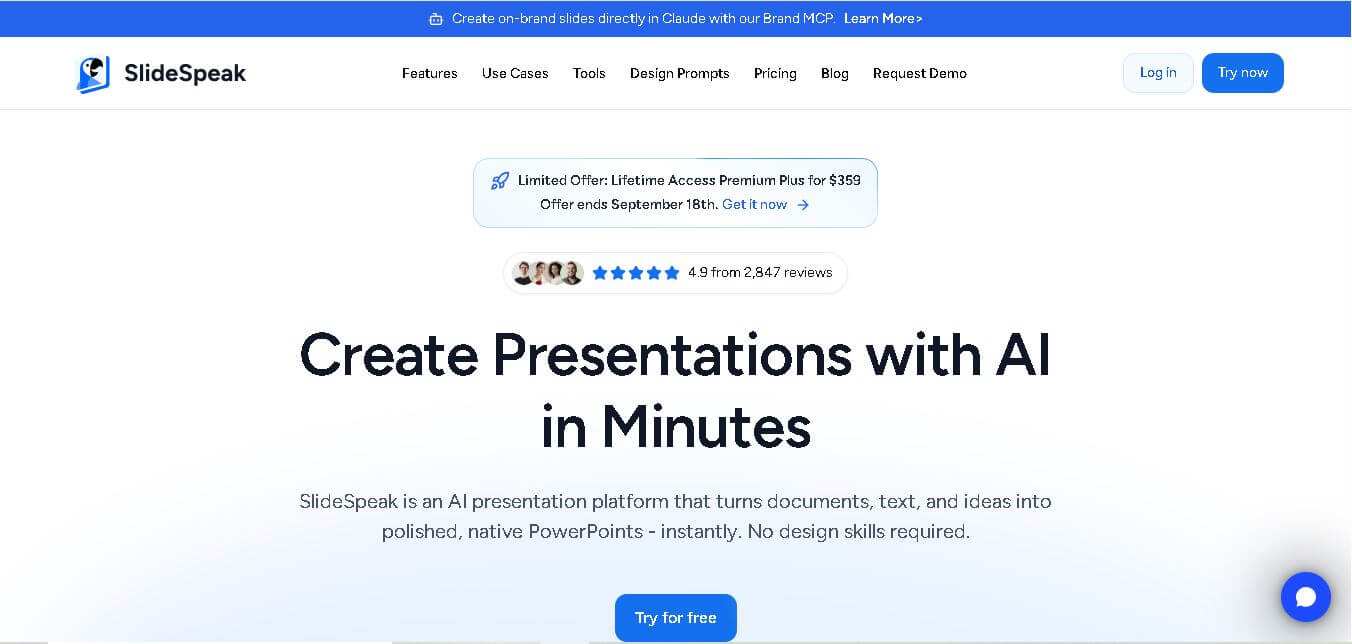
SlideSpeak is an AI-powered presentation tool that lets users chat with PowerPoint files, summarize slides, and generate new presentations from documents or prompts. It helps extract insights, create slides quickly, and turn content into clear, structured presentations with minimal effort.
 4.8
4.8MagicSlides
Presentation
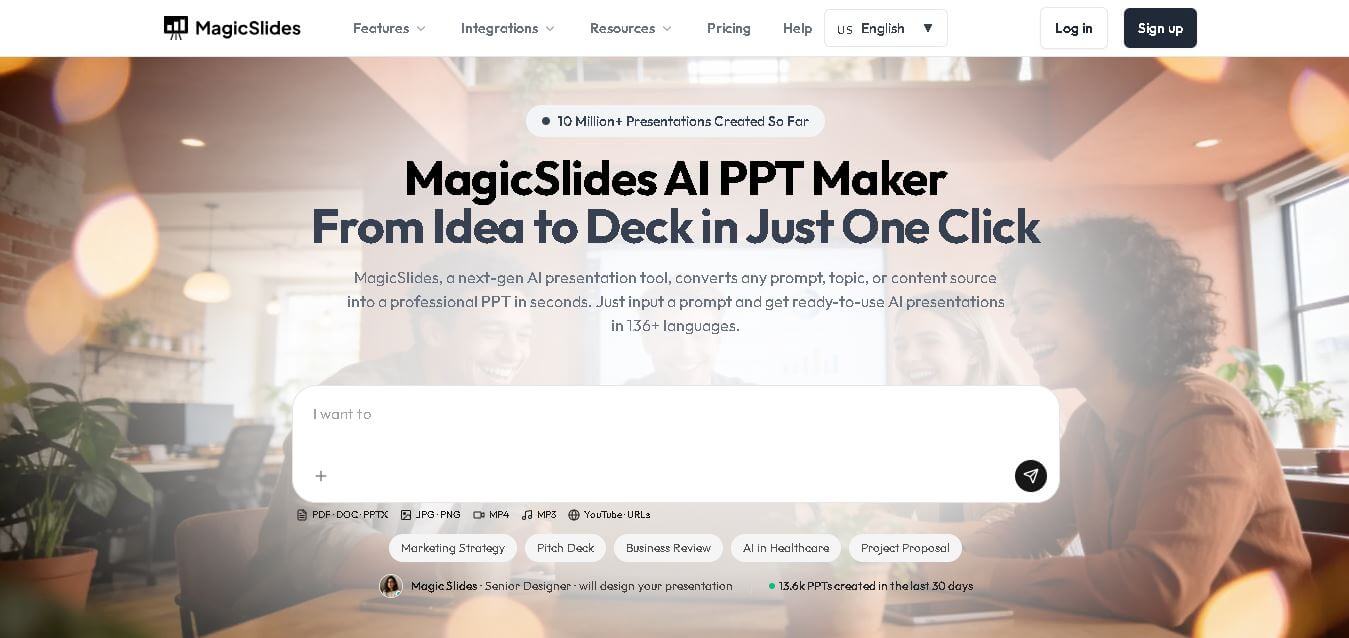
MagicSlides helps users create polished presentations from ideas, text, documents, URLs, and other content. It combines automated slide generation with templates, design systems, AI editing, image support, and multiple export formats. Students, teachers, professionals, consultants, and entrepreneurs can use it to produce presentations faster without building every slide manually.
 4.8
4.8Alai
Presentation
Alai is an AI presentation and design maker backed by Y Combinator that generates on-brand pitch decks, slide decks, infographics, carousels, and social visuals from prompts, documents, or links using custom design systems and native PPT/PDF exports.
 4.9
4.9Beautiful AI
Presentation
Beautiful.ai is an AI-powered presentation software that helps users create professional slides quickly with smart design automation. It automatically adjusts layouts, formatting, and visuals, allowing teams to build polished, consistent presentations without manual design work or advanced skills.
 4.8
4.8GitMind
Project Management
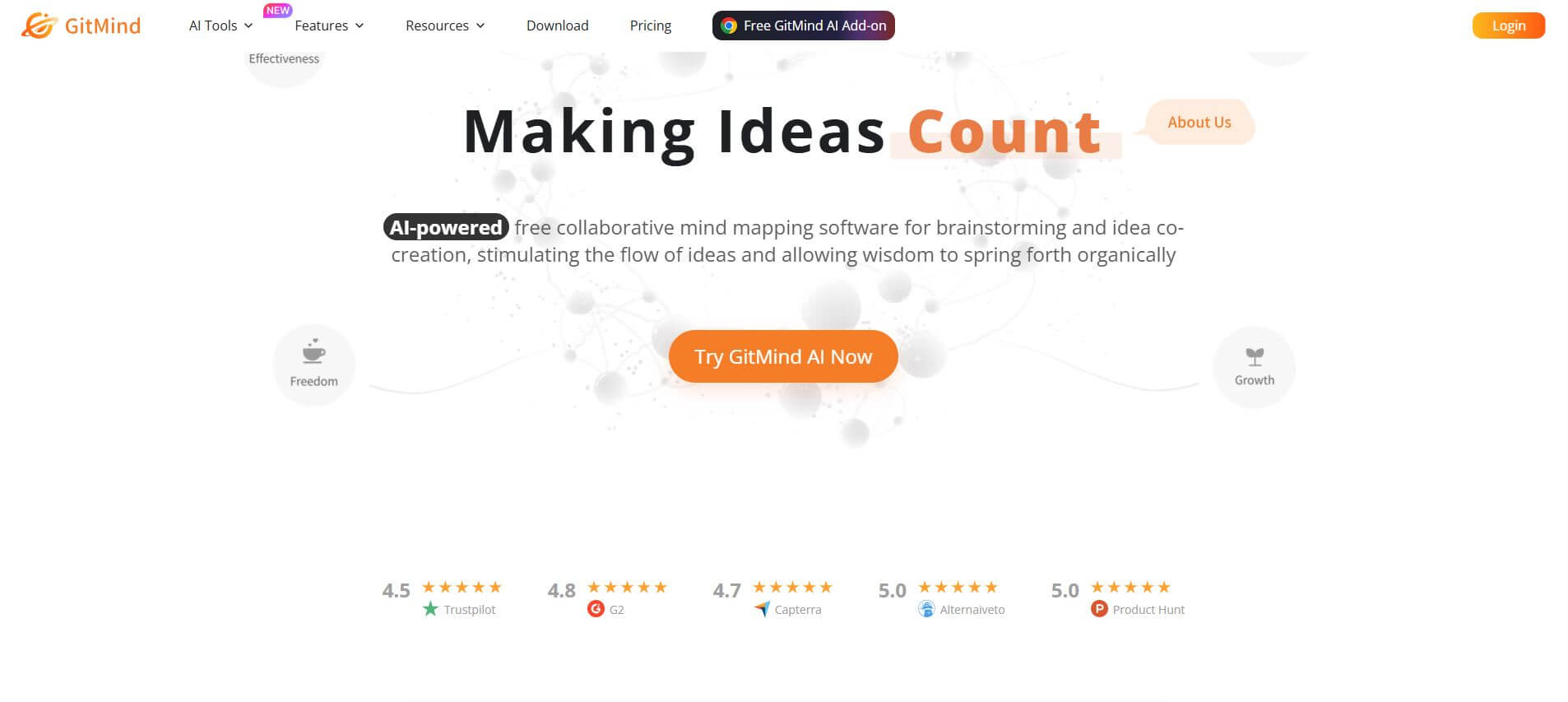
GitMind is an AI-powered mind mapping and visual workspace that turns text, videos, audio, PDFs, and websites into structured mind maps, summaries, and diagrams. It helps you organize ideas, brainstorm, plan projects, and simplify complex information using AI-driven insights and visual layouts.
ChatPPT
Presentation
Chat-PPT is an AI presentation tool that turns your prompts, documents, or ideas into complete slide decks with structured content, visuals, and layouts. It automates research, writing, and design, helping you create polished presentations quickly without manual formatting or slide-by-slide editing.