
Xavier AI
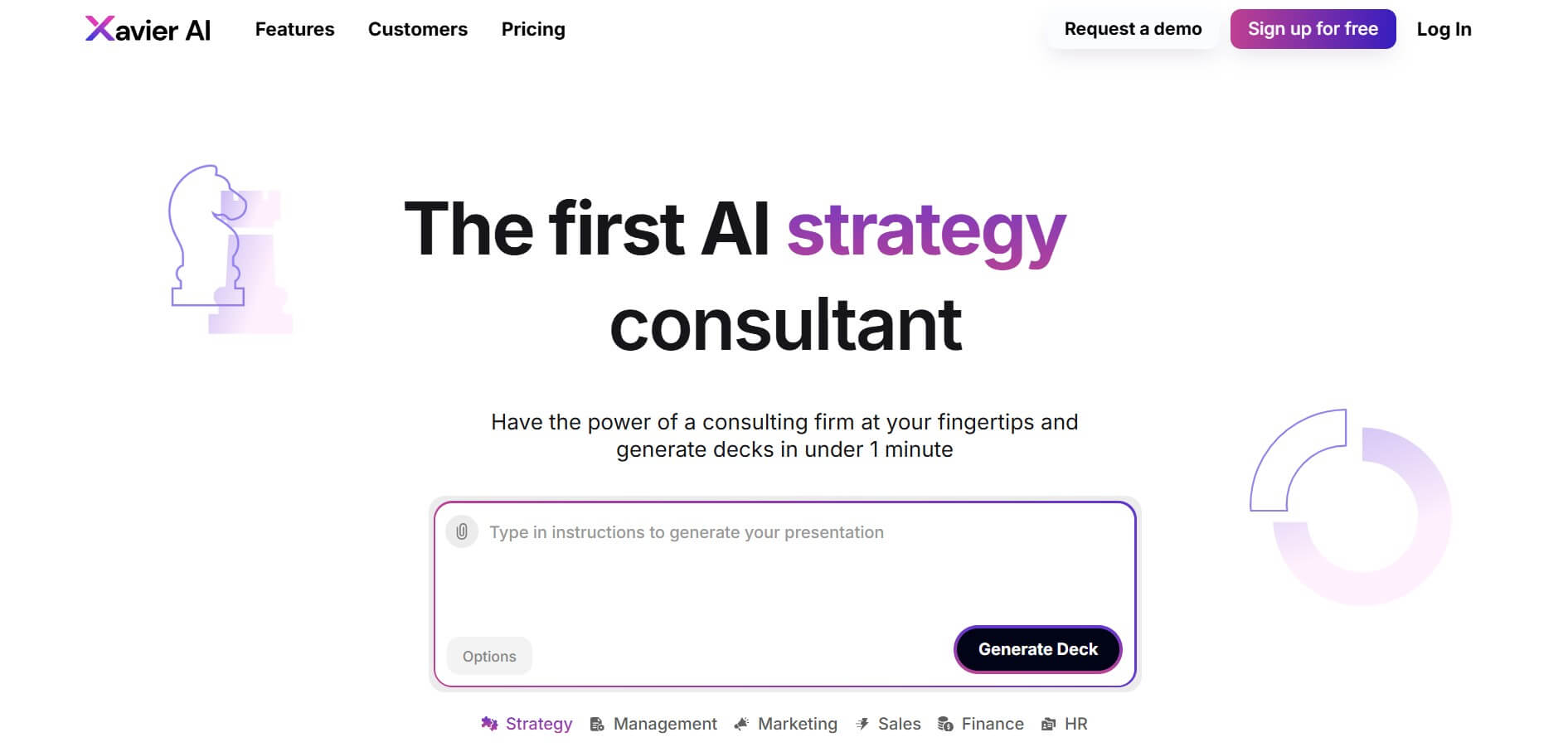
Xavier AI is a strategy-focused presentation tool designed to help professionals create consulting-style business decks quickly. It can transform prompts or uploaded documents into structured presentations, support market and competitive analysis, and provide sourced information. Users can also customize presentations to company branding and export finished decks to PowerPoint files.
What is Xavier AI?
Xavier AI is a strategy-focused presentation assistant that turns instructions, documents, and business requirements into structured consulting-style decks. It supports work across strategy, management, sales, finance, and HR, with use cases such as market analysis, competitive analysis, digital strategy, and marketing. The platform emphasizes trustworthy sources, source provenance, presentation customization, and PowerPoint export for business users. It is built for professional decision-support workflows.
Xavier AI launched publicly in 2025 as an AI strategy consultant focused on business presentations. Its current plans include Free, Starter at $19 per month per user, Pro at $79 per month, and custom Enterprise. The free plan provides 50 AI slides monthly, while Pro provides 2,000. The platform supports verified sources, one-click provenance, PowerPoint export, Pro Data, company templates, fact-based charts, and enterprise integrations or on-premise options. These features are intended for research-heavy business presentations and strategy workflows.
- Platform Role: AI Presentation Generator & Professional Content Suite
- Core Focus: Automated slide generation, document-to-presentation workflows, and structured business communication.
- Accessibility: Web-based SaaS platform featuring flexible free tiers and scalable upgrade options.
Use Cases:
- Instantly converting text prompts, notes, or uploaded documents into fully formatted slide decks
- Drafting professional business reports, proposals, and pitch summaries in minutes
- Empowering educators and students to create structured learning resources and presentations
- Accelerating corporate workflows by eliminating manual slide formatting and layout design
Technology:
- Advanced Natural Language Processing (NLP) models trained to synthesize structural text layouts
- Context-aware formatting engine matching professional design standards
- Secure cloud storage architecture protecting user documents and generated assets
- Frictionless export pathways for sharing and presenting digital materials
Target Users:
- Business professionals, consultants, and marketers building client decks and strategy overviews
- Founders and entrepreneurs pitching concepts to investors
- Educators, trainers, and students developing instructional presentations
Acquisition: Self-serve SaaS platform with a freemium model and tiered subscription plans for heavy creators.
What are the key features of Xavier AI?
Xavier AI's core platform capabilities include
- Prompt-to-Presentation Generation: Turn a short descriptive text phrase into a complete multi-slide presentation layout automatically.
- Document Synthesis: Upload existing reports or rough notes and let the AI structure them into cohesive visual slides.
- Intelligent Formatting & Layouts: Automatically apply clean typography, visual hierarchy, and balanced compositions to every slide.
- Editing & Customization Tools: Refine text, swap layouts, and tailor generated content directly inside the web interface.
- Seamless Export Options: Download finished presentations or share them via digital links for immediate collaboration.
How much does Xavier AI cost?
Xavier AI provides a free trial tier alongside paid subscription plans tailored for individual professionals and active content creators.
Pricing Structure:
- Free Plan: Includes baseline features with a monthly generation cap (typically around 50 AI slides per month).
- Starter Plan: Priced at around $19 per month, unlocking higher generation limits and expanded tool access.
- Pro Plan: Priced around $79 per month, designed for power users and professionals needing advanced formatting and crucial export features like PowerPoint compatibility.
Disclaimer: Pricing rates and tier limits are subject to periodic updates; check the official Xavier AI pricing page for current details.
Who should use Xavier AI?
Xavier AI is ideal for anyone who builds slide decks frequently, including
- Corporate Communicators: Professionals who need to produce polished management decks under tight deadlines.
- Sales & Strategy Teams: Staff looking to rapidly prototype pitch materials and market overviews.
- Educators & Researchers: Individuals seeking to transform dense notes into clean, digestible visual lectures.
What are the best alternatives to Xavier AI?
Some of the closest alternatives in the AI presentation and content creation space include
- Gamma App
- Beautiful.ai
- Tome
- Microsoft Copilot in PowerPoint
What are the pros and cons of Xavier AI?
What are the pros of Xavier AI?
- Drastically cuts down the time required to outline and design presentation slides
- Clean, intuitive web interface requiring zero design experience
- Free plan available for casual evaluation
- Strong document-to-slide synthesis capabilities
What are the cons of Xavier AI?
- Free tier limits can be quickly exhausted by heavy creators
- Advanced export capabilities (like native PowerPoint files) require higher subscription tiers
- AI-generated layouts still benefit from human polish and editorial review
Why should you choose Xavier AI?
If you are tired of staring at a blank slide or spending hours adjusting bullet points and alignment boxes, Xavier AI offers an efficient shortcut. By transforming raw text or notes into cohesive visual presentations instantly, it lets you focus on the message rather than the manual formatting.
How does Xavier AI compare to competitors?
Unlike generic AI text assistants that output blocks of unstructured text, Xavier AI is purpose-built for visual slide architecture, making the journey from prompt to boardroom-ready deck remarkably fast.
| Feature / Platform | Xavier AI | Gamma App | Beautiful.ai | Tome |
|---|---|---|---|---|
| Core Focus | AI presentation generation & content structuring | Web-native AI decks, docs, and web pages | Smart templates with dynamic design constraints | AI storytelling & multimedia workspaces |
| Pricing Model | Free tier & Pro plans ($19 - $79/mo) | Freemium subscription tiers | Paid subscription tiers | Freemium subscription tiers |
| Ease of Use | High (prompt-driven workflow) | High | Moderate (Template-based) | High |
| Best For | Rapid business presentations & reports | Creative web-first decks | Strict brand-compliant slide creation | Interactive visual narratives |
How do we rate Xavier AI?
| Parameter | Rating (out of 5) |
|---|---|
| Speed & Generation Quality | 4.7 |
| Ease of Use & Interface | 4.8 |
| Design & Layout Formatting | 4.6 |
| Free Tier Value | 4.5 |
| Pricing & Plan Flexibility | 4.4 |
| Overall Score | 4.60 |
What is our review and verdict on Xavier AI?
Xavier AI is a practical, time-saving utility for anyone who regularly builds professional presentations. By automating the tedious aspects of slide structuring and layout design, it allows creators to focus on narrative quality. While premium features require a paid upgrade, the speed and polish it brings to deck creation make it a valuable asset for modern professionals.
Conclusion
Xavier AI brings strategy research, structured analysis, and presentation creation into one workflow. Its templates cover areas such as market analysis, competitive analysis, digital strategy, sales, finance, and HR, while verified sources and provenance can help users review supporting information. With plans ranging from free access to enterprise options, Xavier AI can support different presentation workloads and organizational requirements effectively.
User Reviews
No reviews yet for Xavier AI.
Featured Tools
Featured AI tools from TechShark

Melody Genie
MelodyGenie is an AI-powered music generator that creates original songs from simple text prompts. Users can choose styles, moods, and genres, then instantly generate melodies and full tracks, making it easy for creators, marketers, and hobbyists to produce custom music without musical expertise.
Freemium

Kimi AI
Kimi AI is an advanced AI assistant developed by Moonshot AI that helps you chat, research, write, code, and automate tasks in one place. It supports web search, file analysis, and multimodal inputs, and can even run autonomous “agent” workflows to complete complex tasks end-to-end.
Freemium

Fashion Diffusion AI
Fashion Diffusion is an AI-powered fashion design platform that helps brands and designers create clothing designs, virtual try-ons, AI models, product photos, and marketing visuals faster and cost-effectively.
Paid

Veo 4
Veo 4 AI is an AI video creation platform that generates dramatic videos from text, images, audio, and video prompts using realistic motion and synchronized sound.
Paid
Alternatives
Alternatives to Xavier AI
The best Xavier AI alternatives include Gamma App, Beautiful.ai, Tome, and Microsoft Copilot. While Xavier AI specializes in fast prompt-to-deck slide generation, alternatives offer web-first documents or template-constrained corporate design tools.
 4.8
4.8PitchBob
Presentation
PitchBob.io helps entrepreneurs develop startup ideas and create pitch decks, investor letters, business plans, and executive summaries. Through guided AI conversations, it organizes business information, offers pitch feedback, and supports fundraising preparation. It is useful for founders who want structured startup documents without starting from a blank page.
 4.9
4.9Zoho Sheet
Spreadsheets
Zoho Sheet is a cloud-based spreadsheet tool that lets users create, edit, and collaborate on data in real time. It offers formulas, charts, automation, and AI-powered insights, helping teams analyze data, manage workflows, and work together efficiently from anywhere.
 4.9
4.9Slidesgo
Presentation
Slidesgo is a platform that offers free and premium presentation templates for Google Slides and PowerPoint. It provides professionally designed slides for business, education, and creative use, helping users create visually appealing presentations quickly without starting from scratch.
 4.8
4.8SlideSpeak
Presentation
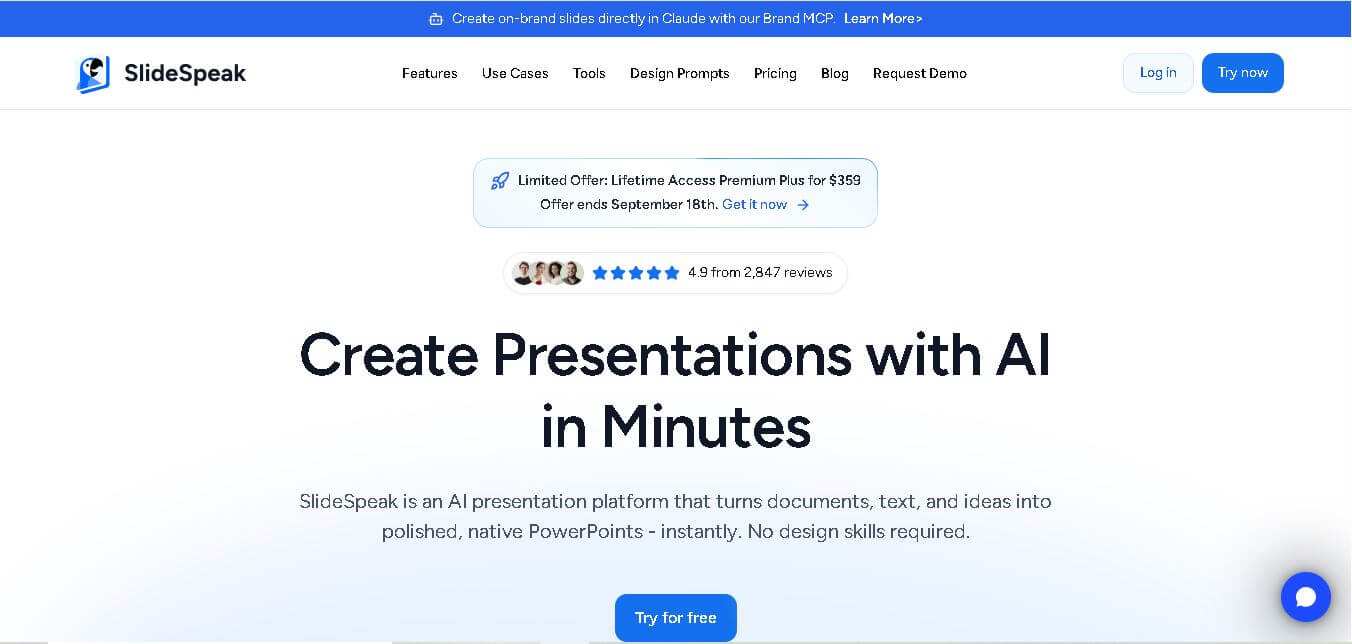
SlideSpeak is an AI-powered presentation tool that lets users chat with PowerPoint files, summarize slides, and generate new presentations from documents or prompts. It helps extract insights, create slides quickly, and turn content into clear, structured presentations with minimal effort.
 4.8
4.8MagicSlides
Presentation
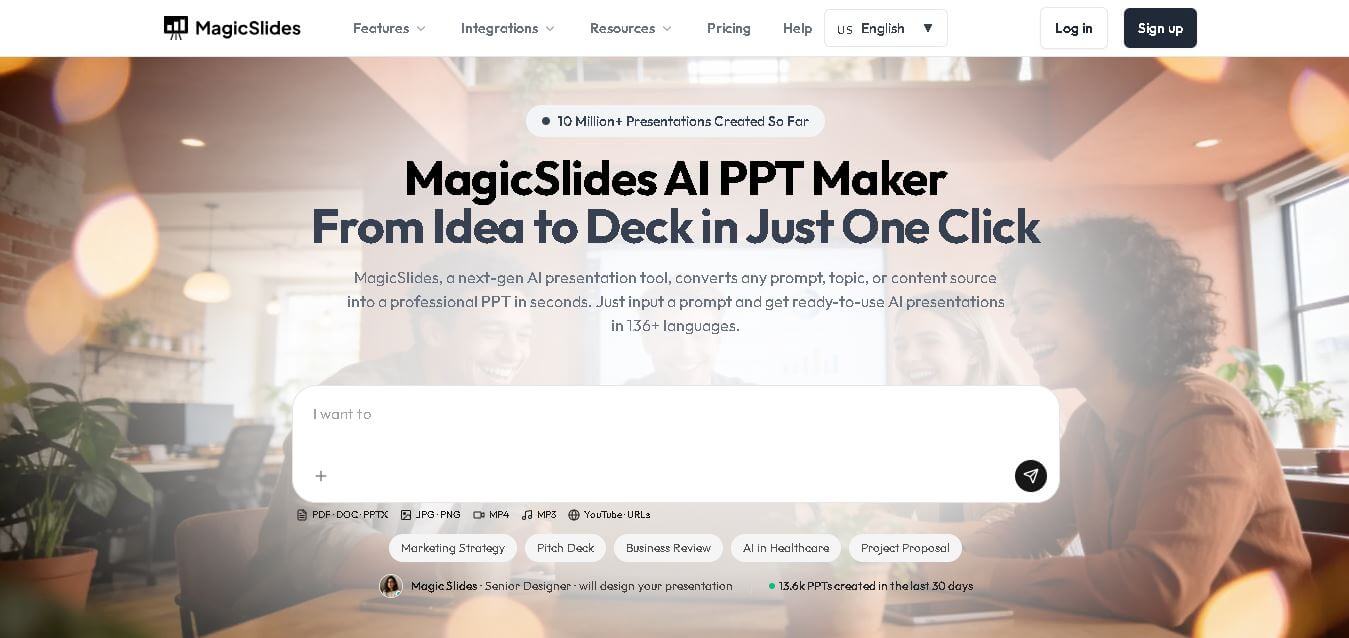
MagicSlides helps users create polished presentations from ideas, text, documents, URLs, and other content. It combines automated slide generation with templates, design systems, AI editing, image support, and multiple export formats. Students, teachers, professionals, consultants, and entrepreneurs can use it to produce presentations faster without building every slide manually.
 4.8
4.8Alai
Presentation
Alai is an AI presentation and design maker backed by Y Combinator that generates on-brand pitch decks, slide decks, infographics, carousels, and social visuals from prompts, documents, or links using custom design systems and native PPT/PDF exports.
 4.9
4.9Beautiful AI
Presentation
Beautiful.ai is an AI-powered presentation software that helps users create professional slides quickly with smart design automation. It automatically adjusts layouts, formatting, and visuals, allowing teams to build polished, consistent presentations without manual design work or advanced skills.
 4.8
4.8GitMind
Project Management
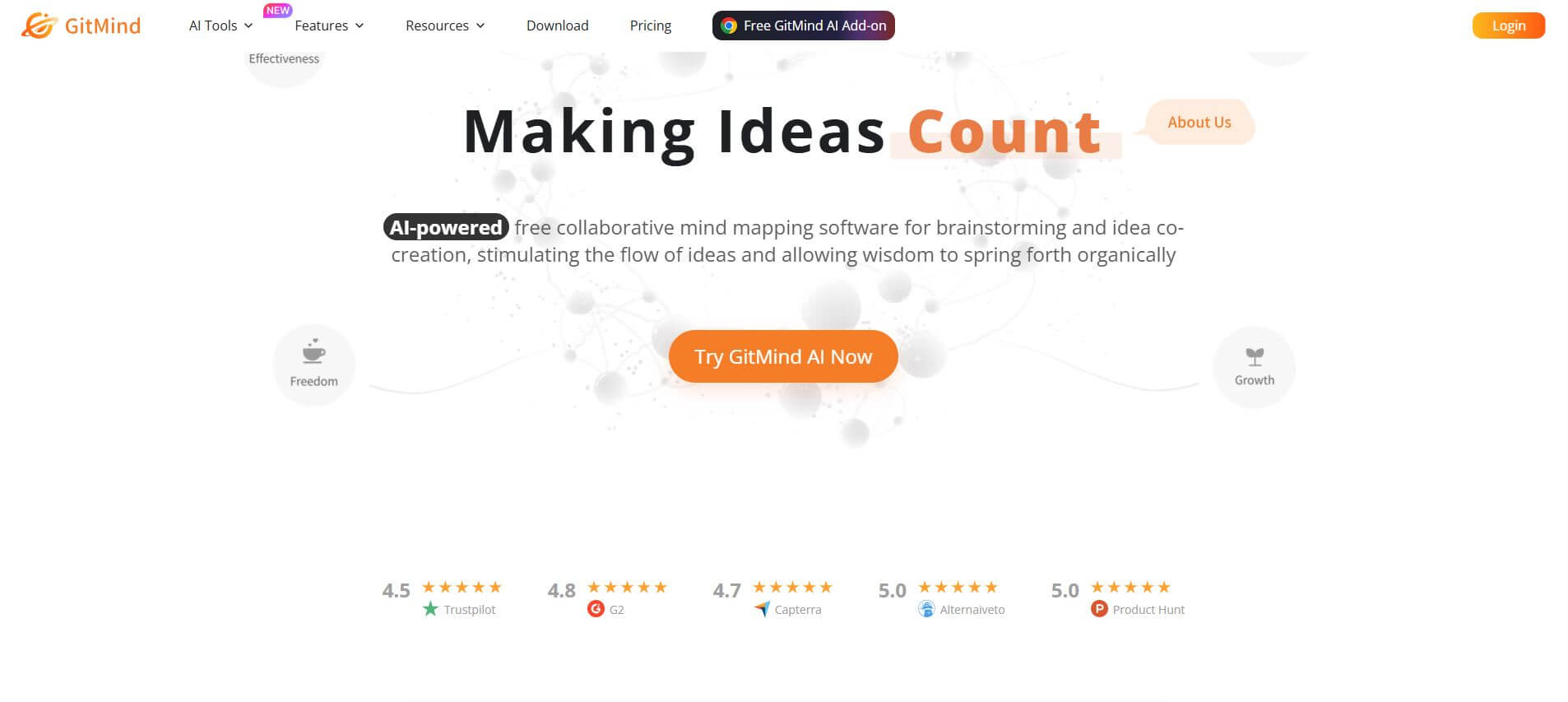
GitMind is an AI-powered mind mapping and visual workspace that turns text, videos, audio, PDFs, and websites into structured mind maps, summaries, and diagrams. It helps you organize ideas, brainstorm, plan projects, and simplify complex information using AI-driven insights and visual layouts.
ChatPPT
Presentation
Chat-PPT is an AI presentation tool that turns your prompts, documents, or ideas into complete slide decks with structured content, visuals, and layouts. It automates research, writing, and design, helping you create polished presentations quickly without manual formatting or slide-by-slide editing.