ChatPPT
Chat-PPT is an AI presentation tool that turns your prompts, documents, or ideas into complete slide decks with structured content, visuals, and layouts. It automates research, writing, and design, helping you create polished presentations quickly without manual formatting or slide-by-slide editing.
What is ChatPPT?
ChatPPT is an AI-powered presentation generator that helps you create complete, professional PowerPoint slides from a simple prompt or uploaded document. Instead of building slides manually, you just enter a topic and the AI automatically generates a structured outline, written content, charts, and polished slide designs in minutes. It also includes features like one-click layout optimization, template selection, and export to formats like PPT or PDF, making it easy to go from idea to finished presentation quickly. Designed for students, professionals, and teams, ChatPPT significantly reduces the time and effort required to create high-quality presentations.
Positioned as an intelligent “semantic command-driven presentation maker,” ChatPPT operates across both a cloud web workspace (chat-ppt.com) and native desktop add-ins for Microsoft PowerPoint and WPS Office (via MotionGo). Rather than generating static, non-editable visual slides like generic image generators, ChatPPT produces native, fully editable
.pptxpresentations with structured outlines, corporate typography, smart data charts, and over 7,000+ commercial motion animations. ChatPPT offers a free starter evaluation tier alongside premium membership plans and flexible credit packages.
- Developer / Company: Beeyoo Technology (Beijing Beeyoo Technology Co., Ltd. – MotionGo / Pocket Animation Team)
- Platform Availability: Web Browser Workspace, Microsoft PowerPoint Add-In & WPS Office Plugin
- Supported File Ecosystem: Native Microsoft PowerPoint (
.pptx), WPS Presentation, PDF & High-Res Image Exports
Use Cases:
- Generating structured investor pitch decks, quarterly business reviews, and marketing proposals from a single text prompt
- Converting long Word documents, PDF reports, meeting transcripts, or web URLs into multi-slide executive summaries
- Refining slide layouts, typography hierarchy, and visual themes conversationally without manual drag-and-drop formatting
- Adding dynamic FlowCode animations, 3D word clouds, and interactive data dashboards to live keynote presentations
- Working directly inside Microsoft Office or WPS Office using the MotionGo plugin to edit slides in real time
Technology:
- Proprietary presentation LLM and semantic parsing engine translating conversational commands into slide layout hierarchies
- Native vector and OOXML slide synthesis engine generating 100% editable shapes, text boxes, and data-bound charts
- FlowCode kinetic animation library providing over 140+ customizable animation attributes and motion graphics effects
Target Users:
- Corporate professionals, management consultants, and project managers producing high-frequency status decks and roadmaps
- Startup founders and entrepreneurs preparing pitch presentations, sales collateral, and product launch decks
- Educators, university lecturers, and trainers creating illustrated course lectures and interactive classroom slides
- Marketing and sales teams needing polished, on-brand client decks with fast turnarounds
Acquisition: Operates as the flagship AI presentation software suite developed by Beeyoo Technology

Key features of ChatPPT
ChatPPT's key platform features are
- Conversational Slide Generation & Editing: Type natural language instructions (e.g., “Add a market size comparison slide after slide 3 and match the color theme”) to generate and modify slides on demand.
- Multi-Format Document Ingestion: Ingest text outlines, Word documents, PDF whitepapers, markdown notes, audio transcripts, or website URLs to auto-extract key sections into slides.
- Native Microsoft PowerPoint & WPS Office Plugin: Use the MotionGo desktop add-in to access ChatPPT capabilities directly inside Microsoft Office PowerPoint or WPS Office.
- 100% Native Editable PPTX Exports: Exports true
.pptxfiles where every shape, icon, title, text paragraph, and data table remains completely editable. - FlowCode & Motion Animation Library: Access over 7,000+ proprietary smart animation presets, dynamic transitions, interactive data charts, and 3D kinetic text effects.
- Intelligent Data Visualization & Dashboards: Convert raw tabular metrics and survey results into styled bar charts, radar graphs, funnel diagrams, and timeline roadmaps.
- One-Click Aesthetic Reskinning: Instantly switch themes, font pairings, and color palettes across an entire 30-slide deck without breaking text layouts.
- AI Speaker Notes & Script Generation: Automatically generates comprehensive speaker notes and talking points for each slide to assist during live presentations.
ChatPPT Pricing
ChatPPT operates on a freemium model with free introductory generation credits, flexible monthly and annual VIP subscriptions, and perpetual/lifetime licensing packages.
Free Plan:
- $0 / Free Starter: Complimentary generation credits upon account creation to test outline creation, template browsing, and basic exports
Pro / VIP Plans:
- Monthly VIP Subscription: Starting from ~$9.90 to $19.99 / month | Includes expanded slide generation quotas, document-to-slide conversions, and watermark-free exports
- Annual VIP Subscription (Best Value): Discounted recurring rates (~$16.66/month equivalent or ~$199/year) with unlimited template access, advanced FlowCode animations, and priority rendering
Lifetime / Enterprise Licensing:
- Lifetime Access Packages: One-time payment tier for perpetual VIP feature upgrades, unmetered template downloads, and high cloud storage allocations
- Enterprise & Team Licenses: Centralized team management, shared corporate slide design templates, custom font branding, and dedicated customer success
Disclaimer: Pricing plans may vary depending on regional currency conversions and promotional billing periods. For the latest pricing and MotionGo plugin downloads, visit chat-ppt.com and chatppt.com.
Who is using ChatPPT?
ChatPPT is used by professionals, business teams, and educators worldwide, including
- Corporate Managers & Consultants: Creating structured business cases, project post-mortems, and strategy decks under tight deadlines
- Startup Founders & Business Developers: Crafting investor pitch decks, partnership proposals, and commercial sales presentations
- Teachers & Academic Lecturers: Turning curriculum outlines and textbook chapters into visually engaging classroom slide decks
- Event Keynote Speakers: Applying dynamic stage animations and 3D kinetic visuals to captivate large conference audiences
Best ChatPPT Alternatives
Some of the strongest ChatPPT alternatives include
Pros and Cons of ChatPPT
Pros
- Generates true native
.pptxpresentation files where all text and graphics remain fully editable - Deep integration with Microsoft PowerPoint and WPS Office via the MotionGo desktop plugin
- Exceptional animation capabilities backed by the veteran Pocket Animation design engine (FlowCode)
- Supports multi-format imports including Word docs, PDFs, web URLs, and audio transcripts
- Conversational editing allows users to adjust layouts, colors, and content using simple chat commands
Cons
- Free tier credit allowances are limited, requiring an upgrade for high-frequency presentation generation
- Highly complex technical diagrams may still require manual fine-tuning inside PowerPoint
- Desktop plugin features are optimized primarily for Windows versions of Microsoft Office and WPS
Why Choose ChatPPT?
Many modern AI slide makers generate web-only cards or flat static images that cannot be opened or customized inside standard corporate desktop software. ChatPPT respects existing enterprise workflows.
- Works directly where corporate presentations live: Microsoft PowerPoint and WPS Office
- Preserves full vector editability across every exported slide element, chart, and icon
- Leverages decades of slide animation pedigree to deliver cinema-grade presentation motion
- Accelerates presentation prep from days of manual drafting to a 3-minute conversational prompt
ChatPPT vs. Competitors
The main difference between ChatPPT, Gamma App, Microsoft Copilot for PowerPoint, and Beautiful.ai lies in ecosystem flexibility and animation depth. While Gamma focuses on web-native responsive cards and Beautiful.ai operates inside a closed cloud editor, ChatPPT bridges cloud AI generation with native desktop PowerPoint and WPS Office integration, pairing conversational editing with over 7,000+ advanced motion animations.
| Feature / Tool | ChatPPT (chat-ppt.com) | Gamma App | Microsoft Copilot (PPT) | Beautiful.ai |
|---|---|---|---|---|
| Core Focus | Conversational PPT & Motion Plugin | Web-Native AI Cards & Docs | Enterprise M365 AI Assistant | Smart Template Presentation App |
| PowerPoint/WPS Plugin | Yes (MotionGo add-in for Win/Mac) | No (Export only) | Native M365 Ribbon Integration | PowerPoint Add-in (Limited) |
| Export Formats | Editable .pptx, PDF, Images | PDF, PPTX (Layout shifts occur) | Native .pptx | PPTX, PDF |
| Advanced Motion Graphics | Yes (7,000+ FlowCode animations) | Basic card transitions | Standard PowerPoint transitions | Standard slide build animations |
| Starting Price | Free tier / VIP from ~$9.90–$19.99/mo | Free tier / From $8–$15/user/mo | $30/user/month (M365 Copilot) | From $12/month (Annual) |
| Best For | Users wanting AI slide generation + rich animation | Modern teams wanting flexible web-based decks | Enterprises locked into Microsoft 365 suites | Design-conscious business professionals |
How do we rate ChatPPT?
| Parameter | Rating (out of 5) |
|---|---|
| AI Prompt-to-Deck Generation Quality | 4.8 |
| Native Editable PPTX & Office Compatibility | 5.0 |
| Animation Engine & Visual Dynamic Effects | 5.0 |
| Document Ingestion (Word, PDF, URL, Audio) | 4.8 |
| Value for Money | 4.8 |
| Overall Score | 4.88 |
ChatPPT Review
ChatPPT fills a key gap in AI presentations by combining modern generative intelligence with deep native office suite compatibility. While many competing tools isolate presentations inside proprietary web silos that don't translate well to enterprise boardroom settings, ChatPPT prioritizes fully editable .pptx exports and direct integration with Microsoft PowerPoint and WPS Office through the MotionGo plugin. Backed by Pocket Animation's rich library of over 7,000+ motion graphics and dynamic data charts, ChatPPT enables users to transform raw ideas and lengthy documents into visually engaging presentations with remarkable speed.
Conclusion
ChatPPT is a powerful AI presentation generator that allows users to turn simple topics or documents into fully structured, professionally designed slide decks within minutes, significantly reducing the time spent on manual creation. It works by generating outlines, slide content, charts, and layouts automatically using natural language input, then polishing everything with templates and visual design for a ready-to-use presentation. Its biggest strength lies in end-to-end automation, where ideation, writing, and design are handled in one workflow, enabling users to go from idea to export (PPT, PDF, or shareable link) in just a few steps. While it’s highly effective for first drafts and rapid content creation, outputs still require human review for accuracy, storytelling, and final polish.
FAQ
What is ChatPPT and how does it work?
ChatPPT is an AI-powered presentation generator that creates complete PowerPoint slides from a simple prompt or uploaded document. It automatically builds outlines, writes content, designs layouts, and adds charts, helping users generate professional presentations quickly.
Who should use ChatPPT?
ChatPPT is ideal for students, professionals, marketers, teachers, and startup teams who need to create presentations quickly. It’s especially useful for business reports, pitch decks, and educational slides where speed, structure, and design consistency matter.
What features does ChatPPT offer?
ChatPPT offers AI slide generation, automatic outline creation, smart content writing, chart visualization, and one-click design polishing. It also provides templates, document upload support, and export options like PPT, PDF, and shareable links.
Can ChatPPT create complete presentations automatically?
Yes, ChatPPT can generate full presentations automatically by analyzing your topic or uploaded file. It structures slides, writes content, and applies design elements, allowing users to refine and customize the final output before exporting.
Is ChatPPT free or paid?
ChatPPT offers a free version for basic PPT generation, while premium plans unlock advanced features like more templates, deeper customization, and higher usage limits. Paid plans also provide extended AI capabilities and faster processing.
How is ChatPPT different from PowerPoint or Google Slides?
Unlike traditional tools that require manual design and writing, ChatPPT automates the entire presentation process using AI. It generates structured slides, content, and visuals instantly, reducing the time and effort needed to create professional presentations.
How does ChatPPT improve productivity?
ChatPPT improves productivity by reducing presentation creation time by up to 90% through automation. It handles research, structuring, and design, allowing users to focus on refining ideas and delivering impactful presentations faster.
User Reviews
No reviews yet for ChatPPT.
Featured Tools
Featured AI tools from TechShark

Melody Genie
MelodyGenie is an AI-powered music generator that creates original songs from simple text prompts. Users can choose styles, moods, and genres, then instantly generate melodies and full tracks, making it easy for creators, marketers, and hobbyists to produce custom music without musical expertise.
Freemium

Kimi AI
Kimi AI is an advanced AI assistant developed by Moonshot AI that helps you chat, research, write, code, and automate tasks in one place. It supports web search, file analysis, and multimodal inputs, and can even run autonomous “agent” workflows to complete complex tasks end-to-end.
Freemium

Fashion Diffusion AI
Fashion Diffusion is an AI-powered fashion design platform that helps brands and designers create clothing designs, virtual try-ons, AI models, product photos, and marketing visuals faster and cost-effectively.
Paid

Veo 4
Veo 4 AI is an AI video creation platform that generates dramatic videos from text, images, audio, and video prompts using realistic motion and synchronized sound.
Paid
Alternatives
Alternatives to ChatPPT
The best ChatPPT alternatives include Gamma App, Tome, Microsoft Copilot for PowerPoint, Beautiful.ai, MagiCrew (magicrew.ai), and SlidesAI. These platforms provide automated slide deck creation, AI storytelling, and layout optimization. While ChatPPT specializes in conversational slide creation with native Microsoft PowerPoint and WPS Office plugin integration (via MotionGo) and over 7,000+ proprietary FlowCode motion animations for fully editable .pptx files, alternatives like Gamma focus on web-native interactive cards, and Microsoft Copilot is tied to enterprise Microsoft 365 licensing.
 4.8
4.8PitchBob
Presentation
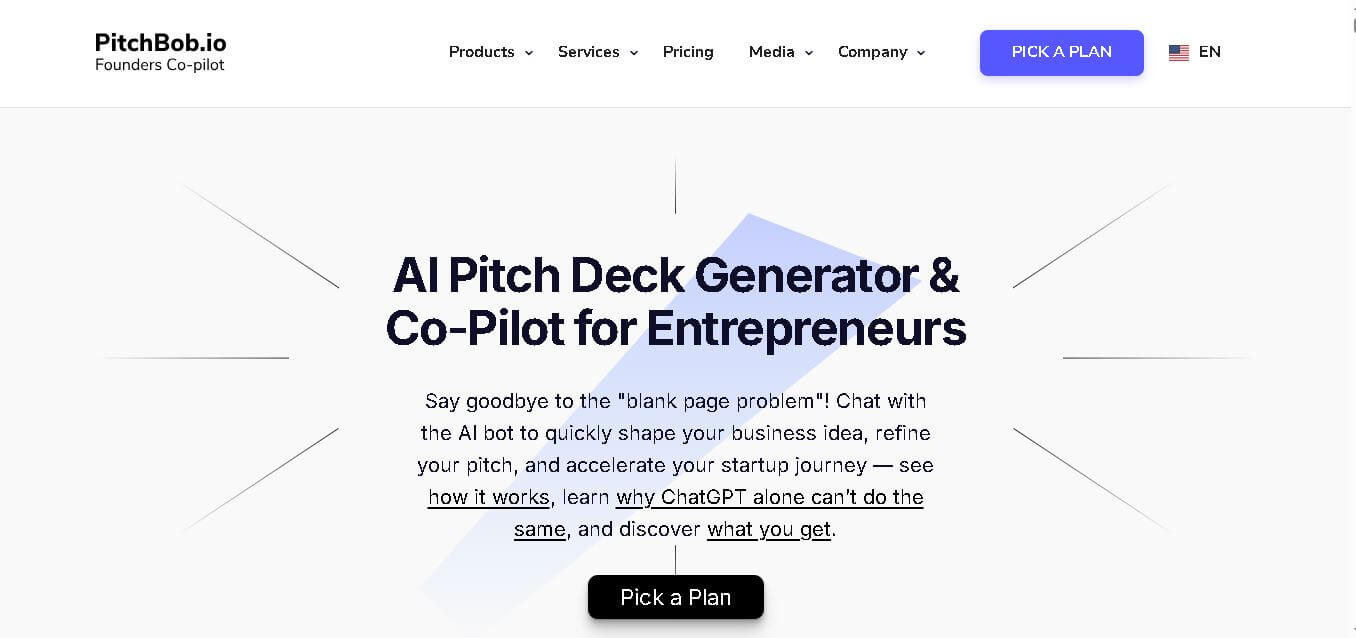
PitchBob.io helps entrepreneurs develop startup ideas and create pitch decks, investor letters, business plans, and executive summaries. Through guided AI conversations, it organizes business information, offers pitch feedback, and supports fundraising preparation. It is useful for founders who want structured startup documents without starting from a blank page.
 4.6
4.6Xavier AI
Presentation
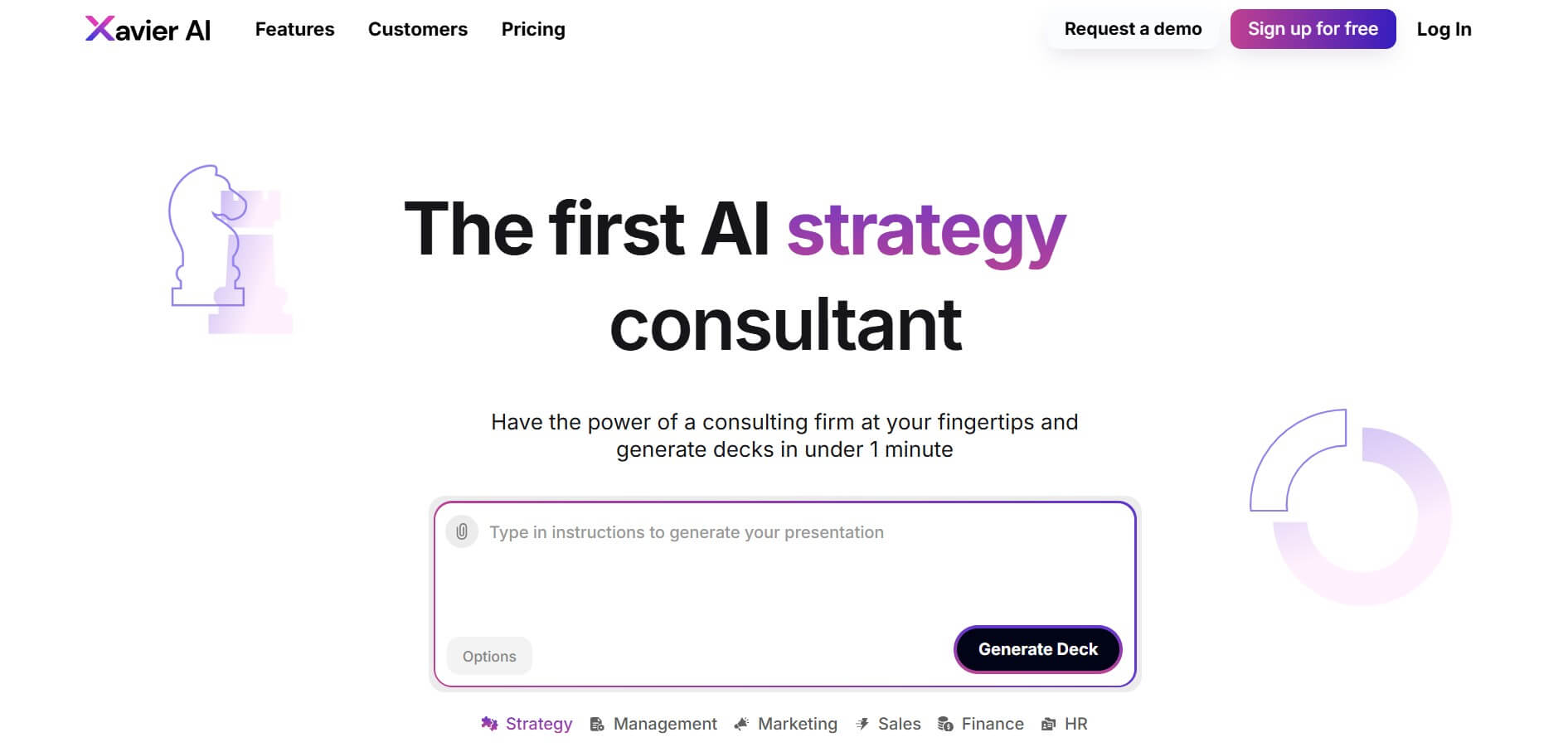
Xavier AI is a strategy-focused presentation tool designed to help professionals create consulting-style business decks quickly. It can transform prompts or uploaded documents into structured presentations, support market and competitive analysis, and provide sourced information. Users can also customize presentations to company branding and export finished decks to PowerPoint files.
 4.9
4.9Zoho Sheet
Spreadsheets
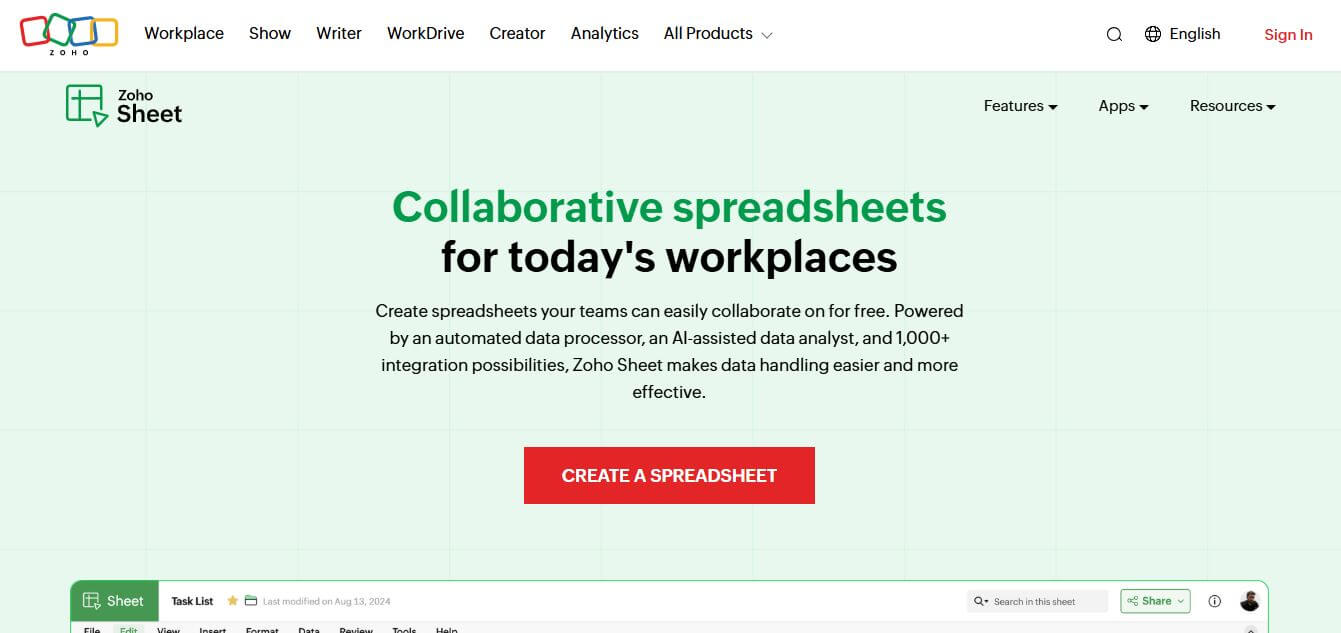
Zoho Sheet is a cloud-based spreadsheet tool that lets users create, edit, and collaborate on data in real time. It offers formulas, charts, automation, and AI-powered insights, helping teams analyze data, manage workflows, and work together efficiently from anywhere.
 4.9
4.9Slidesgo
Presentation
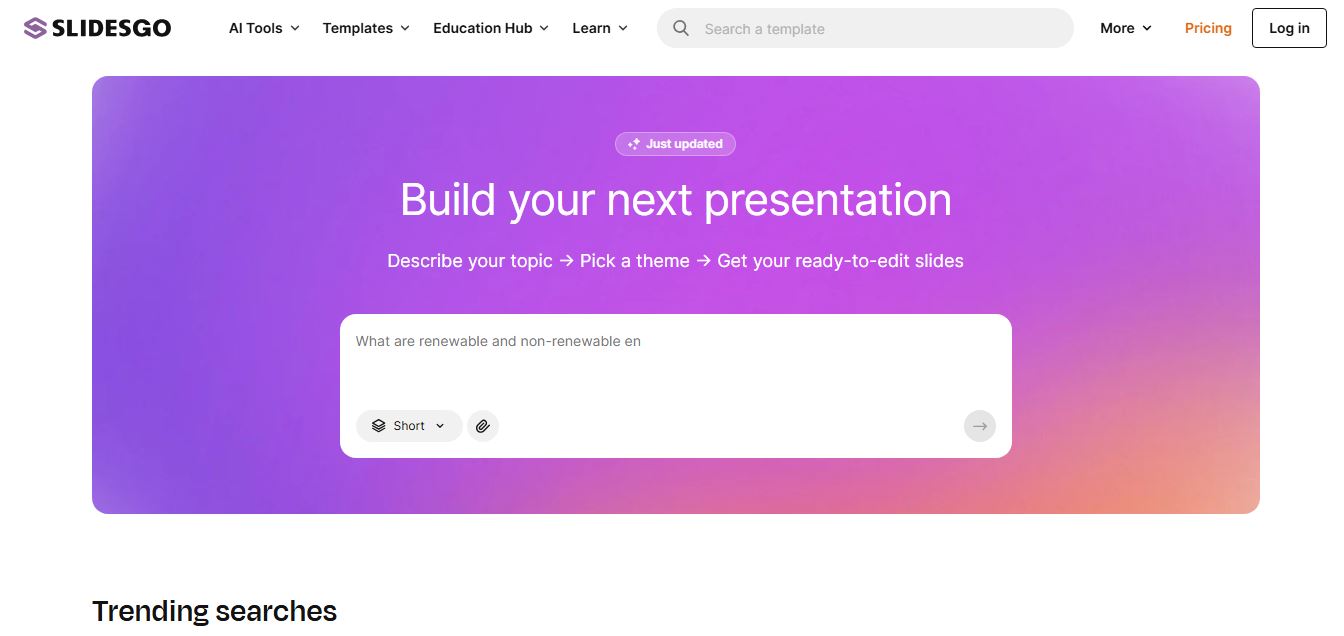
Slidesgo is a platform that offers free and premium presentation templates for Google Slides and PowerPoint. It provides professionally designed slides for business, education, and creative use, helping users create visually appealing presentations quickly without starting from scratch.
 4.8
4.8SlideSpeak
Presentation
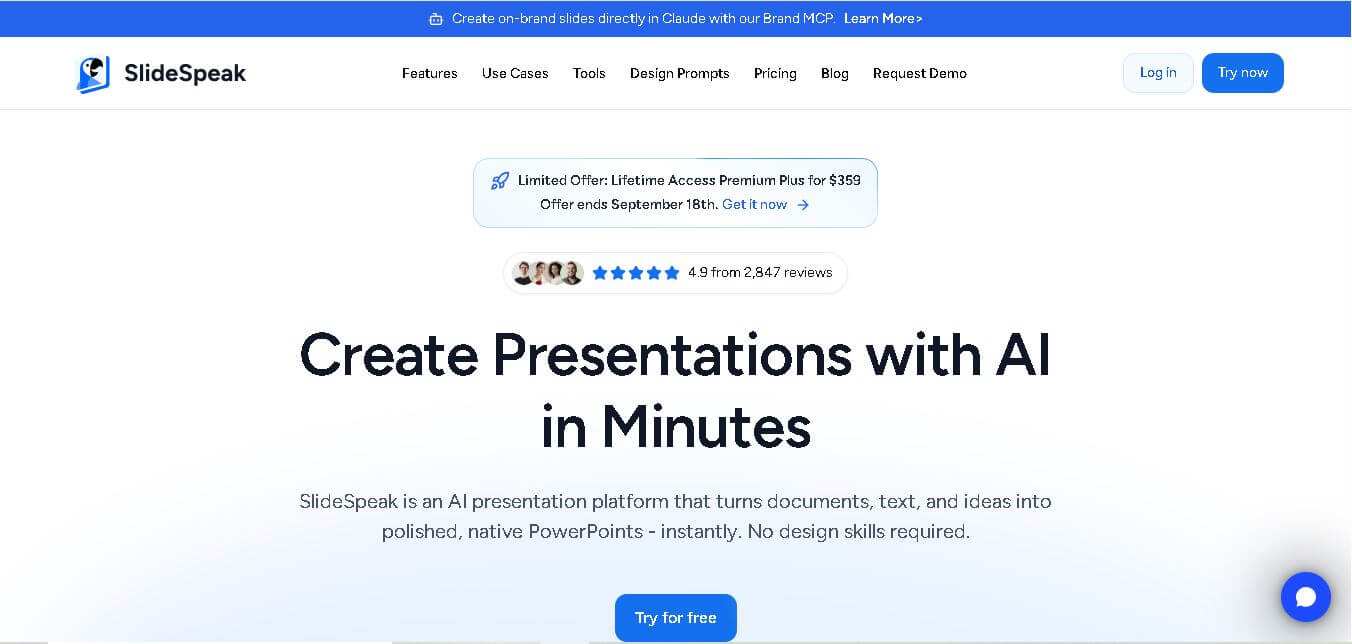
SlideSpeak is an AI-powered presentation tool that lets users chat with PowerPoint files, summarize slides, and generate new presentations from documents or prompts. It helps extract insights, create slides quickly, and turn content into clear, structured presentations with minimal effort.
 4.8
4.8MagicSlides
Presentation
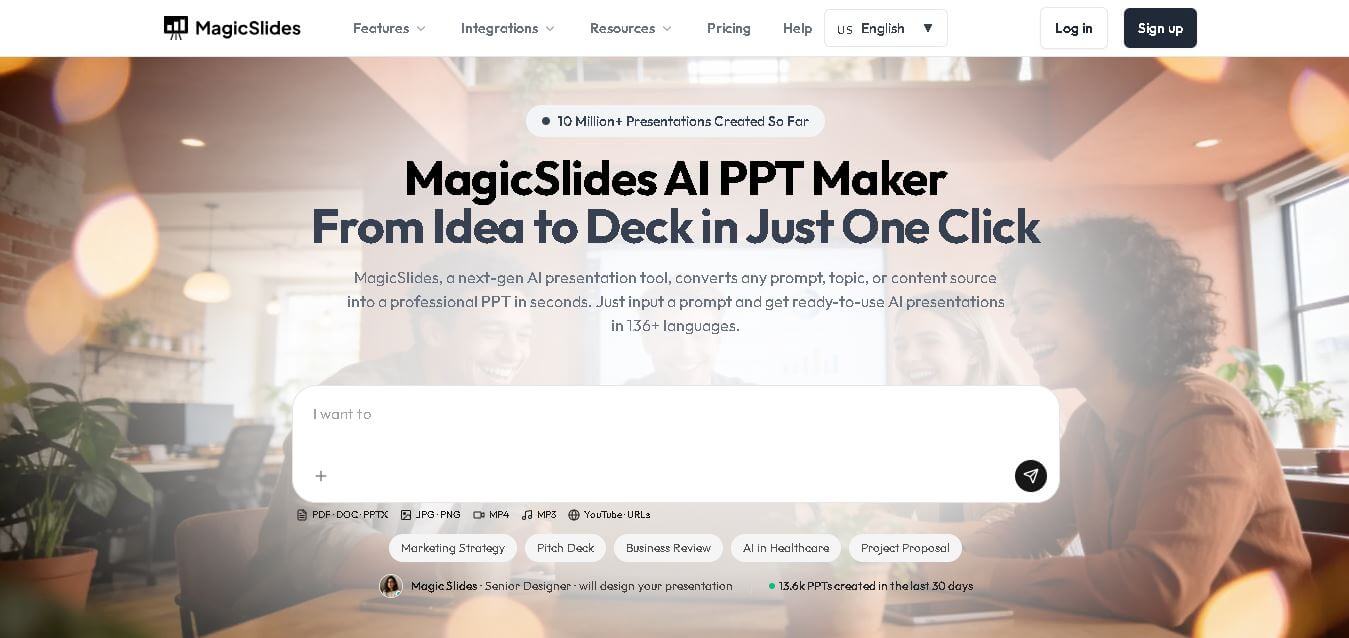
MagicSlides helps users create polished presentations from ideas, text, documents, URLs, and other content. It combines automated slide generation with templates, design systems, AI editing, image support, and multiple export formats. Students, teachers, professionals, consultants, and entrepreneurs can use it to produce presentations faster without building every slide manually.
 4.8
4.8Alai
Presentation
Alai is an AI presentation and design maker backed by Y Combinator that generates on-brand pitch decks, slide decks, infographics, carousels, and social visuals from prompts, documents, or links using custom design systems and native PPT/PDF exports.
 4.9
4.9Beautiful AI
Presentation
Beautiful.ai is an AI-powered presentation software that helps users create professional slides quickly with smart design automation. It automatically adjusts layouts, formatting, and visuals, allowing teams to build polished, consistent presentations without manual design work or advanced skills.
 4.8
4.8GitMind
Project Management
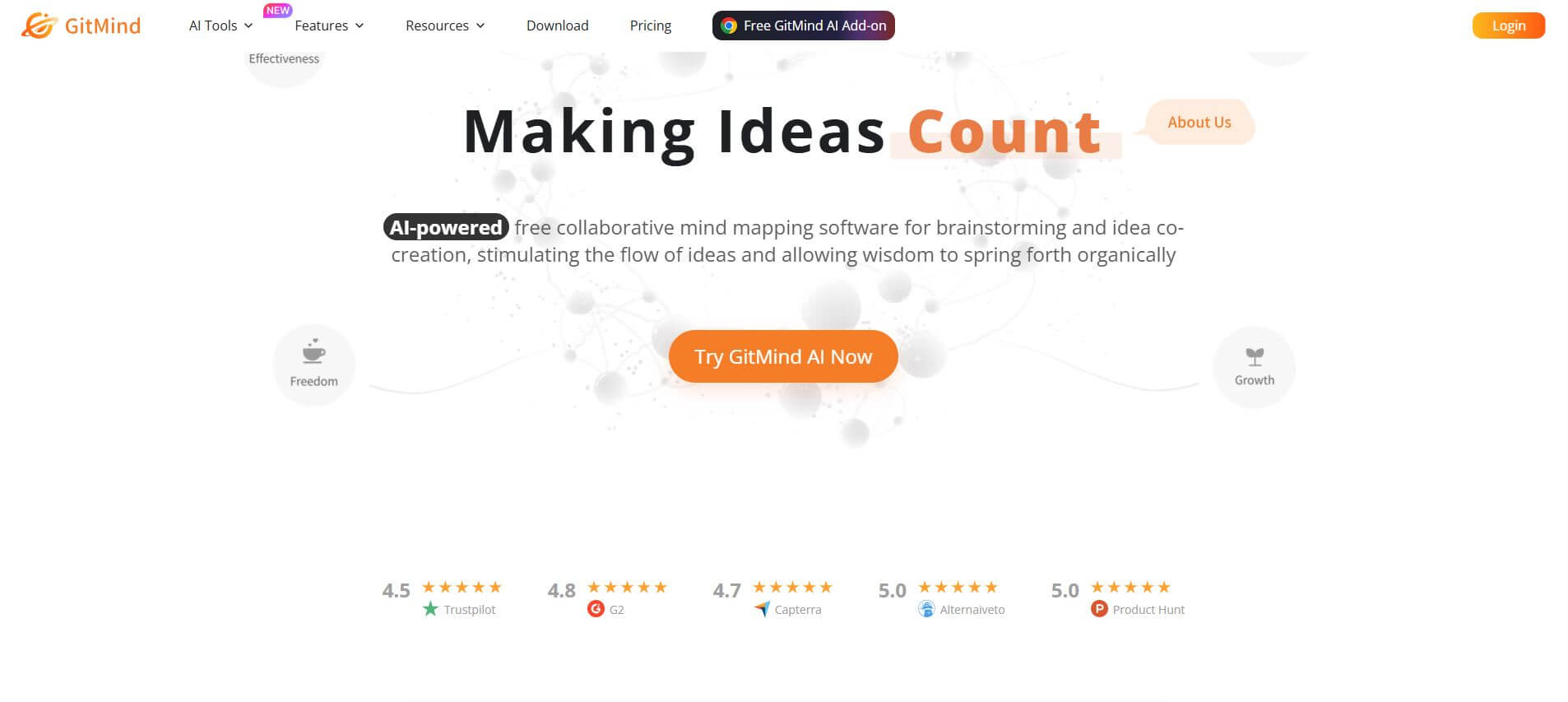
GitMind is an AI-powered mind mapping and visual workspace that turns text, videos, audio, PDFs, and websites into structured mind maps, summaries, and diagrams. It helps you organize ideas, brainstorm, plan projects, and simplify complex information using AI-driven insights and visual layouts.