
Microsoft Copilot
Microsoft Copilot is an AI-powered assistant that helps users write, research, analyze data, and automate tasks across apps like Word, Excel, Outlook, and Teams. It combines large language models with real-time data to generate content, answer questions, and improve productivity across personal and professional workflows.
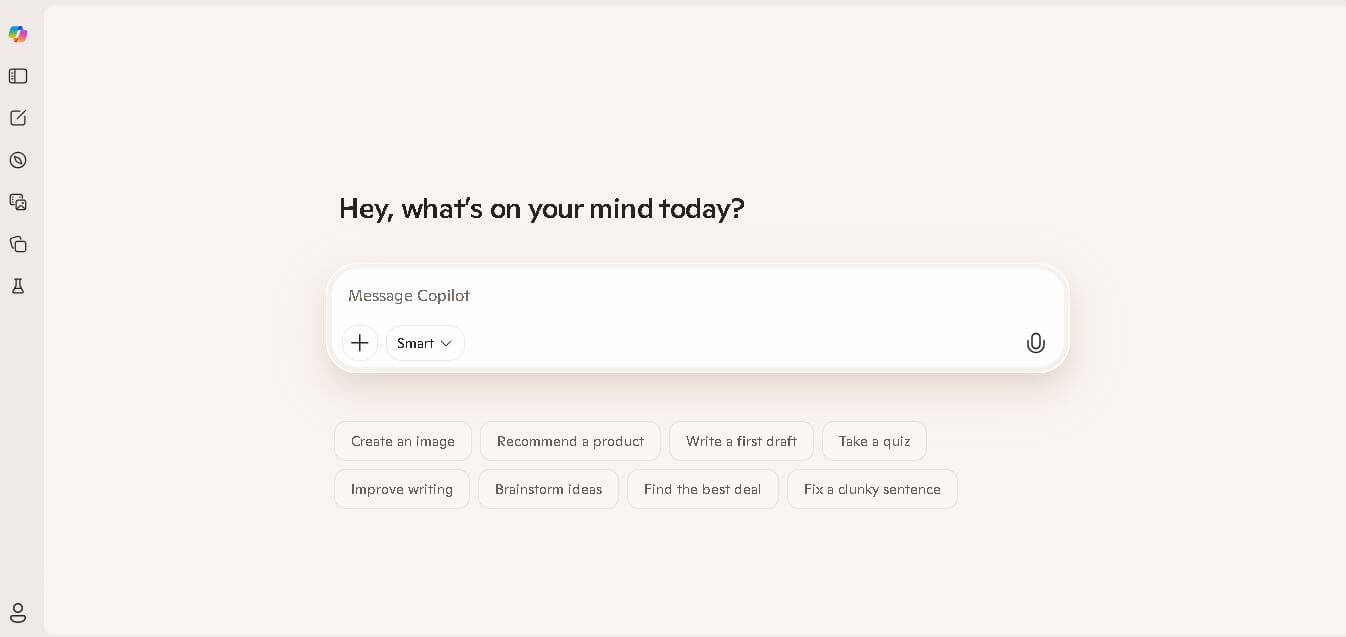
What is Microsoft Copilot?
Microsoft Copilot is an AI-powered assistant that helps users write, research, code, and complete everyday tasks through natural conversations. It integrates across Microsoft products like Word, Excel, PowerPoint, Outlook, and Edge, enabling features such as content generation, data analysis, summarization, and email drafting. Built on advanced AI models and Microsoft’s data ecosystem, Copilot can also search the web, generate images, and assist with productivity workflows. It’s designed to enhance efficiency by acting as a smart companion across both work and personal tasks.
Spearheaded under the leadership of Microsoft Chairman and CEO Satya Nadella, Executive Vice President and Chief Technology Officer Kevin Scott, and Mustafa Suleyman (CEO of Microsoft AI), Microsoft Copilot represents the culmination of Microsoft's multi-billion-dollar strategic partnership with OpenAI. Headquartered in Redmond, Washington, Microsoft integrates advanced OpenAI architectures (including GPT-4o, GPT-4 Turbo, and DALL-E 3) alongside Microsoft's proprietary Prometheus search orchestration engine and Microsoft Graph enterprise telemetry. Serving hundreds of millions of daily users and adopted by over 70% of Fortune 500 enterprises, Copilot delivers commercially protected, enterprise-grade AI directly inside the operating system and office productivity workflows.
- Founder / Leadership: Satya Nadella (Chairman & CEO, Microsoft), Kevin Scott (CTO), and Mustafa Suleyman (CEO, Microsoft AI)
- Launch Year: 2023 (Rebranded as Microsoft Copilot; expanded with Copilot Pro, Copilot Studio, and Windows 11 Copilot+ PC features through 2024–2026)
Use Cases:
- Summarizing unread emails, scheduling appointments, and drafting executive replies directly within Microsoft Outlook
- Analyzing complex financial spreadsheets, generating trend formulas, and visualizing datasets automatically in Microsoft Excel
- Transforming rough written documents into polished, multi-slide pitch decks and client presentations in Microsoft PowerPoint
- Synthesizing missed Microsoft Teams meeting transcripts, action items, and project responsibilities in real time
Technology:
- Frontier multimodal LLM orchestration powered by OpenAI's GPT-4o and o-series reasoning models
- Microsoft Prometheus technology indexing real-time Bing search results with inline citation anchoring
- Microsoft Graph Semantic Index mapping organizational permissions, identity hierarchies, emails, and SharePoint files securely
Target Users:
- Enterprise executives, knowledge workers, and project managers operating inside the Microsoft 365 ecosystem
- Financial controllers, operations managers, and business analysts processing structured data in Excel
- Windows 11 PC users seeking an everyday AI assistant for web browsing, task automation, and file retrieval
- Content creators using writing tools to draft corporate communications, board proposals, and marketing content
Corporate Entity: Operates as Microsoft Corporation (NASDAQ: MSFT, Redmond, WA & Global)

Key features of Microsoft Copilot
Microsoft Copilot's key features are
- Deep Microsoft 365 Native Integration: Embedded directly into Word, Excel, PowerPoint, Outlook, Teams, and OneNote to draft, format, analyze, and build content automatically.
- Real-Time Web Search & Grounding: Leverages the Bing search index to deliver up-to-date answers, current news updates, and product comparisons complete with clickable source links.
- Enterprise Data Protection (EDP): Protects commercial organizational data by ensuring company prompts, documents, and chat histories are never used to train foundational AI models.
- DALL-E 3 Image Generation (Designer): Generates high-resolution graphics, logos, illustrations, and photorealistic concept art directly from conversational chat prompts.
- Copilot Pages: A dynamic collaborative digital canvas that allows multi-person teams to turn conversational AI outputs into editable, shareable living documents.
- Copilot Studio (Custom Agents): Low-code platform enabling businesses to build, test, and deploy customized autonomous Copilot agents connected to internal CRM and ERP databases.
- Copilot Vision & Screen Awareness: Optional visual perception capabilities that see your active screen in Edge or Windows to answer context-aware questions and provide step-by-step assistance.
- Copilot Voice & Podcasts: Ultra-responsive spoken audio mode offering personalized daily news recaps and natural voice dialogue.
Microsoft Copilot Pricing
Microsoft Copilot offers a free consumer tier alongside paid consumer subscriptions and enterprise licensing for Microsoft 365 commercial plans.
Microsoft Copilot Free:
- $0 / Free forever
- Available via copilot.com, Windows 11, Edge, and iOS/Android apps; includes access to GPT-4o during non-peak hours, real-time web search, Designer image generation (15 daily boosts), and basic chat
Copilot Pro (Individuals):
- $20.00 / month per user
- Includes priority access to GPT-4o during peak hours, integration into Microsoft 365 Personal or Family apps (Word, Excel, PowerPoint, Outlook), 100 daily image generation boosts, and early access to experimental features
Microsoft 365 Copilot (Business & Enterprise):
- $30.00 / user / month (billed annually at $360/user/year; requires qualifying base Microsoft 365 Business Standard/Premium or E3/E5 license)
- Includes full Microsoft Graph enterprise context, Teams meeting summaries, commercial Enterprise Data Protection (EDP), Copilot Studio agent builder, and administrative compliance reporting
Disclaimer: Enterprise deployments require an active Microsoft 365 commercial license. Commercial data protection is applied automatically for users signed in with eligible corporate Entra ID credentials. Visit copilot.microsoft.com for active plan options.
Who is using Microsoft Copilot?
Microsoft Copilot is designed for corporate teams, individual professionals, and creators, including
- Enterprise Knowledge Workers: Summarizing lengthy Teams meetings, distilling 50-page Word documents, and catching up on executive email threads
- Financial & Business Analysts: Writing complex nested Excel formulas, running scenario models, and spotting outliers in massive tabular data
- Sales & Account Executives: Preparing tailored PowerPoint presentations and drafting personalized customer proposals using CRM notes
- IT Administrators & Developers: Creating bespoke internal support bots and workflow automation agents via Copilot Studio
- Content Creators: Using writing tools to draft corporate communications, board proposals, and marketing content
- Everyday Windows & Mac Users: Asking everyday research questions, generating creative visuals, and brainstorming ideas in a web browser
Best Microsoft Copilot Alternatives
Some of the strongest Microsoft Copilot alternatives include
Pros and Cons of Microsoft Copilot
Pros
- Unrivaled native workflow integration into Microsoft 365 apps (Word, Excel, PowerPoint, Teams, Outlook)
- Enterprise Data Protection guarantees commercial user inputs are never used to train external foundation models
- Real-time web grounding via Bing provides up-to-date answers and citation links for news and market research
- Built-in DALL-E 3 image generation allows quick visual prototyping directly within chat conversations
- Generous free web tier provides access to flagship frontier models without mandatory payment
Cons
- The $30/user/month enterprise add-on requires an underlying Microsoft 365 base subscription, representing a significant IT budget line item
- Excel integration currently requires data to be formatted in strict Excel Tables and is best suited for structured, clean numerical files
- Chat interface response style can occasionally feel rigid or overly concise compared to creative writing models like Claude
- Multi-step coding generation and software artifact previewing are less specialized than developer-centric IDE tools like Cursor or GitHub Copilot
Why Choose Microsoft Copilot?
Microsoft Copilot is the premier choice for organizations and professionals embedded in the Microsoft software ecosystem who demand seamless AI productivity across their daily office applications backed by enterprise-grade data security.
- Automates repetitive document, spreadsheet, presentation, and email tasks inside Microsoft 365
- Protects confidential business data with strict enterprise compliance and zero model training retention
- Connects directly to the live web for verified, up-to-the-minute factual information
- Enables custom workflow automation through Copilot Studio agent building
- Backed by Microsoft's enterprise infrastructure and multi-billion-dollar OpenAI partnership
Microsoft Copilot vs. Competitors
The main difference between Microsoft Copilot, ChatGPT, Google Gemini, and Perplexity AI is that Microsoft Copilot is deeply integrated into the Microsoft 365 enterprise productivity stack with Microsoft Graph organizational awareness, whereas ChatGPT is an all-purpose consumer and developer chatbot platform, Google Gemini connects natively to Google Workspace (Docs, Sheets, Gmail), and Perplexity AI operates as a citation-first research answer engine. Copilot stands out for its enterprise office automation, Teams integration, and enterprise compliance protection.
| Feature / Tool | Microsoft Copilot (copilot.com) | OpenAI ChatGPT | Google Gemini | Perplexity AI |
|---|---|---|---|---|
| Core Focus | Office Productivity & Enterprise AI | Generalist Conversational AI & GPTs | Multimodal AI & Google Workspace | Cited Answer Engine & Deep Research |
| Office Suite Integration | Microsoft 365 (Word, Excel, Teams) | Standalone (Browser/Desktop App) | Google Workspace (Docs, Gmail, Drive) | No Office Suite Integration |
| Enterprise Grounding | Microsoft Graph & SharePoint | Custom GPT Knowledge Bases | Google Drive & Workspace Graph | Internal Spaces & Web RAG |
| Image Generation | DALL-E 3 (Designer) | DALL-E 3 | Imagen 3 | Multi-Model Image Gen |
| Starting Paid Price | $20.00/mo (Pro) / $30.00/user (M365) | $20.00/month (Plus) | $19.99/month (Advanced) | $20.00/month (Pro) |
| Best For | Enterprises & Microsoft 365 Power Users | Everyday Productivity & Custom GPTs | Google Ecosystem Users & Video Reasoning | Fact Verification & Source Citations |
How do we rate Microsoft Copilot?
| Parameter | Rating (out of 5) |
|---|---|
| Microsoft 365 Suite Integration | 5.0 |
| Enterprise Data Protection & Security | 5.0 |
| Web Grounding & Real-Time Search | 4.8 |
| Image & Creative Media Generation | 4.7 |
| Value for Money | 4.7 |
| Overall Score | 4.84 |
Microsoft Copilot Review
Microsoft Copilot has redefined the standard for enterprise artificial intelligence by meeting knowledge workers directly inside the applications they use every single day. While standalone AI chat interfaces require users to copy and paste text back and forth between browser tabs and desktop software, Copilot operates natively inside Word, Excel, PowerPoint, Outlook, and Teams. The ability to automatically catch up on a 45-minute missed Teams meeting in thirty seconds, generate a structured PowerPoint presentation from a Word proposal, or query complex financial spreadsheets using plain English makes Copilot a transformative productivity multiplier. With enterprise-grade data protection that ensures corporate secrets remain secure, Microsoft Copilot represents the most cohesive, workplace-ready AI assistant available today.
Conclusion
Microsoft Copilot is an industry-leading artificial intelligence companion and enterprise automation suite that redefines how organizations create, analyze, and communicate. By uniting OpenAI’s frontier language models, real-time Bing search grounding, DALL-E 3 image generation, and native Microsoft 365 app integrations under strict enterprise data privacy, it delivers an indispensable productivity boost. While enterprise licensing represents a dedicated software investment, Copilot’s deep workflow integration, time savings, and administrative security make it a premier workplace AI platform.
FAQ
What is Microsoft Copilot and how does it work?
Microsoft Copilot is an AI-powered assistant integrated across Microsoft products like Word, Excel, PowerPoint, Outlook, Teams, and Windows. It works by using large language models to understand natural language prompts and help users complete tasks such as writing documents, analyzing data, creating presentations, and summarizing emails. It connects directly to your files and work data, making responses more context-aware and useful for real productivity tasks.
What problems does Microsoft Copilot solve?
Copilot solves the problem of time-consuming manual work across office tools. Instead of spending hours writing reports, analyzing spreadsheets, or drafting emails, users can automate these tasks with AI. It also reduces context switching by bringing chat, search, and task execution into one interface, improving efficiency for both individuals and teams.
What features does Microsoft Copilot offer?
Microsoft Copilot offers features like AI writing in Word, data analysis and formula generation in Excel, presentation creation in PowerPoint, email drafting in Outlook, and meeting summaries in Teams. It also includes AI chat, research capabilities, and enterprise-grade agents that can automate workflows and interact with organizational data, making it a full productivity assistant.
How is Microsoft Copilot different from ChatGPT or other AI tools?
Copilot stands out because of its deep integration with Microsoft’s ecosystem. While tools like ChatGPT are general-purpose, Copilot works directly inside apps people already use daily, like Excel and Word. This allows it to take real actions—such as editing documents or analyzing spreadsheets—rather than just generating text, making it more practical for workplace productivity.
Does Microsoft Copilot use real-time data and AI agents?
Yes, Microsoft Copilot uses real-time data, enterprise context, and AI agents to perform tasks. New updates have introduced features like “Autopilot,” an AI agent that can automate workflows and perform multi-step tasks independently, along with coding capabilities to build apps and dashboards using natural language.
How much does Microsoft Copilot cost?
Microsoft Copilot offers a free version for basic AI chat, while paid plans are bundled with Microsoft 365 subscriptions. Business pricing typically starts around ₹1,495–₹2,094 per user/month, depending on the plan, and can go higher with premium features included in bundles like Microsoft 365 Business Premium.
Is Microsoft Copilot free to use?
Yes, Microsoft Copilot has a free version available on the web and mobile apps, which includes basic AI chat, writing help, and image generation. However, advanced features like integration with Office apps, enterprise data access, and automation require a paid Microsoft 365 Copilot subscription.
Who should use Microsoft Copilot?
Microsoft Copilot is ideal for professionals, businesses, students, and teams who use Microsoft tools daily. It is especially valuable for knowledge workers, marketers, analysts, and managers who want to automate repetitive tasks, improve productivity, and leverage AI directly within their workflow.
User Reviews
No reviews yet for Microsoft Copilot.
Featured Tools
Featured AI tools from TechShark

Melody Genie
MelodyGenie is an AI-powered music generator that creates original songs from simple text prompts. Users can choose styles, moods, and genres, then instantly generate melodies and full tracks, making it easy for creators, marketers, and hobbyists to produce custom music without musical expertise.
Freemium

Kimi AI
Kimi AI is an advanced AI assistant developed by Moonshot AI that helps you chat, research, write, code, and automate tasks in one place. It supports web search, file analysis, and multimodal inputs, and can even run autonomous “agent” workflows to complete complex tasks end-to-end.
Freemium

Fashion Diffusion AI
Fashion Diffusion is an AI-powered fashion design platform that helps brands and designers create clothing designs, virtual try-ons, AI models, product photos, and marketing visuals faster and cost-effectively.
Paid

Veo 4
Veo 4 AI is an AI video creation platform that generates dramatic videos from text, images, audio, and video prompts using realistic motion and synchronized sound.
Paid
Alternatives
Alternatives to Microsoft Copilot
The best Microsoft Copilot alternatives include OpenAI ChatGPT, Google Gemini, Anthropic Claude, Perplexity AI, Grok (by xAI), and DeepSeek. These platforms provide conversational AI, document drafting, coding assistance, and multimodal generation. While Microsoft Copilot specializes in native integration across the Microsoft 365 workplace productivity stack (Word, Excel, PowerPoint, Teams) backed by Microsoft Graph and Enterprise Data Protection, alternatives like Google Gemini integrate directly into Google Workspace, ChatGPT offers versatile standalone consumer and enterprise productivity, and Perplexity AI focuses on cited research answers. Choosing the right tool depends on whether your organization is built on Microsoft 365, Google Workspace, or requires a standalone research and drafting assistant.
 4.8
4.8Chatnode
AI Chatbot Tools
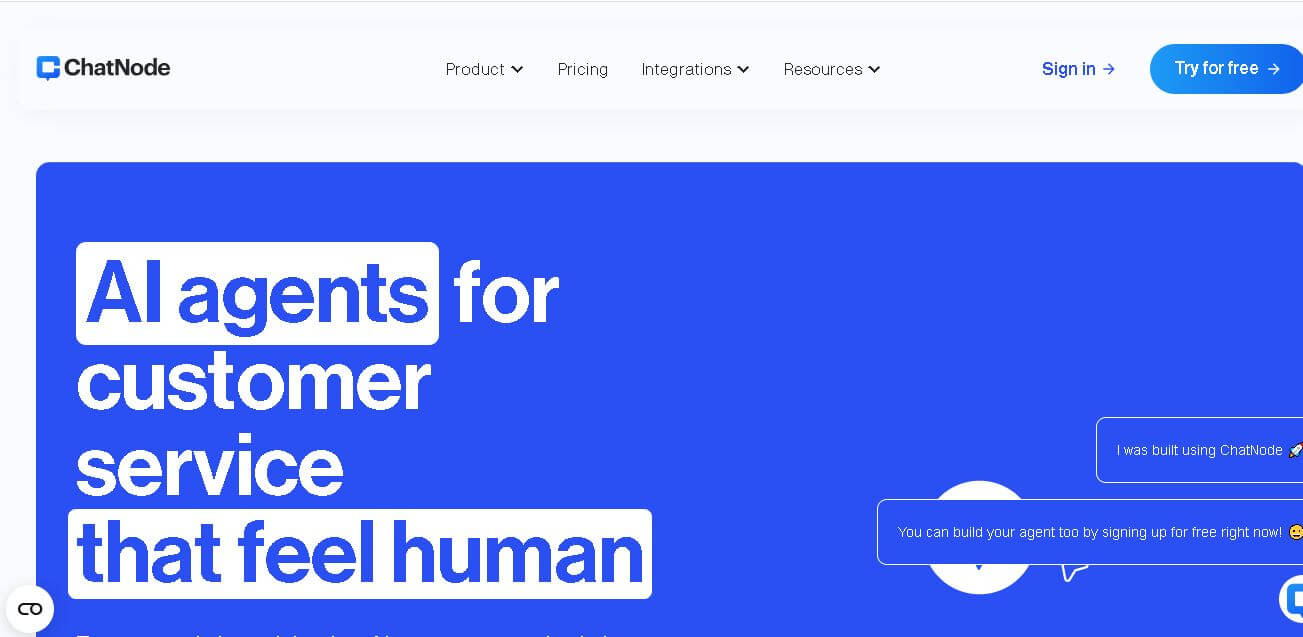
ChatNode is a customer-support AI agent platform for businesses that want to automate conversations using their own websites, documents, and knowledge bases. It supports no-code deployment, AI Actions, integrations, lead capture, analytics, and human escalation, helping teams deliver 24/7 assistance while automating repetitive support and customer-service workflows.
 4.9
4.9ChatGOT
AI Chatbot Tools
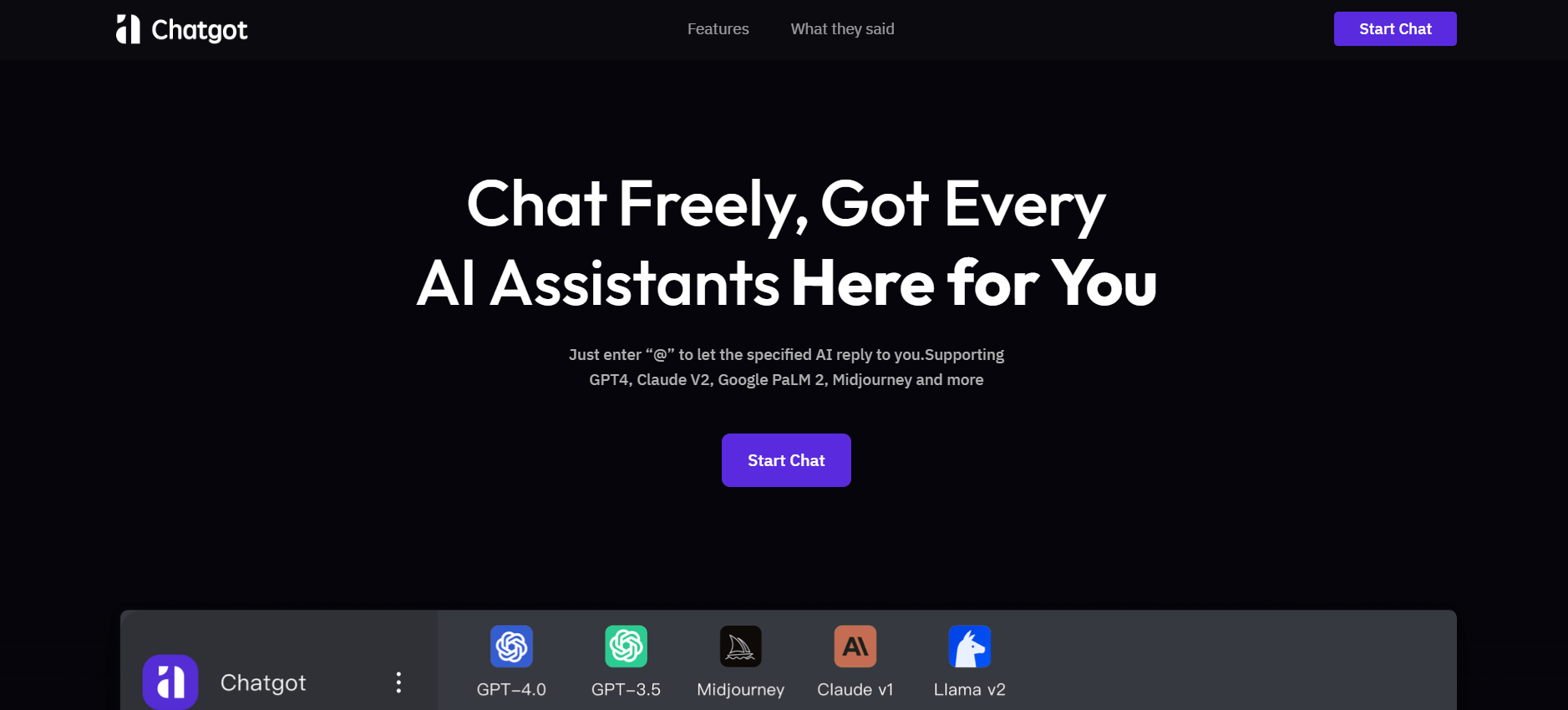
ChatGOT is an AI chatbot platform that combines multiple models like GPT, Claude, and Gemini into one interface. It helps users chat, write, code, summarize PDFs, and generate images, while allowing them to compare answers or tag specific AI models for different perspectives.
 4.8
4.8Sensay
AI Chatbot Tools
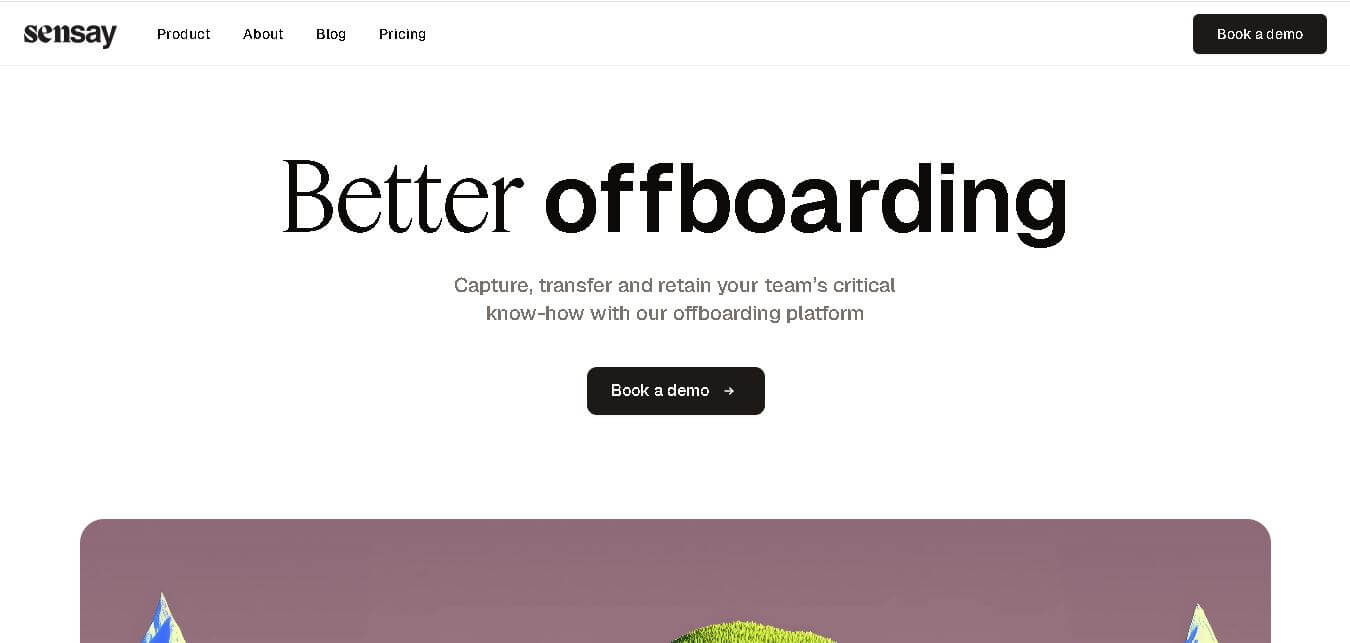
Sensay helps businesses capture valuable knowledge and turn it into accessible AI agents. Users can train agents with documents, websites, audio, video, and other information, then deploy them across websites and supported channels. Its features include multilingual conversations, analytics, customization, knowledge bases, API access, and secure data handling for teams.
 5.0
5.0Perplexity AI
AI Chatbot Tools
Perplexity is an AI-powered answer engine that searches the web in real time and delivers clear, cited responses instead of just links. It combines conversational AI with live data, helping users research topics, compare information, and get reliable insights quickly with verifiable sources.
 5.0
5.0DeepSeek
AI Chatbot Tools
DeepSeek is an AI platform that helps users generate text, code, and insights using advanced large language models. It offers chat, API access, and open-weight models for developers, enabling fast, cost-efficient AI applications for writing, coding, research, and automation tasks.
 4.9
4.9Grok
AI Chatbot Tools
Grok is an AI-powered assistant by xAI that helps users search, write, analyze data, and generate images, code, and content in real time. It connects to live web and X (Twitter) data, enabling up-to-date insights, problem-solving, and conversational AI across multiple tasks.
 4.8
4.8AIChatbot.support
AI Chatbot Tools
AIChatbot.support (aichatbot.support) is an intelligent customer support platform that allows businesses to build, train, and deploy AI customer service agents trained on website content, help docs, and internal knowledge bases for 24/7 automated support.
 4.8
4.8ZenMux
AI Chatbot Tools
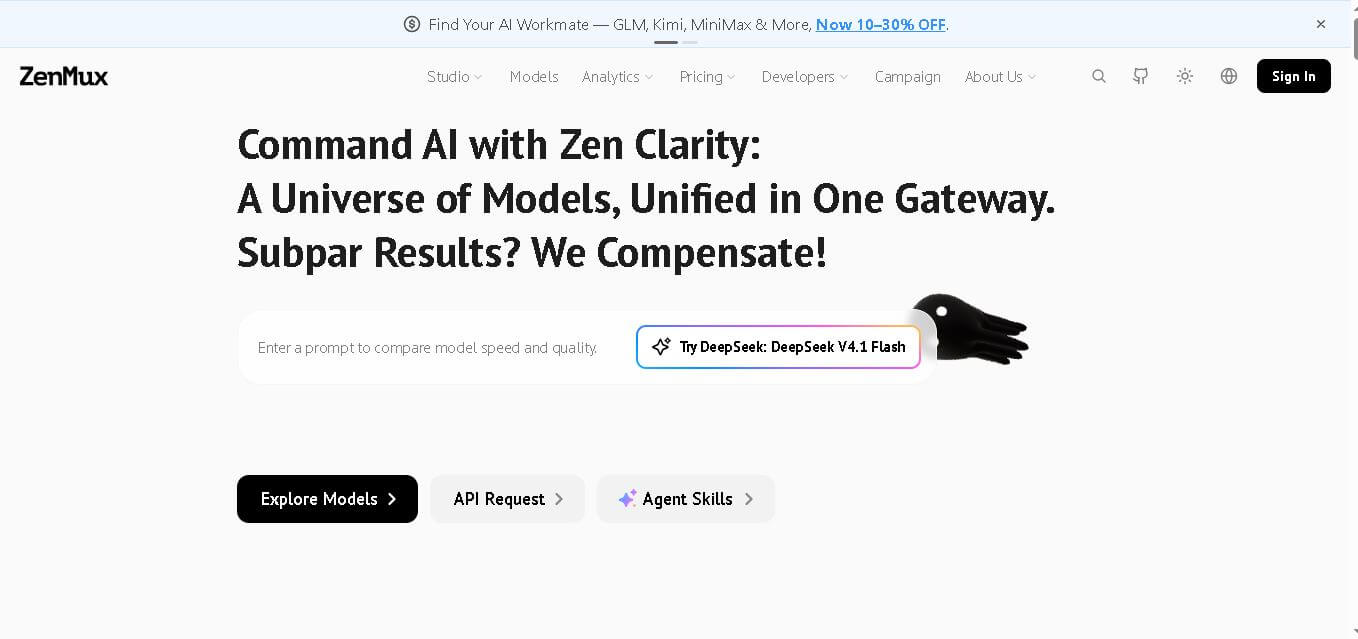
ZenMux brings multiple leading AI models into one gateway for developers. It combines API access, model selection, automatic routing, provider failover, usage analytics, and flexible billing. The platform supports coding, chat, image, and video workflows, helping users experiment with models without managing accounts, keys, and integrations. It supports multi-model development.
 4.8
4.8Voiceflow
AI Chatbot Tools
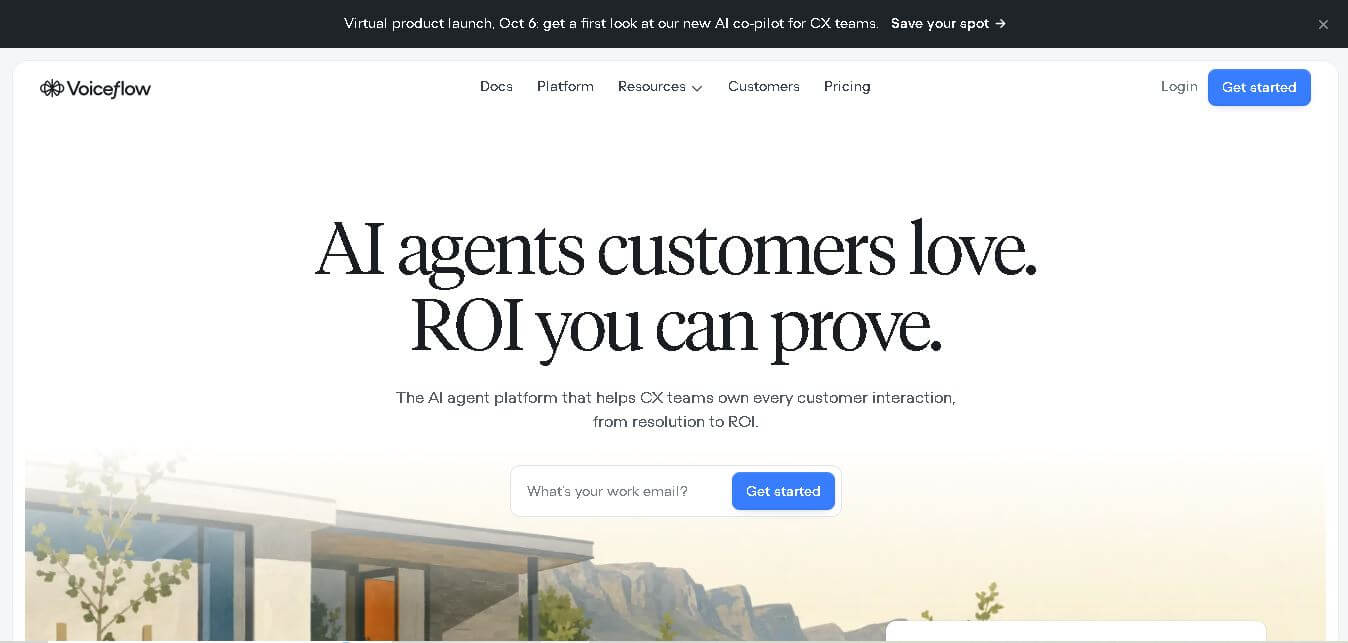
Voiceflow helps businesses design and deploy conversational AI agents for customer interactions. Teams can create workflows, connect knowledge and APIs, test conversations, monitor performance, and deploy agents across multiple channels. Its collaborative environment supports designers, developers, CX teams, and enterprises that need greater control over AI-driven customer experiences.