Google Chrome
Google Chrome is the world's leading open-source-based web browser developed by Google, featuring high-speed Blink rendering, deep Google Account synchronization, native Gemini AI assistance, advanced DevTools, and the vast Chrome Web Store ecosystem.
What is Google Chrome?
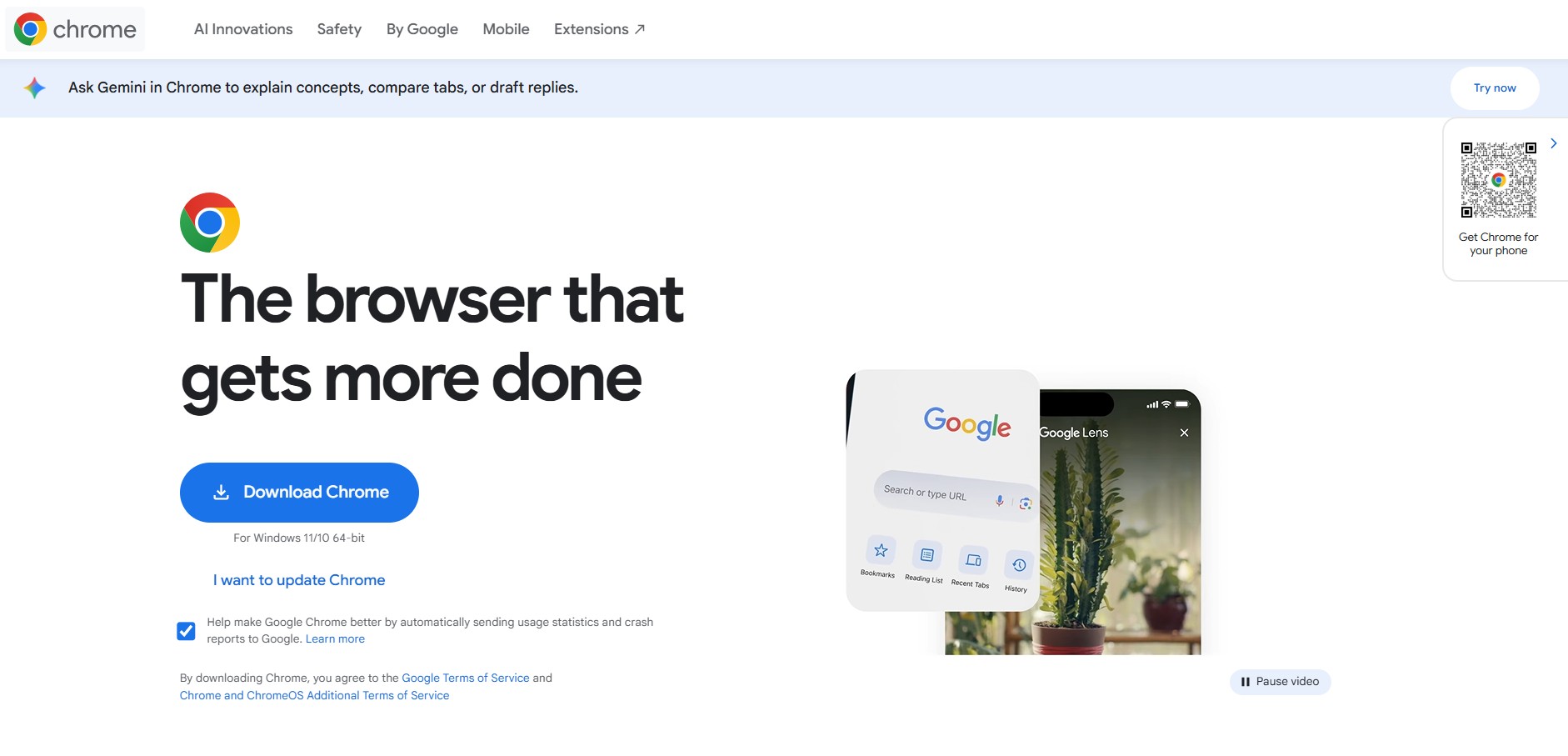
Google Chrome is a fast, secure, and widely used web browser developed by Google that allows users to browse the internet, run web apps, and manage online tasks efficiently. It offers features like tabbed browsing, extensions, built-in translation, password management, and syncing across devices so your bookmarks, history, and settings stay consistent everywhere. Known for its speed and simplicity, Chrome also includes strong security tools like safe browsing, sandboxing, and automatic updates, making it a reliable choice for everyday browsing, work, and productivity.
Engineered around the principles of speed, simplicity, and security, Google Chrome acts as a universal operating portal for the modern web. The browser integrates native Gemini AI in the side panel for real-time page summaries, research synthesis, and contextual writing assistance. Featuring cross-device cloud synchronization, Passkey passwordless authentication, Memory Saver performance modes, sandboxed site isolation, and over 150,000 extensions via the Chrome Web Store, Google Chrome is 100% free to download and use across Windows, macOS, Linux, Android, iOS, and ChromeOS.
- Developer & Platform Lead: Google LLC (Alphabet Inc.)
- Underlying Engine: Chromium open-source codebase & Blink rendering engine
- Cross-Platform Support: Windows, macOS, Linux, Android, iOS, and ChromeOS
Use Cases:
- Fast, everyday web browsing and multimedia streaming with automatic page translation across 100+ languages
- Synchronizing tabs, bookmarks, payment methods, and autofill credentials across smartphones, laptops, and tablets
- Building, testing, and debugging modern web applications using the built-in Chrome DevTools environment
- Summarizing long-form articles, PDFs, and documentation using the integrated Gemini AI side panel
- Customizing browser workflows through thousands of productivity, SEO, and developer extensions from the Chrome Web Store
Technology:
- Blink layout engine paired with the V8 high-performance JavaScript and WebAssembly runtime
- Multi-process sandbox architecture ensuring tabs and extensions run in isolated memory spaces to prevent systemic crashes
- Google Safe Browsing protection warning against phishing websites, malware downloads, and malicious scripts in real time
Target Users:
- Everyday consumers seeking a fast, dependable, and synchronized browsing experience across all personal devices
- Front-end software developers, QA engineers, and designers inspecting CSS, network activity, and DOM structures
- Digital marketers, SEO specialists, and researchers utilizing specialized browser extensions for day-to-day analysis
- Enterprises deploying managed Chrome browser policies and security controls across remote workforces
Acquisition: Proprietary browser product built upon the open-source Chromium project by Google LLC

What are the key features of Google Chrome?
Google Chrome's key platform features are
- Integrated Gemini AI Assistance: Direct side panel access to Gemini for instant web page summaries, research comparison, and creative writing drafting.
- Industry-Standard Chrome DevTools: Built-in web inspector supporting network waterfall analysis, CSS nesting debuggers, CPU performance profiling, and WebGPU debugging.
- Memory & Energy Saver: Automatically frees memory from inactive background tabs and throttles background frame rates to preserve laptop battery life.
- Vast Chrome Web Store Ecosystem: Access to the world's largest library of browser extensions, productivity add-ons, and visual themes.
- Google Account Sync & Passkeys: Seamlessly sync history, tab groups, bookmarks, and autofill across devices with biometrically secured Passkeys.
- Vertical Tabs & Split View: View tabs along the side of your window to manage large tab counts or open two pages side-by-side inside a single window.
- Google Safe Browsing & Site Isolation: Continuous zero-day vulnerability protection, dangerous download screening, and memory isolation per website.
- Immersive Reading Mode: Strip out visual clutter, ads, and distracting layouts to read web articles in a clean, customizable text view.
How much does Google Chrome cost?
Google Chrome is completely free to download and use across all supported desktop and mobile operating systems.
Free Access Tier:
- $0 / Free Forever: Unrestricted access to all browser features, synchronization capabilities, DevTools, Google Safe Browsing, and the Chrome Web Store
Chrome Enterprise Core:
- Free Enterprise Management: IT administrators can centrally manage Chrome browser policies across company devices at no extra cost via the Google Admin console
- Chrome Enterprise Premium: Optional advanced security upgrade ($6/user/month) providing zero-trust access, DLP data loss prevention, and deep threat inspection
Disclaimer: The consumer browser is 100% free with no subscription requirements. Advanced cloud security extensions for enterprise fleets are managed through Google Cloud. For downloads, visit google.com/chrome.
Who should use Google Chrome?
Google Chrome is designed for all internet users and professionals, including
- Everyday Web Browsers: Individuals who want fast page rendering and seamless tab synchronization across phones, laptops, and tablets
- Web Developers & Designers: Engineers relying on Chrome DevTools to audit Core Web Vitals, debug JavaScript, and optimize responsive web layouts
- Google Workspace Power Users: Teams heavily reliant on Google Docs, Sheets, Meet, Gmail, and Google Drive for daily collaboration
- Digital Marketers & SEOs: Professionals requiring specialized extensions like Ahrefs, MozBar, and SEO Minion to audit web pages
What are the best alternatives to Google Chrome?
Some of the strongest Google Chrome alternatives include
- Brave Browser
- Microsoft Edge
- Mozilla Firefox
- Apple Safari
- Opera
- Vivaldi
What are the pros and cons of Google Chrome?
What are the pros of Google Chrome?
- Fast JavaScript execution and swift web page rendering powered by the V8 and Blink engines
- Largest browser extension catalog in the world via the Chrome Web Store
- Near-universal web compatibility; virtually every website is tested and optimized for Chrome first
- Seamless synchronization across Android, iOS, Windows, Mac, and Linux through a Google Account
- Industry-standard developer tools with continuous feature updates and debugging capabilities
What are the cons of Google Chrome?
- Higher RAM and memory consumption compared to lightweight privacy-focused alternatives when handling dozens of open tabs
- Data telemetry and advertising ecosystem ties raise privacy concerns for users seeking total tracking isolation
- Manifest V3 extension guidelines place tighter technical constraints on traditional third-party ad blockers
Why should you choose Google Chrome?
While numerous alternative browsers exist, Google Chrome remains the benchmark against which the entire modern web is engineered. Its unmatched site compatibility ensures web apps, financial portals, and media streams load without unexpected rendering bugs.
- Enjoy dependable stability and quick page loads supported by Google's multi-process architecture
- Access your passwords, open tabs, and bookmarks seamlessly whether switching from phone to desktop
- Leverage integrated Gemini AI for instant contextual research assistance directly alongside web content
- Rely on prompt security patches and automated Safe Browsing to shield your device against phishing and malicious links
How does Google Chrome compare to its competitors?
The main difference between Google Chrome, Brave, Microsoft Edge, and Mozilla Firefox lies in default privacy protections, resource overhead, and platform integration. While Brave focuses on aggressive default ad blocking and Firefox uses an independent Gecko engine, Chrome prioritizes ecosystem integration, web standards compliance, and performance across Google Workspace services.
| Feature / Browser | Google Chrome | Brave Browser | Microsoft Edge | Mozilla Firefox |
|---|---|---|---|---|
| Rendering Engine | Chromium (Blink / V8) | Chromium (Blink / V8) | Chromium (Blink / V8) | Gecko / SpiderMonkey |
| Built-in AI Assistant | Gemini Side Panel | Brave Leo | Microsoft Copilot | Third-party integrations |
| Default Ad / Tracker Blocking | Standard Safe Browsing | Brave Shields (Built-in) | Tracking Prevention levels | Enhanced Tracking Protection |
| Extension Support | Full Chrome Web Store | Full Chrome Web Store | Edge Add-ons & Chrome Store | Firefox Add-ons (AMO) |
| Pricing | 100% Free | 100% Free | 100% Free | 100% Free |
| Best For | Universal site compatibility & Google Workspace sync | Privacy-conscious users wanting built-in ad blocking | Windows enterprise workflows & Copilot integration | Open-web advocates seeking an independent non-Chromium engine |
How do we rate Google Chrome?
| Parameter | Rating (out of 5) |
|---|---|
| Speed & Web Page Rendering Performance | 5.0 |
| Ecosystem Compatibility & Web Store Extensions | 5.0 |
| Cross-Device Synchronization & Passkeys | 4.9 |
| Developer Tools & Debugging Capabilities | 5.0 |
| Value for Money (100% Free Forever) | 5.0 |
| Overall Score | 4.98 |
What is our review and verdict on Google Chrome?
Google Chrome remains the standard bearer for modern web browsing. Its continuous performance optimizations, robust security updates, and seamless integration with Google services provide an intuitive, high-speed experience for everyday users and technical professionals alike. While power users with older hardware need to monitor memory usage during heavy multitasking, Chrome's extensive extension library, leading developer tools, and built-in Gemini capabilities reinforce its position as the most versatile browser on the market.
Conclusion
Google Chrome is one of the world’s most widely used web browsers, known for its speed, simplicity, and seamless integration with the Google ecosystem. It offers a clean interface, fast performance powered by the Blink engine, and a massive library of extensions that let users customize their browsing experience for productivity, security, and development. What really makes Chrome stand out is its cross-device sync, allowing bookmarks, passwords, tabs, and history to stay consistent across desktop and mobile. Chrome remains a reliable everyday browser—built for fast browsing, flexibility, and smooth integration with modern web tools and workflows.
FAQ
What is Google Chrome and why do most people use it?
Google Chrome is a fast, secure web browser developed by Google that allows users to browse websites, run web apps, and manage online tasks. It’s widely used because of its speed, simple interface, strong security features, and seamless integration with Google services like Gmail, Drive, and Docs.
Is Google Chrome faster than other browsers?
Chrome is known for its high performance, especially when handling modern websites and web apps. Its V8 JavaScript engine and efficient resource management make it fast for most use cases, although performance can vary depending on extensions, open tabs, and system resources compared to browsers like Firefox or Edge.
How secure is Google Chrome for everyday browsing?
Chrome includes built-in security features like Safe Browsing, sandboxing, and automatic updates that protect users from malicious websites, phishing attacks, and vulnerabilities. It also warns users about unsafe downloads and suspicious pages, making it one of the more secure mainstream browsers.
Can I use extensions in Google Chrome?
Yes, Chrome supports thousands of extensions available through the Chrome Web Store. These extensions allow you to add features like ad blocking, password management, SEO tools, and productivity enhancements, making the browser highly customizable based on your needs.
Does Google Chrome sync data across devices?
Chrome allows you to sync bookmarks, passwords, history, tabs, and settings across devices when you sign in with your Google account. This means you can start browsing on one device and continue seamlessly on another, whether it’s a phone, tablet, or computer.
Is Google Chrome free to use?
Yes, Google Chrome is completely free to download and use. There are no subscription fees, and it’s available on multiple platforms including Windows, macOS, Linux, Android, and iOS, making it accessible for most users worldwide.
Does Google Chrome use a lot of RAM?
Chrome is often criticized for high memory usage, especially when multiple tabs and extensions are open. However, newer versions include performance improvements like tab grouping, memory saver mode, and process optimization to reduce resource consumption and improve efficiency.
User Reviews
No reviews yet for Google Chrome.
Featured Tools
Featured AI tools from TechShark

Melody Genie
MelodyGenie is an AI-powered music generator that creates original songs from simple text prompts. Users can choose styles, moods, and genres, then instantly generate melodies and full tracks, making it easy for creators, marketers, and hobbyists to produce custom music without musical expertise.
Freemium

Kimi AI
Kimi AI is an advanced AI assistant developed by Moonshot AI that helps you chat, research, write, code, and automate tasks in one place. It supports web search, file analysis, and multimodal inputs, and can even run autonomous “agent” workflows to complete complex tasks end-to-end.
Freemium

Fashion Diffusion AI
Fashion Diffusion is an AI-powered fashion design platform that helps brands and designers create clothing designs, virtual try-ons, AI models, product photos, and marketing visuals faster and cost-effectively.
Paid

Veo 4
Veo 4 AI is an AI video creation platform that generates dramatic videos from text, images, audio, and video prompts using realistic motion and synchronized sound.
Paid
Alternatives
Alternatives to Google Chrome
The best Google Chrome alternatives include Brave Browser, Microsoft Edge, Mozilla Firefox, Apple Safari, Opera, and Vivaldi. These browsers offer cross-platform tab synchronization, customizable interfaces, and web rendering engines. While Google Chrome serves as the primary benchmark for web developers with unmatched web standard support, integrated Gemini AI side panels, and seamless Google Workspace account synchronization, alternatives like Brave Browser emphasize built-in tracker and ad blocking by default, Microsoft Edge integrates deep Copilot enterprise tools, and Mozilla Firefox provides a completely independent, non-Chromium open-source Gecko rendering engine.
 4.9
4.9Brave
Browser
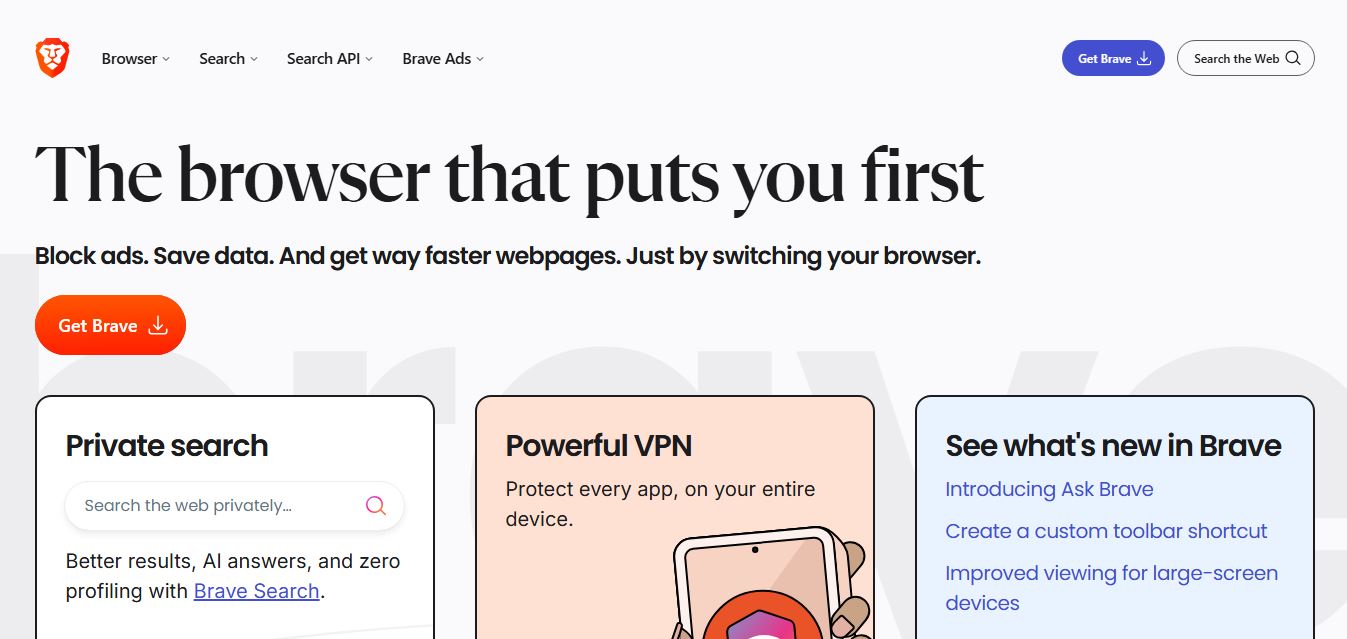
Brave is a privacy-first web browser and search ecosystem that blocks ads and cross-site trackers by default, integrates the Leo AI assistant, features an independent 35+ billion page search index, and provides built-in Web3 wallet, VPN, and developer Search API capabilities.
 4.9
4.9Mozilla Firefox
Browser
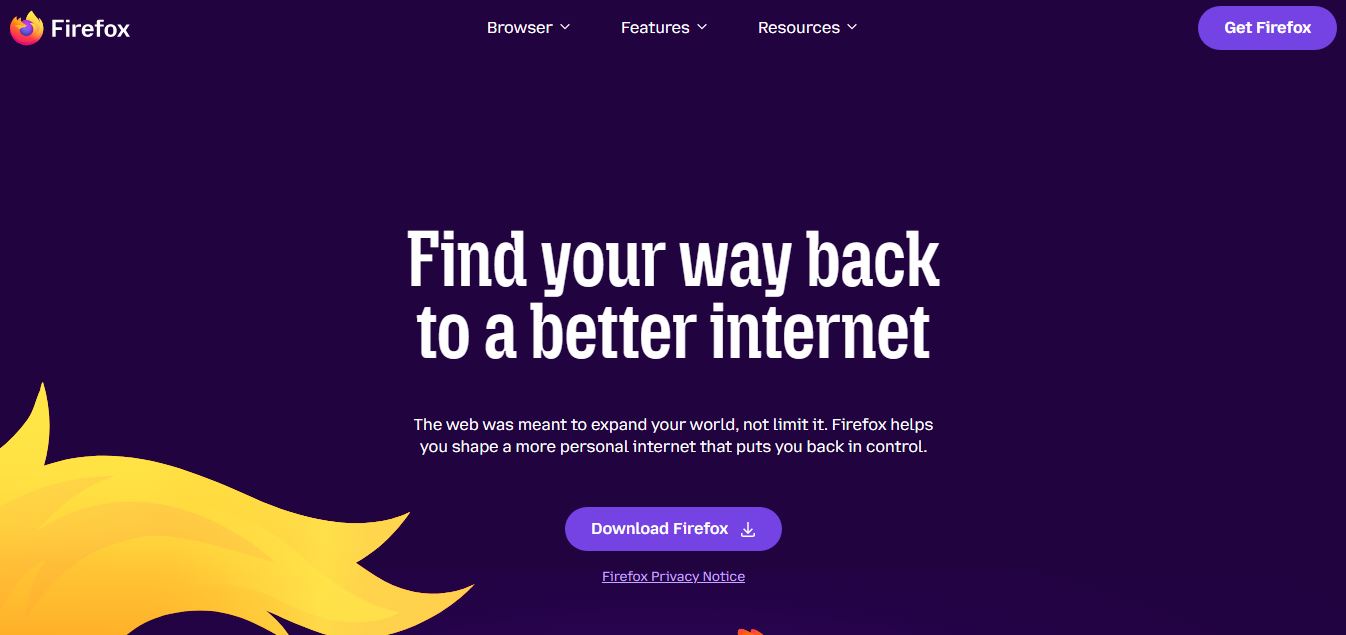
Mozilla Firefox is a free, open-source web browser backed by the non-profit Mozilla Foundation, powered by the independent Gecko engine and featuring Total Cookie Protection, container tabs, and user-governed AI tools like Smart Window.
 4.8
4.8Opera AI
Browser
Opera AI (formerly Aria) is a built-in, native browser AI assistant integrated directly into the Opera and Opera GX browsers, offering real-time web access, page context summarization, multimedia and file analysis, image generation, and workflow automation without mandatory account lock-in.
 4.8
4.8Perplexity Comet
Browser
Perplexity Comet is an agentic, AI-first Chromium web browser developed by Perplexity AI, featuring a built-in reasoning assistant that performs multi-tab synthesis, automated web actions, deep research with citations, and proactive workflow execution.
 4.9
4.9Microsoft Edge
Browser
Microsoft Edge is a fast, secure web browser by Microsoft that integrates AI features, productivity tools, and built-in privacy controls. It helps users browse efficiently, manage tabs, use Copilot, and stay protected across devices easily.
 4.8
4.8Fellou AI
Browser
Fellou AI is an agentic AI web browser engineered for autonomous web actions, end-to-end task automation, multi-source deep research, system-level file handling, and transparent human-in-the-loop workflow execution.