
Opera Neon
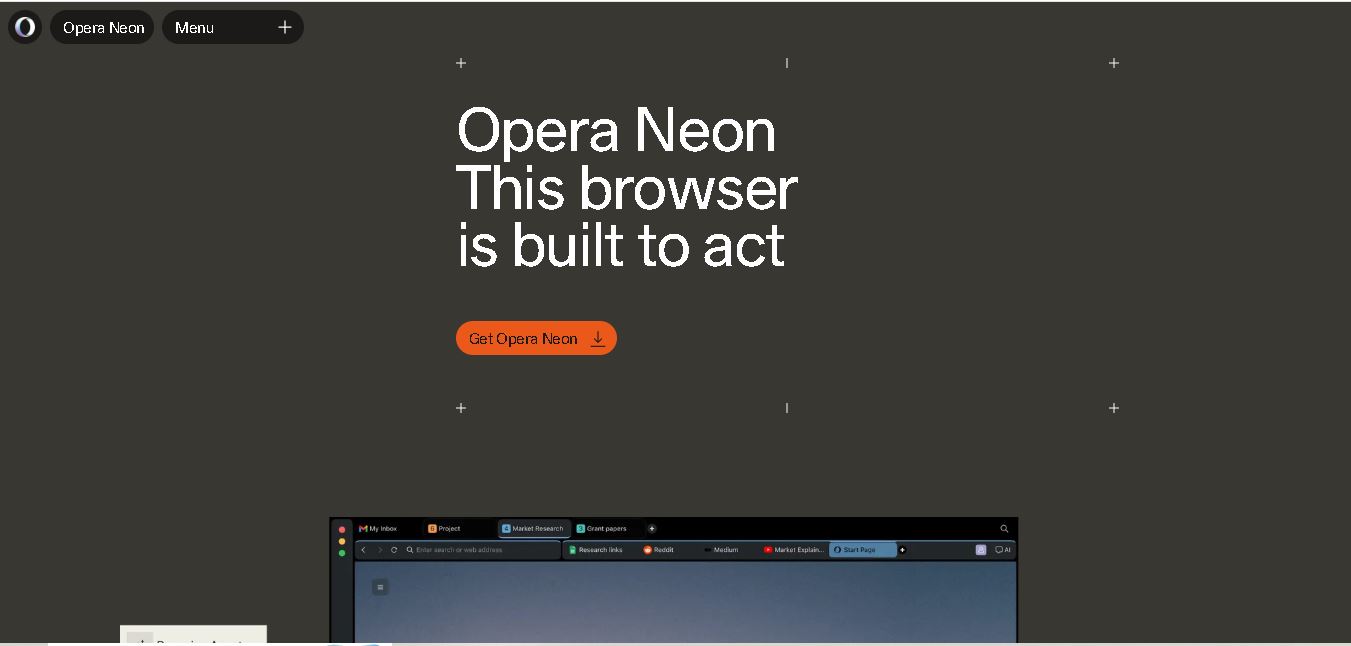
Opera Neon is an AI-powered browser that combines everyday web browsing with intelligent agents for research, automation, and content creation. It helps users analyze web pages, manage tasks, generate digital projects, and connect external AI tools. Built-in features include an ad blocker, free VPN, and advanced browser integrations for productivity.
What is Opera Neon?
Opera Neon is an AI-enabled web browser designed to help users research information, automate browser-based tasks, and create digital content through intelligent agents. Developed by Opera, it combines traditional browsing with AI capabilities for deep research, document creation, website development, and workflow automation. Users can also connect external AI agents through MCP and CLI integrations, making Opera Neon useful for professionals who want to simplify complex online tasks.
Opera Neon was announced on May 28, 2025, and began reaching its first users on September 30, 2025. Public access opened on December 11, 2025. The Standard subscription is listed at $19.90 per month, while the browser can be downloaded for free. It supports Windows 11 and macOS 14 or newer. Features include AI chat, task automation, deep research, content creation, MCP, and CLI integrations. No subscription is required for basic browsing or connecting external agents through supported integrations.
- Platform Focus: AI agentic browser, workflow automation, MCP/CLI developer integration, and advanced qualitative research execution
- Developer / Entity: Opera Norway
- Launch Year: 2025 / 2026
Use Cases:
- Executing automated browser tasks, research syntheses, and document generation via embedded AI agents
- Connecting external developer agents and custom workflows directly to browser context using MCP and CLI protocols
- Browsing the web securely with built-in privacy protection, ad blocking, and a free VPN
- Managing complex tabs, source materials, and notes within an agent-enabled workspace
Technology:
- Agentic browser architecture integrating top-tier large language models (LLMs) for active web navigation and task execution
- Model Context Protocol (MCP) and CLI integration enabling seamless communication between user agents and browser state
- Traditional Opera browser features including built-in free VPN, ad blocker, modular sidebar, and privacy-first data handling
Target Users:
- Software developers, AI engineers, and power users building and connecting autonomous agents
- Researchers, product managers, and knowledge workers managing multi-step web workflows
- Privacy-conscious users seeking an AI-enhanced browser with built-in security features
Corporate Entity: Operates under Opera / operaneon.com

Key features of Opera Neon
Opera Neon's key features are
- Agentic Browser Core: Built to act on commands, read web pages, compare inputs, and generate structured outcomes.
- MCP & CLI Developer Integration: Connect external AI agents directly to the browser environment through standardized protocol paths.
- Multi-Agent Task Execution: Deploy specialized agents for different tasks, from drafting agendas to preparing deep research and documents.
- Built-in Free VPN: Enhanced online privacy and unencrypted tracking protection requiring no external extensions or login.
- Native Ad Blocker: Intrusive ad detection and blocking built directly into the browser engine for faster page loads.
- Privacy-First AI Safeguards: Ensures sensitive login credentials remain on-device, with zero user data utilized for model training or advertising.
Opera Neon Pricing
Opera Neon operates on a freemium model with standard browser features available for free alongside a monthly subscription tier for agentic capabilities.
Free Browser Tier:
- $0 / Free
- Includes core browser functionality, built-in free VPN, ad blocker, and standard navigation tools
Neon Subscription:
- ~$19.90 / month
- Unlocks full agentic functionalities, advanced AI agent workflows, and top world LLM access
Who is using Opera Neon?
Opera Neon is designed for forward-thinking web users and developers, including
- AI & Developer Professionals: Connecting custom AI agents to the web via MCP and CLI repositories
- Researchers & Strategists: Automating research synthesis and document generation workflows
- Privacy-Conscious Power Users: Leveraging built-in VPN, ad blocking, and secure AI assistance
Best Opera Neon Alternatives
Some of the strongest Opera Neon alternatives include
- Arc Browser
- Dia Browser
- MultiOn
- Rabbit R1
- ChatGPT Atlas / Operator
- Google Chrome
Pros and Cons of Opera Neon
Pros
- Pioneering agentic browser design bridging web navigation with automated AI execution
- Powerful developer integration via Model Context Protocol (MCP) and Command Line Interface (CLI)
- Includes trusted built-in Opera features like a free VPN and native ad blocker
- Strict data privacy guarantees (no browsing history or chats used for model training)
Cons
- Full agentic features and top LLM access require a monthly subscription (~$19.90/mo)
- r
- Requires technical familiarity for users looking to configure custom MCP/CLI agent workflows
- As a relatively new browser paradigm, it represents a departure from traditional window-based browsing
Why Choose Opera Neon?
Opera Neon is an ideal choice for power users and developers who want to move beyond passive web browsing and integrate AI agents directly into their daily research and automation workflows.
- Transforms the browser from a passive window into an active agentic execution layer
- Connects external workflows seamlessly via MCP and CLI paths
- Equipped with built-in privacy tools including free VPN and ad blocking
- Backed by Opera's decades of browser engineering expertise
Opera Neon vs. Competitors
The main difference between Opera Neon, Arc Browser, and AI agent extensions is that Opera Neon is built from the ground up as an agentic browser with native MCP and CLI pathways for external AI agent connections, whereas Arc focuses on spatial tab organization and UI aesthetics, and browser extensions operate on top of traditional engines like Chrome. Opera Neon stands out for its native agentic architecture and developer-focused protocol support.
| Feature / Tool | Opera Neon (operaneon.com) | Arc Browser | Google Chrome |
|---|---|---|---|
| Core Focus | AI Agentic Browser, MCP & CLI Workflows | Spatial Tab Management & Modern UI Design | Universal Open Web Navigation |
| Native AI Agent Execution | Yes (Multi-Agent Support & Tasks) | Limited (Arc Max AI Features) | Via Gemini Integration & Extensions |
| Developer MCP / CLI Support | Yes (Direct Protocol Integration) | No | No (Requires Dev Tools) |
| Starting Price Range | Free tier / ~$19.90/mo Agentic Subscription | Completely Free | Completely Free |
| Best For | Agentic Task Automation & Developer Workflows | Visual Tab Organization & Sleek Daily Browsing | Standard Web Compatibility & Ecosystem |
How do we rate Opera Neon?
| Parameter | Rating (out of 5) |
|---|---|
| Agentic Innovation & Workflow Automation | 4.8 |
| Developer Integration (MCP/CLI) | 4.9 |
| Privacy & Data Protection Standards | 4.8 |
| Built-in Essentials (VPN & Ad Blocker) | 4.9 |
| Value for Money | 4.6 |
| Overall Score | 4.76 |
Opera Neon Review
Opera Neon represents a bold, forward-looking evolution in browser design. By transitioning the browser from a passive viewing window into an active agentic execution layer—complete with Model Context Protocol (MCP) and CLI paths for external agents—it bridges the gap between web navigation and automated workflows. Backed by Opera's built-in privacy tools, free VPN, and ad blocker, Neon offers a robust, secure environment for users ready to embrace the agentic web.
Conclusion
Opera Neon offers a different approach to web browsing by combining traditional browser features with AI agents that can research, automate tasks, and create digital content. Its built-in VPN, ad blocker, deep research capabilities, and external agent integrations make it useful for professionals, developers, and productivity-focused users. The free browser option provides flexibility, while the paid subscription unlocks advanced AI features. Before choosing Opera Neon, evaluate its capabilities, pricing, privacy features, and compatibility with your daily workflow.
FAQ
What can you use Opera Neon for?
You can use Opera Neon to research topics, summarize web pages, compare information across tabs, and automate repetitive browser tasks. It also supports creating websites, reports, and other digital projects. If you frequently switch between research tools and documents, Opera Neon can bring more of your workflow into one browser.
Is Opera Neon free to use?
Yes, you can download Opera Neon for free and use its standard browser features, including the built-in ad blocker and VPN. External AI agents can also connect through supported MCP and CLI integrations. However, access to Opera Neon's built-in AI agents and advanced research features requires a paid subscription.
How much does Opera Neon cost?
Opera Neon lists its Standard subscription at $19.90 per month, offering access to built-in AI capabilities, advanced research, automation, and supported AI models. The browser itself is available to download for free. If you only need regular browsing or external agent integrations, you may not need the paid subscription.
Can Opera Neon automate online tasks?
Yes, Opera Neon includes agentic capabilities designed to interact with web pages and complete multi-step tasks. Depending on the workflow, it can gather information, compare products, navigate websites, and assist with forms. You remain able to guide or review actions, and some operations may require your direct interaction before completion.
Is Opera Neon suitable for researchers and students?
Opera Neon can help students and researchers collect information, summarize sources, compare findings, and organize research tasks. Its deep research capabilities can support more involved investigations by gathering and synthesizing information. You should still verify important claims against original sources, especially when preparing academic assignments, reports, or professional research documents.
Can Opera Neon create websites and digital content?
Yes, Opera Neon offers AI-assisted creation features that can help produce websites, reports, games, videos, and other digital projects. You describe the outcome you want, and its agents work toward generating a result. Review the output carefully, however, because generated content and code may need editing, testing, or further development.
User Reviews
No reviews yet for Opera Neon.
Featured Tools
Featured AI tools from TechShark

Melody Genie
MelodyGenie is an AI-powered music generator that creates original songs from simple text prompts. Users can choose styles, moods, and genres, then instantly generate melodies and full tracks, making it easy for creators, marketers, and hobbyists to produce custom music without musical expertise.
Freemium

Kimi AI
Kimi AI is an advanced AI assistant developed by Moonshot AI that helps you chat, research, write, code, and automate tasks in one place. It supports web search, file analysis, and multimodal inputs, and can even run autonomous “agent” workflows to complete complex tasks end-to-end.
Freemium

Fashion Diffusion AI
Fashion Diffusion is an AI-powered fashion design platform that helps brands and designers create clothing designs, virtual try-ons, AI models, product photos, and marketing visuals faster and cost-effectively.
Paid

Veo 4
Veo 4 AI is an AI video creation platform that generates dramatic videos from text, images, audio, and video prompts using realistic motion and synchronized sound.
Paid
Alternatives
Alternatives to Opera Neon
The best Opera Neon alternatives include Arc Browser, Dia Browser, MultiOn, ChatGPT Operator, and Google Chrome with AI extensions. These platforms offer modern browser navigation and AI assistance. While Opera Neon specializes in an agentic browser architecture with native Model Context Protocol (MCP) and CLI pathways for external AI agents, alternatives like Arc focus on spatial tab organization and UI design.
 4.9
4.9DolphinGemma
Research
DolphinGemma is a ~400M parameter open-weights audio-in, audio-out foundational AI model developed by Google in collaboration with the Wild Dolphin Project and Georgia Tech, trained on decades of Atlantic spotted dolphin vocalizations to analyze sound structures and generate dolphin-like sequences.
 4.9
4.9Zotero
Research
Zotero is a free, open-source reference management tool designed to simplify research and academic writing. It helps users save online sources, organize references, annotate PDFs, and generate citations in thousands of styles. With browser integration, word processor support, and collaborative libraries, Zotero makes managing research materials easier for students and professionals.
 4.8
4.8Dovetail
Research
Dovetail helps businesses analyze customer feedback, conduct user research, and discover actionable insights. Its features include AI-powered transcription, thematic analysis, automated summaries, searchable research repositories, and customer intelligence dashboards. Product managers, UX researchers, and customer experience teams can use Dovetail to understand customer needs and improve products, services, and business decisions.
 4.8
4.8ATLAS.ti
Research
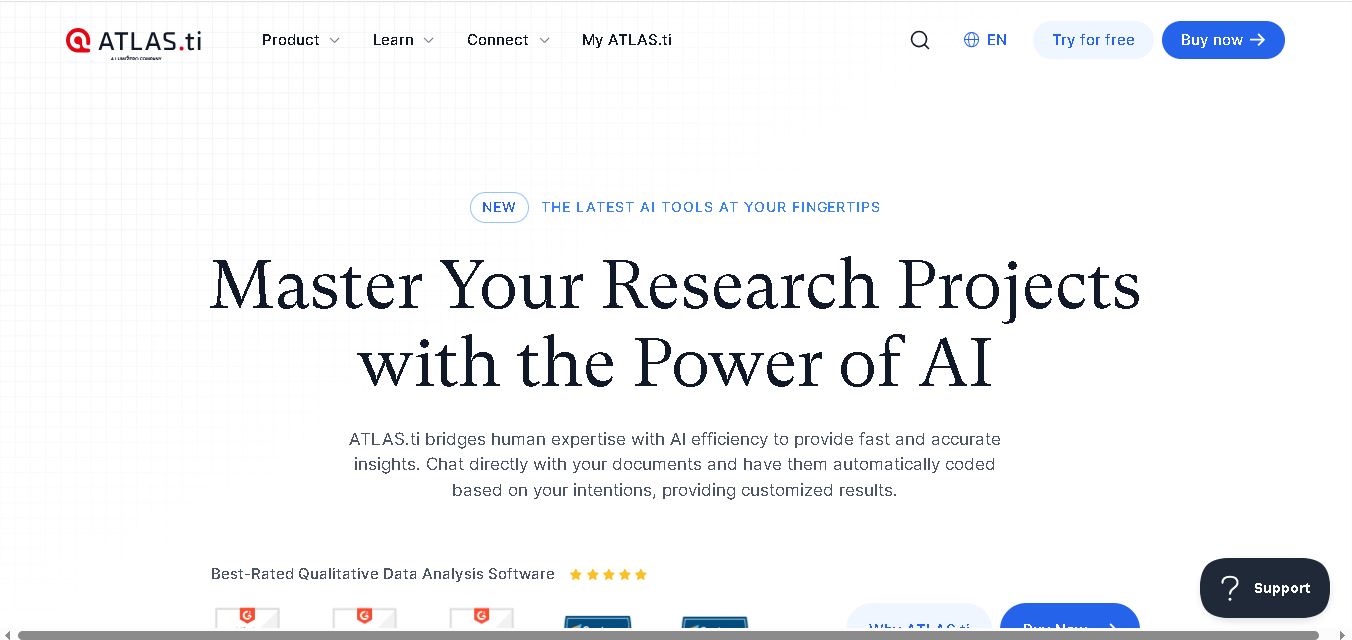
ATLAS.ti is a research software designed to simplify qualitative and mixed-methods data analysis. It helps users organize documents, identify themes, code information, generate summaries, and visualize findings. With AI-assisted research tools, multimedia support, and collaboration features, ATLAS.ti enables students, academics, and businesses to transform complex data into meaningful insights.
 4.8
4.8Nested Knowledge
Research
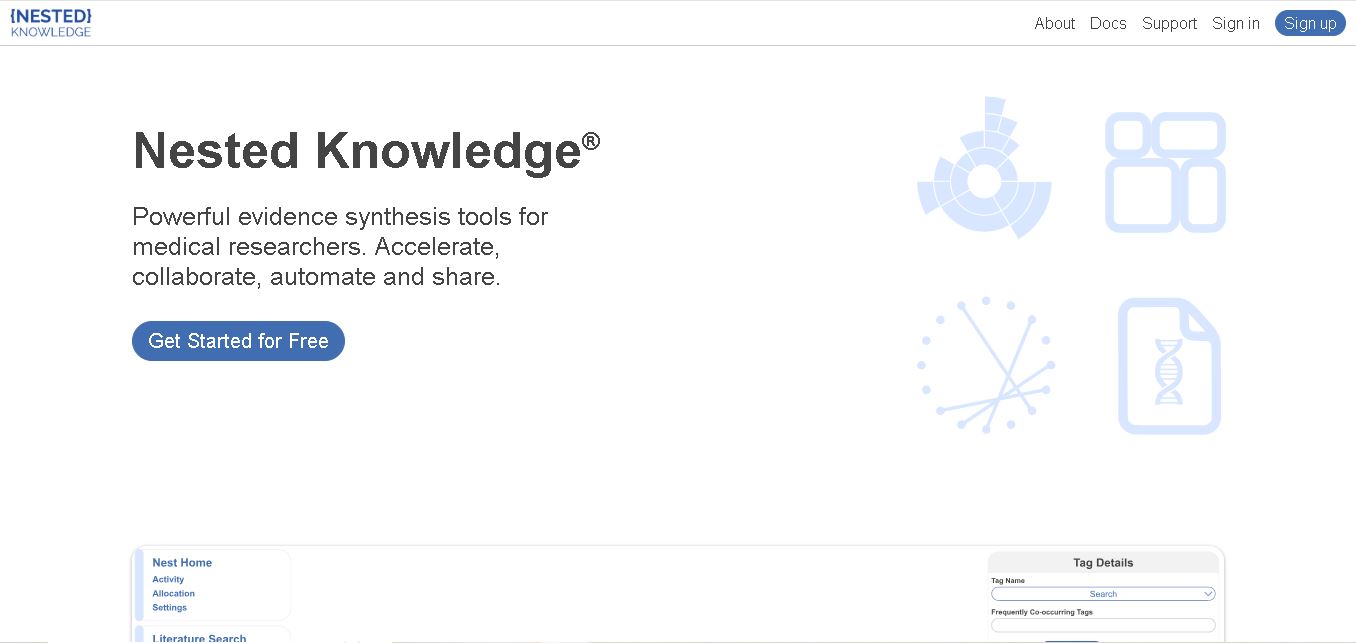
Nested Knowledge helps researchers organize scientific literature, evaluate studies, extract evidence, and synthesize findings in one workspace. Its AutoLit and Synthesis components support systematic reviews, meta-analyses, and living evidence projects. AI-assisted search, screening, and data extraction can reduce repetitive tasks, while interactive visualizations help teams communicate research findings.
 4.8
4.8Scopus
Research
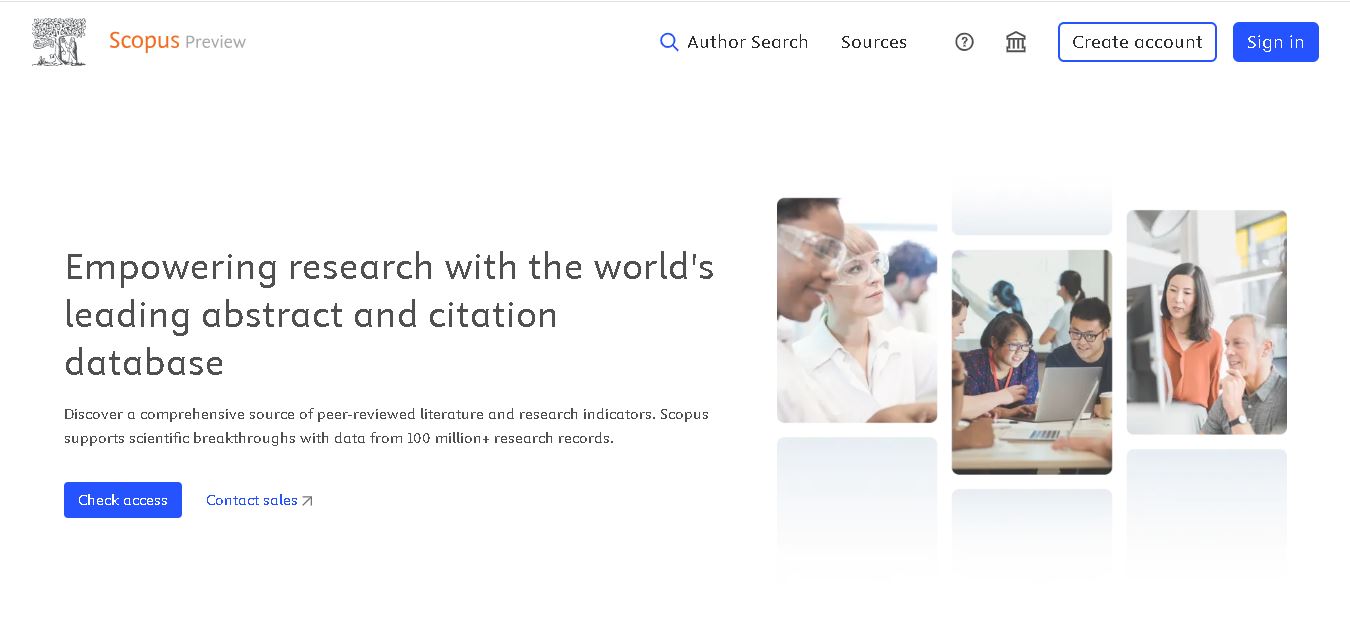
Scopus is an academic research database that helps users discover scholarly articles, analyze citations, and evaluate research performance. It provides access to bibliographic records, author profiles, journal metrics, and institutional information. Researchers, students, and universities use Scopus to explore literature, identify research trends, compare publications, and support evidence-based academic decisions.
 4.9
4.9OpenAlex
Research
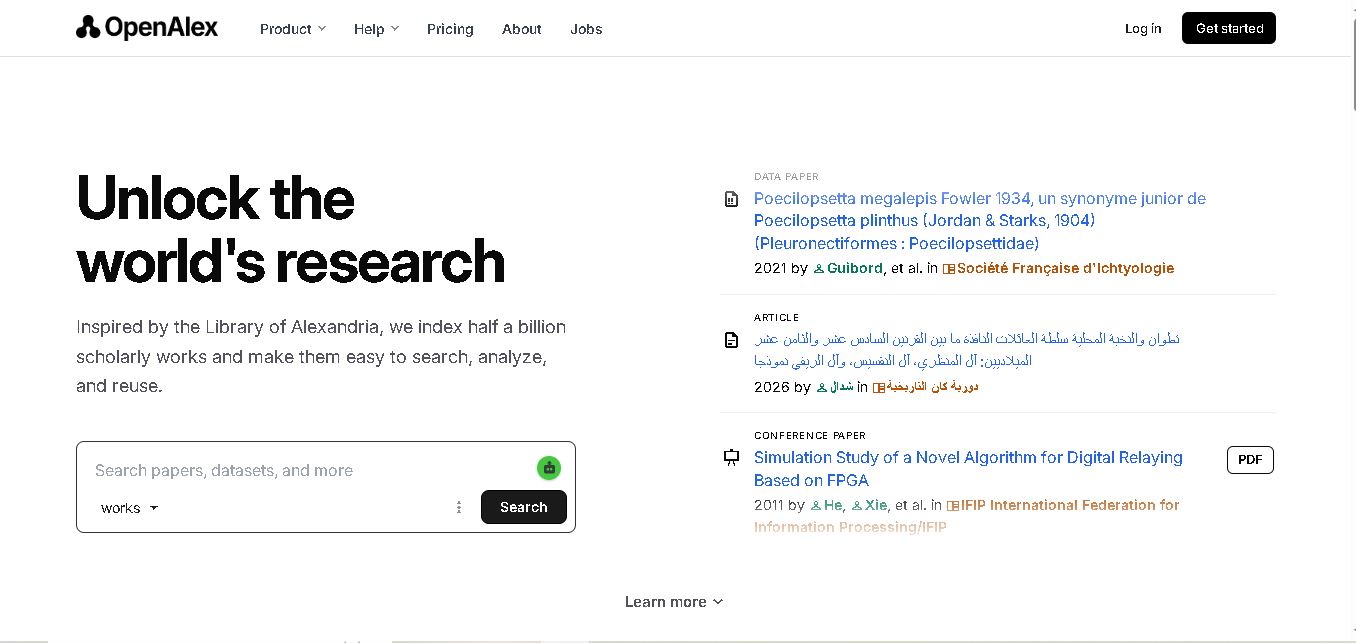
OpenAlex is an open scholarly research database that helps users discover academic papers, authors, journals, institutions, and citation connections. It supports literature reviews, research analysis, academic discovery, and bibliometric studies. With a searchable website, an API, and downloadable data, OpenAlex makes large-scale scholarly information accessible to researchers worldwide.
 4.9
4.9PubMed
Research
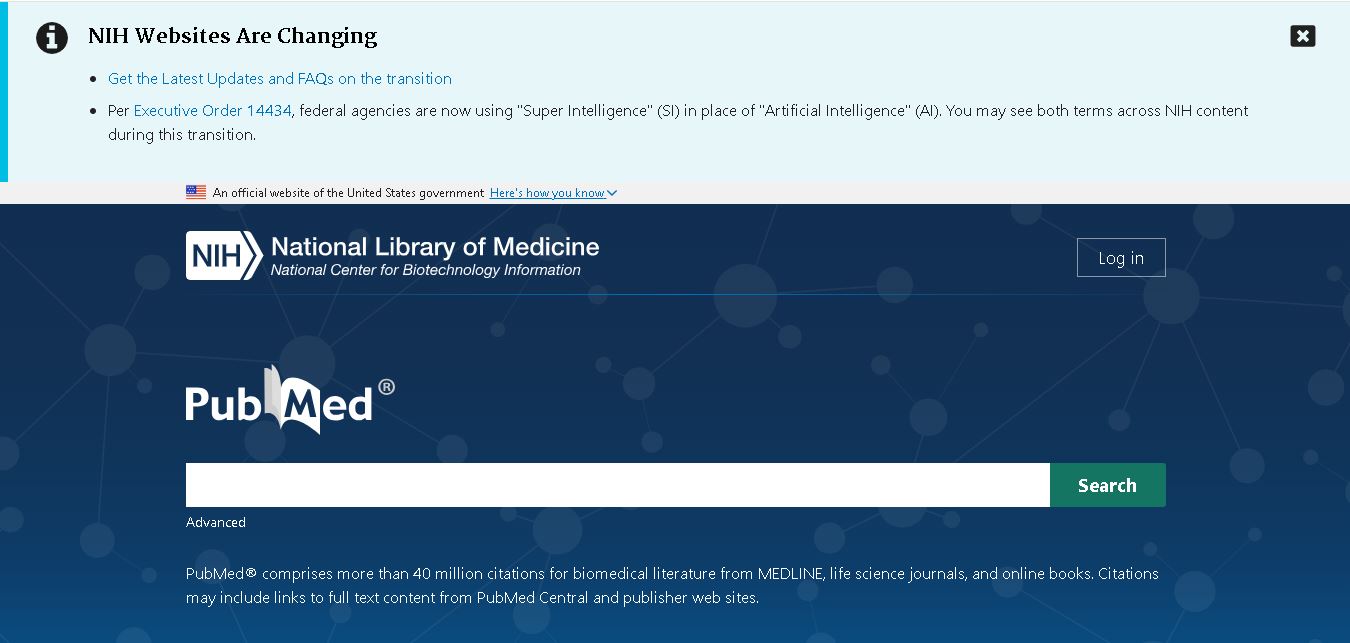
PubMed is a free biomedical research database that helps users find scientific articles, medical studies, clinical research, and literature reviews. It provides citations, abstracts, advanced search options, and links to available full-text publications. Researchers, students, healthcare professionals, and medical writers use PubMed to discover credible scientific information and support evidence-based decisions.
 5.0
5.0Google Scholar
Research
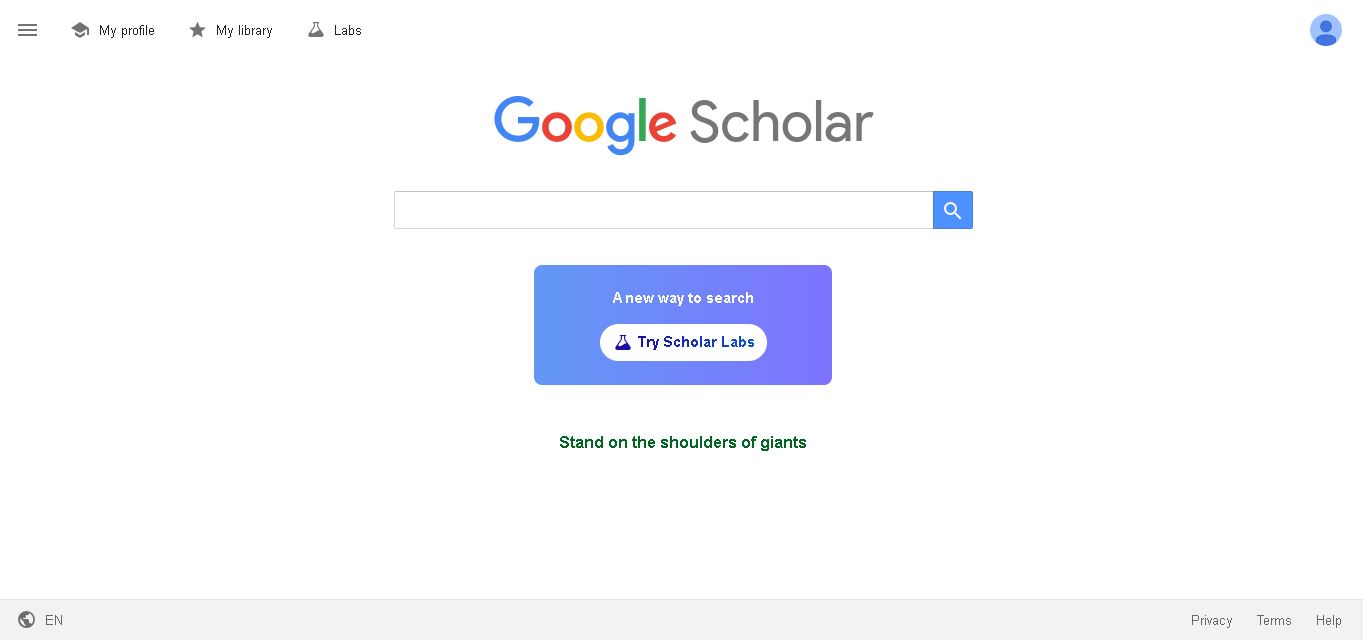
Google Scholar is a free research discovery tool that helps users find academic articles, books, theses, conference papers, and patents. It supports citation tracking, author profiles, research alerts, and reference management. Students, academics, and professionals can use it to explore scholarly literature, discover related studies, and strengthen research projects with relevant sources.