
Microsoft Edge
Microsoft Edge is a fast, secure web browser by Microsoft that integrates AI features, productivity tools, and built-in privacy controls. It helps users browse efficiently, manage tabs, use Copilot, and stay protected across devices easily.

What is Microsoft Edge?
Microsoft Edge is a high-performance, Chromium-based web browser developed by Microsoft. Engineered to serve as the default productivity browser across Windows, macOS, iOS, and Android devices, Edge combines lightning-fast page rendering with deep, native integration into Microsoft Copilot and the broader Microsoft 365 ecosystem.
Built around the mission to “Start here, get it done here,” Microsoft Edge bridges the gap between casual web browsing and enterprise productivity. By embedding artificial intelligence directly into the browser workflow, Edge utilizes context from open tabs to help users compare options, summarize research, and execute complex online tasks securely.
- Platform Role: Enterprise & Consumer Web Browser, AI Productivity Copilot & Security Suite
- Developer & Organization: Microsoft Corporation
- Cross-Platform Access: Windows, macOS, Linux, iOS (App Store), and Android (Google Play)
Use Cases:
- Leveraging Microsoft Copilot to summarize long articles, analyze PDF documents, and answer research queries using active tab context
- Optimizing laptop battery life and browser speed using built-in performance features like Sleeping Tabs and Startup Boost
- Accessing free web-based Microsoft 365 apps (Word, Excel, PowerPoint) directly side-by-side with web browsing windows
- Protecting sensitive data and corporate credentials using Microsoft Defender SmartScreen, built-in password monitoring, and Edge Secure Network
- Gaming on PC with specialized tools like the in-game Edge for Game Bar browser integration
Technology:
- Chromium-based rendering engine ensuring full compatibility with modern web standards and Chrome extensions
- Proprietary performance architecture featuring Energy Saver mode and Sleeping Tabs for reduced memory and battery overhead
- Deep Copilot AI integration accessing real-time web grounding via Bing search infrastructure
Target Users:
- Enterprise organizations and Windows power users seeking optimized system performance and robust security controls
- Office 365 professionals and knowledge workers requiring seamless integration with corporate document suites
- Students and researchers organizing complex workflows across multiple tabs and collections
- PC gamers utilizing built-in gaming overlays and performance optimization tools
Acquisition: Native web browser developed and maintained by Microsoft Corporation, Redmond, Washington (explore.microsoft.com/en-us/edge)

What are the key features of Microsoft Edge?
Microsoft Edge's key platform features are
- Built-In Microsoft Copilot: A native AI companion that reads the context of open tabs to compare data, draft responses, and assist with active research.
- Advanced Performance Optimization: Features like Sleeping Tabs and Startup Boost reduce memory usage and deliver up to 25% more battery life on laptops.
- Microsoft Defender SmartScreen: Proactive built-in security defense shielding users against phishing attempts, malicious downloads, and malware.
- Integrated Microsoft 365 Apps: Instant sidebar access to free web versions of Word, Excel, and PowerPoint alongside active web content.
- Edge Secure Network (VPN): Encrypted connection protecting network traffic and privacy on public Wi-Fi networks.
- Cross-Device Syncing: Seamlessly synchronizes passwords, favorites, browsing history, and settings across Windows, Mac, iOS, and Android devices.
- In-Game Browser for PC: Specialized overlay integration enabling players to check guides and web content without leaving their game.
How much does Microsoft Edge cost?
Microsoft Edge is free to download and use across all supported desktop and mobile operating systems.
Free Standard Tier:
- $0 / Free: Complete access to the Edge browser, Chromium extension support, performance tools, built-in security features, and standard Copilot capabilities.
Enterprise & Copilot Pro Tiers:
- Copilot Pro ($20/month): Optional upgrade providing priority access to advanced reasoning models (such as GPT-4o) and deeper integration across Microsoft 365 desktop applications.
- Enterprise management policies and security configurations are included at no extra cost for organizational deployments.
Disclaimer: Microsoft Edge is free to download on Windows, macOS, iOS, and Android. Advanced AI capabilities and enterprise management features scale with Microsoft 365 or Copilot Pro licenses.
Who should use Microsoft Edge?
Microsoft Edge is designed for everyday web users, enterprise professionals, and gamers, including
- Windows Power Users: Individuals wanting a browser optimized specifically for Windows performance, battery efficiency, and security.
- Enterprise Employees: Professionals relying on corporate IT compliance, centralized security policies, and Microsoft 365 integration.
- PC Gamers: Players utilizing Game Bar integration, efficient resource management, and gaming-focused features.
- Multitasking Students: Users managing heavy research sessions with vertical tabs, collections, and AI summarization tools.
What are the best alternatives to Microsoft Edge?
Some of the strongest Microsoft Edge alternatives include
- Google Chrome
- Opera One / Opera AI
- Perplexity Comet
- Brave Browser
- Apple Safari
- Arc Browser
What are the pros and cons of Microsoft Edge?
What are the pros of Microsoft Edge?
- Optimized for superior performance and battery efficiency specifically on Windows operating systems
- Native Microsoft Copilot integration brings powerful AI research assistants directly into the browser viewport
- Robust enterprise-grade security features like Microsoft Defender SmartScreen and password monitoring
- Full compatibility with Chrome extensions thanks to the Chromium foundation
- Convenient built-in access to Microsoft 365 web productivity apps
What are the cons of Microsoft Edge?
- Aggressive prompts from Windows to set Edge as the default browser can feel intrusive to some users
- Tied deeply into the Microsoft ecosystem, which may be less appealing for users favoring independent platforms
- Can feel feature-heavy for users looking for a strictly minimalist browsing interface
Why should you choose Microsoft Edge?
Many web browsers simply render pages and leave the heavy lifting of security, performance tuning, and AI organization to third-party extensions. Microsoft Edge provides an all-in-one productivity environment built to maximize your hardware capabilities while keeping your data protected.
- Save battery life and memory with automated Sleeping Tabs and Energy Saver mode
- Defend against online threats using built-in Microsoft Defender SmartScreen security
- Accelerate daily tasks with native Microsoft Copilot integration across open tabs
- Enjoy full Chrome extension compatibility alongside deep Microsoft 365 connectivity
How does Microsoft Edge compare to competitors?
The primary differences between Microsoft Edge, Google Chrome, Opera AI, and Perplexity Comet lie in ecosystem optimization, hardware efficiency, and built-in tooling. While Google Chrome offers universal cross-platform ubiquity, Microsoft Edge delivers superior Windows battery optimization, enterprise security controls, and native Microsoft 365 integrations out of the box.
| Feature / Platform | Microsoft Edge | Google Chrome | Opera AI / Browser | Perplexity Comet |
|---|---|---|---|---|
| Core Focus | Enterprise Productivity & Windows Performance | Universal Web Browsing & Google Ecosystem | Free Built-In AI & Multimedia Browser | Agentic Multi-Tab Research & Synthesis |
| Performance Tech | Sleeping Tabs & Energy Saver (Optimized for Windows) | Standard V8 Chromium Optimization | Tab Islands & Resource Limiters (Opera GX) | Full Chromium Engine with AI Overlays |
| AI Integration | Microsoft Copilot (Tab context & M365 sync) | Google Gemini Sidebar | Opera AI (Free multi-model assistant) | Perplexity Agentic Search & Citations |
| Security & Defense | Microsoft Defender SmartScreen & Secure Network | Google Safe Browsing | Built-in Ad & Tracker Blocker | Built-in Ad Blocker & Privacy Controls |
| Pricing Structure | Free (Copilot Pro optional at $20/mo) | Free (Gemini Advanced optional at $20/mo) | 100% Free | Free / Pro tier ($20/mo) |
| Best For | Windows power users and enterprise office environments | Everyday cross-device Google service users | Frictionless free web browsing and media management | Advanced multi-source research and automation |
How do we rate Microsoft Edge?
| Parameter | Rating (out of 5) |
|---|---|
| Performance & Battery Efficiency | 4.9 |
| Security & Enterprise Compliance | 4.9 |
| AI Copilot Integration & Utilities | 4.7 |
| Extension Support & Compatibility | 4.8 |
| Value for Money | 5.0 |
| Overall Score | 4.86 |
What is our review and verdict on Microsoft Edge?
Microsoft Edge has evolved far beyond its legacy predecessors to become one of the most powerful, feature-rich browsers available today. By pairing a robust Chromium foundation with advanced hardware optimizations, built-in Microsoft Defender security, and native Copilot AI integration, Edge delivers exceptional value for everyday users and enterprise organizations alike.
conclusion
Microsoft Edge brings AI into everyday browsing in a way that feels both practical and well-integrated. With Copilot built directly into the browser, users can search, summarize, and generate content without leaving their workflow. Combined with features like Collections and performance optimizations, it balances productivity with speed. Rather than overwhelming users with complexity, Edge focuses on useful enhancements that fit naturally into daily tasks. Overall, it turns the browser into a smarter, more efficient workspace.
FAQ
What is Microsoft Edge and what does it actually do?
Microsoft Edge is a modern web browser developed by Microsoft that allows users to browse the internet, run web apps, and access online services. It’s built on Chromium, which means it offers fast performance, strong compatibility with websites, and a familiar browsing experience similar to Chrome.
How is Microsoft Edge different from Google Chrome?
While both Edge and Google Chrome use the same Chromium engine, Edge stands out with built-in features like vertical tabs, sleeping tabs for better memory usage, and deep integration with Microsoft services like Office and Windows. It’s often considered more resource-efficient on Windows devices.
What AI features are available in Microsoft Edge?
Microsoft Edge includes AI features powered by Microsoft Copilot, which allows users to chat, summarize webpages, generate content, and get contextual answers directly in the browser. This makes Edge not just a browser but also a productivity tool for research and writing.
Can Microsoft Edge improve performance and battery life?
Yes, Edge includes performance-focused features like sleeping tabs and efficiency mode, which reduce CPU and memory usage for inactive tabs. This helps improve overall system performance and extend battery life, especially on laptops and lower-powered devices.
Does Microsoft Edge support Chrome extensions?
Yes, because Edge is built on Chromium, it supports most extensions available in the Chrome Web Store. Users can install productivity tools, ad blockers, developer extensions, and more without compatibility issues.
Who should use Microsoft Edge?
Microsoft Edge is ideal for Windows users, professionals, students, and businesses looking for a fast, secure browser with built-in AI and productivity features. It’s especially useful for people already using Microsoft services like Office, Outlook, and OneDrive.
User Reviews
No reviews yet for Microsoft Edge.
Featured Tools
Featured AI tools from TechShark

Melody Genie
MelodyGenie is an AI-powered music generator that creates original songs from simple text prompts. Users can choose styles, moods, and genres, then instantly generate melodies and full tracks, making it easy for creators, marketers, and hobbyists to produce custom music without musical expertise.
Freemium

Kimi AI
Kimi AI is an advanced AI assistant developed by Moonshot AI that helps you chat, research, write, code, and automate tasks in one place. It supports web search, file analysis, and multimodal inputs, and can even run autonomous “agent” workflows to complete complex tasks end-to-end.
Freemium

Fashion Diffusion AI
Fashion Diffusion is an AI-powered fashion design platform that helps brands and designers create clothing designs, virtual try-ons, AI models, product photos, and marketing visuals faster and cost-effectively.
Paid

Veo 4
Veo 4 AI is an AI video creation platform that generates dramatic videos from text, images, audio, and video prompts using realistic motion and synchronized sound.
Paid
Alternatives
Alternatives to Microsoft Edge
The best Microsoft Edge alternatives include Google Chrome, Opera AI, Perplexity Comet, Brave Browser, and Apple Safari. While Microsoft Edge offers unmatched Windows battery optimization, Sleeping Tabs performance features, built-in Microsoft Defender SmartScreen security, and native Copilot integration, alternatives like Google Chrome focus on universal ecosystem ubiquity.
 4.9
4.9Brave
Browser
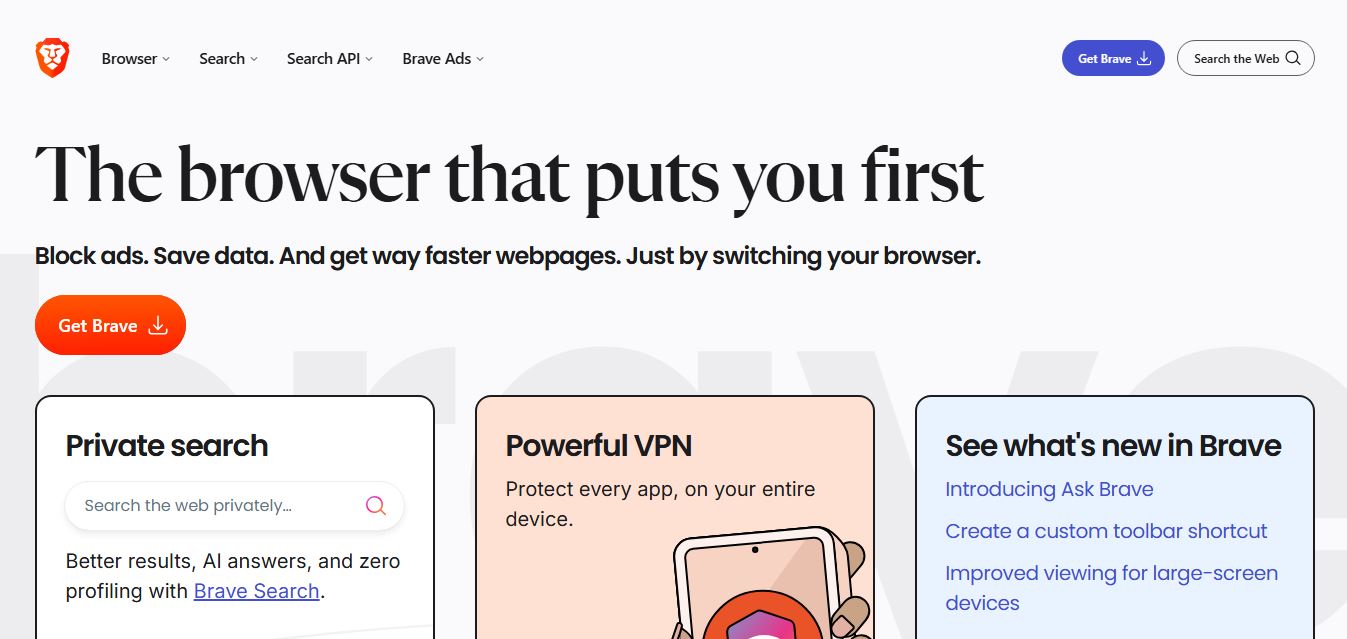
Brave is a privacy-first web browser and search ecosystem that blocks ads and cross-site trackers by default, integrates the Leo AI assistant, features an independent 35+ billion page search index, and provides built-in Web3 wallet, VPN, and developer Search API capabilities.
 4.9
4.9Mozilla Firefox
Browser
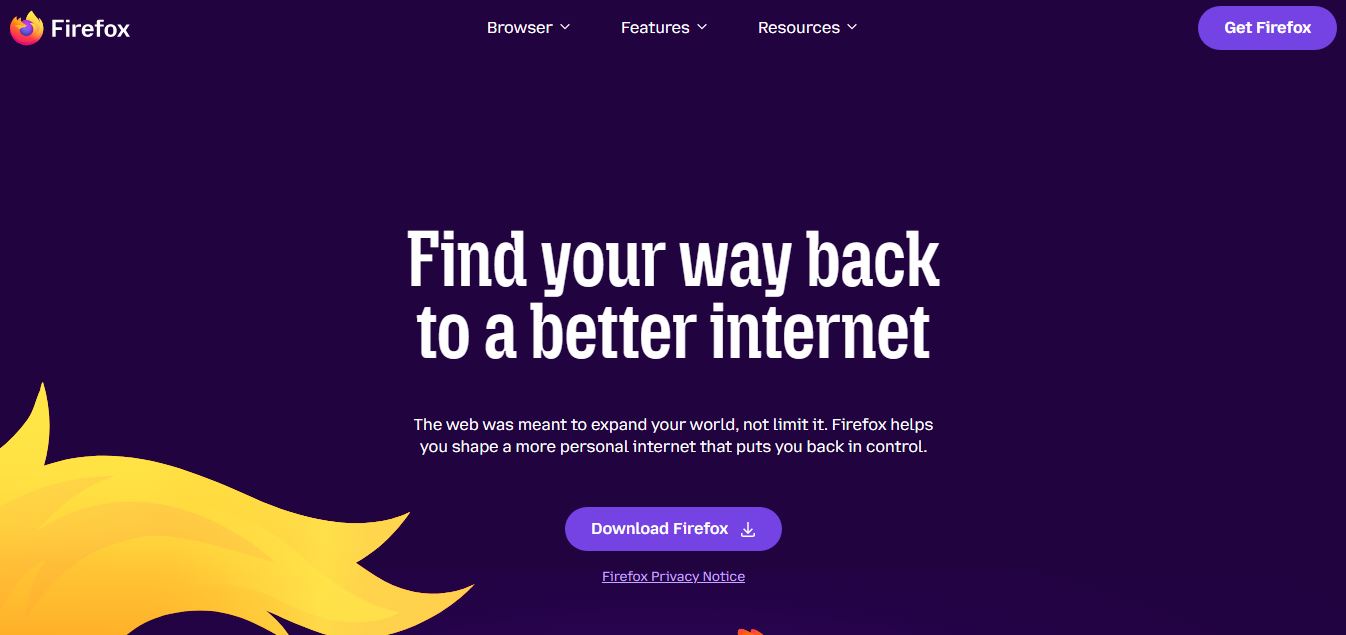
Mozilla Firefox is a free, open-source web browser backed by the non-profit Mozilla Foundation, powered by the independent Gecko engine and featuring Total Cookie Protection, container tabs, and user-governed AI tools like Smart Window.
 4.8
4.8Opera AI
Browser
Opera AI (formerly Aria) is a built-in, native browser AI assistant integrated directly into the Opera and Opera GX browsers, offering real-time web access, page context summarization, multimedia and file analysis, image generation, and workflow automation without mandatory account lock-in.
 4.8
4.8Perplexity Comet
Browser
Perplexity Comet is an agentic, AI-first Chromium web browser developed by Perplexity AI, featuring a built-in reasoning assistant that performs multi-tab synthesis, automated web actions, deep research with citations, and proactive workflow execution.
 4.8
4.8Fellou AI
Browser
Fellou AI is an agentic AI web browser engineered for autonomous web actions, end-to-end task automation, multi-source deep research, system-level file handling, and transparent human-in-the-loop workflow execution.
 4.9
4.9Google Chrome
Browser
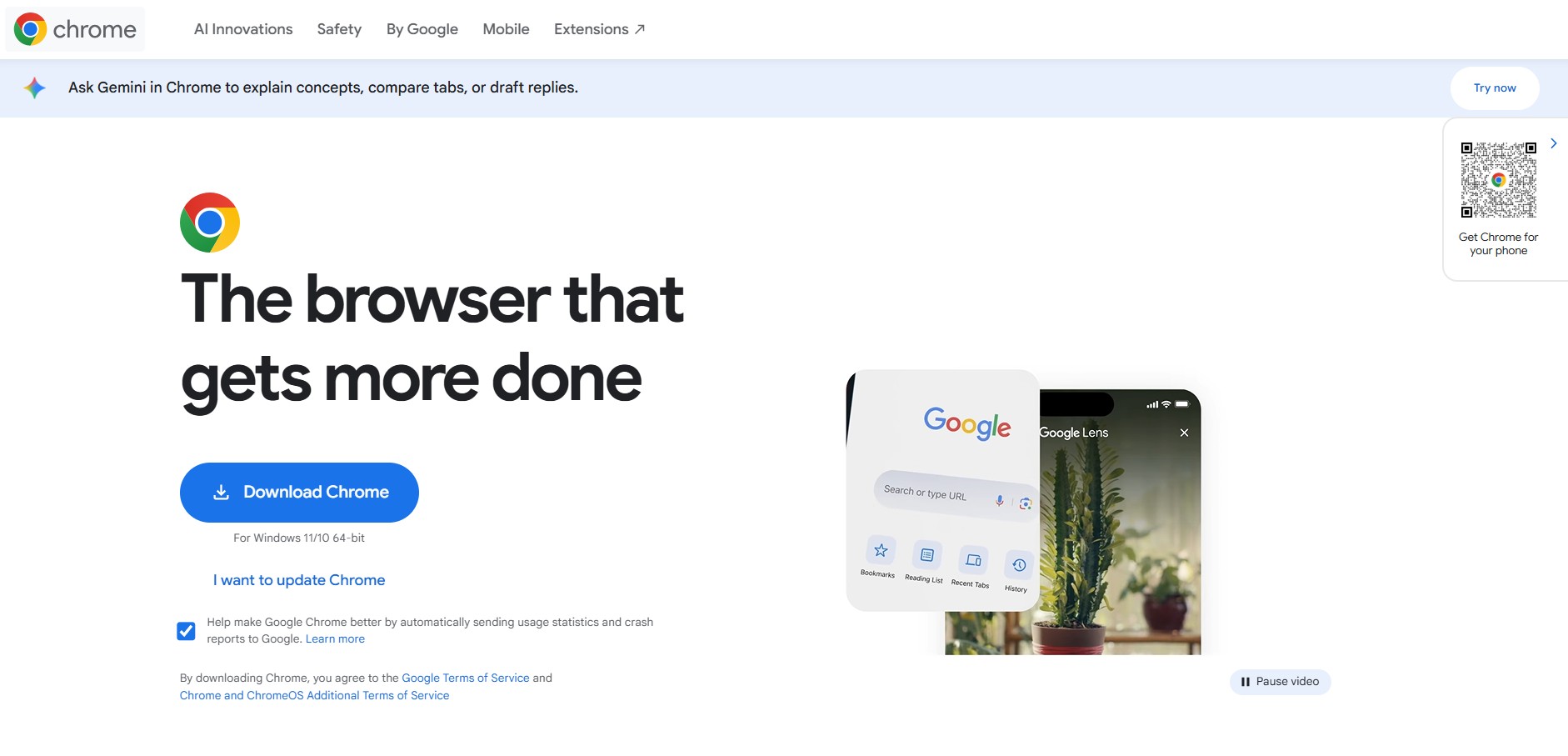
Google Chrome is the world's leading open-source-based web browser developed by Google, featuring high-speed Blink rendering, deep Google Account synchronization, native Gemini AI assistance, advanced DevTools, and the vast Chrome Web Store ecosystem.