
Brave Leo AI
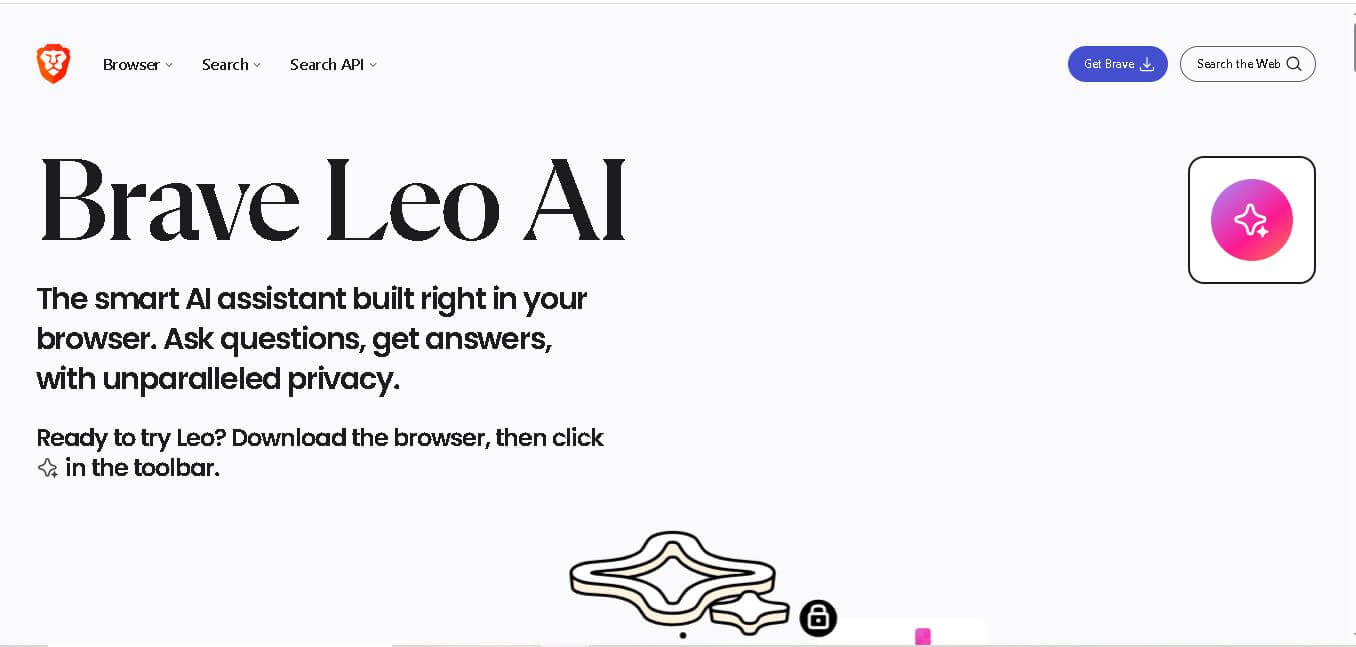
Brave Leo is a privacy-focused AI assistant built directly into the Brave browser that helps you summarize webpages, generate content, translate text, and answer questions without leaving your tab. It doesn’t store chats or require an account, keeping your interactions secure and anonymous.
What is Brave Leo AI?
Brave Leo is an AI-powered assistant built directly into the Brave browser, designed to make browsing more interactive, productive, and private. Instead of switching between tabs or tools, users can ask questions, summarize webpages, analyze PDFs, generate content, or translate text—all within the same browsing experience. What makes Leo different is its strong focus on privacy. It doesn’t store conversations, use them for model training, or require an account, ensuring that interactions remain anonymous and secure. It also supports multiple AI models and can even work with user-provided models, giving flexibility based on needs. By combining real-time web context with built-in AI capabilities, Brave Leo turns the browser into a powerful, all-in-one productivity assistant.
Brave Leo is available across 5 major platforms including Windows, macOS, Linux, Android, and iOS. Brave Browser serves 120+ million monthly active users and 51 million daily active users worldwide. Leo supports multiple AI models, offers free and premium plans, and works without requiring a login for the free version. Premium users can access higher usage limits and advanced AI models, while one subscription supports up to 5 devices, making it suitable for both personal and professional use.
- Category: AI Browser Assistant, Privacy AI & Web Summarizer
- Launch Year: 2023
- Use Cases:
- Summarizing long news articles, research papers, and web documentation in seconds
- Asking follow-up questions directly grounded in the content of the currently open webpage
- Drafting emails, social media posts, code snippets, and translations directly within the browser
- Summarizing video transcripts and meeting notes in Brave Talk calls
- Technology:
- Multi-LLM engine supporting Meta Llama, Anthropic Claude, Mistral, and custom models
- Anonymizing proxy architecture stripping IP addresses and user identifiers
- Bring Your Own Model (BYOM) framework supporting local Ollama and custom API endpoints
- Target Users:
- Privacy-oriented web users who want AI help without data harvesting or mandatory accounts
- Students and researchers analyzing dense articles and long web pages
- Developers and writers looking for fast contextual assistance in the sidebar
- Ecosystem: Brave Browser Sidebar (Desktop, Android, and iOS), Brave Search Engine, and Brave Talk Integration.

Key features of Brave Leo AI
Brave Leo AI's key features are
- Contextual Page Analysis: Instantly reads and comprehends active web pages, enabling single-click summaries and specific context questions.
- Multi-Model Flexibility: Lets users toggle between leading AI models, including Llama 3.1, Claude Haiku, and Claude Sonnet, depending on performance needs.
- Zero-Data-Retention Architecture: Routes queries through anonymized proxies with no logins required for free usage, preventing user profiling or model training.
- Bring Your Own Model (BYOM): Connects natively to locally hosted open-source models via Ollama or private cloud API keys.
- Real-Time Brave Search Integration: Accesses up-to-date web information via Brave Search to reduce hallucinations on recent topics.
- Brave Talk Meeting Summarizer: Generates automated meeting summaries, key takeaways, and action items from private browser calls.
Brave Leo AI Pricing
Brave Leo AI features a generous free tier alongside a premium subscription tier for heavy users and advanced AI model access.
Free Plan:
- $0/month (No account or credit card required)
- Includes access to capable core models (Llama 3.1 8B, Claude Haiku), webpage summarization, sidebar chat, and anonymous browsing.
Leo Premium Plan:
- $14.99/month or $149.99/year (billed annually with ~2 months free)
- Includes access to advanced frontier models (Claude Sonnet, Claude Opus), significantly higher rate limits, faster response speeds, and usage across up to 5 devices.
Disclaimer: For the latest and most accurate pricing information, please visit the official Brave Leo AI website.
Is Brave Leo AI Worth It?
Brave Leo AI is highly worth it for regular Brave browser users who value privacy and speed. The free tier provides substantial everyday utility without account friction, while Leo Premium offers access to top-tier reasoning models at a lower price point than many standalone AI subscriptions.
Real-World Use Cases
- Instant Article Summarization: Readers condense long news stories, blog posts, and technical documentation into key takeaways without leaving the tab.
- Private Web Research: Researchers query sensitive web topics without search logging, data profiling, or account tracking.
- In-Browser Writing & Rewriting: Writers craft emails, adjust text tone, or generate content directly inside web forms and text fields.
- Automated Meeting Notes: Teams host private calls on Brave Talk and use Leo to generate action items and transcripts.
Who is using Brave Leo AI?
Brave Leo AI is popular among a wide audience of privacy advocates and productivity users, including
- Privacy-Conscious Internet Users: Seeking built-in AI tools that do not harvest personal data or search histories
- Academic Researchers & Students: Processing dense web content and scholarly articles faster
- Software Developers: Utilizing BYOM capabilities to connect local models directly into their daily browser workflow
- Remote Workers & Managers: Managing tasks and summarizing meetings directly in browser tabs
Best Brave Leo AI Alternatives
Some of the strongest Brave Leo AI alternatives include
- Microsoft Copilot (Edge)
- Opera Aria
- Perplexity AI
- ChatGPT
- Claude
- Arc Max
Pros and Cons of Brave Leo AI
Pros
- Strict privacy architecture with anonymous proxying and zero data retention
- No account registration required to use the free tier
- Built natively into Brave sidebar with direct awareness of open webpage context
- Supports switching between multiple AI models and custom local LLMs (BYOM)
- Cross-device subscription covers up to 5 devices on desktop and mobile
Cons
- Exclusive to the Brave browser ecosystem (unavailable on Chrome or Safari)
- Free tier subject to temporary usage rate limits during peak hours
- Does not retain persistent chat history across sessions by default due to privacy design
Why Choose Brave Leo AI?
Unlike browser assistants that track user search habits and store chat logs on central servers, Brave Leo AI puts privacy first. It delivers modern generative AI capabilities directly inside your browser while keeping your activity strictly confidential.
- Protects user anonymity with reverse proxy routing that strips personal identifiers
- Saves time by providing instant page context analysis and instant text summaries
- Offers choice by allowing users to pick their preferred AI model or run local open-source models
- Works seamlessly across desktop, Android, and iOS devices
How Brave Leo AI Works
- 1. Open Brave Browser: Open the Brave browser on desktop, iOS, or Android and locate the Leo icon in the sidebar.
- 2. Open Any Webpage: Navigate to any article, document, or site you wish to summarize or query.
- 3. Click Ask Leo: Click the Leo sidebar icon to automatically load page context and request summaries or ask questions.
- 4. Select Your Model: Choose between Llama, Claude, or custom models from the dropdown settings to tailor response quality.
Brave Leo AI vs. Competitors
While Microsoft Copilot and Opera Aria offer browser sidebar features, they rely on central accounts and data logging. Brave Leo AI prioritizes user privacy, proxying requests anonymously while giving users control over which LLM powers their responses.
| Feature | Brave Leo AI | Microsoft Copilot | Opera Aria |
|---|---|---|---|
| Primary Focus | Privacy-First Browser Assistant | OS & Browser AI Productivity Assistant | Browser AI Workspace Tool |
| Account Requirement | None (Free Tier) | Microsoft Account Required | Opera Account Required |
| Privacy Architecture | Anonymized Proxies & Zero Log Storage | Standard Cloud Logging | Standard Cloud Logging |
| Model Selection | Multi-Model (Claude, Llama, BYOM) | OpenAI GPT-4o / Copilot | OpenAI GPT & Composer Models |
| Starting Price | Free / $14.99/mo | Free / $20/mo | Free |
How do we rate Brave Leo AI?
| Parameter | Rating (out of 5) |
|---|---|
| Ease of Use | 4.9 |
| Privacy & Security | 5.0 |
| Page Context Analysis | 4.6 |
| Model Selection & Flexibility | 4.8 |
| Value for Money | 4.6 |
| Overall Score | 4.7 |
Brave Leo AI Review
Brave Leo is a privacy-focused AI assistant built directly into the browser, letting users summarize pages, generate content, and analyze files without switching tabs. It’s ideal for [research / writing / coding / everyday browsing], especially if privacy matters. Unlike most AI tools, it doesn’t store chats or require login, which is a major plus. Performance depends on the selected model, but overall it’s fast and reliable. A solid choice for users who want AI built into their browsing workflow without compromising data privacy.
Conclusion
Brave Leo is a unique AI assistant that stands out by combining powerful capabilities with a strong focus on user privacy. Built directly into the Brave browser, it allows users to summarize webpages, analyze documents, generate content, and ask questions without switching tools or tabs. What truly differentiates Leo is its privacy-first approach—it does not store chats, track users, or use conversations for model training, and it doesn’t even require an account to get started. This makes it a compelling alternative to mainstream AI assistants that rely heavily on data collection.
While it may still face the usual limitations of AI, such as occasional inaccuracies, its seamless browser integration and strong privacy guarantees make it highly practical. Brave Leo is a forward-thinking solution for users who want intelligent assistance without compromising their data.
FAQ
What makes Brave Leo different from other AI assistants?
Brave Leo stands out because it is built directly into the Brave Browser instead of being a separate application. You can ask questions, summarize webpages, translate content, or generate text without switching tabs. Its biggest advantage is privacy, as conversations are not retained for AI training, and the free version does not require users to create an account.
Can Brave Leo summarize webpages and PDF files?
Yes. Brave Leo can quickly summarize webpages, PDFs, Google Docs, spreadsheets, and other supported content. This helps users understand lengthy documents in minutes instead of reading everything manually. It also explains difficult topics, highlights important information, and answers follow-up questions, making research and learning much faster and more convenient.
Is Brave Leo free to use?
Yes. Brave Leo offers a free version that includes AI chat, content generation, translation, summarization, and general assistance. Users who need access to additional AI models, higher usage limits, and faster responses can upgrade to Leo Premium. The free version is sufficient for most everyday browsing and productivity tasks.
Does Brave Leo protect my privacy?
Privacy is one of Brave Leo's strongest features. The assistant does not use your conversations to train AI models, and personal identifiers are not retained by Brave. Chat history can remain locally on your device, while temporary chats can disappear after closing them, giving users greater control over their information.
What tasks can I complete with Brave Leo?
Brave Leo helps with writing articles, summarizing webpages, translating languages, explaining technical concepts, generating emails, answering questions, analyzing PDFs, assisting with programming, and organizing research. It also provides contextual answers based on the webpage you are viewing, allowing you to complete tasks without leaving your browser.
Which devices support Brave Leo?
Brave Leo is available on desktop and mobile versions of the Brave Browser. It supports Windows, macOS, Linux, Android, and iOS, providing a consistent AI experience across devices. Premium subscribers can use a single subscription on up to five supported devices for greater flexibility and convenience.
Can Brave Leo create original content?
Yes. Brave Leo can generate blog posts, emails, reports, social media captions, summaries, creative writing, coding suggestions, and translations. It also rewrites existing content to improve readability or adjust tone. While the generated output is useful, users should review important information for factual accuracy before publishing.
User Reviews
No reviews yet for Brave Leo AI.
Featured Tools
Featured AI tools from TechShark

Melody Genie
MelodyGenie is an AI-powered music generator that creates original songs from simple text prompts. Users can choose styles, moods, and genres, then instantly generate melodies and full tracks, making it easy for creators, marketers, and hobbyists to produce custom music without musical expertise.
Freemium

Kimi AI
Kimi AI is an advanced AI assistant developed by Moonshot AI that helps you chat, research, write, code, and automate tasks in one place. It supports web search, file analysis, and multimodal inputs, and can even run autonomous “agent” workflows to complete complex tasks end-to-end.
Freemium

Fashion Diffusion AI
Fashion Diffusion is an AI-powered fashion design platform that helps brands and designers create clothing designs, virtual try-ons, AI models, product photos, and marketing visuals faster and cost-effectively.
Paid

Veo 4
Veo 4 AI is an AI video creation platform that generates dramatic videos from text, images, audio, and video prompts using realistic motion and synchronized sound.
Paid
Alternatives
Alternatives to Brave Leo AI
The best Brave Leo AI alternatives include Microsoft Copilot, Opera Aria, Perplexity AI, Claude, and ChatGPT. Microsoft Copilot and Opera Aria offer built-in browser sidebars, while Perplexity AI provides private standalone conversational search.
 4.9
4.9You.com
Search Engine
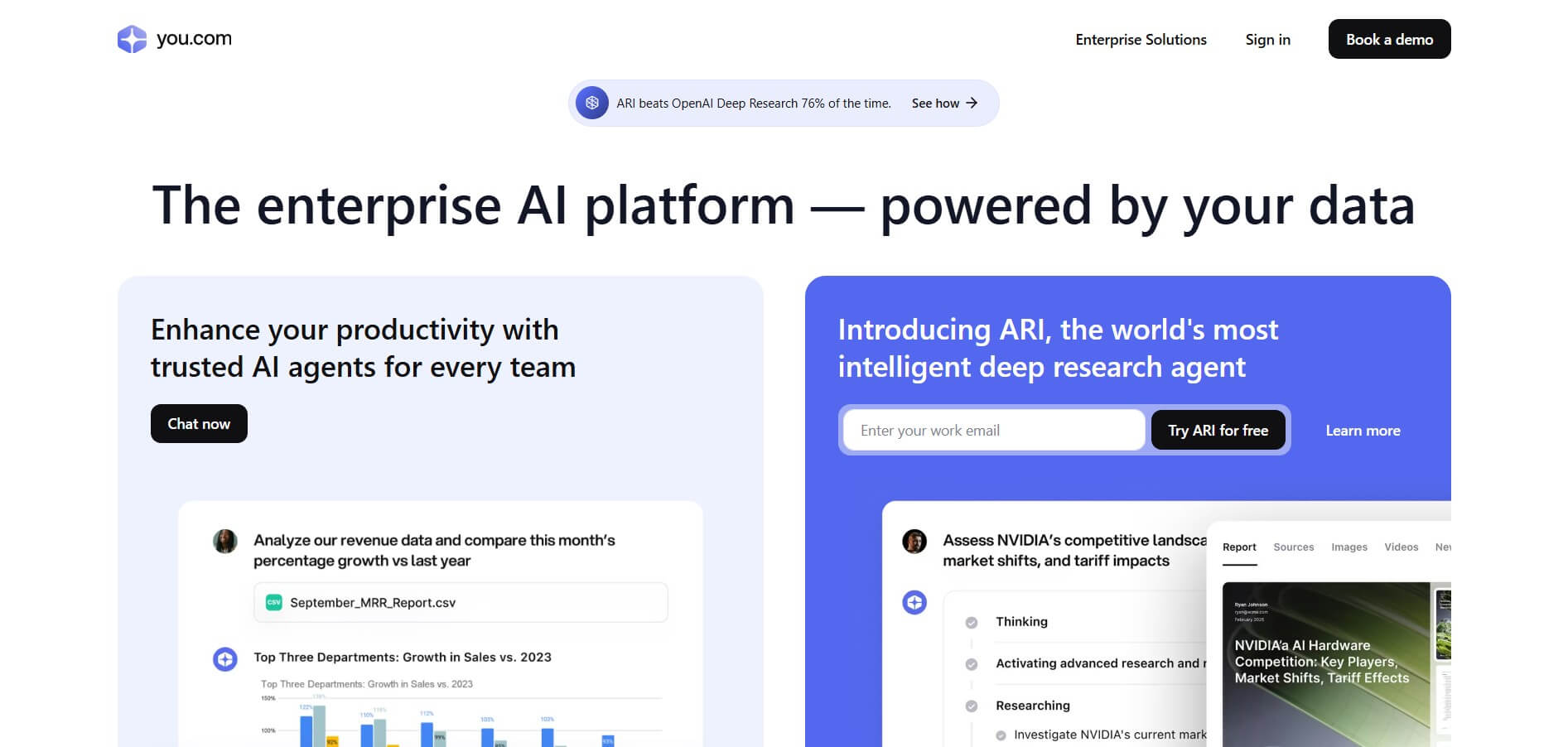
You.com is an AI-powered search and research platform that helps users find information, analyze complex topics, and generate answers with web citations. It offers AI agents for deep research, content creation, and data analysis, along with real-time web search APIs that developers can integrate into AI applications and workflows.
 4.9
4.9DuckDuckGo
Search Engine
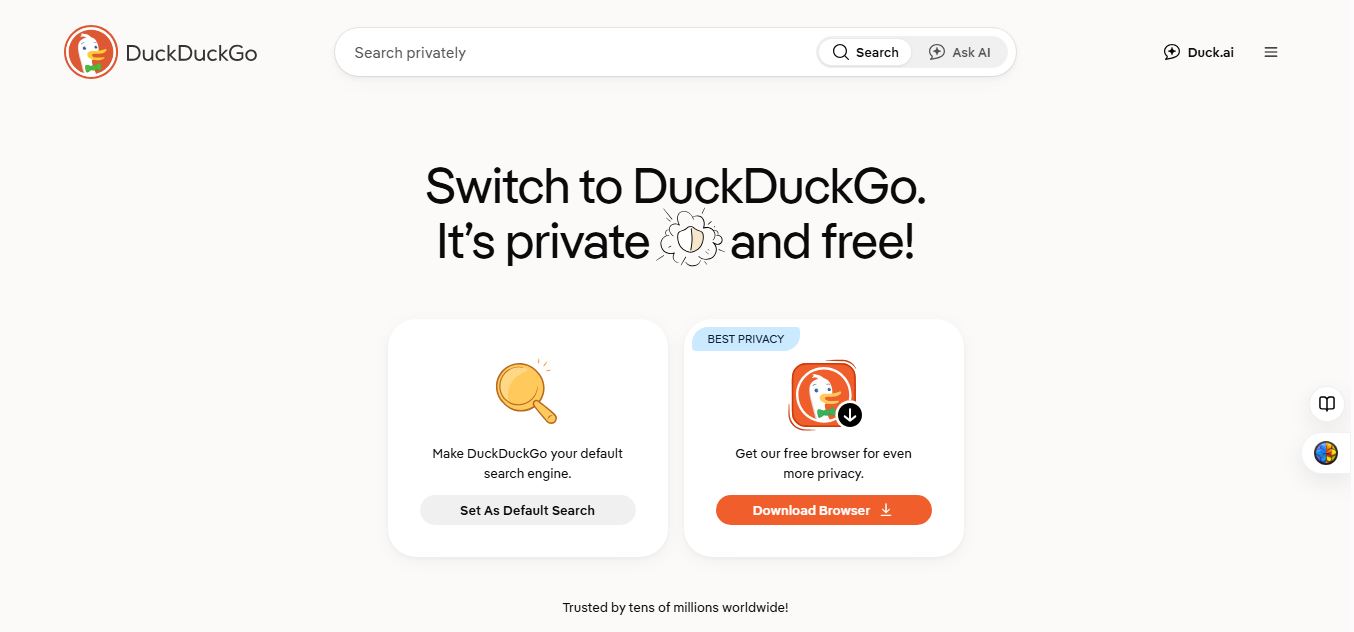
DuckDuckGo is a privacy-focused search engine and browser that helps users search the web without tracking their searches or browsing history. It blocks ads, trackers, and cookies while offering private AI features through Duck.ai, giving users a more secure and privacy-friendly alternative to traditional search and browsing.
 4.9
4.9SearchTools AI
Search Engine
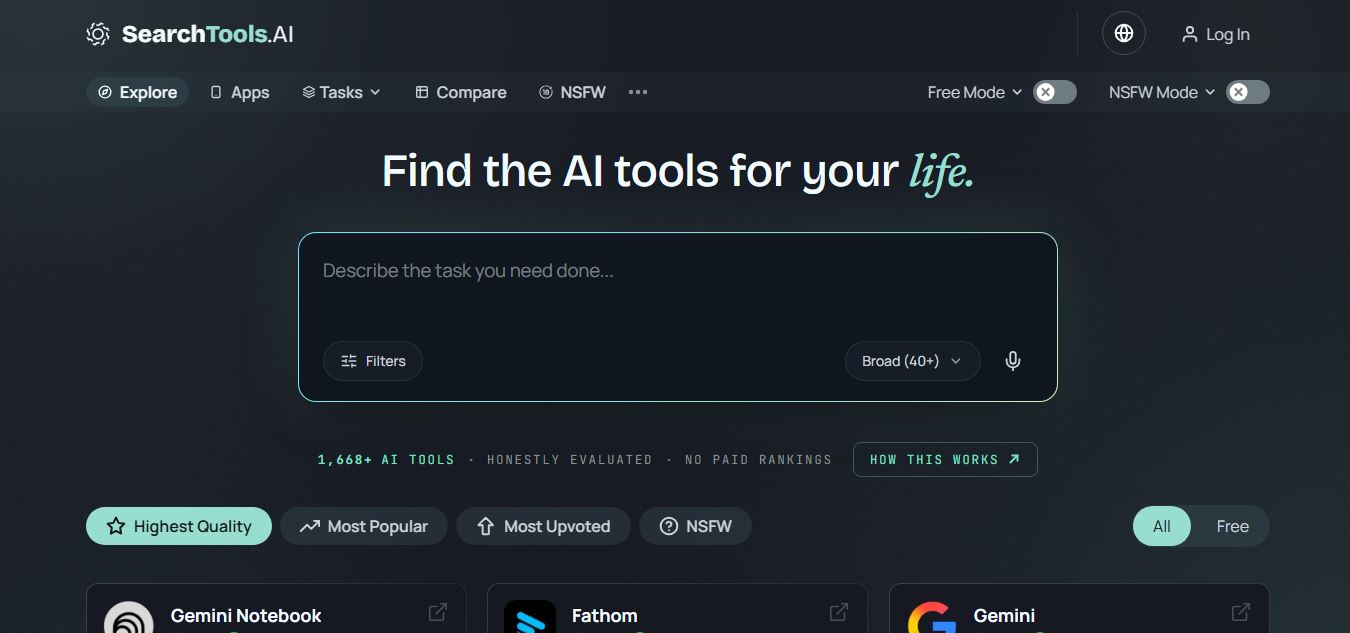
SearchTools.ai is an AI tools discovery platform that helps users find, compare, and evaluate AI software across hundreds of categories. It ranks tools based on real reviews, usage signals, and adoption data, enabling faster research and better decisions without paid placements or biased rankings.
 4.8
4.8Genspark
AI Agent
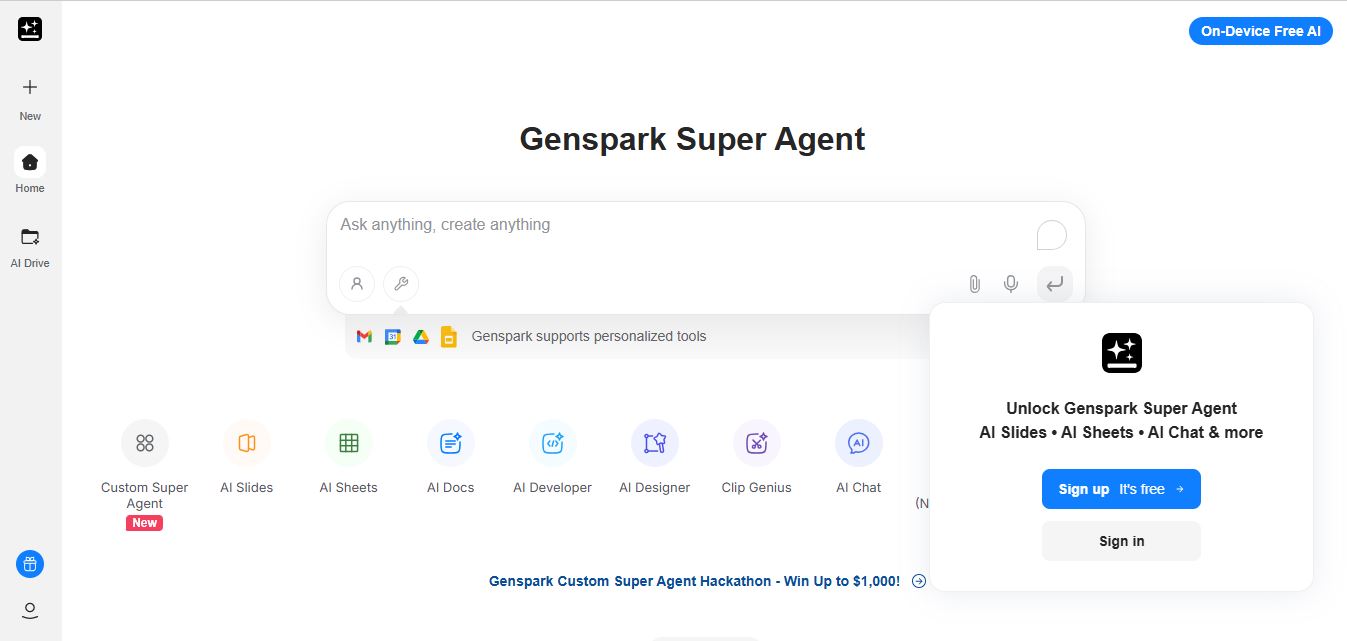
Genspark is an AI-powered all-in-one workspace built around autonomous agents that can research, write, analyze data, and create content from a single prompt. Its “Super Agent” plans and executes tasks across tools, delivering complete outputs like presentations, reports, code, and media automatically.
 4.7
4.7Refsee
Search Engine
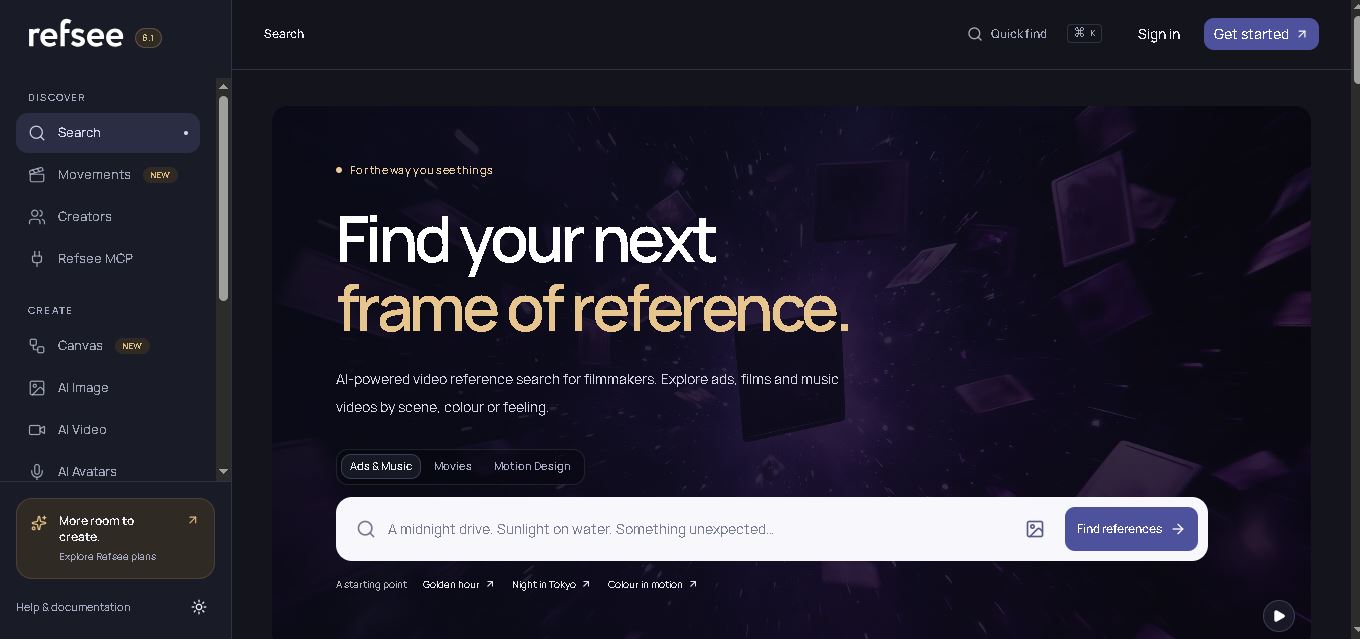
Refsee is a visual research and creative workspace for discovering video references by scene, color, framing, title, or feeling. It helps filmmakers and creative professionals find relevant frames, organize inspiration into moodboards, and transform visual references into original creative concepts using AI-powered image, video, avatar, and editing features.
 4.9
4.9SearchGPT (ChatGPT Search)
Search Engine
SearchGPT is OpenAI's AI-powered web search and real-time retrieval engine integrated into ChatGPT, delivering conversational, up-to-date web answers with in-line source citations, interactive maps, weather, financial widgets, and publisher attribution links.
 4.8
4.8GigaBrain
Search Engine
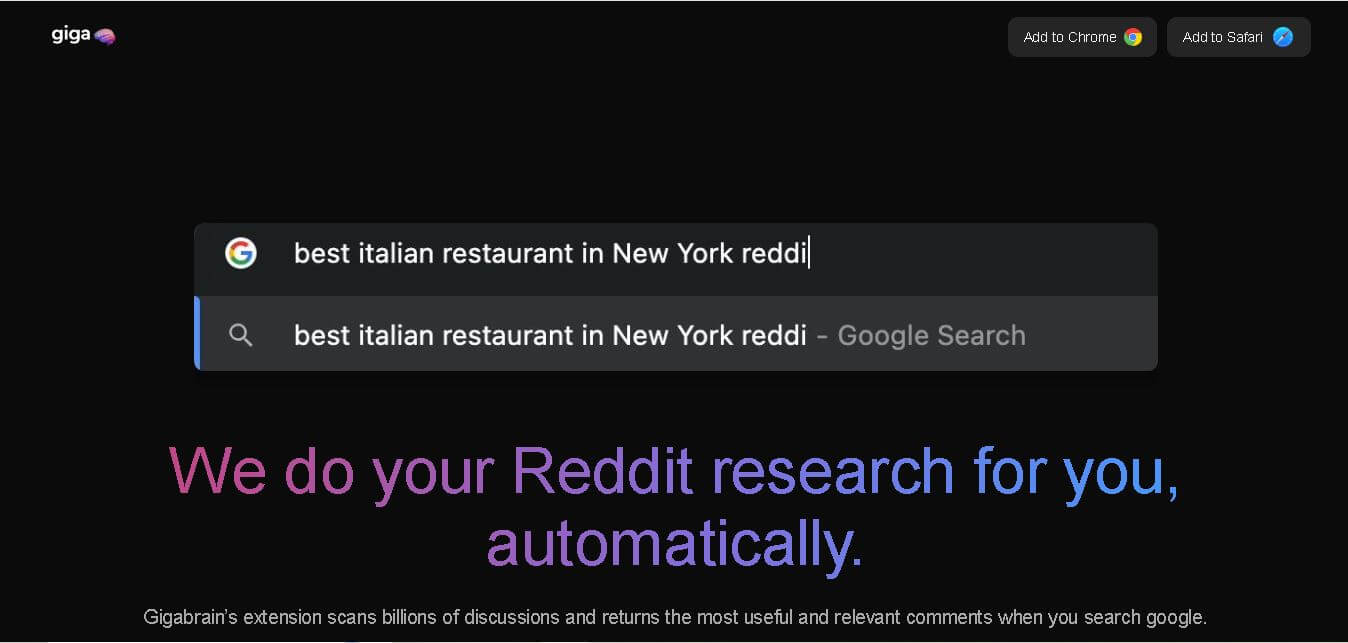
GigaBrain is a Reddit research and discovery tool built to surface useful community opinions, summarize discussions, and reduce repetitive browsing. Its browser extension brought Reddit insights into Google, Bing, and DuckDuckGo searches, while additional products supported deeper research, conversational follow-ups, product discovery, and Reddit trend monitoring for everyday users.
 4.8
4.8Microsoft Bing
Search Engine
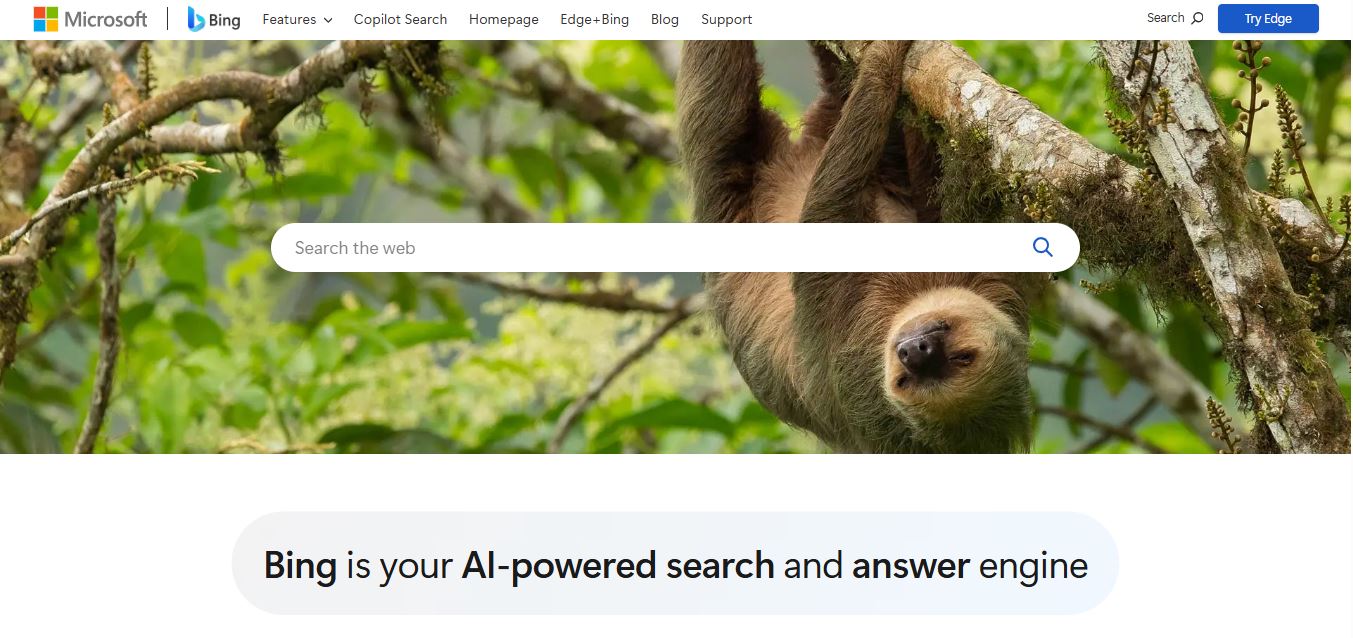
Microsoft Bing is an AI-powered search and answer engine that combines traditional web indexing with generative AI, Copilot conversational assistance, Image Creator, Visual Search, and Microsoft Rewards integration.
 4.8
4.8iAsk AI
Search Engine
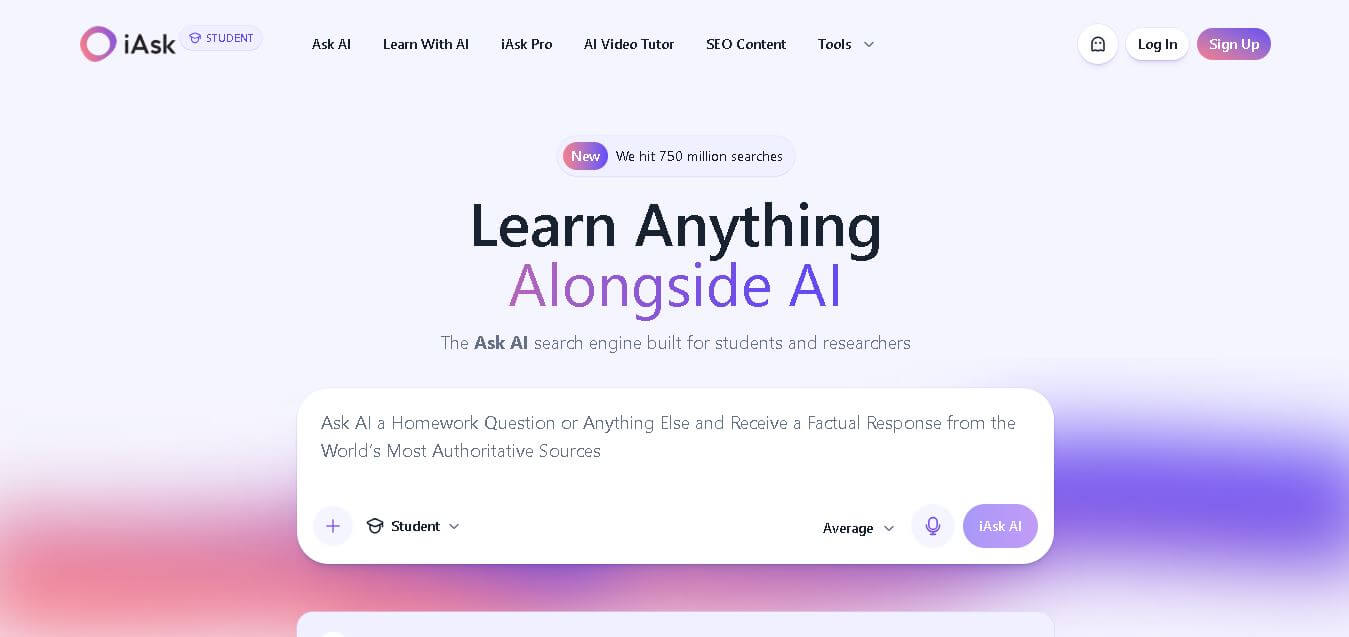
iAsk is an AI search and learning tool designed for students, researchers, and everyday users who want direct answers with traceable sources. It supports natural-language questions, homework guidance, summaries, document analysis, and research workflows, helping users find useful information without navigating through multiple search results today.