
Visily AI
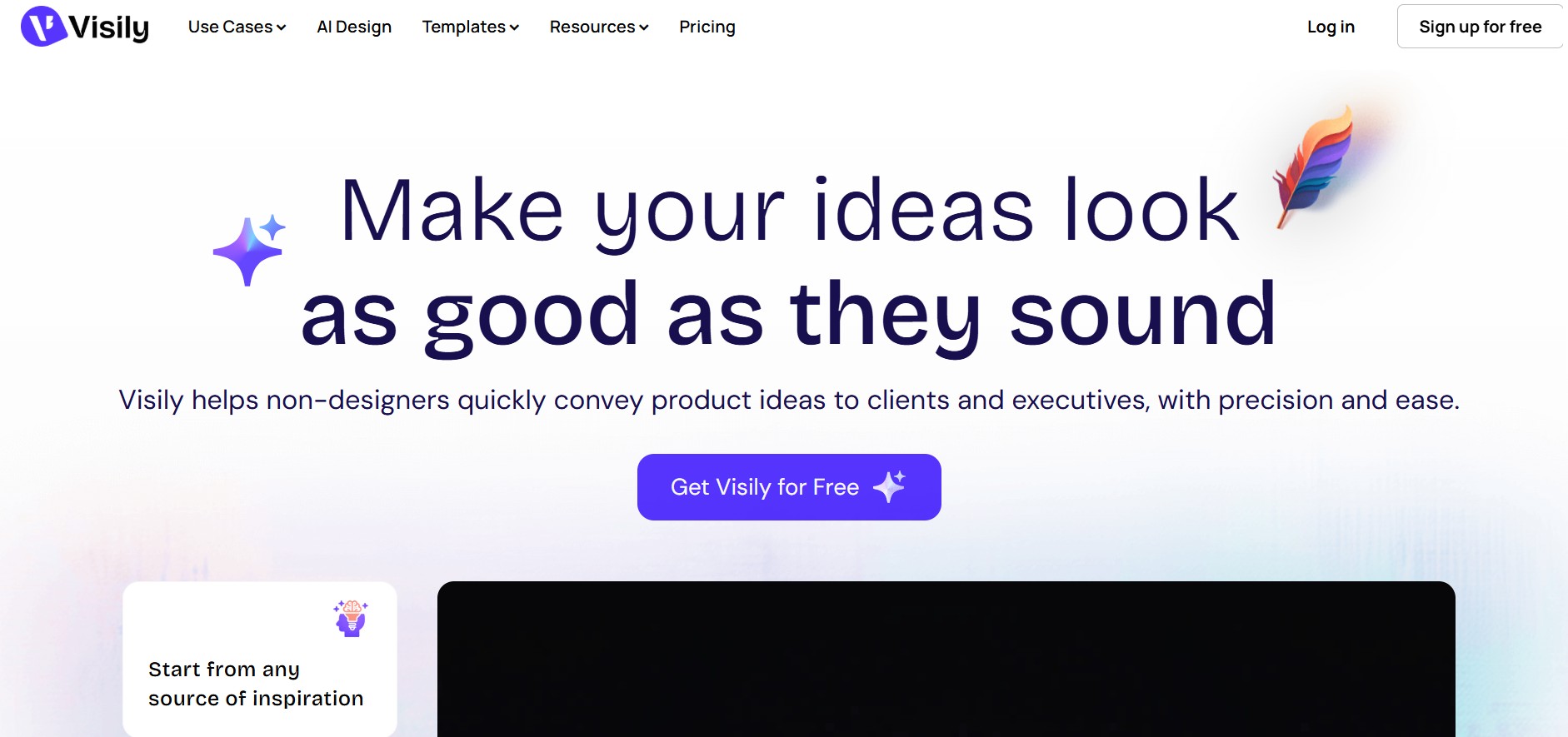
Visily helps teams transform ideas into editable UI designs, wireframes, mockups, diagrams, and prototypes using AI, templates, screenshots, and text prompts. Its collaborative canvas makes it easier for non-designers and product teams to visualize concepts, gather feedback, refine interfaces, and prepare designs for developer or Figma handoff without requiring advanced design skills.
What is Visily AI?
Visily is a collaborative UI design and prototyping tool that helps users turn ideas into editable interfaces using text prompts, screenshots, sketches, diagrams, and templates. It supports wireframing, high-fidelity mockups, interactive prototypes, diagramming, and team collaboration on a shared canvas. Users can refine AI-generated designs, apply themes, comment on projects, and export designs to Figma. Visily is designed for product managers, founders, engineers, marketers, and designers who want to communicate and validate product ideas without a steep design learning curve.
Visily offers 1,500+ design templates covering mobile apps, web apps, websites, wireframes, diagrams, and common product flows. Its current plans include 3 main paid/free workspace tiers shown publicly: Starter, Pro, and Business. The Starter plan provides 300 AI credits per month, while Pro includes 3,000 and Business provides 10,000 AI credits per editor monthly. Pro starts at $11 per editor/month when billed annually, while Business starts at $29 per editor/month.
- Platform Role: AI-Powered Wireframing, Prototyping & UI Mockup Tool
- Developer & Organization: Visily Team
- Cross-Platform Access: Web Browser (cloud-native execution on desktop browsers with team collaboration capabilities)
Use Cases:
- Converting competitor or inspirational screenshots into editable, high-fidelity UI designs (Screenshot-to-Design)
- Generating fully structured web or mobile screens directly from plain text prompts (Text-to-Design)
- Transforming user flow diagrams, mind maps, and hand-drawn whiteboard sketches into interactive UI mockups
- Creating clickable, interactive app prototypes for client presentations, stakeholder buy-in, and user testing
- Conducting real-time design sprint brainstorms with team cursors, sticky notes, comments, and shared asset libraries
- Exporting generated wireframes into Figma via a dedicated plugin for final design handoff
Technology:
- Computer vision and OCR models trained to segment UI elements, text, buttons, and layout structures from images
- Generative AI models fine-tuned for structured UI component arrangement and web/mobile grid layouts
- Smart Design System engines with dynamic theme switching (light/dark mode, brand color palettes, font pairings)
- Real-time collaborative canvas powered by WebSocket architecture, supporting simultaneous multi-user editing
Target Users:
- Product Managers & Product Owners mapping out feature requirements and user stories
- Startup Founders & Entrepreneurs pitching ideas to investors and clients
- Business analysts & consultants creating client-facing visual project scopes
- Software engineers & developers building internal tools or frontend layouts
- UX/UI teams looking to rapidly draft initial layout options before deep production in Figma
Acquisition: Web platform created and operated by Visily (visily.ai)

What are the key features of Visily AI?
Visily AI's key platform features are
- Screenshot to Editable UI: Automatically converts uploaded UI screenshots into fully customizable, vector-based wireframes.
- Text-to-UI Generator: Creates complete web and mobile layout designs based on descriptive prompt inputs.
- Diagram to UI: Converts process flowcharts, user maps, and wireframe diagrams into visual user interfaces.
- Smart Components & Templates: Offers thousands of pre-built UI components, drag-and-drop elements, and complete page templates.
- Auto-Prototyping: Connects screens into interactive click-through prototypes automatically or via manual linking.
- Real-Time Team Collaboration: Supports multi-user canvas editing, cursor chat, screen-following modes, and inline commenting.
- Figma Integration: Enables seamless design export to Figma for advanced UI polish and developer handoff.
How much does Visily AI cost?
Visily operates on a freemium model offering a generous free tier alongside upgraded paid plans for scaling teams and enterprise security.
Free Plan Tier:
- $0 / Free Forever: Includes access to the core AI design generator tools, unlimited view-only members, unlimited project creation, smart component libraries, and essential export options.
Paid Tier Options:
- Pro Plan ($9 - $14 / seat / month): Adds unlimited AI design generation credits, advanced export options (including SVG and high-resolution PNGs), version history, and priority customer support.
- Enterprise Plan (Custom Pricing): Includes single sign-on (SSO), advanced administrative access controls, dedicated customer support managers, and custom security compliance agreements.
Disclaimer: Plan pricing, feature allocations, and AI credit limits are subject to change by Visily AI. Visit visily.ai for current pricing details.
Who should use Visily AI?
Visily AI is designed for product development teams and business professionals, including
- Product Managers: Teams needing to quickly translate PRDs and user requirements into clean mockups without waiting for dedicated design resources.
- Startup Founders: Entrepreneurs looking to prototype MVP concepts quickly to show investors or validate early customer feedback.
- Agencies & Consultants: Technical teams presenting preliminary visual concepts and interactive prototypes during client discovery calls.
What are the best alternatives to Visily AI?
Some of the strongest Visily AI alternatives include
What are the pros and cons of Visily AI?
What are the pros of Visily AI?
- Virtually zero learning curve compared to complex design tools like Figma or Adobe XD
- Highly accurate screenshot-to-editable-UI conversion speeds up benchmarking and competitive analysis
- Generous free tier makes it easy for individuals and small startups to test wireframing workflows
- Seamless Figma plugin enables easy handoff to professional UI designers when projects advance
What are the cons of Visily AI?
- Less fine-grained control over micro-animations and complex vector path manipulation than specialized design software
- AI-generated layouts may require manual element realignment for intricate responsive layouts
- Requires an active internet connection for cloud canvas operations and AI processing
Why should you choose Visily AI?
Traditional UI design tools like Figma are built for professional designers, creating a steep learning barrier for non-designers who just need to share an idea. Simple wireframe tools, on the other hand, often produce low-fidelity mockups that fail to impress stakeholders. Visily AI strikes the ideal balance by providing AI-assisted generation that produces polished, high-fidelity UI mockups quickly using an intuitive drag-and-drop web canvas.
How does Visily AI compare to competitors?
The main difference between Visily AI, Uizard, Balsamiq, and Figma lies in target user expertise, automation capability, and output fidelity. While Figma is built for professional design systems and Balsamiq focuses on low-fidelity sketchy wireframes, Visily AI and Uizard focus on AI-assisted high-fidelity wireframing for non-designers. Visily stands out with its seamless screenshot-to-UI conversion and direct Figma plugin support.
| Feature / Platform | Visily AI | Uizard | Balsamiq | Figma |
|---|---|---|---|---|
| Core Focus | AI-Powered Wireframing for Non-Designers | AI Mobile/Web App Design & Prototyping | Low-Fidelity Sketchy Wireframing | Professional UI/UX Design & Vector Editing |
| Screenshot to Editable UI | Yes (high-accuracy UI element segmentation) | Yes (screen scanner feature) | No | Requires third-party plugins |
| Target Audience | Product Managers, Founders, Developers | Non-Designers & Founders | Business Analysts & Product Managers | Professional UX/UI Designers |
| Figma Handoff Integration | Direct Figma Plugin Export | Limited / Manual Export | No direct integration | Native environment |
| Learning Curve | Very Low (Intuitive drag-and-drop & AI prompts) | Very Low | Low | High (Requires formal training) |
How do we rate Visily AI?
| Parameter | Rating (out of 5) |
|---|---|
| AI Generation Speed & Accuracy | 4.8 |
| Ease of Use for Non-Designers | 4.9 |
| Collaboration & Sharing Capabilities | 4.7 |
| Component Library & Template Diversity | 4.6 |
| Value for Money | 4.8 |
| Overall Score | 4.76 |
What is our review and verdict on Visily AI?
Visily AI is an exceptional wireframing tool that drastically reduces the time required to turn abstract product concepts into clear, visual user interfaces. Its screenshot-to-UI feature, combined with drag-and-drop editing and direct Figma integration, makes it an invaluable asset for product managers, founders, and cross-functional software teams.
Conclusion
Visily brings AI-assisted design, wireframing, prototyping, templates, and collaboration into one accessible workflow. Its ability to work from text, screenshots, diagrams, and sketches makes it practical for exploring product ideas quickly. The free Starter plan provides an entry point, while Pro and Business add higher AI-credit limits, unlimited boards, Figma workflows, and additional team capabilities. For teams seeking a simpler way to communicate and iterate on UI concepts, Visily provides an editable, collaborative environment from initial idea through prototype and handoff.
FAQ
What can I use Visily for?
You can use Visily to turn early product ideas into visual concepts, wireframes, mockups, diagrams, and interactive prototypes. It supports brainstorming, UI design, collaboration, presentation, and product communication. You can begin with text, screenshots, sketches, templates, or diagrams and continue editing the resulting design directly on the canvas.
Is Visily suitable for people without design experience?
Yes. Visily is specifically designed to make UI creation accessible to non-designers. Product managers, founders, marketers, engineers, and other team members can describe an interface in plain language or start from an existing visual reference. Its drag-and-drop components, templates, and editable AI-generated designs help users create interfaces without extensive design training.
Can Visily generate UI designs from text prompts?
Yes. Visily can convert natural-language descriptions into editable UI designs. You can describe the type of screen you need, its content, layout, or functionality, and Visily generates a design that you can continue modifying. This makes text-to-design useful for quickly exploring different product concepts before spending time on detailed design work.
Can I turn a screenshot into an editable design in Visily?
Yes. Visily supports screenshot-to-design functionality that converts visual references into editable UI. You can use screenshots as starting points rather than recreating every element manually. This can be useful when analyzing existing interfaces, exploring redesign concepts, or communicating how a proposed product should look while retaining the ability to edit the generated design.
Does Visily support prototyping?
Yes. Visily includes interactive prototyping capabilities, allowing you to transform static designs into interactive product experiences. You can use prototypes to demonstrate app flows, review concepts, and present ideas to stakeholders. This is particularly useful when you want others to understand how screens connect and how a proposed interface may work before development begins.
Can I use Visily templates for UI design?
Yes. Visily provides more than 1,500 templates for different design needs, including mobile applications, web applications, websites, diagrams, common flows, low-fidelity designs, and high-fidelity interfaces. Templates can be customized, allowing you to modify their elements rather than starting from an empty canvas. This can accelerate early-stage product design and brainstorming.
User Reviews
No reviews yet for Visily AI.
Featured Tools
Featured AI tools from TechShark

Melody Genie
MelodyGenie is an AI-powered music generator that creates original songs from simple text prompts. Users can choose styles, moods, and genres, then instantly generate melodies and full tracks, making it easy for creators, marketers, and hobbyists to produce custom music without musical expertise.
Freemium

Kimi AI
Kimi AI is an advanced AI assistant developed by Moonshot AI that helps you chat, research, write, code, and automate tasks in one place. It supports web search, file analysis, and multimodal inputs, and can even run autonomous “agent” workflows to complete complex tasks end-to-end.
Freemium

Fashion Diffusion AI
Fashion Diffusion is an AI-powered fashion design platform that helps brands and designers create clothing designs, virtual try-ons, AI models, product photos, and marketing visuals faster and cost-effectively.
Paid

Veo 4
Veo 4 AI is an AI video creation platform that generates dramatic videos from text, images, audio, and video prompts using realistic motion and synchronized sound.
Paid
Alternatives
Alternatives to Visily AI
The best Visily AI alternatives include Uizard, Balsamiq, Figma, and v0 by Vercel. While Visily AI focuses on rapid wireframing and screenshot-to-UI conversion for non-designers, alternatives like Figma offer deep design system tooling for professional designers and Balsamiq focuses on low-fidelity sketch wireframes.
 4.9
4.9GPT Engineer
Low-code/No-code
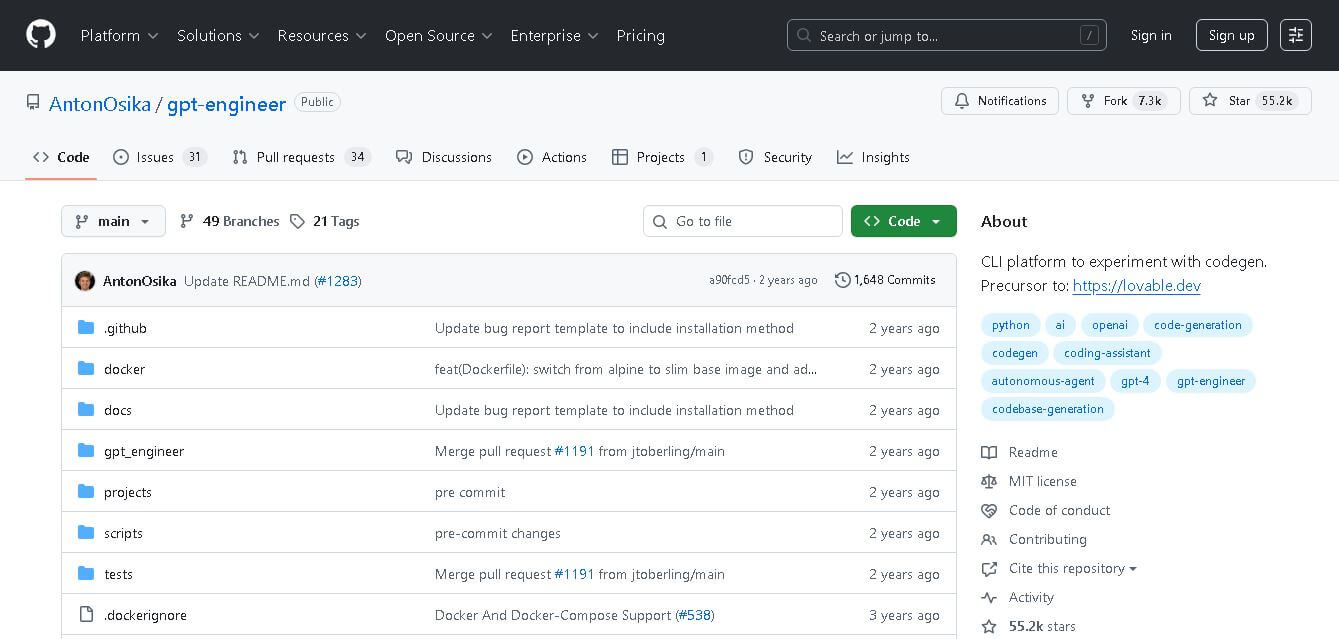
GPT Engineer is an open-source AI coding framework that helps developers generate and improve software from natural-language instructions. It works through a command-line workflow, allowing users to provide project requirements, generate code, execute development steps, and request changes. It also supports customizable prompts, vision-capable models, alternative model providers, Docker, and benchmarking workflows.
Klarent
Low-code/No-code
Klarent (by Fore AI) is an autonomous, AI-powered, no-code QA test automation platform designed to create, execute, and self-heal end-to-end tests for web, native iOS, Android, and cross-platform applications.
 4.8
4.8Glif
Low-code/No-code
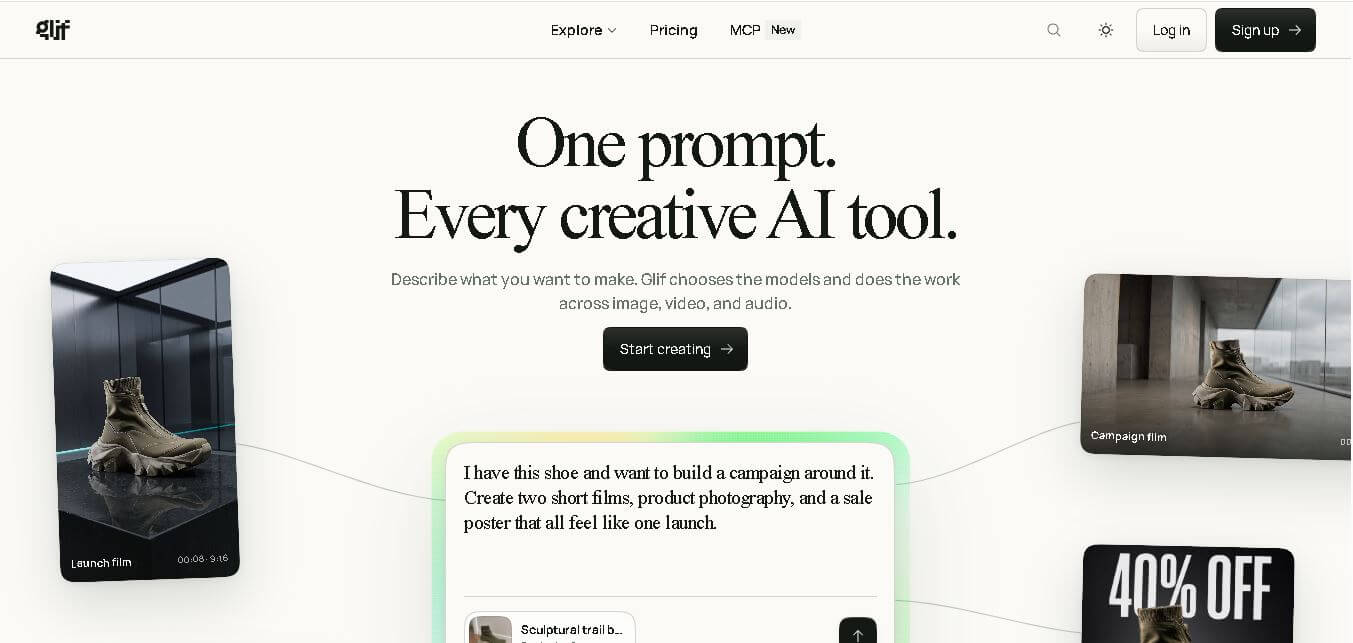
Glif is a conversational creative AI tool for generating images, videos, audio, text, advertisements, product visuals, social media content, and more. It selects suitable AI models and tools based on your request, allowing creators and marketers to develop complete creative projects without manually managing multiple AI platforms or complicated production workflows.
 4.9
4.9Anakin AI
Low-code/No-code
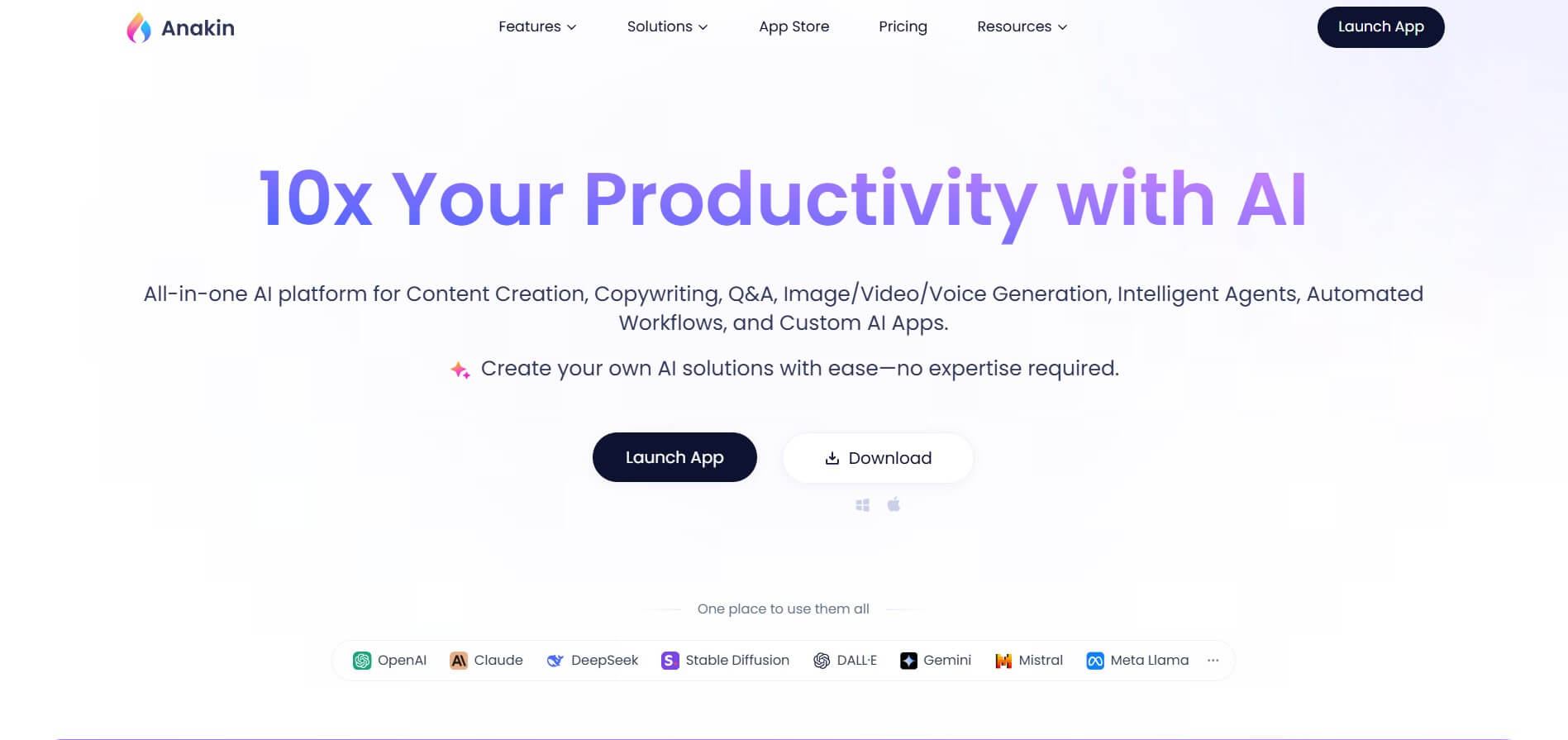
Anakin AI is an all-in-one no-code AI platform and app builder that unifies 1,000+ pre-built AI applications, drag-and-drop workflow automation, batch processing, and multi-model access (OpenAI, Claude, DeepSeek, Gemini, and Grok) under a single interface.
 4.8
4.8Figma Sites
Low-code/No-code
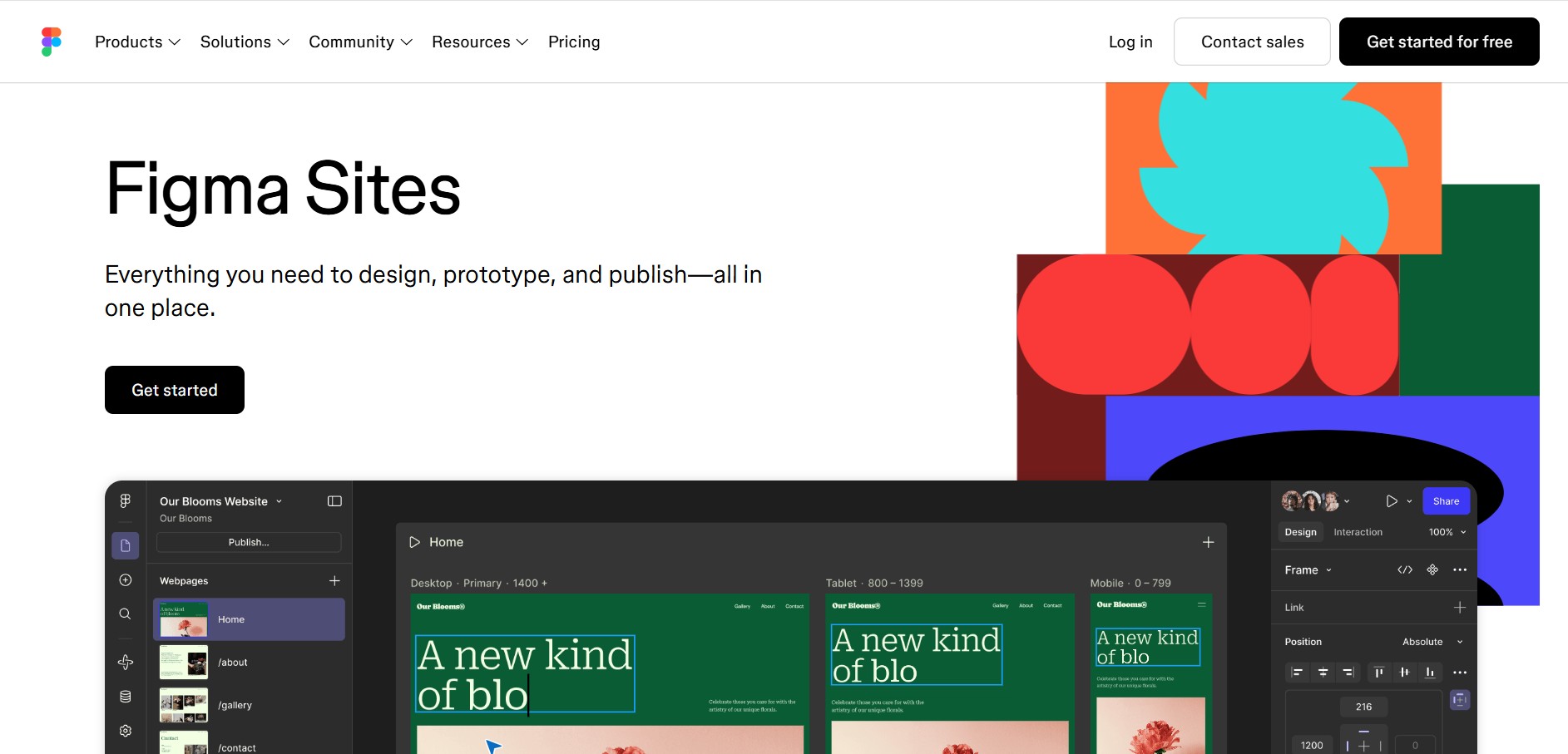
Figma Sites helps designers create, customize, and publish responsive websites directly from the Figma ecosystem. You can reuse existing designs, apply responsive layouts, add interactions, manage website content through CMS, and customize experiences with code or AI. It is especially useful for portfolios, landing pages, business websites, events, and creative projects.
 4.7
4.7Base44 Builder
Low-code/No-code
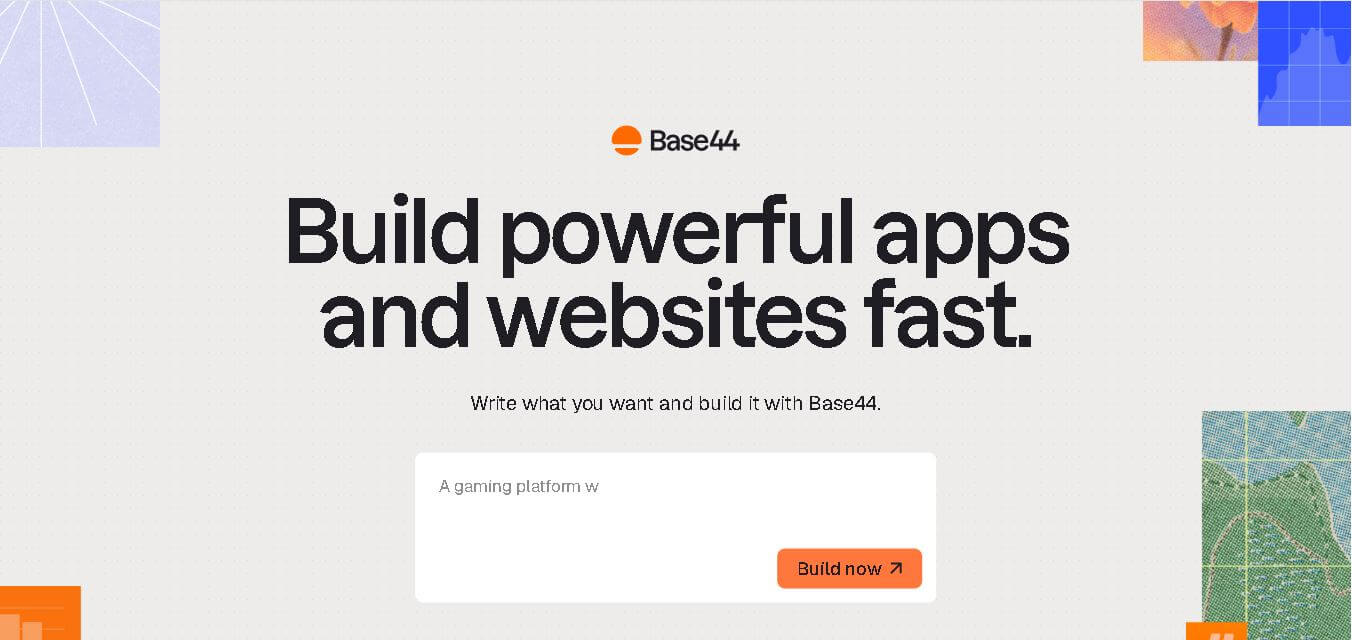
Base44 is a no-code application builder that helps individuals and teams transform ideas into functional apps, websites, and AI agents through simple text prompts. It combines design, hosting, authentication, databases, integrations, and deployment into one workspace, allowing users to build, test, refine, and launch digital products without complex technical setup.
 4.8
4.8WeWeb
Low-code/No-code
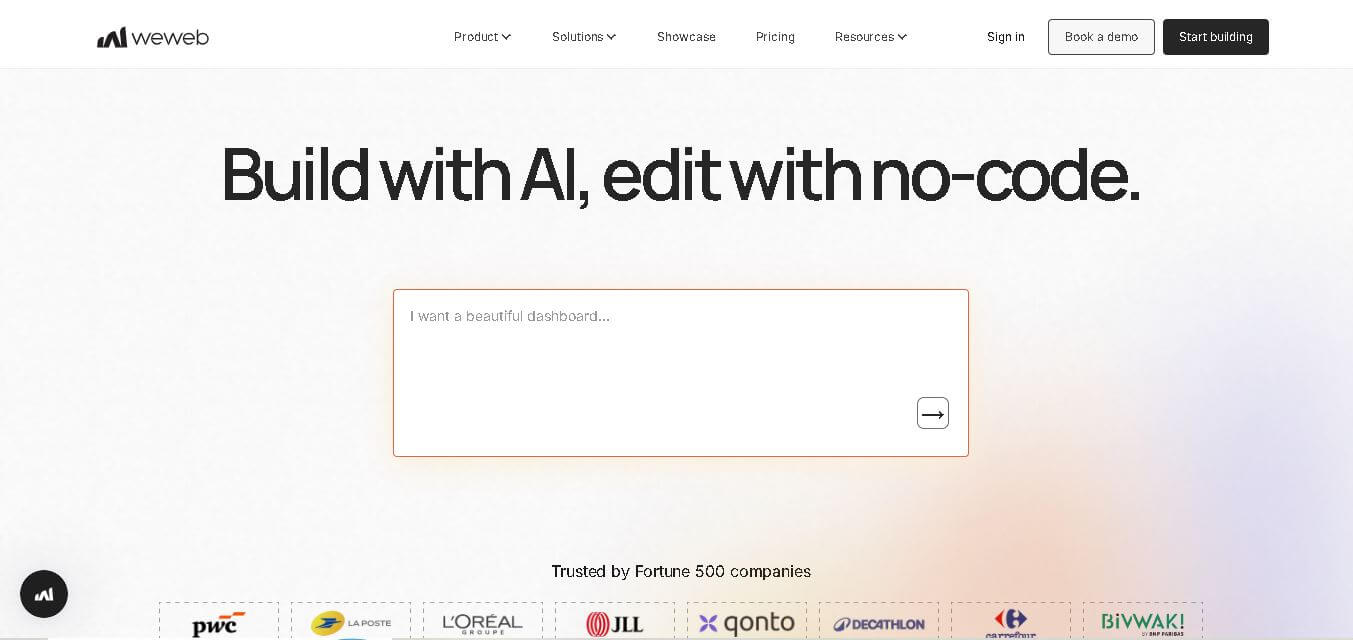
WeWeb is a visual web application builder that enables users to create responsive, production-ready applications without extensive coding. It combines drag-and-drop development, AI-assisted workflows, API integrations, and code export, making it suitable for startups, enterprises, agencies, and developers building custom business applications with complete frontend flexibility.
 4.8
4.8Dust
Low-code/No-code
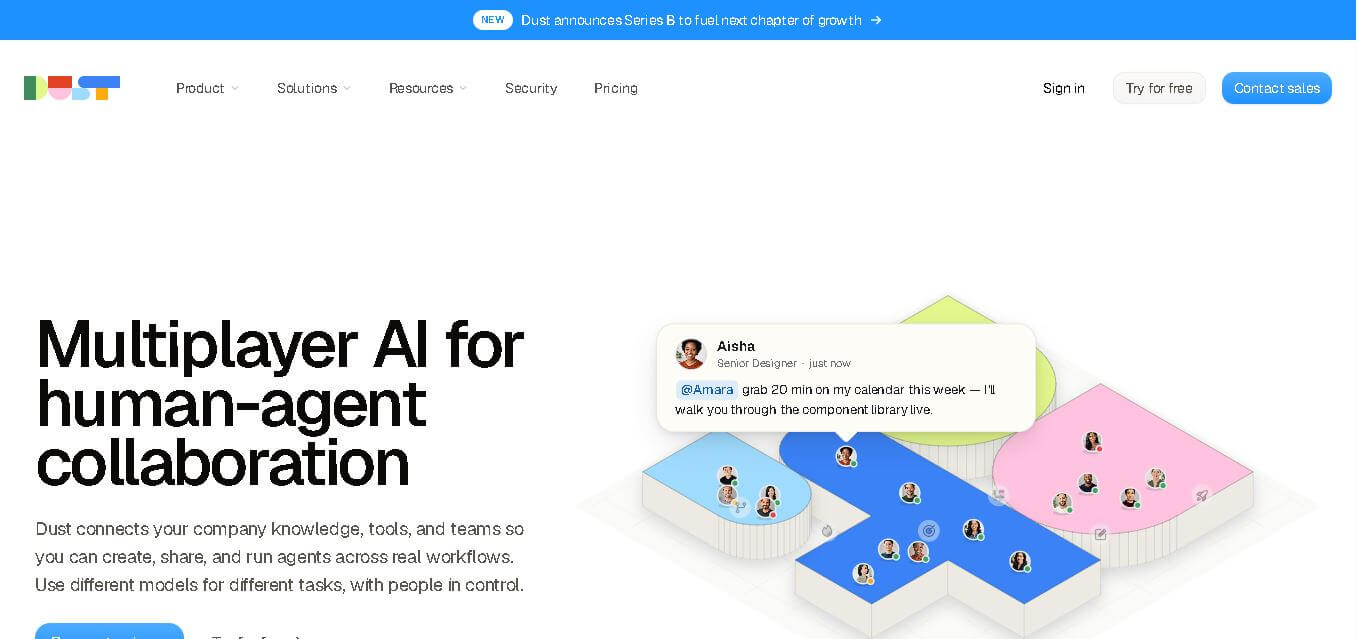
Dust helps teams build and run AI agents that work with company knowledge, connected business tools, and people. It supports collaborative workflows across departments, lets teams choose from 20+ AI models, and provides features for agents, skills, Pods, automations, governance, and usage monitoring.
 4.9
4.9Dorik
Website Builders
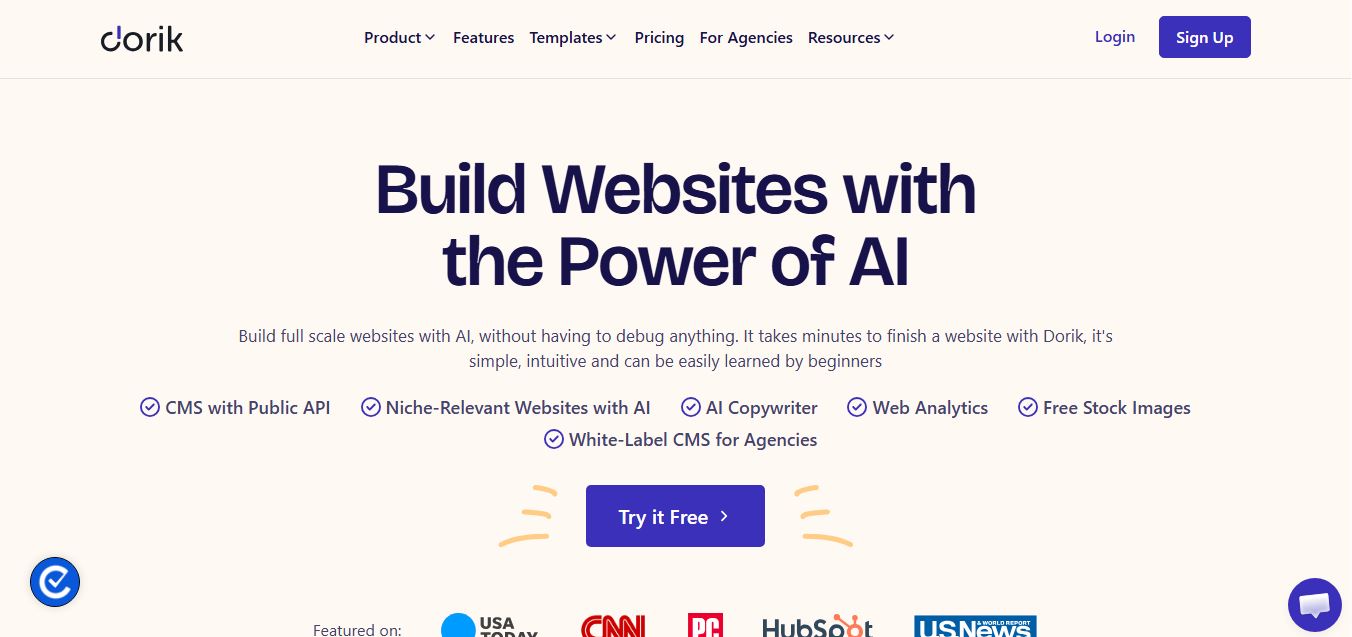
Dorik is an AI-powered website builder and no-code CMS platform that enables creators, businesses, and agencies to generate responsive websites, landing pages, blogs, and client-billed white-label portals with native Airtable integration.