
Glif
Glif is a conversational creative AI tool for generating images, videos, audio, text, advertisements, product visuals, social media content, and more. It selects suitable AI models and tools based on your request, allowing creators and marketers to develop complete creative projects without manually managing multiple AI platforms or complicated production workflows.
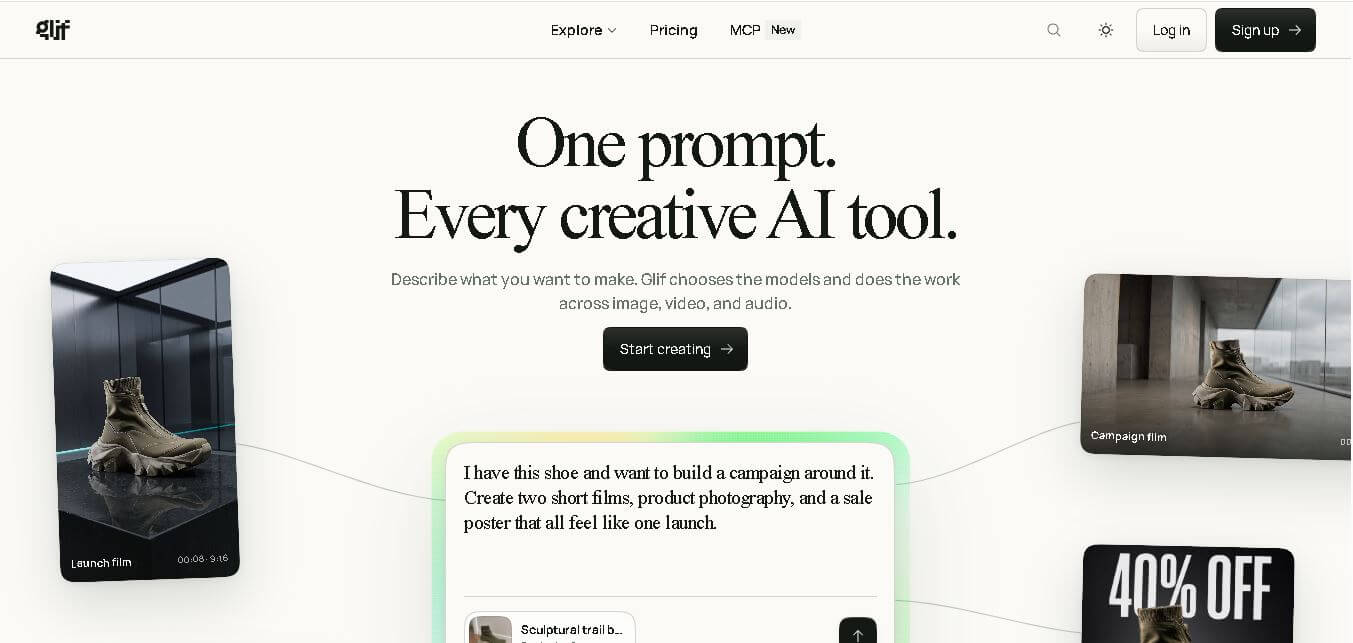
What is Glif?
Glif is a creative AI agent that turns natural-language ideas into images, videos, audio, text, and other digital content. Instead of requiring users to select individual models or build complicated workflows, Glif can choose appropriate AI tools and connect multiple creative steps through one conversation. It supports use cases such as product photography, short-form videos, advertisements, image editing, thumbnails, presentations, avatars, and social media content. Users can also provide text, images, videos, and audio as inputs while refining generated results through conversational instructions.
Glif relaunched its product experience on March 24, 2026, evolving from a workflow-based system into a conversational creative agent. Its documentation describes access to 100+ native tools, while its current product pages highlight hundreds of AI tools and support for major models across image, video, audio, and language generation. New users receive 10 free credits daily, while paid credit bundles start at $1.99 for 200 credits. Image generations can often take under 30 seconds, while complex videos may take 1–5 minutes.
- Platform Role: All-in-One AI Creative Agent, No-Code Generative Workflow Builder & Media Studio
- Developer & Organization: Glif Inc.
- Cross-Platform Access: Web Browser (Cloud Canvas & Interactive Chat Workspace)
Use Cases:
- Generating multi-format social media campaigns—including short-form videos, product photography, UGC ad creatives, and high-CTR thumbnails
- Building automated YouTube and TikTok content pipelines for faceless channels, complete with AI avatars, voice dubbing, and animated captions
- Creating cinematic AI music videos, beat-synced cuts, and Spotify Canvas loops for tracks generated via platforms like Suno
- Designing e-commerce product photos, virtual interior staging, lookbooks, and brand logos without physical photoshoots
- Forking and remixing community-built “glifs” (custom visual workflows) to rapidly test emerging creative formats
Technology:
- Multi-model agentic routing engine dynamically picking optimal generative models (Flux 2, Kling 3.0, Gemini Flash, GPT Image 2, Seedance, Veo) based on user briefs
- No-code node orchestration allowing logic chaining between text LLMs, image synthesis engines, lipsync modules, and video compositors
- Interactive chat interface acting as a unified canvas for live media preview, asset editing, and iterative prompt tweaking
- Public remix architecture allowing users to inspect, duplicate, and modify node configurations built by other creators
Target Users:
- Content creators, YouTubers, and TikTokers producing high volumes of visual content and thumbnails on tight turnarounds
- E-commerce brands and performance marketers needing UGC ad creatives, product lifestyle shots, and promo videos
- Indie filmmakers, musicians, and visual artists prototyping storyboards, concept art, and music video visuals
- Agencies and growth hackers building custom, reusable creative automation pipelines for client campaigns
Acquisition: Native cloud platform developed and operated by Glif Inc. (glif.app)

What are the key features of Glif?
Glif's key platform features are
- Unified Multi-Model Chat: Access over 100 top-tier AI models for text, image, audio, and video synthesis directly within a single conversational thread.
- AI Storyboard & Ad Creative Generator: Convert concepts and scripts into shot-by-shot visual storyboards, product ads, and UGC videos with consistent characters.
- AI Avatar & Lipsync Studio: Create realistic talking avatars from single photos, complete with automated voice synchronization and multi-language dubbing.
- E-Commerce & Product Photography: Transform raw product snapshots into studio-quality lifestyle images, lookbooks, and video ads.
- Remixable Workflow Architecture: Explore a vast public library of community-created “glifs” to fork, customize, and deploy pre-built creative recipes instantly.
- Automated Captions & Meme Tools: Add animated word-highlighted subtitles to video clips and generate viral memes with over 50 popular formatting templates.
How much does Glif cost?
Glif operates on a credit-based freemium SaaS model, providing free initial access alongside tiered credit subscriptions for high-volume asset generation.
Pricing Overview:
- Free Tier ($0 / Free Trial): Includes free trial credits to generate images, test multi-model workflows, and explore community glifs, all with full commercial rights.
- Paid Credit Subscriptions: Scaled monthly or annual plans providing recurring monthly generation credits, access to premium video models (Kling, Veo), and priority generation queues.
- Enterprise & Creator Team Plans: Custom credit allocations, dedicated API access, priority processing, and shared team workspace environments.
Disclaimer: Free credits allow users to test workflows and media generation. High-resolution video rendering, advanced lipsyncing, and high-frequency model runs consume credits proportional to computational complexity.
Who should use Glif?
Glif is designed for creators, marketers, and digital teams, including
- Social Media Managers & Marketers: Teams producing multi-platform ad variations, product videos, and promotional posts without hiring expensive production crews.
- Solo Creators & YouTubers: Operators running faceless video channels or needing high-CTR thumbnails, video captions, and promotional clips fast.
- Indie Musicians & Game Developers: Artists creating promotional music videos, Spotify Canvas art, character sprites, and game storyboards on an indie budget.
What are the best alternatives to Glif?
Some of the strongest Glif alternatives include
- Runway
- Midjourney
- Kling AI
- Pika Labs
- ComfyUI
- CapCut AI
What are the pros and cons of Glif?
What are the pros of Glif?
- Consolidates dozens of leading AI image, video, and audio models into one central chat workspace
- Eliminates manual prompt engineering by automatically matching the best AI model to each step
- A huge community-driven library of remixable workflows accelerates content experimentation
- Includes full commercial usage rights across generated visual assets
What are the cons of Glif?
- High-resolution video generations and complex multi-node workflows can deplete credits quickly
- Maintaining exact character likeness and persistent styling across multi-scene long videos requires careful workflow tuning
- Public workflow sharing may require premium accounts to enforce strict enterprise privacy controls
Why should you choose Glif?
Creating modern digital content usually requires subscribing to and juggling half a dozen different AI platforms—one for images, another for video, a third for audio lipsyncing, and a fourth for video editing. Glif eliminates this fragmentation by combining all top generative models into a single chat experience. Instead of spending hours learning individual prompt formats across different sites, you describe your vision once and let Glif automatically orchestrate the underlying models into finished, release-ready assets.
How does Glif compare to competitors?
The primary distinction between Glif, Runway, Midjourney, and CapCut lies in model orchestration and workflow flexibility. While Runway and Midjourney act as single-provider generative engines, Glif serves as an open aggregator and no-code builder that chains multiple competing models together in one place.
| Feature / Platform | Glif | Runway | Midjourney | CapCut AI |
|---|---|---|---|---|
| Core Focus | Multi-Model AI Creative Agent & Workflow Orchestration | Proprietary Video Generation & Visual Effects | Photorealistic Image Generation | Social Video Editing & Quick AI Templates |
| Model Selection | Multi-Vendor (Flux, Kling, Gemini, GPT, Veo) | Proprietary (Gen-2, Gen-3, Frame Interpolation) | Proprietary (Midjourney V6 / Niji) | Internal ByteDance AI Filters & Models |
| Workflow Customization | High (no-code node chaining & remixing) | Moderate (timeline & prompt controls) | Low (Discord / Web prompt interface) | Moderate (preset template timeline) |
| Asset Breadth | Images, Videos, Avatars, Lipsync, Audio, Captions | Video Clips, Motion Brush, Image-to-Video | Still Images, Textures, Variations | Video Edits, Subtitles, AI Voices |
| Best For | Creators wanting all AI models and multi-asset automation in one place | Professional video editors needing high-control video synthesis | Artists seeking the highest standalone image artistic styling | Mobile social creators editing TikToks and Reels fast |
How do we rate Glif?
| Parameter | Rating (out of 5) |
|---|---|
| Model Selection & Multi-Model Aggregation | 4.9 |
| Workflow Automation & Remix Flexibility | 4.8 |
| Multi-Asset Output Quality (Image, Video, Audio) | 4.7 |
| Ease of Use & Chat Interface UX | 4.8 |
| Value for Money | 4.6 |
| Overall Score | 4.76 |
What is our review and verdict on Glif?
Glif represents a major evolution in creative AI software. By acting as an intelligent conductor over world-class generative models rather than locking users into a single proprietary engine, Glif delivers unparalleled creative agility. Its combination of natural language chat, multi-modal asset outputs, and vibrant community remix culture makes it a standout platform for modern digital creators and marketers.
Conclusion
Glif brings multiple AI creative capabilities into a conversational workspace where users can describe an idea and let the agent coordinate the necessary tools and models. Its support for images, videos, audio, text, advertising, product content, and social media makes it useful across several creative workflows. Free daily credits provide an entry point, while paid credits support additional generation. For creators and businesses exploring multi-format AI production, Glif offers a centralized approach to developing and refining creative assets.
FAQ
What can I create with Glif?
You can use Glif to create images, videos, audio, text, advertisements, thumbnails, product photography, presentations, avatars, storyboards, social media content, and more. It is designed for multi-step creative projects, so you can describe the desired result and let the agent coordinate different AI models and tools instead of completing every production step manually.
How does Glif work?
Glif works through a conversational interface. You describe what you want to make, and its agent determines which tools and AI models are appropriate for the task. It can chain multiple steps together, such as generating images, animating them, adding audio, and assembling video content. You can then refine results using natural-language instructions.
Does Glif support image and video generation?
Yes. Glif supports both image and video creation and can combine them within larger creative projects. Its use cases include product photography, short-form videos, promotional videos, storyboards, UGC-style content, AI avatars, thumbnails, and music videos. The platform can select different underlying models depending on the requested creative task.
What AI models does Glif support?
Glif supports models from multiple AI providers and continually adds new ones. Its official materials reference technologies from OpenAI, Anthropic, Google, Flux, Runway, Kling, ElevenLabs, Replicate, DeepSeek, Minimax, and others. Specific available models can change as Glif updates its model directory, so users should check the current directory for the latest supported options.
Does Glif offer free credits?
Yes. Glif provides new accounts with 10 free credits per day. The number of credits consumed by a generation varies according to the models and tools involved. Users who need additional usage can purchase credit bundles, with official documentation currently listing bundles starting at $1.99 for 200 credits.
Can Glif create content for social media?
Yes. Glif includes numerous social-media-oriented creative workflows. You can use it for TikTok videos, promotional content, captions, animated social cards, thumbnails, UGC-style advertisements, and social media resizing. It can also combine multiple creative elements into a finished asset, which is useful when adapting content for different platforms and formats.
User Reviews
No reviews yet for Glif.
Featured Tools
Featured AI tools from TechShark

Melody Genie
MelodyGenie is an AI-powered music generator that creates original songs from simple text prompts. Users can choose styles, moods, and genres, then instantly generate melodies and full tracks, making it easy for creators, marketers, and hobbyists to produce custom music without musical expertise.
Freemium

Kimi AI
Kimi AI is an advanced AI assistant developed by Moonshot AI that helps you chat, research, write, code, and automate tasks in one place. It supports web search, file analysis, and multimodal inputs, and can even run autonomous “agent” workflows to complete complex tasks end-to-end.
Freemium

Fashion Diffusion AI
Fashion Diffusion is an AI-powered fashion design platform that helps brands and designers create clothing designs, virtual try-ons, AI models, product photos, and marketing visuals faster and cost-effectively.
Paid

Veo 4
Veo 4 AI is an AI video creation platform that generates dramatic videos from text, images, audio, and video prompts using realistic motion and synchronized sound.
Paid
Alternatives
Alternatives to Glif
The best Glif alternatives include Runway, Midjourney, Kling AI, and CapCut AI. While Glif acts as a unified, chat-driven orchestrator chaining top models like Flux, Kling, and Gemini together for multi-asset workflows, alternatives like Runway provide specialized video editing tools and Midjourney focuses exclusively on artistic image generation.
 4.9
4.9GPT Engineer
Low-code/No-code
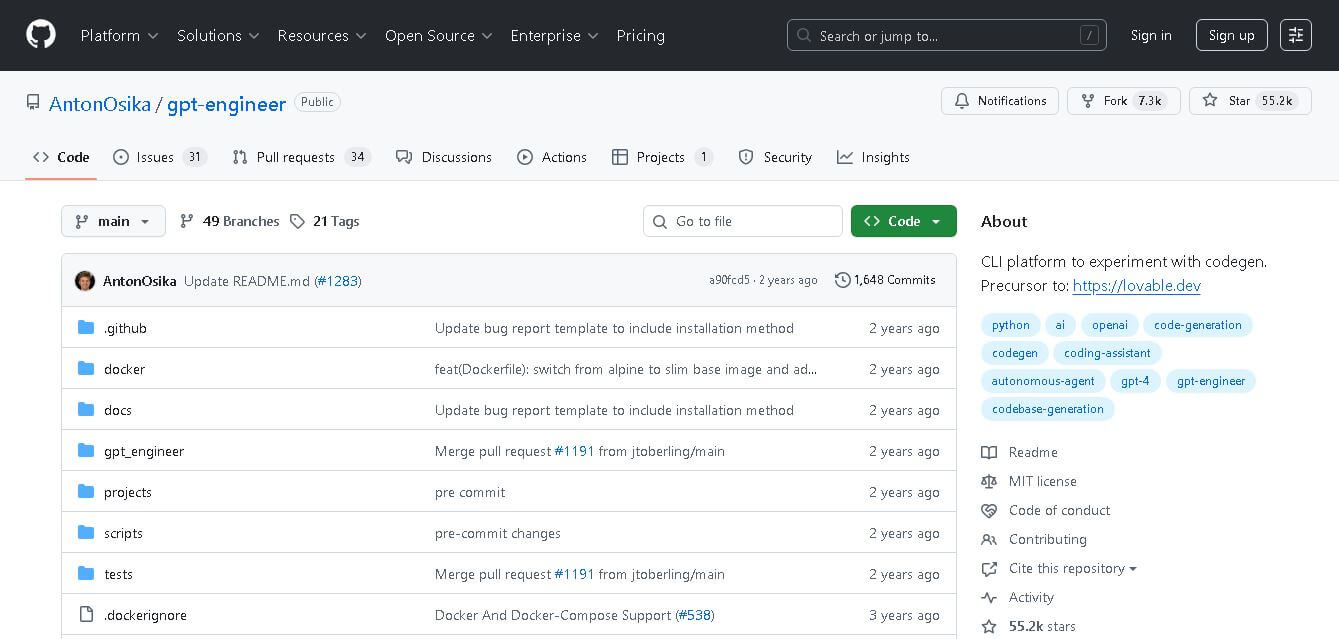
GPT Engineer is an open-source AI coding framework that helps developers generate and improve software from natural-language instructions. It works through a command-line workflow, allowing users to provide project requirements, generate code, execute development steps, and request changes. It also supports customizable prompts, vision-capable models, alternative model providers, Docker, and benchmarking workflows.
Klarent
Low-code/No-code
Klarent (by Fore AI) is an autonomous, AI-powered, no-code QA test automation platform designed to create, execute, and self-heal end-to-end tests for web, native iOS, Android, and cross-platform applications.
 4.8
4.8Visily AI
Low-code/No-code
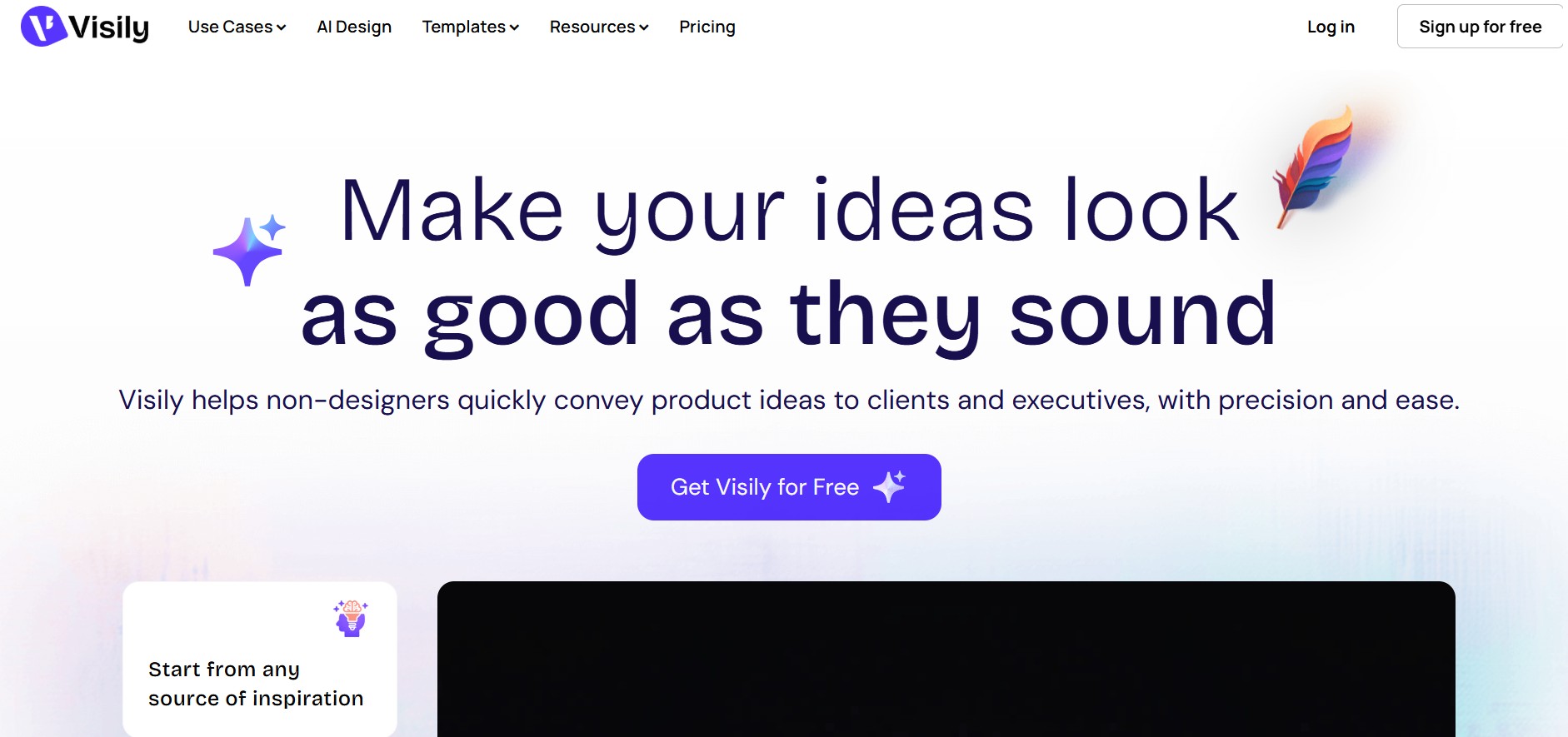
Visily helps teams transform ideas into editable UI designs, wireframes, mockups, diagrams, and prototypes using AI, templates, screenshots, and text prompts. Its collaborative canvas makes it easier for non-designers and product teams to visualize concepts, gather feedback, refine interfaces, and prepare designs for developer or Figma handoff without requiring advanced design skills.
 4.9
4.9Anakin AI
Low-code/No-code
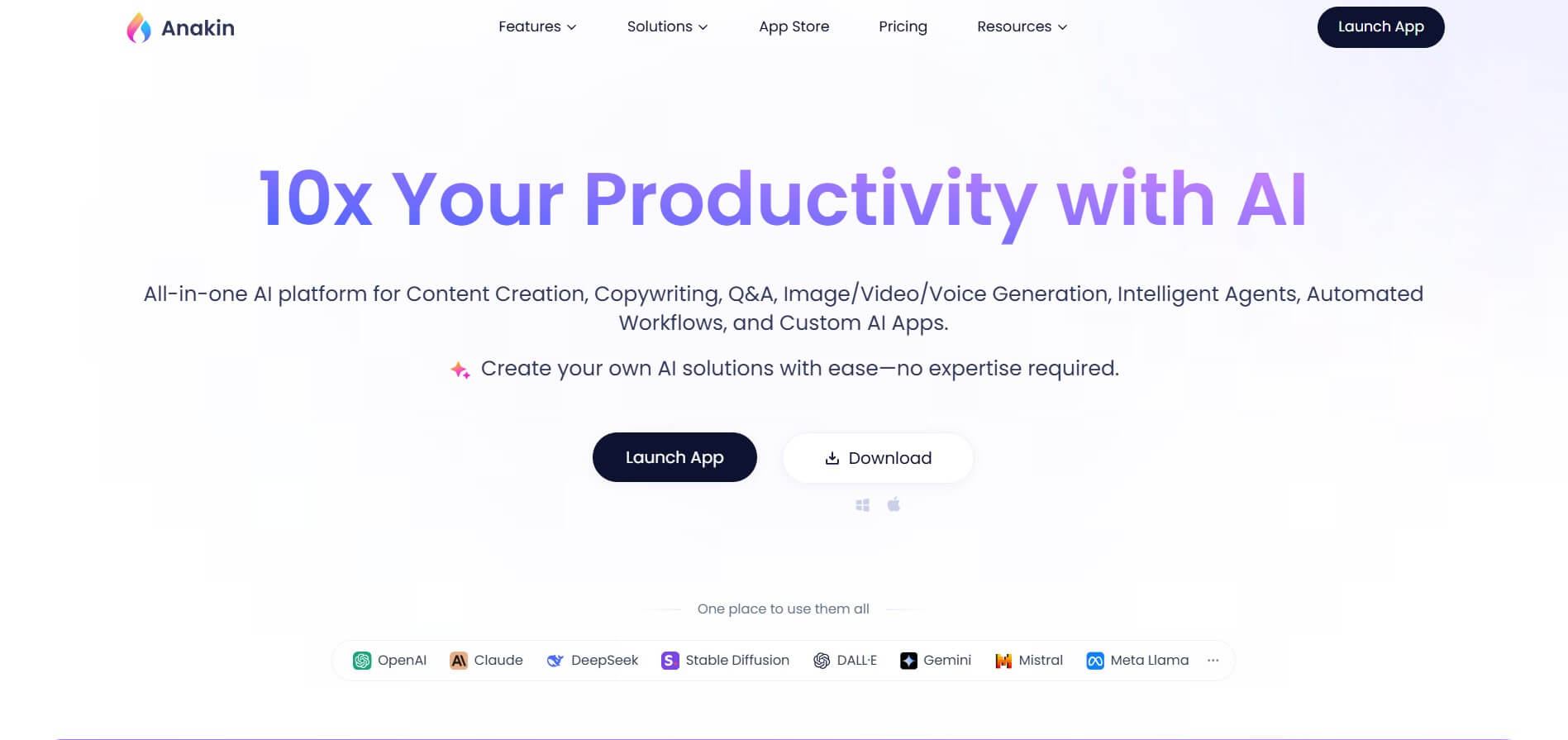
Anakin AI is an all-in-one no-code AI platform and app builder that unifies 1,000+ pre-built AI applications, drag-and-drop workflow automation, batch processing, and multi-model access (OpenAI, Claude, DeepSeek, Gemini, and Grok) under a single interface.
 4.8
4.8Figma Sites
Low-code/No-code
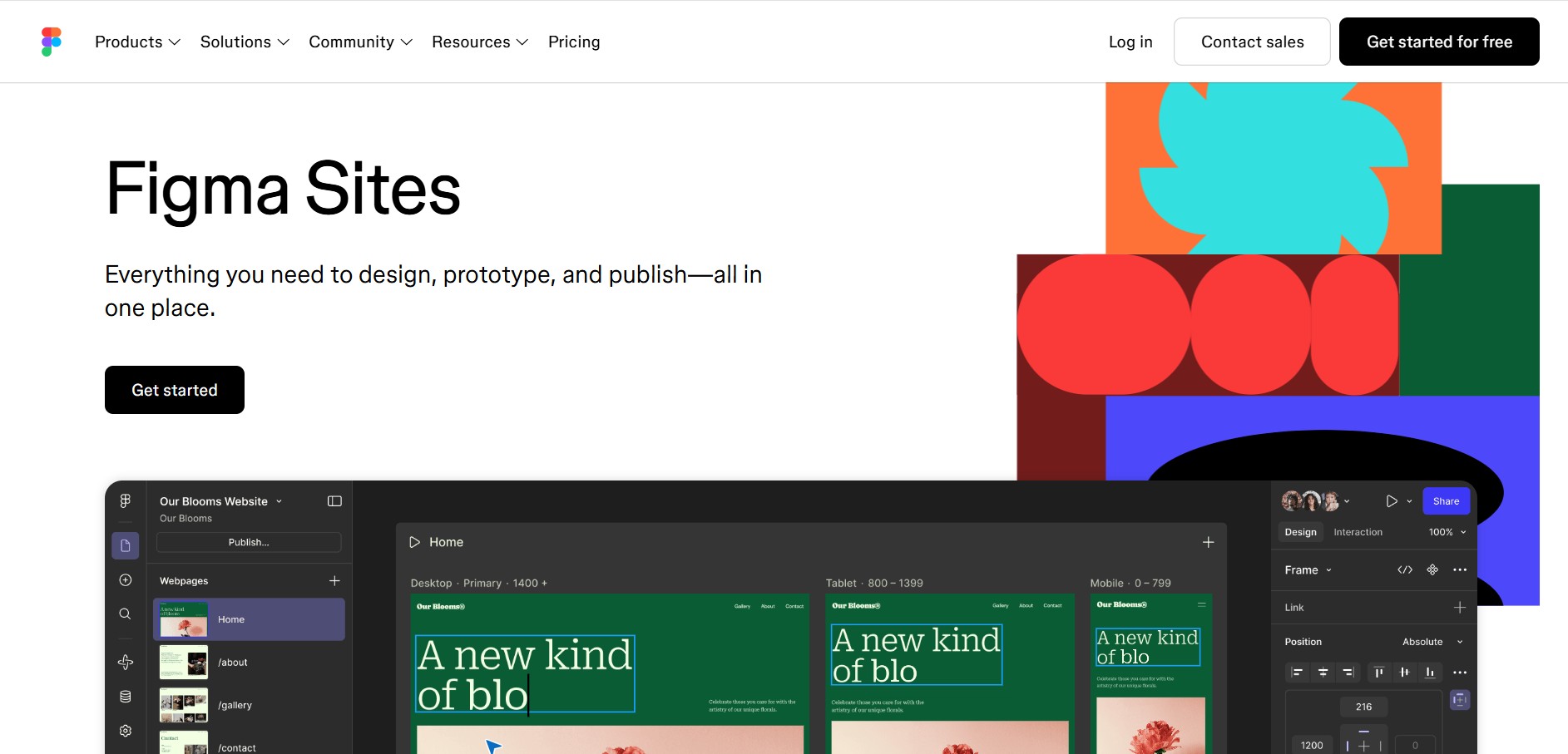
Figma Sites helps designers create, customize, and publish responsive websites directly from the Figma ecosystem. You can reuse existing designs, apply responsive layouts, add interactions, manage website content through CMS, and customize experiences with code or AI. It is especially useful for portfolios, landing pages, business websites, events, and creative projects.
 4.7
4.7Base44 Builder
Low-code/No-code
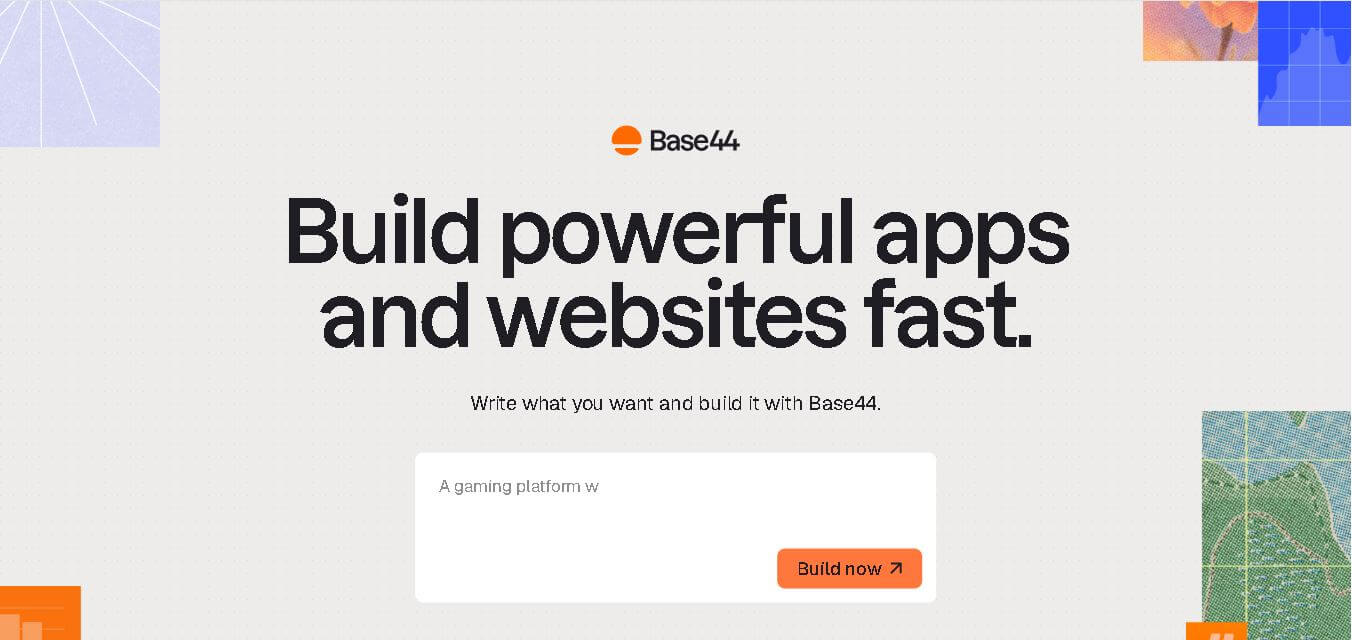
Base44 is a no-code application builder that helps individuals and teams transform ideas into functional apps, websites, and AI agents through simple text prompts. It combines design, hosting, authentication, databases, integrations, and deployment into one workspace, allowing users to build, test, refine, and launch digital products without complex technical setup.
 4.8
4.8WeWeb
Low-code/No-code
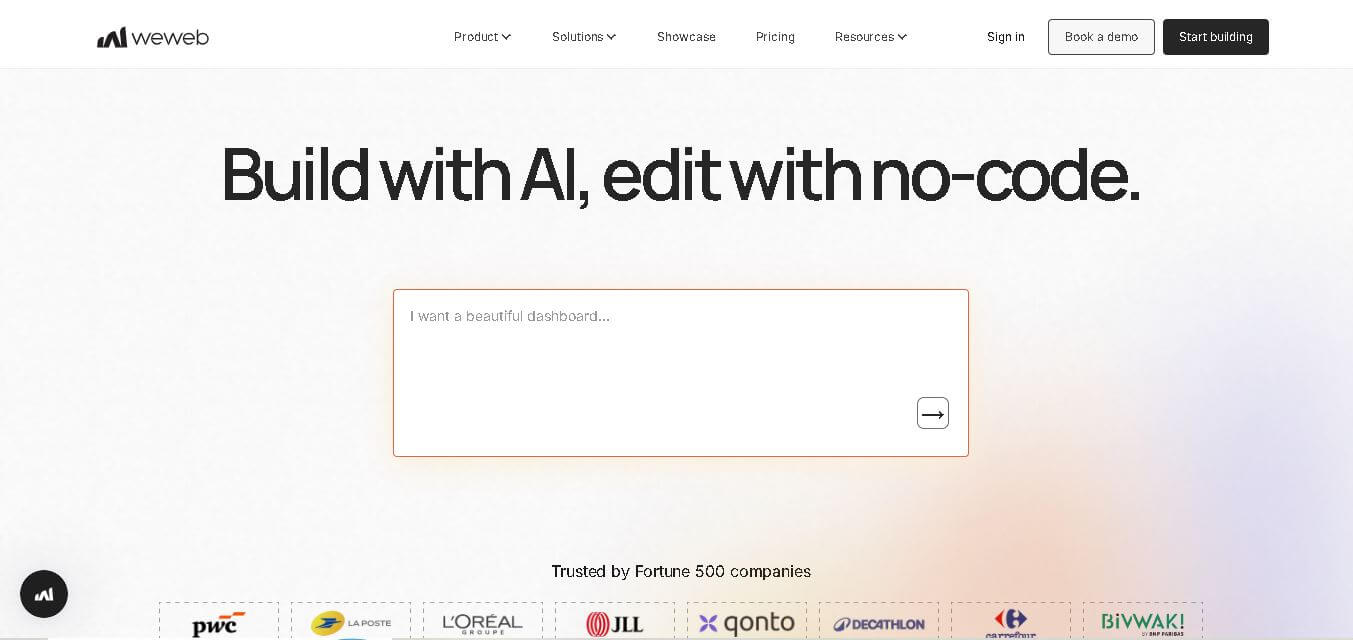
WeWeb is a visual web application builder that enables users to create responsive, production-ready applications without extensive coding. It combines drag-and-drop development, AI-assisted workflows, API integrations, and code export, making it suitable for startups, enterprises, agencies, and developers building custom business applications with complete frontend flexibility.
 4.8
4.8Dust
Low-code/No-code
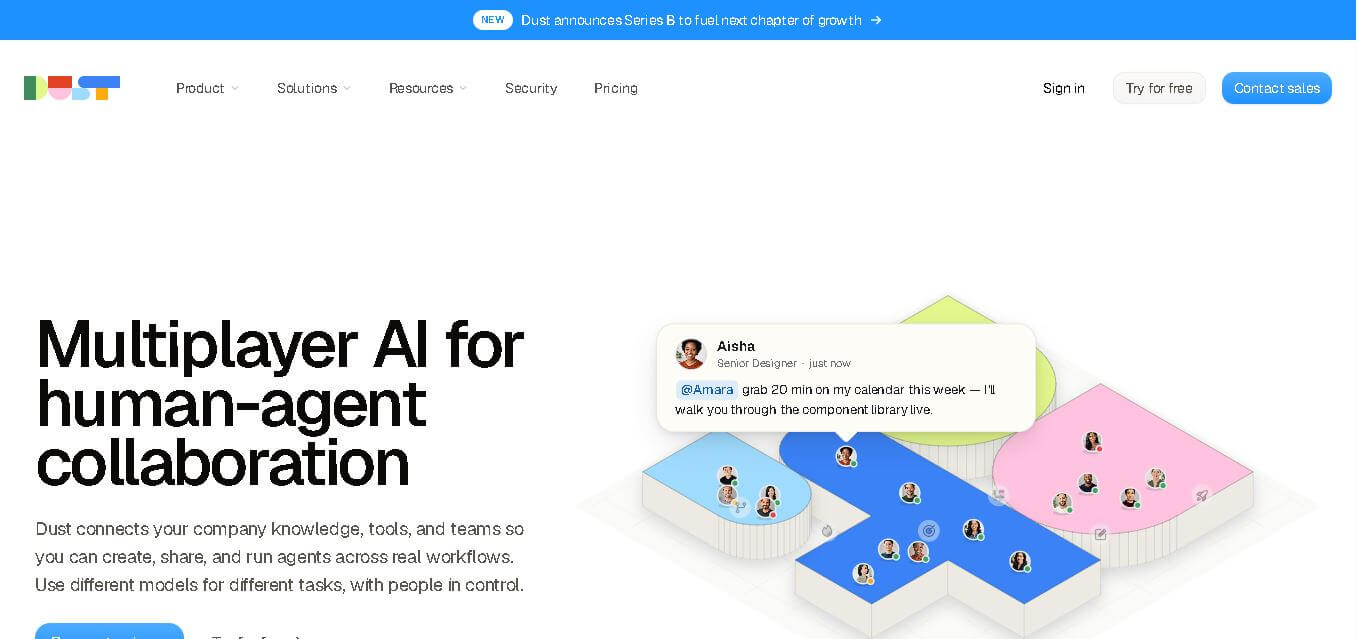
Dust helps teams build and run AI agents that work with company knowledge, connected business tools, and people. It supports collaborative workflows across departments, lets teams choose from 20+ AI models, and provides features for agents, skills, Pods, automations, governance, and usage monitoring.
 4.9
4.9Dorik
Website Builders
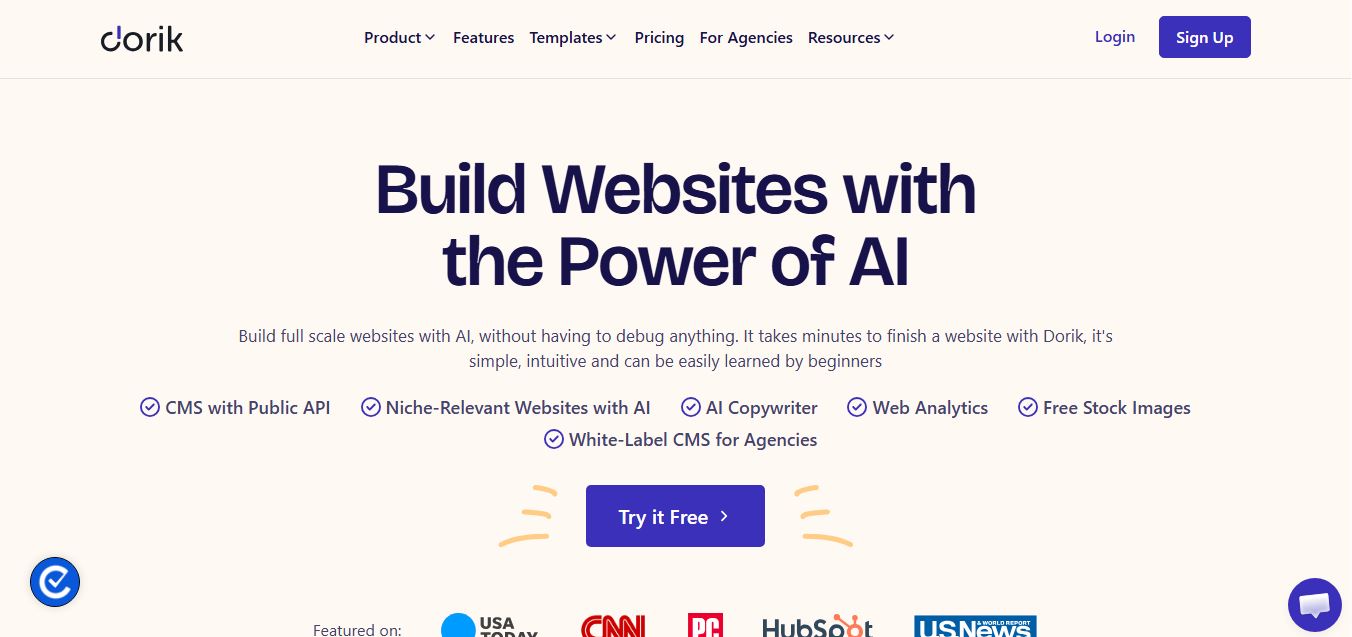
Dorik is an AI-powered website builder and no-code CMS platform that enables creators, businesses, and agencies to generate responsive websites, landing pages, blogs, and client-billed white-label portals with native Airtable integration.