
GPT Engineer
GPT Engineer is an open-source AI coding framework that helps developers generate and improve software from natural-language instructions. It works through a command-line workflow, allowing users to provide project requirements, generate code, execute development steps, and request changes. It also supports customizable prompts, vision-capable models, alternative model providers, Docker, and benchmarking workflows.
What is GPT Engineer?
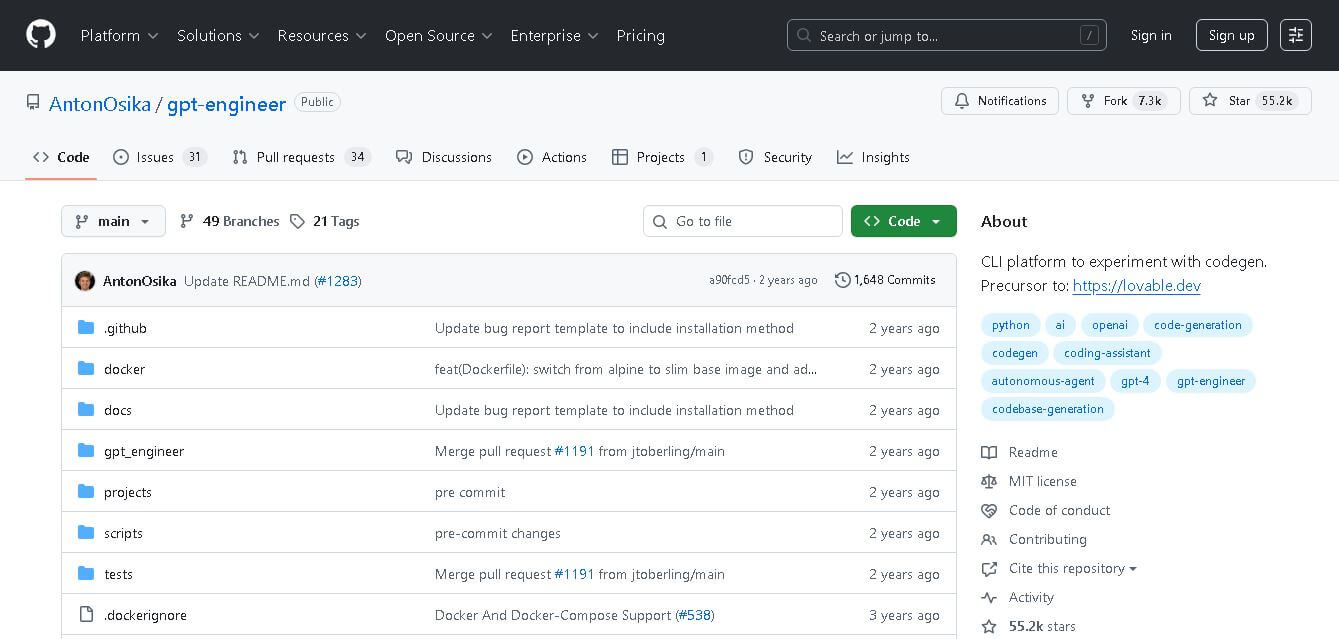
GPT Engineer is an open-source code-generation framework designed to turn natural-language software requirements into working code. It allows developers to describe what they want, let an AI generate and execute code, and then request improvements. The project supports customizable prompts, image inputs, multiple model providers, Docker workflows, and existing-code improvement through its command-line interface.
GPT Engineer was created by Anton Osika and released as an MIT-licensed open-source project. The repository reached approximately 55,000 stars and 7,300 forks before being archived in April 2026. Its package version is 0.3.1, and the project supports Python 3.10–3.12. It can work with OpenAI, Azure OpenAI, Anthropic, and alternative models. GPT Engineer also supports APPS and MBPP benchmarking datasets.
- Platform Role: Open-Source Autonomous Code Generation & Software Engineering CLI
- Developer & Organization: Anton Osika & Open-Source Contributors
- Cross-Platform Access: Command Line Interface (Python CLI, Terminal) & GitHub Repository
Use Cases:
- Scaffolding entire full-stack applications, CLI utilities, and web services from single prompts
- Generating modular multi-file codebases with clean file organization and setup scripts
- Iterating on existing codebases using conversational terminal prompts and automated code edits
- Prototyping MVP applications and testing software architecture concepts rapidly
- Standardizing project setup with customizable coding guidelines and developer conventions
Technology:
- Modular agent architecture leveraging state-of-the-art Large Language Models (LLMs) like GPT-4o and open-source models
- Prompt-based clarifying question loop that resolves project ambiguities before code generation
- File system execution engine capable of creating directories, files, dependency manifests, and run scripts
- Python CLI foundation allowing custom agent tuning, custom system prompts, and local environment execution
Target Users:
- Software engineers and full-stack developers looking to automate repetitive project bootstrapping
- Startup founders and technical creators building rapid functional prototypes
- AI researchers and developers exploring autonomous software agent workflows
Acquisition: Open-source repository access, installation via Python package manager (`pip install gpt-engineer`), and community contributions on GitHub.

Key features of GPT Engineer?
GPT Engineer's key platform features are
- Multi-File Code Generation: Constructs complete project folder structures, multiple code files, and configuration files simultaneously.
- Interactive Clarification Loop: Asks targeted clarifying questions to lock down technical specifications before writing code.
- Custom Preprompts & Guidelines: Customize the agent's coding style, architectural patterns, and framework preferences via custom preprompt files.
- Code Execution & Self-Correction: Optionally executes generated code locally, catches runtime errors, and attempts automated fixes.
- Flexible Model Support: Compatible with OpenAI API models, Anthropic Claude, and local open-source LLMs via LiteLLM or Ollama.
- Git-Friendly Architecture: Integrates cleanly with version control workflows for easy review and commit of generated code.
How much does GPT Engineer cost?
GPT Engineer is 100% free and open-source, though users supply their own API keys for model usage.
Pricing & License Model:
- Open-Source Software (MIT License): Free to download, modify, and integrate into commercial or private projects.
- API Usage Costs: Users pay model providers (e.g., OpenAI, Anthropic) directly based on API token consumption during generation runs.
Disclaimer: GPT Engineer core software is free. API costs depend on the LLM provider selected. Visit github.com/AntonOsika/gpt-engineer for setup instructions.
Who should use GPT Engineer?
GPT Engineer is designed for developers and technical builders, including
- Full-Stack Developers: Engineers looking to scaffold new applications with boilerplate code and standard project structures.
- Hackathon Participants & Founders: Teams needing to turn natural language product specs into working code fast.
- DevOps & Tools Engineers: Developers building automated code generation pipelines and internal development scripts.
What are the best alternatives to GPT Engineer?
Some of the strongest GPT Engineer alternatives include
- Devin by Cognition
- Aider
- GPT-Pilot / Pythagora
- OpenInterpreter
- Cursor
What are the pros and cons of GPT Engineer?
What are the pros of GPT Engineer?
- Fully open-source with transparent code logic and extensible Python architecture
- Generates entire multi-file project structures rather than single-file snippets
- Interactive prompt phase ensures edge cases and dependencies are resolved early
- Works with both commercial API models and local open-source models
What are the cons of GPT Engineer?
- Requires developer familiarity with terminal usage, Python environments, and API key configuration
- Complex enterprise software still requires manual code review and architectural adjustments
- Large prompts and multi-file generation runs can consume significant API tokens
Why should you choose GPT Engineer?
While standard AI code assistants focus on auto-completing single lines or functions inside an editor, GPT Engineer approaches software development from a repository level. By starting with requirements gathering, clarifying ambiguities, and generating complete folder structures and files, GPT Engineer provides one of the fastest open-source methods for turning ideas into runnable code bases.
How does GPT Engineer compare to competitors?
Unlike proprietary closed-source tools like Devin, GPT Engineer is completely open-source, privacy-friendly, and configurable. Compared to inline coding assistants like GitHub Copilot, GPT Engineer focuses on full project generation rather than inline autocomplete.
| Feature / Platform | GPT Engineer | Aider | GPT-Pilot | Cursor |
|---|---|---|---|---|
| Primary Focus | Full App Scaffolding & CLI Generation | CLI Git-Based Pair Programming | Step-by-Step App Building | AI IDE & Code Editor |
| Open-Source License | Yes (MIT) | Yes (Apache-2.0) | Yes (MIT) | Proprietary Client |
| Multi-File App Creation | Yes (Native) | Yes (Edits Existing Code) | Yes (Iterative) | Yes (Composer / Agent) |
| Local Model Support | Yes (via LiteLLM / Ollama) | Yes | Yes | Limited / API Primary |
How do we rate GPT Engineer?
| Parameter | Rating (out of 5) |
|---|---|
| Code Generation & Architecture Quality | 4.7 |
| CLI Experience & Usability | 4.8 |
| Model Versatility & Customization | 4.9 |
| Open-Source Community & Maintenance | 4.9 |
| Value for Developers | 5.0 |
| Overall Score | 4.86 |
What is our review and verdict on GPT Engineer?
GPT Engineer is a standout open-source project in the AI software engineering space. By focusing on initial requirement clarification and full-repository generation, it empowers developers to build functional, multi-file codebases in minutes while retaining complete control over model choice and environment setup.
Conclusion
GPT Engineer stands out as an open-source experiment in AI-assisted software engineering, allowing users to describe software requirements and let an AI generate or improve code. Its customizable prompts, model flexibility, vision support, Docker workflow, and benchmarking capabilities make it valuable for developers exploring coding agents. However, because the original repository was archived in April 2026, users should consider its current maintenance status before adopting it for new production projects.
FAQ
Is GPT Engineer free to use?
Yes, GPT Engineer is an open-source platform that is completely free. You only pay if you use external APIs like OpenAI.
What programming languages does GPT Engineer support?
It primarily generates Python-based projects but can be configured to work with other programming languages.
Can GPT Engineer modify existing codebases?
Yes, it includes an improvement mode that allows you to refine or enhance existing projects.
Do I need coding skills to use GPT Engineer?
Basic understanding of coding helps, but the tool is designed to simplify development through natural language prompts.
Is GPT Engineer suitable for production-level applications?
It’s best used for prototyping, experimentation, and learning. Production-level deployment requires human review and optimization.
Can I integrate GPT Engineer with my preferred AI model?
Yes, you can configure it to use OpenAI or other local or cloud-based AI models.
User Reviews
No reviews yet for GPT Engineer.
Featured Tools
Featured AI tools from TechShark

Melody Genie
MelodyGenie is an AI-powered music generator that creates original songs from simple text prompts. Users can choose styles, moods, and genres, then instantly generate melodies and full tracks, making it easy for creators, marketers, and hobbyists to produce custom music without musical expertise.
Freemium

Kimi AI
Kimi AI is an advanced AI assistant developed by Moonshot AI that helps you chat, research, write, code, and automate tasks in one place. It supports web search, file analysis, and multimodal inputs, and can even run autonomous “agent” workflows to complete complex tasks end-to-end.
Freemium

Fashion Diffusion AI
Fashion Diffusion is an AI-powered fashion design platform that helps brands and designers create clothing designs, virtual try-ons, AI models, product photos, and marketing visuals faster and cost-effectively.
Paid

Veo 4
Veo 4 AI is an AI video creation platform that generates dramatic videos from text, images, audio, and video prompts using realistic motion and synchronized sound.
Paid
Alternatives
Alternatives to GPT Engineer
The best GPT Engineer alternatives include Devin, Aider, GPT-Pilot, OpenInterpreter, and Cursor. While closed-source tools offer managed hosting, GPT Engineer provides a completely free, open-source CLI framework for repository-level code generation.
Klarent
Low-code/No-code
Klarent (by Fore AI) is an autonomous, AI-powered, no-code QA test automation platform designed to create, execute, and self-heal end-to-end tests for web, native iOS, Android, and cross-platform applications.
 4.8
4.8Glif
Low-code/No-code
Glif is a conversational creative AI tool for generating images, videos, audio, text, advertisements, product visuals, social media content, and more. It selects suitable AI models and tools based on your request, allowing creators and marketers to develop complete creative projects without manually managing multiple AI platforms or complicated production workflows.
 4.8
4.8Visily AI
Low-code/No-code
Visily helps teams transform ideas into editable UI designs, wireframes, mockups, diagrams, and prototypes using AI, templates, screenshots, and text prompts. Its collaborative canvas makes it easier for non-designers and product teams to visualize concepts, gather feedback, refine interfaces, and prepare designs for developer or Figma handoff without requiring advanced design skills.
 4.9
4.9Anakin AI
Low-code/No-code
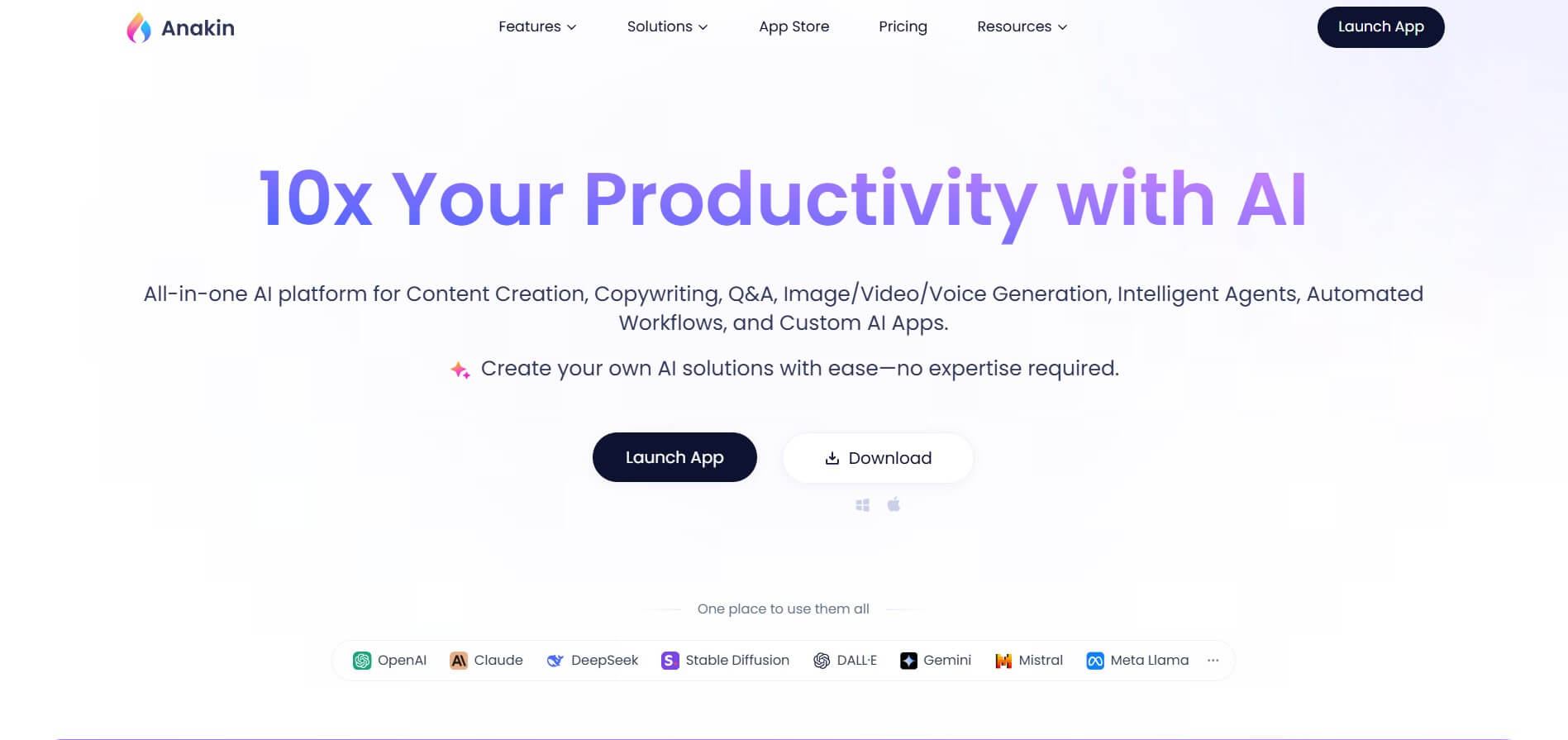
Anakin AI is an all-in-one no-code AI platform and app builder that unifies 1,000+ pre-built AI applications, drag-and-drop workflow automation, batch processing, and multi-model access (OpenAI, Claude, DeepSeek, Gemini, and Grok) under a single interface.
 4.8
4.8Figma Sites
Low-code/No-code
Figma Sites helps designers create, customize, and publish responsive websites directly from the Figma ecosystem. You can reuse existing designs, apply responsive layouts, add interactions, manage website content through CMS, and customize experiences with code or AI. It is especially useful for portfolios, landing pages, business websites, events, and creative projects.
 4.7
4.7Base44 Builder
Low-code/No-code
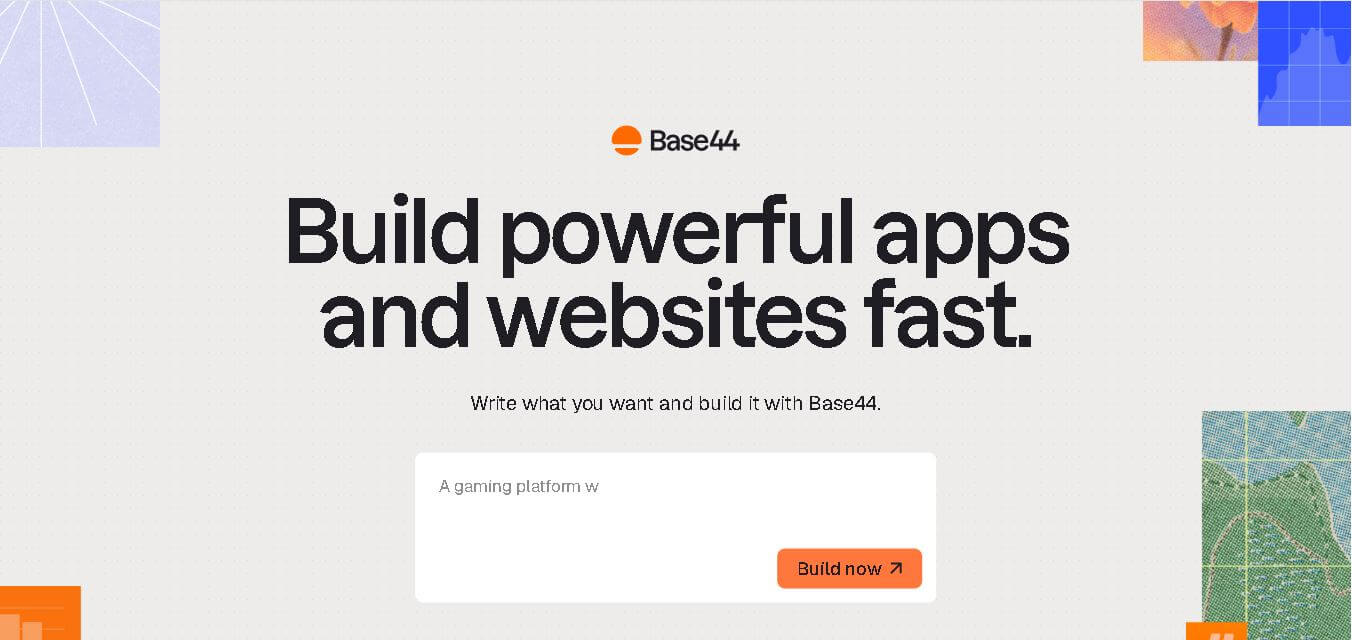
Base44 is a no-code application builder that helps individuals and teams transform ideas into functional apps, websites, and AI agents through simple text prompts. It combines design, hosting, authentication, databases, integrations, and deployment into one workspace, allowing users to build, test, refine, and launch digital products without complex technical setup.
 4.8
4.8WeWeb
Low-code/No-code
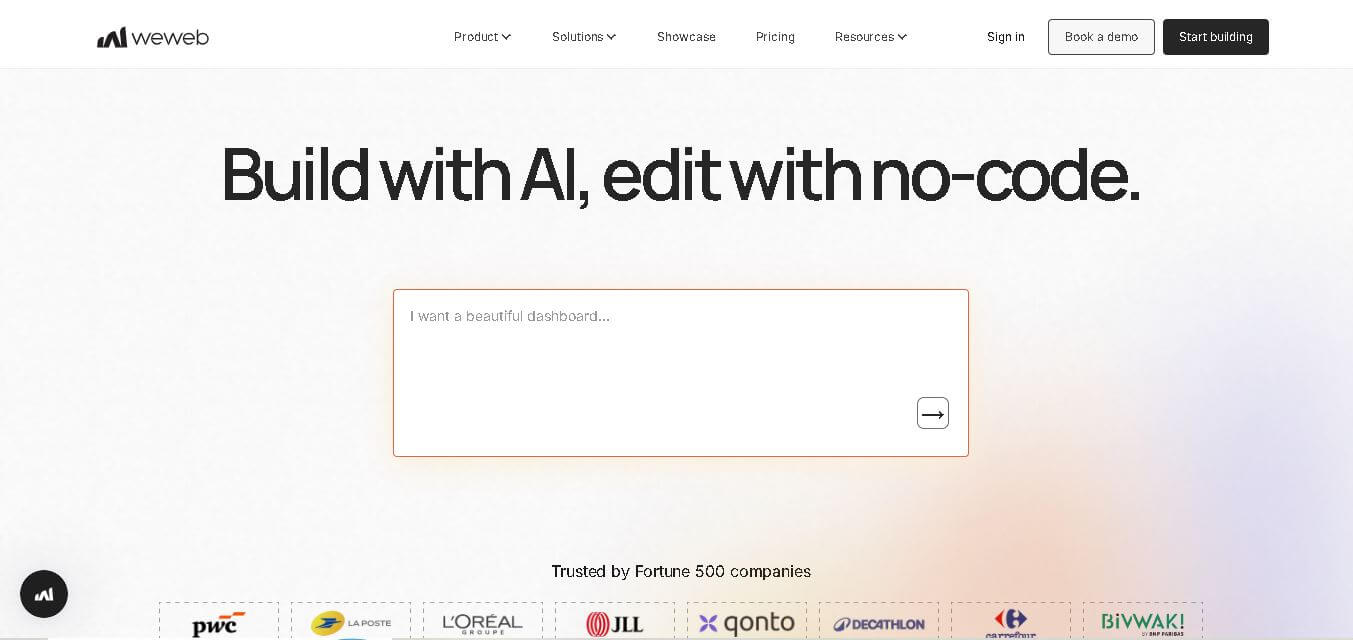
WeWeb is a visual web application builder that enables users to create responsive, production-ready applications without extensive coding. It combines drag-and-drop development, AI-assisted workflows, API integrations, and code export, making it suitable for startups, enterprises, agencies, and developers building custom business applications with complete frontend flexibility.
 4.8
4.8Dust
Low-code/No-code
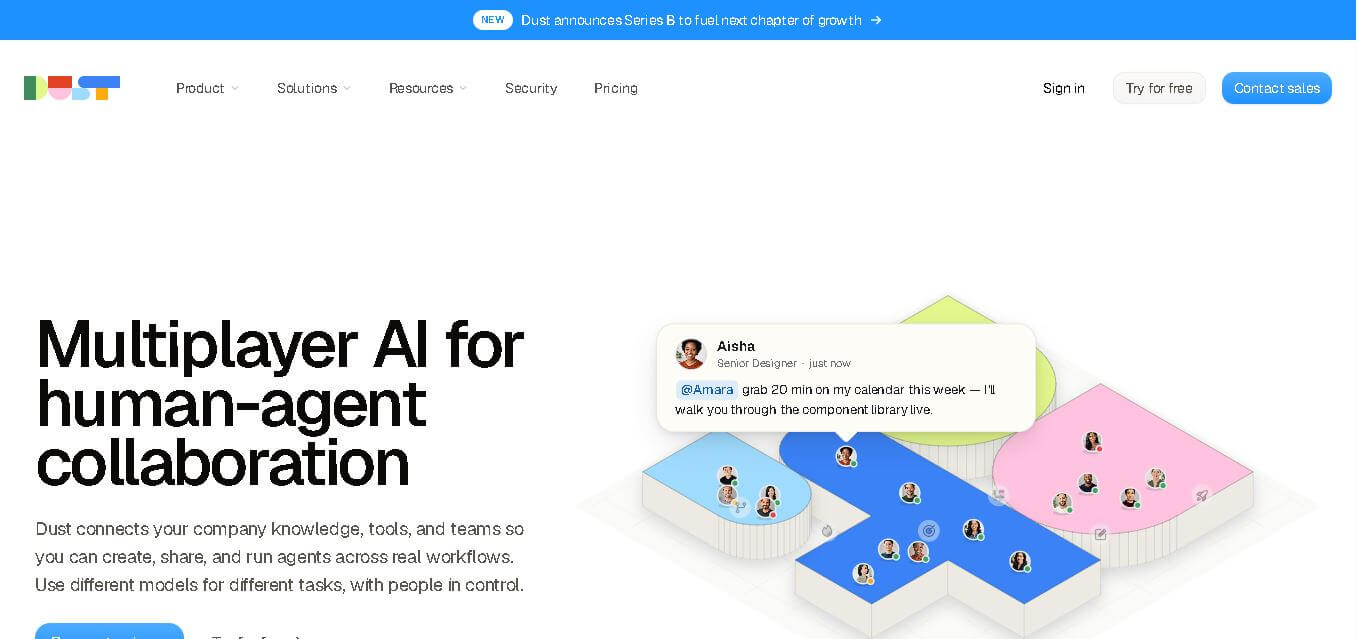
Dust helps teams build and run AI agents that work with company knowledge, connected business tools, and people. It supports collaborative workflows across departments, lets teams choose from 20+ AI models, and provides features for agents, skills, Pods, automations, governance, and usage monitoring.
 4.9
4.9Dorik
Website Builders
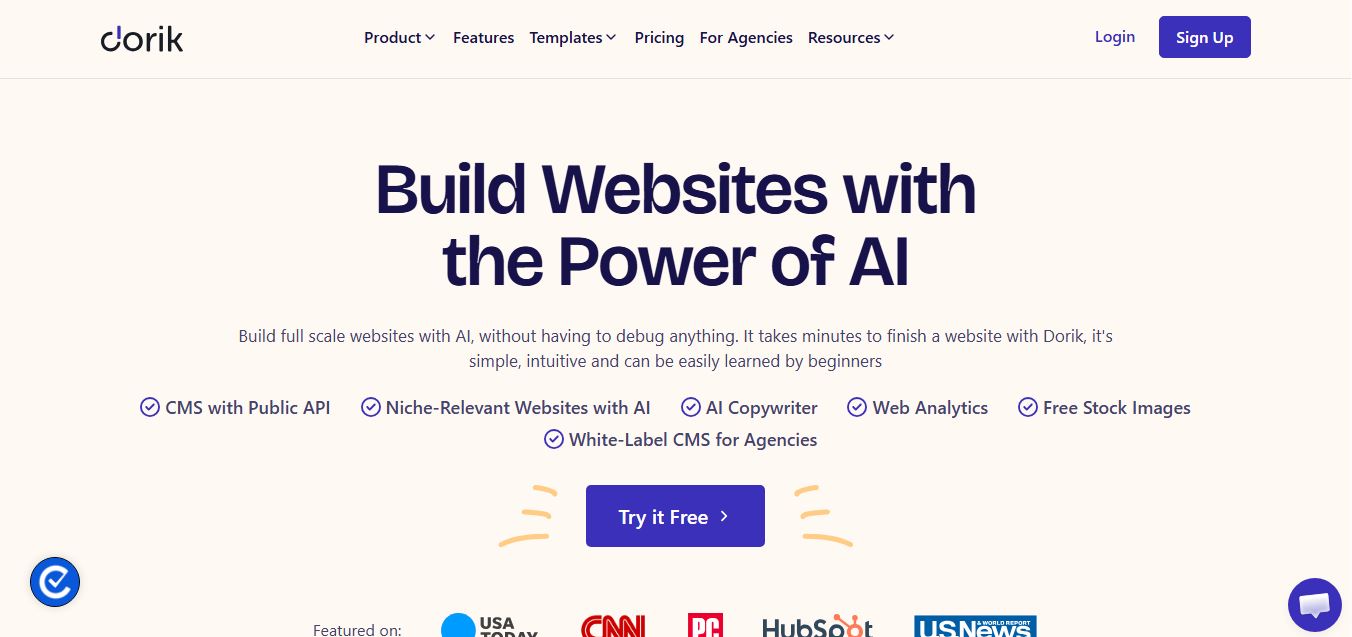
Dorik is an AI-powered website builder and no-code CMS platform that enables creators, businesses, and agencies to generate responsive websites, landing pages, blogs, and client-billed white-label portals with native Airtable integration.