
Figma Sites
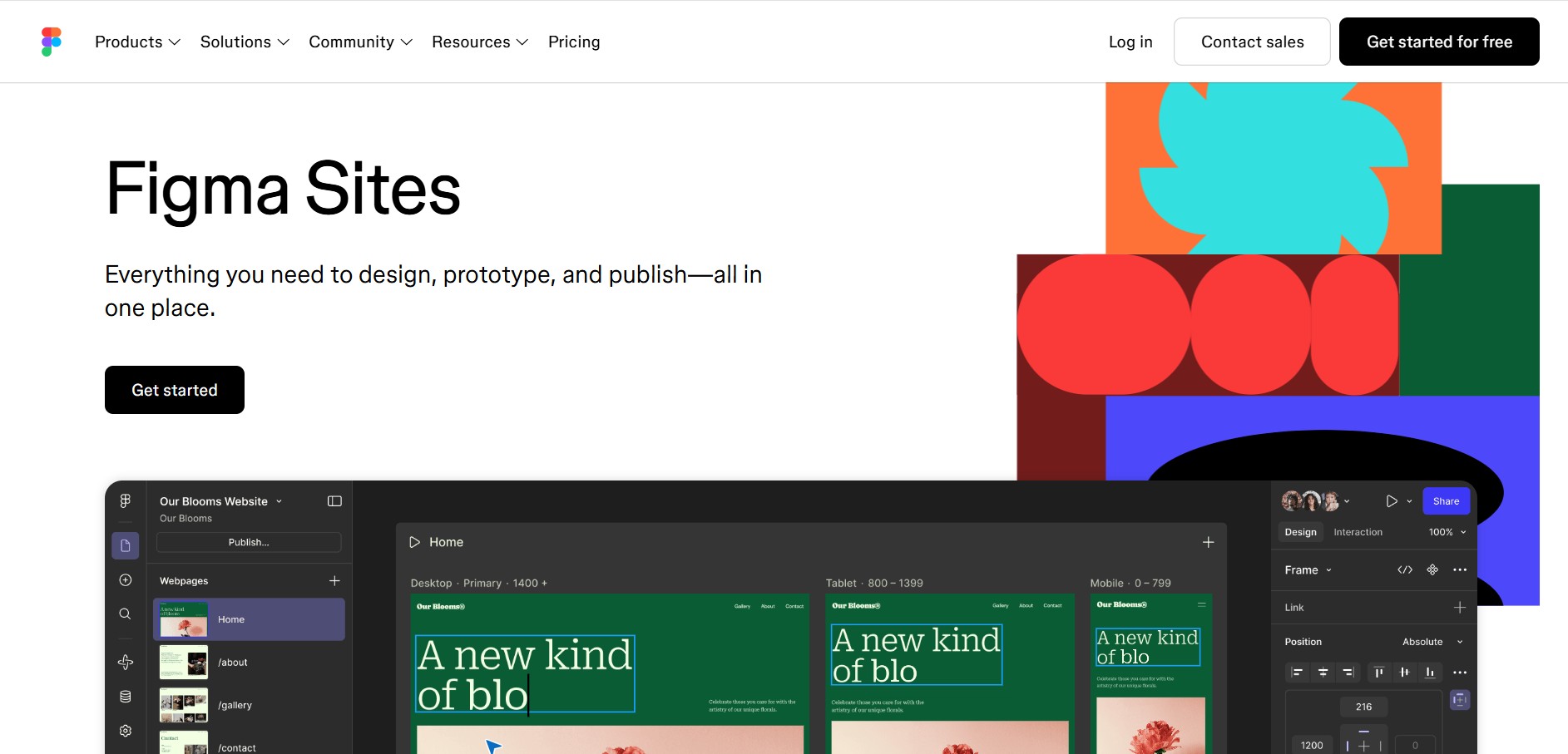
Figma Sites helps designers create, customize, and publish responsive websites directly from the Figma ecosystem. You can reuse existing designs, apply responsive layouts, add interactions, manage website content through CMS, and customize experiences with code or AI. It is especially useful for portfolios, landing pages, business websites, events, and creative projects.
What is Figma Sites?
Figma Sites is a website creation tool that lets designers turn Figma designs into responsive, interactive, publishable websites without switching between design and website-building tools. It supports responsive layouts, reusable components, templates, animations, CMS content, custom code, and AI-assisted interactions. Users can start from existing Figma Design files or templates, refine their pages visually, and publish them directly to the web. Figma Sites is currently available in open beta and is designed for portfolios, landing pages, business websites, events, and other responsive web experiences.
Figma Sites launched in open beta at Config 2025 and is available across Figma plans, while publishing a live site requires a paid plan and a Full seat for editing and publishing. The tool supports responsive breakpoints, reusable components, templates, interactions, CMS, video, password protection, custom domains, code layers, and AI-assisted interactions. Figma’s current pricing page lists Sites as a beta product, while its Starter plan remains free with limited access to Figma products.
- Platform Role: Native No-Code Website Builder & Design-to-Production Publishing System
- Developer & Organization: Figma, Inc. (San Francisco, California)
- Cross-Platform Access: Web Browser (zero-install on Chrome, Edge, Safari, and Firefox) and Figma Desktop App (macOS, Windows)
Use Cases:
- Publishing responsive marketing landing pages, product launch sites, and event pages straight from Figma canvases
- Deploying personal portfolios, design documentation, and design system style guides instantly
- Adding native interactive elements such as scroll-driven motion, typewriter effects, and hover state animations using live HTML/CSS previews
- Generating structured code and interactions via Figma Make AI integration
- Managing site infrastructure, including custom domain connections, free staging subdomains, and SSL certificates directly within Figma
Technology:
- Native web compiler translating Figma Auto Layout, Grid, and typography tokens into semantic HTML5, CSS, and JavaScript
- Global Edge CDN infrastructure ensuring fast page load times, automated SSL provisioning, and version rollback points
- Direct integration with Figma Make AI engines for prompt-driven layout adjustments and interaction generation
- Built-in SEO management for meta titles, page descriptions, social open graph (OG) tags, and favicon configurations
Target Users:
- UI/UX designers, digital strategists, and creative agencies launching sites without developer handoffs
- Product design teams needing rapid landing page iterations for marketing and user testing
- Freelancers and solopreneurs publishing client sites within the tool they already design in
- Marketing teams running campaign pages synced directly with Figma Buzz brand templates
Acquisition: Native web publishing product developed and operated by Figma, Inc. (figma.com/sites)

What are the key features of Figma Sites?
Figma Sites' key platform features are
- Canvas-to-Web Publishing: Publish design frames into live websites with global edge caching and instant updates in a single click.
- Responsive Breakpoints & Auto Layout: Native support for fluid layouts, flexible grids, and breakpoint-aware typography that adapt automatically to desktop, tablet, and mobile screens.
- Interactive Micro-Animations: Built-in controls for scroll animations, hover states, marquee text, and drag-and-drop motion effects rendered in live code.
- Figma Make AI Synergy: Utilize natural language prompts to generate responsive structures, layout variations, and custom web interactions.
- Built-In SEO & Meta Controls: Configure page metadata, SEO titles, descriptions, favicons, and social preview cards directly in the publishing panel.
- Custom Domain & SSL Hosting: Connect custom domain names or host for free on Figma subdomains with SSL certificates and version restore points.
How much does Figma Sites cost?
Figma Sites features are accessible through existing Figma pricing tiers, with website hosting limits and custom publishing options scaling across plan levels.
Pricing Tiers:
- Starter / Free Tier ($0 / Free): Free access to basic Figma design tools, draft canvas access, and staging website publishing on Figma subdomains.
- Figma Professional ($12 - $15/editor/month): Full Figma Sites publishing features, custom domain connections, version history, and shared team component libraries.
- Figma Organization ($45 - $75/editor/month): Advanced team governance, enterprise design systems, central domain management, and admin security controls.
Disclaimer: Figma Sites publishing capabilities are available on paid Figma Workspace plans. Basic site creation and staging subdomains are accessible during promotional and beta access periods.
Who should use Figma Sites?
Figma Sites is designed for creative and product teams, including
- UI/UX & Web Designers: Designers looking to publish client work and portfolios without learning third-party site builders or complex code bases.
- Product-Led Marketing Teams: Marketers deploying rapid experiment landing pages directly from design team files.
- Design Systems Leads: Teams publishing live interactive documentation and style guides straight from Figma component libraries.
What are the best alternatives to Figma Sites?
Some of the strongest Figma Sites alternatives include
- Framer
- Webflow
- Wix Studio
- WordPress (Elementor / Gutenberg)
- Squarespace
- Webstudio (Open Source)
What are the pros and cons of Figma Sites?
What are the pros of Figma Sites?
- Completely eliminates context switching between design tools and external website builders
- Direct reuse of existing Figma Auto Layout, Design Tokens, Components, and Variables
- Fast edge-hosted deployments with zero code compilation or manual export needed
- Deep synergy with Figma Make AI for prompt-based page variations and interaction design
What are the cons of Figma Sites?
- Lacks advanced dynamic CMS collection logic compared to established platforms like Webflow
- Limited support for complex back-end database operations and custom web application logic
- Requires familiarization with Figma Auto Layout and responsive design principles for optimal rendering
Why should you choose Figma Sites?
Rebuilding pixel-perfect designs inside external no-code platforms often leads to mismatched layouts, broken responsive breakpoints, and delayed product launches. Figma Sites solves this by turning your active Figma canvas into the final website builder. By unifying design, responsive layout engineering, AI-driven prototyping, and web publishing into one cohesive workspace, Figma Sites allows you to move from initial draft to live site in minutes.
How does Figma Sites compare to competitors?
The primary distinction between Figma Sites, Framer, Webflow, and Wix Studio lies in platform consolidation and CMS depth. While Framer and Webflow offer deep CMS engines for heavy, dynamic web applications, Figma Sites offers the most frictionless workflow for designers by publishing directly from native Figma files without third-party translation.
| Feature / Platform | Figma Sites | Framer | Webflow | Wix Studio |
|---|---|---|---|---|
| Core Focus | Canvas-Native Publishing & Figma Workspace Synergy | Interactive UI Design & Web Publishing Engine | Visual Web Development & Complex CMS | Agency Web Design & Client Management |
| Design-to-Publish Workflow | Direct (0 steps—publishes canvas frames directly) | Requires importing/rebuilding in the Framer app | Requires manual build via Figma-to-Webflow plugin | Requires rebuilding in the Wix Studio editor |
| AI Assistant Integration | Figma Make (prompt-to-interaction & responsive layout) | Framer AI (site layout generation) | Webflow AI (content & component generation) | Wix AI Studio Assistant |
| CMS & Data Logic | Lightweight/Standard pages | Moderate Built-in CMS | Advanced Enterprise CMS & E-commerce | Robust Native CMS & Business Apps |
| Best For | Designers wanting instantaneous website publishing directly from Figma | Interactive marketing sites and startup landing pages | Complex dynamic sites, enterprise marketing & web apps | Agencies delivering full client sites with e-commerce |
How do we rate Figma Sites?
| Parameter | Rating (out of 5) |
|---|---|
| Workflow Efficiency & Zero-Export Publishing | 5.0 |
| Figma Ecosystem & Component Synergy | 5.0 |
| Responsive & Layout Precision | 4.8 |
| Interactivity & Motion Capabilities | 4.6 |
| Value for Money | 4.8 |
| Overall Score | 4.84 |
What is our review and verdict on Figma Sites?
Figma Sites represents a major evolution in web design workflows. By transforming canvas frames directly into production-ready web pages, it eliminates the tedious process of copying designs into external web builders. With responsive Auto Layout integration, AI assistance via Figma Make, and edge hosting, Figma Sites is an essential tool for modern designers.
Conclusion
Figma Sites brings website design, responsive layouts, interactions, content management, and publishing into the Figma workflow. Its biggest advantage is the ability to move existing designs directly into a website-building environment while retaining familiar design tools. With templates, breakpoints, CMS, AI assistance, code customization, and publishing options, it can suit designers and teams creating modern web experiences. Since Figma Sites remains in open beta, its capabilities and pricing may continue evolving as Figma develops the product.
FAQ
What is Figma Sites used for?
Figma Sites is designed for creating and publishing responsive websites directly within the Figma ecosystem. You can use it for landing pages, portfolios, business websites, event pages, and other web experiences. It is particularly useful when you already design in Figma because you can move existing frames, components, styles, and layouts into a website workflow.
Can I create a website with Figma Sites without coding?
Yes, you can build a website in Figma Sites primarily using its visual design tools, without writing traditional code. You can create layouts, use components, add responsive behavior, select templates, and apply preset interactions visually. However, Figma Sites also lets you edit code and use AI to create customized interactions when you need greater control.
Can I use my existing Figma designs in Figma Sites?
Yes. One of the most useful features is the ability to copy and paste existing Figma design work into Figma sites. Your layouts, typography, and other design details can be transferred into the website-building workflow. This makes Sites particularly convenient for designers who want to move from an approved visual concept to a live website.
Does Figma Sites support responsive websites?
Yes, responsive design is a core part of Figma Sites. You can use breakpoints, auto layout, responsive components, and related design controls to adapt your layouts for different screen sizes. This allows you to create website experiences that work across desktop, tablet, and mobile devices instead of designing completely separate versions.
Can I add animations and interactions to a Figma Site?
Yes. Figma Sites provides preset interactions and animation options that can make websites more engaging. Official examples include marquee scrolling, custom cursors, hover effects, and other interactive behaviors. You can also use code or AI-assisted interactions when you need more customized functionality beyond the available visual interaction controls.
Does Figma Sites have a CMS?
Yes, Figma Sites includes a dedicated CMS for managing website content. The CMS allows you to create and update content such as text and images while keeping the underlying design layout protected. This separation can make content management easier for teams because collaborators can update website information without directly modifying the page design.
User Reviews
No reviews yet for Figma Sites.
Featured Tools
Featured AI tools from TechShark

Melody Genie
MelodyGenie is an AI-powered music generator that creates original songs from simple text prompts. Users can choose styles, moods, and genres, then instantly generate melodies and full tracks, making it easy for creators, marketers, and hobbyists to produce custom music without musical expertise.
Freemium

Kimi AI
Kimi AI is an advanced AI assistant developed by Moonshot AI that helps you chat, research, write, code, and automate tasks in one place. It supports web search, file analysis, and multimodal inputs, and can even run autonomous “agent” workflows to complete complex tasks end-to-end.
Freemium

Fashion Diffusion AI
Fashion Diffusion is an AI-powered fashion design platform that helps brands and designers create clothing designs, virtual try-ons, AI models, product photos, and marketing visuals faster and cost-effectively.
Paid

Veo 4
Veo 4 AI is an AI video creation platform that generates dramatic videos from text, images, audio, and video prompts using realistic motion and synchronized sound.
Paid
Alternatives
Alternatives to Figma Sites
The best Figma Sites alternatives include Framer, Webflow, Wix Studio, and Webstudio. While Figma Sites enables designers to publish websites directly from their Figma design canvas without third-party exports, alternatives like Webflow offer deeper custom CMS structures and enterprise-grade dynamic web application capabilities.
 4.9
4.9GPT Engineer
Low-code/No-code
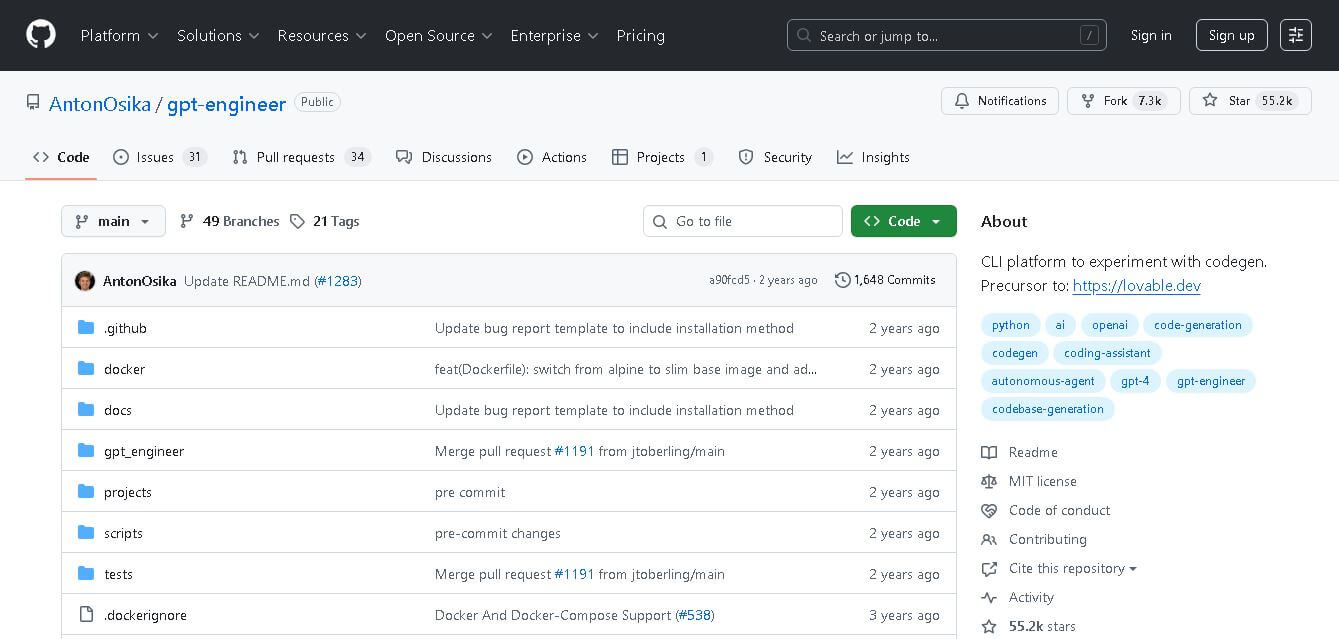
GPT Engineer is an open-source AI coding framework that helps developers generate and improve software from natural-language instructions. It works through a command-line workflow, allowing users to provide project requirements, generate code, execute development steps, and request changes. It also supports customizable prompts, vision-capable models, alternative model providers, Docker, and benchmarking workflows.
Klarent
Low-code/No-code
Klarent (by Fore AI) is an autonomous, AI-powered, no-code QA test automation platform designed to create, execute, and self-heal end-to-end tests for web, native iOS, Android, and cross-platform applications.
 4.8
4.8Glif
Low-code/No-code
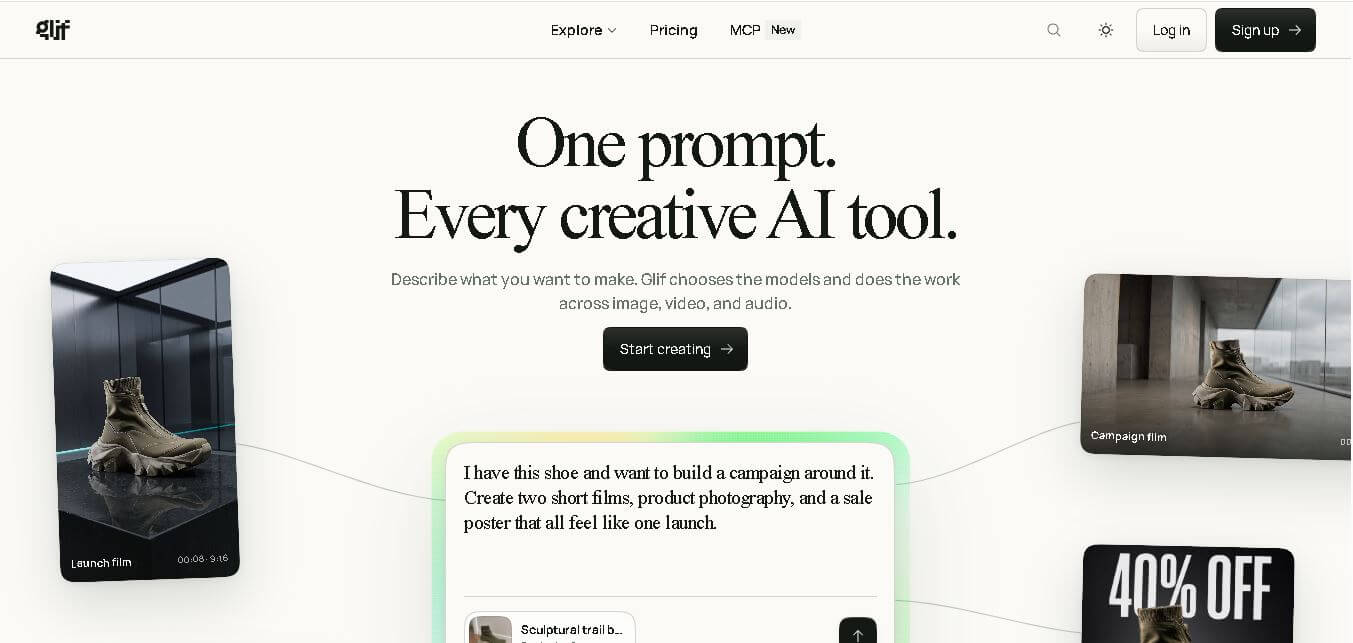
Glif is a conversational creative AI tool for generating images, videos, audio, text, advertisements, product visuals, social media content, and more. It selects suitable AI models and tools based on your request, allowing creators and marketers to develop complete creative projects without manually managing multiple AI platforms or complicated production workflows.
 4.8
4.8Visily AI
Low-code/No-code
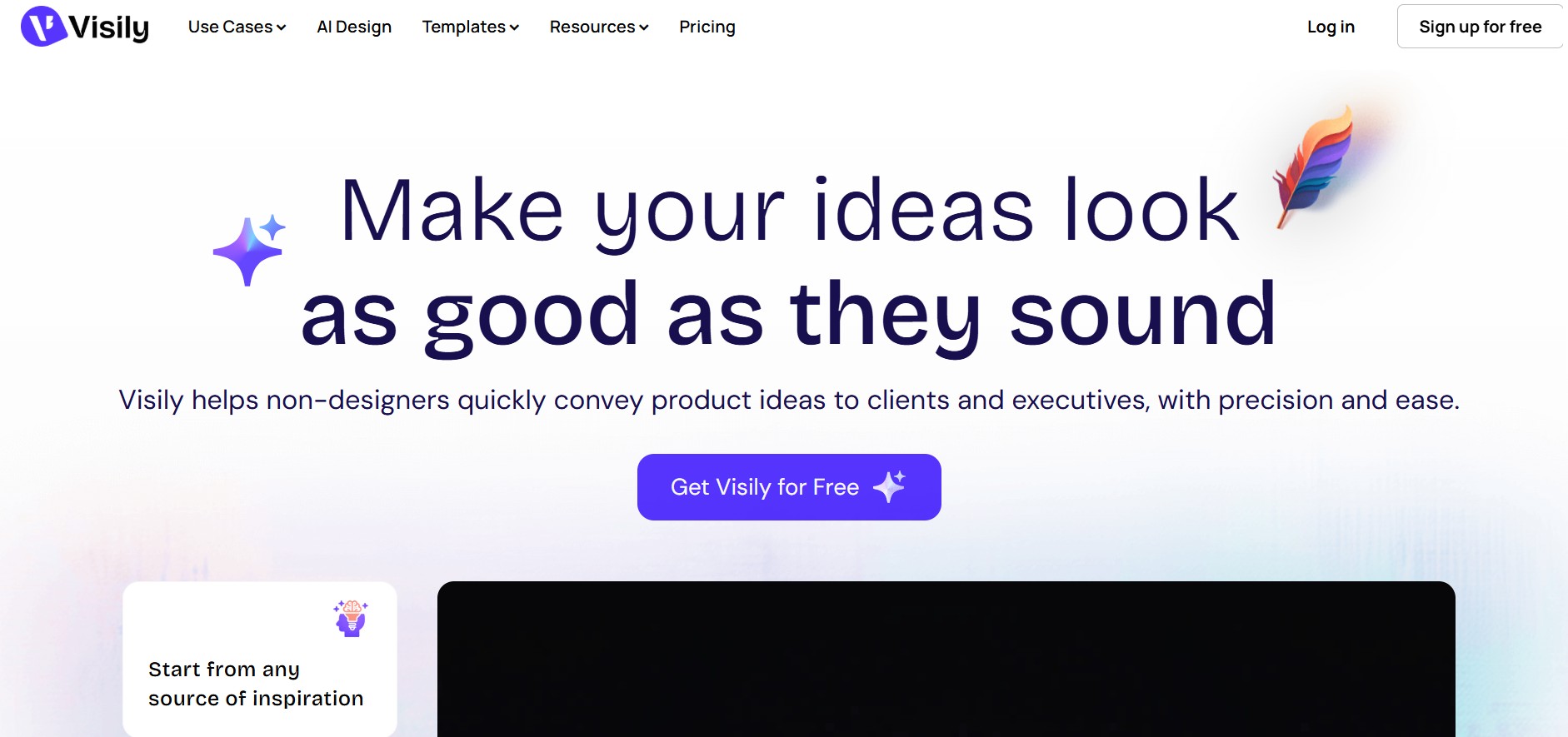
Visily helps teams transform ideas into editable UI designs, wireframes, mockups, diagrams, and prototypes using AI, templates, screenshots, and text prompts. Its collaborative canvas makes it easier for non-designers and product teams to visualize concepts, gather feedback, refine interfaces, and prepare designs for developer or Figma handoff without requiring advanced design skills.
 4.9
4.9Anakin AI
Low-code/No-code
Anakin AI is an all-in-one no-code AI platform and app builder that unifies 1,000+ pre-built AI applications, drag-and-drop workflow automation, batch processing, and multi-model access (OpenAI, Claude, DeepSeek, Gemini, and Grok) under a single interface.
 4.7
4.7Base44 Builder
Low-code/No-code
Base44 is a no-code application builder that helps individuals and teams transform ideas into functional apps, websites, and AI agents through simple text prompts. It combines design, hosting, authentication, databases, integrations, and deployment into one workspace, allowing users to build, test, refine, and launch digital products without complex technical setup.
 4.8
4.8WeWeb
Low-code/No-code
WeWeb is a visual web application builder that enables users to create responsive, production-ready applications without extensive coding. It combines drag-and-drop development, AI-assisted workflows, API integrations, and code export, making it suitable for startups, enterprises, agencies, and developers building custom business applications with complete frontend flexibility.
 4.8
4.8Dust
Low-code/No-code
Dust helps teams build and run AI agents that work with company knowledge, connected business tools, and people. It supports collaborative workflows across departments, lets teams choose from 20+ AI models, and provides features for agents, skills, Pods, automations, governance, and usage monitoring.
 4.9
4.9Dorik
Website Builders
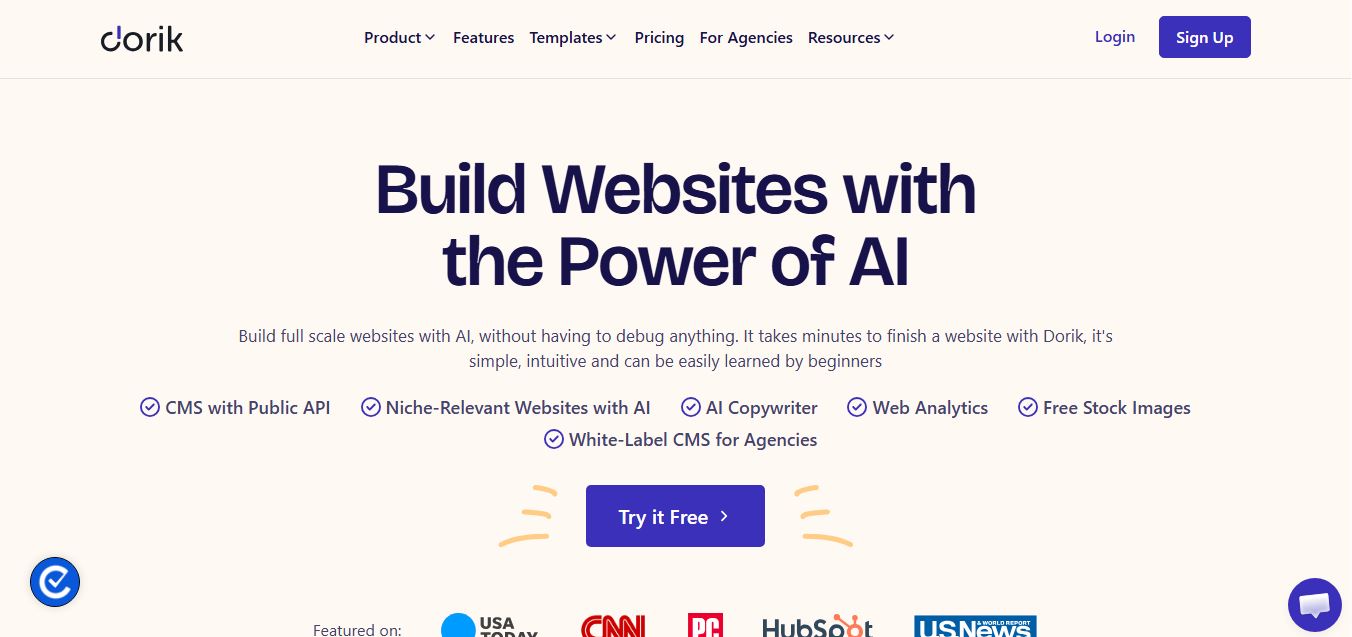
Dorik is an AI-powered website builder and no-code CMS platform that enables creators, businesses, and agencies to generate responsive websites, landing pages, blogs, and client-billed white-label portals with native Airtable integration.