
Miro
Miro is a collaborative online workspace that helps individuals and teams organize ideas, manage projects, design workflows, and brainstorm visually on an infinite canvas. It combines diagrams, templates, whiteboards, documents, AI features, and integrations into one platform, making collaboration easier for businesses, educators, designers, developers, and remote teams worldwide.

What is Miro?
Miro is a visual collaboration workspace designed to help people plan, organize, and share ideas using an interactive online canvas. It enables teams to create flowcharts, mind maps, project roadmaps, wireframes, presentations, and technical diagrams while working together in real time. Users can add text, images, sticky notes, tables, and multimedia to build structured workflows for any project. Miro also supports AI-assisted content creation, automation, and integrations with popular productivity tools, making it suitable for brainstorming, product development, agile planning, education, design thinking, and cross-functional collaboration across organizations of every size.
Miro serves millions of users worldwide and is trusted by thousands of organizations across industries. The platform provides 7,000+ templates, 250+ integrations, 4,700+ diagram shapes, and supports 10,000 MCP calls per day on Enterprise plans. Its Free plan includes 3 editable boards, while paid plans offer unlimited boards and advanced AI capabilities. These numbers demonstrate Miro's ability to support startups, enterprises, educators, and remote teams with scalable visual collaboration tools.
- Category: Visual Workspace & Online Whiteboarding
- Launch Year: 2011
Use Cases:
- Hosting interactive team brainstorming sessions, mind mapping, and affinity grouping
- Building technical architecture diagrams, process flowcharts, and system maps
- Running Agile rituals including sprint planning, retrospective boards, and Kanban tracking
- Creating UI/UX wireframes, user journey maps, and interactive AI prototype screens
Technology:
- Infinite vector-based canvas rendering real-time cursor tracking and multi-user sync
- Miro AI engine for generating mind maps, auto-clustering sticky notes, and drafting user stories
- Enterprise-grade security stack with SAML SSO, SCIM provisioning, and regional data residency
Target Users:
- Product managers and software engineering teams running Agile workflows
- UX/UI designers and strategy consultants building user journeys and wireframes
- Enterprise cross-functional departments requiring centralized, secure visual alignment
Ecosystem: Features web, desktop, and mobile apps, a vast Marketplace of 130+ app integrations, Miroverse community template library, and developer APIs.

Key features of Miro
Miro's key features are
- Infinite Visual Canvas: Offers unlimited space to draft diagrams, pin media, arrange sticky notes, and connect workflows without spatial limits.
- Miro AI Engine: Automatically clusters sticky notes by sentiment or topic, generates mind maps, translates text, and creates user stories from raw notes.
- Facilitation & Meeting Tools: Includes interactive timers, voting tools, laser pointers, private board mode, and video conferencing integration for structured workshops.
- Advanced Diagramming & Shapes: Provides specialized shape libraries for UML, BPMN, ERD, and network diagrams with smart snapping and auto-align.
- Deep Enterprise Integrations: Syncs two-way with Jira cards, Azure DevOps, Asana, Notion, Confluence, and Figma to connect visual plans with action items.
- Miroverse Template Hub: Grants access to thousands of pre-built community and official templates for retrospectives, product roadmaps, and business model canvases.
Miro Pricing
Miro uses a freemium model with a permanent free tier and tiered per-member subscriptions based on feature requirements and security needs.
Free Plan:
- $0/month forever
- Unlimited team members, 3 active editable boards, access to template library, and 10 shared Miro AI credits/month
Starter Plan:
- $8/member/month (billed annually) or $10/member/month (billed monthly)
- Unlocks unlimited editable boards, private boards, high-resolution exports, visitor editing, and 25 Miro AI credits per member/month
Business Plan:
- $20/member/month (billed annually) or $25/member/month (billed monthly)
- Adds SAML SSO, unlimited external guest editing, full AI Workflows, advanced diagramming shapes, and 50 Miro AI credits per member/month
Enterprise Plan:
- Custom pricing (minimum 30 seats required)
- Provides enterprise-grade governance, SCIM provisioning, audit logs, regional data residency (US, EU, AU), and dedicated customer success management
Disclaimer: For the latest and most accurate pricing information, please visit the official Miro AI website.
Is Miro Worth It?
Miro is highly worth it for cross-functional product, design, and engineering teams that rely on collaborative visual planning. The infinite canvas and rich integration ecosystem eliminate siloed communication, making complex project mapping significantly faster and more structured.
Real-World Use Cases
- Agile Sprint Retrospectives: Software teams gather on a Miro board to post anonymous feedback, vote on key action items, and sync resulting tasks directly to Jira.
- Product Strategy Mapping: Product managers draft quarterly roadmaps, connect dependencies across teams, and present live prototypes to leadership.
- Design System Mapping & User Journeys: UX teams build step-by-step wireframes and flowcharts to map customer touchpoints and feature requirements.
- Remote Client Workshops: Consultants host interactive strategy workshops using timer tools, voting widgets, and breakout frames to engage stakeholders.
Who is using Miro?
Miro is popular among a wide variety of tech and creative teams, including
- Agile Coaches & Scrum Masters: Conducting retrospectives, daily standups, and PI planning sessions
- Product Managers & UX Designers: Architecting user flows, wireframes, and feature prioritization matrices
- Management & Strategy Consultants: Leading discovery workshops, client brainstorms, and business alignment sessions
- Enterprise Organizations: Standardizing visual collaboration across thousands of global remote employees
Best Miro Alternatives
Some of the strongest Miro alternatives include
- Mural
- FigJam (by Figma)
- Lucidchart
- ClickUp Whiteboards
- Canva Whiteboards
Pros and Cons of Miro
Pros
- Massive ecosystem of templates and deep 2-way integrations with tools like Jira and Confluence
- Real-time collaborative performance remains smooth even with hundreds of active user cursors
- Integrated Miro AI speeds up manual tasks like sticky note clustering and mind map expansion
- Flexible feature set covering everything from lightweight ideation to complex technical diagramming
- Generous free plan allowing unlimited team members for testing board features
Cons
- 3-board limit on the Free plan locks older boards to view-only mode quickly
- Every editing member consumes a full paid seat, which can escalate licensing costs for large teams
- Can feel overwhelming for new users due to the extensive array of tools and settings
Why Choose Miro?
Traditional text documents and video calls often fail to communicate complex systems or multi-phase product roadmaps clearly. Miro converts abstract discussion into clear visual artifacts where every team member can contribute simultaneously.
- Eliminates communication barriers across distributed product and engineering teams
- Connects visual ideation directly to execution tools like Jira, Azure DevOps, and Asana
- Saves hours of synthesis time with automated AI clustering and mind mapping features
- Offers enterprise-ready governance and compliance for secure enterprise adoption
How Miro Works
- 1. Create or Select a Template: Start with a blank infinite canvas or pick from thousands of pre-built Miroverse templates.
- 2. Invite Team Members: Share board links with teammates, setting viewer, commenter, or editor permissions.
- 3. Ideate & Diagram: Add sticky notes, draw shapes, embed wireframes, and leverage Miro AI to structure raw ideas.
- 4. Sync with Execution Tools: Convert board sticky notes into actionable tickets in Jira, Asana, or Trello automatically.
Miro vs. Competitors
While competitors like FigJam focus heavily on design-adjacent workflows and Lucidchart specializes strictly in technical diagramming, Miro offers an all-in-one visual workspace covering workshops, diagramming, product planning, and enterprise collaboration.
| Feature | Miro | Mural | FigJam |
|---|---|---|---|
| Primary Focus | All-in-One AI Visual Workspace | Enterprise Workshop Facilitation | Design-Centric Team Whiteboarding |
| AI Capabilities | Miro AI (Clustering, Maps, Workflows) | Mural AI Assistance | Jambot & Figma AI Helpers |
| Jira 2-Way Sync | Advanced Interactive Cards | Standard Integration | Basic Widgets |
| Diagramming Capabilities | Full UML, ERD, BPMN Shapes | Standard Flowcharting | Lightweight Flowcharting |
| Starting Paid Price | $8/member/mo | $9.99/member/mo | $3/editor/mo |
How do we rate Miro?
| Parameter | Rating (out of 5) |
|---|---|
| Ease of Use | 4.6 |
| Collaboration Tools | 4.9 |
| Integration Ecosystem | 4.8 |
| Value for Money | 4.5 |
| Features & Diagramming | 4.8 |
| Overall Score | 4.7 |
Miro Review
Miro remains the gold standard for visual whiteboarding and team collaboration. Its powerful mix of an infinite canvas, deep project management integrations, and intelligent AI features makes it an indispensable tool for distributed product teams navigating modern workflows.
Conclusion
Miro has evolved into a comprehensive visual collaboration workspace that supports brainstorming, project planning, design, agile development, and enterprise innovation. Its combination of an intuitive canvas, AI-powered features, thousands of templates, and hundreds of integrations makes it suitable for organizations of every size. Whether you're an individual creator, a growing startup, or a global enterprise, Miro provides flexible tools that simplify teamwork and improve productivity. With scalable pricing, strong security standards, and continuous feature updates, Miro remains one of the most reliable platforms for visual collaboration, helping teams transform ideas into actionable results with greater speed and efficiency.
FAQ
What is Miro mainly used for?
Miro is primarily used for visual collaboration and teamwork. It helps users brainstorm ideas, create diagrams, map customer journeys, manage agile projects, conduct workshops, and design workflows on an interactive online canvas. Whether you work remotely or in an office, Miro keeps everyone aligned by allowing teams to collaborate in real time, share feedback instantly, and organize ideas in one centralized workspace.
Is Miro free to use?
Yes. Miro offers a free plan that is suitable for individuals, students, and small teams getting started with visual collaboration. The plan includes up to three editable boards, access to templates, basic collaboration tools, and limited AI features. As your team grows, you can upgrade to paid plans that unlock unlimited boards, enhanced security, advanced AI capabilities, and additional collaboration features.
Who should use Miro?
Miro is designed for a wide range of users, including project managers, product teams, designers, developers, marketers, consultants, educators, startups, and enterprise organizations. Anyone who needs to brainstorm ideas, document processes, collaborate remotely, or manage visual workflows can benefit from Miro. Its flexibility makes it useful for both technical and non-technical professionals working across different industries.
Does Miro support AI features?
Yes. Miro includes AI capabilities that help users generate diagrams, summarize content, organize sticky notes, automate workflows, and improve collaboration. Paid plans provide additional AI credits and advanced AI workflows for greater productivity. These features reduce manual work, accelerate brainstorming sessions, and help teams transform ideas into structured project plans more efficiently.
Can Miro integrate with other software?
Absolutely. Miro integrates with more than 250 popular applications, including Microsoft Teams, Slack, Google Workspace, Jira, Asana, Azure DevOps, Adobe, and GitHub tools. These integrations enable teams to connect existing workflows, synchronize project information, and collaborate without switching between multiple platforms, making everyday work more efficient and organized.
Is Miro suitable for large enterprises?
Yes. Miro offers an Enterprise plan built for large organizations that require advanced security, governance, compliance, and centralized administration. Features include Single Sign-On (SSO), audit logs, domain control, regional data hosting, AI administration, and large-scale user management. These capabilities help enterprises collaborate securely while meeting organizational security and compliance requirements.
User Reviews
No reviews yet for Miro.
Featured Tools
Featured AI tools from TechShark

Melody Genie
MelodyGenie is an AI-powered music generator that creates original songs from simple text prompts. Users can choose styles, moods, and genres, then instantly generate melodies and full tracks, making it easy for creators, marketers, and hobbyists to produce custom music without musical expertise.
Freemium

Kimi AI
Kimi AI is an advanced AI assistant developed by Moonshot AI that helps you chat, research, write, code, and automate tasks in one place. It supports web search, file analysis, and multimodal inputs, and can even run autonomous “agent” workflows to complete complex tasks end-to-end.
Freemium

Fashion Diffusion AI
Fashion Diffusion is an AI-powered fashion design platform that helps brands and designers create clothing designs, virtual try-ons, AI models, product photos, and marketing visuals faster and cost-effectively.
Paid

Veo 4
Veo 4 AI is an AI video creation platform that generates dramatic videos from text, images, audio, and video prompts using realistic motion and synchronized sound.
Paid
Alternatives
Alternatives to Miro
The best Miro alternatives include Mural, FigJam (Figma), Lucidchart, ClickUp Whiteboards, and Canva. Mural excels at enterprise workshop facilitation, FigJam seamlessly connects design workflows, and Lucidchart is ideal for formal technical diagramming.
 4.8
4.8Noteey
AI Business Tools
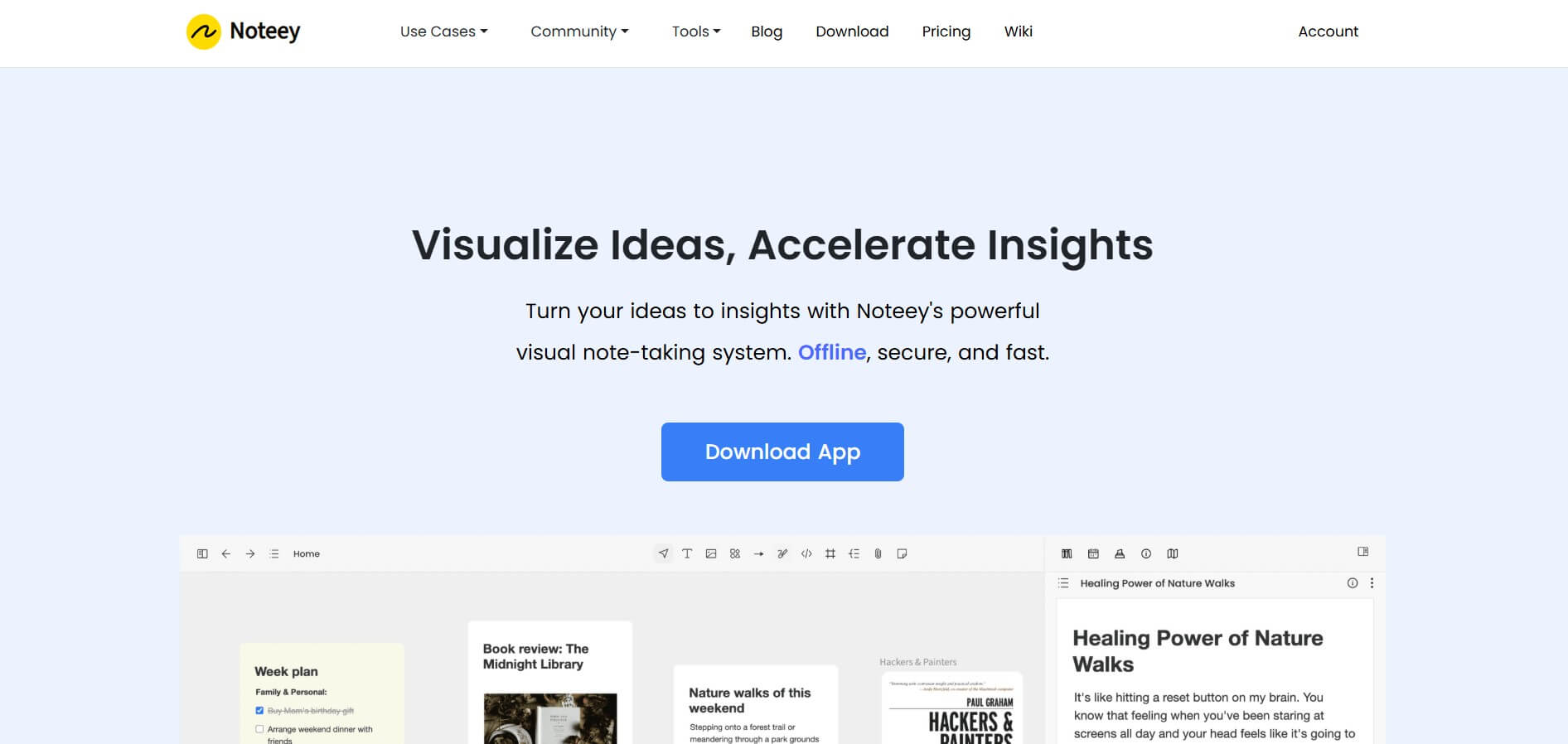
Noteey is a visual knowledge and note-taking workspace built around an infinite canvas. You can combine notes, images, PDFs, videos, audio, mind maps, sketches, and web links in one place. Its offline-first approach makes it useful for research, brainstorming, second-brain building, creative writing, visual learning, presentations, and organizing complex information.
 4.6
4.6Jigso
AI Business Tools
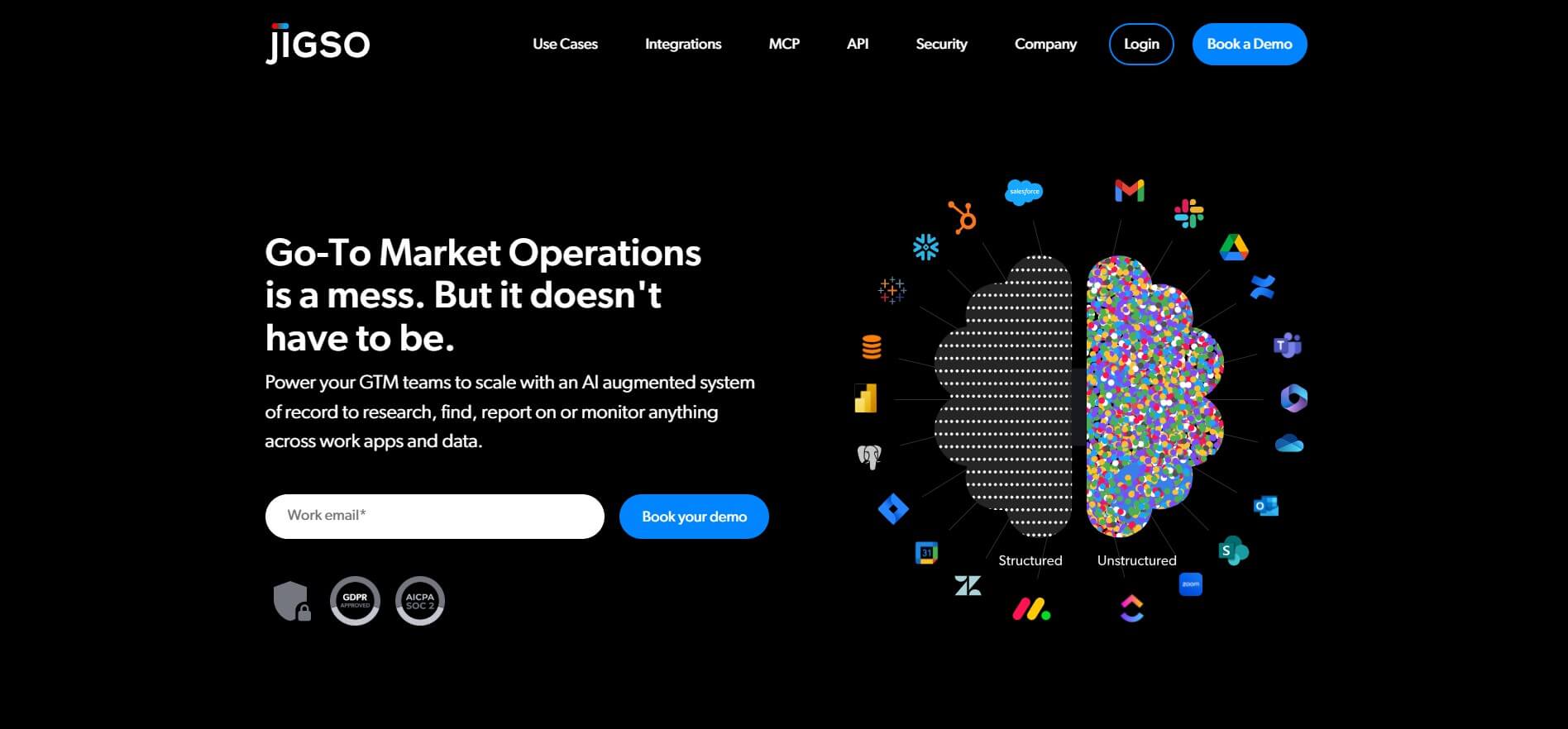
Jigso is a proactive AI work intelligence platform that connects business apps and data to surface risks, opportunities, research, and next actions. It supports sales, customer success, operations, marketing, and leadership teams by reducing manual information gathering and helping users monitor important business signals across their existing technology stack efficiently.
 4.8
4.8AI Palette
AI Business Tools
AI Palette (aipalette.com) is an AI-powered consumer intelligence and product innovation platform for CPG, food, beverage, and beauty brands, helping companies identify emerging consumer trends, forecast flavor and ingredient demands, and accelerate time-to-market.
 4.9
4.9Explee (AutoGTM)
AI Business Tools
Explee helps businesses automate prospecting and outbound sales through AI agents. It researches target markets, identifies relevant prospects, creates personalized email campaigns, and supports meeting booking. Users can also search extensive company and people databases, apply AI-based criteria, enrich prospect information, and manage lead-generation workflows without building a traditional outbound infrastructure.
 4.8
4.8Upmetrics
AI Business Tools
Upmetrics is business planning software for creating professional business plans, financial forecasts, pitch decks, and strategic plans. It combines AI assistance, industry research, financial modeling, collaboration, and accounting integrations to help entrepreneurs move from an initial idea to funding, launch, and ongoing business growth.
 4.6
4.6Wati.io
AI Business Tools
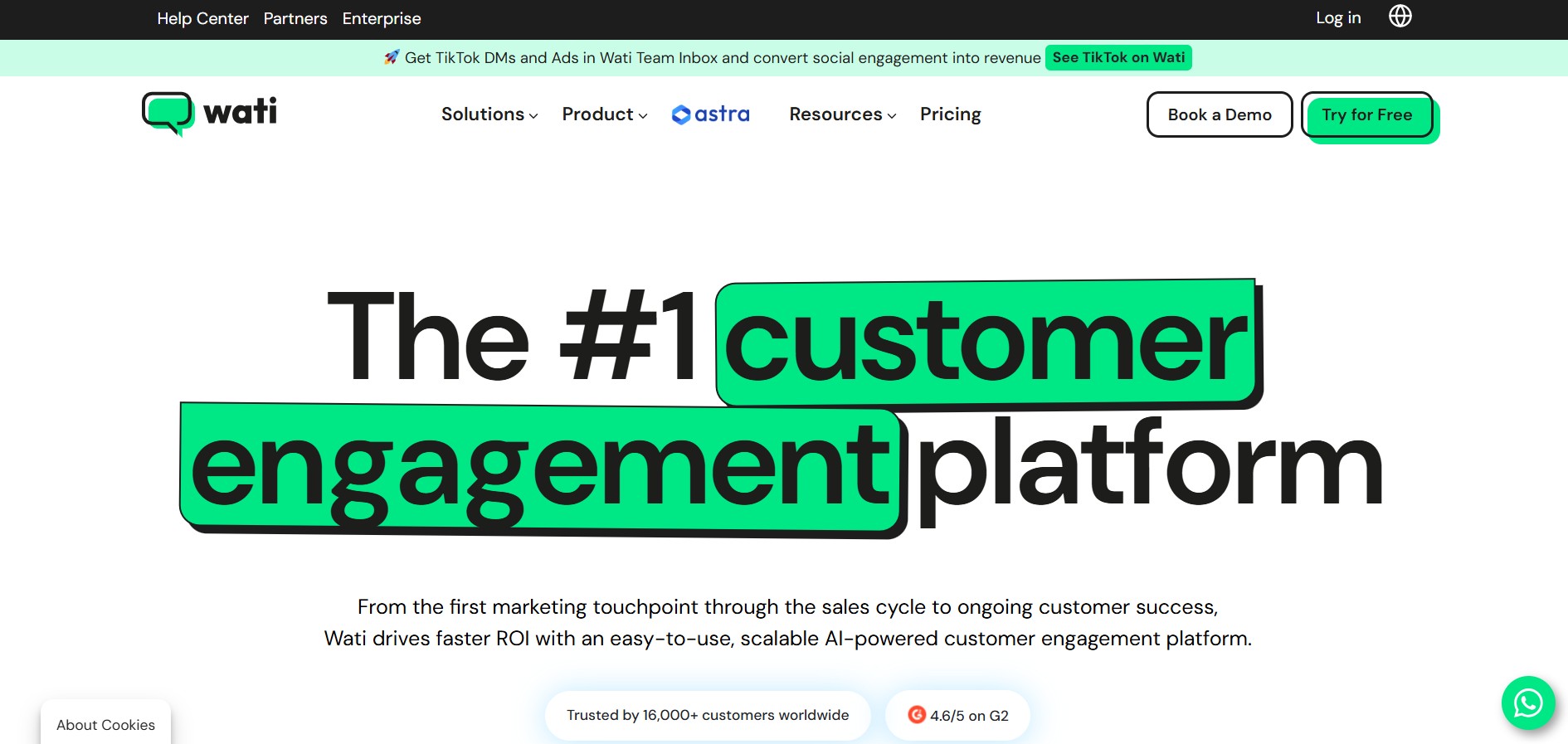
WATI is a customer engagement and WhatsApp communication platform for businesses. It helps teams manage WhatsApp conversations, marketing campaigns, lead generation, sales, customer support, chatbots, automation, and AI agents. WATI also supports channels such as Instagram, Facebook, website chat, SMS, and calling through a centralized communication experience.
 4.8
4.8Namify
AI Business Tools
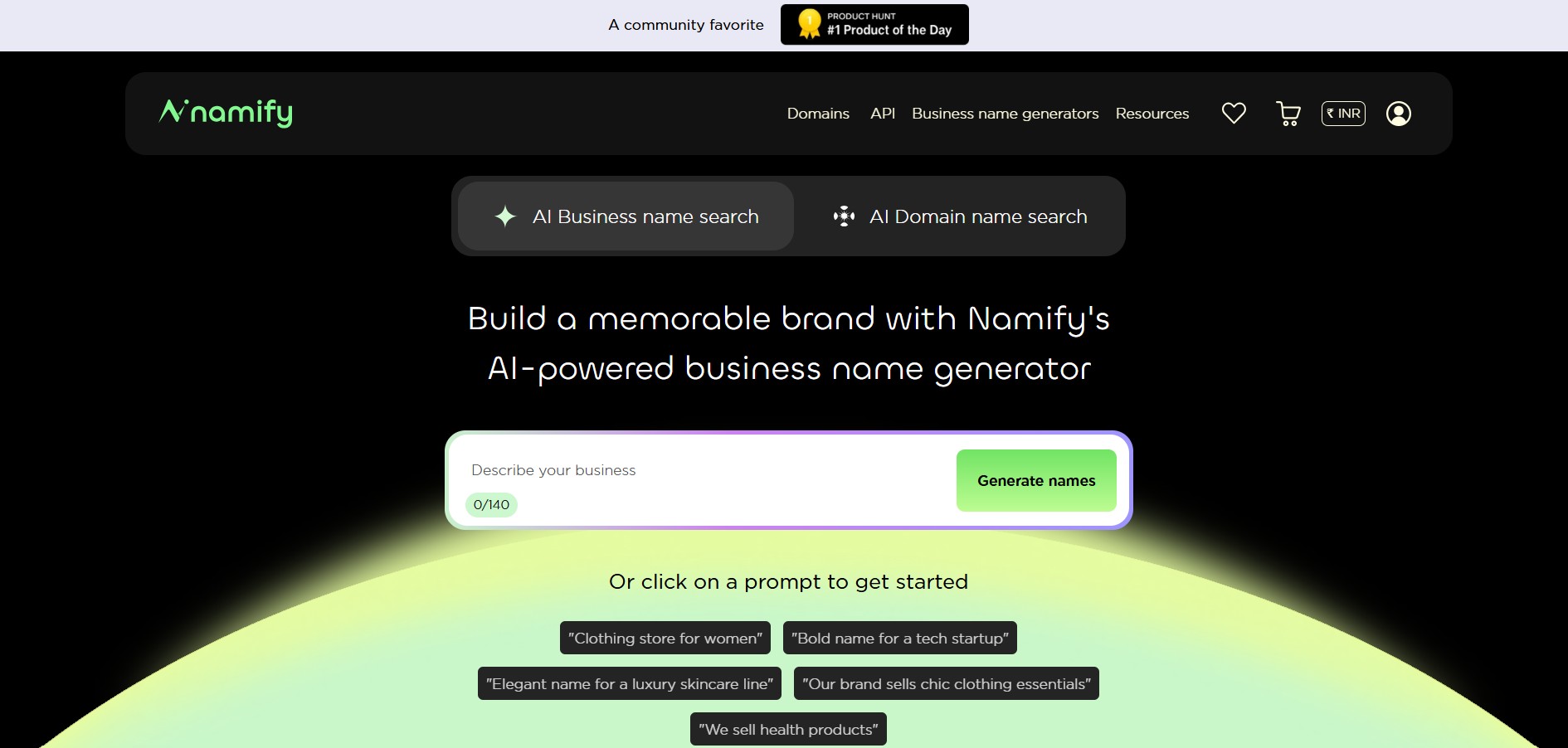
Namify helps you create memorable brand names without spending hours brainstorming. Describe your business, explore generated suggestions, check matching domains and usernames, and build your brand identity with a logo. It is useful for startups, entrepreneurs, agencies, creators, and businesses looking for a practical starting point for naming.
 4.7
4.7Pressmaster AI
AI Business Tools
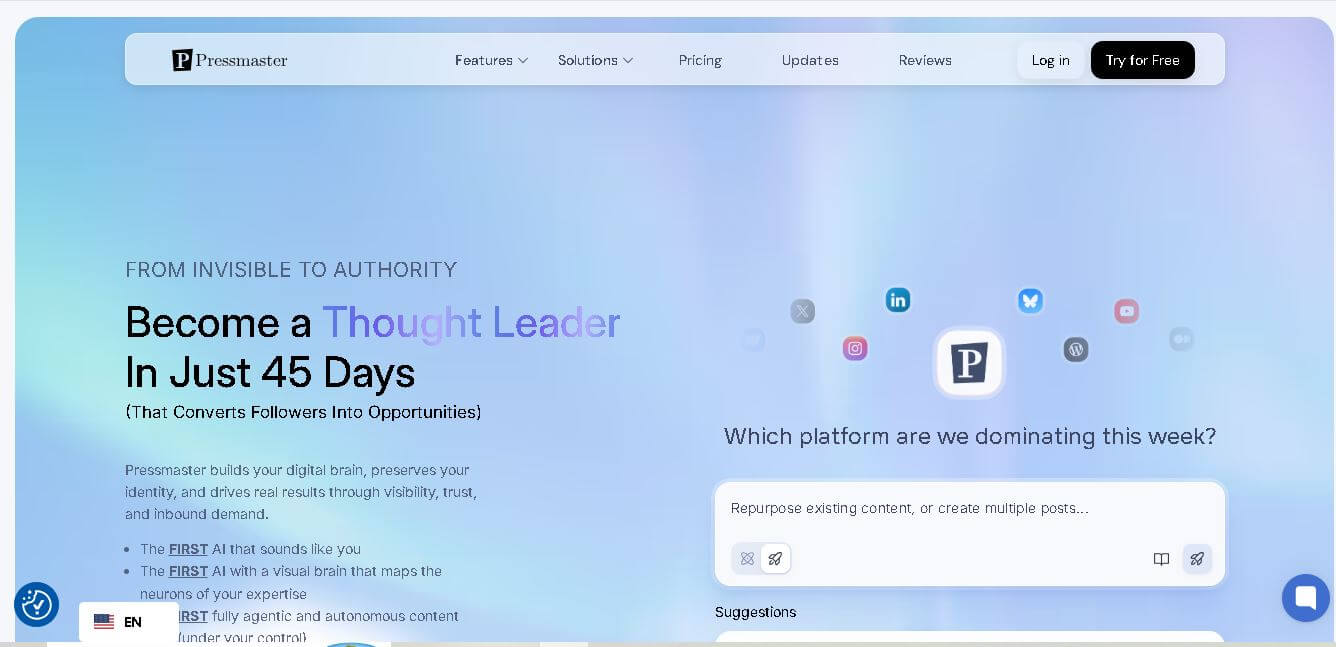
Pressmaster AI (pressmaster.ai) is an AI-powered content engine and PR automation platform designed to turn raw voice inputs, interviews, and brand ideas into authority-building articles, press releases, social posts, and multi-channel marketing campaigns.
 4.9
4.9Tally
AI Business Tools
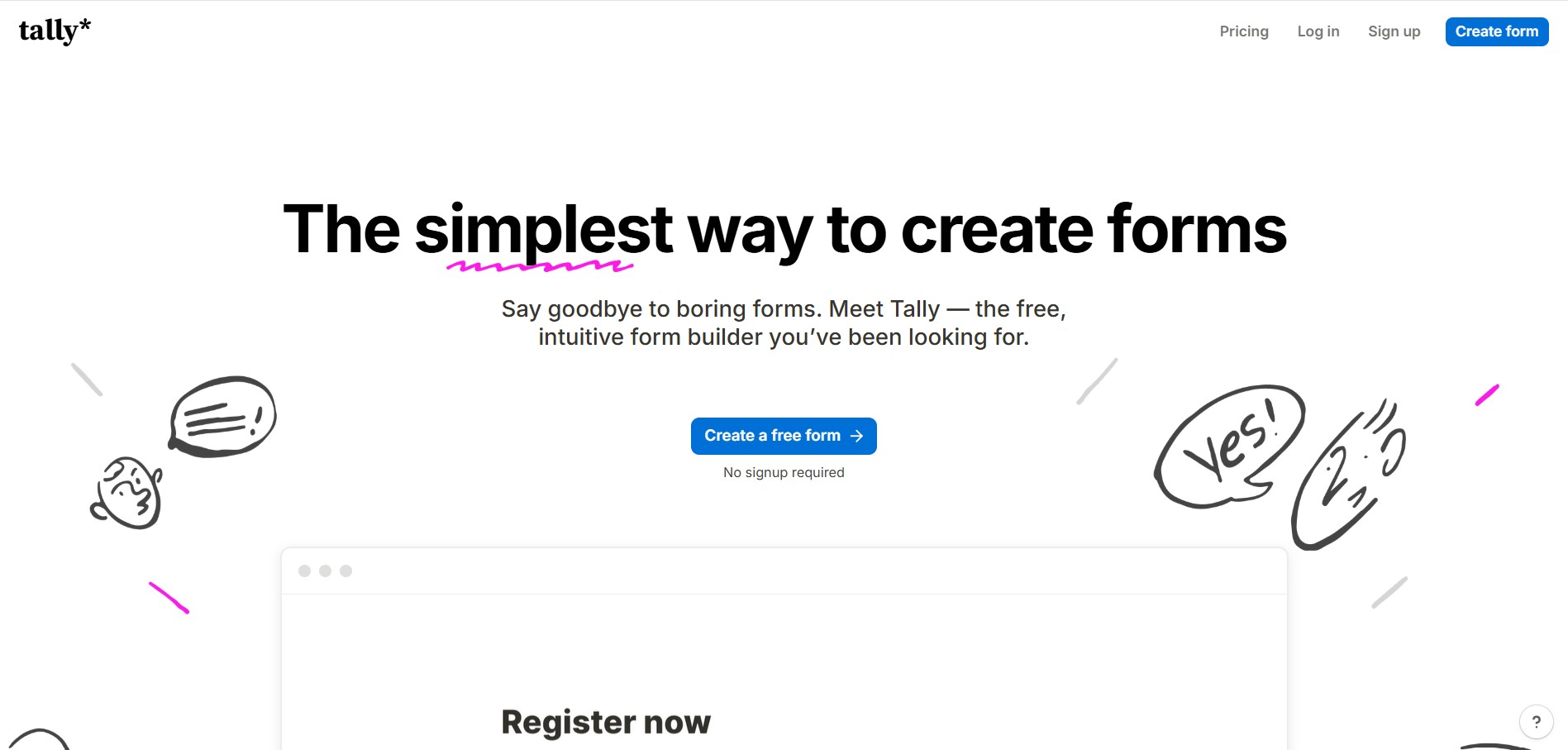
Tally is an intuitive, Notion-style form builder and data collection platform that enables creators, startups, and product teams to create forms, surveys, questionnaires, and payment checkouts by typing on a blank canvas with unlimited forms and submissions on its free tier.