
Vectal
Vectal AI is an intelligent research platform that helps users find, organize, and analyze information, making complex research tasks faster, easier, and more efficient.
What is Vectal AI?
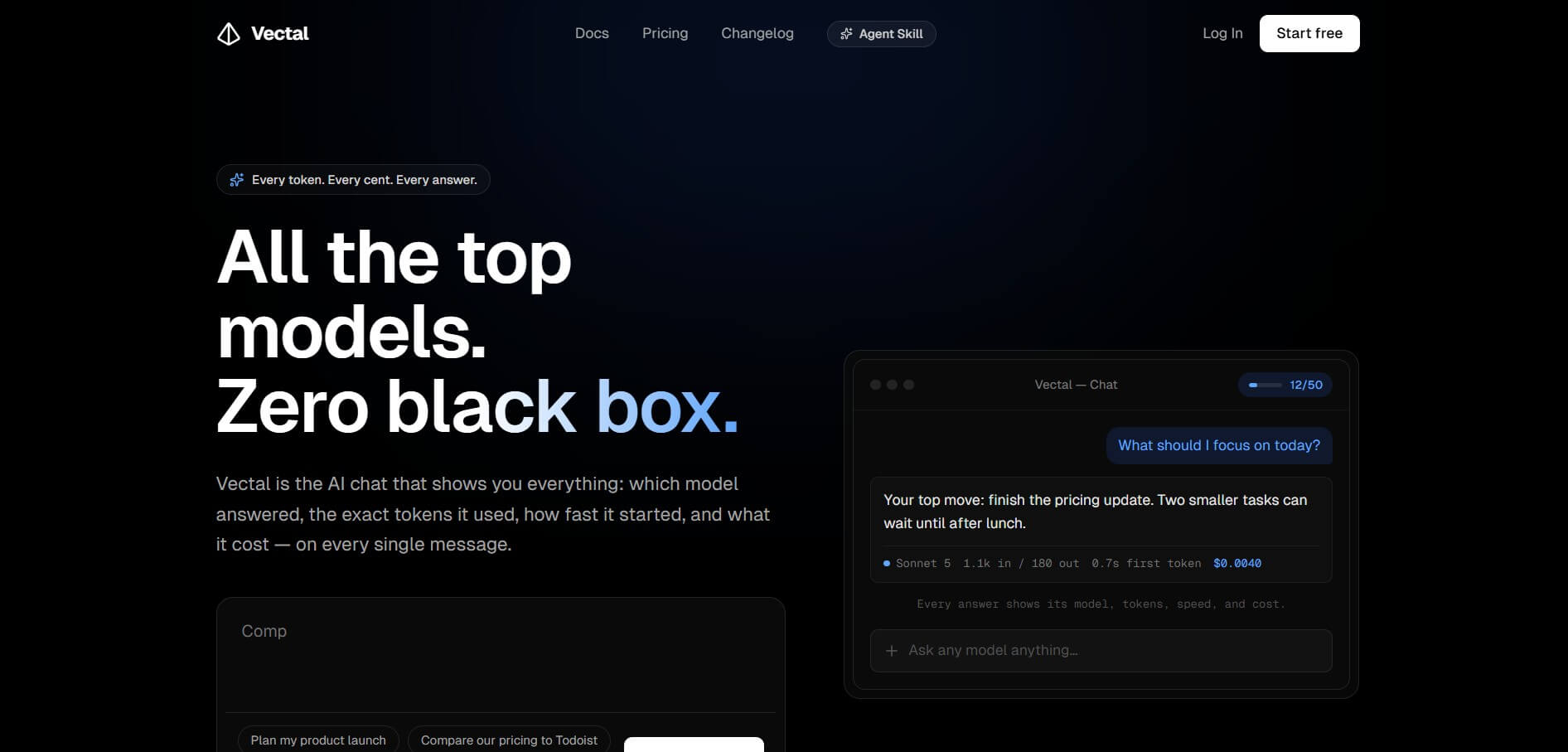
Vectal AI is an AI productivity and task-management platform that combines multiple AI models, tasks, projects, notes, Kanban boards, integrations, APIs, and AI-agent capabilities in one workspace. Unlike traditional task managers, Vectal combines productivity features with access to multiple AI models, including GPT, Claude, DeepSeek, and other models. Its AI chat can help users plan work, prioritize tasks, research ideas, and manage projects. Vectal also shows users which AI model generated an answer, the tokens used, response speed, and estimated cost. It includes integrations with Todoist and Google Calendar, while its API allows developers and AI agents to manage tasks, projects, and notes programmatically.
Vectal AI was an AI productivity platform founded by David Ondrej, combining AI chat, task management, notes, and AI agents. It reportedly reached 70,000+ users and around $155,000 in ARR before being acquired for $1.8 million. The product was launched in late 2024 and reportedly reached this scale within about 14 months.
- Founder: Vectal's current public website does not prominently identify an individual founder.
- Launch: Vectal was listed in the FutureTools database in March 2025, while the product has continued to receive frequent updates and releases.
- Use Cases: Task management, project planning, productivity improvement, AI research, goal management, note-taking, workflow organization, brainstorming, and AI-agent automation.
- Technology: Vectal combines AI chat, multiple large language models, task-management infrastructure, project management, APIs, and AI-agent capabilities.
- Target Users: Professionals, entrepreneurs, developers, project managers, creators, AI users, and teams looking for AI-powered productivity tools.
- Acquisition: No verified acquisition of Vectal AI was identified in the available public information.

Vectal AI Key Features
Vectal AI key features are
- AI Chat Agent: Vectal AI includes an intelligent chat agent that answers questions, helps plan work, and uses your productivity context to provide more relevant responses.
- Multiple AI Models: Access multiple AI models, including GPT, Claude, DeepSeek, GLM, and Kimi, from one workspace. Users can switch models during conversations based on their needs.
- Transparent AI Usage: Vectal shows useful AI usage details, including the model used, input and output tokens, response speed, and estimated cost, helping users understand how they use AI.
- AI Task Management: Manage, organize, and prioritize tasks with AI-powered productivity features that use your existing context to make task planning easier.
- Projects: Create separate projects to organize related tasks and keep project-specific information and context in one place.
- Kanban Boards: Visualize your workflow with Kanban boards and move tasks through stages such as To Do, In Progress, Review, and Done.
- Notes and AI Memories: Store important notes, goals, preferences, and previous context so Vectal can better understand your work and provide more personalized assistance.
- Todoist Integration: Connect Todoist with Vectal to bring existing tasks into your AI-powered productivity workflow and manage them from one place.
- Google Calendar Integration: Connect Google Calendar to coordinate tasks and schedules, making it easier to manage work around upcoming events and commitments.
- AI Cleanup: Use AI-powered cleanup tools to review your task list, organize work, and identify tasks that may no longer be necessary.
- Refocus and Deprioritize: Vectal can help you reorganize your priorities by refocusing your task list and moving less important work lower on your priority list.
- API Access: Developers can use the Vectal API to programmatically create, update, complete, and manage tasks, projects, and notes.
- AI Agent Support: Vectal provides an official agent skill that enables compatible AI agents to interact with tasks, projects, notes, and habits through the Vectal API.
- MCP Connector: Vectal's Ultra plan includes an MCP connector, enabling deeper integration with compatible AI development tools and agent-based workflows.
- Live AI Usage Limits: Vectal provides visible usage meters that show your remaining AI messages and when your usage limits will reset, making it easier to manage your plan and AI consumption.
Vectal AI Pricing
Vectal AI currently offers Free, Pro, and Ultra plans. The free plan costs $0 forever. Pro is listed at $15 per month when billed annually, while Ultra costs $67 per month when billed yearly. Vectal also states that Pro costs $180 per year and Ultra costs $800 per year when billed annually.
| Plan | Price | Main Features |
|---|---|---|
| Free | $0 | AI task agent, chat, projects, Kanban, notes, Todoist and Google Calendar |
| Pro | $15/month annually | Everything in Free, 40x Chat Agent limits, premium AI models, project sharing |
| Ultra | $67/month annually | Everything in Pro, all AI models, unlimited Sonnet 5, unlimited GPT-5, MCP connector |
Disclaimer: For the latest and most accurate pricing information, please visit the official Vectal AI website.
Who is using Vectal AI?
Vectal AI is aimed at people who want to combine traditional productivity tools with AI assistance. Its target audience includes professionals, entrepreneurs, developers, project managers, product managers, content creators, freelancers, startup teams, AI researchers, productivity enthusiasts, AI-agent developers, and small businesses
- Professionals
- Entrepreneurs
- Developers
- Project managers
- Product managers
- Content creators
- Freelancers
- Startup teams
- AI researchers
- Productivity enthusiasts
- AI-agent developers
- Small businesses
What are the best Vectal AI Alternatives?
Some Vectal AI alternatives are
- Todoist
- Notion
- ClickUp
- Motion
- Akiflow
- Zentask AI
- Reclaim AI
- Trello
- Asana
- Taskade
Pros and Cons of Vectal AI
Pros
- Free plan available
- Multiple AI models in one platform
- AI-powered task management
- Projects and Kanban boards
- Notes and AI memory
- Todoist integration
- Google Calendar integration
- Transparent token and cost information
- AI usage limits are visible
- API access
- AI-agent support
- MCP connector on Ultra
- Project sharing on Pro
- Premium AI models on Pro
- Unlimited Sonnet 5 on Ultra
- Unlimited GPT-5 on Ultra
Cons
- Advanced AI models require paid plans
- Heavy AI users may need the expensive Ultra plan
- Some features are limited by usage caps
- Public pricing is based on annual billing for Pro and Ultra
- It may be more complex than a traditional task manager
- Users who only need basic task lists may not need its AI features
- The product is still evolving rapidly
- Team-oriented features are less extensive than some established project-management platforms
Why Choose Vectal AI?
- Vectal combines task management and AI chat in one workspace.
- Users can access several leading AI models without maintaining separate AI subscriptions.
- The platform shows model, token, speed, and cost information for AI responses.
- AI can use stored goals, preferences, notes, and project context.
- Todoist and Google Calendar integrations make it easier to connect existing workflows.
- Kanban boards provide a visual way to manage projects.
- The API allows developers to automate tasks and projects.
- AI agents can interact with Vectal through its official API skill.
- Ultra users get access to an MCP connector.
- The Free plan provides a simple way to test the platform before paying.
- Vectal is useful for people who want productivity software that works alongside AI agents.
Vectal AI vs Competitors
The main difference between Vectal AI, Todoist, Notion, ClickUp, Motion, and Taskade is that Vectal combines traditional productivity tools with multiple AI models and transparent AI usage information. Todoist focuses primarily on task management, Notion combines notes and workspace management, ClickUp targets comprehensive project management, Motion emphasizes AI scheduling, and Taskade focuses on collaborative AI-powered workspaces. Vectal is particularly focused on combining tasks, AI chat, models, context, and agents.
| Tool | Main Focus | Best For |
| Vectal AI | AI productivity and task management | AI-powered personal productivity |
| Todoist | Task management | Simple task organization |
| Notion | Notes and workspace | Knowledge management |
| ClickUp | Project management | Teams and businesses |
| Motion | AI scheduling | Calendar-based productivity |
| Taskade | AI workspace | Collaborative productivity |
| Asana | Project management | Business teams |
| Trello | Kanban management | Visual project tracking |
How Do We Rate Vectal AI?
Our rating is based on the feature set, AI capabilities, productivity functionality, integrations, developer support, usability, and overall value described in the product information.
| Category | Rating Out of 5 |
| AI Features | 4.8 |
| Task Management | 4.7 |
| Model Variety | 4.9 |
| Ease of Use | 4.6 |
| Project Management | 4.6 |
| Integrations | 4.5 |
| AI Transparency | 4.9 |
| API & Developer Features | 4.8 |
| Pricing Value | 4.5 |
| Overall Performance | 4.7 |
Vectal AI Review
Vectal AI combines AI with task management, projects, notes, and personal workflows. Its key advantage is access to multiple AI models, including GPT, Claude, and DeepSeek, within one workspace.
Vectal also stands out with AI usage transparency, showing the model, token usage, response speed, and estimated cost. Its tasks, Kanban boards, notes, memories, API, and AI-agent support make it useful for advanced productivity workflows. The free plan covers core features, while Pro and Ultra add higher AI limits and advanced capabilities. Overall, Vectal AI is best for professionals, developers, creators, and productivity-focused users who want more than a basic task manager.
Conclusion
Vectal AI is an AI-first productivity platform that combines task management, multiple AI models, projects, notes, Kanban boards, AI agents, and developer tools in one workspace. Its biggest differentiators are multi-model AI access, transparent AI usage information, persistent productivity context, API access, and AI-agent support. Vectal's public API and agent skill also make it particularly interesting for developers building AI-assisted workflows. The free plan makes the platform accessible for users who want to experiment with AI-powered productivity, while Pro and Ultra provide higher AI limits, premium models, project sharing, and advanced agent capabilities. For users who simply need a basic task manager, Vectal may offer more functionality than necessary. But if you want your productivity system to actively work with AI models and agents,
FAQ
What is Vectal AI?
Vectal AI is an AI-powered productivity and task-management platform that combines tasks, projects, notes, AI chat, multiple AI models, and automation.
What does Vectal AI do?
Vectal helps users organize tasks, manage projects, take notes, plan work, chat with AI models, and automate productivity workflows.
Is Vectal AI free?
Yes. Vectal has a Free plan that includes an AI task agent, chat, projects, Kanban, notes, Todoist integration, Google Calendar integration, and AI productivity features.
How much does Vectal AI cost?
Vectal's Free plan costs $0. Pro costs $15 per month when billed annually, while Ultra costs $67 per month when billed annually.
What AI models does Vectal support?
Vectal lists models from providers including GPT, Claude, DeepSeek, GLM, and Kimi. The exact model availability depends on the user's plan.
Can Vectal connect to Google Calendar?
Yes. Google Calendar integration is included in Vectal's Free plan.
User Reviews
No reviews yet for Vectal.
Featured Tools
Featured AI tools from TechShark

Melody Genie
MelodyGenie is an AI-powered music generator that creates original songs from simple text prompts. Users can choose styles, moods, and genres, then instantly generate melodies and full tracks, making it easy for creators, marketers, and hobbyists to produce custom music without musical expertise.
Freemium

Kimi AI
Kimi AI is an advanced AI assistant developed by Moonshot AI that helps you chat, research, write, code, and automate tasks in one place. It supports web search, file analysis, and multimodal inputs, and can even run autonomous “agent” workflows to complete complex tasks end-to-end.
Freemium

Fashion Diffusion AI
Fashion Diffusion is an AI-powered fashion design platform that helps brands and designers create clothing designs, virtual try-ons, AI models, product photos, and marketing visuals faster and cost-effectively.
Paid

Veo 4
Veo 4 AI is an AI video creation platform that generates dramatic videos from text, images, audio, and video prompts using realistic motion and synchronized sound.
Paid
Alternatives
Alternatives to Vectal
Vectal AI alternatives include Todoist, Notion, ClickUp, Motion, Taskade, Akiflow, Sunsama, Reclaim AI, Asana, and Trello. Todoist suits simple task management, Notion is strong for notes and knowledge management, and ClickUp fits complex projects. Motion focuses on AI scheduling, while Taskade offers collaborative AI workspaces. Vectal stands out with multiple AI models, persistent context, APIs, and AI-agent support.
 4.8
4.8ClickUp
Productivity
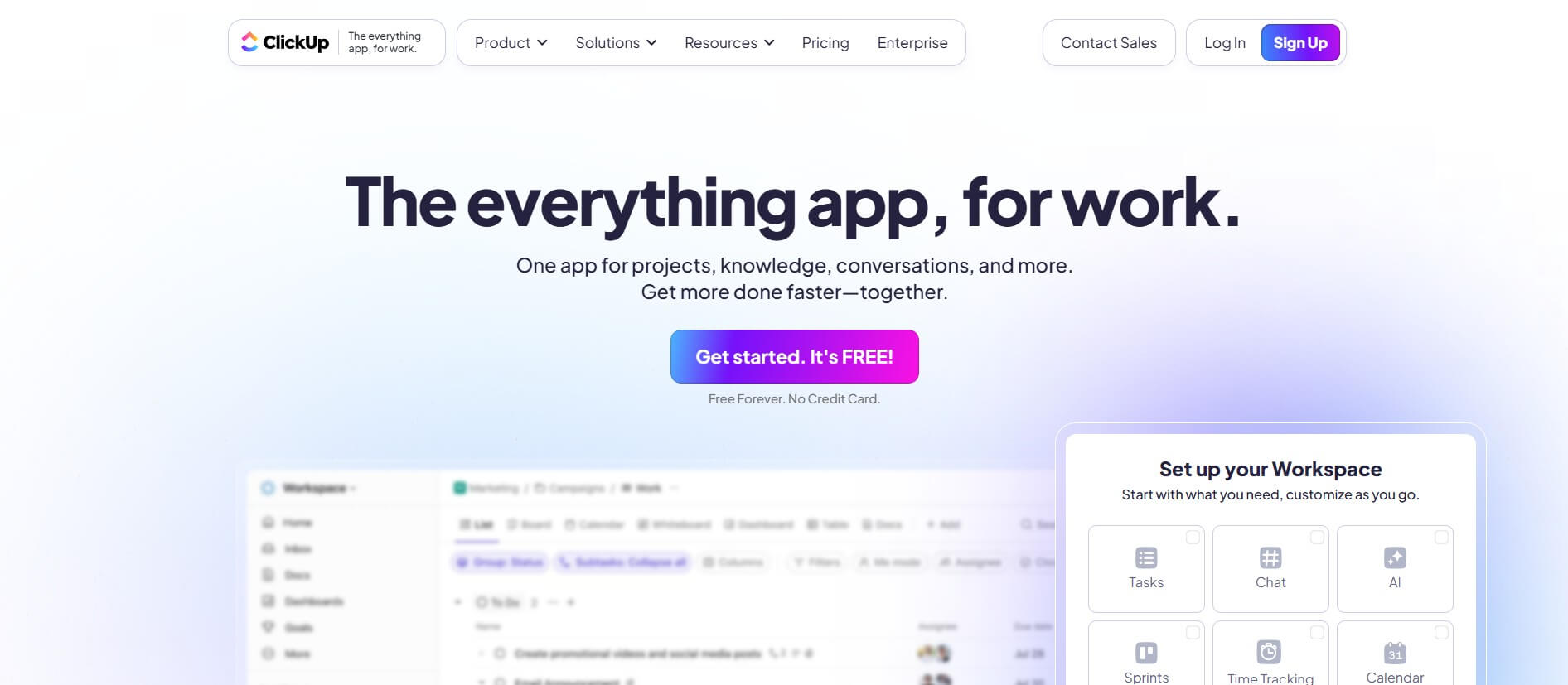
ClickUp is an all-in-one work management platform that helps teams manage projects, tasks, documents, goals, and collaboration in one workspace. Its AI features assist with task creation, meeting summaries, content generation, and workflow automation, while customizable dashboards, multiple project views, and integrations help teams improve productivity and track progress.
 4.9
4.9Notion
Productivity
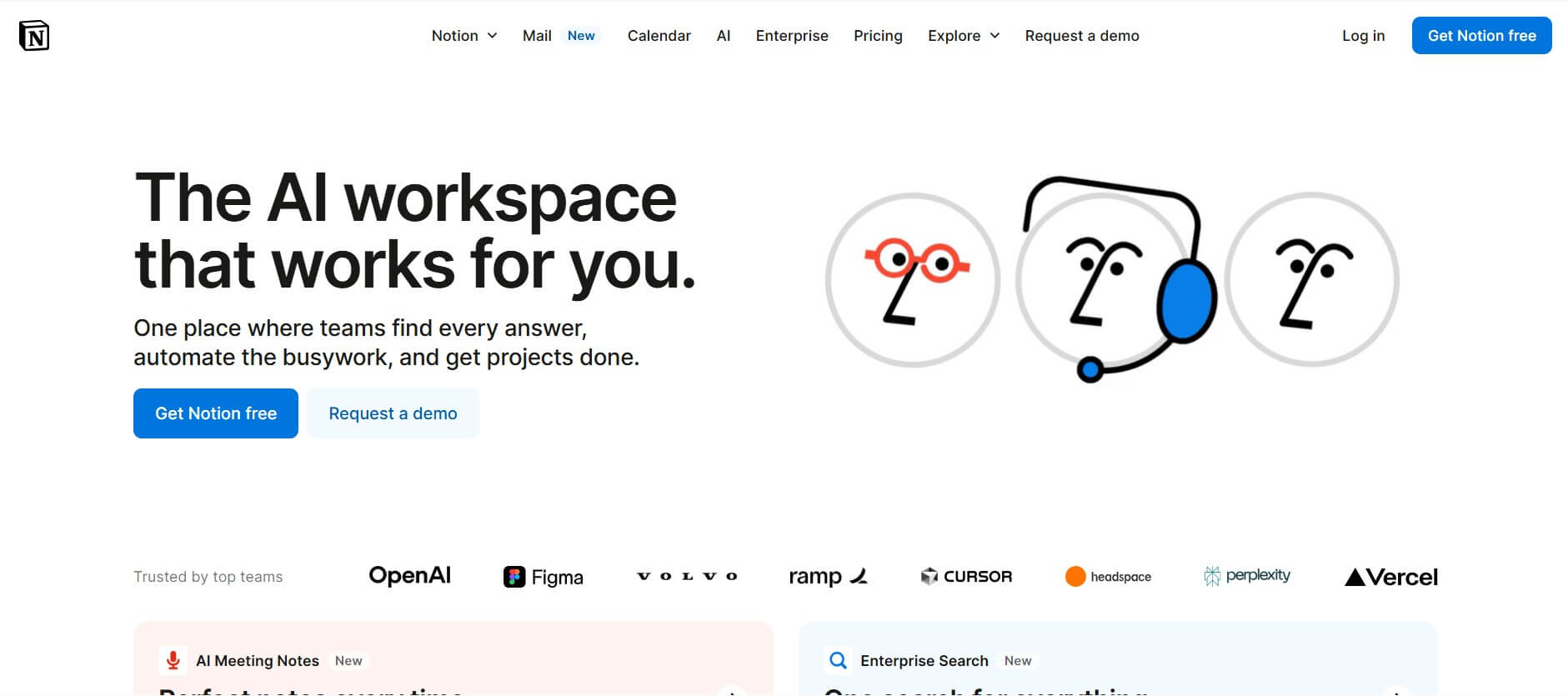
Notion is an all-in-one productivity and AI workspace that helps individuals and teams manage documents, notes, projects, databases, and company knowledge. Its AI features support writing, research, meeting summaries, enterprise search, and workflow automation, while customizable templates and integrations keep everyday work organized in one place.
 4.7
4.7Quinvio AI
Productivity
Quinvio AI helps you turn ideas, scripts, blogs, or web content into polished video presentations. You can refine messaging, choose branded templates, add AI avatars and voiceovers, and produce shareable visual content without traditional recording or editing workflows. It is especially useful for marketers, educators, trainers, creators, and business teams.
 4.9
4.9HubSpot
Marketing
HubSpot is an AI-powered customer platform that helps businesses manage marketing, sales, customer service, and content in one place. It offers a free CRM, automation tools, analytics, and AI features, enabling teams to attract leads, close deals, and deliver better customer experiences at scale.
 4.9
4.9TestSprite
Testing
TestSprite is an AI-powered software testing agent that helps developers automatically generate, run, and fix end-to-end tests for web apps. It simulates real user behavior, detects issues, and provides root-cause insights with suggested fixes, enabling faster releases and more reliable software without manual QA effort.
 4.8
4.8Microsoft Copilot
Productivity
Microsoft Copilot is an AI-powered assistant that helps users write, research, analyze data, and automate tasks across apps like Word, Excel, Outlook, and Teams. It combines large language models with real-time data to generate content, answer questions, and improve productivity across personal and professional workflows.
 4.9
4.9Casablanca AI
Productivity
Casablanca AI is an AI-powered virtual camera that corrects your gaze in real time during video calls, making it appear like you’re maintaining natural eye contact. It works with tools like Zoom and Teams, improving trust, engagement, and communication without needing extra hardware.
 4.9
4.9Granola
Productivity
Granola is an AI-powered meeting assistant that helps you capture, organize, and act on conversations without losing focus. It listens to meetings, turns notes into structured summaries, and generates action items and follow-ups automatically—so you stay present while everything important is documented and ready to use.
 4.8
4.8AI Submit
Productivity
AI Submit is an automated directory submission and SEO distribution platform that allows AI startup founders and developers to submit their artificial intelligence tools to dozens of top AI directories simultaneously for backlink building and traffic growth.