
Zentask AI
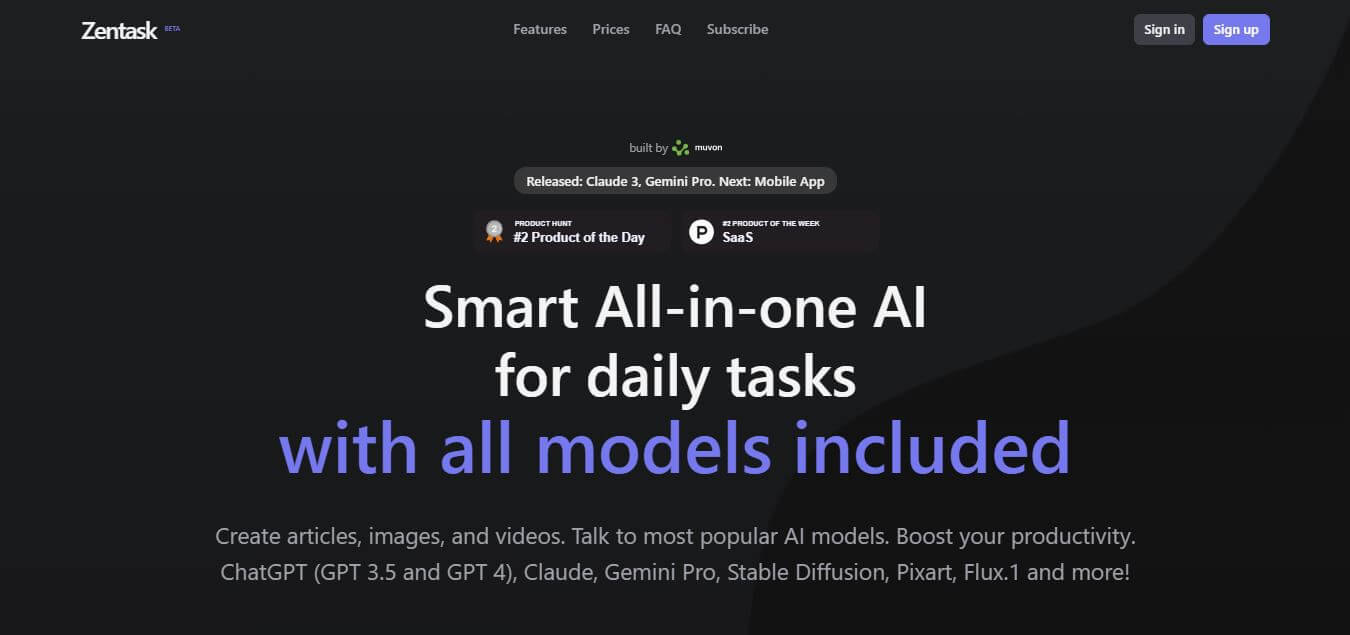
Zentask AI combines multiple AI models and creative tools in one platform, helping users write, create images, research, code and complete daily tasks
What Is Zentask AI?
Zentask AI is an all-in-one AI productivity platform that gives users access to multiple AI models from a single workspace and subscription. Instead of paying for and switching between several AI platforms, users can access models such as GPT, Claude, Gemini Pro, Stable Diffusion, Pixart, and Flux.1 through Zentask. You can use the platform for writing, research, coding, image generation, social media content, productivity tasks, and custom AI assistants. The main idea behind Zentask is simple: bring different AI models and AI-powered tools into one place.
This makes it particularly interesting for people who regularly switch between different AI models depending on the task. A writer might use one model for content creation, another for research, and an image-generation model for visuals without having to manage multiple separate AI subscriptions.
Zentask provides access to more than 6 major AI model families, including GPT, Claude, Gemini Pro, Stable Diffusion, Pixart and Flux.1. Its current pricing page offers 4 options: Free, Start, Pro and Business. The Start plan includes 62,400 credits, Pro includes 132,000 credits and Business includes 216,000 credits. Zentask says each credit costs $0.002 when usage is calculated individually. The platform was launched publicly on Product Hunt around 3 years ago and has attracted more than 600 followers there.
- Founder: Vladimir Kosenko is identified as the founder/maker of Zentask AI.
- Launch: Zentask AI launched publicly on Product Hunt around 3 years ago as an AI marketplace and prompt-engineering platform.
- Use Cases: AI writing, article creation, image generation, coding, research, rewriting, social media content, productivity tasks and custom AI assistants.
- Technology: Zentask combines multiple third-party AI models, including GPT, Claude, Gemini Pro, Stable Diffusion, Pixart and Flux.1.
- Target User: Writers, marketers, developers, students, creators, business owners, advertisers, professionals and AI enthusiasts.
- Acquisition: There is no reliable public information indicating that Zentask AI has been acquired.
What Does Zentask AI Do?
Zentask AI provides a centralized workspace for using different AI models and completing a range of everyday tasks.
Users can use the platform to:
- Write articles and other content
- Generate social media posts
- Create images
- Work on coding tasks
- Analyze information
- Research topics
- Rewrite and improve content
- Build custom AI assistants
- Create reusable AI tasks
- Search previous AI conversations
- Organize frequently used assistants
Its multi-model approach means users can choose an AI system based on the type of task instead of relying on one model for everything.
Zentask AI Key Features
Zentask AI key features are
- All-in-One AI Models: Access multiple leading text and image AI models from a single platform instead of managing separate subscriptions.
- AI Assistants: Use different AI assistants for specific tasks or create custom assistants for your own workflows.
- AI Writing: Generate articles, website content, social posts, emails, and other written material.
- Image Generation: Create visuals using models including Stable Diffusion, Pixart, and Flux. 1.
- Multiple AI Models: Choose between models such as GPT, Claude, and Gemini Pro depending on the task.
- Custom Tasks: Create reusable tasks and workflows for frequently performed activities.
- History Search: Search previous AI conversations and generated content to find information more easily.
- Assistant Organization: Pin and organize frequently used assistants for faster access.
- RAG Support: Zentask is developing retrieval-augmented generation features that can allow assistants to work with custom knowledge bases.
- Custom Tools: Upcoming functionality is designed to let users connect external information sources, websites, and APIs to AI assistants.
- Team Collaboration: Future team features are planned for sharing assistants, tasks, and common knowledge between team members.
- Developer Marketplace: Zentask plans to let developers create and monetize tools and AI assistants.
- Desktop Apps: Zentask provides desktop applications for users who want access to the platform beyond the browser.
Zentask AI Pricing
Zentask AI offers a free plan and three paid subscription options: Start, Pro, and Business.
- Free: $0 per month with 100 signup credits and access to its supported AI models.
- Start: $7.50 per month with 62,400 credits.
- Pro: $14.99 per month with 132,000 credits.
- Business: $22.50 per month with 216,000 credits.
Is Zentask AI Free?
Yes. Zentask has a free plan that costs $0 per month and includes 100 signup credits. For users who need more usage, paid plans start at $7.50 per month. The relatively low starting price makes Zentask an interesting option for users who want access to multiple AI models without paying for several individual subscriptions.
Disclaimer: For the latest and most accurate pricing information, please visit the official Zentask AI website.
Which AI Models Does Zentask Support?
Zentask provides access to multiple AI model families, including
- GPT
- Claude
- Gemini Pro
- Stable Diffusion
- Pixart
- Flux.1
According to the provided information, Zentask supports more than six major AI model families across text and image-generation use cases. This variety is one of the platform's biggest selling points. Users can select different models depending on whether they are writing, researching, coding, or generating images.
Who Is Using Zentask AI?
Zentask is designed for a broad range of AI users rather than one specific profession.
- Writers.
- Content creators.
- Marketers.
- Developers.
- Students.
- Researchers.
- Advertisers.
- Entrepreneurs.
- Business owners.
- AI enthusiasts.
- Productivity-focused professionals.
- Small teams.
What Are the Best Zentask AI Alternatives?
Some notable Zentask AI alternatives include ChatGPT, Claude, Google Gemini, Poe, and You.com. Each alternative has a slightly different focus.
- ChatGPT
- Claude
- Google Gemini
- Poe
- You.com
- Zentask
Pros and Cons
Pros
- Multiple AI models in one platform.
- Access to GPT, Claude and Gemini Pro.
- Image-generation models included.
- Free plan available.
- Affordable paid plans.
- Credit-based usage system.
- AI assistants for different tasks.
- Custom task creation.
- History search.
- Assistant organization.
- Useful for writing and content creation.
- Supports image generation.
- Desktop apps available.
Cons
- Credit usage can vary between models.
- Some advanced features are still listed as upcoming.
- Team collaboration is not fully available yet.
- RAG and custom-tool capabilities are still being developed.
- Users may need to understand which model is best for each task.
- It may not offer the same depth of features as subscribing directly to a leading AI provider.
Why Choose Zentask AI?
Zentask is worth considering if your biggest problem with AI tools is having too many separate subscriptions and platforms. Instead of opening different websites for different AI tasks, Zentask gives users access to multiple models from one workspace.
- Compare different AI models from one interface.
- Use GPT, Claude, and Gemini Pro.
- Generate images using multiple models.
- Create reusable AI assistants.
- Build custom tasks.
- Search your previous AI history.
- Generate articles and marketing content.
- Write social media posts.
- Work on coding tasks.
- Start with a free plan.
- Pay through a single platform.
The biggest reason to choose Zentask is convenience. It brings several AI models and creative tools into one subscription, potentially reducing the need to maintain multiple separate AI accounts.
Zentask AI vs Competitors
The main difference between Zentask AI, ChatGPT, Claude and Gemini is that Zentask focuses on bringing multiple AI models together in one subscription, while ChatGPT, Claude and Gemini primarily center their own ecosystems around their respective model families. Zentask is therefore useful for users who want model variety, whereas dedicated AI platforms can provide deeper access to their own ecosystem, tools and latest model-specific features.
| Tool | Best For | Multiple AI Models | Image Generation | Custom Assistants |
|---|---|---|---|---|
| Zentask AI | Multi-model AI productivity | Yes | Yes | Yes |
| ChatGPT | General AI productivity | Limited | Yes | Yes |
| Claude | Writing and reasoning | No | Limited | Yes |
| Gemini | Google ecosystem | No | Yes | Yes |
| Poe | Multi-model AI access | Yes | Yes | Yes |
How Do We Rate Zentask AI?
Based on its model variety, pricing, productivity features, AI assistants, and overall usability, we rate Zentask AI 4.6 out of 5.
| Category | Rating out of 5 |
|---|---|
| Ease of Use | 4.6 |
| AI Model Variety | 4.8 |
| AI Writing | 4.6 |
| Image Generation | 4.6 |
| Custom Assistants | 4.5 |
| Productivity | 4.7 |
| Pricing | 4.7 |
| History Management | 4.5 |
| Integrations | 4.2 |
| Overall Rating | 4.6 |
Zentask AI Review: Is It Worth It?
Zentask takes a different approach from the typical AI assistant. Rather than trying to compete by offering only its own model, it acts as a centralized AI workspace where users can access multiple models and tools.
That is the platform's biggest strength. Users can access GPT, Claude, and Gemini Pro alongside image-generation models such as Stable Diffusion, Pixart, and Flux.1. This gives users more flexibility when choosing an AI model for a particular task. For content creators and marketers, Zentask can be useful for writing articles, creating social media content, brainstorming, rewriting, and generating images. For developers, it can support coding and technical workflows.
For students and researchers, the platform can help with learning, information processing, research, and writing-related tasks. Another useful feature is the ability to create custom assistants and reusable tasks. Instead of entering the same prompt repeatedly, users can create workflows around tasks they perform frequently. The history search and assistant organization features are also helpful for keeping a multi-model workspace manageable.
Conclusion
Zentask AI is a practical multi-model AI productivity platform for users who value variety, affordability, and convenience. Its biggest advantage is bringing multiple AI models—including GPT, Claude, Gemini Pro, Stable Diffusion, Pixart, and Flux.1—into one workspace. The platform also offers AI assistants, reusable tasks, history search, image generation, desktop apps, and a free plan. Its paid plans start at $7.50 per month, making it an accessible option for users who want to experiment with multiple AI systems.
The trade-off is that some advanced capabilities, including RAG, external tools, team collaboration, and developer-focused features, are still developing. Overall, Zentask is a strong choice for creators, marketers, developers, students, and AI enthusiasts who want multiple AI tools without constantly switching between different platforms.
FAQ
What is Zentask AI?
Zentask AI is an all-in-one AI platform that provides access to multiple AI models and creative tools through one interface.
Who founded Zentask AI?
Vladimir Kosenko is identified as the founder and maker of Zentask AI.
Is Zentask AI free?
Yes. Zentask has a free plan that currently includes 100 signup credits
How much does Zentask AI cost?
Paid plans currently start at $7.50 per month, with Pro at $14.99 and Business at $22.50 per month.
Which AI models does Zentask support?
Zentask currently lists GPT, Claude, Gemini Pro, Stable Diffusion, Pixart and Flux.1 among its supported models.
Can Zentask generate images?
Yes. Zentask provides access to several image-generation models, including Stable Diffusion, Pixart and Flux.1.
Can I create custom AI assistants in Zentask?
Yes. Zentask allows users to create their own tasks and assistants, with additional customization capabilities planned.
Does Zentask support RAG?
Zentask lists RAG-based custom knowledge and indexing as an upcoming capability.
User Reviews
No reviews yet for Zentask AI.
Featured Tools
Featured AI tools from TechShark

Melody Genie
MelodyGenie is an AI-powered music generator that creates original songs from simple text prompts. Users can choose styles, moods, and genres, then instantly generate melodies and full tracks, making it easy for creators, marketers, and hobbyists to produce custom music without musical expertise.
Freemium

Kimi AI
Kimi AI is an advanced AI assistant developed by Moonshot AI that helps you chat, research, write, code, and automate tasks in one place. It supports web search, file analysis, and multimodal inputs, and can even run autonomous “agent” workflows to complete complex tasks end-to-end.
Freemium

Fashion Diffusion AI
Fashion Diffusion is an AI-powered fashion design platform that helps brands and designers create clothing designs, virtual try-ons, AI models, product photos, and marketing visuals faster and cost-effectively.
Paid

Veo 4
Veo 4 AI is an AI video creation platform that generates dramatic videos from text, images, audio, and video prompts using realistic motion and synchronized sound.
Paid
Alternatives
Alternatives to Zentask AI
The best Zentask AI alternatives include ChatGPT, Claude, Gemini, Poe and You.com. ChatGPT is a strong all-purpose AI assistant, Claude is excellent for writing and reasoning, Gemini works well for users in Google's ecosystem, Poe provides access to multiple AI models, and You.com combines AI search with different models. Zentask is best for users who want multiple AI models, image generation and productivity features through one affordable platform.
 4.8
4.8ClickUp
Productivity
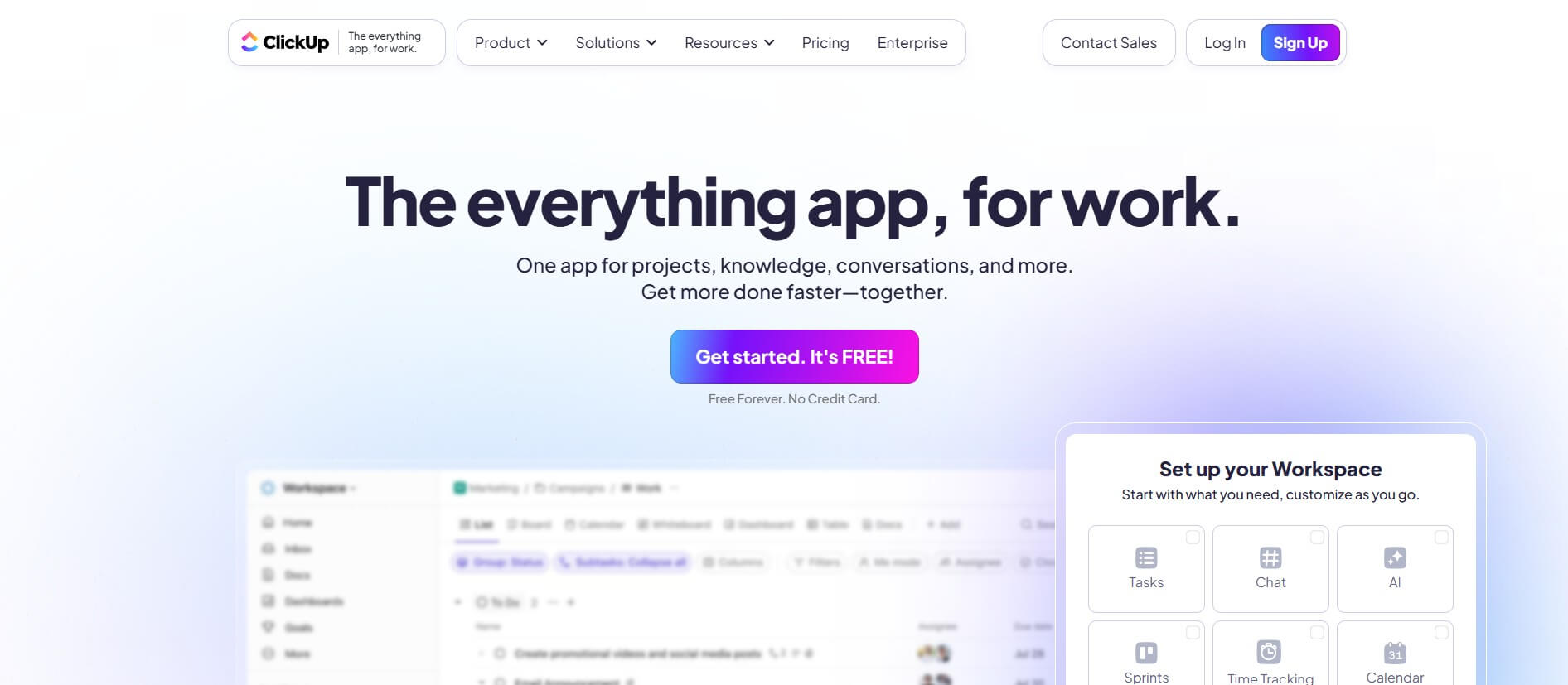
ClickUp is an all-in-one work management platform that helps teams manage projects, tasks, documents, goals, and collaboration in one workspace. Its AI features assist with task creation, meeting summaries, content generation, and workflow automation, while customizable dashboards, multiple project views, and integrations help teams improve productivity and track progress.
 4.9
4.9Notion
Productivity
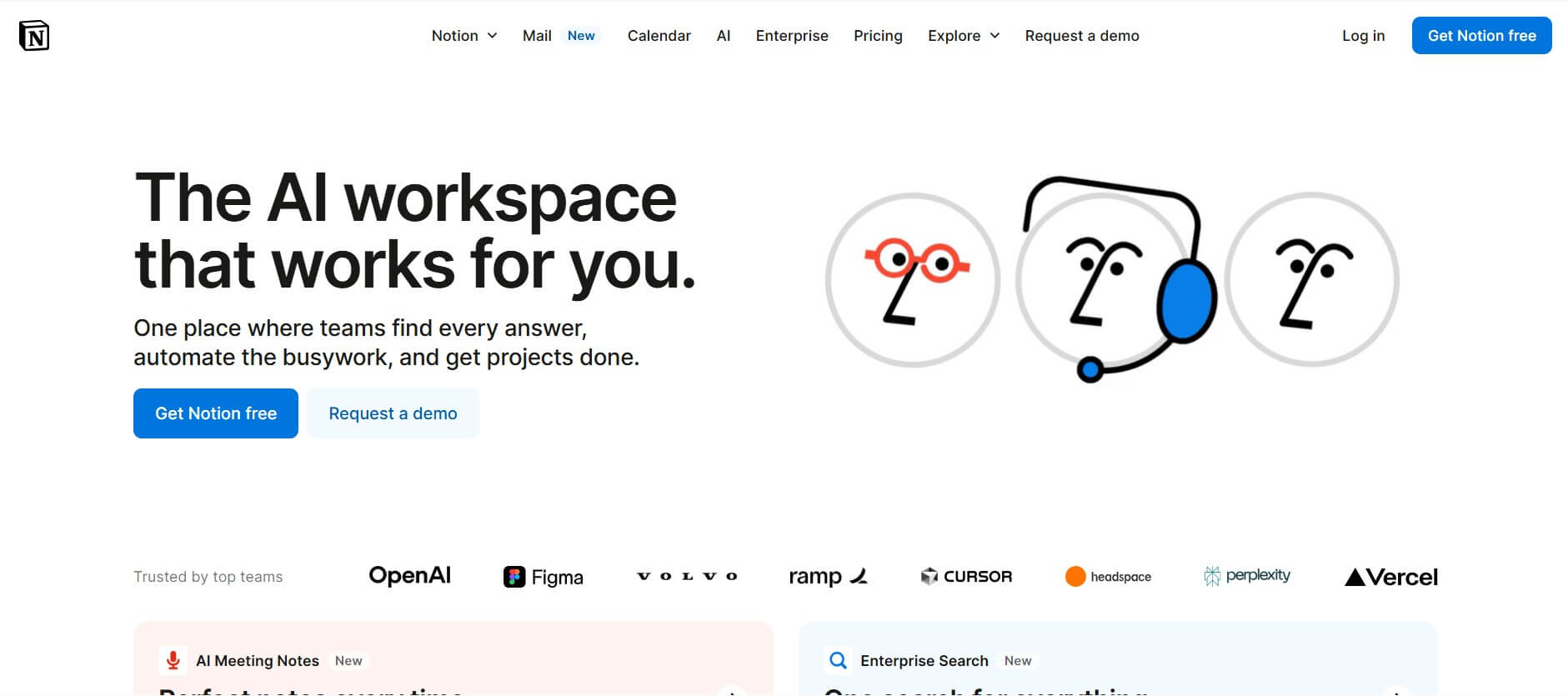
Notion is an all-in-one productivity and AI workspace that helps individuals and teams manage documents, notes, projects, databases, and company knowledge. Its AI features support writing, research, meeting summaries, enterprise search, and workflow automation, while customizable templates and integrations keep everyday work organized in one place.
 4.7
4.7Quinvio AI
Productivity
Quinvio AI helps you turn ideas, scripts, blogs, or web content into polished video presentations. You can refine messaging, choose branded templates, add AI avatars and voiceovers, and produce shareable visual content without traditional recording or editing workflows. It is especially useful for marketers, educators, trainers, creators, and business teams.
 4.9
4.9HubSpot
Marketing
HubSpot is an AI-powered customer platform that helps businesses manage marketing, sales, customer service, and content in one place. It offers a free CRM, automation tools, analytics, and AI features, enabling teams to attract leads, close deals, and deliver better customer experiences at scale.
 4.9
4.9TestSprite
Testing
TestSprite is an AI-powered software testing agent that helps developers automatically generate, run, and fix end-to-end tests for web apps. It simulates real user behavior, detects issues, and provides root-cause insights with suggested fixes, enabling faster releases and more reliable software without manual QA effort.
 4.8
4.8Microsoft Copilot
Productivity
Microsoft Copilot is an AI-powered assistant that helps users write, research, analyze data, and automate tasks across apps like Word, Excel, Outlook, and Teams. It combines large language models with real-time data to generate content, answer questions, and improve productivity across personal and professional workflows.
 4.9
4.9Casablanca AI
Productivity
Casablanca AI is an AI-powered virtual camera that corrects your gaze in real time during video calls, making it appear like you’re maintaining natural eye contact. It works with tools like Zoom and Teams, improving trust, engagement, and communication without needing extra hardware.
 4.9
4.9Granola
Productivity
Granola is an AI-powered meeting assistant that helps you capture, organize, and act on conversations without losing focus. It listens to meetings, turns notes into structured summaries, and generates action items and follow-ups automatically—so you stay present while everything important is documented and ready to use.
 4.8
4.8AI Submit
Productivity
AI Submit is an automated directory submission and SEO distribution platform that allows AI startup founders and developers to submit their artificial intelligence tools to dozens of top AI directories simultaneously for backlink building and traffic growth.