
Calendly
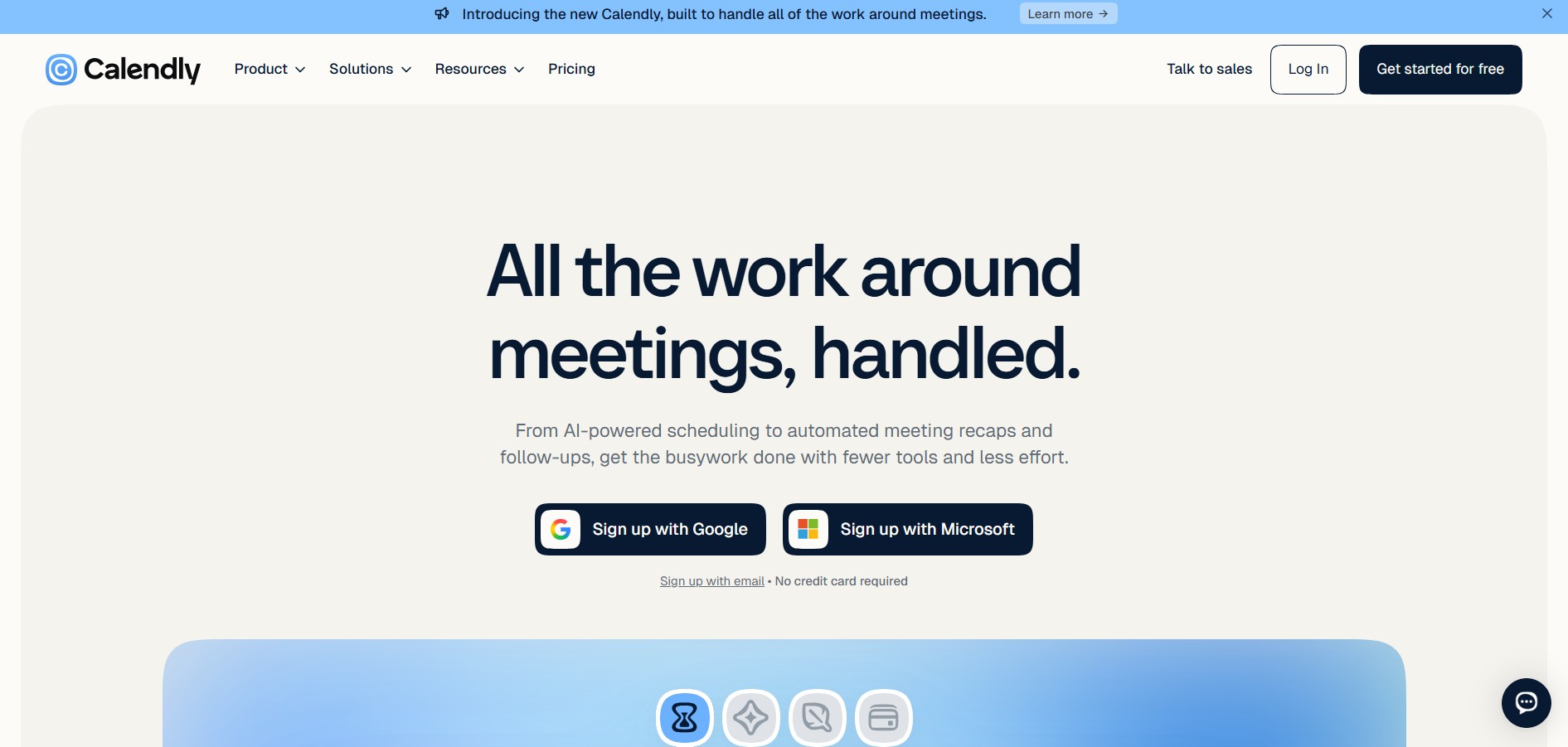
Calendly is an automated scheduling and appointment management platform that eliminates back-and-forth emails by allowing users to share availability links, automate booking workflows, and route leads.
What is Calendly?
Calendly is a popular scheduling platform that simplifies booking meetings without the back-and-forth emails. It allows users to share their availability through a personalized link, enabling others to choose a suitable time based on real-time calendar integration. Calendly connects with tools like Google Calendar, Outlook, Zoom, and more, automatically scheduling events and sending reminders. Designed for individuals, teams, and businesses, it streamlines appointment booking, improves productivity, and enhances the overall meeting experience.
Calendly is widely used by over 50 million users across more than 240 countries, making it one of the leading scheduling platforms globally. The platform has facilitated over 1.3 billion meetings and is trusted by more than 100,000 organizations, including many Fortune 500 companies. Calendly is embedded on over 150,000 websites and is popular across industries like consulting, sales, and IT. With around 50 million monthly website visits, its growing adoption highlights strong demand for efficient, automated scheduling solutions.
- Platform Role: AI-Powered Automated Scheduling & Appointment Management Platform
- Core Capabilities: One-on-One & Group Booking, Round-Robin Team Routing, Lead Qualification & Routing Forms, Automated Email/SMS Workflows, Calendar Syncing, AI Meeting Recaps (Notetaker), AI Email Assistant (Callie)
- Deployment: Web Application (calendly.com), Google Chrome Extension, Firefox Extension, Mobile Apps (iOS, Android), Outlook Add-in, and REST API
Use Cases:
- Qualifying inbound website leads through forms and routing qualified prospects directly to specific account executives or round-robin sales queues
- Automating candidate interview scheduling across multiple team interviewers with unified calendar conflict checking
- Reducing no-shows for client consultations and advisory calls using automated SMS and email reminders alongside upfront payment collection
- Embedding dynamic booking widgets on websites, email signatures, and landing pages to convert traffic into scheduled calls
Technology:
- Multi-Calendar Synchronization: Real-time conflict checking across Google Calendar, Office 365, Outlook, Exchange, and iCloud calendars
- Lead Routing Engine: Rule-based logic algorithms and CRM integration hooks (Salesforce, HubSpot, Marketo) that evaluate prospect inputs to assign meeting hosts
- Integrated AI Suite: Automated AI meeting note-taking, transcript summarization, and email scheduling assistants
Target Users:
- Sales, revenue, and business development teams handling high-volume inbound and outbound calls
- Recruiting, HR, and talent acquisition teams coordinating multi-stage candidate interviews
- Consultants, freelancers, customer success managers, and executive leadership
Acquisition: Web application, browser extensions, mobile apps, and enterprise API access
What are the key features of Calendly?
Calendly's key platform features are
- Multi-Calendar Syncing: Connect up to 6 calendars per user to automatically detect scheduling conflicts across work and personal accounts.
- Round-Robin & Collective Events: Automatically distribute incoming meetings across available team members based on capacity or schedule joint multi-host calls.
- Routing Forms: Screen and qualify site visitors before scheduling, sending leads to the correct rep or custom booking page.
- Automated Workflows: Trigger automated email/SMS meeting reminders, follow-ups, re-engagement campaigns, and custom webhook actions.
- Payment Integrations: Accept payments or security deposits at the moment of booking via Stripe and PayPal.
- AI Meeting Features (Plus Tiers): Access automated call recording, transcript summaries, and email scheduling assistants.
How much does Calendly cost?
Calendly operates on a per-seat monthly or annual subscription model, ranging from a basic free plan to advanced enterprise and AI-enhanced tiers.
Pricing Overview:
- Free ($0): Includes 1 connected calendar per user, 1 active event type, web video integrations (Zoom, Meet, Teams), and basic scheduling links.
- Standard ($10/seat/mo billed annually or $12/mo monthly): Adds unlimited event types, multiple calendar connections per user, customizable booking links, and payment integrations.
- Standard Plus ($18/seat/mo billed annually or $24/mo monthly): Includes all Standard features plus Calendly's AI meeting recaps and email scheduling assistant.
- Teams ($16/seat/mo billed annually or $20/mo monthly): Adds round-robin scheduling, lead routing forms, team admin controls, and Salesforce CRM integration.
- Teams Plus ($24/seat/mo billed annually or $32/mo monthly): Combines full Teams functionality with AI meeting transcripts and recaps.
- Enterprise (Custom, starting ~$15,000/yr): Includes SAML/SSO authentication, domain control, audit logging, custom security reviews, and dedicated account management.
Disclaimer: Prices are billed per seat and advertised at annual rates. Visit calendly.com/pricing for official plan details.
Who should use Calendly?
Calendly is tailored for professional scheduling and client interaction, including
- Sales & Revenue Operations: Automating demo scheduling, qualifying website traffic, and routing inbound leads to sales reps.
- Recruiters & Hiring Managers: Eliminating interview scheduling delays with candidate self-booking tools.
- Consultants & Service Providers: Collecting client payments upon booking and automating pre-call intake forms.
What are the best alternatives to Calendly?
Some of the top alternatives to Calendly include
- Cal.com
- Acuity Scheduling
- Chili Piper
- YouCanBook.me
- HubSpot Meeting Scheduler
- TidyCal
What are the pros and cons of Calendly?
What are the pros of Calendly?
- Industry-standard interface with high brand familiarity and intuitive booking flows for clients
- Robust ecosystem of integrations including Google Calendar, Outlook, Salesforce, Zoom, Stripe, and Zapier
- Powerful lead qualification routing and round-robin team distribution tools
What are the cons of Calendly?
- Essential team features like Salesforce integration and lead routing require higher-paid tiers
- Free tier is restricted to a single event type and one calendar connection
Why should you choose Calendly?
Calendly delivers reliable scheduling automation. By combining calendar conflict prevention with lead routing, payment processing, and team distribution features, Calendly streamlines client acquisition and administrative workflows.
- Eliminate manual back-and-forth communication when booking meetings with external partners
- Automatically route incoming website leads to available sales representatives
- Streamline pre-call workflows with automated intake forms, reminders, and payment collection
How do we rate Calendly?
| Parameter | Rating (out of 5) |
|---|---|
| Ease of Use & User Experience | 4.9 |
| Integrations & Ecosystem | 4.9 |
| Team & Lead Routing Features | 4.8 |
| Automation & Workflow Customization | 4.7 |
| Value for Money | 4.6 |
| Overall Score | 4.78 |
What is our review and verdict on Calendly?
Calendly is one of those tools that instantly makes your workflow smoother. Instead of endless email threads trying to find the right meeting time, you simply share your link and let others book a slot that works for both sides. The interface is clean and easy to use, even for beginners. Its integrations with Google Calendar, Zoom, and Outlook work seamlessly. While advanced features are locked behind paid plans, the free version is still powerful enough for individuals. Overall, it’s a reliable, time-saving tool that genuinely improves productivity.
Conclusion
Calendly has become an essential tool for modern scheduling by eliminating the hassle of back-and-forth meeting coordination. Its ease of use, seamless integrations, and global adoption make it a reliable choice for individuals and organizations alike. By automating bookings and improving time management, Calendly enhances productivity and user experience. As remote work and digital collaboration continue to grow, its role in simplifying scheduling and streamlining workflows makes it a valuable solution for efficient communication.
FAQ
What is Calendly?
Calendly is an online scheduling platform that helps individuals and teams book meetings without the usual back-and-forth messages. Users connect their calendars, set their availability, create meeting types, and share a booking link so invitees can choose an available time.
How does Calendly prevent double bookings?
Calendly connects to a user's calendar and checks existing events before showing available appointment times. Users can also configure working hours, buffers, breaks, daily meeting limits, and other availability rules to control when people can book them.
Can Calendly be used for team and group scheduling?
Yes. Calendly supports one-on-one meetings, group events, collective meetings with multiple hosts, and round-robin scheduling for teams. Team plans can also use routing forms to qualify leads and automatically direct them to the appropriate team member.
Can Calendly collect payments when someone books a meeting?
Yes. Calendly can collect payments during the booking process through Stripe and PayPal. Depending on the setup, businesses can charge upfront, create payment links, sell meeting packages, and send invoices for services.
What apps can Calendly integrate with?
Calendly supports more than 100 integrations across calendars, video conferencing, CRM, marketing, payments, recruiting, and automation tools. Integrations include Google Calendar, Outlook, Zoom, Google Meet, Microsoft Teams, Salesforce, HubSpot, Stripe, PayPal, Zapier, Slack, and others.
Can Calendly be embedded into a website?
Yes. Calendly can be embedded directly into a website so visitors can view available times and book meetings without leaving the page. The embedded scheduling experience can also be customized to better match the website's branding.
Is Calendly free to use?
Yes. Calendly has a Free plan that includes one event type, one connected calendar, unlimited one-on-one meetings, and a customizable booking page. Paid plans add features such as unlimited event types, multiple calendars, automated reminders, payments, team scheduling, lead routing, and AI meeting tools.
User Reviews
No reviews yet for Calendly.
Featured Tools
Featured AI tools from TechShark

Melody Genie
MelodyGenie is an AI-powered music generator that creates original songs from simple text prompts. Users can choose styles, moods, and genres, then instantly generate melodies and full tracks, making it easy for creators, marketers, and hobbyists to produce custom music without musical expertise.
Freemium

Kimi AI
Kimi AI is an advanced AI assistant developed by Moonshot AI that helps you chat, research, write, code, and automate tasks in one place. It supports web search, file analysis, and multimodal inputs, and can even run autonomous “agent” workflows to complete complex tasks end-to-end.
Freemium

Fashion Diffusion AI
Fashion Diffusion is an AI-powered fashion design platform that helps brands and designers create clothing designs, virtual try-ons, AI models, product photos, and marketing visuals faster and cost-effectively.
Paid

Veo 4
Veo 4 AI is an AI video creation platform that generates dramatic videos from text, images, audio, and video prompts using realistic motion and synchronized sound.
Paid
Alternatives
Alternatives to Calendly
Top alternatives to Calendly include Cal.com, Acuity Scheduling, Chili Piper, and YouCanBook.me. While open-source alternatives like Cal.com offer extensive white-label customization and Chili Piper excels at complex B2B inbound sales routing, Calendly maintains the broadest market ecosystem and standard scheduling integration.
 4.8
4.8ClickUp
Productivity
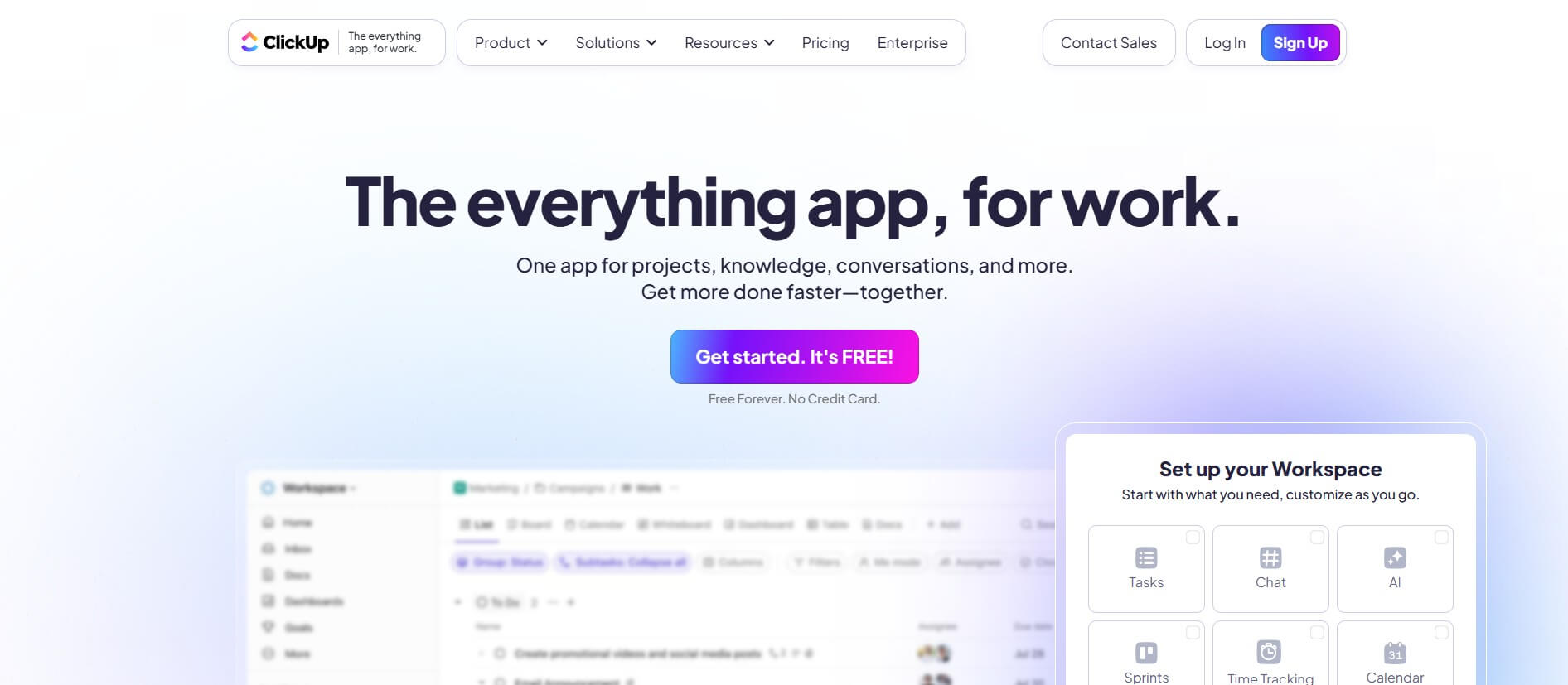
ClickUp is an all-in-one work management platform that helps teams manage projects, tasks, documents, goals, and collaboration in one workspace. Its AI features assist with task creation, meeting summaries, content generation, and workflow automation, while customizable dashboards, multiple project views, and integrations help teams improve productivity and track progress.
 4.9
4.9Notion
Productivity
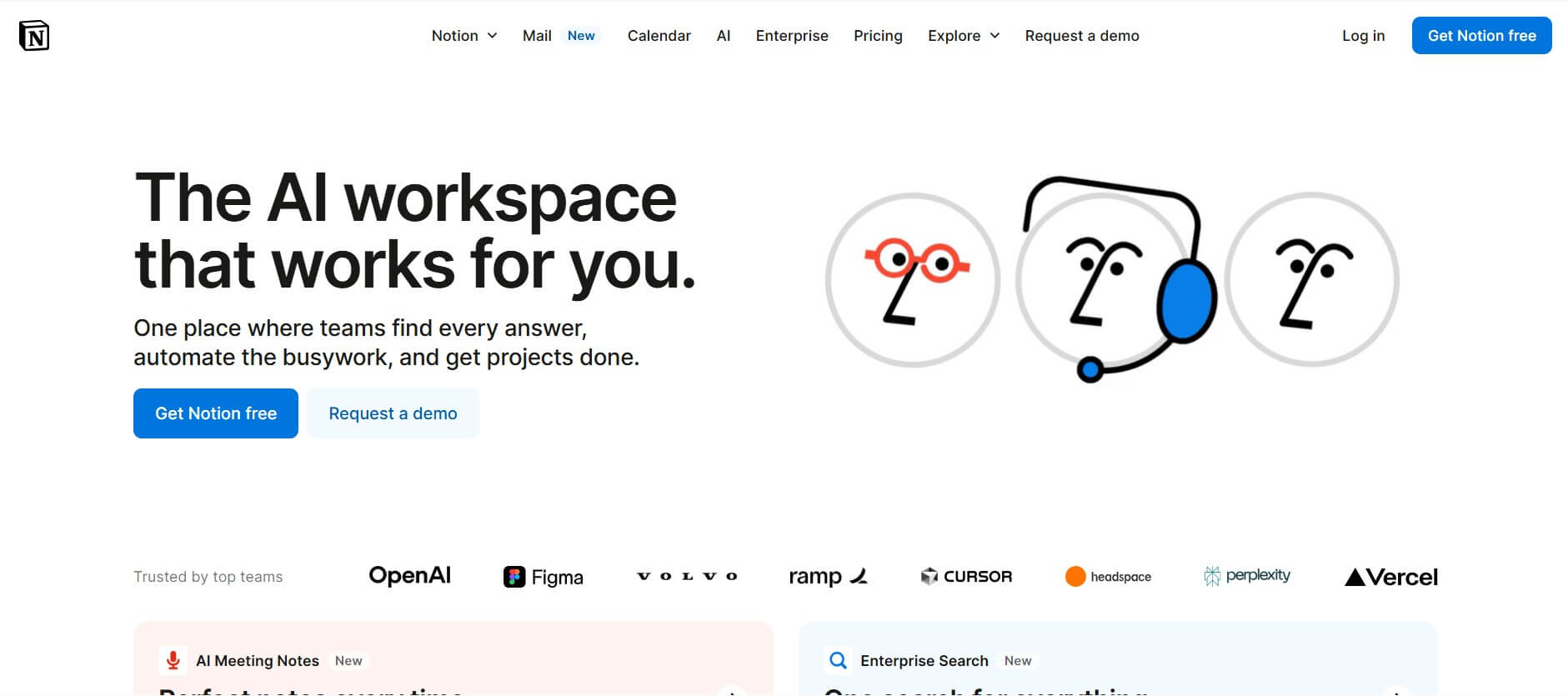
Notion is an all-in-one productivity and AI workspace that helps individuals and teams manage documents, notes, projects, databases, and company knowledge. Its AI features support writing, research, meeting summaries, enterprise search, and workflow automation, while customizable templates and integrations keep everyday work organized in one place.
 4.7
4.7Quinvio AI
Productivity
Quinvio AI helps you turn ideas, scripts, blogs, or web content into polished video presentations. You can refine messaging, choose branded templates, add AI avatars and voiceovers, and produce shareable visual content without traditional recording or editing workflows. It is especially useful for marketers, educators, trainers, creators, and business teams.
 4.9
4.9HubSpot
Marketing
HubSpot is an AI-powered customer platform that helps businesses manage marketing, sales, customer service, and content in one place. It offers a free CRM, automation tools, analytics, and AI features, enabling teams to attract leads, close deals, and deliver better customer experiences at scale.
 4.9
4.9TestSprite
Testing
TestSprite is an AI-powered software testing agent that helps developers automatically generate, run, and fix end-to-end tests for web apps. It simulates real user behavior, detects issues, and provides root-cause insights with suggested fixes, enabling faster releases and more reliable software without manual QA effort.
 4.8
4.8Microsoft Copilot
Productivity
Microsoft Copilot is an AI-powered assistant that helps users write, research, analyze data, and automate tasks across apps like Word, Excel, Outlook, and Teams. It combines large language models with real-time data to generate content, answer questions, and improve productivity across personal and professional workflows.
 4.9
4.9Casablanca AI
Productivity
Casablanca AI is an AI-powered virtual camera that corrects your gaze in real time during video calls, making it appear like you’re maintaining natural eye contact. It works with tools like Zoom and Teams, improving trust, engagement, and communication without needing extra hardware.
 4.9
4.9Granola
Productivity
Granola is an AI-powered meeting assistant that helps you capture, organize, and act on conversations without losing focus. It listens to meetings, turns notes into structured summaries, and generates action items and follow-ups automatically—so you stay present while everything important is documented and ready to use.
 4.8
4.8AI Submit
Productivity
AI Submit is an automated directory submission and SEO distribution platform that allows AI startup founders and developers to submit their artificial intelligence tools to dozens of top AI directories simultaneously for backlink building and traffic growth.