
Thinking Line
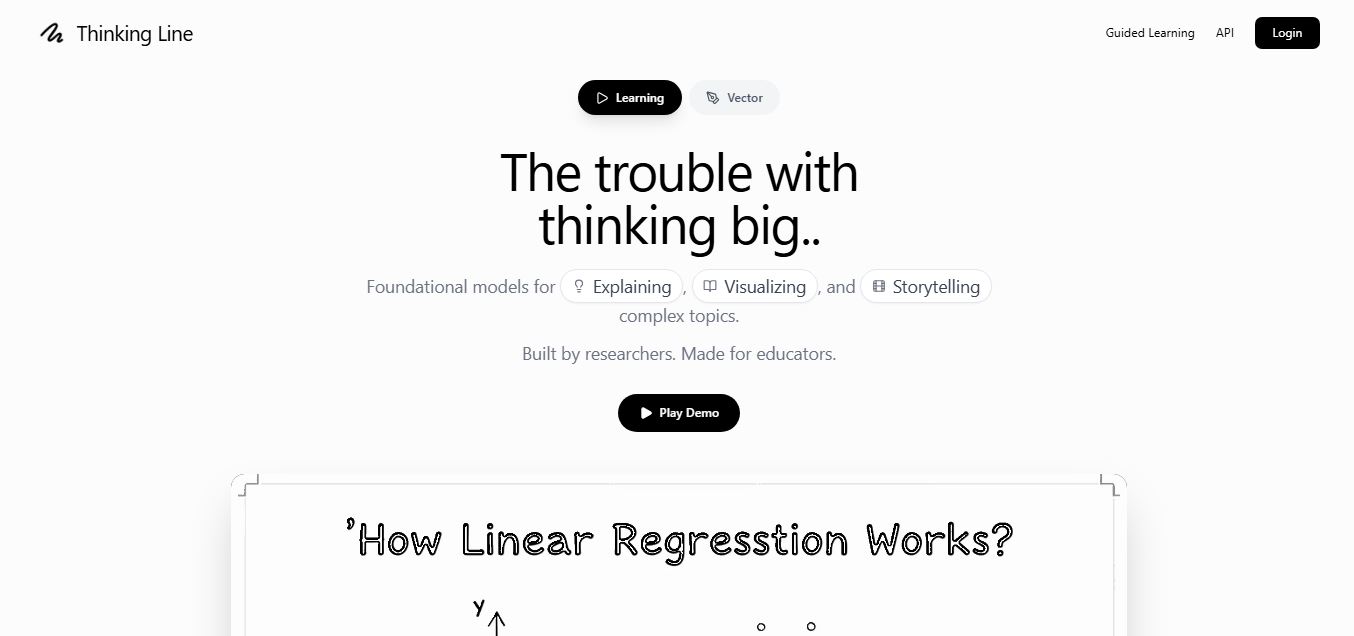
ThinkingLine is an AI-powered graphic design tool that generates doodle-style illustrations and explainer videos from text prompts or sketches, helping creators quickly produce engaging visual storytelling content.
What is Thinking Line?
- Founder: Hritvik Gupta
- Launch: 2026
- Use Cases:
- Creating doodle-style explainer videos for marketing or education
- Generating hand-drawn illustrations from prompts or sketches
- Producing social media visual content quickly
- Designing vector graphics without manual drawing
- Teaching concepts visually in classrooms or training materials
- Technology: ThinkingLine uses generative AI models combined with vector graphics rendering to convert text prompts or rough sketches into doodle-style SVG illustrations and animated scenes. It also supports prompt-based editing and exports graphics as editable vectors for further refinement in design tools.
ThinkingLine is an AI-powered creative design platform that allows users to create doodle-style explainer videos and vector illustrations using simple prompts, sketches, or ideas. Instead of manually drawing or crafting materials, artists can explain their concept, and the AI will generate editable SVG visuals and animated doodle sceneries for them. The software seeks to make visual storytelling easier for marketers, educators, and content creators by transforming rough ideas into hand-drawn pictures quickly. ThinkingLine enables teams to generate interesting explanation content without the need for expert design skills.
Key Features
Thinking Line key features are
- AI Doodle Generation: Thinking Line generates hand-drawn-style visuals and sketches directly from text prompts.
- Explainer Video Creation: Create animated doodle explainer videos quickly without manual animation.
- Editable SVG Export: Outputs vector graphics that can be edited in external design software.
- Prompt-Based Editing: Thinking Line modifies generated visuals by updating prompts instead of redesigning assets manually.
Pricing
Thinking Line offers various pricing plans
Free Plan:
- Allows to create 10 videos per month
- Offers 10 vectors per month
- Offers standard voices
- Offers 720p export quality
Pro Plan:
- Paid plan starts from $29 per month
- Allows to create 30 videos per month
- Offers 100 vectors per month
- Offers premium voice cloning
- Offers 4K export quality
Disclaimer: For the latest and most accurate pricing information, please visit the official Thinking Line website.
Who is using Thinking Line?
A diverse range of users and organizations utilize Thinking Line
- Content creators
- Marketing teams
- Educator
- Social media manager
- Designers
Thinking Line Alternatives
Some Thinking Line alternatives are
- Doodly
- VideoScribe
- Canva AI
- Vyond
- Animaker
How We Rated Thinking Line?
- Creative Output Quality: 4.5/5
- Ease of Use: 4.6/5
- Feature Depth: 4.2/5
- Editing & Customization: 4.0/5
- Value of Money: 4.3/5
- Innovation: 4.6/5
- Overall Rating: 4.4/5
Conclusion
ThinkingLine is an AI-powered design tool that simplifies the development of doodle-style drawings and explanation videos. Converting prompts or sketches into editable vector graphics and animations removes the conventional barrier of requiring art or animation abilities. This makes it ideal for educators, advertisers, and designers who want quick visual storytelling. While the platform is still maturing, and advanced editing features are being developed, its mix of AI generation with editable vector output has enormous potential. ThinkingLine has the potential to become a strong tool for creating visual material quickly and producing explainer-style media.
People are also reading:
FAQ
What is ThinkingLine?
ThinkingLine is an AI platform that generates doodle-style illustrations and explainer videos from prompts or sketches.
Can ThinkingLine create explainer videos?
Yes. The platform generates animated doodle videos to explain concepts visually.
Can I edit the generated visuals?
Yes. Outputs are exported as editable SVG files that can be modified in design software.
Is ThinkingLine free?
Yes, it offers a free option for generating visuals, while paid tiers are expected as the platform evolves.
Who should use ThinkingLine?
It’s ideal for marketers, educators, creators, and teams who need quick explainer visuals or doodle videos.
User Reviews
No reviews yet for Thinking Line.
Featured Tools
Featured AI tools from TechShark

Melody Genie
MelodyGenie is an AI-powered music generator that creates original songs from simple text prompts. Users can choose styles, moods, and genres, then instantly generate melodies and full tracks, making it easy for creators, marketers, and hobbyists to produce custom music without musical expertise.
Freemium

Kimi AI
Kimi AI is an advanced AI assistant developed by Moonshot AI that helps you chat, research, write, code, and automate tasks in one place. It supports web search, file analysis, and multimodal inputs, and can even run autonomous “agent” workflows to complete complex tasks end-to-end.
Freemium

Fashion Diffusion AI
Fashion Diffusion is an AI-powered fashion design platform that helps brands and designers create clothing designs, virtual try-ons, AI models, product photos, and marketing visuals faster and cost-effectively.
Paid

Veo 4
Veo 4 AI is an AI video creation platform that generates dramatic videos from text, images, audio, and video prompts using realistic motion and synchronized sound.
Paid
Alternatives
Alternatives to Thinking Line
ThinkingLine is an AI-powered design platform that transforms prompts or sketches into doodle-style illustrations, SVG graphics, and explainer videos. It simplifies visual storytelling for marketers, educators, and creators by generating hand-drawn visuals automatically. Alternatives include Doodly, VideoScribe, Animaker, and Vyond for animated explainer content.
 4.8
4.8SWAPP
Design
SWAPP helps architecture firms automate construction documentation, BIM modeling, and QA work inside Revit and ArchiCAD. Its Frank agent applies firm-specific standards to repetitive production tasks, while workflow memory preserves organizational knowledge. The platform is suited to teams seeking faster delivery, consistency, and less manual production effort across complex projects.
 4.9
4.9Adobe Stock
Design
Adobe Stock is a creative asset marketplace that helps designers and businesses access millions of royalty-free images, videos, templates, and 3D assets. It integrates with Adobe Creative Cloud, enabling users to search, customize, and license high-quality visuals quickly for marketing, design, and content creation.
 4.9
4.9Yellow Images
Design
Yellow Images is a digital marketplace that helps designers create branding and marketing visuals using high-quality mockups, fonts, PNGs, and graphic assets. It offers a large library of ready-to-use creative resources, enabling faster design workflows for agencies, freelancers, and ecommerce businesses.
 4.9
4.9Placeit
Design
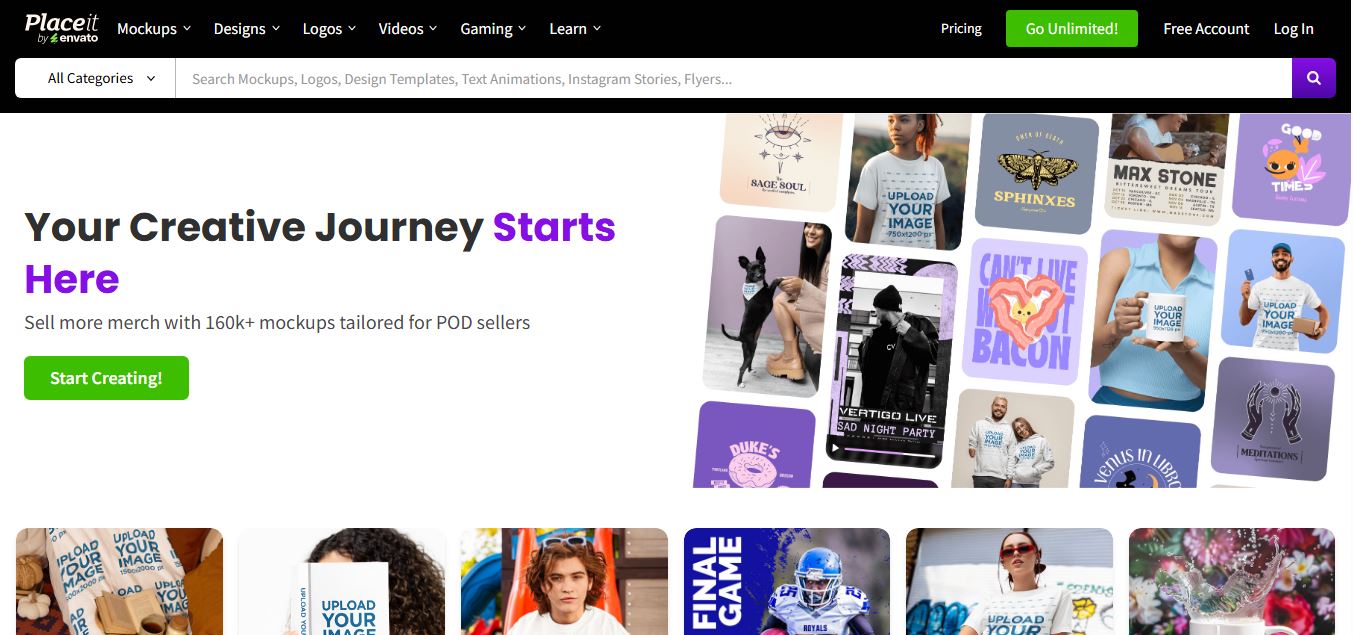
Placeit is a browser-based design platform that helps creators and businesses generate mockups, logos, videos, and marketing visuals using ready-made templates. It allows users to quickly customize designs and download professional assets, making it ideal for ecommerce, social media, and branding without advanced design skills.
 4.8
4.8Figma AI
Design
Figma AI brings generative and assistive tools directly into Figma workflows, helping designers move from ideas to editable designs, visuals, prototypes, and production-ready experiences faster. Users can generate concepts, edit images, search files, automate repetitive work, and collaborate with teammates while keeping creative exploration inside the familiar Figma design environment.
 4.7
4.7PageGPT
Design
PageGPT helps businesses, creators, marketers, and entrepreneurs create customized landing pages and websites with AI. Users can describe their product and preferred style, generate designs with copy and images, then refine the result through chat or drag-and-drop editing. It also supports responsive pages, custom effects, and publishing options.
 4.8
4.8Locofy.ai
Design
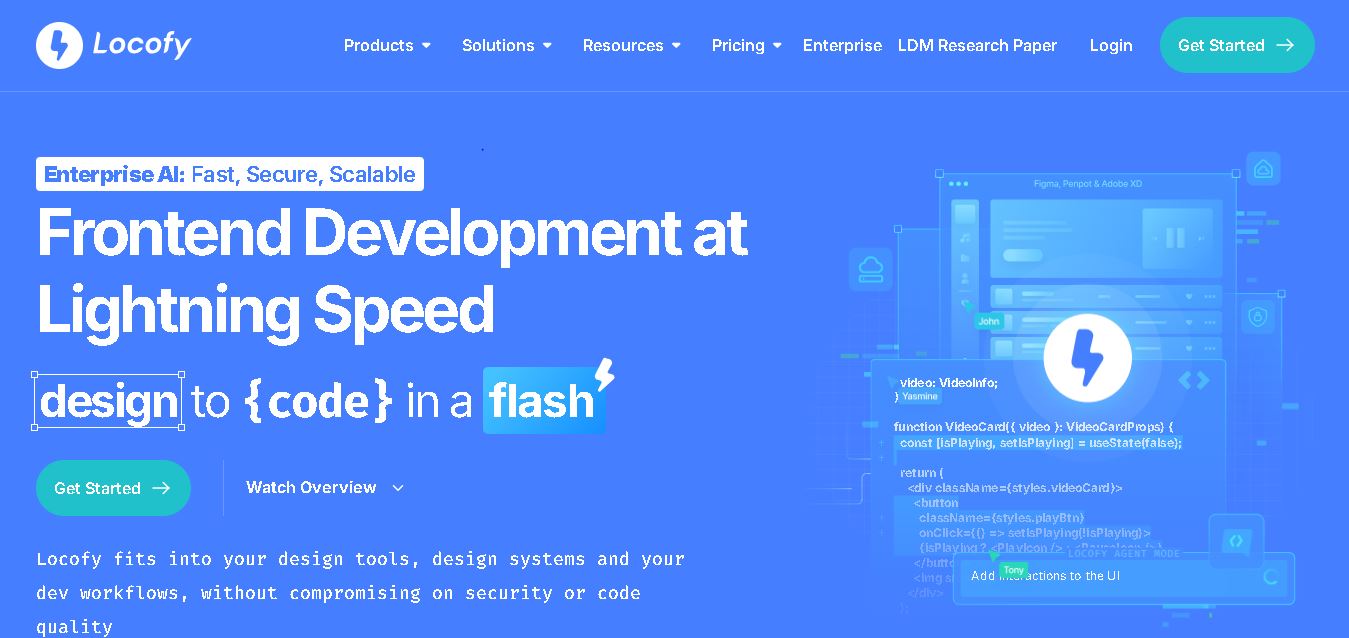
Locofy helps teams transform UI designs into developer-friendly frontend code without rebuilding interfaces manually. It supports popular design tools, web and mobile frameworks, responsive layouts, reusable components, and AI-assisted refinement. Designers can prepare screens while developers customize, export, synchronize, and continue development within familiar workflows and coding environments for teams.
 4.8
4.8Rooms.xyz
Design
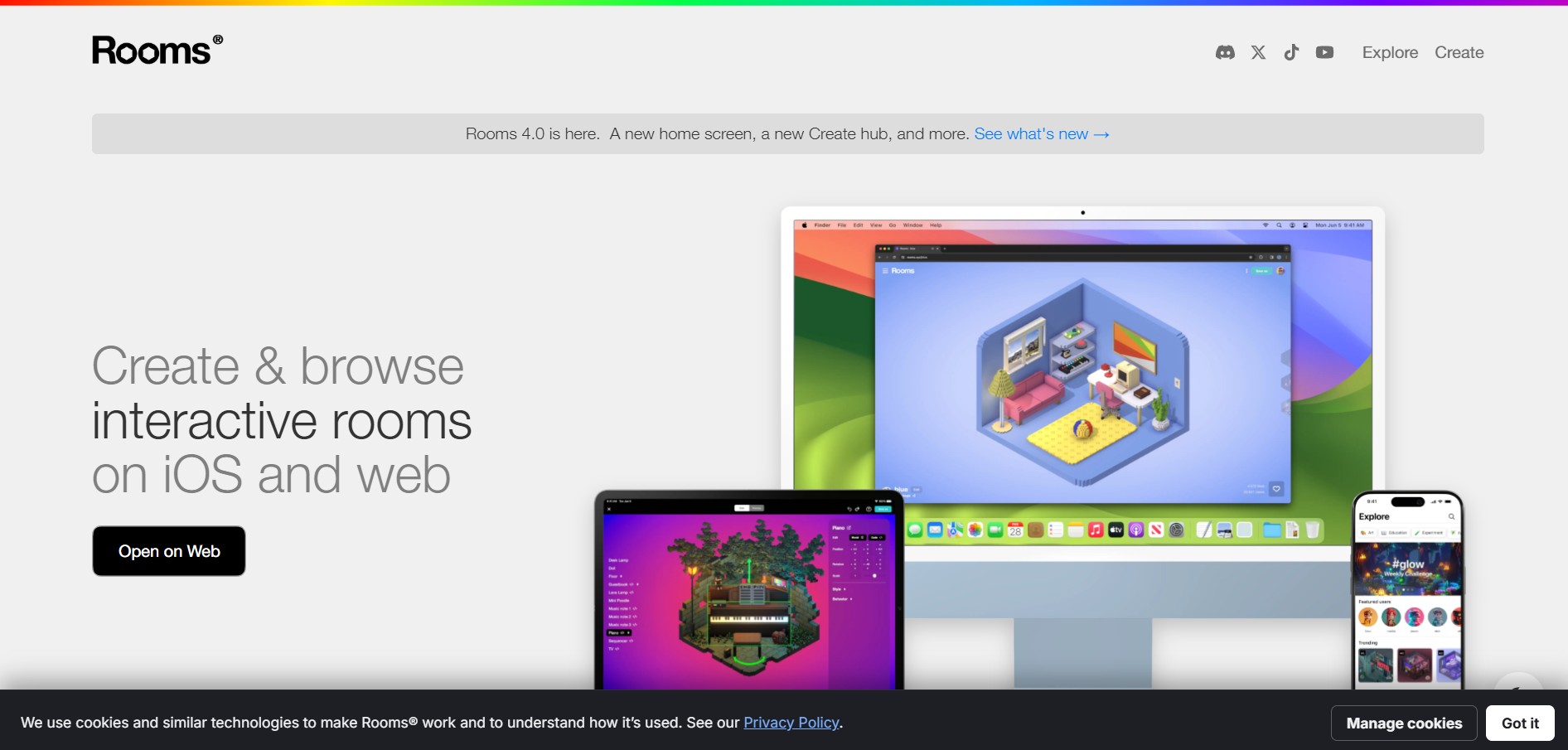
Rooms.xyz is a browser and mobile-based 3D design and game creation platform that allows users to build, code, and remix interactive 3D rooms and mini-games. Built by Things, Inc., the platform features a TikTok-like vertical feed for browsing user-generated worlds, a no-code Actions editor, deep Lua scripting support, and AI-powered voice/character integrations via Google's Gemini API.
 4.6
4.6UiMagic
Design
UiMagic helps users transform natural-language product ideas into full-stack applications without beginning from a blank coding environment. Its text-based approach can help developers, founders, designers, and creators quickly experiment with application concepts and move toward working products. The platform is currently presented as a beta product focused on faster application development.