
Figr AI
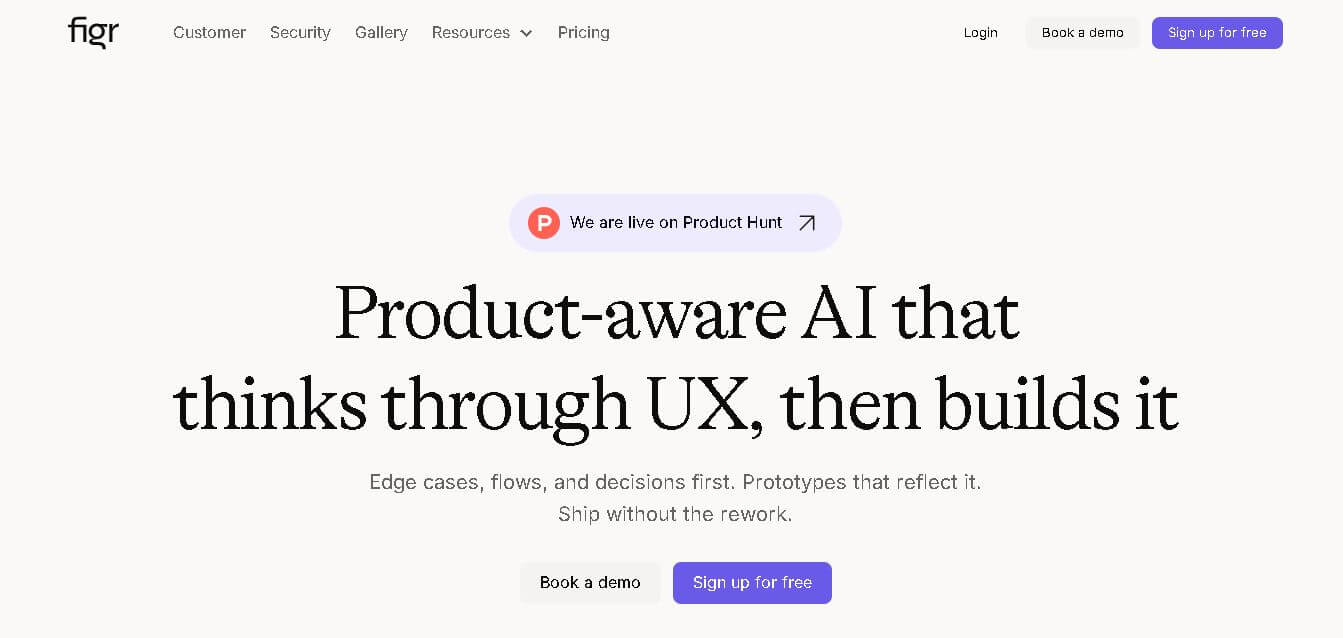
Figr is an AI-powered design agent that learns your product context to generate relevant UI/UX screens, flows, and prototypes with persistent memory and Figma export capabilities.
What is Figr AI?
- Founders: Moksh Garg and Chirag Singla
- Launch: 2026
- Use Cases:
- Generate UI/UX designs and screens that align with product context.
- Map user flows and journeys automatically.
- Create prototypes and interactive layouts for digital products.
- Perform UX reviews and generate variations of features or pages.
- Augment design systems and maintain consistency across screens.
- Technology: Uses AI with persistent product memory that ingests context—screenshots, Figma files, analytics, user flows, design tokens, and constraints—to generate design outputs that respect real UX logic and product conventions.
Figr AI is an AI-powered design platform allowing product and UX teams to create production-ready interface designs, user flows, prototypes, and design systems. Unlike simple AI design tools that generate generic mockups, Figr learns your product's context—including present screens, analytics, design systems, and user flows—and offers relevant design artifacts that seamlessly integrate into your actual product. It removes guessing, speeds up design cycles, and facilitates team collaboration by using a permanent product memory that improves outputs over time.
Key features
Figr AI's key features are
- Product-Aware AI: Figr does more than just generate designs; it takes in and maintains your product context, ensuring that each output is consistent with your current UX, components, and visual language.
- Context Ingestion & Mapping: Allows you to upload or connect your product screens, analytics, design systems, screenshots, CSVs, or flows, and Figr builds an internal model of your product’s structure and interaction logic.
- User Flows & Edge Case Detection: Automatically generate and visualize user flows, journeys, and edge cases based on context and real usage patterns.
- Production-Ready UI Screens & Variants: Generates UI screens, variations, and prototypes that are ready for handoff—with design details and consistency built in.
- Automated UX Reviews: Analyze existing designs and get AI-driven critique, optimizations, and recommendations before rework.
Figr AI Pricing
Figr AI offers both free and paid plans
Free Plan:
- Offers 10 credits per month
- Offers one product ally setup
- Offers 200 MB of context per product ally
- Offers limited canvas
- Offers sharable projects
- Allows exporting design to figma
Starter Plan:
- The plan starts at $16 per month
- Offers 100 credits per month
- Offers 3 product ally setup
- Offers 1GB of context per product ally
- Offers unlimited canvas
- Offers unlimited downloads from web
- Allow deeper memory retention.
- Offers sharable projects
- Allows exporting design to figma
Disclaimer: For the latest and most accurate pricing information, please visit the official Figr AI website.
Who is using Figr AI?
A diverse range of users and organizations utilize Figr AI
- Product Manager
- UX Designers
- Startups
- Design teams
- Development teams
Figr AI Alternatives
Some Figr AI alternatives are
- Figma
- Uizard
- Framer
- Galileo AI
- Builder.IO
Conclusion
Figr AI is an AI-powered design agent designed for product teams who need context-aligned UI/UX outputs rather than generic mockups. By using real product context—screens, analytics, flows, tokens, and design systems—Figr generates an internal model of your product that it can use to make UX decisions, identify edge situations, offer various alternatives, and create production-ready designs. Its long-term storage differs it from typical AI design tools by reducing repetitive explanations and ensuring that new work integrates smoothly with product logic. With team collaboration and export capabilities (particularly to Figma), Figr enables iterative design, prototyping, and handoff, making it suitable for professional product design teams.
People are also reading:
FAQ
What is Figr AI?
Figr is an AI design platform that learns your product and generates UI/UX screens, flows, and prototypes.
How does it work with existing products?
Figr ingests product data (screens, analytics, flows) and builds an internal model to generate relevant designs.
Is there a free plan?
Yes—a free tier with free credits is available to test core features.
Can Figr export to Figma?
Yes — designs can be exported and used within Figma.
Who should use Figr?
Best for product designers, UX teams, product managers, and startups needing accelerated, consistent design output.
User Reviews
No reviews yet for Figr AI.
Featured Tools
Featured AI tools from TechShark

Melody Genie
MelodyGenie is an AI-powered music generator that creates original songs from simple text prompts. Users can choose styles, moods, and genres, then instantly generate melodies and full tracks, making it easy for creators, marketers, and hobbyists to produce custom music without musical expertise.
Freemium

Kimi AI
Kimi AI is an advanced AI assistant developed by Moonshot AI that helps you chat, research, write, code, and automate tasks in one place. It supports web search, file analysis, and multimodal inputs, and can even run autonomous “agent” workflows to complete complex tasks end-to-end.
Freemium

Fashion Diffusion AI
Fashion Diffusion is an AI-powered fashion design platform that helps brands and designers create clothing designs, virtual try-ons, AI models, product photos, and marketing visuals faster and cost-effectively.
Paid

Veo 4
Veo 4 AI is an AI video creation platform that generates dramatic videos from text, images, audio, and video prompts using realistic motion and synchronized sound.
Paid
Alternatives
Alternatives to Figr AI
Figr is an AI-powered design platform that generates contextual UI/UX designs from real product data, flows, and systems. Alternatives include Uizard for quick UI generation, Galileo AI for flow design, Framer for prototyping, Builder.io for integrated UI and front-end, and Figma plugins for design workflows.
 4.8
4.8SWAPP
Design
SWAPP helps architecture firms automate construction documentation, BIM modeling, and QA work inside Revit and ArchiCAD. Its Frank agent applies firm-specific standards to repetitive production tasks, while workflow memory preserves organizational knowledge. The platform is suited to teams seeking faster delivery, consistency, and less manual production effort across complex projects.
 4.9
4.9Adobe Stock
Design
Adobe Stock is a creative asset marketplace that helps designers and businesses access millions of royalty-free images, videos, templates, and 3D assets. It integrates with Adobe Creative Cloud, enabling users to search, customize, and license high-quality visuals quickly for marketing, design, and content creation.
 4.9
4.9Yellow Images
Design
Yellow Images is a digital marketplace that helps designers create branding and marketing visuals using high-quality mockups, fonts, PNGs, and graphic assets. It offers a large library of ready-to-use creative resources, enabling faster design workflows for agencies, freelancers, and ecommerce businesses.
 4.9
4.9Placeit
Design
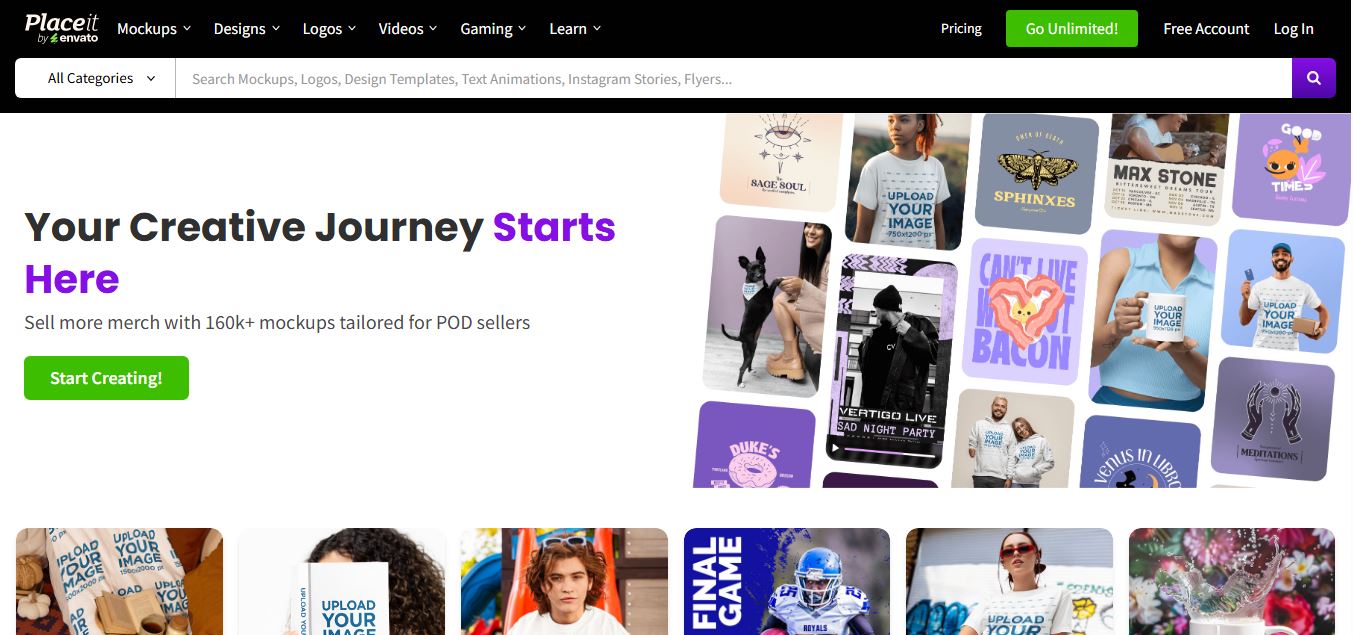
Placeit is a browser-based design platform that helps creators and businesses generate mockups, logos, videos, and marketing visuals using ready-made templates. It allows users to quickly customize designs and download professional assets, making it ideal for ecommerce, social media, and branding without advanced design skills.
 4.8
4.8Figma AI
Design
Figma AI brings generative and assistive tools directly into Figma workflows, helping designers move from ideas to editable designs, visuals, prototypes, and production-ready experiences faster. Users can generate concepts, edit images, search files, automate repetitive work, and collaborate with teammates while keeping creative exploration inside the familiar Figma design environment.
 4.7
4.7PageGPT
Design
PageGPT helps businesses, creators, marketers, and entrepreneurs create customized landing pages and websites with AI. Users can describe their product and preferred style, generate designs with copy and images, then refine the result through chat or drag-and-drop editing. It also supports responsive pages, custom effects, and publishing options.
 4.8
4.8Locofy.ai
Design
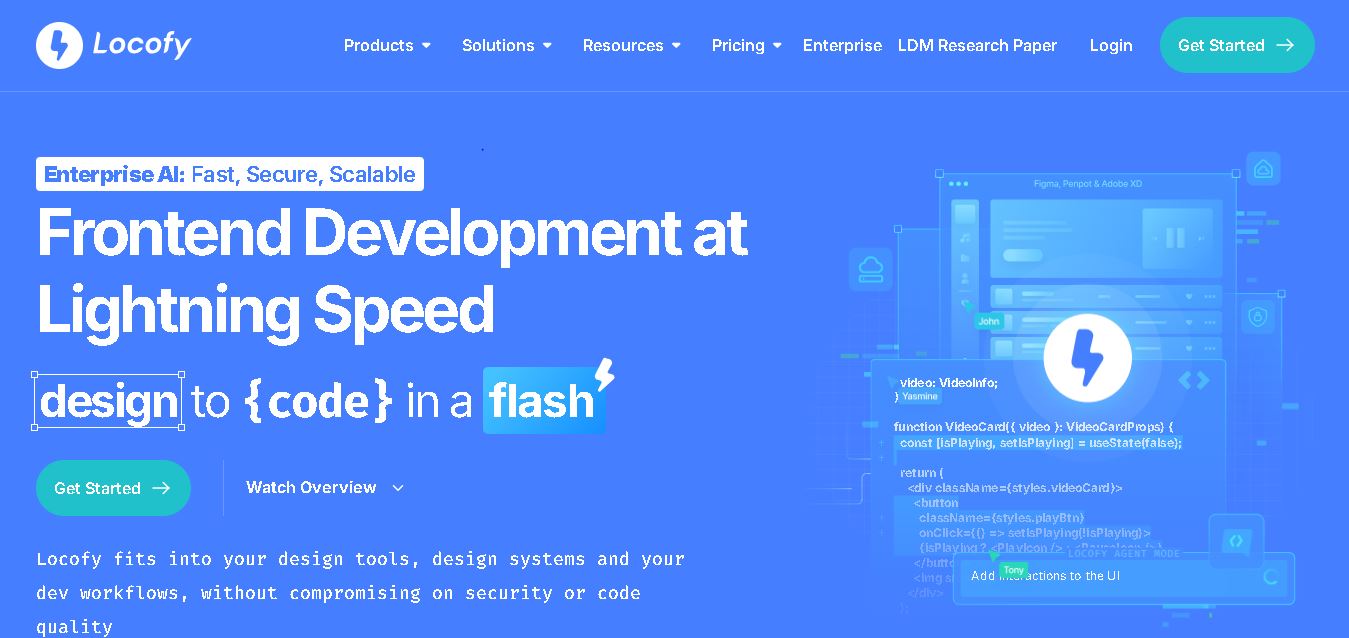
Locofy helps teams transform UI designs into developer-friendly frontend code without rebuilding interfaces manually. It supports popular design tools, web and mobile frameworks, responsive layouts, reusable components, and AI-assisted refinement. Designers can prepare screens while developers customize, export, synchronize, and continue development within familiar workflows and coding environments for teams.
 4.8
4.8Rooms.xyz
Design
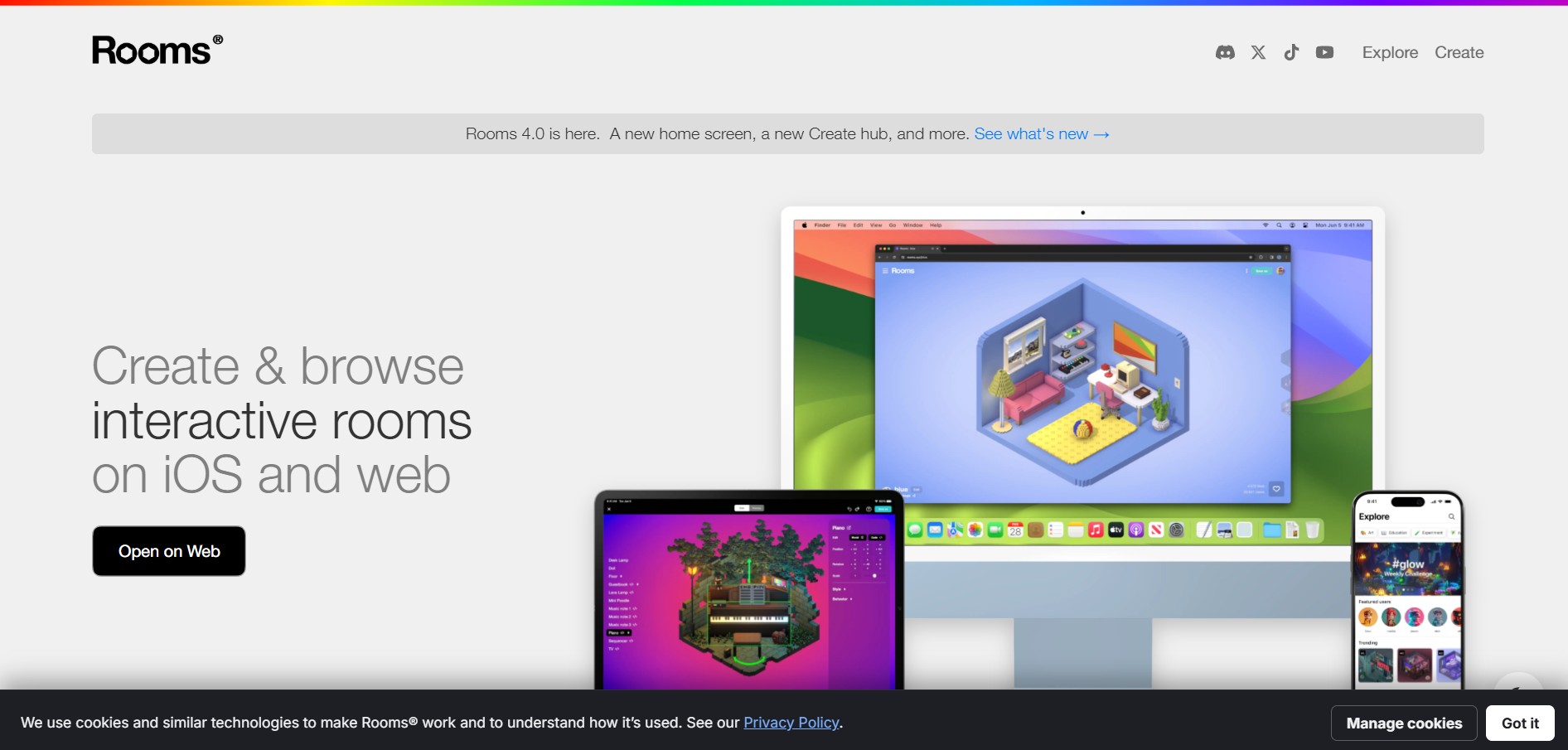
Rooms.xyz is a browser and mobile-based 3D design and game creation platform that allows users to build, code, and remix interactive 3D rooms and mini-games. Built by Things, Inc., the platform features a TikTok-like vertical feed for browsing user-generated worlds, a no-code Actions editor, deep Lua scripting support, and AI-powered voice/character integrations via Google's Gemini API.
 4.6
4.6UiMagic
Design
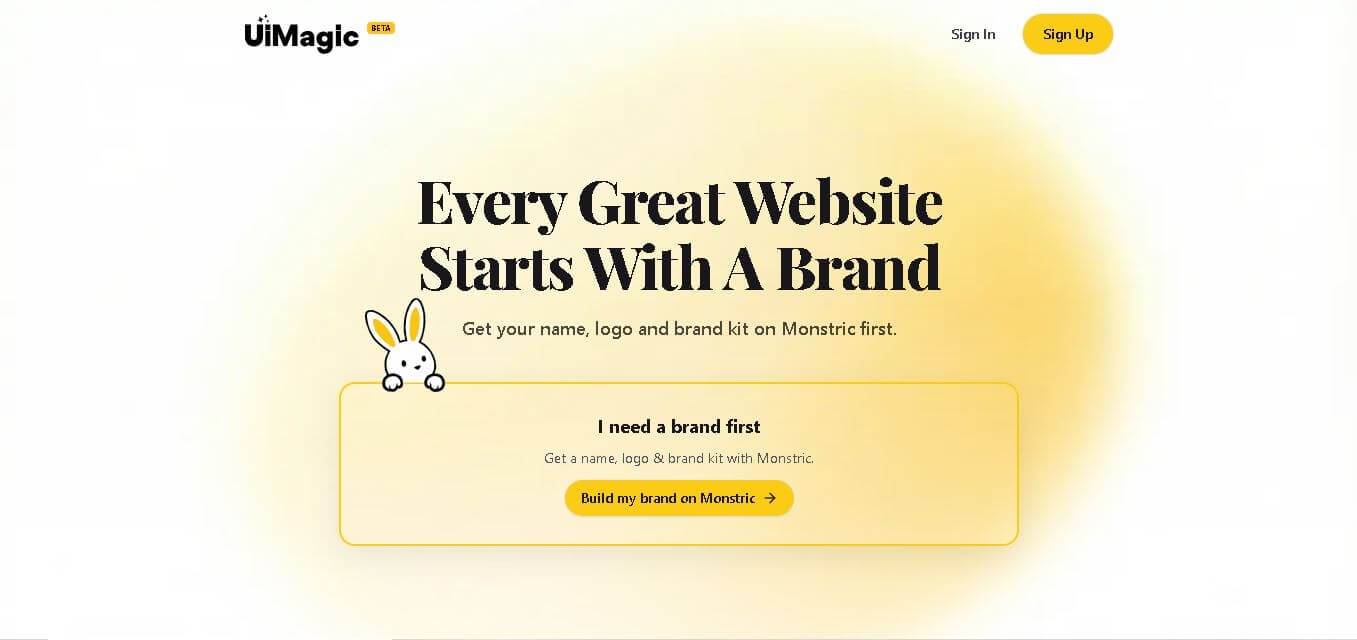
UiMagic helps users transform natural-language product ideas into full-stack applications without beginning from a blank coding environment. Its text-based approach can help developers, founders, designers, and creators quickly experiment with application concepts and move toward working products. The platform is currently presented as a beta product focused on faster application development.