
Tempo
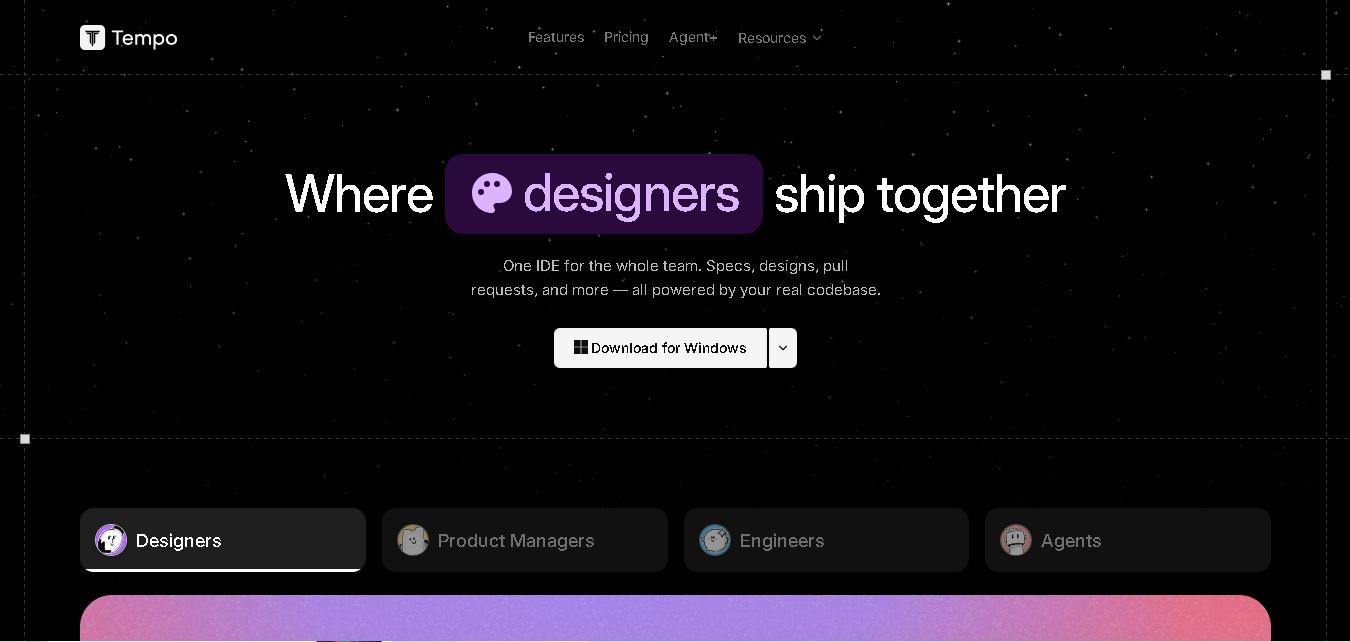
Tempo.new is a collaborative AI development environment that connects designers, product managers, and engineers. It helps teams transform feedback and product requirements into specifications, visual designs, and working code. With AI coding agents, parallel workflows, and pull request management, it supports faster software development while maintaining human oversight.
What is Tempo?
Tempo.new is a collaborative software development environment that brings designers, product managers, engineers, and AI agents together in one workspace. It connects specifications, designs, code, and pull requests to an existing codebase, helping teams turn product ideas into working software. Users can create designs with real components, assign coding tasks to AI agents, manage parallel development workflows, and review code changes before merging them.
Tempo.new is developed by Tempo Labs, a software company backed by Y Combinator's Summer 2023 batch. Its development environment combines AI coding agents, visual design, project specifications, and pull request management. The platform supports workflows involving Claude Code and Codex, allowing teams to manage multiple development tasks across separate worktrees. Its October 2025 funding announcement included a $5 million seed round. No independently verified public user-count figure or confirmed total number of completed projects is available.
- Category: AI React App Builder, Visual UI Canvas, Code Editor & Full-Stack Web Development
- Platforms Supported: Cloud Web App, Local IDE Mode (VS Code, Cursor, Windsurf), GitHub Sync, Vercel Deployment & npm Package Ecosystem
Use Cases:
- Building and visually editing React, TypeScript, and Tailwind CSS web applications using a real-time canvas and live code editor
- Using multi-mode AI agents for component generation, deep architectural reasoning, and automated error fixing
- Scaffolding applications with pre-configured modern SaaS stacks including Supabase, Stripe, Polar, Convex, and Clerk
- Syncing changes bi-directionally between Tempo's cloud canvas, GitHub branches, and local developer environments
- Deploying production-ready React prototypes instantly to web hosting providers like Vercel
Technology:
- Bi-directional visual drag-and-drop canvas and live React/TypeScript code editor engine
- Multi-mode AI assistant (standard prompts, deep reasoning, web search references, and automated 'Fix with AI' error recovery)
- React, Vite, TypeScript, Tailwind CSS, and shadcn/ui standard component generator
- GitHub repository synchronization, Local IDE mode, and Vercel deployment pipeline
Target Users:
- Frontend & Full-Stack React Developers accelerating UI scaffolding and visual component tweaking
- Product Managers & Designers prototyping production-grade React applications collaboratively
- Startup Founders building modern SaaS web applications on standard React/TypeScript stacks
Corporate Entity: Tempo Labs

Key features of Tempo
Tempo's key features are
- Visual Canvas + Code Synchronization: Edits made on the drag-and-drop design canvas update the underlying React code instantly, and code modifications reflect immediately on the visual preview.
- Multi-Mode AI Agents & Error Fixing: Includes specialized modes for component generation, deep-reasoning planning for complex architectures, and free automated error recovery ('Fix with AI').
- GitHub, Vercel & Local Mode: Syncs seamlessly with GitHub repositories, deploys to Vercel, and supports Local Mode to connect directly with local IDEs like VS Code, Cursor, or Windsurf.
- SaaS Stack Templates: Pre-configured scaffolding for popular modern backend and payment services including Supabase, Stripe, Polar, Convex, and Clerk.
- Standard React & Tailwind Output: Generates clean, exportable TypeScript and React code with zero vendor lock-in.
Tempo Pricing
Tempo operates on a prompt-based usage model across tiered subscription options, with optional one-time prompt top-up packs available for paid tiers.
Free Plan:
- Priced at $0/month.
- Includes 30 prompts per month (capped at 5 prompts per day), basic visual editing tools, code export, and GitHub integration.
Pro Plan:
- Priced at $30/month.
- Includes 150 prompts per month, full access to code and reasoning AI agents, and automated error recovery ('Fix with AI').
Scale & Professional Plans:
- Scale plans range from $50/month (250 prompts) up to $500/month for high-volume enterprise prompt allowances.
- Paid plans can also purchase one-time non-expiring top-up packs (e.g., 250 prompts for $50).
Disclaimer: Plan pricing, prompt allowances, and feature gates are subject to change. For exact live rate cards, visit tempo.new/pricing.
Who is using Tempo?
Tempo is designed for React developers and product teams, including
- React & Full-Stack Developers: Speeding up frontend UI development and combining visual design with code control
- Startup Founders & Engineers: Scaffolding modern React, Vite, and Tailwind applications backed by Supabase, Stripe, and Clerk
- Product Designers & Managers: Collaborating directly on live React prototypes without breaking developer workflows
Best Tempo Alternatives
Some of the strongest Tempo alternatives include
Pros and Cons of Tempo
Pros
- Unique bi-directional synchronization between a visual drag-and-drop design canvas and a live React/TypeScript code editor
- Outputs clean, standard React, Vite, Tailwind CSS, and shadcn/ui code with zero vendor lock-in
- Supports Local Mode to sync directly with professional IDEs like VS Code, Cursor, and Windsurf
- Pre-configured templates for popular modern SaaS tools like Supabase, Stripe, and Clerk
Cons
- Free plan is strictly capped at 30 prompts per month (max 5 prompts per day), requiring an upgrade for serious prototyping
- Prompt-based metering can burn through monthly allocations quickly during complex iterative debugging
- Focused primarily on the React and TypeScript ecosystem rather than multi-framework or native mobile app building
Why Choose Tempo?
Tempo is the premier visual React app builder for developers and product teams who want the speed of an AI canvas combined with absolute code ownership. By bridging drag-and-drop visual design with live TypeScript editing, GitHub sync, and Local IDE mode, Tempo eliminates the friction between design and code in 2026.
- Merges visual UI design with live React and TypeScript code editing
- Connects seamlessly to GitHub, Vercel, and local IDEs (Cursor, VS Code)
- Offers pre-built SaaS stack templates for Supabase, Stripe, and Clerk
Tempo vs. Competitors
The main difference between Tempo, v0 by Vercel, and Lovable is that Tempo emphasizes a bi-directional visual canvas alongside a live code editor and Local IDE sync for React/TypeScript starting at $30/mo, whereas v0 focuses on prompt-to-Next.js generation with Vercel deployment and Lovable provides full-stack Supabase-backed app building. Tempo stands out for its visual-to-code canvas synchronization.
| Feature / Tool | Tempo (tempo.new) | v0 by Vercel | Lovable | Bolt.new |
|---|---|---|---|---|
| Core Focus | Visual React Canvas + Live Code Editor & Local IDE Sync | React/Next.js App Builder, Design Mode & Vercel Deploy | Full-Stack Prompt-to-Web App Builder with Supabase | In-Browser Multi-Framework AI Prototyping |
| Primary Stack | React, TypeScript, Vite, Tailwind CSS, shadcn/ui | React, Next.js, Tailwind CSS, shadcn/ui | React, Vite, Tailwind CSS, Supabase | Node.js, React, Vue, Astro, Remix |
| Pricing Model | Free ($0) / Pro ($30/mo) / Scale ($50–$500/mo) | Free ($0) / Plus ($30/user/mo) / Business ($100/user/mo) | Free / Paid Plans from ~$25/mo | Free / Pro (~$25/mo) / Teams ($30/user/mo) |
| Best For | React developers wanting visual canvas + code sync | Next.js teams wanting Design Mode & Vercel hosting | Founders shipping full-stack MVPs rapidly | Rapid multi-framework browser prototyping |
How do we rate Tempo?
| Parameter | Rating (out of 5) |
|---|---|
| Visual Canvas & Live Code Synchronization | 4.9 |
| React, TypeScript & Tailwind Code Quality | 4.8 |
| Local IDE Mode (Cursor, VS Code) & GitHub Sync | 4.8 |
| SaaS Stack Templates (Supabase, Stripe, Clerk) | 4.7 |
| Free Tier Prompt Limits & Monthly Metering | 4.1 |
| Overall Score | 4.66 |
Tempo Review
Tempo is a standout AI-powered React development platform that successfully bridges a visual drag-and-drop design canvas with a live code editor and local IDE synchronization. Featuring robust support for TypeScript, Tailwind CSS, shadcn/ui, and pre-configured SaaS templates for Supabase and Stripe, Tempo delivers exceptional efficiency for React developers in 2026.
Conclusion
Tempo.new offers a collaborative approach to modern software development by bringing AI agents, designers, product managers, and engineers into one workspace. Its combination of visual design, real-code editing, task management, and pull request workflows makes it valuable for teams building and improving software. For startups and development teams seeking to streamline collaboration and accelerate implementation, Tempo.new is worth exploring while keeping human review central to the development process.
FAQ
How does Tempo.new help developers build software?
Tempo.new helps developers transform product requirements, feedback, and ideas into working software. Its AI agents can analyze tasks, prepare specifications, create designs, and implement code changes. Developers can review the generated work and submit it through pull requests. This approach reduces repetitive development work while keeping engineers involved in important decisions.
Can beginners use Tempo.new without coding experience?
Beginners can explore Tempo.new's AI-assisted workflows to understand product ideas, specifications, and visual designs. However, building and maintaining production-ready software may require programming knowledge. Developers can use its coding agents to handle implementation tasks, while designers and product managers contribute through specifications, feedback, and visual collaboration.
What are the main features of Tempo.new?
Tempo.new offers AI coding agents, visual design canvases, product specification management, feedback triage, and pull request workflows. It also supports parallel development through multiple worktrees and lets teams work with coding agents such as Claude Code and Codex. These features help connect planning, design, implementation, and code review.
Does Tempo.new support existing codebases?
Yes, Tempo.new is designed to work with real project codebases rather than limiting teams to newly generated projects. Developers can use their existing components, design tokens, and repository structure while creating or modifying software. This helps teams improve ongoing projects without rebuilding their applications from scratch.
Can Tempo.new generate designs from product requirements?
Yes, Tempo.new helps teams convert product requirements and feedback into specifications and interactive designs. Its agents can prepare initial designs using existing project components and design tokens. Designers can then refine layouts, adjust visual details, and collaborate with engineers before implementation, making the design-to-development workflow more connected and efficient.
Does Tempo.new support multiple AI coding agents?
Yes, Tempo.new supports coding workflows using agents such as Claude Code and Codex. Teams can assign different tasks to agents and manage parallel development through separate worktrees. This allows developers to coordinate multiple coding activities, monitor progress, and review pull requests without relying entirely on one sequential development process.
User Reviews
No reviews yet for Tempo.
Featured Tools
Featured AI tools from TechShark

Klap
Klap is an AI video clipping platform that transforms long videos into short-form social media content. It automatically identifies highlights, creates captions, reframes speakers, and schedules clips, helping creators, podcasters, and marketing teams repurpose existing videos with less manual editing.
Free
Melody Genie
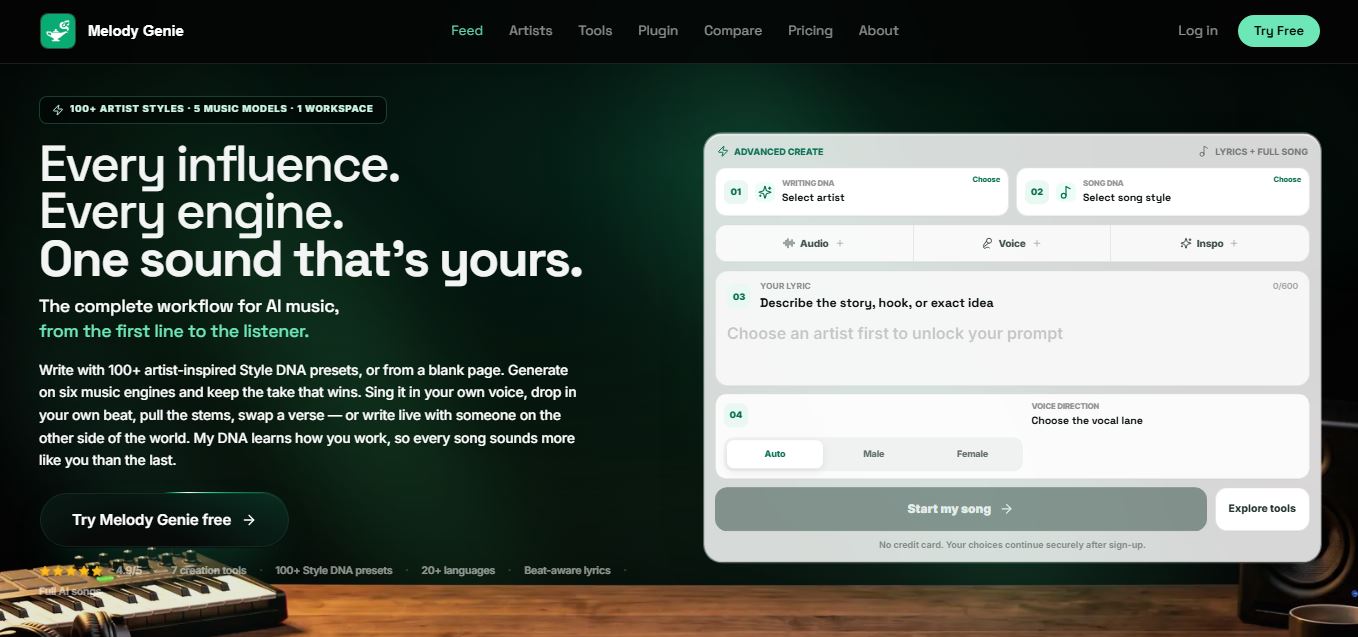
MelodyGenie is an AI-powered music generator that creates original songs from simple text prompts. Users can choose styles, moods, and genres, then instantly generate melodies and full tracks, making it easy for creators, marketers, and hobbyists to produce custom music without musical expertise.
Freemium

Fashion Diffusion AI
Fashion Diffusion is an AI-powered fashion design platform that helps brands and designers create clothing designs, virtual try-ons, AI models, product photos, and marketing visuals faster and cost-effectively.
Paid
Veo 4
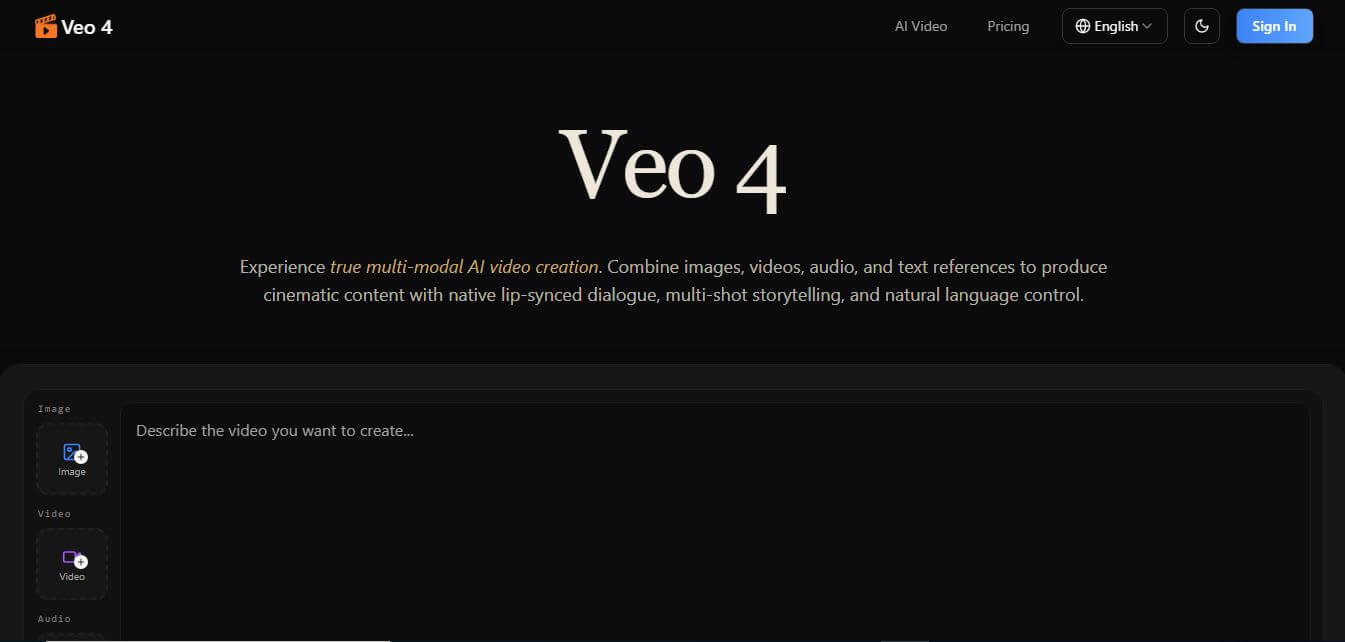
Veo 4 AI is an AI video creation platform that generates dramatic videos from text, images, audio, and video prompts using realistic motion and synchronized sound.
Paid
Alternatives
Alternatives to Tempo
The best Tempo alternatives include v0 by Vercel, Lovable, Bolt.new, Cursor, and Windsurf. These platforms provide AI-assisted web development and prompt-to-app workflows. While Tempo excels at providing a bi-directional visual design canvas and live code editor with local IDE sync for React and TypeScript, alternatives like v0 focus on Next.js and Lovable focuses on full-stack web generation.
Glide
Vibe Coding
Glide (glideapps.com) is an AI-powered no-code application development platform that turns data sources like Excel, Google Sheets, Airtable, and SQL databases into custom business software, operational apps, and client portals.
Amp
Vibe Coding
Amp is an AI coding assistant that helps developers write, debug, test, and improve software projects. It combines multiple AI models, autonomous coding agents, and cloud-based Orbs to simplify development. Users can manage coding tasks through web, desktop, mobile, and terminal environments while collaborating with teammates.
Augment Code
Vibe Coding
Augment Code helps developers build better software with intelligent AI agents, semantic code search, and deep codebase understanding. It supports coding, debugging, refactoring, and project analysis across popular development environments. Its Context Engine helps engineering teams work efficiently with complex repositories, dependencies, and large-scale software development projects.
JetBrains Air
Vibe Coding
JetBrains Air helps developers work with multiple AI coding agents from JetBrains IDEs, the browser, or the command line. It brings agent sessions, code reviews, parallel tasks, shared team environments, and organization-level controls into one connected system, while allowing users to work with supported agents and their existing provider accounts.
Sourcegraph Cody
Vibe Coding
Sourcegraph Cody helps developers write, understand, and debug software with contextual AI assistance. It provides intelligent code completion, code generation, repository-aware chat, and automated editing. Supporting popular IDEs and multiple repositories, Cody helps development teams reduce repetitive work, explore complex codebases, and improve everyday programming workflows efficiently.
Zed
Vibe Coding
Zed is an open-source code editor built for speed, productivity, and collaborative software development. It combines AI coding assistance, intelligent editing predictions, real-time collaboration, and external agent integrations. Developers can customize their workflows, connect multiple AI models, and build software efficiently within a modern development environment.
 4.7
OpenHands
Vibe Coding
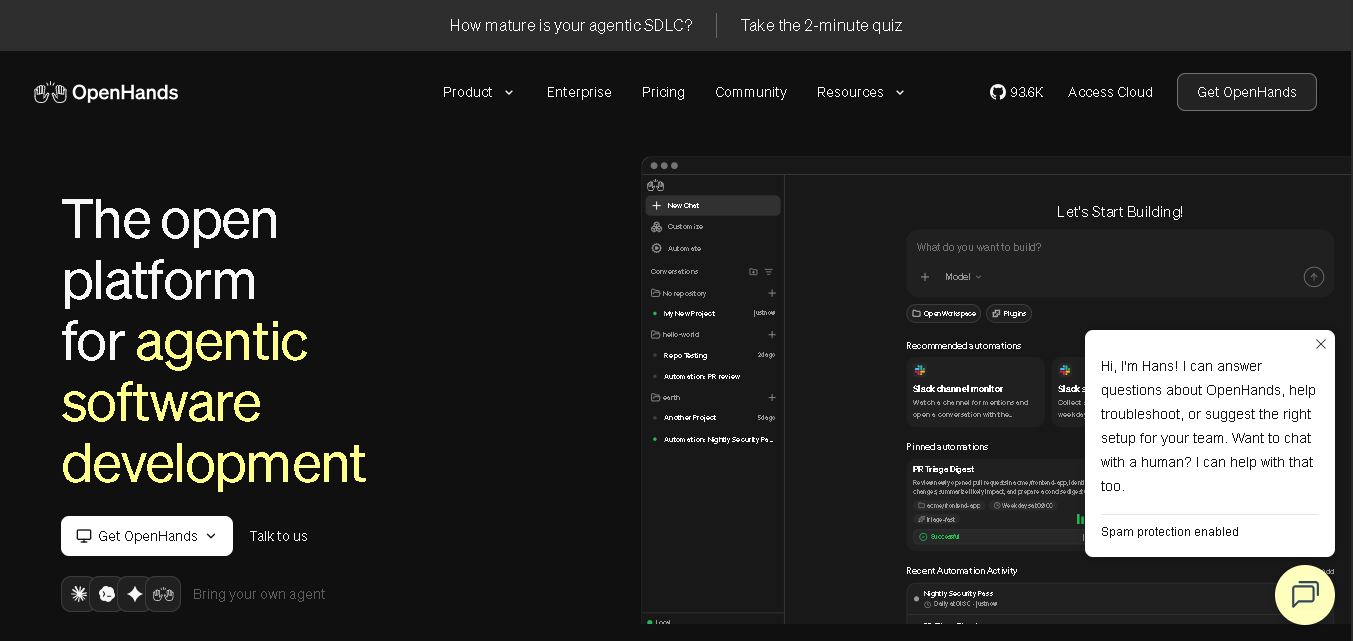
OpenHands helps developers automate coding, debugging, software development, and engineering workflows using autonomous AI agents. It supports multiple language models, local and cloud deployment, and integrations with popular development tools. With its open-source foundation, flexible interfaces, and customizable SDK, OpenHands makes complex software development tasks more manageable and efficient.
 4.7
Aider
Vibe Coding
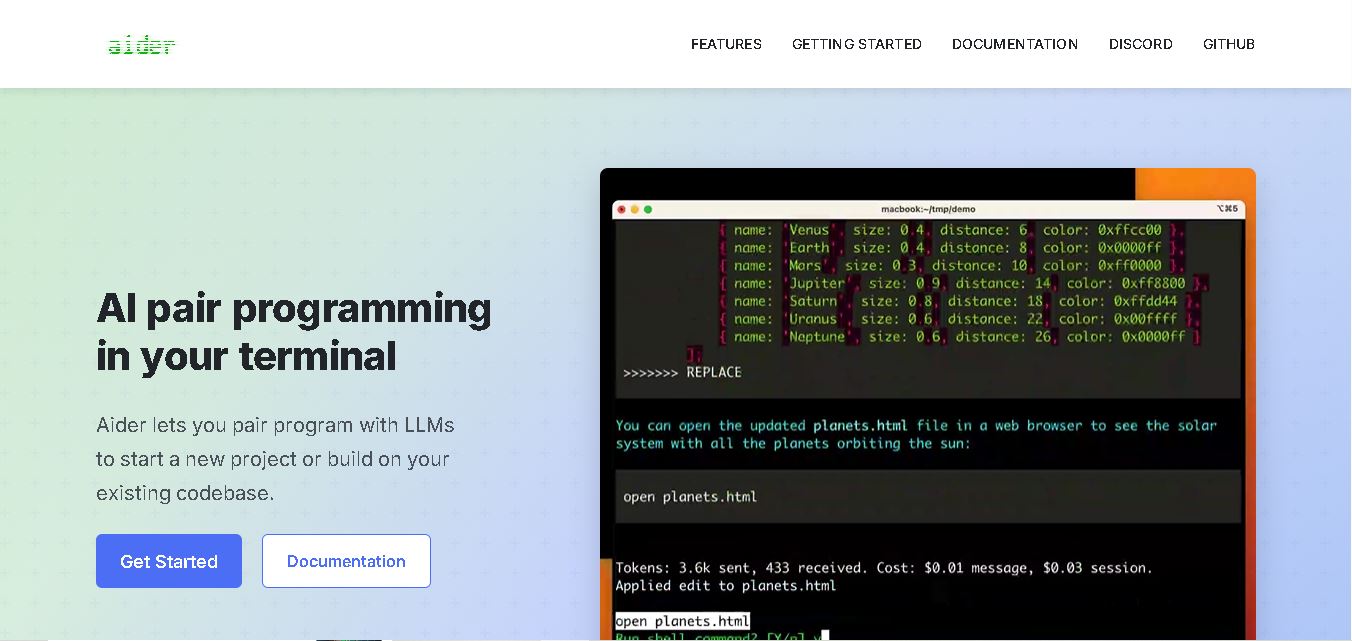
Aider is an AI coding assistant that works directly in your terminal to help developers create, edit, and debug software. It supports multiple LLMs, understands project structures, integrates with Git, and automates code improvements. Its flexible workflow makes AI-assisted programming more practical for individual developers and development teams.
 4.7
Cline
Vibe Coding
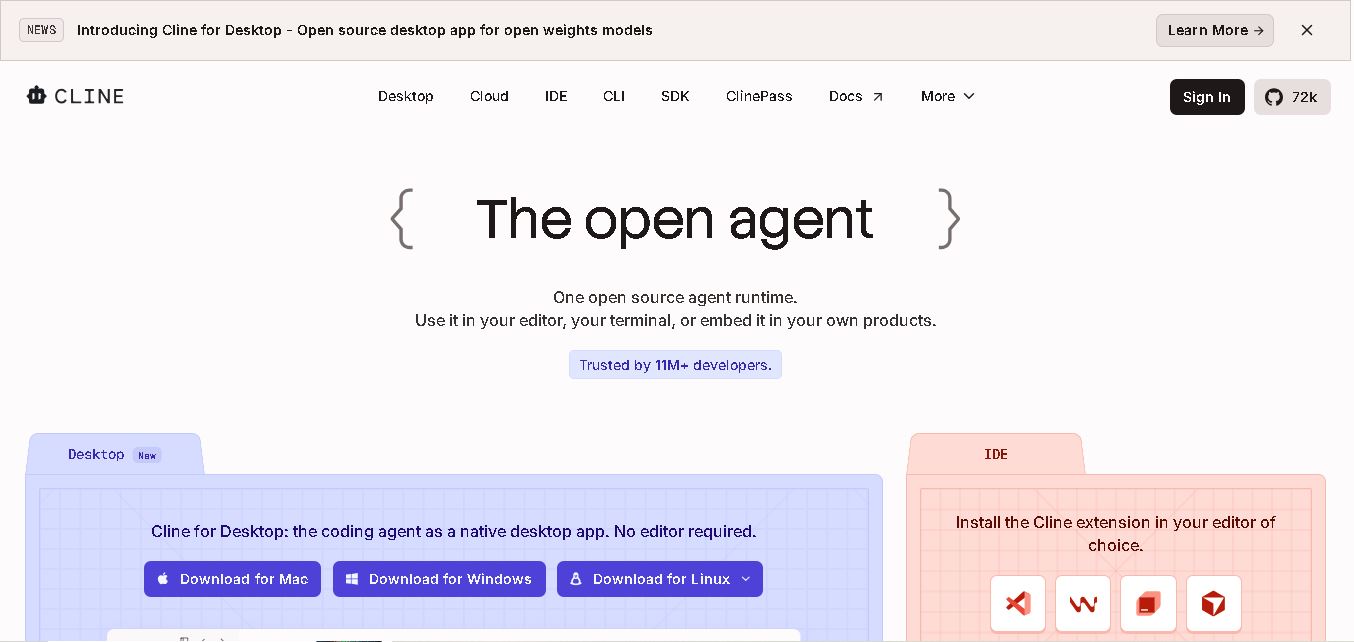
Cline is an open-source coding assistant designed to simplify software development through AI-powered automation. It helps developers generate code, fix bugs, understand existing projects, run commands, and manage complex programming tasks. With model flexibility, tool integrations, and human-controlled approvals, Cline makes AI-assisted coding more accessible and customizable.