Augment Code
Augment Code helps developers build better software with intelligent AI agents, semantic code search, and deep codebase understanding. It supports coding, debugging, refactoring, and project analysis across popular development environments. Its Context Engine helps engineering teams work efficiently with complex repositories, dependencies, and large-scale software development projects.
What is Augment Code?
Augment Code is a software development tool that helps programmers understand, write, debug, and improve code using intelligent AI agents. Its Context Engine analyzes large codebases, dependencies, repository history, and project documentation to provide relevant suggestions. Developers can use it through supported IDEs, terminal workflows, and integrations. It is designed to simplify complex engineering tasks, accelerate development, and help teams maintain consistent coding practices across projects.
Augment Code focuses on improving software engineering through AI agents and advanced codebase understanding. Its Context Engine supports semantic retrieval across large repositories, helping developers locate relevant files and dependencies. The official pricing currently starts at $20 per month for Standard and $100 per month for Business, with up to 50 seats on each plan. Enterprise pricing is customized. The platform also supports CLI access, MCP integrations, and SOC 2 Type II security, while paid plans do not use customer data for AI training.
- Category: AI Coding Agent, Enterprise Code Intelligence, IDE Extension & CLI Developer Platform
- Platforms Supported: Visual Studio Code, JetBrains IDEs, Terminal CLI, Cosmos Cloud Compute, GitHub/GitLab & MCP Ecosystem
Use Cases:
- Executing multi-file feature development, complex refactoring, and bug fixes across large enterprise repositories
- Onboarding engineers onto unfamiliar or legacy codebases by querying system architecture and symbol dependencies
- Running long-horizon autonomous tasks and parallel sessions in Cosmos cloud compute with Daemon mode
- Automating pull request code reviews, PR summaries, and issue triage across multiple GitHub organizations
- Connecting coding agents to external engineering tools (Jira, Linear, Notion) via native integrations and 100+ MCP servers
Technology:
- Real-time cross-repository semantic Context Engine indexing dependencies, APIs, and code graphs
- Cosmos cloud compute environment supporting Daemon mode and up to 50+ concurrent agent sessions
- Multi-model LLM routing across frontier models (Anthropic Claude, OpenAI GPT, Google Gemini)
- Model Context Protocol (MCP) gateway, Smart Apply diff engine, and automated PR review pipeline
Target Users:
- Professional Software Engineers working in large, multi-service production codebases
- Agile & Scaling Engineering Teams (2–50 developers) looking to avoid per-seat subscription bloat
- Regulated Enterprises requiring SOC 2 Type II, ISO 42001, CMEK encryption, SIEM integration, and zero AI training
Corporate Entity: Augment Computing (Harness, Inc.)

Key features of Augment Code
Augment Code's key features are
- Deep Codebase Context Engine: Continuously indexes your entire repository—architecture, APIs, schemas, and legacy dependencies—to ground agent actions and chat answers in real codebase context.
- Autonomous Coding Agent & Cosmos Compute: Executes end-to-end tasks, builds features, and runs background Daemon mode sessions across up to 50 concurrent sessions on standard plans.
- IDE & CLI Flexibility: Works natively inside Visual Studio Code, JetBrains IDEs, and the command-line terminal with one-click Smart Apply code updates.
- MCP & Native Engineering Integrations: Connects directly to Jira, Linear, Notion, and 100+ Model Context Protocol (MCP) tools alongside automated GitHub PR reviews.
- Enterprise Security & Compliance: Enforces strict zero-training policies backed by SOC 2 Type II, ISO 42001, CMEK, SIEM logging, and data residency controls.
Augment Code Pricing
Augment Code uses a flat-rate, pooled usage model measured in dollars rather than per-seat licenses or opaque message caps. Plans include up to 50 seats at zero per-seat cost, with LLM inference billed at provider public API list prices plus a flat 40% service fee (and zero markup on compute).
Standard Plan:
- Priced at $20/month flat (no per-seat charge; includes up to 50 seats).
- Includes $20/month of pooled usage across LLM inference, Context Engine, and Cosmos compute, full Coding Agent, Chat, CLI access, MCP & native tools, Daemon mode (50 concurrent sessions), and SOC 2 Type II compliance, with pay-as-you-go top-ups.
Business Plan:
- Priced at $100/month flat (no per-seat charge; includes up to 50 seats).
- Includes $100/month of pooled usage across LLM, Context Engine, and compute, plus full Coding Agent, Chat, CLI access, MCP tools, usage analytics, Daemon mode (50 concurrent sessions), and pay-as-you-go top-ups.
Enterprise Plan:
- Custom quote-based pricing with volume-based annual discounts.
- Adds unlimited users, custom usage and compute sizing, multi-region compute, unlimited concurrent sessions, SSO/OIDC/SCIM, CMEK & ISO 42001 compliance, SIEM integration, data residency options, and dedicated SLA support.
Disclaimer: Plan pricing, pooled usage rates, and LLM service fees are subject to change. For exact live rate cards, visit augmentcode.com/pricing.
Who is using Augment Code?
Augment Code is designed for professional software teams and organizations, including
- Enterprise & Monorepo Engineering Teams: Navigating massive, interconnected repositories where standard editors lose context
- Growing Startup Engineering Orgs (Up to 50 Devs): Consolidating AI spend into a single pooled dollar balance without paying idle per-seat licenses
- Security-Focused Organizations: Requiring SOC 2 Type II, ISO 42001, CMEK, and strict non-training guarantees
Best Augment Code Alternatives
Some of the strongest Augment Code alternatives include
- Cursor
- Sourcegraph Cody
- GitHub Copilot Enterprise
- Cline
- Tabnine
Pros and Cons of Augment Code
Pros
- Industry-leading Context Engine indexes entire large codebases, APIs, and legacy dependencies accurately
- Flat-rate pooled pricing includes up to 50 seats with zero per-seat charges on Standard ($20/mo) and Business ($100/mo)
- Works seamlessly across VS Code, JetBrains IDEs, and CLI without forcing developers to switch editors
- Strong enterprise compliance suite including SOC 2 Type II, ISO 42001, CMEK, and zero model training
Cons
- 40% service fee added on top of public LLM API list prices can add up quickly for heavy agentic usage
- Pooled dollar balances mean one heavy developer running complex tasks can deplete the entire team's monthly allowance
- No permanent free tier for solo developers beyond initial trial allocations
Why Choose Augment Code?
Augment Code is the premier AI coding agent for engineering teams working in large, complex codebases who want deep architectural awareness paired with fair, seat-free pooled pricing. By combining a real-time Context Engine, Cosmos compute, and IDE/CLI compatibility with SOC 2 Type II security, Augment Code delivers high-precision software engineering in 2026.
- Indexes massive codebases and dependencies for accurate multi-file changes
- Eliminates per-seat license taxes for teams up to 50 developers
- Integrates directly with VS Code, JetBrains, CLI, GitHub PRs, and MCP tools
Augment Code vs. Competitors
The main difference between Augment Code, Cursor, and Sourcegraph Cody is that Augment Code offers flat-rate pooled team pricing ($20/mo or $100/mo for up to 50 seats) with a real-time Context Engine inside existing IDEs, whereas Cursor charges per-seat subscriptions ($20–$120/user/mo) for its standalone forked editor and Sourcegraph Cody targets large enterprises starting at $16K/year contracts. Augment Code stands out for seat-free pooled economics and deep codebase indexing.
| Feature / Tool | Augment Code | Cursor | Sourcegraph Cody | GitHub Copilot Business |
|---|---|---|---|---|
| Core Focus | Deep Codebase Context Engine & Autonomous Coding Agent | AI-First Forked VS Code Editor with Inline Agents | Enterprise Cross-Repo Code Search & AI Assistant | GitHub-Integrated AI Autocomplete & Coding Agent |
| Form Factor | VS Code, JetBrains, CLI & Cosmos Cloud Compute | Standalone Forked VS Code Editor | VS Code, JetBrains, CLI & Web App | Extension for Major IDEs & GitHub.com |
| Pricing Model | Standard ($20/mo) / Business ($100/mo) flat for 50 seats + usage | Pro ($20/mo) / Teams ($40–$120/user/mo) + usage | Enterprise Only (Starts at $16K/yr contract) | $19/seat/mo (1,900 AI Credits) + overage |
| Best For | Teams up to 50 devs with complex codebases avoiding seat fees | Individual engineers wanting a fast AI-native editor | Large enterprises with massive multi-repo codebases | Organizations standardized on GitHub |
How do we rate Augment Code?
| Parameter | Rating (out of 5) |
|---|---|
| Large Codebase Context Engine & Dependency Accuracy | 4.9 |
| Team Economics (Flat-Rate 50-Seat Pooled Pricing) | 4.8 |
| Enterprise Security & Compliance (SOC 2, ISO 42001, CMEK) | 4.9 |
| IDE, CLI & MCP Ecosystem Integration | 4.7 |
| LLM Usage Markup (40% Service Fee on Overages) | 4.0 |
| Overall Score | 4.66 |
Augment Code Review
Augment Code is a standout AI software engineering platform engineered specifically for large, complex production repositories. By pairing an industry-leading semantic Context Engine and Cosmos cloud compute with flat-rate pooled team pricing for up to 50 seats, Augment Code eliminates per-seat license waste while delivering high-precision multi-file code execution in 2026.
Conclusion
Augment Code is a useful choice for developers and engineering teams looking to improve their software development workflows with AI assistance. Its Context Engine, intelligent coding agents, semantic search, and IDE integrations make it valuable for handling complex codebases. Whether you are building features, debugging applications, or maintaining large repositories, Augment Code can help reduce repetitive work and improve productivity. It is particularly worth exploring for teams that need context-aware coding support.
FAQ
What is Augment Code used for?
Augment Code helps software developers write, understand, debug, and improve code with AI assistance. It can analyze complex repositories, identify relevant files, suggest solutions, and automate development tasks. Developers can use it for feature development, troubleshooting, code reviews, refactoring, and maintaining large software projects while reducing repetitive manual work.
How does Augment Code work?
Augment Code uses its Context Engine to understand codebases, dependencies, project structures, and development history. Developers provide instructions through an IDE or terminal, and its AI agents retrieve relevant context before generating or modifying code. This approach helps produce project-aware suggestions, investigate bugs, and complete complex engineering tasks.
Is Augment Code suitable for beginners?
Yes, Augment Code can help beginners understand unfamiliar code, explore project structures, and troubleshoot programming errors. Its chat functionality allows users to ask questions about their projects and receive explanations. However, beginners should review generated code, understand suggested changes, and practice programming fundamentals rather than depending entirely on AI assistance.
What are the main features of Augment Code?
Augment Code offers AI coding agents, intelligent chat, code completions, semantic code search, and its Context Engine. It also supports terminal workflows, MCP integrations, and tools for working with external development resources. These capabilities help developers understand repositories, implement features, investigate bugs, and manage complicated software engineering workflows.
Does Augment Code support multiple programming languages?
Augment Code is designed to work with different programming languages and technology stacks found in modern software projects. Its Context Engine analyzes repository files, dependencies, and relationships to understand project-specific requirements. Developers can use it across supported environments, although individual language capabilities may depend on project structure and integrations.
Is Augment Code free to use?
Augment Code offers ways to get started, but its paid pricing currently includes Standard at $20 monthly and Business at $100 monthly. Both plans include shared usage credits and support up to 50 seats. Enterprise pricing is customized. Additional usage may require top-ups, so review current billing details before subscribing.
User Reviews
No reviews yet for Augment Code.
Featured Tools
Featured AI tools from TechShark

Klap
Klap is an AI video clipping platform that transforms long videos into short-form social media content. It automatically identifies highlights, creates captions, reframes speakers, and schedules clips, helping creators, podcasters, and marketing teams repurpose existing videos with less manual editing.
Free
Melody Genie
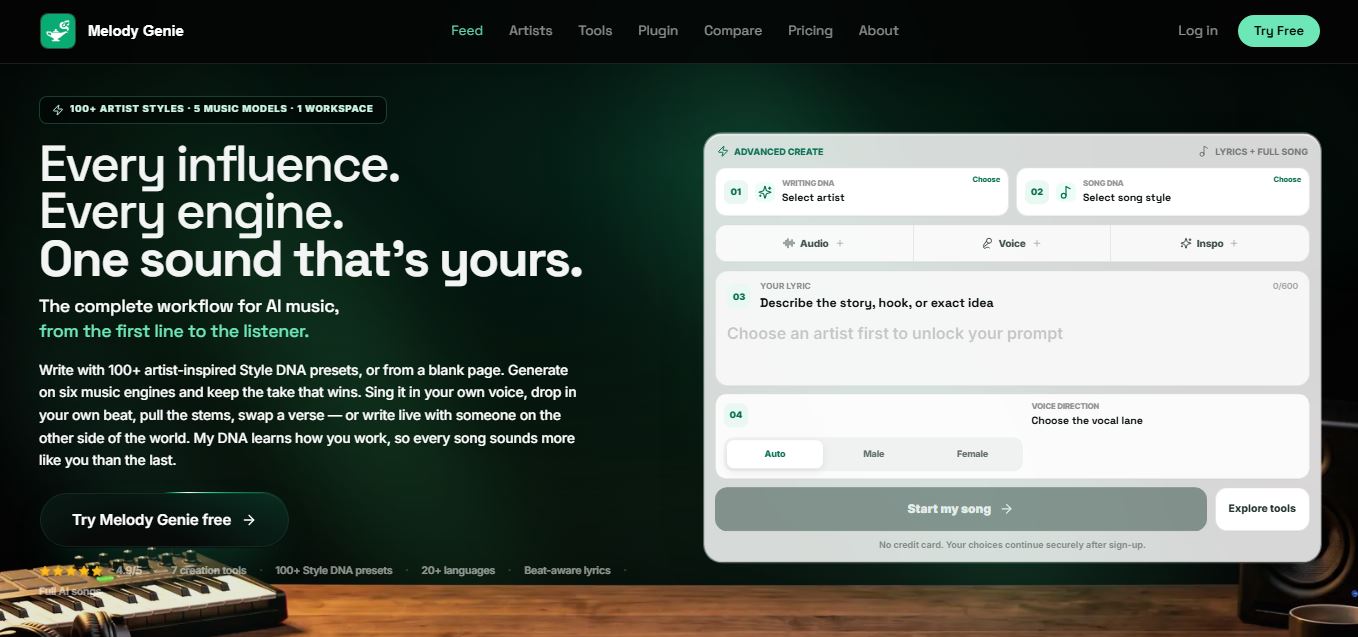
MelodyGenie is an AI-powered music generator that creates original songs from simple text prompts. Users can choose styles, moods, and genres, then instantly generate melodies and full tracks, making it easy for creators, marketers, and hobbyists to produce custom music without musical expertise.
Freemium

Fashion Diffusion AI
Fashion Diffusion is an AI-powered fashion design platform that helps brands and designers create clothing designs, virtual try-ons, AI models, product photos, and marketing visuals faster and cost-effectively.
Paid
Veo 4
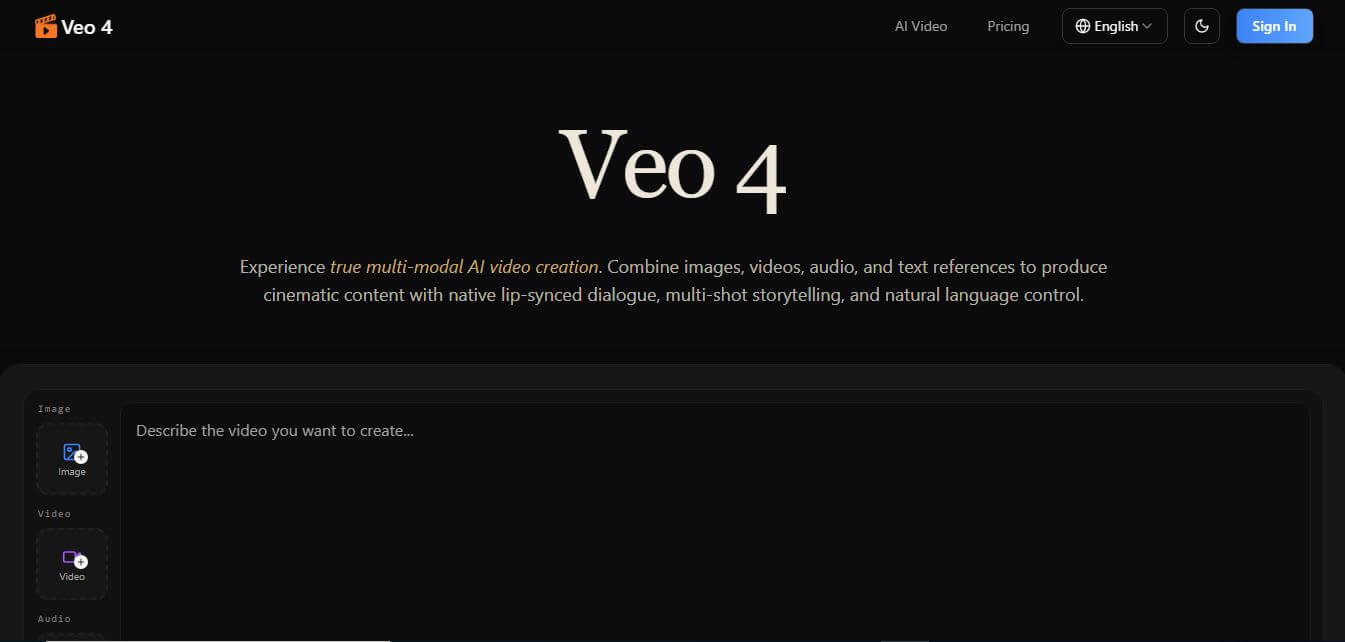
Veo 4 AI is an AI video creation platform that generates dramatic videos from text, images, audio, and video prompts using realistic motion and synchronized sound.
Paid
Alternatives
Alternatives to Augment Code
The best Augment Code alternatives include Cursor, Sourcegraph Cody, GitHub Copilot Enterprise, Cline, and Tabnine. These platforms provide AI-assisted coding and repository intelligence workflows. While Augment Code excels at deep codebase context indexing with flat-rate pooled pricing for up to 50 seats, alternatives like Cursor and Cline offer standalone editors or open-source BYOK flexibility.
Glide
Vibe Coding
Glide (glideapps.com) is an AI-powered no-code application development platform that turns data sources like Excel, Google Sheets, Airtable, and SQL databases into custom business software, operational apps, and client portals.
Amp
Vibe Coding
Amp is an AI coding assistant that helps developers write, debug, test, and improve software projects. It combines multiple AI models, autonomous coding agents, and cloud-based Orbs to simplify development. Users can manage coding tasks through web, desktop, mobile, and terminal environments while collaborating with teammates.
JetBrains Air
Vibe Coding
JetBrains Air helps developers work with multiple AI coding agents from JetBrains IDEs, the browser, or the command line. It brings agent sessions, code reviews, parallel tasks, shared team environments, and organization-level controls into one connected system, while allowing users to work with supported agents and their existing provider accounts.
Sourcegraph Cody
Vibe Coding
Sourcegraph Cody helps developers write, understand, and debug software with contextual AI assistance. It provides intelligent code completion, code generation, repository-aware chat, and automated editing. Supporting popular IDEs and multiple repositories, Cody helps development teams reduce repetitive work, explore complex codebases, and improve everyday programming workflows efficiently.
Zed
Vibe Coding
Zed is an open-source code editor built for speed, productivity, and collaborative software development. It combines AI coding assistance, intelligent editing predictions, real-time collaboration, and external agent integrations. Developers can customize their workflows, connect multiple AI models, and build software efficiently within a modern development environment.
 4.7
OpenHands
Vibe Coding
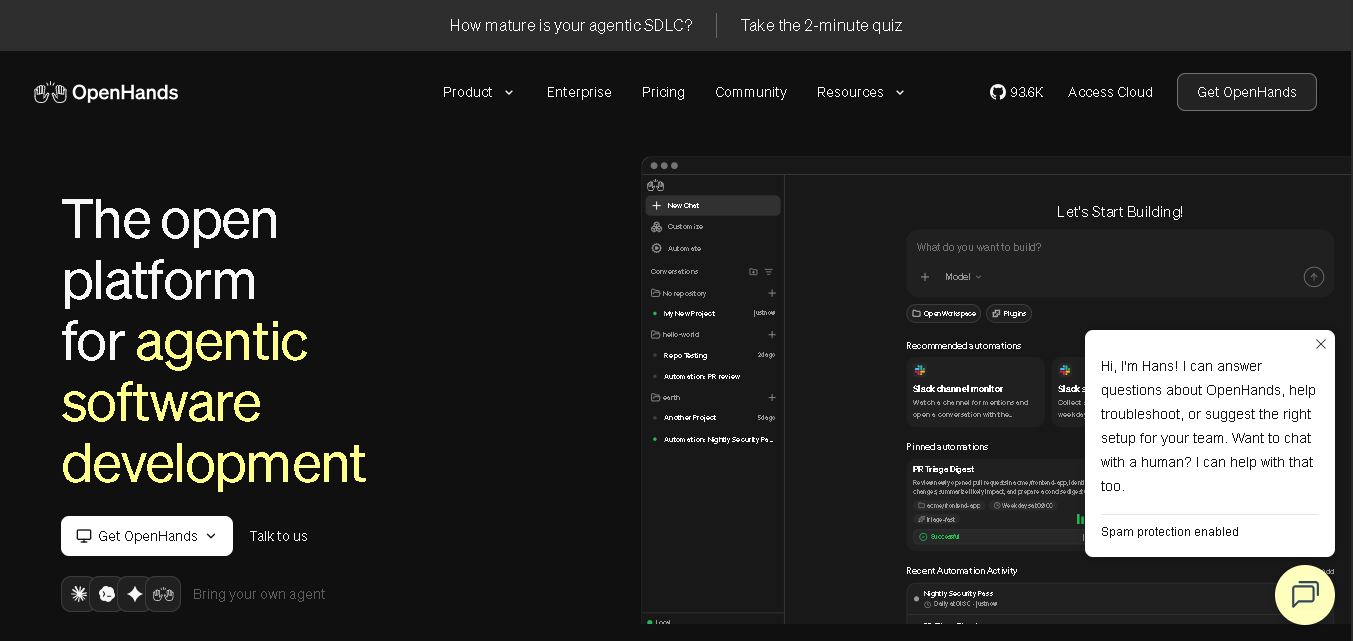
OpenHands helps developers automate coding, debugging, software development, and engineering workflows using autonomous AI agents. It supports multiple language models, local and cloud deployment, and integrations with popular development tools. With its open-source foundation, flexible interfaces, and customizable SDK, OpenHands makes complex software development tasks more manageable and efficient.
 4.7
Aider
Vibe Coding
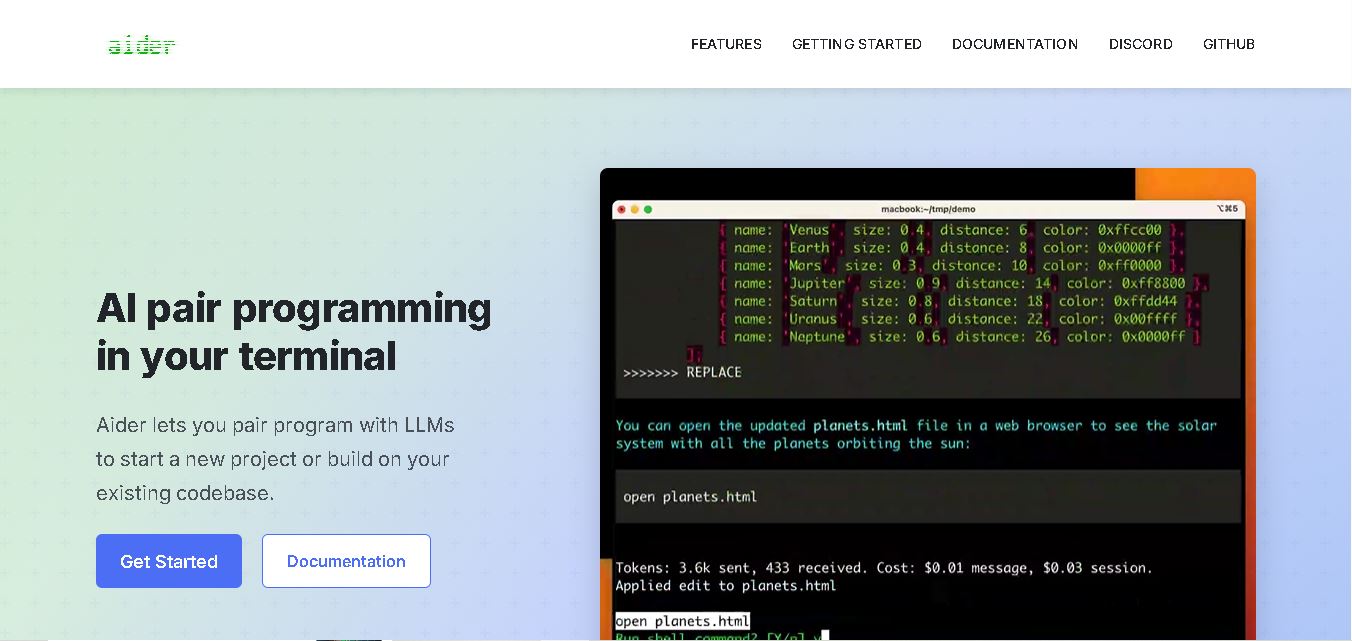
Aider is an AI coding assistant that works directly in your terminal to help developers create, edit, and debug software. It supports multiple LLMs, understands project structures, integrates with Git, and automates code improvements. Its flexible workflow makes AI-assisted programming more practical for individual developers and development teams.
 4.7
Cline
Vibe Coding
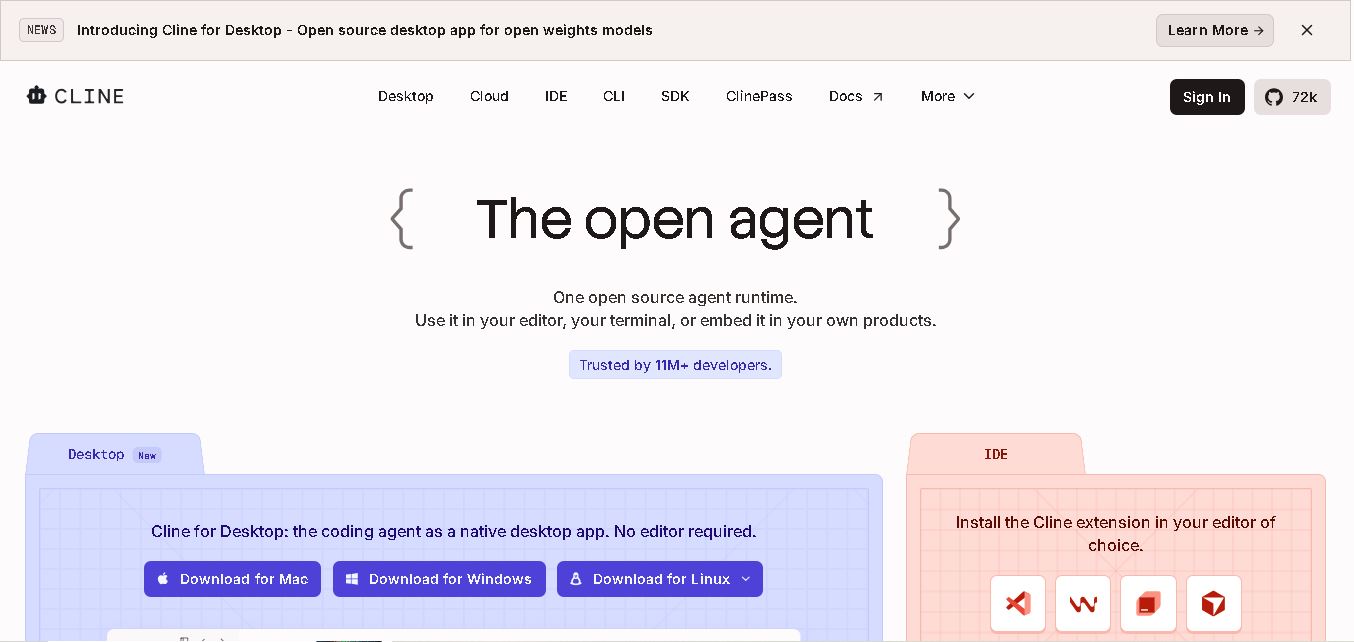
Cline is an open-source coding assistant designed to simplify software development through AI-powered automation. It helps developers generate code, fix bugs, understand existing projects, run commands, and manage complex programming tasks. With model flexibility, tool integrations, and human-controlled approvals, Cline makes AI-assisted coding more accessible and customizable.
 4.7
Dyad
Vibe Coding
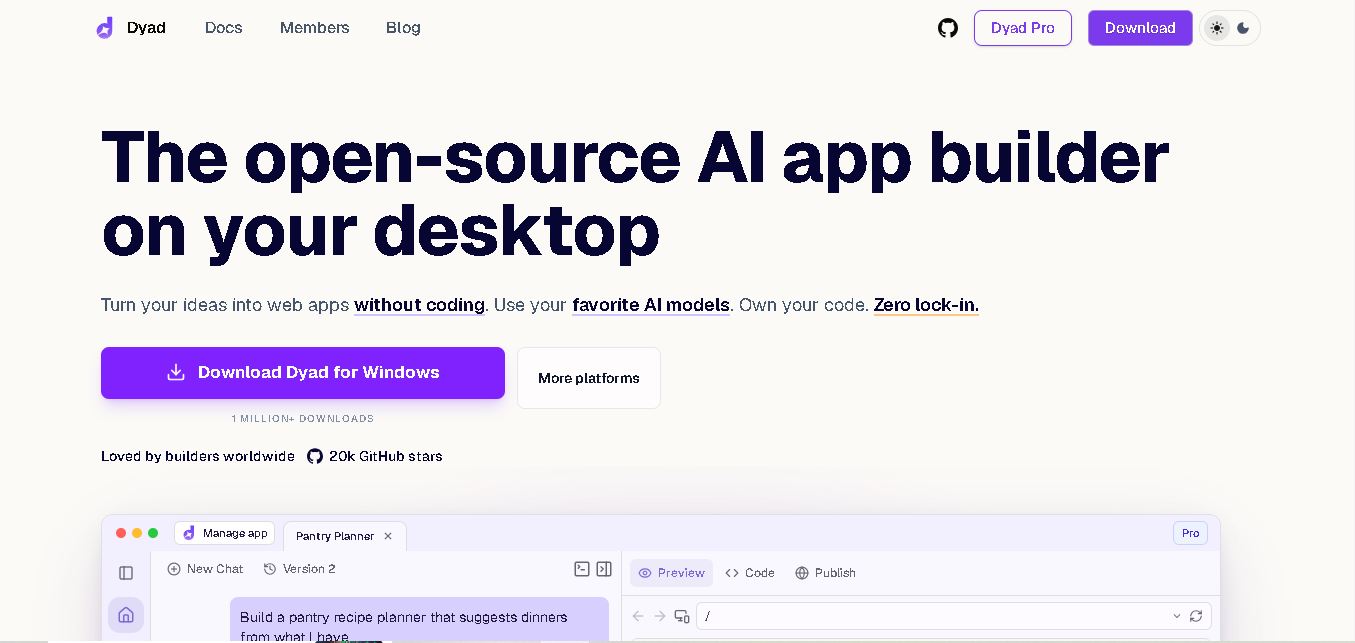
Dyad helps you create web applications by describing what you want in plain language. This open-source desktop tool runs locally, supports AI model providers, and keeps your source code on your computer. It suits beginners exploring app ideas and developers who want AI assistance without surrendering control of their projects.