
Cline
Cline is an open-source coding assistant designed to simplify software development through AI-powered automation. It helps developers generate code, fix bugs, understand existing projects, run commands, and manage complex programming tasks. With model flexibility, tool integrations, and human-controlled approvals, Cline makes AI-assisted coding more accessible and customizable.
What is Cline?
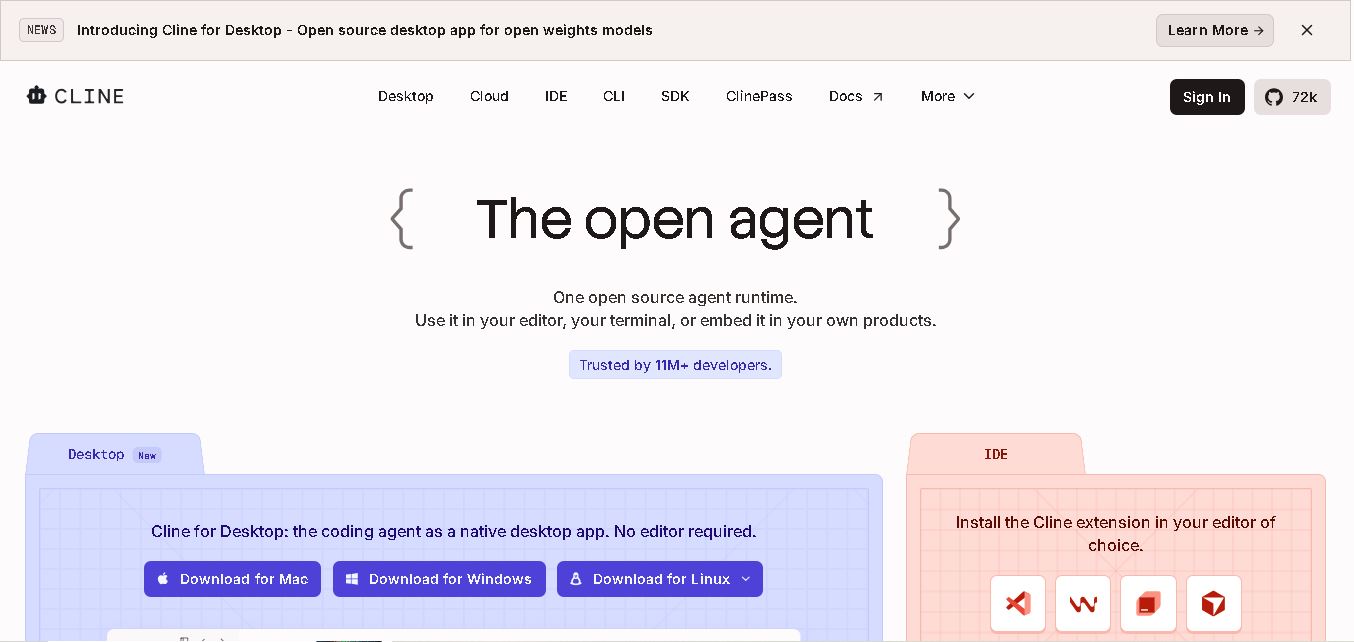
Cline is an open-source AI coding assistant that helps developers write, edit, debug, and manage code directly inside Visual Studio Code and compatible development environments. It can understand project files, execute terminal commands, interact with development tools, and make code changes with user approval. Cline supports multiple AI models, giving developers flexibility to choose their preferred coding model and manage their development workflows.
Cline reports more than 11 million developers reached across its ecosystem, while its GitHub repository has attracted over 71,000 stars. The project is open source under the Apache 2.0 license and supports IDE, terminal, desktop, and SDK workflows. Developers can connect multiple model providers, use local models, review changes through diffs and checkpoints, and approve actions before execution. Its usage costs depend on the selected model provider and consumption, so there is no single fixed inference price for every user.
- Category: Open-Source AI Coding Agent, IDE Extension, Terminal CLI & Autonomous Developer Tool
- Platforms Supported: Visual Studio Code, JetBrains IDEs, Cursor, Windsurf, Zed, Neovim, Native Desktop App (Mac/Windows/Linux), Terminal CLI & SDK
Use Cases:
- Executing multi-file code generation and complex refactoring tasks across large codebases without manual hand-holding
- Running shell commands, installing packages, managing databases, and monitoring compiler/linter errors iteratively
- Launching headless browser automation (Puppeteer) to test web apps, click UI elements, and fix visual or runtime bugs automatically
- Enforcing team coding standards and architectural conventions using repository-level
.clinerulesfiles - Extending agent capabilities with Model Context Protocol (MCP) servers for databases, APIs, and cloud infrastructure
Technology:
- Plan-and-Act dual agent execution mode (separate reasoning phase from file modification)
- Multi-model router supporting 30+ providers (Anthropic Claude, OpenAI GPT, Google Gemini, DeepSeek, xAI Grok, Ollama)
- Shadow Git repository checkpointing system for one-click step rollbacks
- Model Context Protocol (MCP) marketplace and CLI/SDK embedding runtime
Target Users:
- Software Engineers & Developers wanting autonomous multi-file coding agents inside their standard IDEs
- Open-Source Enthusiasts & Privacy-Conscious Teams seeking transparent, non-locked-in agent tooling
- Full-Stack Builders leveraging local LLMs (Ollama) or custom cloud API keys for zero-subscription workflows
Corporate Entity: Cline Bot Inc.

Key features of Cline
Cline's key features are
- Plan-and-Act Modes: Separates architectural planning from code execution, letting developers review and approve changes step-by-step or toggle full autopilot.
- Multi-File Editing & Checkpoints: Coordinated changes across multiple files with built-in linter error monitoring and automatic Git checkpoint rollbacks.
- Terminal & Browser Automation: Executes shell commands live and uses a Puppeteer-controlled Chromium window to test web apps and capture screenshots.
- Universal Model Choice (BYOK): Connects to 30+ frontier cloud providers or local models via Ollama and LM Studio with zero vendor lock-in.
- MCP Marketplace & Extensibility: Integrates custom tools, database connectors, and lifecycle hooks via the Model Context Protocol and repository rules.
Cline Pricing
Cline is fundamentally a free, open-source tool with flexible consumption options rather than fixed monthly SaaS subscriptions.
Open-Source Extension:
- Priced at $0/month (Apache 2.0 license).
- Includes full extension functionality across VS Code, JetBrains, and terminal CLI. Users bring their own API keys (paying providers directly per request) or run local models completely free via Ollama.
Cline Provider (Cloud Inference):
- Pay-as-you-go usage metering via app.cline.bot for developers who prefer managed inference without provisioning individual API keys.
Disclaimer: API token costs, model provider rates, and cloud inference fees are subject to change. For exact live details, visit cline.bot.
Who is using Cline?
Cline is designed for professional software developers, including
- Professional Software Engineers: Delegating multi-file refactoring, debugging, and test automation tasks
- Enterprise Development Teams: Requiring open-source transparency, auditability, and freedom from proprietary editor locks
- Solo Creators & Indie Hackers: Building full applications directly inside familiar IDEs using cost-effective model keys
Best Cline Alternatives
Some of the strongest Cline alternatives include
- Cursor
- Windsurf
- Claude Code
- Qodo
- Replit Agent
Pros and Cons of Cline
Pros
- 100% open-source under Apache 2.0 with complete code and data transparency
- Operates as an extension inside your existing editor (VS Code, JetBrains) rather than forcing a new IDE
- Exceptional model flexibility supporting over 30 cloud providers and local Ollama weights
- Autonomous error-correction loops, terminal execution, and browser-based verification
Cons
- Requires manual configuration of API keys or local models compared to turnkey commercial editors like Cursor
- Autonomous multi-step agent actions can consume API tokens quickly if prompts lack strict constraints
- Steeper setup curve for non-technical users unfamiliar with IDE extensions and terminal environments
Why Choose Cline?
Cline is the premier open-source AI coding agent for developers who want autonomous multi-file editing, terminal execution, and browser automation without sacrificing their preferred editor or locking into a single model vendor. By combining Plan-and-Act control with universal model compatibility in 2026, Cline delivers unmatched flexibility.
- Transforms standard VS Code and JetBrains editors into autonomous coding environments
- Provides complete model freedom across cloud APIs and local Ollama weights
- Features robust Checkpoints, MCP integration, and browser testing capabilities
Cline vs. Competitors
The main difference between Cline, Cursor, and Windsurf is that Cline is a free, open-source extension that plugs into your existing IDE and lets you use any model via BYOK keys, whereas Cursor and Windsurf are standalone commercial editors that bundle proprietary UX and monthly subscriptions. Cline stands out for open-source flexibility and zero vendor lock-in.
| Feature / Tool | Cline (cline.bot) | Cursor | Windsurf | Claude Code |
|---|---|---|---|---|
| Core Focus | Open-Source Autonomous Coding Agent for Existing IDEs | AI-First Forked IDE with Fast Tab Completion & Agents | AI-First IDE with Collaborative Flow & Cascade Agents | Terminal-Native AI Agent by Anthropic |
| Editor Form Factor | Extension for VS Code, JetBrains, Zed & Terminal CLI | Standalone Forked VS Code Editor | Standalone Forked VS Code Editor | Command-Line Interface (CLI) |
| Pricing Model | Free & Open Source (BYOK or Pay-As-You-Go Inference) | Free Hobby / Pro ($20/mo) / Business ($40/user/mo) | Free / Pro ($15–$30/mo tiers) | Usage-Based Anthropic API Billing |
| Best For | Developers wanting open-source agent control & model choice | Engineers wanting seamless inline AI code completion | Teams wanting fluid agent-human collaborative workflows | Command-line power users & terminal workflows |
How do we rate Cline?
| Parameter | Rating (out of 5) |
|---|---|
| Open-Source Transparency & Freedom ($0 Tool Cost) | 4.9 |
| Universal Model Choice (30+ Providers & Ollama) | 5.0 |
| Autonomous Multi-File Editing & Checkpoints | 4.8 |
| Terminal & Browser Automation Capabilities | 4.7 |
| Initial Setup & API Key Configuration Friction | 4.1 |
| Overall Score | 4.70 |
Cline Review
Cline is the leading open-source AI coding agent for developers who demand absolute control, model choice, and transparency without being locked into a proprietary commercial editor. Featuring Plan-and-Act reasoning, Git checkpoints, terminal execution, browser automation, and multi-IDE support, Cline is an essential productivity extension in 2026.
Conclusion
Cline is a flexible option for developers who want an open-source coding agent rather than a tool tied to one AI model or editor. Its ability to inspect projects, edit multiple files, run commands, and support local or hosted models makes it useful for varied workflows. Review permissions, model costs, and generated changes carefully before using it on important projects.
FAQ
What is Cline used for?
Cline is an open-source coding agent that works inside supported editors, the terminal, and a desktop app. It can inspect project files, explain code, create and edit files, run commands, and help debug errors. Unlike a basic autocomplete tool, it can coordinate multi-step development tasks while keeping developers involved daily.
Is Cline free to use?
Yes, Cline’s core project is free and open source under the Apache 2.0 license. However, using an AI model may involve API charges from your chosen provider. You can also connect supported local models, which may avoid per-request provider fees but still require suitable hardware and setup. Model costs vary.
Which AI models does Cline support?
Cline supports a broad range of model providers, including Anthropic, OpenAI, Google, OpenRouter, and compatible endpoints. It can also connect to local models through tools such as Ollama and LM Studio. Availability depends on provider configuration, model access, and the credentials or endpoint details you supply for your chosen workflow.
Is Cline available for Visual Studio Code?
Cline is available as an extension for Visual Studio Code and other supported editors, alongside JetBrains integrations, a command-line interface, and a desktop application. The official website also presents an SDK for embedding its agent runtime into custom applications. Check current installation instructions for platform-specific requirements on your operating system.
Can Cline generate and debug code automatically?
Cline can help generate features, refactor existing code, explain unfamiliar repositories, fix errors, write tests, and run development commands. It can also use configured tools and MCP servers to connect with external systems. Results still need developer review, especially for security-sensitive code, production changes, and complex architecture decisions and documentation.
What are Plan Mode and Act Mode in Cline?
Cline offers Plan and Act modes. Plan mode helps inspect a codebase and outline an approach; Act mode carries out the work. By default, developers can review and approve file edits and terminal commands. Auto-approval is available for workflows where users intentionally want fewer manual checkpoints for each individual action.
User Reviews
No reviews yet for Cline.
Featured Tools
Featured AI tools from TechShark

Klap
Klap is an AI video clipping platform that transforms long videos into short-form social media content. It automatically identifies highlights, creates captions, reframes speakers, and schedules clips, helping creators, podcasters, and marketing teams repurpose existing videos with less manual editing.
Free
Melody Genie
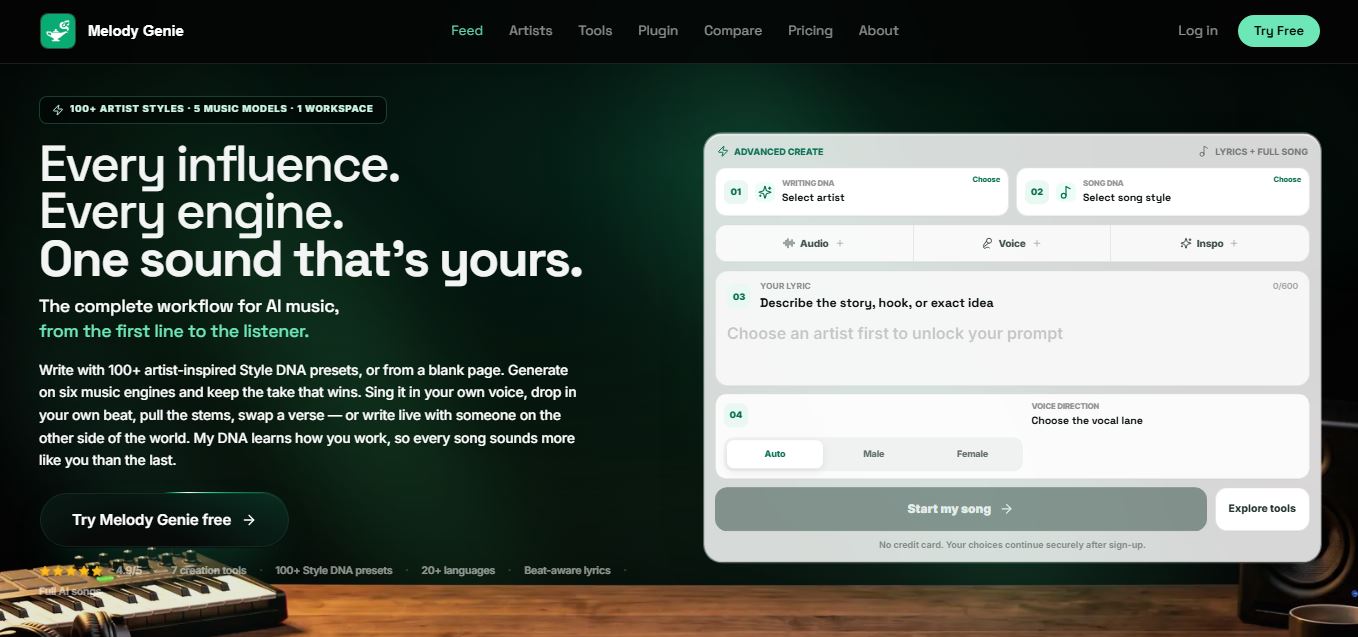
MelodyGenie is an AI-powered music generator that creates original songs from simple text prompts. Users can choose styles, moods, and genres, then instantly generate melodies and full tracks, making it easy for creators, marketers, and hobbyists to produce custom music without musical expertise.
Freemium

Fashion Diffusion AI
Fashion Diffusion is an AI-powered fashion design platform that helps brands and designers create clothing designs, virtual try-ons, AI models, product photos, and marketing visuals faster and cost-effectively.
Paid
Veo 4
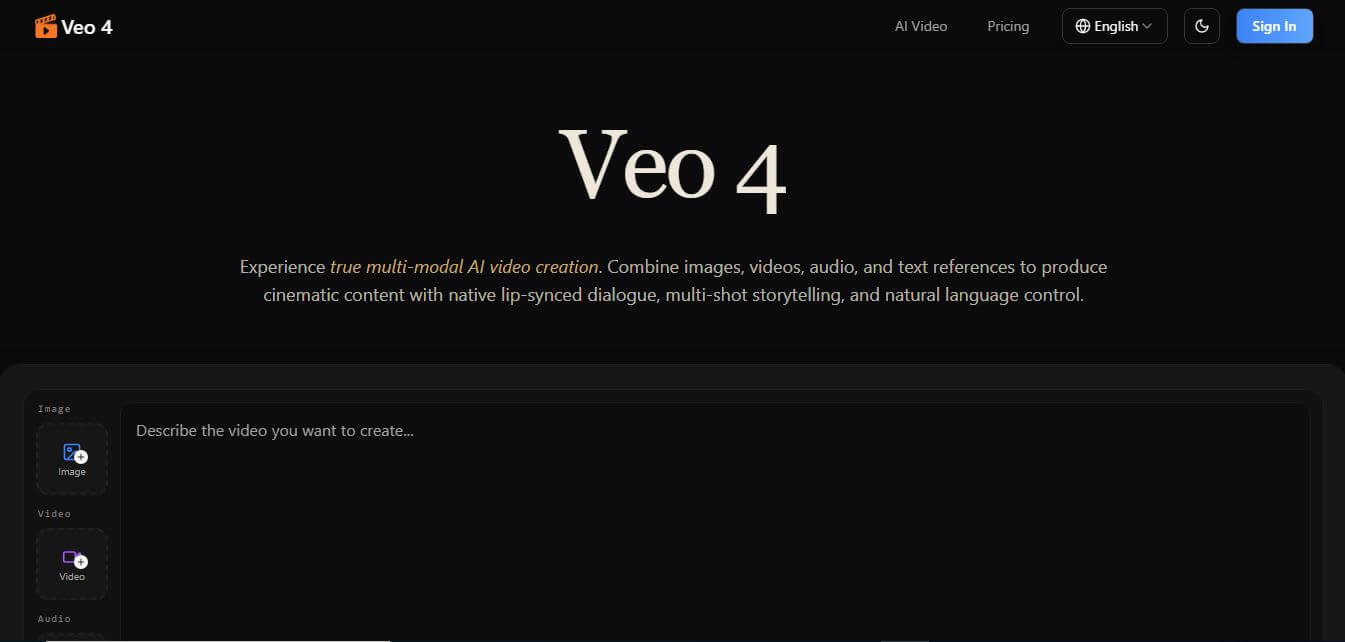
Veo 4 AI is an AI video creation platform that generates dramatic videos from text, images, audio, and video prompts using realistic motion and synchronized sound.
Paid
Alternatives
Alternatives to Cline
The best Cline alternatives include Cursor, Windsurf, Claude Code, Qodo, and Replit Agent. These platforms provide AI-assisted software development workflows. While Cline stands out as a free, open-source extension for existing IDEs that supports over 30 model providers with zero vendor lock-in, alternatives like Cursor and Windsurf operate as standalone commercial forked editors.
Glide
Vibe Coding
Glide (glideapps.com) is an AI-powered no-code application development platform that turns data sources like Excel, Google Sheets, Airtable, and SQL databases into custom business software, operational apps, and client portals.
Amp
Vibe Coding
Amp is an AI coding assistant that helps developers write, debug, test, and improve software projects. It combines multiple AI models, autonomous coding agents, and cloud-based Orbs to simplify development. Users can manage coding tasks through web, desktop, mobile, and terminal environments while collaborating with teammates.
Augment Code
Vibe Coding
Augment Code helps developers build better software with intelligent AI agents, semantic code search, and deep codebase understanding. It supports coding, debugging, refactoring, and project analysis across popular development environments. Its Context Engine helps engineering teams work efficiently with complex repositories, dependencies, and large-scale software development projects.
JetBrains Air
Vibe Coding
JetBrains Air helps developers work with multiple AI coding agents from JetBrains IDEs, the browser, or the command line. It brings agent sessions, code reviews, parallel tasks, shared team environments, and organization-level controls into one connected system, while allowing users to work with supported agents and their existing provider accounts.
Sourcegraph Cody
Vibe Coding
Sourcegraph Cody helps developers write, understand, and debug software with contextual AI assistance. It provides intelligent code completion, code generation, repository-aware chat, and automated editing. Supporting popular IDEs and multiple repositories, Cody helps development teams reduce repetitive work, explore complex codebases, and improve everyday programming workflows efficiently.
Zed
Vibe Coding
Zed is an open-source code editor built for speed, productivity, and collaborative software development. It combines AI coding assistance, intelligent editing predictions, real-time collaboration, and external agent integrations. Developers can customize their workflows, connect multiple AI models, and build software efficiently within a modern development environment.
 4.7
OpenHands
Vibe Coding
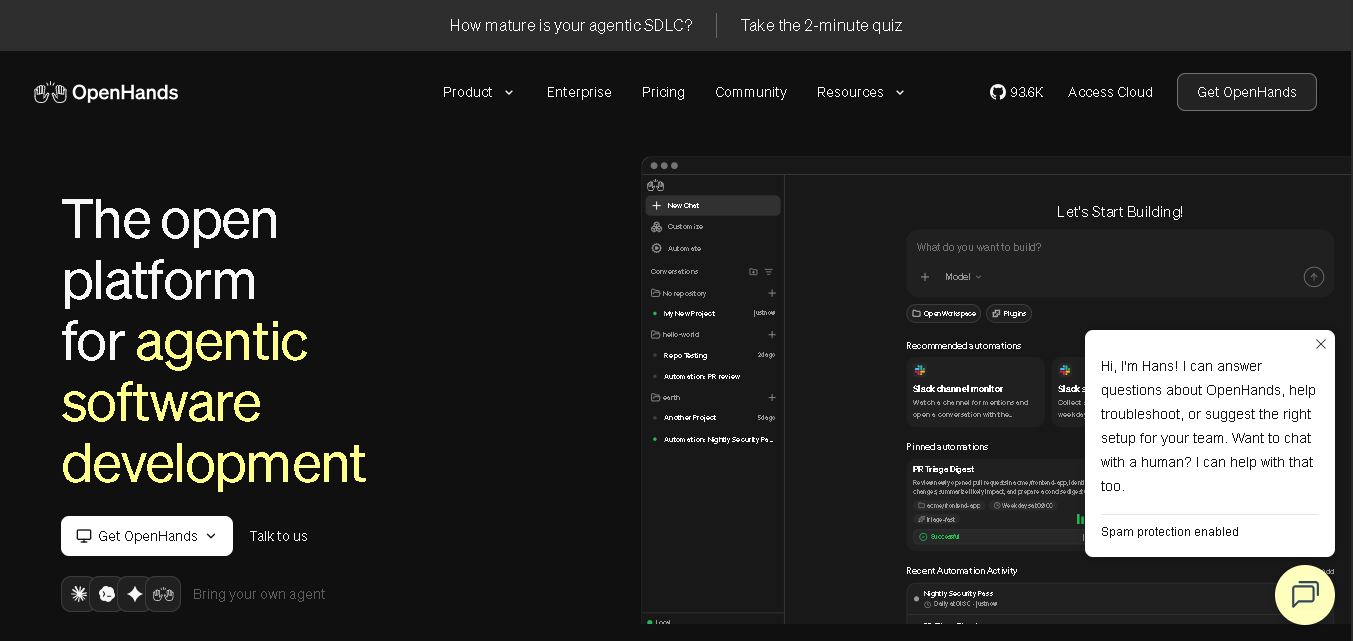
OpenHands helps developers automate coding, debugging, software development, and engineering workflows using autonomous AI agents. It supports multiple language models, local and cloud deployment, and integrations with popular development tools. With its open-source foundation, flexible interfaces, and customizable SDK, OpenHands makes complex software development tasks more manageable and efficient.
 4.7
Aider
Vibe Coding
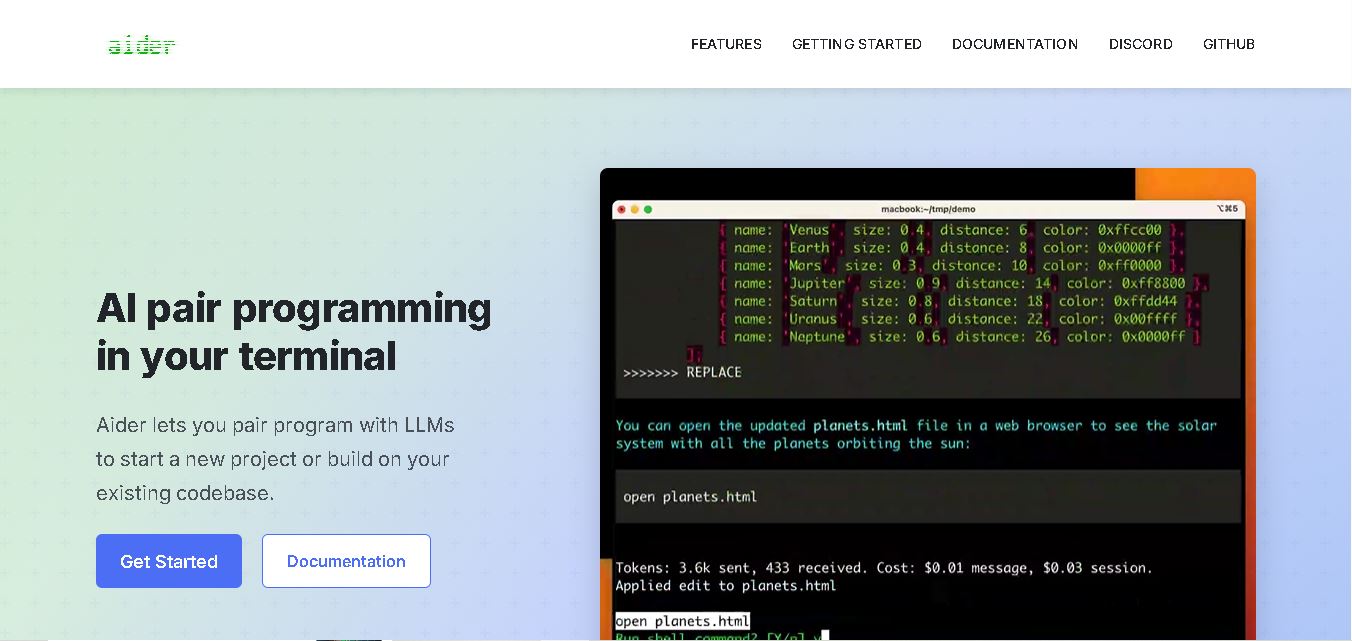
Aider is an AI coding assistant that works directly in your terminal to help developers create, edit, and debug software. It supports multiple LLMs, understands project structures, integrates with Git, and automates code improvements. Its flexible workflow makes AI-assisted programming more practical for individual developers and development teams.
 4.7
Dyad
Vibe Coding
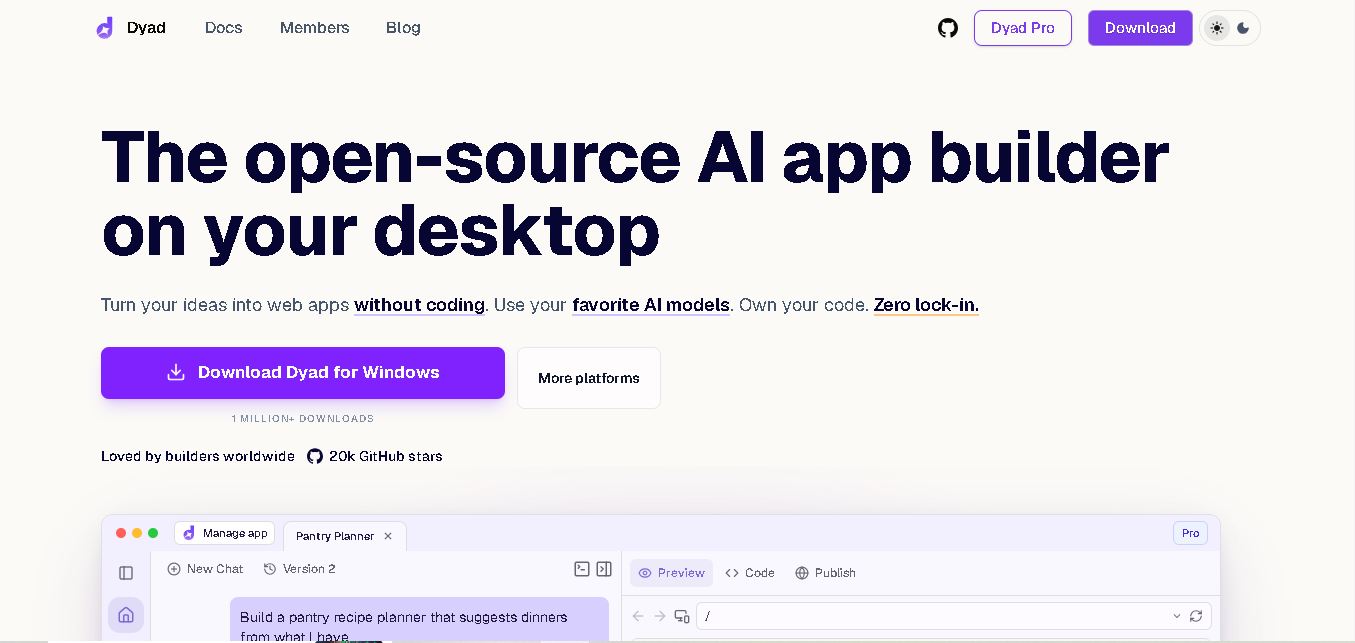
Dyad helps you create web applications by describing what you want in plain language. This open-source desktop tool runs locally, supports AI model providers, and keeps your source code on your computer. It suits beginners exploring app ideas and developers who want AI assistance without surrendering control of their projects.