
Aider
Aider is an AI coding assistant that works directly in your terminal to help developers create, edit, and debug software. It supports multiple LLMs, understands project structures, integrates with Git, and automates code improvements. Its flexible workflow makes AI-assisted programming more practical for individual developers and development teams.
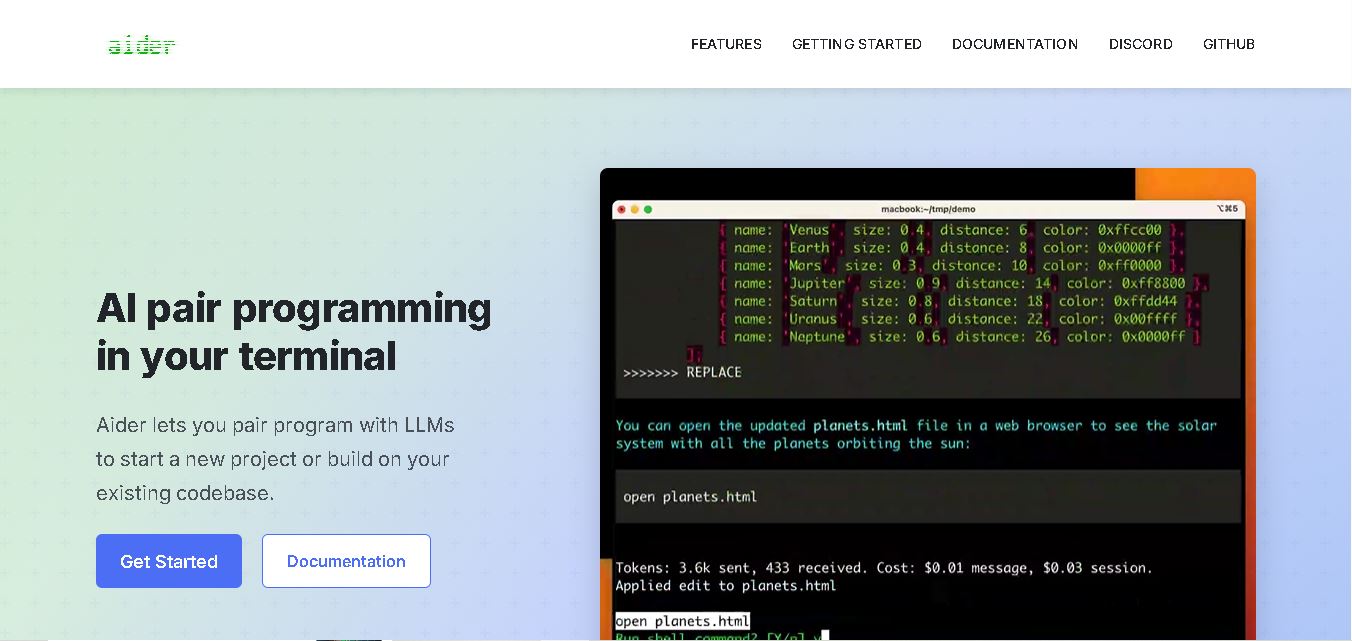
What is Aider?
Aider is an AI pair programming tool that helps developers write, edit, debug, and improve code directly from their terminal. It connects with leading large language models (LLMs), including OpenAI, Claude, and DeepSeek, to make changes across existing projects or build new applications. Aider understands codebase structures through repository mapping and integrates with Git, allowing developers to review, track, and undo AI-generated code changes.
Aider has established a strong presence in AI-assisted software development, with approximately 44,000 GitHub stars and 6.8 million reported installs displayed on its official website. The tool supports more than 100 programming languages and processes approximately 15 billion tokens weekly, according to its website metrics. It integrates with cloud and local language models, offers Git-based version control, and supports automated linting and testing. Developers can use code, ask, architect, and help modes for different programming requirements.
- Category: Open-Source AI Coding Agent, Terminal CLI & AI Pair Programming Tool
- Platforms Supported: Command-Line Terminal (macOS, Windows, Linux), Local Git Repository, Cloud LLM APIs & Local Ollama Models
Use Cases:
- Pair programming with state-of-the-art models directly inside your terminal or favorite IDE text editor
- Executing multi-file edits across complex codebases using Aider's automated repository mapping engine
- Automatically committing changes with sensible, descriptive Git commit messages after every successful AI edit
- Running Architect mode to separate complex planning phases from fast code implementation
- Running linters and test suites automatically, letting Aider self-correct compilation or test failures
Technology:
- Terminal-native REPL interface with direct file system modification
- Automated Repo-Map generator indexing classes, signatures, and codebase structure
- Multi-model router supporting Anthropic, OpenAI, DeepSeek, OpenRouter, and Ollama
- Git-native checkpointing system allowing clean diff inspection and easy rollbacks via
/undo
Target Users:
- Terminal-First Developers & Engineers preferring command-line tools and shell workflows
- Open-Source Enthusiasts & Privacy-Conscious Teams seeking transparent, non-locked-in agent utilities
- Indie Builders wanting flexible model choice and zero recurring platform subscription walls
Corporate Entity: Independent Open-Source Project (Created by Paul Gauthier)

Key features of Aider
Aider's key features are
- Terminal-Native & Editor-Agnostic: Runs in your shell alongside any code editor or IDE with zero proprietary lock-in.
- Automatic Git Commits & Diffs: Automatically commits every change with descriptive messages, letting you review diffs or undo actions using standard Git commands.
- Codebase Repository Mapping: Automatically indexes your repository's structure to give models high-level context across large multi-file projects.
- Architect Mode (Two-Model Setup): Pairs a powerful reasoning model for planning with a fast implementation model for execution.
- Voice-to-Code & Local Models: Supports voice dictation for feature requests and fully offline execution via Ollama for privacy.
Aider Pricing
Aider is entirely free and open-source under the Apache 2.0 license, with no separate SaaS subscription tier.
Free & Open-Source Tier:
- Priced at $0/month (installable via PyPI:
pip install aider-chat). - Users bring their own API keys (paying providers like Anthropic or OpenAI directly per token) or run local models entirely free via Ollama.
Disclaimer: Open-source software terms and model provider API rates are subject to change. For exact live documentation and installation guides, visit aider.chat.
Who is using Aider?
Aider is designed for developers and software engineers, including
- Backend & Infra Engineers: Working closely within shell environments and existing Git repositories
- Open-Source Contributors: Requiring transparent, hackable code generation tools
- Cost-Conscious Builders: Avoiding high monthly SaaS fees by using pay-as-you-go API keys or local weights
Best Aider Alternatives
Some of the strongest Aider alternatives include
- Cline
- Claude Code
- Cursor
- OpenHands
- Replit Agent
Pros and Cons of Aider
Pros
- 100% open-source (Apache 2.0) with zero software subscription gating
- Git-native architecture automatically commits changes and lets you review diffs easily
- Unmatched model flexibility supporting any cloud LLM API or local Ollama model
- Intelligent repository mapping provides structural awareness across large codebases
Cons
- Terminal-only interface lacks a visual drag-and-drop canvas or native IDE extension GUI
- Requires users to manually add relevant files to the chat context using
/addcommands - API-based billing requires users to manage their own provider keys and usage metering
Why Choose Aider?
Aider is the premier open-source, terminal-native AI coding assistant for developers who want git-centric workflows, absolute model flexibility, and zero subscription vendor lock-in. By combining repo-map context awareness, automated git commits, and multi-model support in 2026, Aider delivers transparent and efficient AI pair programming.
- Operates directly in your terminal and Git repository without editor lock-in
- Supports Claude, GPT, DeepSeek, and local Ollama models
- Automates git commits and provides clean diff management
Aider vs. Competitors
The main difference between Aider, Claude Code, and Cursor is that Aider is a free, open-source terminal CLI that integrates tightly with Git and lets you switch between any LLM provider (or local Ollama models) via API keys, whereas Claude Code is a proprietary terminal agent tied to Anthropic and Cursor is a standalone forked IDE. Aider stands out for open-source freedom and Git-native simplicity.
| Feature / Tool | Aider (aider.chat) | Claude Code | Cline | Cursor |
|---|---|---|---|---|
| Core Focus | Open-Source Terminal-Native AI Pair Programming & Git CLI | Terminal-Native AI Agent by Anthropic | Open-Source Autonomous Coding Agent Extension | AI-First Forked IDE with Fast Tab Completion |
| Interface Form Factor | Terminal Command-Line Interface (CLI) | Terminal Command-Line Interface (CLI) | IDE Extension (VS Code / JetBrains) | Standalone Forked VS Code Editor |
| Pricing Model | Free & Open Source (Bring Your Own API Key) | Anthropic API Billing / Subscription Tiers | Free & Open Source (BYOK or Inference) | Free Hobby / Pro ($20/mo) / Business ($40/user/mo) |
| Best For | Developers wanting terminal AI with git auto-commits & model choice | Terminal power users committed to Anthropic models | Developers wanting autonomous IDE agent extensions | Engineers wanting seamless inline AI code completion |
How do we rate Aider?
| Parameter | Rating (out of 5) |
|---|---|
| Open-Source Transparency & Freedom ($0 Tool Cost) | 5.0 |
| Git Integration & Auto-Commit Workflows | 4.9 |
| Model Flexibility (Cloud APIs & Local Ollama) | 4.9 |
| Repo-Map Codebase Context Quality | 4.7 |
| Terminal-Only Learning Curve for Beginners | 4.1 |
| Overall Score | 4.72 |
Aider Review
Aider is an exceptional open-source terminal AI coding assistant that revolutionizes pair programming through tight Git integration, multi-model support, and intelligent repository mapping. Featuring automatic commits, Architect planning modes, and local Ollama compatibility at zero software cost, Aider remains an essential tool for developers in 2026.
Conclusion
Aider is a useful choice for developers who want to integrate AI assistance directly into their existing coding workflow. Its support for 100+ programming languages, multiple LLM providers, repository mapping, and Git integration makes software development more efficient. Features such as Architect Mode, automated testing, and code editing provide additional flexibility. For Techshark readers exploring AI coding tools, Aider is worth considering for building projects, debugging applications, and improving development productivity.
FAQ
How does Aider help developers write code?
Aider lets you describe a coding task in natural language, then edits selected files in your local project. It can create features, fix bugs, refactor code, and explain existing logic. You review the proposed changes and Git history, helping you keep control while speeding up everyday development work during development.
Which AI models does Aider support?
Aider connects to many cloud and local language models, including models from OpenAI, Anthropic, Google, DeepSeek, and other providers. You can select or change the model using its command-line options or in-chat commands. Availability, performance, and API costs depend on the provider and model you choose across coding workflows flexibly.
Does Aider work with existing codebases?
Yes. Aider can work inside an existing Git repository and uses a repository map to understand important files, classes, functions, and relationships. You add the files relevant to your task, while Aider supplies broader project context. This helps it make changes that fit your existing code structure without starting over.
Is Aider suitable for beginners?
Aider can help beginners learn programming by explaining code, suggesting fixes, and generating examples. However, users should understand basic terminal commands, project files, and Git concepts to work confidently. Beginners should review every change, run tests, and avoid accepting code they cannot understand or maintain with basic programming guidance safely.
Does Aider automatically test and fix code?
Aider can run configured linters and test commands after editing files. When checks report errors, it can use the output to attempt repairs. This workflow helps catch issues early, but it does not guarantee bug-free software. Developers should still inspect changes and run tests before deployment when checks are configured.
Is Aider free to use?
Aider is open-source software released under the Apache 2.0 license, so you can install and use the tool without purchasing a software subscription. However, connecting to hosted AI models may involve separate API charges. Local models can reduce provider fees, depending on your hardware and setup and modify its source.
User Reviews
No reviews yet for Aider.
Featured Tools
Featured AI tools from TechShark

Klap
Klap is an AI video clipping platform that transforms long videos into short-form social media content. It automatically identifies highlights, creates captions, reframes speakers, and schedules clips, helping creators, podcasters, and marketing teams repurpose existing videos with less manual editing.
Free
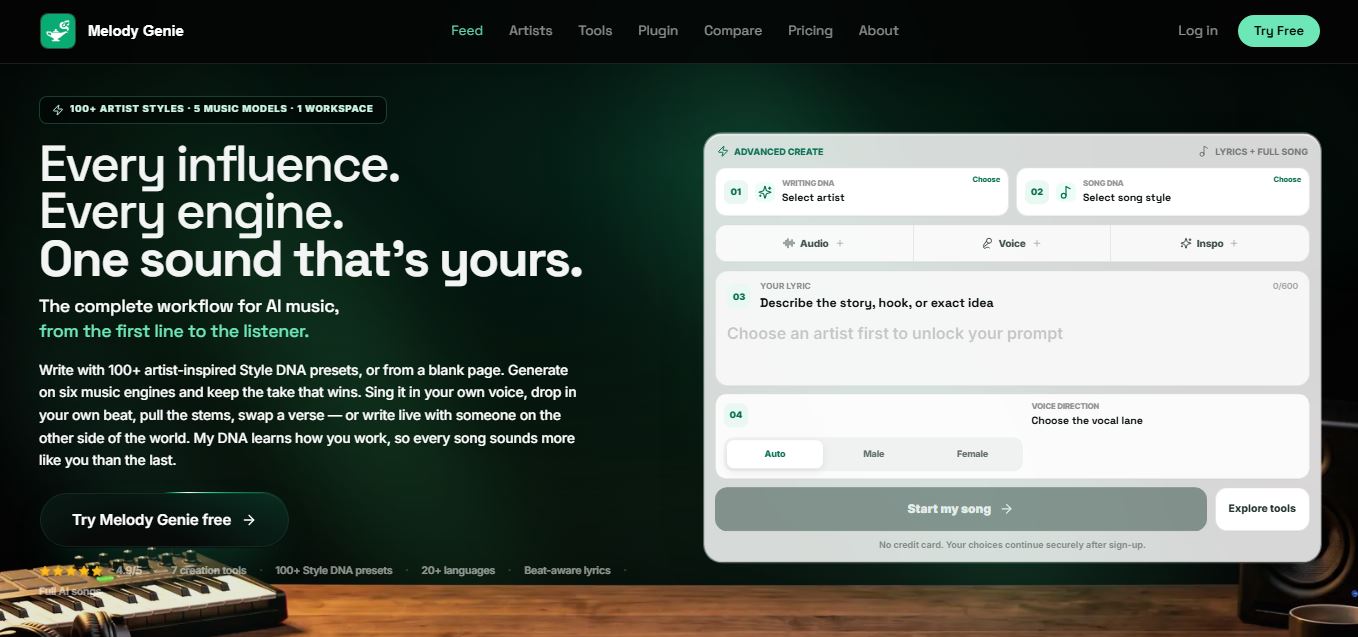
Melody Genie
MelodyGenie is an AI-powered music generator that creates original songs from simple text prompts. Users can choose styles, moods, and genres, then instantly generate melodies and full tracks, making it easy for creators, marketers, and hobbyists to produce custom music without musical expertise.
Freemium

Fashion Diffusion AI
Fashion Diffusion is an AI-powered fashion design platform that helps brands and designers create clothing designs, virtual try-ons, AI models, product photos, and marketing visuals faster and cost-effectively.
Paid
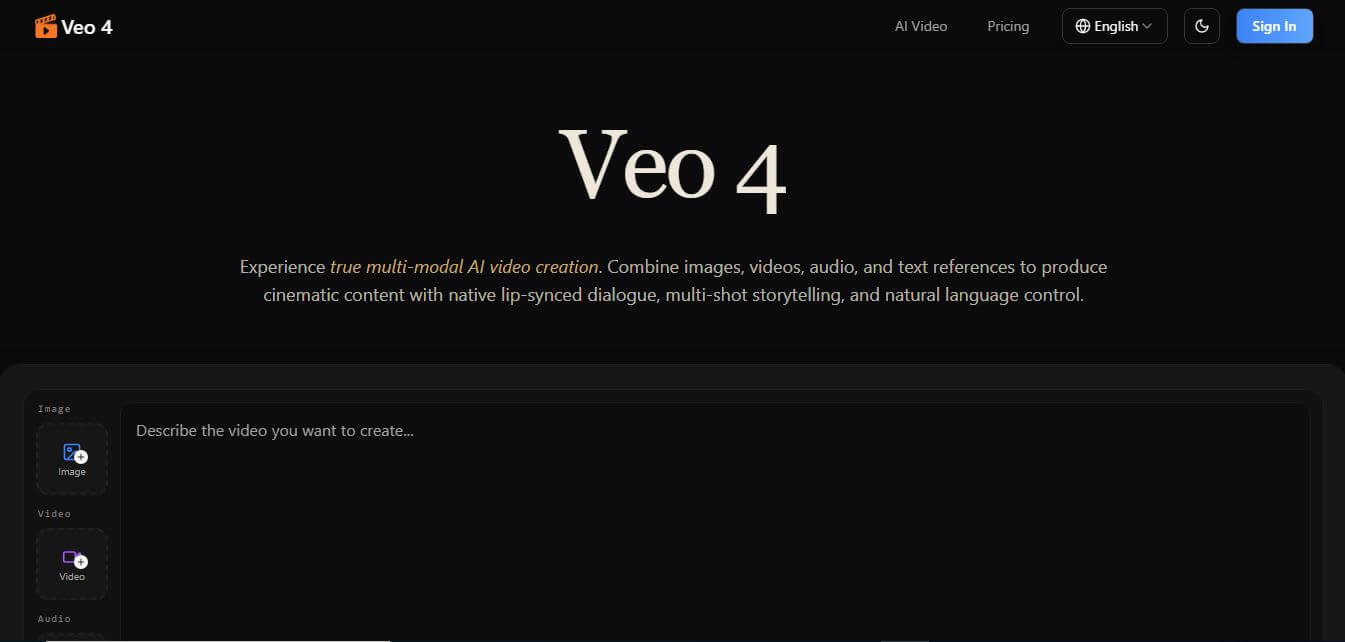
Veo 4
Veo 4 AI is an AI video creation platform that generates dramatic videos from text, images, audio, and video prompts using realistic motion and synchronized sound.
Paid
Alternatives
Alternatives to Aider
The best Aider alternatives include Cline, Claude Code, Cursor, OpenHands, and Replit Agent. These platforms provide AI-assisted development workflows. While Aider stands out as a free, open-source terminal-native CLI with automatic Git commits and universal model choice, alternatives offer IDE extensions or cloud sandbox environments.
Augment Code
Vibe Coding
Augment Code helps developers build better software with intelligent AI agents, semantic code search, and deep codebase understanding. It supports coding, debugging, refactoring, and project analysis across popular development environments. Its Context Engine helps engineering teams work efficiently with complex repositories, dependencies, and large-scale software development projects.
JetBrains Air
Vibe Coding
JetBrains Air helps developers work with multiple AI coding agents from JetBrains IDEs, the browser, or the command line. It brings agent sessions, code reviews, parallel tasks, shared team environments, and organization-level controls into one connected system, while allowing users to work with supported agents and their existing provider accounts.
Sourcegraph Cody
Vibe Coding
Sourcegraph Cody helps developers write, understand, and debug software with contextual AI assistance. It provides intelligent code completion, code generation, repository-aware chat, and automated editing. Supporting popular IDEs and multiple repositories, Cody helps development teams reduce repetitive work, explore complex codebases, and improve everyday programming workflows efficiently.
Zed
Vibe Coding
Zed is an open-source code editor built for speed, productivity, and collaborative software development. It combines AI coding assistance, intelligent editing predictions, real-time collaboration, and external agent integrations. Developers can customize their workflows, connect multiple AI models, and build software efficiently within a modern development environment.
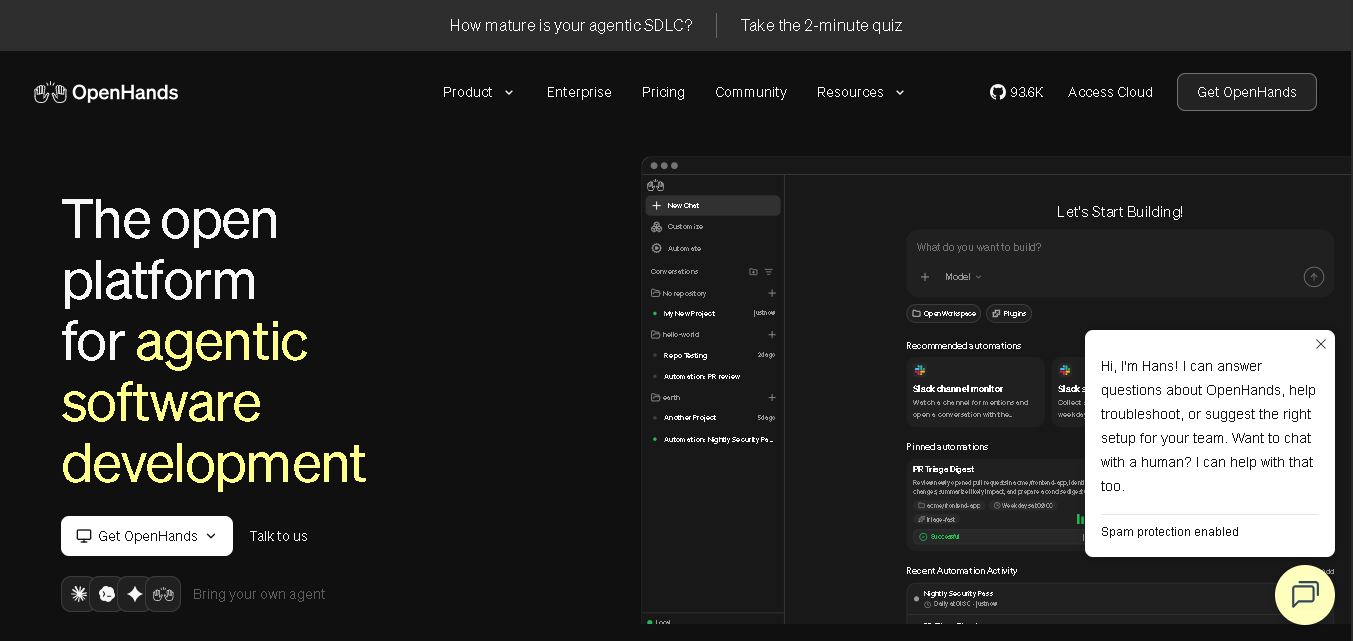 4.7
OpenHands
Vibe Coding
OpenHands helps developers automate coding, debugging, software development, and engineering workflows using autonomous AI agents. It supports multiple language models, local and cloud deployment, and integrations with popular development tools. With its open-source foundation, flexible interfaces, and customizable SDK, OpenHands makes complex software development tasks more manageable and efficient.
 4.7
Cline
Vibe Coding
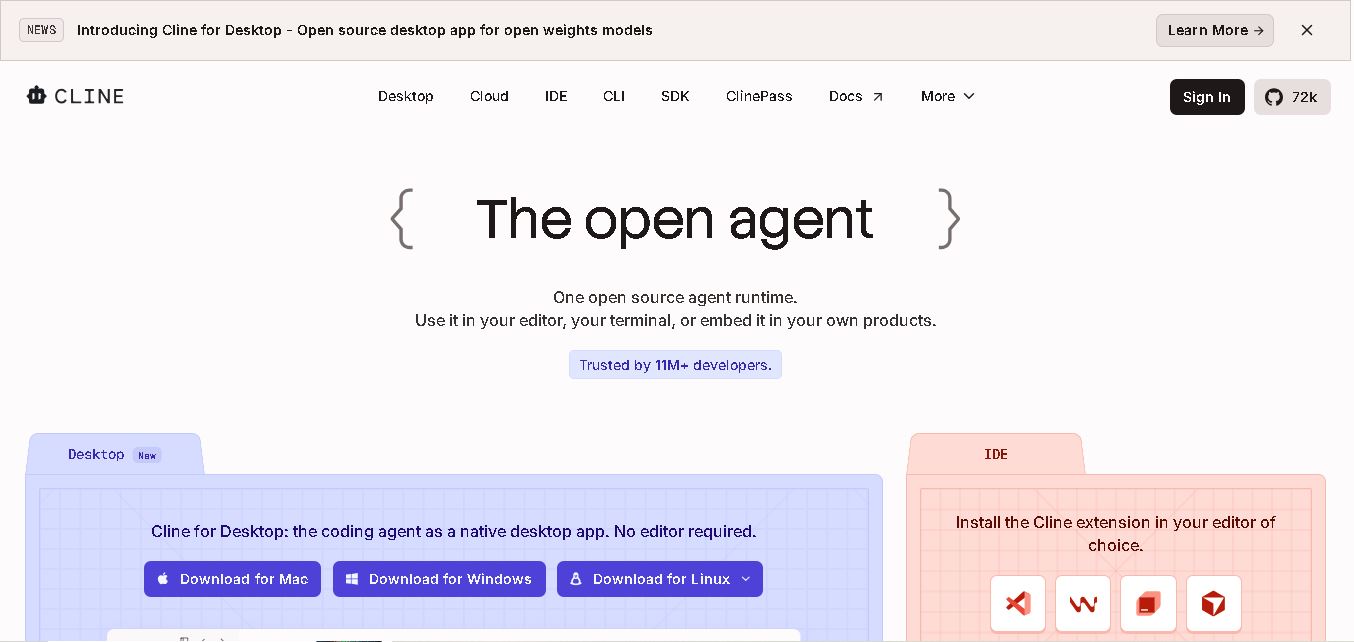
Cline is an open-source coding assistant designed to simplify software development through AI-powered automation. It helps developers generate code, fix bugs, understand existing projects, run commands, and manage complex programming tasks. With model flexibility, tool integrations, and human-controlled approvals, Cline makes AI-assisted coding more accessible and customizable.
 4.7
Dyad
Vibe Coding
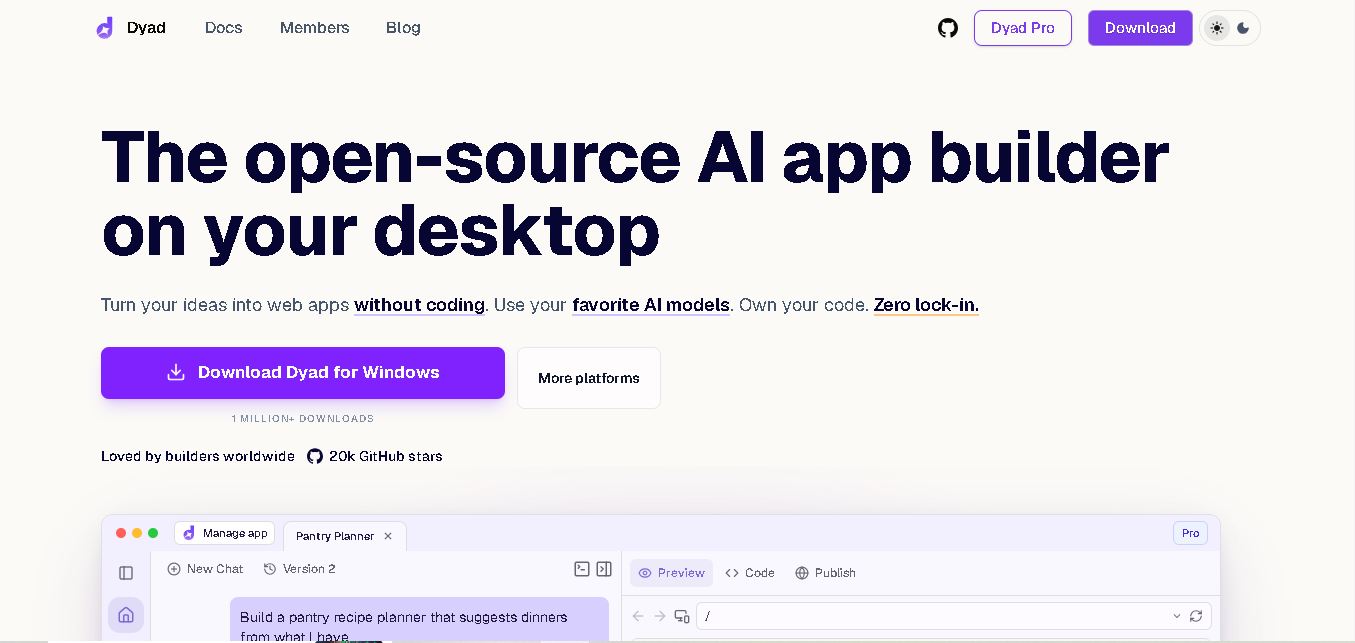
Dyad helps you create web applications by describing what you want in plain language. This open-source desktop tool runs locally, supports AI model providers, and keeps your source code on your computer. It suits beginners exploring app ideas and developers who want AI assistance without surrendering control of their projects.
 4.6
Rocket.new
Vibe Coding
Rocket.new helps users transform ideas into functional websites, mobile applications, and SaaS products through AI-assisted development. It combines market research, application building, and competitor monitoring in one workspace. With natural language prompts, ready-made templates, integrations, and deployment options, it simplifies product development for individuals, startups, and businesses.
 4.6
Macaly
Vibe Coding
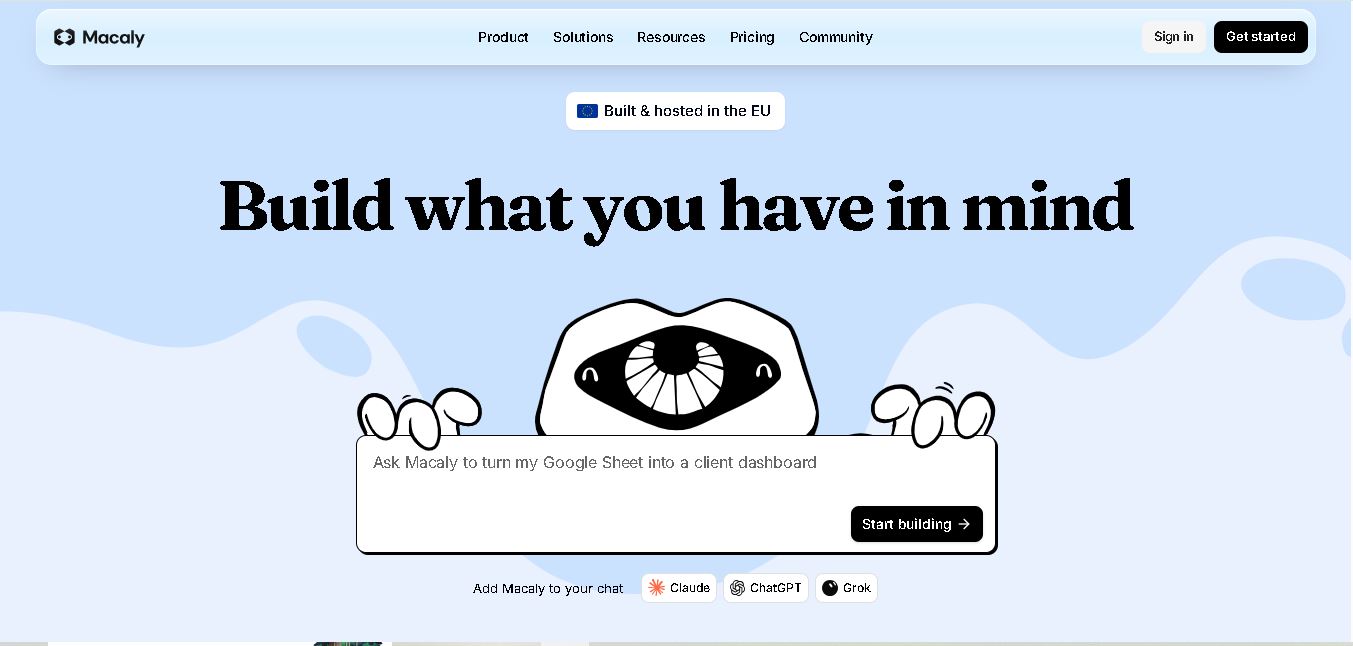
Macaly helps users create professional websites and functional web applications using simple natural-language instructions. It combines AI-assisted development, hosting, databases, authentication, integrations, analytics, and SEO tools. Entrepreneurs, freelancers, and businesses can build, customize, and publish digital projects without managing complicated traditional development processes or infrastructure.