Glide
Glide (glideapps.com) is an AI-powered no-code application development platform that turns data sources like Excel, Google Sheets, Airtable, and SQL databases into custom business software, operational apps, and client portals.
What is Glide?
Glide is a no-code business app development platform that helps teams turn spreadsheets, files, and operational requirements into custom software. Users can create internal tools such as inventory systems, employee portals, customer relationship management apps, dashboards, and workflow solutions. Its newer GlideOS experience adds AI-assisted app creation, while Glide Classic remains a separate product for existing apps. The platform connects business data with interfaces and automations, helping organizations build and adapt applications without relying entirely on traditional software development.
Glide reports that it is trusted by teams at more than 100,000 businesses. Its website lists over 1,045 integrations, connecting workflows with services such as Gmail, Slack, Airtable, and Salesforce. The company also reports more than 1 million apps and pages created and over 500,000 people beginning their no-code journey with Glide. Its current GlideOS pricing page lists a free plan and paid tiers starting at $25 per month. No coding is required for many everyday app-building tasks globally today.
- Category: No-Code App Builder, AI Software Development Platform & Business Operational Tools
- Platforms Supported: Cloud Web App, Progressive Web App (PWA) for iOS and Android, Google Sheets, Excel, Airtable, PostgreSQL & BigQuery
Use Cases:
- Building custom internal tools, inventory management systems, and team operational dashboards
- Creating branded client portals, directory apps, and event management platforms
- Leveraging AI code assistants and prompt-to-app builders to scaffold custom software workflows instantly
- Synchronizing live business operations across Google Sheets, Excel, Airtable, and SQL databases
- Automating business processes with custom actions, webhooks, and third-party integrations
Technology:
- Visual drag-and-drop UI component builder and layout engine
- AI-powered app generator and assistant for schema creation and workflow logic
- Multi-source data connectors supporting spreadsheets, cloud databases, and SQL tables
- Responsive Progressive Web App (PWA) compilation engine for instant deployment
Target Users:
- Business Analysts & Operations Teams wanting to digitize workflows without hiring full-stack engineers
- Consultants & Agencies building customized client apps and MVPs at high speed
- IT & Enterprise Leaders seeking secure internal tools backed by robust database connectors
Corporate Entity: Glide Inc.

Key features of Glide
Glide's key features are
- Spreadsheet & Database Sync: Instantly transforms existing data sources like Google Sheets, Excel, Airtable, and SQL into functional app interfaces.
- AI App Builder: Generates fully structured applications and database schemas from natural language conversational prompts.
- Responsive UI Components: Offers modular layouts, forms, charts, and maps that adapt automatically across mobile, tablet, and desktop screens.
- User Roles & Permissions: Secures app data with granular row-level security, user authentication, and role-based access controls.
- Integrations & Webhooks: Connects smoothly with external APIs, Zapier, Make, and internal enterprise workflows.
Glide Pricing
Glide operates on a tiered monthly and annual subscription model scaled by app usage, data rows, user seats, and advanced security features.
Free Plan:
- Priced at $0/month.
- Includes basic app creation, connection to spreadsheets, limited data rows, and standard Glide branding for testing and small projects.
Maker / Team Plans:
- Priced starting from approximately $60 to $99+/month (scaled by tier and annual billing discounts).
- Includes custom branding, expanded data row capacities, team collaboration seats, database connectors, and advanced integrations.
Business & Enterprise Plans:
- Priced from $250 to $750+/month (custom quotes available for large enterprise deployments).
- Includes high-volume data limits, advanced security controls, SSO, priority support, and dedicated account management.
Disclaimer: Plan pricing, row limits, and feature allocations are subject to change. For exact live rate cards, visit glideapps.com/pricing.
Who is using Glide?
Glide is designed for modern business creators, including
- Operations Managers: Digitizing company spreadsheets into secure internal tracking tools
- Agencies & Consultants: Delivering functional client portals and software MVPs rapidly
- Department Leads: Building customized dashboards and workflow automation tools without IT bottlenecks
Best Glide Alternatives
Some of the strongest Glide alternatives include
- Softr
- Bubble
- Retool
- FlutterFlow
- Make
Pros and Cons of Glide
Pros
- Extremely fast setup by connecting directly to existing spreadsheets and SQL databases
- Clean, responsive user interface that looks professional on mobile and desktop out of the box
- Powerful AI builder features simplify app scaffolding and database setup
- Strong security controls and row-level permissions for business data protection
Cons
- Pricing scales based on data rows and active usage, which can increase costs as apps grow
- Less suitable for complex, heavy logic custom software compared to code-heavy platforms like Bubble
- Customization of deep layout elements is constrained by predefined UI component templates
Why Choose Glide?
Glide is the premier no-code platform for business teams and creators who want to convert data tables and spreadsheets into polished, responsive applications quickly. By combining spreadsheet synchronization, AI app generation, and robust user permissions, Glide streamlines internal software creation in 2026.
- Turns spreadsheets and SQL databases into custom functional apps
- Provides AI-powered app generation and intuitive visual layouts
- Ensures cross-platform responsiveness across web and mobile devices
Glide vs. Competitors
The main difference between Glide, Softr, and Bubble is that Glide specializes in turning spreadsheets and databases into responsive business apps with rapid drag-and-drop design, whereas Softr focuses on client portals built on Airtable/SQL and Bubble provides complete full-stack visual programming control. Glide stands out for speed and spreadsheet integration simplicity.
| Feature / Tool | Glide (glideapps.com) | Softr | Bubble | Retool |
|---|---|---|---|---|
| Core Focus | Spreadsheet & Database to Business App Builder | Client Portals & Websites from Airtable/SQL | Full-Stack Visual Programming & Complex Web Apps | Internal Developer Tools & Operational Dashboards |
| Data Sources | Google Sheets, Excel, Airtable, Postgres, BigQuery | Airtable, Google Sheets, SmartSuite, PostgreSQL | Built-In Bubble Database & External SQL | SQL Databases, REST APIs, GraphQL & Cloud Warehouses |
| Pricing Model | Free / Maker (~$60/mo) / Team (~$99+/mo) / Business | Free / Basic (~$49/mo) / Professional / Business | Free / Starter (~$29/mo) / Growth / Production | Free / Team (~$10/user/mo) / Enterprise |
| Best For | Teams turning spreadsheets into custom business apps fast | Founders building client portals and web directories | Developers building complex scalable SaaS products | Engineering teams building custom internal admin tools |
How do we rate Glide?
| Parameter | Rating (out of 5) |
|---|---|
| Spreadsheet & Database Integration Simplicity | 4.9 |
| UI Responsiveness & Professional Aesthetics | 4.8 |
| AI App Builder & Prompt Generation | 4.7 |
| User Security & Row-Level Permissions | 4.8 |
| Row-Based Pricing Scaling Tiers | 4.2 |
| Overall Score | 4.68 |
Glide Review
Glide (glideapps.com) is an exceptional no-code app building platform that bridges the gap between raw data sources and polished, functional software. Featuring robust Google Sheets and SQL connectors, AI app generation, clean mobile/web layouts, and structured tiers starting with a free plan, Glide remains a top choice for operational software development in 2026.
Conclusion
Glide is a practical option for businesses that want to replace disconnected spreadsheets and repetitive manual processes with custom applications. Its no-code approach, AI-assisted building features, and broad integration ecosystem make it useful for operations, inventory, reporting, and team collaboration. However, users should evaluate plan limits, data connections, and the distinction between GlideOS and Glide Classic before choosing a subscription. For organizations seeking adaptable internal software without a large development project, Glide is worth exploring.
FAQ
What is Glide used for?
Glide helps businesses create custom applications for everyday operations without traditional coding. Teams can turn spreadsheets, files, or written instructions into tools for inventory tracking, customer management, employee portals, project coordination, and reporting. It is particularly useful when standard software does not match a company's internal workflows or data requirements.
Do you need coding skills to build applications with Glide?
No. Glide is designed for both technical and non-technical users. You can describe the workflow you want, provide relevant business data, and customize the generated app using Glide's visual tools. Some technical knowledge can help with advanced integrations, data structures, and automation, but it is not required for app creation.
What data sources does Glide support?
Glide supports data from spreadsheets and databases, including Google Sheets, Excel, Airtable, MySQL, and PostgreSQL, alongside its built-in Glide Tables. Available connections depend on the product and plan. Before building, check whether your existing data source is supported and whether its sync or update limits suit your workflow at scale.
Does Glide offer AI-powered features?
Yes. Glide includes AI capabilities for building apps, processing information, and supporting business workflows. Its AI features can work with connected data to extract or transform information and assist with operational tasks. Availability and usage allowances depend on the Glide product and subscription, so review current plan details before committing.
How much does Glide cost?
Glide offers a free tier and paid Basic, Plus, Pro, and Enterprise plans. The listed monthly starting prices are $25 for Basic, $50 for Plus, and $125 for Pro, while Enterprise pricing is custom. Features, credits, publishing limits, and team allowances vary, so confirm current billing terms online before purchasing.
Who should use Glide?
Glide is best suited to businesses, operations teams, and organizations that need tailored internal software without commissioning a fully custom development project. It can support inventory, field operations, employee tools, customer portals, and dashboards. It may be less suitable when you need unrestricted native-code control or highly specialized software today.
User Reviews
No reviews yet for Glide.
Featured Tools
Featured AI tools from TechShark

Klap
Klap is an AI video clipping platform that transforms long videos into short-form social media content. It automatically identifies highlights, creates captions, reframes speakers, and schedules clips, helping creators, podcasters, and marketing teams repurpose existing videos with less manual editing.
Free
Melody Genie
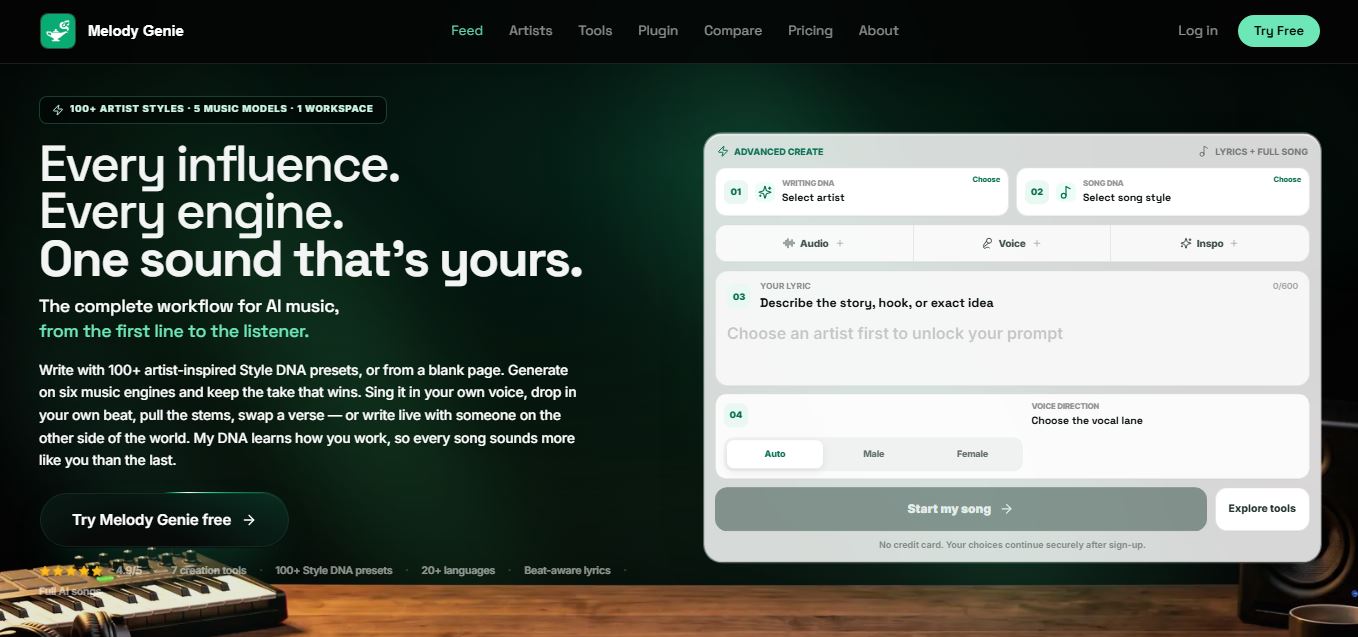
MelodyGenie is an AI-powered music generator that creates original songs from simple text prompts. Users can choose styles, moods, and genres, then instantly generate melodies and full tracks, making it easy for creators, marketers, and hobbyists to produce custom music without musical expertise.
Freemium

Fashion Diffusion AI
Fashion Diffusion is an AI-powered fashion design platform that helps brands and designers create clothing designs, virtual try-ons, AI models, product photos, and marketing visuals faster and cost-effectively.
Paid
Veo 4
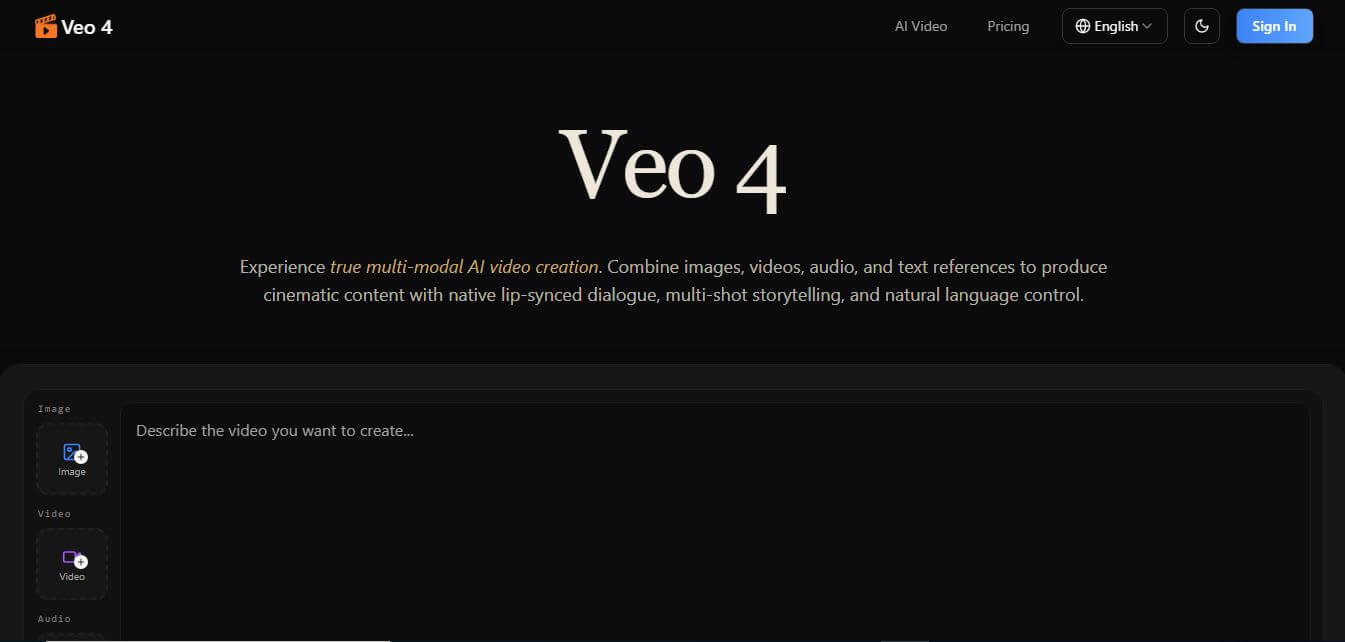
Veo 4 AI is an AI video creation platform that generates dramatic videos from text, images, audio, and video prompts using realistic motion and synchronized sound.
Paid
Alternatives
Alternatives to Glide
The best Glide alternatives include Softr, Bubble, Retool, FlutterFlow, and Make/Airtable Interfaces. These platforms provide no-code and low-code software development workflows. While Glide excels at converting spreadsheets and SQL databases into polished business apps with rapid AI-assisted layouts, alternatives like Bubble offer full-stack programmatic control.
Amp
Vibe Coding
Amp is an AI coding assistant that helps developers write, debug, test, and improve software projects. It combines multiple AI models, autonomous coding agents, and cloud-based Orbs to simplify development. Users can manage coding tasks through web, desktop, mobile, and terminal environments while collaborating with teammates.
Augment Code
Vibe Coding
Augment Code helps developers build better software with intelligent AI agents, semantic code search, and deep codebase understanding. It supports coding, debugging, refactoring, and project analysis across popular development environments. Its Context Engine helps engineering teams work efficiently with complex repositories, dependencies, and large-scale software development projects.
JetBrains Air
Vibe Coding
JetBrains Air helps developers work with multiple AI coding agents from JetBrains IDEs, the browser, or the command line. It brings agent sessions, code reviews, parallel tasks, shared team environments, and organization-level controls into one connected system, while allowing users to work with supported agents and their existing provider accounts.
Sourcegraph Cody
Vibe Coding
Sourcegraph Cody helps developers write, understand, and debug software with contextual AI assistance. It provides intelligent code completion, code generation, repository-aware chat, and automated editing. Supporting popular IDEs and multiple repositories, Cody helps development teams reduce repetitive work, explore complex codebases, and improve everyday programming workflows efficiently.
Zed
Vibe Coding
Zed is an open-source code editor built for speed, productivity, and collaborative software development. It combines AI coding assistance, intelligent editing predictions, real-time collaboration, and external agent integrations. Developers can customize their workflows, connect multiple AI models, and build software efficiently within a modern development environment.
 4.7
OpenHands
Vibe Coding
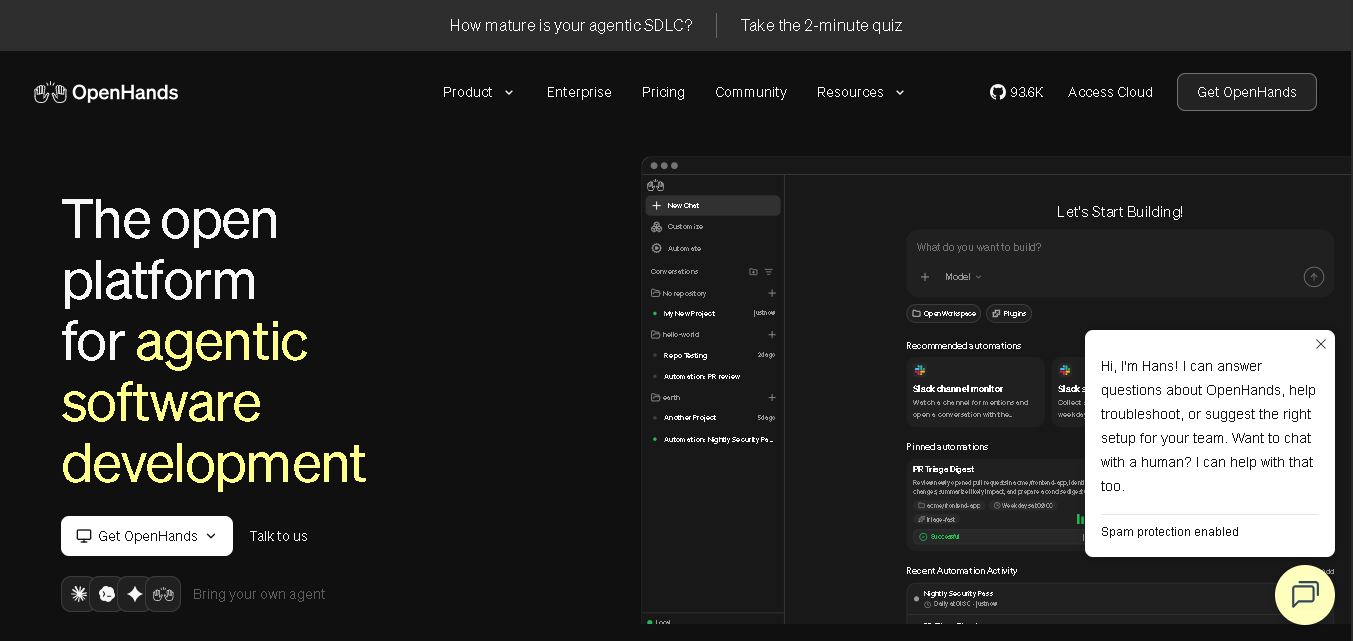
OpenHands helps developers automate coding, debugging, software development, and engineering workflows using autonomous AI agents. It supports multiple language models, local and cloud deployment, and integrations with popular development tools. With its open-source foundation, flexible interfaces, and customizable SDK, OpenHands makes complex software development tasks more manageable and efficient.
 4.7
Aider
Vibe Coding
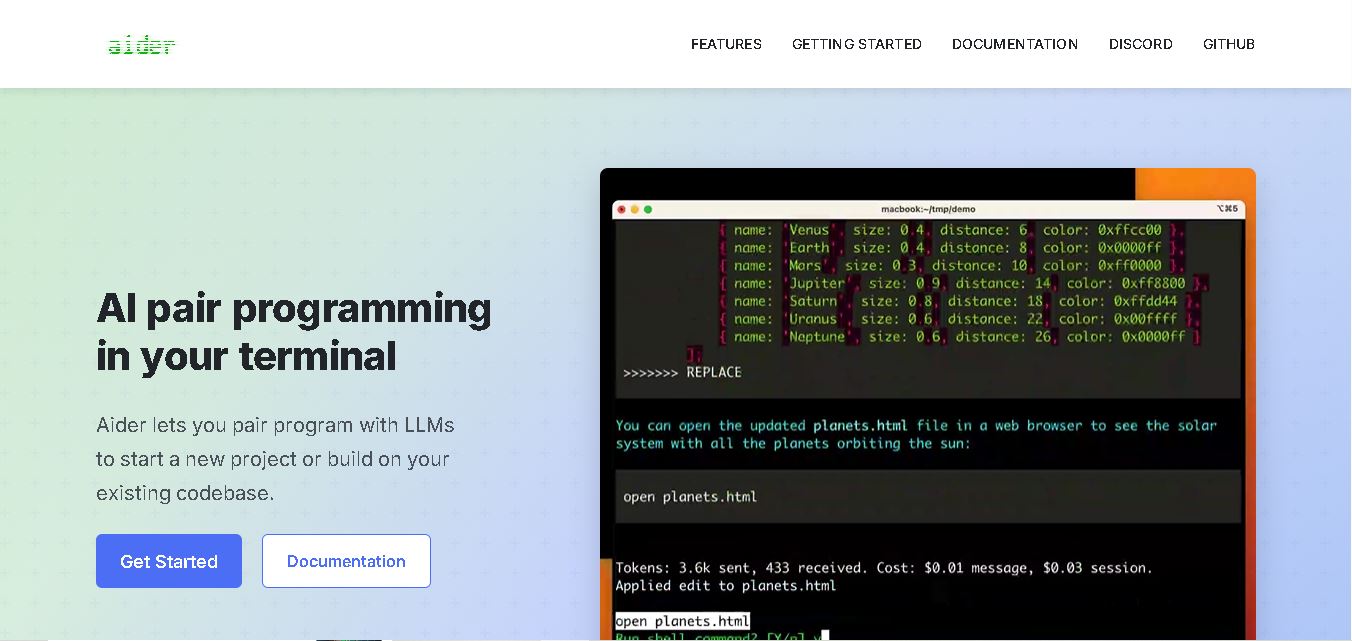
Aider is an AI coding assistant that works directly in your terminal to help developers create, edit, and debug software. It supports multiple LLMs, understands project structures, integrates with Git, and automates code improvements. Its flexible workflow makes AI-assisted programming more practical for individual developers and development teams.
 4.7
Cline
Vibe Coding
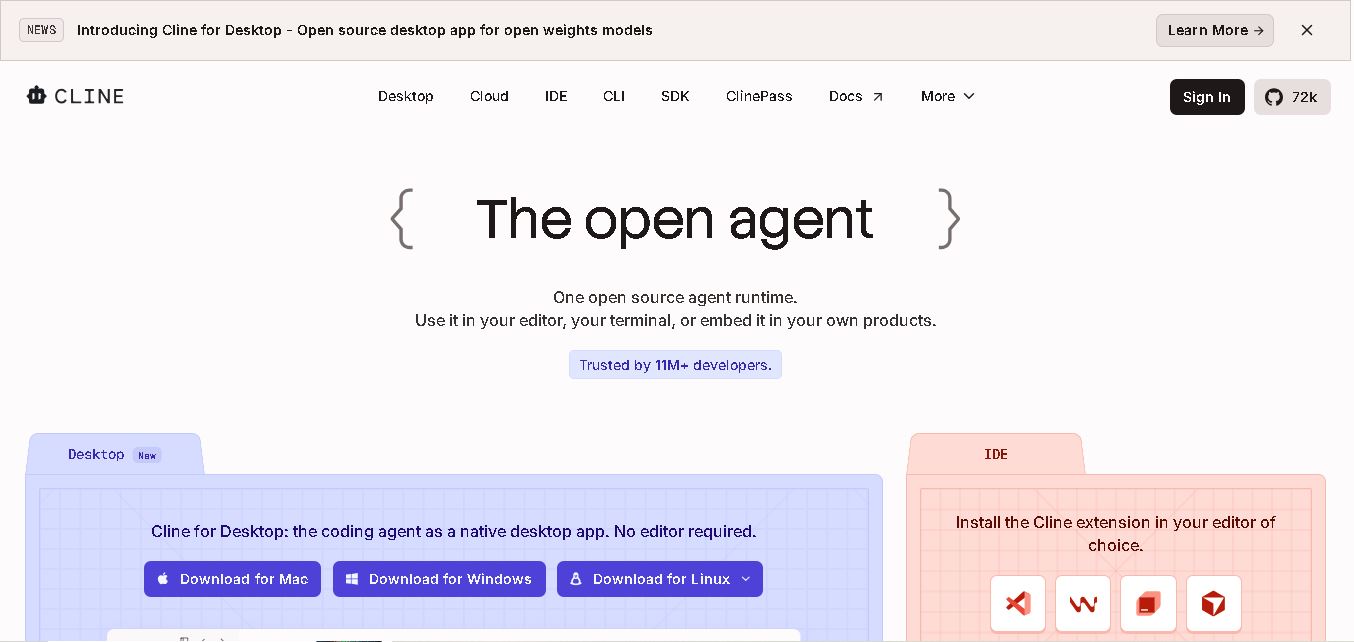
Cline is an open-source coding assistant designed to simplify software development through AI-powered automation. It helps developers generate code, fix bugs, understand existing projects, run commands, and manage complex programming tasks. With model flexibility, tool integrations, and human-controlled approvals, Cline makes AI-assisted coding more accessible and customizable.
 4.7
Dyad
Vibe Coding
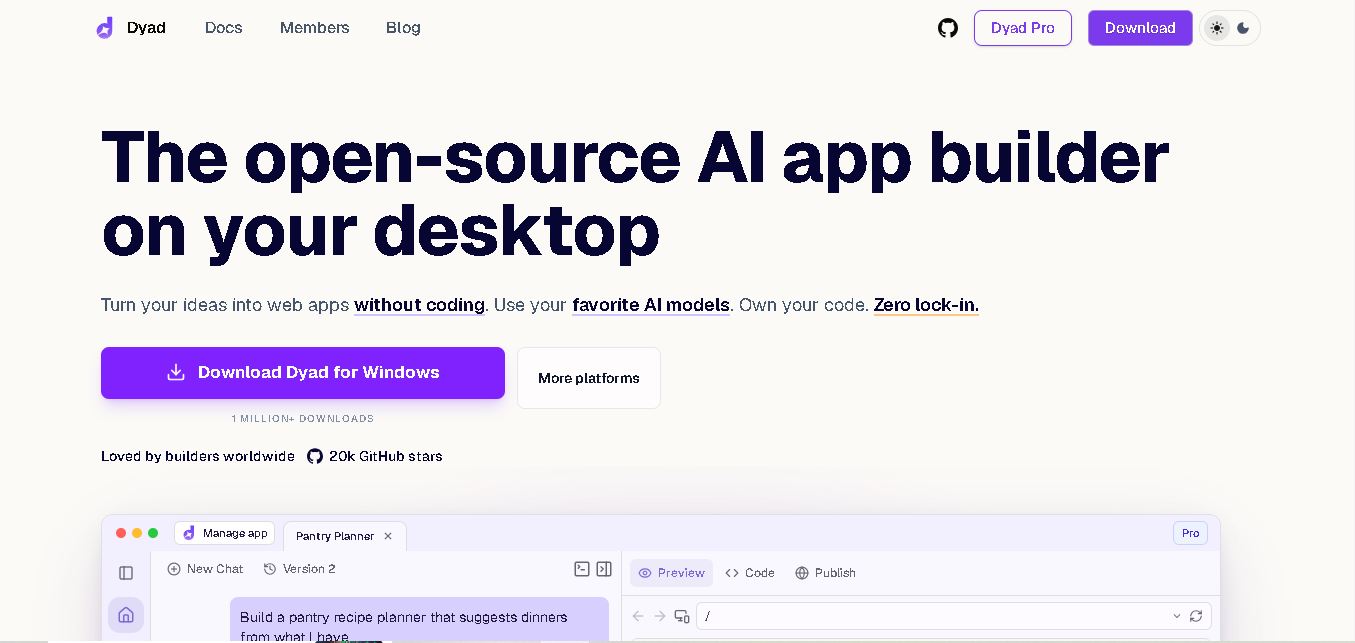
Dyad helps you create web applications by describing what you want in plain language. This open-source desktop tool runs locally, supports AI model providers, and keeps your source code on your computer. It suits beginners exploring app ideas and developers who want AI assistance without surrendering control of their projects.