Amp
Amp is an AI coding assistant that helps developers write, debug, test, and improve software projects. It combines multiple AI models, autonomous coding agents, and cloud-based Orbs to simplify development. Users can manage coding tasks through web, desktop, mobile, and terminal environments while collaborating with teammates.
What is Amp?
Amp Code (also known simply as Amp) is an agentic coding assistant and development environment designed to help developers build, modify, debug, and manage software projects. It uses multiple AI models to handle coding tasks, offers independent cloud workspaces called Orbs, and supports web, desktop, mobile, and terminal workflows. Developers can delegate tasks and review changes without remaining at their computers.
Amp is a multi-model coding agent developed by Sourcegraph's Amp team, designed for modern software development. It supports 3 major workflow environments: web, local terminal, and remote cloud Orbs. Its applications extend across Mac, Windows, Linux, iOS, and Android. Developers can create separate Orbs for different coding tasks, collaborate through shared workspaces, and use multiple AI models. Its documentation also describes integrations, live previews, and background execution for development workflows.
- Category: Autonomous AI Coding Agent, Remote Cloud Sandbox Runtime & Developer Platform
- Platforms Supported: Command-Line Interface (CLI), VS Code, Neovim, Zed, Web Dashboard, macOS, Linux, Windows (WSL) & Cloud Orbs
Use Cases:
- Executing multi-file code generation, testing, and debugging autonomously without constant human intervention
- Running long-horizon tasks on remote cloud Orbs that persist while your local machine is shut down
- Linking existing ChatGPT and Claude subscriptions or using bring-your-own-key (BYOK) API routing
- Managing project-specific agent instructions and rules using repository-level
AGENTS.mdfiles - Extending agent capabilities using JavaScript/TypeScript plugins, custom skills, and Model Context Protocol (MCP) servers
Technology:
- Multi-model capability modes (Low, Medium, High, Ultra) with automated routing across specialized subagents
- Remote cloud execution containers (Orbs) and self-hosted runners
- Automatic thread context compaction for handling large, long-running codebases
- TypeScript SDK and plugin architecture for custom agent behaviors
Target Users:
- Professional Software Engineers seeking autonomous agents that can code, test, and self-correct
- Distributed Teams requiring shared agent threads, multiplayer collaboration, and centralized governance
- Developers wanting flexible model routing and zero-markup token usage via BYOK or linked subscriptions
Corporate Entity: Amp Code

Key features of Amp
Amp's key features are
- Orbs (Remote Cloud Sandboxes): Dedicated cloud machines where agents run asynchronously, letting you close your laptop and resume tasks from any device via the web or CLI.
- Capability Modes & Subagents: Dynamic routing across four effort modes (Low, Medium, High, Ultra) utilizing specialized subagents for reasoning, search, and code review.
- Flexible Token Routing (BYOK & Subscriptions): Bring your own API keys, link existing ChatGPT and Claude subscriptions, or use Amp credits with zero markup on provider API prices.
- Plugins & Agent Skills: Extensible JavaScript/TypeScript plugin API and reusable skills ecosystem for customizing agent behavior.
- AGENTS.md & Context Management: Automated context compaction and repository instruction mapping to keep long-running threads organized.
Amp Pricing
Amp offers a free Hobby tier for individual developers, paid monthly subscription tiers providing bundled Orb minutes and credit allocations, and flexible Team/Enterprise structures.
Hobby Plan:
- Priced at $0/month.
- Includes all product features, pay-as-you-go for Amp-hosted Orbs, unlimited self-hosted runners (free), public/private repositories, and full BYOK / linked subscription support.
Individual Tiers (Megawatt / Gigawatt):
- Megawatt: Priced at $20/month (includes $20 of agent usage/credits, 45,000 minutes of Amp-hosted Orbs, and core features).
- Gigawatt: Priced at $200/month (includes higher resource quotas, expanded Orb allocations, and full access to high/ultra modes).
Teams Plan:
- No extra charge for workspace creation; members can sit on different individual tiers.
- Includes shared billing, pooled credits, SAML/OIDC SSO, shared thread multi-player permissions, and common plugin/skill repositories.
Enterprise Plan:
- Custom quote-based pricing.
- Adds pooled credits only (no paid user seats), SCIM user directory sync, spend limits, audit logs, minimal data retention, and custom security controls.
Disclaimer: Plan pricing, Orb allocations, and token allowances are subject to change. For exact live rate cards, visit ampcode.com/pricing.
Who is using Amp?
Amp is designed for modern software teams, including
- Autonomous Engineers: Delegating complex coding, testing, and debugging loops to self-correcting agents
- Remote & Async Developers: Running long tasks on cloud Orbs while away from their primary workstation
- Cost-Conscious Teams: Leveraging existing model subscriptions and zero-markup API routing
Best Amp Alternatives
Some of the strongest Amp alternatives include
Pros and Cons of Amp
Pros
- Remote cloud Orbs let agents run asynchronously even when your laptop is closed
- Exceptional model flexibility supporting BYOK, linked ChatGPT/Claude subs, and zero-markup credit pooling
- Automatic thread context compaction handles massive repositories without manual intervention
- Extensible TypeScript plugin architecture and reusable agent skills
Cons
- CLI-centric and cloud sandbox architecture has a steeper learning curve than simple sidebar chat extensions
- Heavy use of cloud Orbs and high/ultra capability modes can consume monthly allocations quickly
- Requires familiarity with terminal workflows or supported editors (VS Code, Zed, Neovim)
Why Choose Amp?
Amp is a premier agent runtime built for developers who treat AI coding assistants as autonomous background workers rather than mere autocomplete tools. By combining remote cloud Orbs, multi-model capability modes, and flexible token routing starting on a free tier, Amp streamlines asynchronous software development in 2026.
- Runs agents on remote cloud Orbs that persist while offline
- Supports linked subscriptions and bring-your-own-keys with zero token markup
- Provides advanced teamwork features like thread sharing and pooled workspace credits
Amp vs. Competitors
The main difference between Amp, Claude Code, and Cursor is that Amp functions as an asynchronous agent runtime powered by remote cloud Orbs and specialized subagents, whereas Claude Code is Anthropic's terminal-native agent and Cursor is an AI-first forked IDE. Amp stands out for remote cloud execution and flexible multi-subscription token routing.
| Feature / Tool | Amp (ampcode.com) | Claude Code | Cursor | OpenHands |
|---|---|---|---|---|
| Core Focus | Async Cloud Orbs & Multi-Sub Agent Runtime | Terminal-Native AI Agent by Anthropic | AI-First Forked IDE with Fast Tab Completion | Open-Source Autonomous Software Agent Platform |
| Execution Environment | Cloud Orbs, Self-Hosted Runners, CLI & IDEs | Terminal CLI & Local Environment | Standalone Forked VS Code Editor | Docker Sandboxes, Python SDK & Web UI |
| Pricing Model | Free Hobby / Megawatt ($20/mo) / Gigawatt ($200/mo) + BYOK | Anthropic API Billing / Subscriptions | Free Hobby / Pro ($20/mo) / Business ($40/user/mo) | Free Open Source / Teams ($500/mo) / Enterprise Custom |
| Best For | Developers wanting remote cloud agents that work offline | Terminal power users committed to Anthropic models | Engineers wanting seamless inline AI code completion | Teams self-hosting open-source PR/issue agents |
How do we rate Amp?
| Parameter | Rating (out of 5) |
|---|---|
| Async Cloud Orbs & Remote Task Persistence | 4.9 |
| Token Flexibility (Linked Subs & Zero-Markup BYOK) | 4.9 |
| Subagent Routing & Capability Modes | 4.8 |
| Extensibility (Plugins, Skills & MCP Support) | 4.7 |
| Learning Curve & Terminal Setup Friction | 4.1 |
| Overall Score | 4.68 |
Amp Review
Amp (ampcode.com) is an exceptional AI coding platform that transforms agents from reactive local sidebars into autonomous background workers. Featuring remote cloud Orbs, flexible multi-model routing with zero token markup, and structured team collaboration, Amp delivers top-tier agentic engineering capabilities in 2026.
Conclusion
Amp is a useful choice for developers looking to improve their software development workflow through autonomous AI coding agents. Its multi-model support, cloud-based Orbs, remote execution, and collaboration features make it suitable for both individual programmers and development teams. Whether you are debugging applications, building new features, or managing multiple coding tasks, Amp provides a flexible environment for modern AI-assisted development.
FAQ
How does Amp Code help developers with software development?
Amp helps developers complete software development tasks by understanding instructions, examining codebases, editing files, debugging issues, and running tests. You can delegate complex tasks instead of writing every line manually. Its agent-based workflow is particularly useful for accelerating development, reducing repetitive coding work, and managing multiple projects efficiently.
What are Orbs in Amp Code?
Orbs are dedicated cloud environments where Amp runs coding agents independently for individual threads. Each Orb provides access to project code, development tools, and configured resources. You can assign tasks, close your laptop, and return later to review progress. This makes remote and parallel software development easier.
Does Amp Code support multiple AI models?
Yes, Amp supports a multi-model approach, allowing developers to work with different AI models for different coding requirements. Its model selection helps handle complex programming, code reviews, and faster development tasks. This flexibility allows users to choose suitable models rather than depending on a single AI model.
Can beginners use Amp Code for coding?
Beginners can use Amp by describing their programming requirements in natural language and asking the agent to make changes. However, understanding basic programming concepts, reviewing generated code, and checking errors remain important. Developers with coding experience may benefit more from its advanced agent workflows and project management capabilities.
Does Amp Code work with GitHub repositories?
Yes, Amp supports projects created from Git repositories and provides workflows for preparing codebases inside cloud Orbs. Developers can work on existing projects, ask agents to implement changes, test modifications, and review results. This makes Amp useful for maintaining applications and developing features within existing repositories.
Can Amp Code fix bugs and debug applications?
Yes, Amp can investigate software problems, inspect relevant files, identify potential causes, modify code, and execute tests. Developers can provide error messages or describe unexpected application behaviour. Its cloud environment also allows agents to investigate issues without requiring developers to manage every debugging step manually.
User Reviews
No reviews yet for Amp.
Featured Tools
Featured AI tools from TechShark
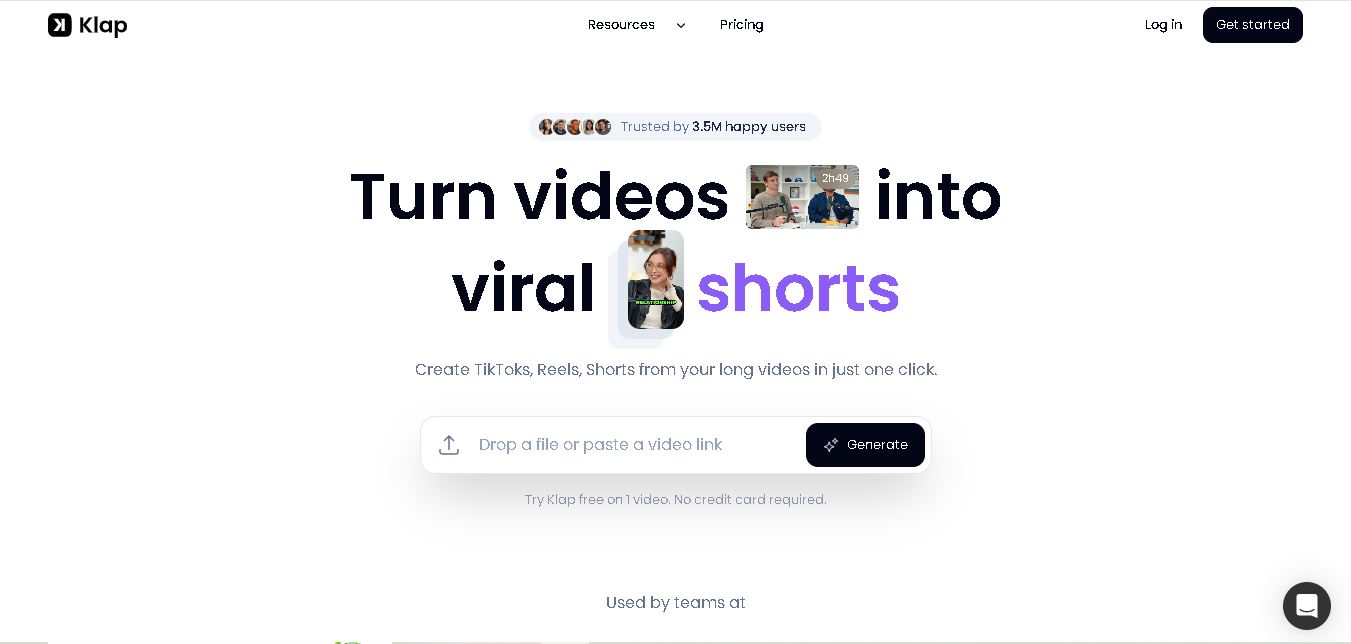
Klap
Klap is an AI video clipping platform that transforms long videos into short-form social media content. It automatically identifies highlights, creates captions, reframes speakers, and schedules clips, helping creators, podcasters, and marketing teams repurpose existing videos with less manual editing.
Free
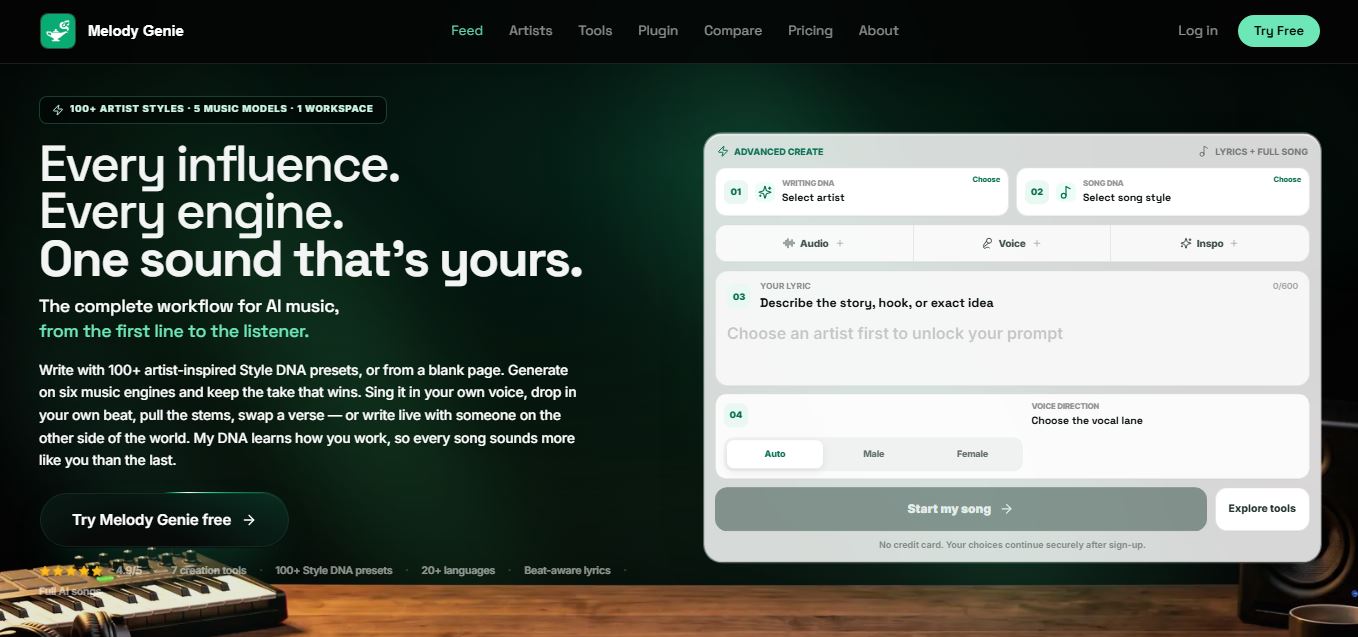
Melody Genie
MelodyGenie is an AI-powered music generator that creates original songs from simple text prompts. Users can choose styles, moods, and genres, then instantly generate melodies and full tracks, making it easy for creators, marketers, and hobbyists to produce custom music without musical expertise.
Freemium
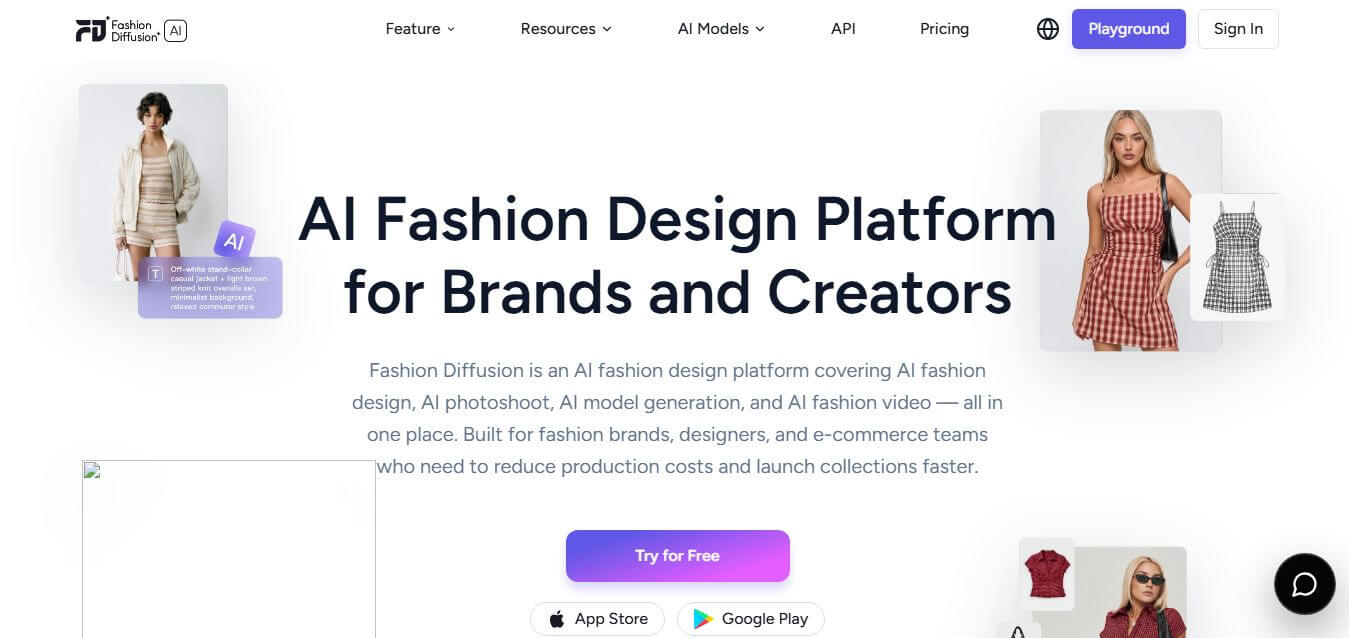
Fashion Diffusion AI
Fashion Diffusion is an AI-powered fashion design platform that helps brands and designers create clothing designs, virtual try-ons, AI models, product photos, and marketing visuals faster and cost-effectively.
Paid
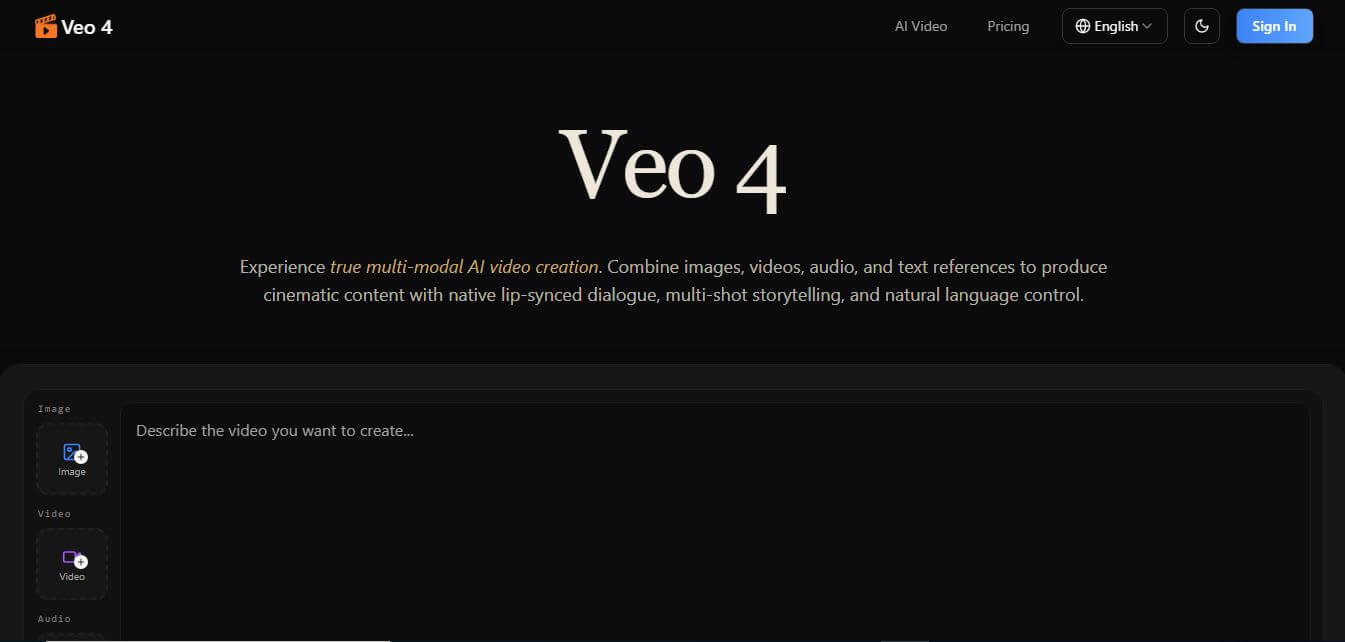
Veo 4
Veo 4 AI is an AI video creation platform that generates dramatic videos from text, images, audio, and video prompts using realistic motion and synchronized sound.
Paid
Alternatives
Alternatives to Amp
The best Amp alternatives include Claude Code, OpenHands, Cline, Cursor, and Aider. These platforms provide AI-assisted software development workflows. While Amp excels at asynchronous background execution via remote cloud Orbs and flexible linked subscription token routing, alternatives offer terminal-native CLI tools or local editor extensions.
Glide
Vibe Coding
Glide (glideapps.com) is an AI-powered no-code application development platform that turns data sources like Excel, Google Sheets, Airtable, and SQL databases into custom business software, operational apps, and client portals.
Augment Code
Vibe Coding
Augment Code helps developers build better software with intelligent AI agents, semantic code search, and deep codebase understanding. It supports coding, debugging, refactoring, and project analysis across popular development environments. Its Context Engine helps engineering teams work efficiently with complex repositories, dependencies, and large-scale software development projects.
JetBrains Air
Vibe Coding
JetBrains Air helps developers work with multiple AI coding agents from JetBrains IDEs, the browser, or the command line. It brings agent sessions, code reviews, parallel tasks, shared team environments, and organization-level controls into one connected system, while allowing users to work with supported agents and their existing provider accounts.
Sourcegraph Cody
Vibe Coding
Sourcegraph Cody helps developers write, understand, and debug software with contextual AI assistance. It provides intelligent code completion, code generation, repository-aware chat, and automated editing. Supporting popular IDEs and multiple repositories, Cody helps development teams reduce repetitive work, explore complex codebases, and improve everyday programming workflows efficiently.
Zed
Vibe Coding
Zed is an open-source code editor built for speed, productivity, and collaborative software development. It combines AI coding assistance, intelligent editing predictions, real-time collaboration, and external agent integrations. Developers can customize their workflows, connect multiple AI models, and build software efficiently within a modern development environment.
 4.7
OpenHands
Vibe Coding
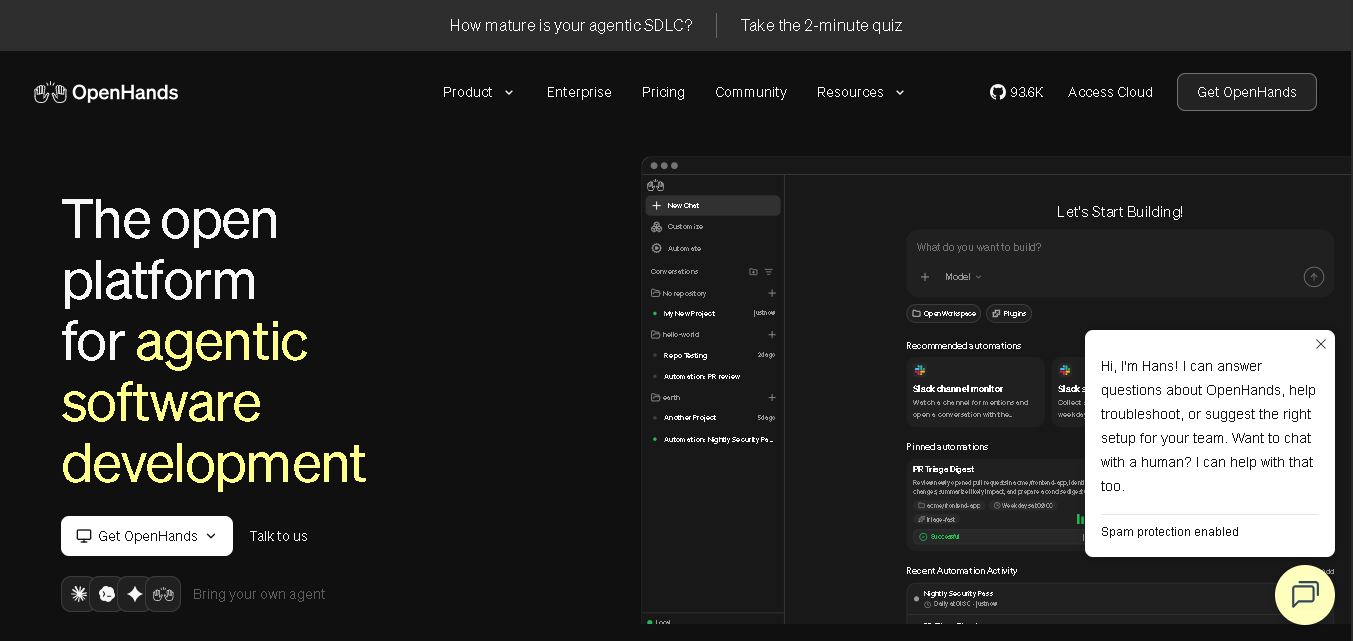
OpenHands helps developers automate coding, debugging, software development, and engineering workflows using autonomous AI agents. It supports multiple language models, local and cloud deployment, and integrations with popular development tools. With its open-source foundation, flexible interfaces, and customizable SDK, OpenHands makes complex software development tasks more manageable and efficient.
 4.7
Aider
Vibe Coding
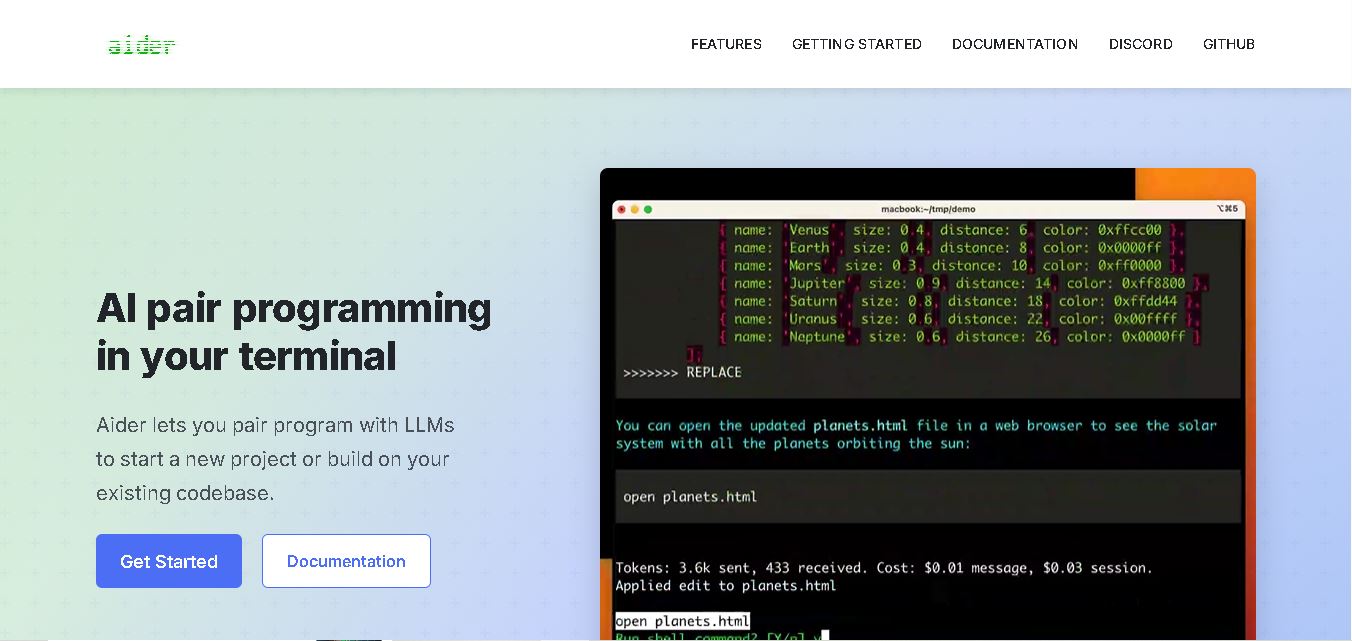
Aider is an AI coding assistant that works directly in your terminal to help developers create, edit, and debug software. It supports multiple LLMs, understands project structures, integrates with Git, and automates code improvements. Its flexible workflow makes AI-assisted programming more practical for individual developers and development teams.
 4.7
Cline
Vibe Coding
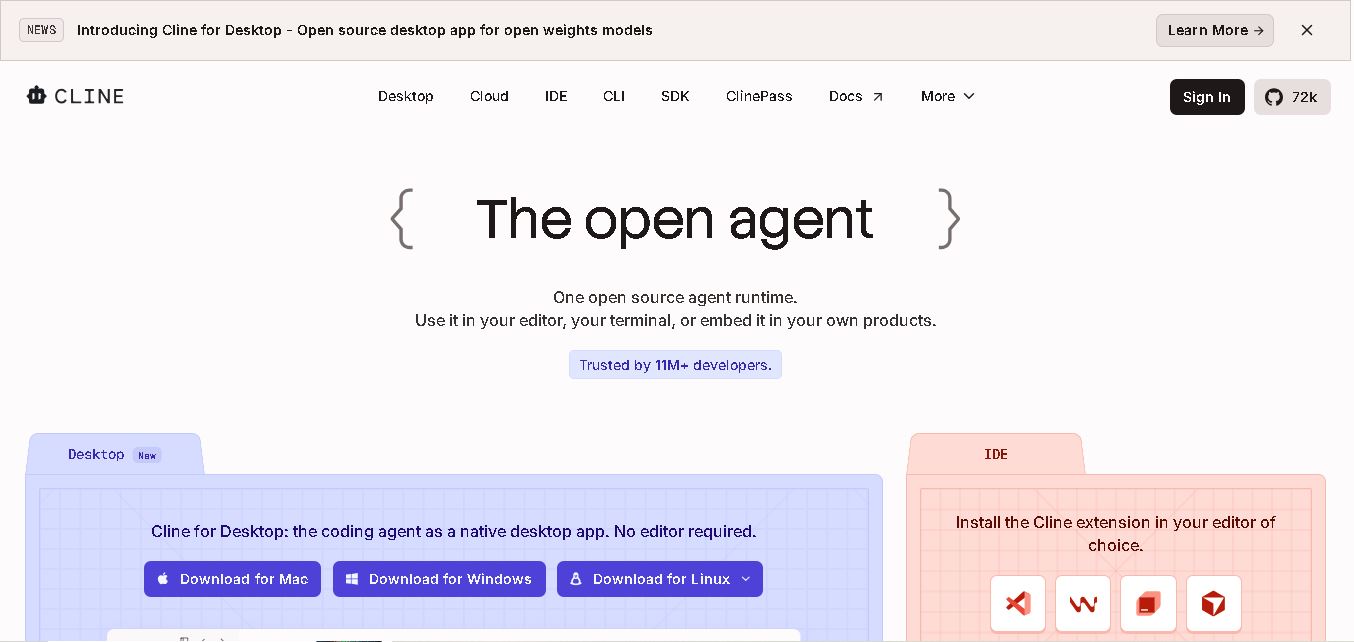
Cline is an open-source coding assistant designed to simplify software development through AI-powered automation. It helps developers generate code, fix bugs, understand existing projects, run commands, and manage complex programming tasks. With model flexibility, tool integrations, and human-controlled approvals, Cline makes AI-assisted coding more accessible and customizable.
 4.7
Dyad
Vibe Coding
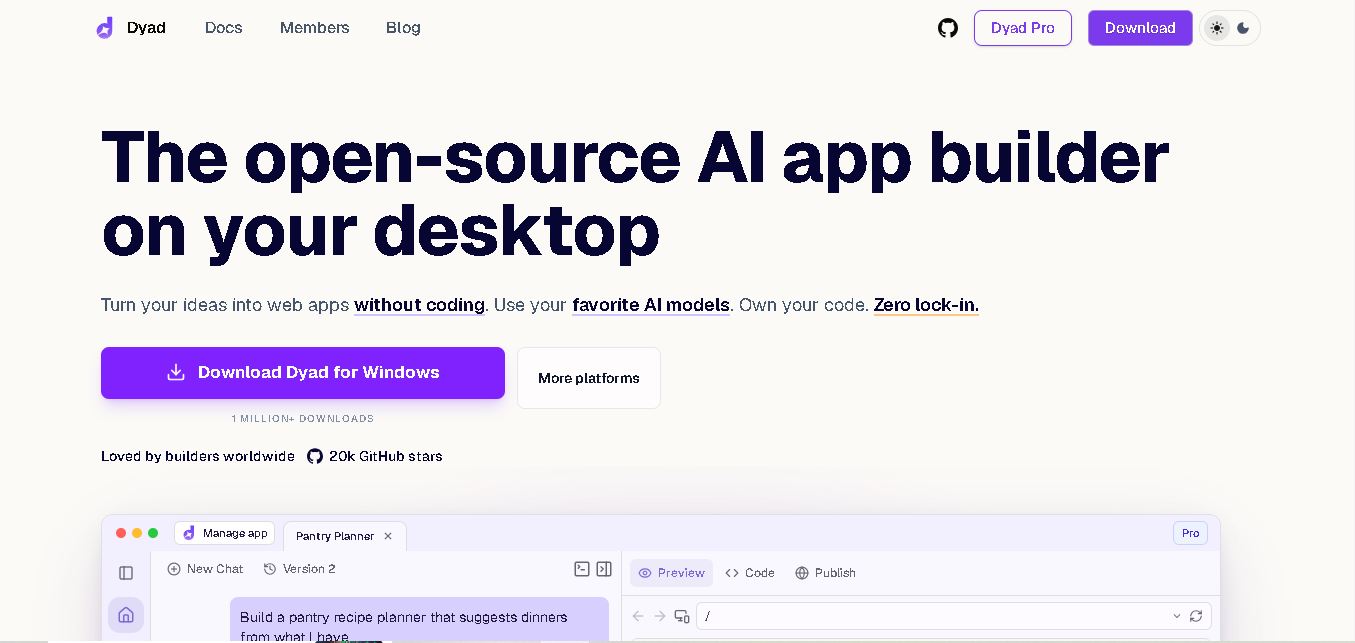
Dyad helps you create web applications by describing what you want in plain language. This open-source desktop tool runs locally, supports AI model providers, and keeps your source code on your computer. It suits beginners exploring app ideas and developers who want AI assistance without surrendering control of their projects.