Sourcegraph Cody
Sourcegraph Cody helps developers write, understand, and debug software with contextual AI assistance. It provides intelligent code completion, code generation, repository-aware chat, and automated editing. Supporting popular IDEs and multiple repositories, Cody helps development teams reduce repetitive work, explore complex codebases, and improve everyday programming workflows efficiently.
What is Sourcegraph Cody?
Sourcegraph Cody is an AI coding assistant designed to help developers understand, write, edit, and debug code using context from their existing codebases. It combines large language models (LLMs) with Sourcegraph's code search technology to deliver relevant suggestions. Developers can use Cody to generate functions, explain complex code, refactor projects, identify bugs, and navigate multiple repositories through supported development environments.
Sourcegraph Cody supports 3 major IDE environments: VS Code, JetBrains, and Visual Studio, alongside its web interface. Its multi-repository context can search up to 10 repositories simultaneously. Cody autocomplete documentation reports a 350-millisecond reduction in P75 latency and an improvement of more than 4% in average completion acceptance rate. Developers can use multiple LLM models, customizable prompts, contextual chat, and code editing features. Enterprise deployment supports both Sourcegraph Cloud and self-hosted environments for organizational development workflows.
- Category: Enterprise AI Coding Assistant, Cross-Repository Code Intelligence, IDE Extension & Developer Productivity
- Platforms Supported: Visual Studio Code, JetBrains IDEs, Visual Studio (Experimental), Sourcegraph Web App, Cody CLI, Single-Tenant Cloud & Self-Hosted Enterprise
Use Cases:
- Querying and navigating complex monorepos and cross-repository dependencies using Sourcegraph's semantic code graph
- Generating context-aware code and inline modifications via Auto-Edit cursor tracking and predictive completions
- Standardizing engineering workflows by building and sharing custom prompt libraries across large developer teams
- Debugging compiler and runtime errors using repository-wide symbol definitions and reference lookups
- Enforcing strict enterprise data governance using Context Filters to exclude sensitive repositories from AI indexing
Technology:
- Sourcegraph Code Search API and cross-repository semantic indexing graph
- Multi-model LLM gateway supporting frontier models from Anthropic (Claude), OpenAI (GPT), and Google (Gemini)
- Auto-Edit predictive cursor engine and `@`-mention context injection (`@files`, `@symbols`, `@repos`)
- Model Context Protocol (MCP) server, GraphQL/REST APIs, and single-tenant enterprise deployment architecture
Target Users:
- Enterprise Engineering Organizations managing massive monorepos or thousands of distributed repositories
- Platform & Infrastructure Engineers tracing cross-service dependencies and shared libraries
- Security-Conscious Enterprises requiring single-tenant cloud, on-premise hosting, and zero model training guarantees
Corporate Entity: Sourcegraph, Inc.

Key features of Sourcegraph Cody
Sourcegraph Cody's key features are
- Cross-Repository Code Intelligence: Uses Sourcegraph's Search API to retrieve exact symbols, definitions, and references across entire multi-repo organizations rather than just open editor tabs.
- Contextual Chat & @-Mentions: Lets developers chat with frontier LLMs while explicitly pinning files, symbols, remote repositories, or non-code artifacts via `@` mentions.
- Auto-Edit & Inline Completions: Analyzes cursor movements and recent keystrokes to propose predictive multi-line code modifications and completions.
- Custom Team Prompt Library: Enables teams to create, save, and share standardized prompt templates for repetitive tasks like unit test generation or documentation.
- Enterprise Governance & Context Filters: Offers Context Filters to block sensitive repositories, admin policy controls, audit logging, and single-tenant or self-hosted deployments.
Sourcegraph Cody Pricing
Sourcegraph retired standalone individual Free and Pro plans for Cody, bundling Cody directly into Sourcegraph Enterprise platform subscriptions with org-wide AI credit pooling.
Individual Plans (Free / Pro):
- Retired / Discontinued: Standalone individual tiers are no longer available for new signups; Cody now requires a Sourcegraph Enterprise organization account.
Sourcegraph Enterprise Plan:
- Priced starting at $16,000/year minimum annual contract (scaling by team size, typically around ~$59–$99/user/month depending on volume and modules).
- Includes full Cody IDE extensions (VS Code, JetBrains, CLI, Web), enterprise Code Search, Deep Search, Agentic Batch Changes, MCP Server access, single-tenant cloud hosting, org-wide pooled AI credits (with renewal rollover), and 24x5 support.
Disclaimer: Enterprise annual minimums, per-user seat rates, and AI credit pools are subject to custom contract negotiation. For exact live quotes, visit sourcegraph.com/pricing.
Who is using Sourcegraph Cody?
Sourcegraph Cody is designed for large-scale software organizations, including
- Enterprise Engineering Teams: Navigating massive monorepos where standard IDE assistants lose context
- Platform & SRE Teams: Investigating cross-service dependencies, incident root causes, and large-scale code migrations
- Regulated Enterprises: Requiring single-tenant cloud or on-premise code intelligence with strict admin controls
Best Sourcegraph Cody Alternatives
Some of the strongest Sourcegraph Cody alternatives include
- GitHub Copilot Enterprise
- Cursor
- Cline
- Amazon Q Developer
- Tabnine
Pros and Cons of Sourcegraph Cody
Pros
- Unmatched cross-repository and massive monorepo context powered by Sourcegraph's semantic code graph
- Multi-model flexibility letting enterprise admins route across Claude, GPT, and Gemini models
- Strong enterprise security with Context Filters, audit logs, single-tenant cloud, and self-hosted options
- Integrates directly with Sourcegraph's broader ecosystem including Deep Search, Batch Changes, and MCP servers
Cons
- Retirement of individual Free and Pro plans locks out solo developers and small startups (minimum $16K/year enterprise entry)
- Less suited for autonomous multi-file agentic app generation compared to dedicated forked editors like Cursor
- Full cross-repo indexing requires connecting enterprise code hosts to a Sourcegraph instance
Why Choose Sourcegraph Cody?
Sourcegraph Cody is the premier AI coding assistant for enterprise organizations operating massive monorepos or complex multi-repository architectures. By anchoring frontier LLMs in Sourcegraph's battle-tested semantic Code Search and dependency graph, Cody eliminates hallucinations caused by missing cross-service context.
- Grounds AI chat and code generation in full cross-repository codebase context
- Provides enterprise-grade security, Context Filters, and single-tenant deployment
- Bundles seamlessly with Sourcegraph Code Search, Deep Search, and MCP servers
Sourcegraph Cody vs. Competitors
The main difference between Sourcegraph Cody, GitHub Copilot Enterprise, and Cursor is that Cody is an enterprise-exclusive AI assistant anchored in Sourcegraph's cross-repository semantic search engine (starting at $16K/year contracts), whereas GitHub Copilot Enterprise ties into GitHub repositories at $39/user/mo and Cursor operates as an AI-first forked IDE accessible to individuals and teams. Cody stands out for multi-repo architectural intelligence.
| Feature / Tool | Sourcegraph Cody | GitHub Copilot Enterprise | Cursor | Cline |
|---|---|---|---|---|
| Core Focus | Enterprise Cross-Repo Code Intelligence & AI Assistant | GitHub-Integrated Enterprise AI Coding Assistant | AI-First Forked IDE with Tab Completion & Agents | Open-Source Autonomous Coding Agent Extension |
| Codebase Context | Full Multi-Repo & Monorepo Semantic Search Graph | Open Tabs & GitHub Repo Indexing | Local Workspace Vector Indexing | Local File Tree & Terminal/Browser Inspection |
| Pricing Model | Enterprise Only (Starts at $16K/yr contract) | $39/user/month | Free Hobby / Pro ($20/mo) / Business ($40/user/mo) | Free & Open Source (BYOK) |
| Best For | Enterprises with massive monorepos & multi-repo stacks | Organizations standardized on GitHub Enterprise | Individual engineers & agile teams wanting fast inline editing | Developers wanting open-source autonomous agent control |
How do we rate Sourcegraph Cody?
| Parameter | Rating (out of 5) |
|---|---|
| Cross-Repository & Monorepo Context Accuracy | 4.9 |
| Enterprise Security, Context Filters & Governance | 4.8 |
| Multi-Model LLM Support & Custom Prompt Libraries | 4.6 |
| IDE Support (VS Code, JetBrains, CLI, Web) | 4.5 |
| Accessibility & Entry Pricing (Enterprise-Only Gate) | 3.4 |
| Overall Score | 4.44 |
Sourcegraph Cody Review
Sourcegraph Cody is an enterprise powerhouse for organizations grappling with massive monorepos and complex multi-repository dependencies. While the retirement of individual Free and Pro plans restricts access to Sourcegraph Enterprise customers, its unmatched semantic code graph, Auto-Edit completions, Context Filters, and multi-model routing deliver superior architectural accuracy at scale.
Conclusion
Sourcegraph Cody is a useful choice for development teams looking to improve coding productivity through repository-aware AI assistance. Its contextual chat, intelligent autocomplete, code generation, and debugging capabilities make complex development tasks easier to manage. Support for multiple repositories and popular IDEs adds flexibility for Enterprise teams. However, its Enterprise-focused availability and the need to review AI-generated code are important considerations before adopting it for professional development workflows.
FAQ
What can developers use Sourcegraph Cody for?
Developers can use Sourcegraph Cody to generate code, explain unfamiliar functions, debug errors, refactor existing files, and write unit tests. It also helps understand large codebases by retrieving relevant information from repositories. For everyday development, it can reduce repetitive coding tasks and help teams work more efficiently across complex projects.
Which programming languages does Sourcegraph Cody support?
Sourcegraph Cody supports numerous programming languages, including Python, JavaScript, TypeScript, Java, PHP, C++, C#, Ruby, Go, Rust, Kotlin, Swift, SQL, and more. Its language coverage makes it useful for developers working with different technology stacks. However, the accuracy of generated suggestions can vary depending on the selected language model and available code context.
Does Sourcegraph Cody integrate with popular code editors?
Yes, Sourcegraph Cody supports popular development environments, including Visual Studio Code, JetBrains IDEs, and Visual Studio. Developers can access chat, autocomplete, and code editing capabilities through supported integrations. It also offers a web interface and CLI option. Feature availability can vary depending on the client and Enterprise configuration being used.
Can Sourcegraph Cody understand an entire codebase?
Yes, Sourcegraph Cody can retrieve contextual information from repositories using Sourcegraph Search, keyword search, and code graph capabilities. Developers can mention specific files, symbols, directories, and repositories using the @-mention feature. Enterprise users can also work with multiple repositories simultaneously, helping Cody understand relationships between different parts of larger software projects.
Is Sourcegraph Cody suitable for beginners?
Yes, beginners can use Sourcegraph Cody to understand programming concepts, explore unfamiliar code, generate examples, and identify errors. Its conversational interface makes it easier to ask questions about existing projects. However, beginners should review generated code carefully, understand suggested changes, and test their implementations rather than relying entirely on automated recommendations.
Does Sourcegraph Cody offer code autocomplete?
Yes, Sourcegraph Cody provides real-time code autocomplete with single-line and multi-line suggestions. As developers type, it predicts relevant code based on surrounding context and coding patterns. Suggestions appear directly inside supported editors and can be accepted or dismissed. This functionality helps reduce repetitive typing and speeds up everyday programming tasks.
User Reviews
No reviews yet for Sourcegraph Cody.
Featured Tools
Featured AI tools from TechShark

Klap
Klap is an AI video clipping platform that transforms long videos into short-form social media content. It automatically identifies highlights, creates captions, reframes speakers, and schedules clips, helping creators, podcasters, and marketing teams repurpose existing videos with less manual editing.
Free
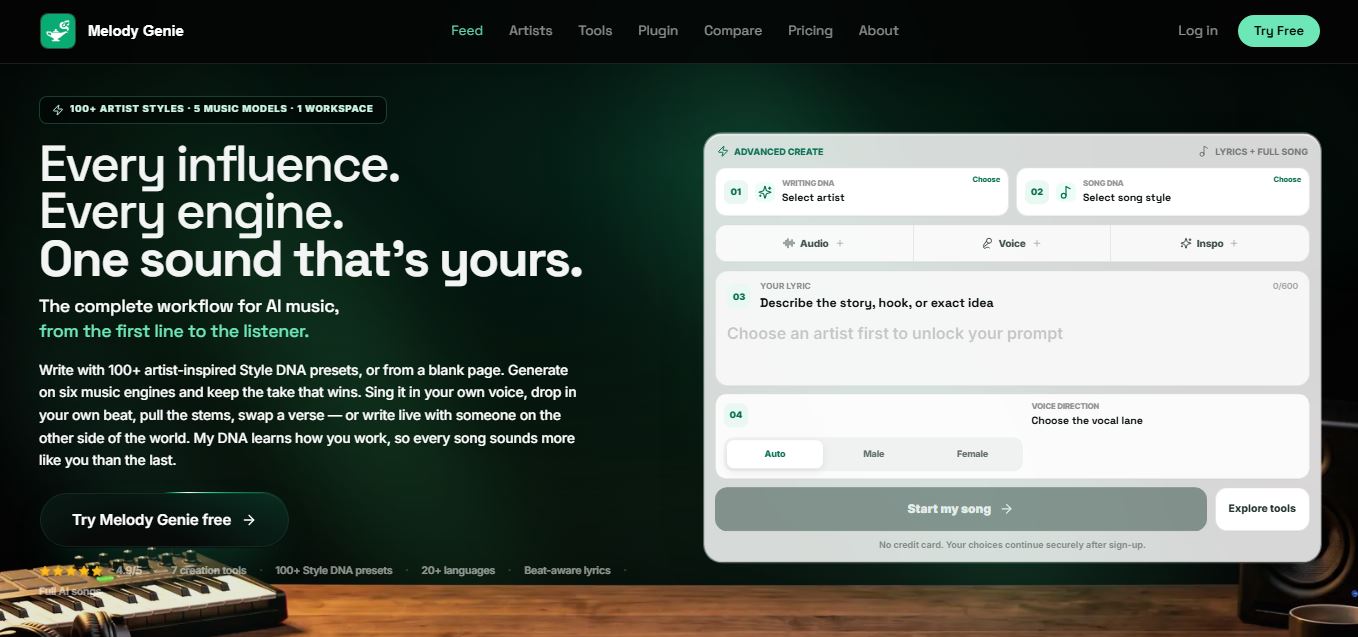
Melody Genie
MelodyGenie is an AI-powered music generator that creates original songs from simple text prompts. Users can choose styles, moods, and genres, then instantly generate melodies and full tracks, making it easy for creators, marketers, and hobbyists to produce custom music without musical expertise.
Freemium

Fashion Diffusion AI
Fashion Diffusion is an AI-powered fashion design platform that helps brands and designers create clothing designs, virtual try-ons, AI models, product photos, and marketing visuals faster and cost-effectively.
Paid
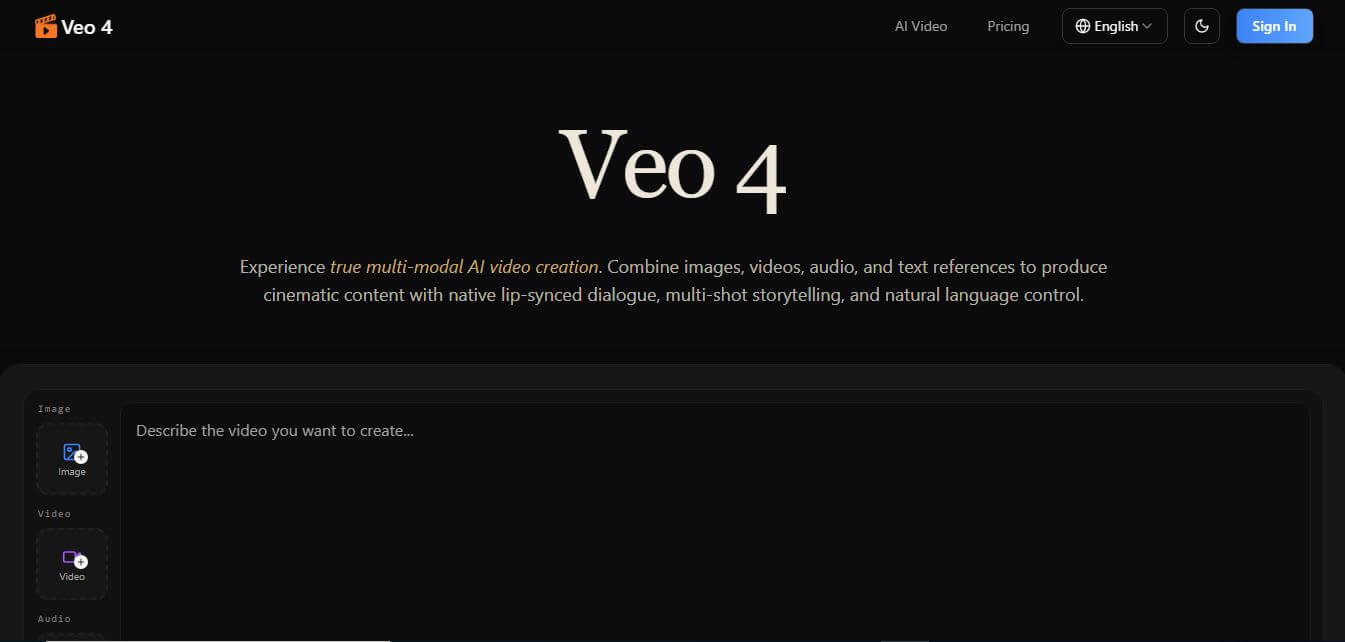
Veo 4
Veo 4 AI is an AI video creation platform that generates dramatic videos from text, images, audio, and video prompts using realistic motion and synchronized sound.
Paid
Alternatives
Alternatives to Sourcegraph Cody
The best Sourcegraph Cody alternatives include GitHub Copilot Enterprise, Cursor, Cline, Amazon Q Developer, and Tabnine. These platforms provide AI-assisted coding and repository understanding workflows. While Sourcegraph Cody excels at grounding responses in massive multi-repository semantic code graphs for enterprise customers, alternatives like Cursor and Cline offer accessible tiers for individual developers and agile teams.
Amp
Vibe Coding
Amp is an AI coding assistant that helps developers write, debug, test, and improve software projects. It combines multiple AI models, autonomous coding agents, and cloud-based Orbs to simplify development. Users can manage coding tasks through web, desktop, mobile, and terminal environments while collaborating with teammates.
Augment Code
Vibe Coding
Augment Code helps developers build better software with intelligent AI agents, semantic code search, and deep codebase understanding. It supports coding, debugging, refactoring, and project analysis across popular development environments. Its Context Engine helps engineering teams work efficiently with complex repositories, dependencies, and large-scale software development projects.
JetBrains Air
Vibe Coding
JetBrains Air helps developers work with multiple AI coding agents from JetBrains IDEs, the browser, or the command line. It brings agent sessions, code reviews, parallel tasks, shared team environments, and organization-level controls into one connected system, while allowing users to work with supported agents and their existing provider accounts.
Zed
Vibe Coding
Zed is an open-source code editor built for speed, productivity, and collaborative software development. It combines AI coding assistance, intelligent editing predictions, real-time collaboration, and external agent integrations. Developers can customize their workflows, connect multiple AI models, and build software efficiently within a modern development environment.
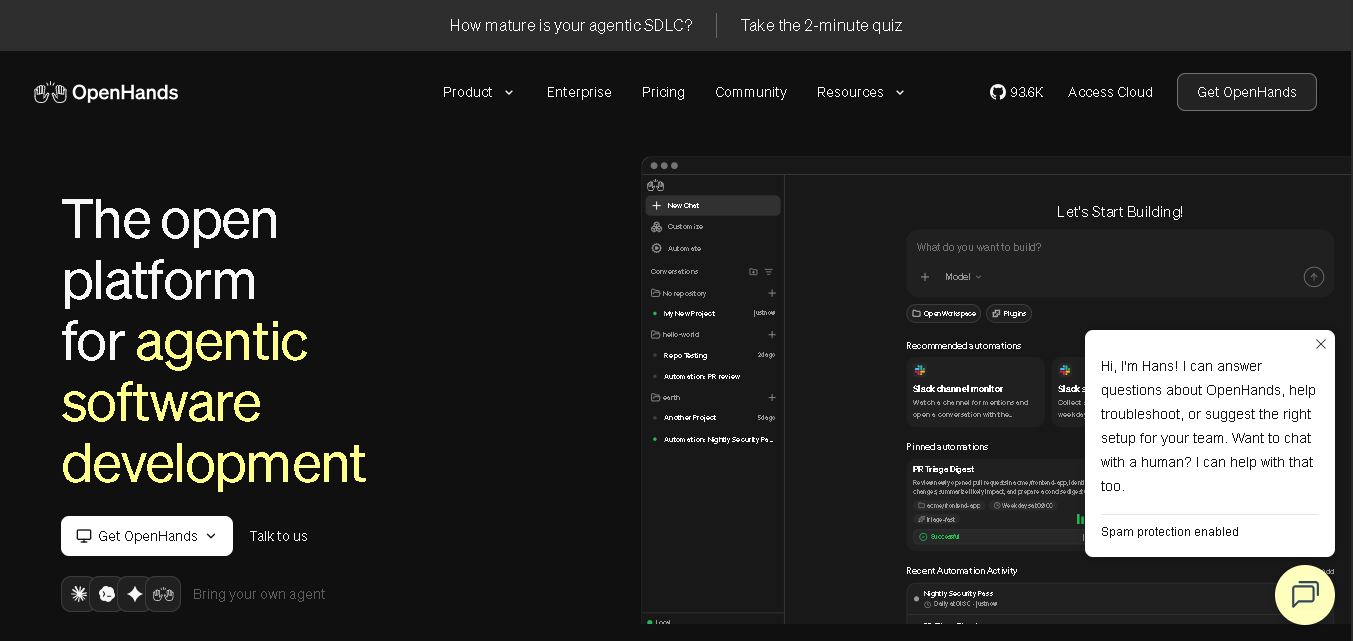 4.7
OpenHands
Vibe Coding
OpenHands helps developers automate coding, debugging, software development, and engineering workflows using autonomous AI agents. It supports multiple language models, local and cloud deployment, and integrations with popular development tools. With its open-source foundation, flexible interfaces, and customizable SDK, OpenHands makes complex software development tasks more manageable and efficient.
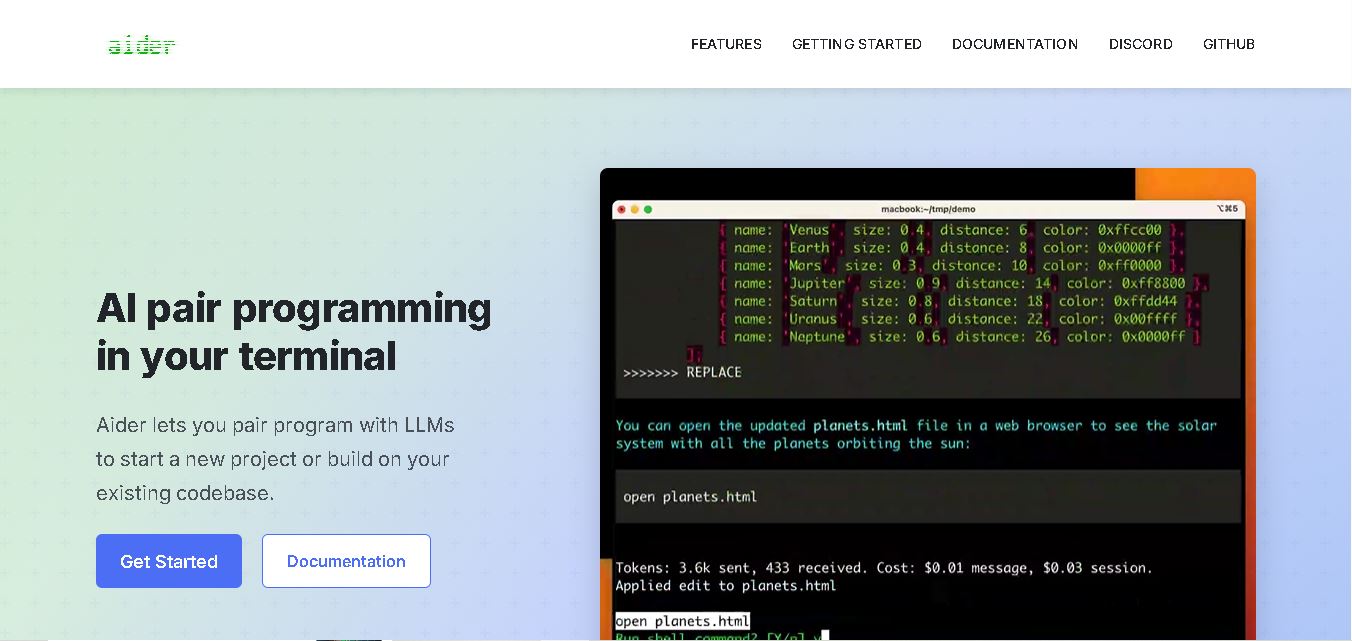 4.7
Aider
Vibe Coding
Aider is an AI coding assistant that works directly in your terminal to help developers create, edit, and debug software. It supports multiple LLMs, understands project structures, integrates with Git, and automates code improvements. Its flexible workflow makes AI-assisted programming more practical for individual developers and development teams.
 4.7
Cline
Vibe Coding
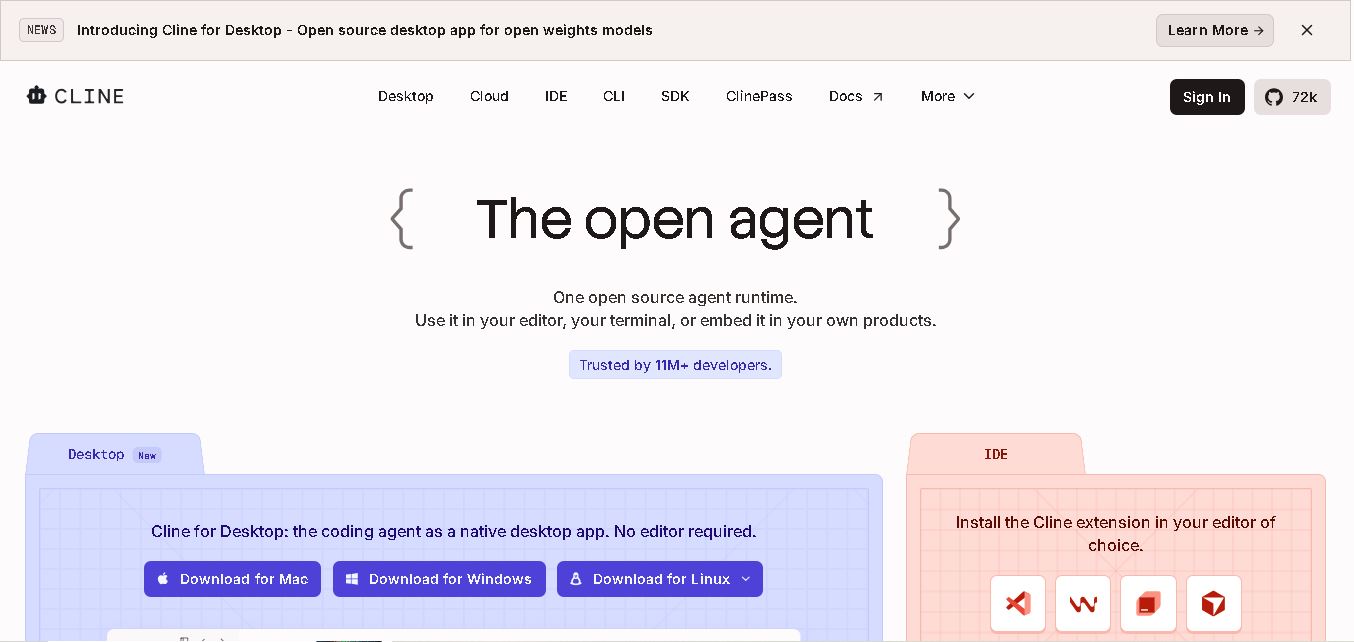
Cline is an open-source coding assistant designed to simplify software development through AI-powered automation. It helps developers generate code, fix bugs, understand existing projects, run commands, and manage complex programming tasks. With model flexibility, tool integrations, and human-controlled approvals, Cline makes AI-assisted coding more accessible and customizable.
 4.7
Dyad
Vibe Coding
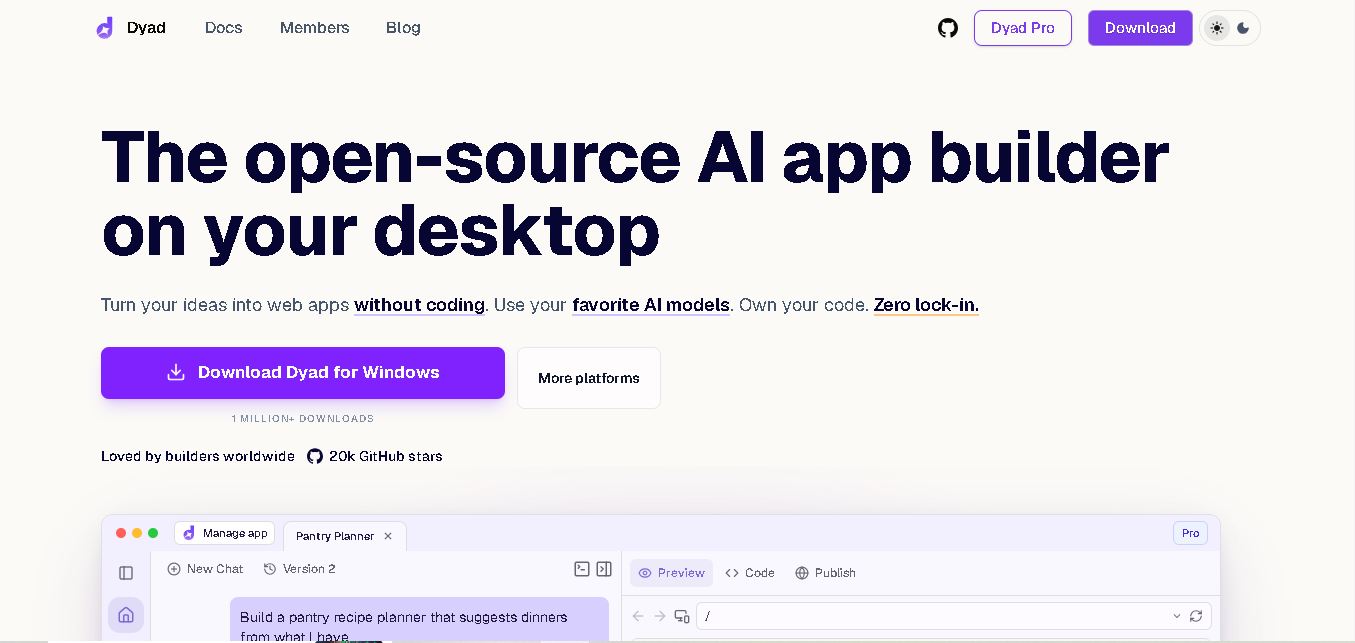
Dyad helps you create web applications by describing what you want in plain language. This open-source desktop tool runs locally, supports AI model providers, and keeps your source code on your computer. It suits beginners exploring app ideas and developers who want AI assistance without surrendering control of their projects.
 4.6
Rocket.new
Vibe Coding
Rocket.new helps users transform ideas into functional websites, mobile applications, and SaaS products through AI-assisted development. It combines market research, application building, and competitor monitoring in one workspace. With natural language prompts, ready-made templates, integrations, and deployment options, it simplifies product development for individuals, startups, and businesses.