
SlidesPilot
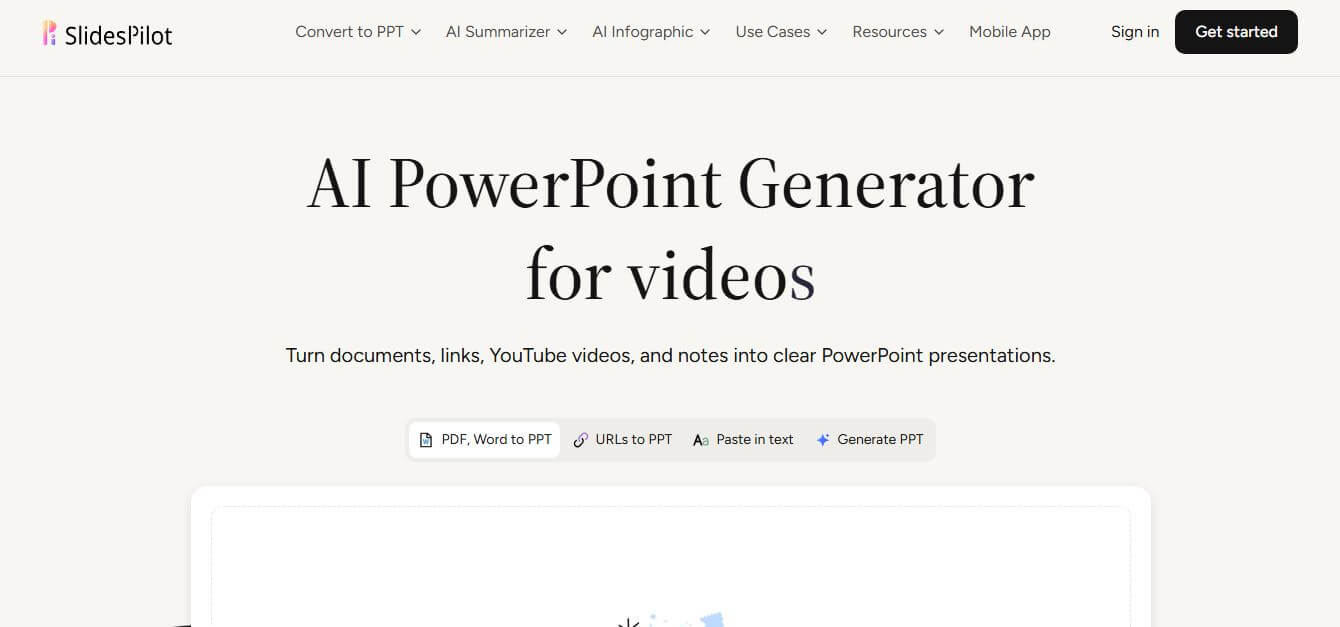
SlidesPilot is an AI-powered presentation tool that helps users quickly create professional PowerPoint slides from documents, links, videos, or simple text prompts. It automatically analyzes content, organizes ideas into a clear structure, and designs visually appealing slides, saving time and effort.
What is SlidesPilot?
SlidesPilot is an AI-driven presentation tool designed to help users create professional and visually appealing slides in minutes. Instead of building presentations from scratch, it allows you to generate slides from simple text prompts, documents, links, or even videos. The platform analyzes your input, organizes the content into a clear structure, and automatically designs slides with relevant layouts and visuals. This makes it especially useful for students, professionals, and marketers who need to create presentations quickly without compromising quality. Its user-friendly interface ensures a smooth experience, even for beginners. By reducing manual effort and saving time, SlidesPilot enables users to focus more on ideas and storytelling, making presentations more engaging, efficient, and impactful.
SlidesPilot is trusted by over 3 million professionals, educators, and students worldwide to build PowerPoint presentations. The platform generates full, multi-slide presentations in under 30 seconds from complex source documents. By automating research extraction and slide layout design, users report reducing presentation preparation time by up to 75 percent. Supporting more than 20 languages and multi-format conversions including PDF, Word, and YouTube to PPT, SlidesPilot streamlines visual storytelling for teams across 100+ countries.
- Founder: Developed by Pilot AI and the SlidesPilot engineering team
- Launch Year: 2023
- Use Cases:
- PDF and Word document to PowerPoint slide conversion
- University lecture and academic presentation creation
- Investor pitch deck generation from business outlines
- Corporate training, onboarding, and client report decks
- Technology:
- Generative AI and large language model narrative synthesis
- Multimodal document ingestion and parsing engine
- Presentation-native PPTX and visual rendering framework
- Target Users:
- Business analysts, consultants, and project managers
- University professors, educators, and researchers
- Startup founders and sales enablement leaders
- Students and digital content creators
- Acquisition: Operates as an independent presentation technology platform

Key features of SlidesPilot
SlidesPilot's key features are
- Multi-Source Ingestion: Generates complete slide decks directly from PDFs, Word files, text prompts, web URLs, and YouTube videos.
- Source-Aware Narrative Structuring: Intelligently condenses long-form source documents into structured openings, body slides, comparisons, and conclusions.
- Conversational AI Presentation Agent: Refines slide wording, rewrites headlines, simplifies explanations, or restructures deck sections through natural chat prompts.
- Modular Content Block Editor: Allows users to easily rearrange, resize, and modify text blocks, images, charts, and icons slide by slide.
- Automated Data Visualization: Converts raw statistics, numerical comparisons, and timelines into editable presentation-native charts and diagrams.
- Professional Themes and Branding: Applies unified color palettes, typography systems, and custom company logos across the entire slide deck.
- Multi-Format Presentation Export: Downloads presentations as fully editable PPTX files for Microsoft PowerPoint, Google Slides, or PDF and image formats.
- AI Document Summarizer Tools: Includes built-in summarizers for PDFs, Word files, and research documents to extract core talking points quickly.
SlidesPilot Pricing
SlidesPilot follows a freemium SaaS model based on presentation creation quotas and AI credits.
Free Plan:
- $0/month
- Free signup credits to test document-to-PPT conversions and topic workflows
- Standard presentation templates and export options
Starter Plan:
- Starts at approximately $9.99/month (or $119.99/year)
- Higher monthly presentation creations and full PPTX export
- Priority rendering queues and standard AI model access
Plus / Pro Plan:
- Ranges between $22.99/month and $49.99/month
- Expanded document page limits and advanced AI Beautify models
- Higher monthly credit allowances and priority support
Business / Team Plan:
- Approximately $20/month per user
- Shared team workspaces, custom brand templates, and centralized billing
Disclaimer: For the latest and most accurate pricing information, please visit the official SlidesPilot website.
Who is using SlidesPilot?
SlidesPilot is designed for a broad range of presenting professionals and educators, including
- Strategy & Management Consultants: Converting detailed policy briefs and reports into executive slide decks
- University Lecturers & Educators: Turning lecture notes, articles, and research papers into classroom presentations
- Startup Founders: Generating investor pitch decks from initial business plans and scattered notes
- Marketing & Sales Leads: Creating client-ready product presentations from web pages
- Content Creators: Using writing tools to adapt written guides and long-form articles into visual presentations
- Corporate Trainers: Building structured onboarding and compliance modules from internal documentation
Best SlidesPilot Alternatives
Some of the strongest SlidesPilot alternatives include
Pros and Cons of SlidesPilot
Pros
- Converts multiple complex source materials (PDF, Word, YouTube, web links) into presentations seamlessly
- Generates fully editable PPTX files compatible with Microsoft PowerPoint and Google Slides
- Intuitive modular block editor makes post-generation slide adjustments easy
- Built-in AI presentation agent allows single-slide and full-deck conversational editing
- Free signup credits allow users to test core conversion features without upfront payment
Cons
- Free tier has limited AI credits and restricted export options
- Deep, highly specialized data charts may require minor manual formatting adjustments
- Processing very large, multi-hundred-page documents can consume significant credit quotas
- Advanced styling and AI Beautify features require higher-tier plans
Why Choose SlidesPilot?
SlidesPilot is the ideal choice for professionals and educators who want to transform existing written research into polished presentation slides without starting from a blank page. It combines deep document comprehension with flexible slide editing.
- Converts PDFs, Word files, and links into structured presentations in seconds
- Generates native, fully editable PowerPoint and Google Slides files
- Provides an AI assistant to refine wording and design through simple chat instructions
- Saves hours of manual formatting, text condensing, and layout alignment
- Offers flexible pricing tiers suitable for solo creators, educators, and corporate teams
SlidesPilot vs. Competitors
The main difference between SlidesPilot, Gamma, Beautiful.ai, and SlidesAI is that SlidesPilot specializes in multi-format document conversion (PDF, Word, URLs, YouTube) into fully editable PPTX files, while Gamma generates web-based card decks, Beautiful.ai enforces rigid design templates, and SlidesAI works strictly as a Google Slides add-on. SlidesPilot stands out for its strong source-document comprehension, block-based editor, and standard PowerPoint export.
| Feature / Tool | SlidesPilot | Gamma | Beautiful.ai | SlidesAI |
|---|---|---|---|---|
| Core Focus | Document-to-PPT AI | Web Presentation Cards | Template-Based Design | Google Slides Add-on |
| Source Ingestion | PDF, Word, URL, YouTube | Prompts & Text | Prompts & Outlines | Text Prompts |
| PPTX Export | Full Editable PPTX | Yes | Yes | Via Google Slides |
| AI Chat Slide Agent | Yes (Single & Full Deck) | Yes (Chat) | Limited | No |
| Block-Based Editor | Yes | Yes (Doc-style) | Smart Templates | Native Google Slides |
| Best For | Document-to-Slide Workflow | Interactive Web Presentations | Corporate Team Templates | Light Google Slides Use |
How do we rate SlidesPilot?
| Parameter | Rating (out of 5) |
|---|---|
| Document Ingestion & Structuring | 4.9 |
| Slide Design & Template Quality | 4.7 |
| Ease of Use & Block Editor | 4.8 |
| AI Agent Editing Capabilities | 4.8 |
| Value for Money | 4.7 |
| Overall Score | 4.78 |
SlidesPilot Review
SlidesPilot delivers a practical, highly capable solution for one of the most tedious tasks in business and academia: turning long documents into presentation slides. Unlike tools that only generate slides from short prompts, SlidesPilot's ability to digest complex PDFs, Word documents, and web articles into structured, logical narratives makes it uniquely valuable for real-world research and business workflows. The block editor and conversational slide agent make refining the first draft effortless. For consultants, educators, and marketers who present regularly, SlidesPilot is an outstanding productivity tool.
Conclusion
SlidesPilot is a practical solution for anyone looking to create high-quality presentations quickly and efficiently. Its ability to transform simple inputs into well-structured, visually appealing slides saves significant time and effort. The platform is especially useful for students, professionals, and teams who need to deliver presentations regularly without starting from scratch. While it may not replace full manual customization for advanced users, it provides an excellent starting point.
FAQ
What exactly is SlidesPilot, and how can SlidesPilot help me?
SlidesPilot is an AI-powered presentation generator that turns your ideas, documents, or links into fully structured PowerPoint slides. SlidesPilot helps you skip the blank page by automatically creating a clear storyline, slide content, and design. SlidesPilot is especially useful when you need to quickly turn complex information into a professional presentation.
How does SlidesPilot create presentations from content?
SlidesPilot analyzes your source material—like PDFs, Word files, or links—and identifies key ideas, structure, and relationships. SlidesPilot then builds a logical presentation flow with an introduction, main sections, and conclusion. SlidesPilot also designs slides with visuals like charts, tables, and diagrams to make the content easier to understand.
Can SlidesPilot generate a presentation from just a topic?
Yes, SlidesPilot can create a full presentation from a simple topic or prompt. SlidesPilot allows you to define the audience, tone, and goal, and then generates a complete slide deck with a clear narrative and visual structure.
How is SlidesPilot different from a normal PPT converter?
SlidesPilot does more than convert files. Instead of simply copying content into slides, SlidesPilot understands the meaning of your material and reorganizes it into a presentation-friendly format. SlidesPilot focuses on storytelling, clarity, and audience understanding rather than just formatting.
Can I edit the presentation after SlidesPilot generates it?
Yes, SlidesPilot provides a block-based editor where you can edit each slide easily. SlidesPilot lets you rearrange content blocks, rewrite text, change layouts, and refine the entire presentation using an AI assistant.
Can SlidesPilot summarize long documents into slides?
Yes, SlidesPilot can condense long documents into concise slide points. SlidesPilot uses AI summarization to extract the most important information and present it clearly, making SlidesPilot useful for reports, research papers, and meeting notes.
Is SlidesPilot free to use?
SlidesPilot offers a free plan with credits so you can try the platform without a credit card. SlidesPilot also provides paid plans for extended usage and advanced features.
Why is SlidesPilot important for modern workflows?
SlidesPilot solves a major problem—time-consuming presentation creation. SlidesPilot combines content generation, structuring, and design into one workflow. SlidesPilot helps you move from raw information to a polished presentation much faster, which is essential in today’s fast-paced work environment.
User Reviews
No reviews yet for SlidesPilot.
Featured Tools
Featured AI tools from TechShark

Melody Genie
MelodyGenie is an AI-powered music generator that creates original songs from simple text prompts. Users can choose styles, moods, and genres, then instantly generate melodies and full tracks, making it easy for creators, marketers, and hobbyists to produce custom music without musical expertise.
Freemium

Kimi AI
Kimi AI is an advanced AI assistant developed by Moonshot AI that helps you chat, research, write, code, and automate tasks in one place. It supports web search, file analysis, and multimodal inputs, and can even run autonomous “agent” workflows to complete complex tasks end-to-end.
Freemium

Fashion Diffusion AI
Fashion Diffusion is an AI-powered fashion design platform that helps brands and designers create clothing designs, virtual try-ons, AI models, product photos, and marketing visuals faster and cost-effectively.
Paid

Veo 4
Veo 4 AI is an AI video creation platform that generates dramatic videos from text, images, audio, and video prompts using realistic motion and synchronized sound.
Paid
Alternatives
Alternatives to SlidesPilot
The best SlidesPilot alternatives includes Gamma, Beautiful.ai, SlidesAI, Presentations.ai, Tome, and SlideSpeak. These platforms provide AI-powered slide generation, template automation, and presentation design tools. While SlidesPilot excels at multi-format document conversion from PDFs and Word files into fully editable PowerPoint decks, alternatives like Gamma focus on web-native card layouts, and Beautiful.ai specializes in designer-curated smart templates. Choosing the right tool depends on whether you need deep document-to-PPT conversion, interactive web presentations, or standard slide templates.
 4.8
4.8PitchBob
Presentation
PitchBob.io helps entrepreneurs develop startup ideas and create pitch decks, investor letters, business plans, and executive summaries. Through guided AI conversations, it organizes business information, offers pitch feedback, and supports fundraising preparation. It is useful for founders who want structured startup documents without starting from a blank page.
 4.6
4.6Xavier AI
Presentation
Xavier AI is a strategy-focused presentation tool designed to help professionals create consulting-style business decks quickly. It can transform prompts or uploaded documents into structured presentations, support market and competitive analysis, and provide sourced information. Users can also customize presentations to company branding and export finished decks to PowerPoint files.
 4.9
4.9Zoho Sheet
Spreadsheets
Zoho Sheet is a cloud-based spreadsheet tool that lets users create, edit, and collaborate on data in real time. It offers formulas, charts, automation, and AI-powered insights, helping teams analyze data, manage workflows, and work together efficiently from anywhere.
 4.9
4.9Slidesgo
Presentation
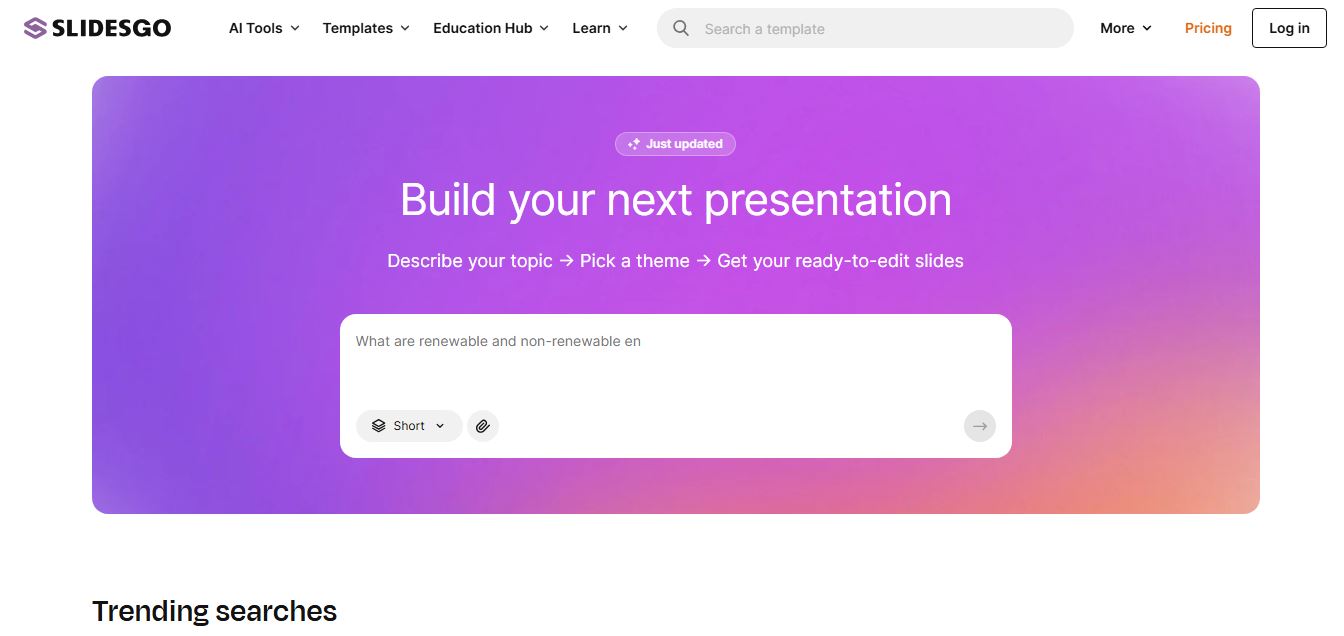
Slidesgo is a platform that offers free and premium presentation templates for Google Slides and PowerPoint. It provides professionally designed slides for business, education, and creative use, helping users create visually appealing presentations quickly without starting from scratch.
 4.8
4.8SlideSpeak
Presentation
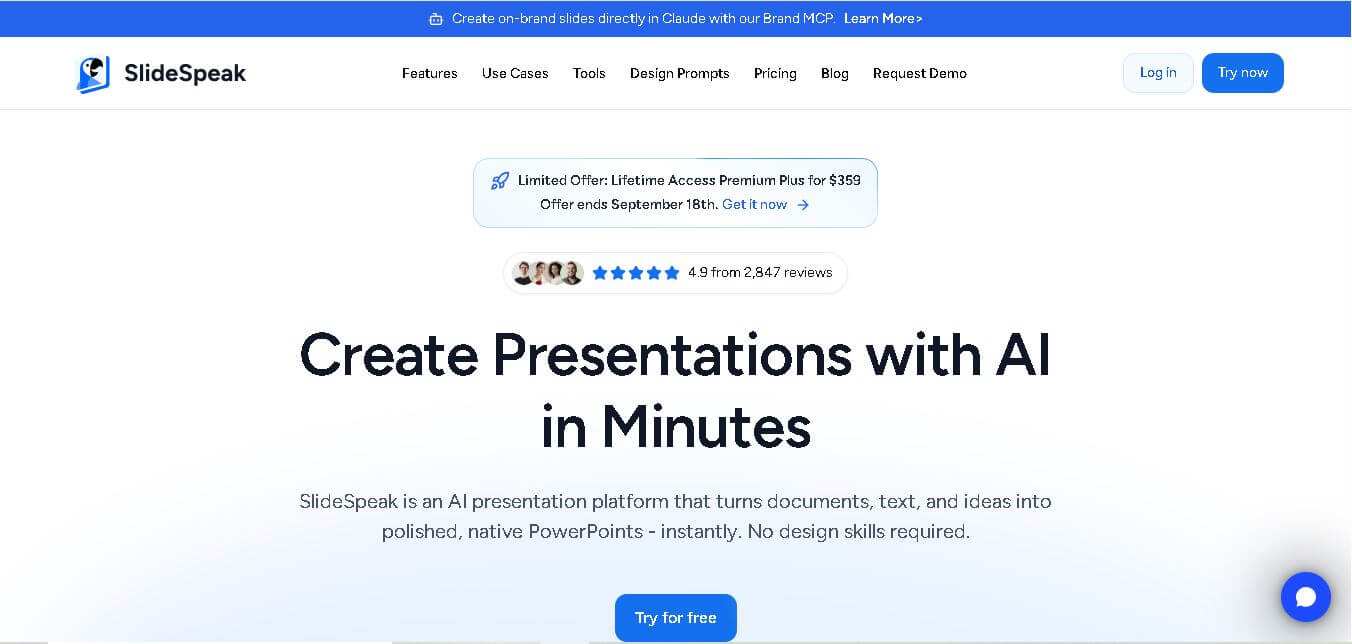
SlideSpeak is an AI-powered presentation tool that lets users chat with PowerPoint files, summarize slides, and generate new presentations from documents or prompts. It helps extract insights, create slides quickly, and turn content into clear, structured presentations with minimal effort.
 4.8
4.8MagicSlides
Presentation
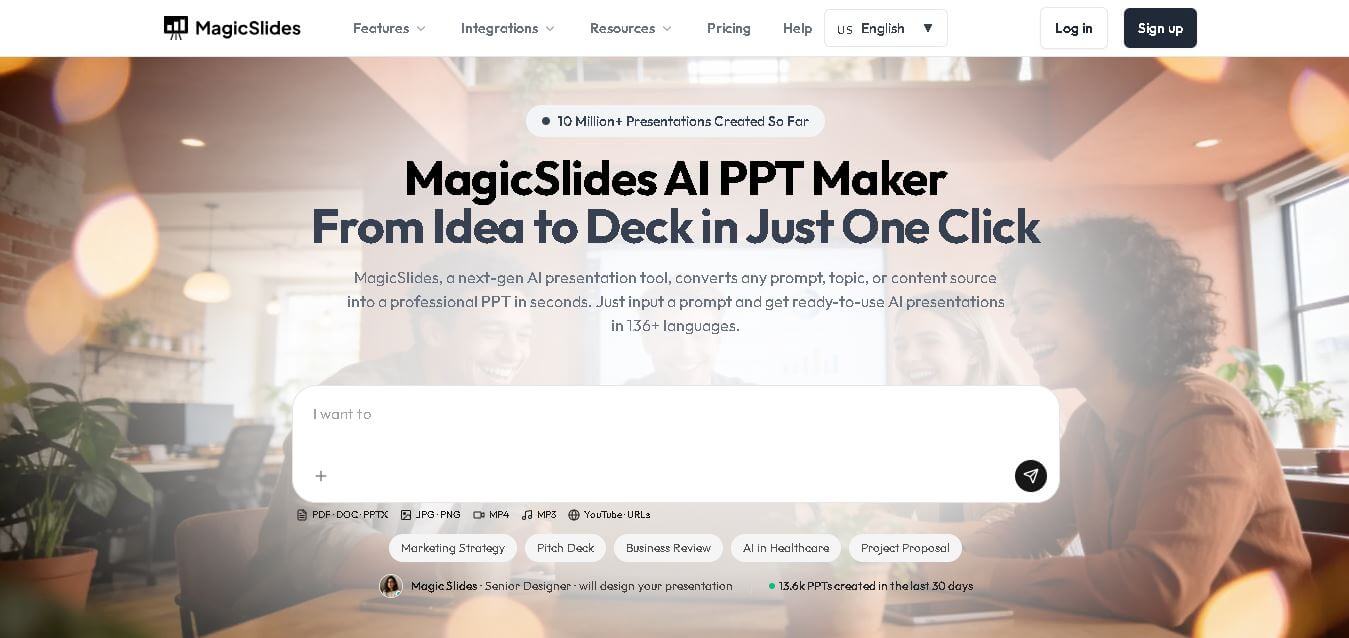
MagicSlides helps users create polished presentations from ideas, text, documents, URLs, and other content. It combines automated slide generation with templates, design systems, AI editing, image support, and multiple export formats. Students, teachers, professionals, consultants, and entrepreneurs can use it to produce presentations faster without building every slide manually.
 4.8
4.8Alai
Presentation
Alai is an AI presentation and design maker backed by Y Combinator that generates on-brand pitch decks, slide decks, infographics, carousels, and social visuals from prompts, documents, or links using custom design systems and native PPT/PDF exports.
 4.9
4.9Beautiful AI
Presentation
Beautiful.ai is an AI-powered presentation software that helps users create professional slides quickly with smart design automation. It automatically adjusts layouts, formatting, and visuals, allowing teams to build polished, consistent presentations without manual design work or advanced skills.
 4.8
4.8GitMind
Project Management
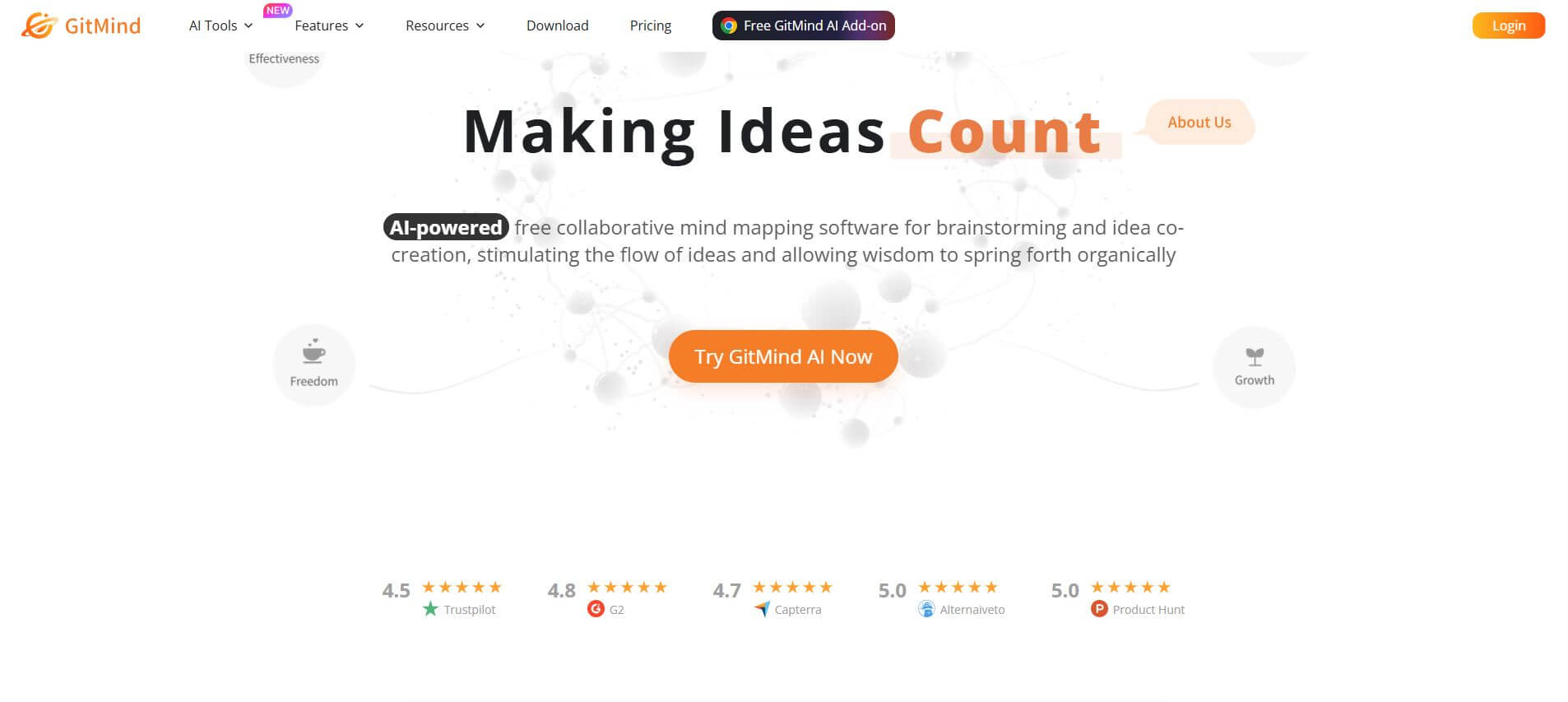
GitMind is an AI-powered mind mapping and visual workspace that turns text, videos, audio, PDFs, and websites into structured mind maps, summaries, and diagrams. It helps you organize ideas, brainstorm, plan projects, and simplify complex information using AI-driven insights and visual layouts.