
Shortcut AI
Shortcut AI is an AI-powered Excel agent that helps finance teams build financial models, analyze data, and automate complex spreadsheet workflows using natural language. It generates formulas, structures reports, and processes data with high accuracy, enabling faster decision-making and reducing manual analysis work.

What is Shortcut AI?
Shortcut is an AI-powered project management and issue tracking platform designed for software development teams. It helps teams plan, track, and manage work through features like story tracking, sprint planning, roadmaps, and real-time collaboration. With a clean interface and integrations with tools like GitHub, Slack, and CI/CD systems, it streamlines workflows and improves team productivity. Shortcut also leverages automation and insights to help teams prioritize tasks, track progress, and deliver projects more efficiently..
Available as both a browser-based web workspace and a native Microsoft Excel add-in, Shortcut AI serves finance professionals and deal teams worldwide. Unlike standard chat assistants that output text blocks requiring manual copying, Shortcut directly creates, edits, audits, and formats spreadsheets while strictly preserving standard dynamic Excel formulas and syntax. By deploying specialized subagents, the platform autonomously constructs Discounted Cash Flow (DCF) models, Leveraged Buyout (LBO) frameworks, three-statement operating models, sensitivity tables, and KPI cohort analyses that export directly into native .xlsx files.
- Platform / Developer: Shortcut AI / TryShortcut (Global Financial AI Infrastructure)
- Evolution / Launch: Scaled through 2024–2026 with native Microsoft Excel ribbon add-ins, multi-turn conversational workbook audits, PDF-to-model extraction pipelines, dedicated spreadsheet skill libraries, and shared team workspaces
Use Cases:
- Building complete 3-statement models, DCF valuations, and LBO models from raw financial statements or unstructured PDF earnings reports
- Cleaning, standardizing, and restructuring messy CSV/XLSX accounting transactions, customer lists, and enterprise CRM exports
- Running multi-variable scenario modeling, Monte Carlo sensitivities, and dynamic data tables via natural language prompts
- Auditing existing financial models to detect circular references, broken formula links, and hardcoded discrepancies
Technology:
- Multi-step autonomous agent reasoning architecture capable of executing multi-turn spreadsheet planning, execution, and self-correction
- Native openxml/Excel computational engine generating real formulas (XLOOKUP, INDEX/MATCH, SUMIFS) rather than static, unlinked values
- Document parsing and computer vision pipeline extracting tabular data from PDF term sheets, investor decks, and 10-K filings
Target Users:
- Investment banking analysts and private equity associates building transaction models and valuation comparables under tight deadlines
- Corporate FP&A directors and financial controllers modeling cash flows, departmental budgets, and headcounts
- Venture capitalists and startup founders creating investor-ready financial forecasts and cap tables
- Content creators using writing tools to draft investment memos, executive board decks, and business plan summaries
Corporate Entity: Operates as Shortcut AI (Global)

Key features of Shortcut AI
Shortcut AI's key features are
- Autonomous Financial Model Generation: Build full 3-statement financial models, DCFs, and LBO structures from raw text prompts or uploaded historical financial files.
- Native Excel Add-in & Web Workspace: Use the autonomous agent directly inside your desktop Microsoft Excel application or collaborate in the dedicated cloud web app.
- Formula Preservation & Auditability: Produces dynamic, interconnected Excel formulas with standard financial modeling color coding (blue for inputs, black for formulas).
- PDF-to-Spreadsheet Intelligence: Upload earnings releases, financial statements, and PDF investor decks to extract structured data directly into linked financial models.
- Natural Language Sensitivity Tables: Request scenario analyses (e.g., "Run a sensitivity analysis on revenue growth from 5% to 15% against EBITDA exit multiples") with automated table builds.
- Automated Data Cleaning & Restructuring: Unpivot cross-tabs, eliminate duplicate rows, standardize dates, and normalize irregular accounting headers in seconds.
- Multi-Agent Subagent Architecture: Employs dedicated subagents in shared workspaces that cross-check calculations, verify assumptions, and optimize sheet layouts.
- Direct .xlsx Export: Download native Excel files that retain all dynamic formulas, cell formatting, number styles, and active links without proprietary lock-in.
Shortcut AI Pricing
Shortcut AI operates on a freemium model with limited daily tasks on the free tier alongside monthly and discounted annual subscriptions for finance professionals and deal teams.
Free Plan:
- $0 / Free access
- Includes limited daily AI spreadsheet tasks, basic formula generation, standard web app access, and single-sheet exports
Pro / Individual Plan:
- Starts from approximately $20.00 to $30.00 / month (discounted on annual billing)
- Includes unlimited daily spreadsheet agent tasks, native Microsoft Excel add-in access, PDF financial data extraction, priority processing speed, and pre-built financial model templates
Team & Enterprise Tiers:
- Custom quote pricing for investment banks, PE firms, and corporate finance teams
- Includes shared team workspaces, collaborative subagents, centralized admin controls, custom proprietary model templates, SOC 2 compliance, and dedicated onboarding
Disclaimer: Prices are listed in USD. Free tier features and daily limits are subject to change. Check shortcut.ai / tryshortcut.ai for current subscription rates and enterprise licensing.
Who is using Shortcut AI?
Shortcut AI is designed for finance professionals, analysts, and deal teams, including
- Investment Bankers & M&A Associates: Rapidly building valuation models, merger models, and pitch deck financial tables
- Private Equity & Growth Investors: Evaluating deal opportunities and building preliminary LBO returns models from target company tear sheets
- FP&A Leaders & Controllers: Consolidating monthly P&L statements, tracking department budgets, and preparing board-ready forecast decks
- Startup Founders & CFOs: Drafting dynamic operating models, runway calculations, and headcount forecasts for fundraising rounds
- Content Creators: Using writing tools to draft investment memos, executive board decks, and business plan summaries
- Corporate Development Analysts: Cleaning and merging supplier data, commercial contracts, and transaction pipeline metrics
Best Shortcut AI Alternatives
Some of the strongest Shortcut AI alternatives include
- Microsoft Copilot in Excel
- GPT for Work (Talarian)
- Numerous.ai
- Coefficient
- GPTExcel
- Formula Bot (Excel Formula Bot)
Pros and Cons of Shortcut AI
Pros
- Autonomous multi-step agent capable of constructing complete, interconnected financial models rather than just single formulas
- Preserves native Excel dynamic formulas and industry-standard formatting conventions (input color coding, clean borders)
- Operates both in a modern web workspace and as a native add-in directly inside Microsoft Excel
- Extracts tabular financial data from PDFs and scanned documents directly into active modeling sheets
- Supports multi-turn conversational edits, audits, and scenario sensitivity analysis
Cons
- Complex financial models generated by AI still require thorough manual review and audit by a human analyst before live deal execution
- The native Excel add-in and advanced financial modeling templates require a paid Pro subscription
- Free plan is constrained by daily task limits and standard processing speeds
- Primarily tailored for finance and numerical modeling rather than in-cell marketing text generation found in tools like Numerous.ai
Why Choose Shortcut AI?
Shortcut AI is the premier choice for finance professionals, analysts, and deal teams who need an autonomous AI spreadsheet agent that doesn't just write formulas, but builds complete, auditable financial models directly inside Excel.
- Build complete 3-statement models, DCFs, and LBOs with dynamic formulas in minutes
- Use the agent directly inside Microsoft Excel or via the browser web workspace
- Extract data directly from PDF financial statements and earnings reports
- Execute multi-turn scenario analyses and sensitivity tables with natural language
- Export clean, native .xlsx workbooks with standard Wall Street financial formatting
Shortcut AI vs. Competitors
The main difference between Shortcut AI, Microsoft Copilot in Excel, GPT for Work, and Numerous.ai is that Shortcut AI is purpose-built as an autonomous financial modeling agent capable of building entire DCFs, LBOs, and 3-statement models from raw data and PDFs with auditability, whereas Microsoft Copilot in Excel focuses on conversational data analysis and Python execution in Excel Tables, GPT for Work specializes in high-volume in-cell bulk LLM processing (=GPT), and Numerous.ai focuses on in-cell text generation and few-shot pattern matching. Shortcut AI stands out for its high level of workflow autonomy, financial modeling depth, and native Excel integration.
| Feature / Tool | Shortcut AI (shortcut.ai) | Microsoft Copilot in Excel | GPT for Work | Numerous.ai |
|---|---|---|---|---|
| Core Focus | Autonomous Financial Modeling Agent | Conversational Analytics & Python Copilot | Enterprise In-Cell Bulk LLM Processing | In-Cell AI Formulas & Copy Generation |
| Full Model Generation | Yes (DCF, LBO, 3-Statement from scratch) | Limited (Builds tables/PivotCharts) | No (In-cell formula focused) | No (In-cell formula focused) |
| PDF Financial Extraction | Yes (Parses PDF statements into models) | No Direct PDF Extraction | Web research focused | No PDF Extraction |
| Platform Availability | Web App & Native Excel Add-in | Native Desktop, Web & Mac Excel | Google Sheets & Microsoft Excel | Google Sheets & Microsoft Excel |
| Starting Price | Free tier / Pro ~$20–$30/mo | $20.00/mo (Pro) / $30/user/mo | Free trial / Standard $25.00/mo | Free trial / Plans from ~$10–$12/mo |
| Best For | Investment Bankers & Financial Modelers | Corporate M365 Business Analysts | High-Volume Data Teams & Web Scraping | Bulk Copywriting & Pattern Learning |
How do we rate Shortcut AI?
| Parameter | Rating (out of 5) |
|---|---|
| Autonomous Financial Modeling & LBO/DCF Precision | 4.9 |
| Formula Linking & Auditability Preservation | 5.0 |
| PDF & Document Financial Extraction | 4.8 |
| Native Excel Add-in & Web Usability | 4.9 |
| Value for Money | 4.8 |
| Overall Score | 4.88 |
Shortcut AI Review
Shortcut AI delivers a substantial breakthrough for financial analysts who spend hours constructing models by hand. Most spreadsheet AI tools are restricted to single-cell completions or conversational advice, but Shortcut operates with genuine task autonomy. You can give it an SEC filing or earnings PDF and instruct it to build a full three-statement model with a five-year DCF forecast. The agent generates the entire architecture, correctly linking balance sheets, income statements, and cash flows with native, dynamic Excel formulas. Because it adheres to standard investment banking formatting conventions and exports directly to clean .xlsx workbooks, it eliminates the tedious grunt work while letting human analysts focus on vetting underlying assumptions and reviewing final projections.
Conclusion
Shortcut AI is an industry-leading autonomous AI Excel agent that redefines how investment bankers, corporate finance teams, and analysts construct spreadsheets. By pairing multi-step agent reasoning with native formula generation, PDF financial statement extraction, scenario sensitivity tables, and seamless integration across web workspaces and Microsoft Excel add-ins, it dramatically accelerates modeling workflows. While mission-critical financial transactions will always require meticulous human verification, Shortcut AI’s ability to generate fully linked, Wall Street-ready models in minutes makes it an indispensable financial copilot.
FAQ
What is Shortcut AI and how does Shortcut AI work?
Shortcut AI is an AI-powered writing and productivity tool designed to help users generate, edit, and refine content quickly. It works through a simple editor where users can type commands or prompts, and Shortcut AI generates high-quality text such as blog posts, emails, and marketing copy. It focuses on speed and minimal friction, allowing users to create content without switching between multiple tools.
What problem does Shortcut AI solve for users?
Shortcut AI solves the problem of slow and inefficient content creation. Many users struggle with writer’s block, repetitive writing tasks, or switching between research and writing tools. Shortcut AI streamlines this by generating and refining content in one place, helping users produce more content in less time.
What are the key features of Shortcut AI?
Shortcut AI offers features like AI text generation, content rewriting, summarization, and editing assistance. It also includes quick commands, a distraction-free writing interface, and the ability to generate different content formats such as articles, emails, and social media posts.
How does Shortcut AI improve writing productivity?
Shortcut AI improves productivity by allowing users to generate and edit content instantly within the same interface. Instead of drafting manually and then editing separately, users can refine content in real time, which reduces writing time and helps maintain consistency across different types of content.
Does Shortcut AI require technical skills or setup?
Shortcut AI does not require technical skills or complex setup. Users can start writing immediately after signing up, using simple prompts and commands to generate content. This makes it accessible to beginners as well as professionals.
How does Shortcut AI pricing work?
Shortcut AI typically follows a subscription-based pricing model with a free trial or limited free usage. Paid plans unlock higher usage limits, advanced features, and faster performance, making it suitable for individuals and teams with ongoing content needs.
Who should use Shortcut AI?
Shortcut AI is ideal for marketers, content creators, freelancers, entrepreneurs, and anyone who needs to produce written content regularly. It is especially useful for users who want a fast, simple writing tool without complex workflows.
User Reviews
No reviews yet for Shortcut AI.
Featured Tools
Featured AI tools from TechShark

Melody Genie
MelodyGenie is an AI-powered music generator that creates original songs from simple text prompts. Users can choose styles, moods, and genres, then instantly generate melodies and full tracks, making it easy for creators, marketers, and hobbyists to produce custom music without musical expertise.
Freemium

Kimi AI
Kimi AI is an advanced AI assistant developed by Moonshot AI that helps you chat, research, write, code, and automate tasks in one place. It supports web search, file analysis, and multimodal inputs, and can even run autonomous “agent” workflows to complete complex tasks end-to-end.
Freemium

Fashion Diffusion AI
Fashion Diffusion is an AI-powered fashion design platform that helps brands and designers create clothing designs, virtual try-ons, AI models, product photos, and marketing visuals faster and cost-effectively.
Paid

Veo 4
Veo 4 AI is an AI video creation platform that generates dramatic videos from text, images, audio, and video prompts using realistic motion and synchronized sound.
Paid
Alternatives
Alternatives to Shortcut AI
The best Shortcut AI alternatives include Microsoft Copilot in Excel, GPT for Work (Talarian), Numerous.ai, Coefficient, GPTExcel, and Formula Bot (Excel Formula Bot). These platforms provide AI spreadsheet automation, formula generation, and data modeling. While Shortcut AI specializes in autonomous financial modeling (DCF, LBO, 3-statement models) with PDF report extraction and native formula preservation across web and Excel add-ins, alternatives like Microsoft Copilot in Excel focus on conversational data analysis and Python execution in Excel Tables, GPT for Work specializes in high-volume in-cell LLM text processing, and Coefficient offers real-time bi-directional CRM and database synchronization. Choosing the right tool depends on whether you require autonomous multi-step financial model building, native Python data science analysis, or live CRM data pipelines.
 4.9
4.9Equals
Spreadsheets
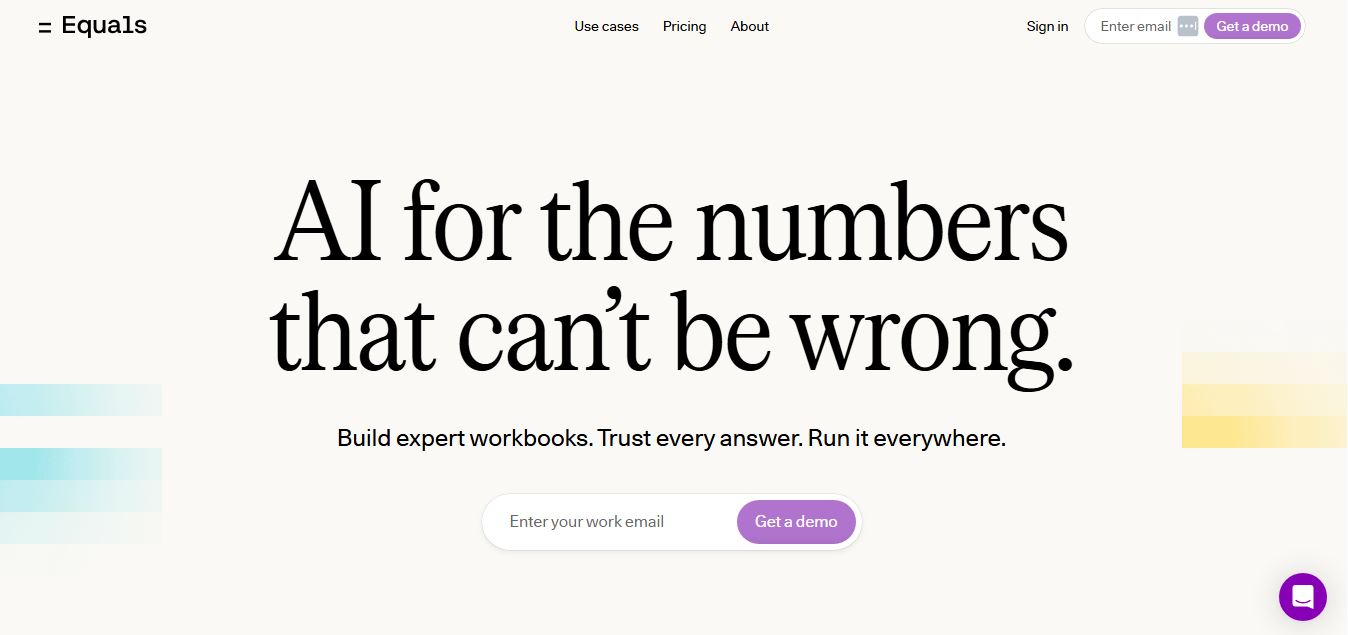
Equals is an AI-powered spreadsheet and GTM analytics platform that helps teams connect live data, build dashboards, and answer business questions using natural language. It combines a managed data warehouse, spreadsheet, and AI analyst, enabling faster, reliable insights without SQL or complex data tools.
 4.9
4.9Google Sheets
Spreadsheets
Google Sheets is a cloud-based spreadsheet tool that helps users create, edit, and collaborate on data in real time. It supports formulas, charts, automation, and integrations with Google Workspace, enabling teams to manage data, analyze information, and build workflows from anywhere with shared access.
 4.9
4.9Row Zero
Spreadsheets
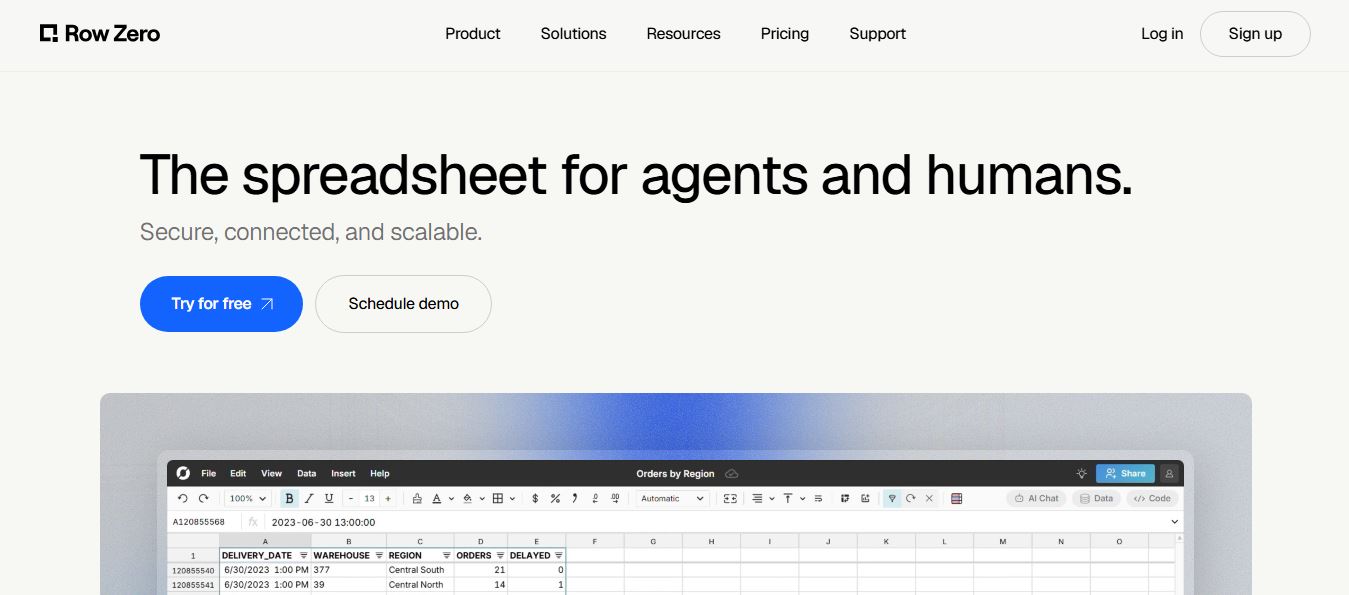
Row Zero is an AI-powered cloud spreadsheet platform that helps teams analyze massive datasets using familiar spreadsheet workflows. It connects directly to data warehouses, auto-updates live data, and scales to billions of rows, enabling fast, secure, and collaborative data analysis without traditional spreadsheet limitations.
 4.9
4.9Grist AI Spreadsheet Generator
Spreadsheets
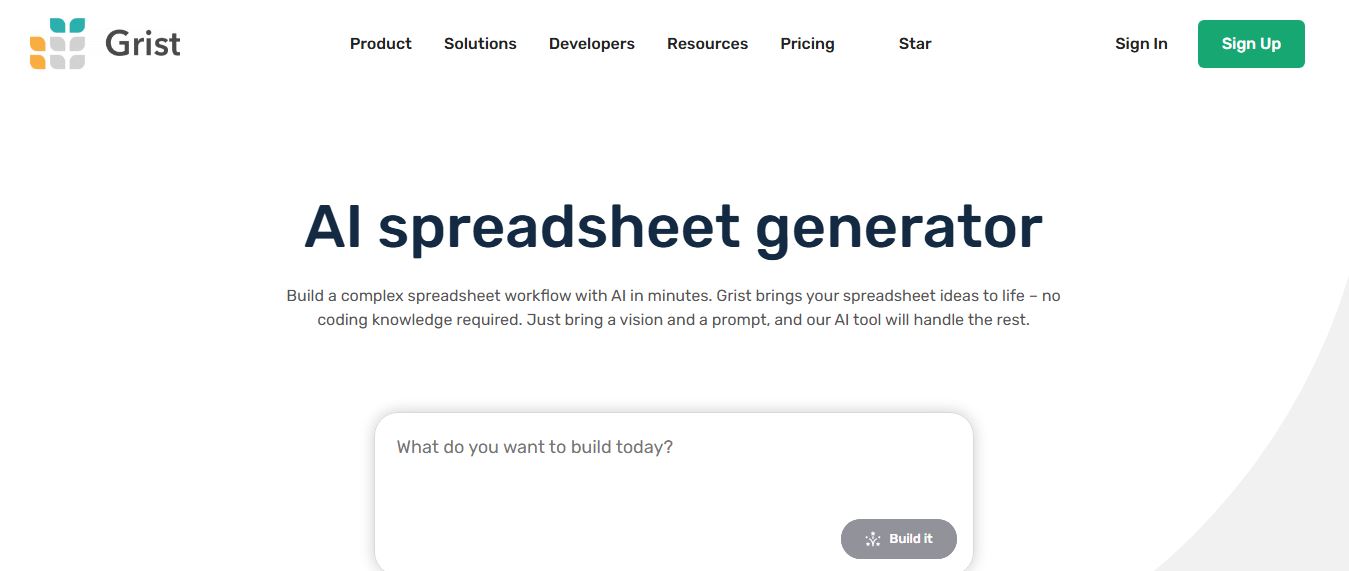
Grist AI Spreadsheet Generator (getgrist.com/ai/spreadsheet-generator/) is an open-source, relational AI spreadsheet and custom application builder that turns text prompts into structured relational databases, Python formulas, dashboards, and access rules via an in-product AI Assistant and Model Context Protocol (MCP).
 4.9
4.9Microsoft Excel
Spreadsheets
Microsoft Excel AI (Copilot for Excel) is an AI-powered assistant that helps users analyze data, write formulas, create charts, and generate insights using natural language. It automates complex tasks, highlights trends, and builds reports, enabling faster, data-driven decisions directly within Excel workflows.
 4.9
4.9Coefficient
Spreadsheets
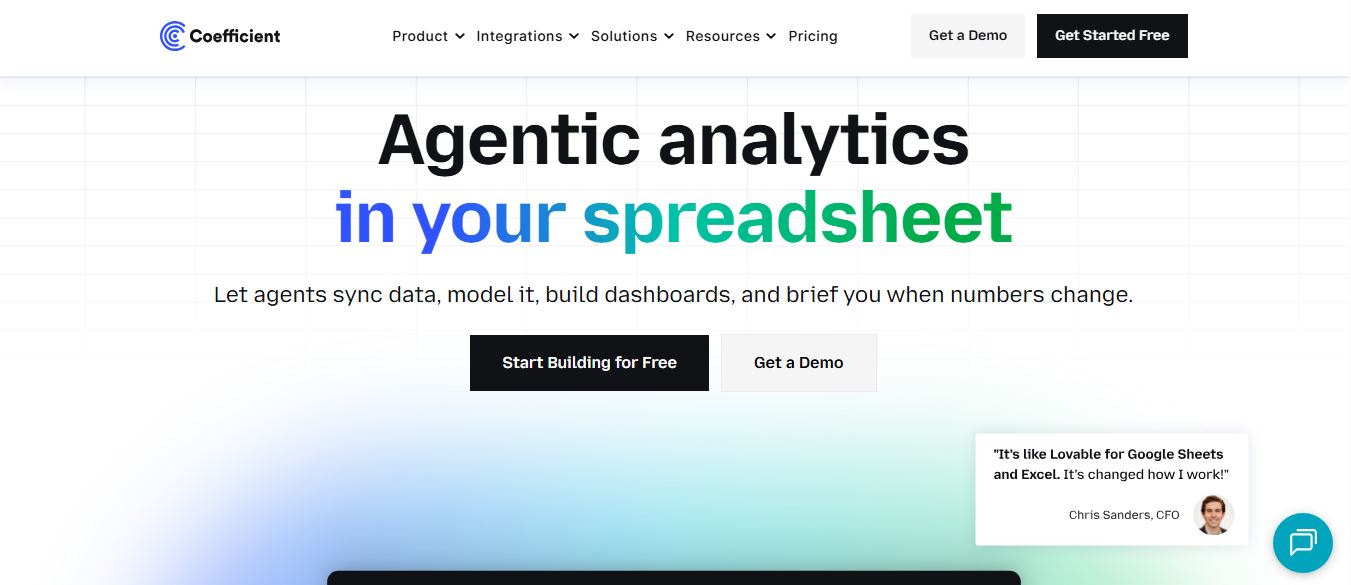
Coefficient is an AI-powered spreadsheet automation platform that connects live data from tools like Salesforce, HubSpot, and databases directly into Google Sheets and Excel. It enables real-time reporting, automated refreshes, and AI-driven analysis, helping teams build dashboards and workflows without manual exports or coding.
 4.9
4.9SheetGPT
Spreadsheets
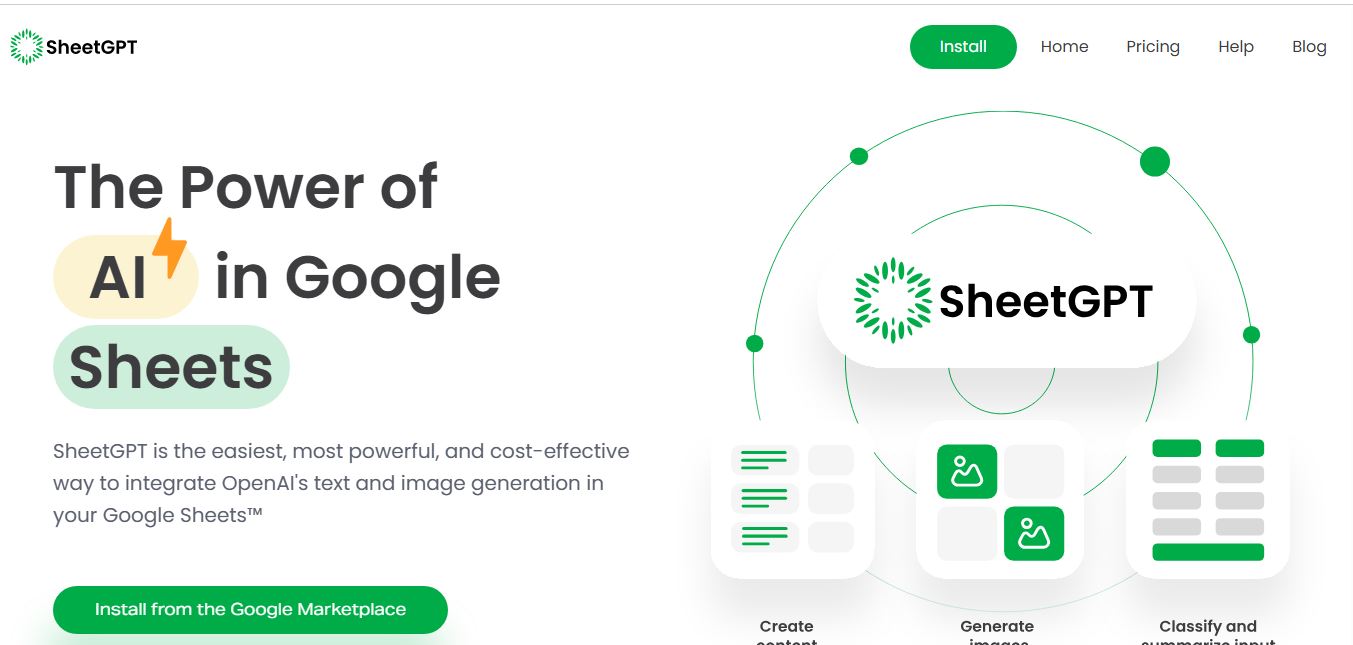
SheetGPT is an AI-powered Google Sheets add-on that helps users generate content, analyze data, and automate tasks using simple formulas like =GPT(). It integrates models like ChatGPT, Claude, and Gemini, enabling faster workflows for summarization, translation, classification, and large-scale spreadsheet operations.
 4.9
4.9GPT for Work
Spreadsheets
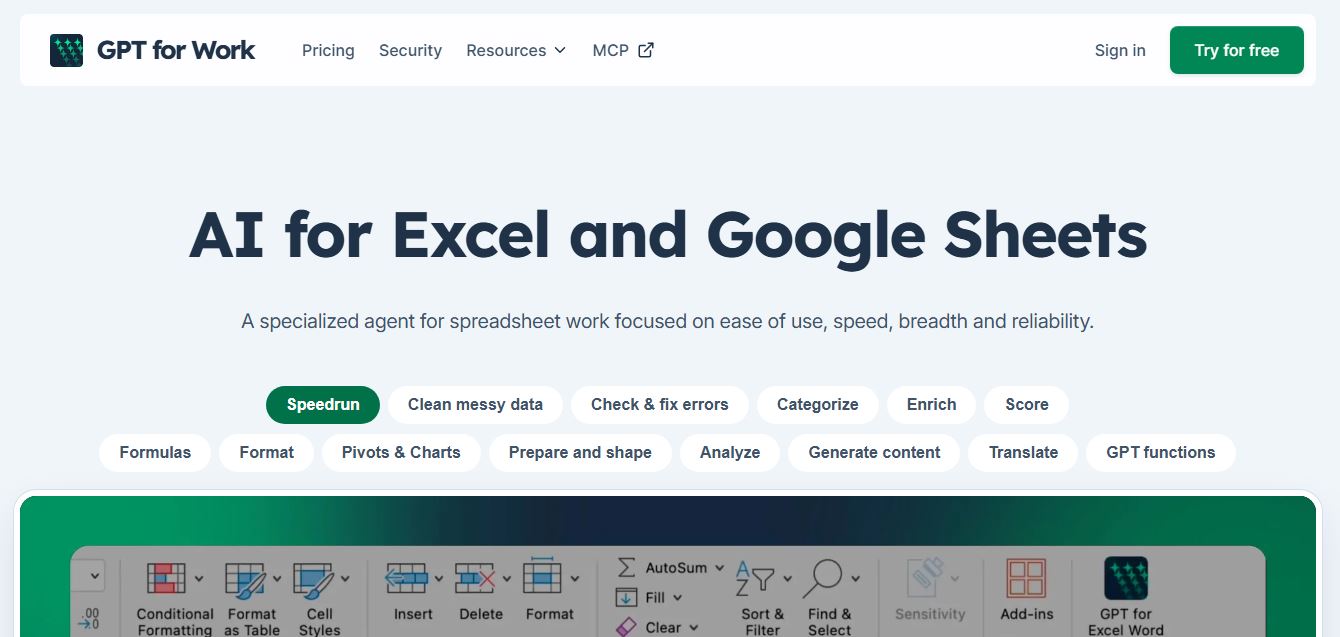
GPT for Work is an AI-powered spreadsheet assistant that helps users automate tasks in Excel and Google Sheets using natural language. It writes formulas, cleans data, generates content, and processes thousands of rows in bulk, enabling faster analysis, workflow automation, and data-driven decision-making.
 4.9
4.9Numerous AI
Spreadsheets
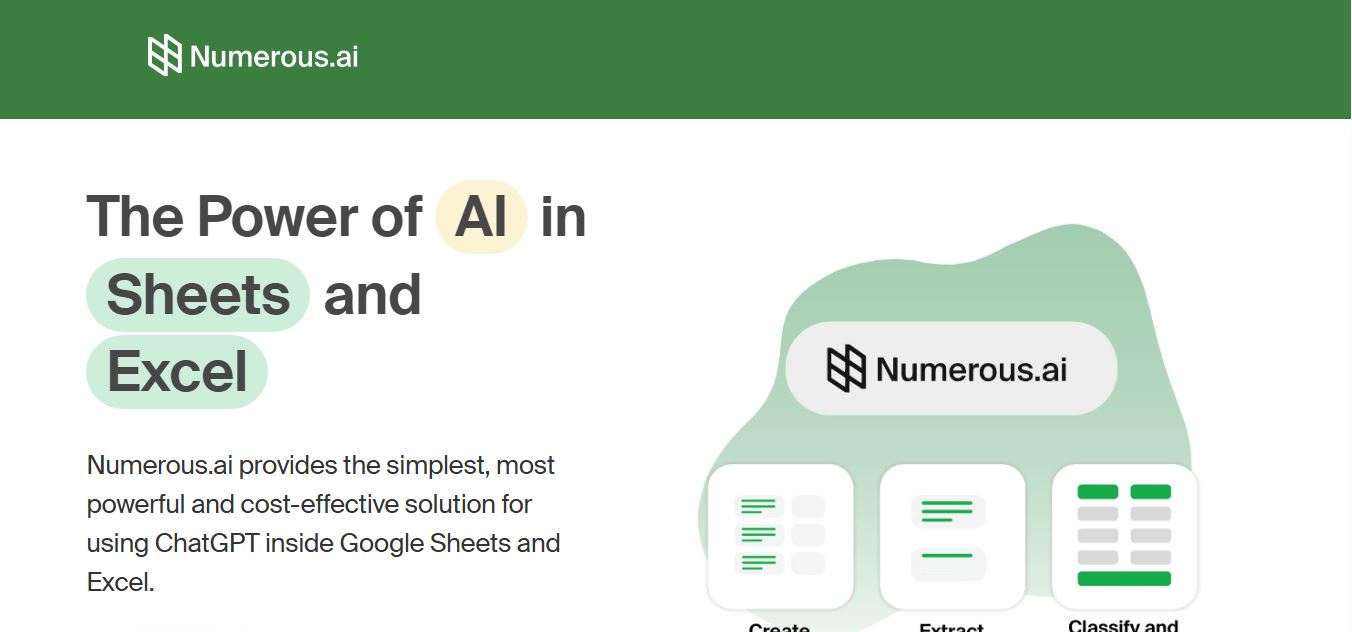
Numerous.ai is an AI-powered spreadsheet automation tool that helps users generate content, write formulas, clean data, and analyze information directly in Google Sheets and Excel. It uses simple functions like =AI() to automate repetitive tasks, enabling faster workflows, bulk processing, and data-driven decision-making.