
GPT Excel
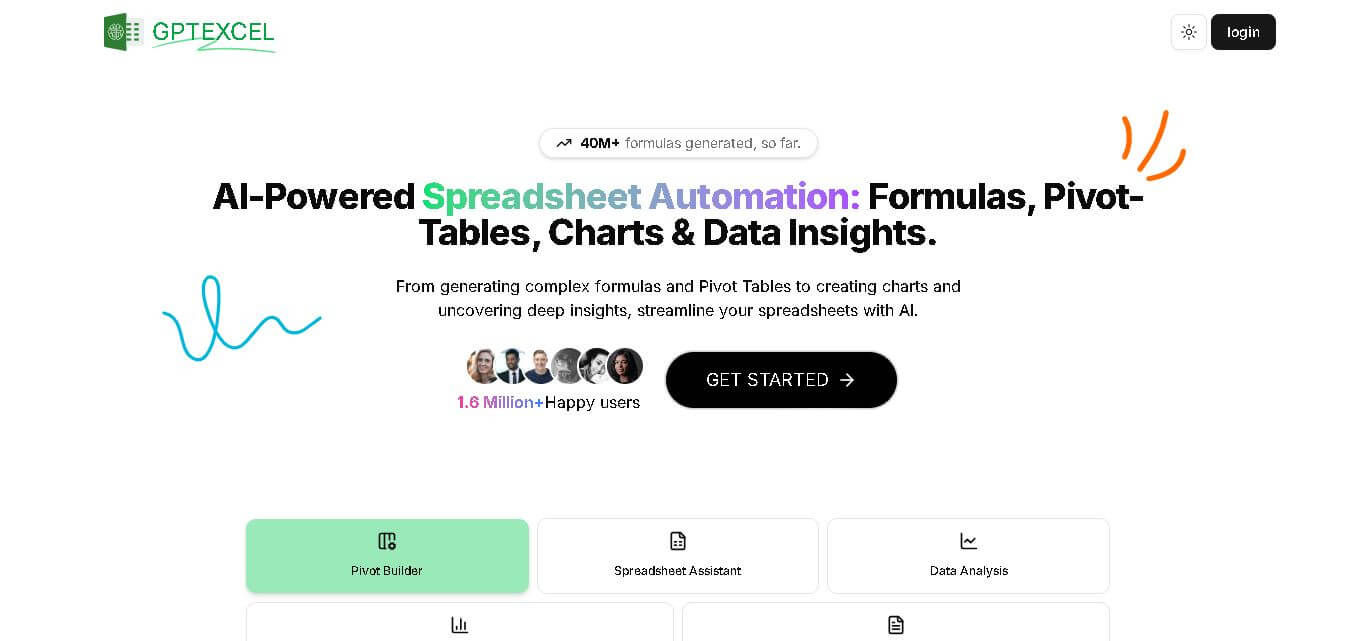
GPTExcel helps simplify everyday spreadsheet work by generating formulas, scripts, SQL queries, templates, charts, and data insights. Users can work with Excel, Google Sheets, LibreOffice Calc, and Airtable while interacting with spreadsheet files through chat. It is designed for professionals, analysts, students, and businesses seeking faster spreadsheet workflows.
What is GPT Excel?
GPTExcel is a spreadsheet productivity tool that helps users create formulas, understand spreadsheet logic, automate repetitive tasks, analyze data, and generate useful spreadsheet outputs. It supports Microsoft Excel, Google Sheets, LibreOffice Calc, and Airtable and also provides tools for SQL queries, VBA and Apps Script generation, regex creation, pivot tables, charts, and data insights. Users can also interact with uploaded spreadsheet files through chat and convert table images into editable spreadsheets.
GPTExcel has generated more than 40 million formulas and reports over 1.6 million users. It supports 4 major spreadsheet environments: Excel, Google Sheets, LibreOffice Calc, and Airtable. The platform understands 50+ languages and supports Excel and CSV data analysis. Its free plan includes 10 AI chat messages, 4 tool uses, and files up to 5MB, while paid plans increase usage and upload limits.
- Core Purpose: AI-powered spreadsheet formula generation, script creation, SQL query builder, and data analysis assistant
- Supported Platforms: Microsoft Excel, Google Sheets, Airtable, LibreOffice Calc, and SQL databases
- Key AI Capabilities: Natural language formula creation, step-by-step formula explanations, script generation (VBA, Apps Script, Airtable Scripts), pivot table building, OCR image-to-table conversion, interactive file chat, and automated report creation
Use Cases:
- Generating complex nested formulas (INDEX/MATCH, VLOOKUP, XLOOKUP, ARRAYFORMULA) from plain text descriptions
- Understanding and troubleshooting confusing legacy formulas created by colleagues
- Writing Google Apps Script, Excel VBA, or Airtable Script to automate repetitive manual entry or bulk file updates
- Crafting and debugging SQL queries across multi-table databases
- Uploading image files containing tables to convert static screenshots into editable Excel spreadsheets
- Chatting with uploaded CSV/XLSX files to answer questions, spot data trends, build charts, and generate summary reports
Technology:
- Advanced Large Language Models (LLMs) tuned for code and formula logic generation
- OCR (Optical Character Recognition) vision models for image-to-table extraction
- Conversational data analytics engines capable of reading 50MB+ spreadsheet files
Target Users:
- Financial analysts, accountants, data analysts, supply chain managers, marketers, administrative professionals, and developers who work with spreadsheets or databases
Acquisition: Self-serve web application accessible at gptexcel.uk

What are the key features of GPT Excel?
GPT Excel provides a comprehensive toolset for spreadsheet and database management, including
- Formula Generator & Explainer: Instantly convert plain English descriptions into complex formulas for Excel, Google Sheets, Airtable, and LibreOffice
- Script Generator AI: Automatically write macro automation scripts in VBA (Excel), Apps Script (Google Workspace), or JavaScript (Airtable)
- SQL Query & Regex Builder: Generate, modify, and troubleshoot SQL statements and regular expressions without manual syntax coding
- AI Pivot Table & Chart Builder: Construct pivot summaries, graphs, and visual charts through simple prompts
- Interactive Excel Chat: Upload CSV or Excel files to directly ask questions about data, highlight trends, and generate insights
- Image to Table Converter: OCR tool that extracts tables from photos or screenshots and exports them directly into editable spreadsheets
- Template Generator: AI-generated custom table templates for tracking budgets, projects, schedules, and workflows
How much does GPT Excel cost?
GPT Excel offers a freemium model with free access and paid tiers depending on usage limits
Pricing Tiers:
- Free Plan ($0/mo): Includes up to 10 AI chat messages refreshed every 30 days, up to 4 tool usages refreshed every 12 hours, and 5MB file uploads (up to 5 files per chat)
- Pro Plan ($6.30/mo billed annually or $9/mo billed monthly): Includes up to 3,000 AI Chat messages per month, 3,000 tool usages per month, and 50MB file uploads (up to 10 files per chat)
- Pro Plus Plan ($12.60/mo billed annually or $18/mo billed monthly): Designed for heavy users with up to 10,000 AI Chat messages per month, 10,000 tool usages per month, and 100MB file uploads (up to 15 files per chat)
Who should use GPT Excel?
GPT Excel is ideal for professionals seeking to boost productivity when working with data, including
- Non-Technical Business Users: Who need complex spreadsheet formulas or pivot tables without learning advanced syntax
- Financial Analysts & Accountants: Who need quick data summary reports, trend analyses, and macro automation
- Developers & Database Admins: Who want to generate SQL queries or script automations rapidly
What are the best alternatives to GPT Excel?
Top competitive alternatives to GPT Excel include
- Formula Bot
- SheetPlus.ai
- Microsoft Copilot for Excel
- Equals.app
- Julius AI
What are the pros and cons of GPT Excel?
What are the pros of GPT Excel?
- Multi-platform support spanning Excel, Google Sheets, Airtable, SQL, and Regex
- Comprehensive feature set beyond formulas (includes VBA/Apps Script, OCR image conversion, charts, and file chat)
- Generous free plan with no credit card required
- Supports over 50 languages for input prompts
What are the cons of GPT Excel?
- Free tier caps tool usage to 4 requests every 12 hours
- Requires copying and pasting generated scripts/formulas into target spreadsheets unless using file upload features
Why should you choose GPT Excel?
Writing complex formulas or building macros manually can waste hours. GPT Excel provides an all-in-one assistant that handles everything from basic formula generation to script writing, database queries, and data visualization. It allows teams to save time, reduce syntax errors, and unlock deeper data insights without deep coding experience
How does GPT Excel compare to competitors?
While standalone tools focus purely on formula generation (like simple lookup helpers), GPT Excel offers a broader, multi-functional ecosystem that combines formulas, VBA/Apps Script generation, SQL query creation, and OCR table extraction in one dashboard
| Feature / Platform | GPT Excel | Formula Bot | Microsoft Copilot | Julius AI |
|---|---|---|---|---|
| Formula & Script Generation | Excel, Sheets, Airtable, VBA, Apps Script | Excel, Sheets, SQL | Excel only | Code/Python-based |
| SQL & Regex Generation | Yes | Yes | No | Yes |
| Image-to-Table OCR | Yes | Limited | Yes | Yes |
| Free Tier Available | Yes (no credit card needed) | Yes | No (Requires M365 license) | Yes |
How do we rate GPT Excel?
| Parameter | Rating (out of 5) |
|---|---|
| Formula & Script Accuracy | 4.8 |
| Feature Versatility (Scripts, SQL, OCR) | 4.9 |
| Ease of Use & UI | 4.8 |
| Pricing & Value for Money | 4.7 |
| Overall Score | 4.8 |
What is our review and verdict on GPT Excel?
GPT Excel is a top-tier spreadsheet productivity tool. By covering formulas, automation scripts, SQL queries, regex, and OCR image conversion, it eliminates manual formula writing and significantly speeds up spreadsheet workflows for non-programmers and experts alike.
Conclusion
GPTExcel brings formula generation, spreadsheet automation, data analysis, visualization, and file interaction into one workflow. Its support for Excel, Google Sheets, LibreOffice Calc, and Airtable makes it applicable across different spreadsheet environments. With formula assistance, scripts, SQL, regex, charts, templates, and spreadsheet chat, GPTExcel can help reduce repetitive work while making complex spreadsheet tasks more approachable. Users should still verify generated formulas, scripts, and insights before relying on them for important decisions.
FAQ
What is GPTExcel used for?
GPTExcel is useful when you need help with spreadsheet formulas, data analysis, automation, or repetitive Excel tasks. You can generate formulas, VBA or Apps Scripts, SQL queries, regex patterns, templates, charts, and reports. It also allows you to chat with spreadsheet files, making it easier to understand and work with complex data.
Can GPTExcel generate Excel formulas?
Yes, GPTExcel can generate formulas based on natural-language instructions. Instead of manually searching for the correct Excel function or combining multiple functions, you can describe what you want to calculate. GPTExcel generates a suitable formula that you can review and use in your spreadsheet. It also supports formula explanations for easier understanding.
Does GPTExcel work with Google Sheets?
Yes, GPTExcel supports Google Sheets alongside Microsoft Excel. You can use its formula assistant to create and understand spreadsheet formulas, while its script-generation capabilities can help create Google Apps Scripts for automation. This makes GPTExcel useful if your workflow moves between Excel and Google Sheets or relies primarily on Google's spreadsheet environment.
Can GPTExcel analyze Excel files?
Yes, GPTExcel can analyze uploaded Excel and CSV files. Its data-analysis features are designed to identify trends, summarize important metrics, and provide insights from spreadsheet data. It can also create brief reports based on findings, helping users turn raw spreadsheet information into easier-to-understand summaries and actionable observations.
Can I chat with my Excel file using GPTExcel?
Yes, GPTExcel includes a chat feature that lets you interact with your Excel file conversationally. You can ask questions about your data, request explanations, or look for insights and recommendations. This can be particularly useful when working with large or complicated spreadsheets where manually searching through rows and formulas takes considerable time.
Does GPTExcel create charts and graphs?
Yes, GPTExcel can generate charts and graphs from your data. This feature helps transform spreadsheet information into visual representations that can make trends, comparisons, and patterns easier to understand. For users preparing reports or presentations, automated chart generation can reduce the time required to manually organize spreadsheet data into visual formats.
User Reviews
No reviews yet for GPT Excel.
Featured Tools
Featured AI tools from TechShark

Melody Genie
MelodyGenie is an AI-powered music generator that creates original songs from simple text prompts. Users can choose styles, moods, and genres, then instantly generate melodies and full tracks, making it easy for creators, marketers, and hobbyists to produce custom music without musical expertise.
Freemium

Kimi AI
Kimi AI is an advanced AI assistant developed by Moonshot AI that helps you chat, research, write, code, and automate tasks in one place. It supports web search, file analysis, and multimodal inputs, and can even run autonomous “agent” workflows to complete complex tasks end-to-end.
Freemium

Fashion Diffusion AI
Fashion Diffusion is an AI-powered fashion design platform that helps brands and designers create clothing designs, virtual try-ons, AI models, product photos, and marketing visuals faster and cost-effectively.
Paid

Veo 4
Veo 4 AI is an AI video creation platform that generates dramatic videos from text, images, audio, and video prompts using realistic motion and synchronized sound.
Paid
Alternatives
Alternatives to GPT Excel
Top alternatives to GPT Excel include Formula Bot, SheetPlus.ai, Microsoft Copilot for Excel, Equals.app, and Julius AI.
 4.9
4.9Equals
Spreadsheets
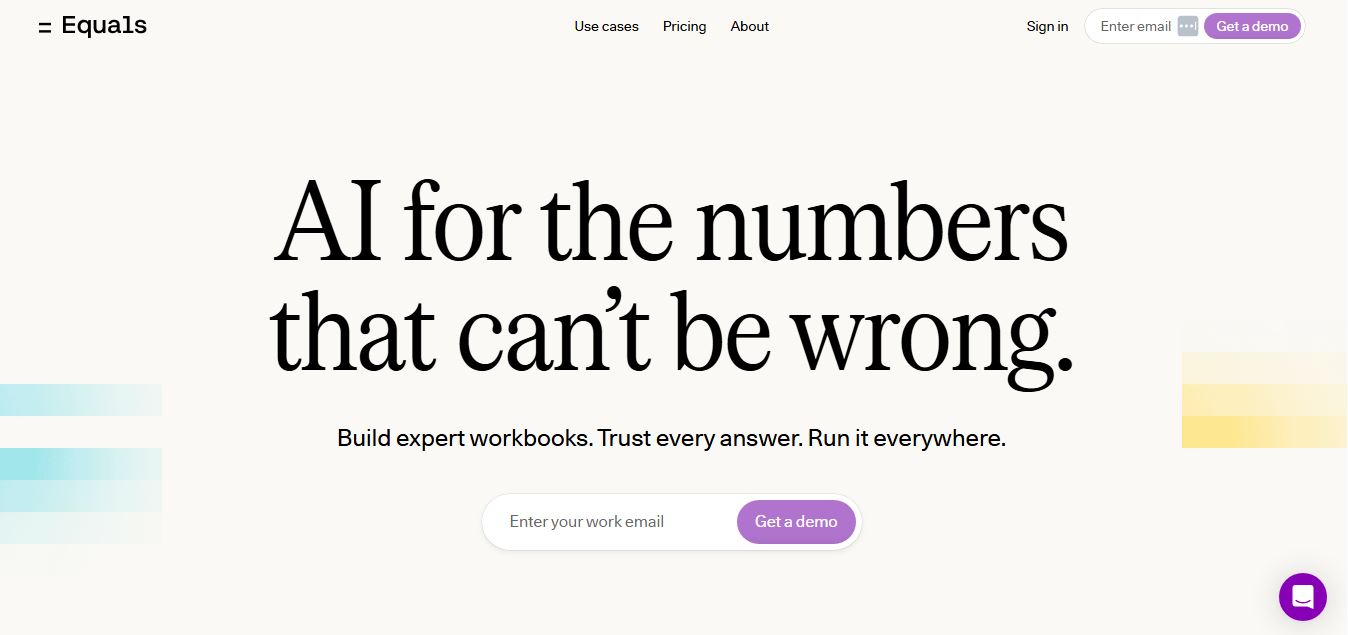
Equals is an AI-powered spreadsheet and GTM analytics platform that helps teams connect live data, build dashboards, and answer business questions using natural language. It combines a managed data warehouse, spreadsheet, and AI analyst, enabling faster, reliable insights without SQL or complex data tools.
 4.9
4.9Google Sheets
Spreadsheets
Google Sheets is a cloud-based spreadsheet tool that helps users create, edit, and collaborate on data in real time. It supports formulas, charts, automation, and integrations with Google Workspace, enabling teams to manage data, analyze information, and build workflows from anywhere with shared access.
 4.9
4.9Row Zero
Spreadsheets
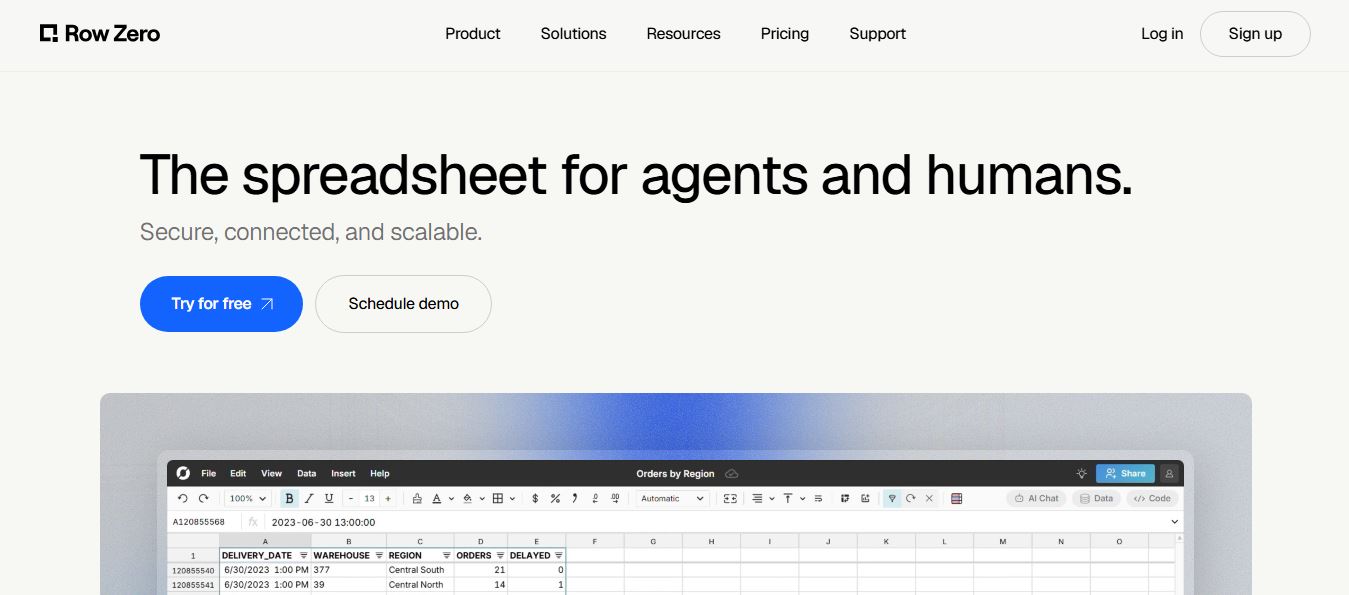
Row Zero is an AI-powered cloud spreadsheet platform that helps teams analyze massive datasets using familiar spreadsheet workflows. It connects directly to data warehouses, auto-updates live data, and scales to billions of rows, enabling fast, secure, and collaborative data analysis without traditional spreadsheet limitations.
 4.9
4.9Grist AI Spreadsheet Generator
Spreadsheets
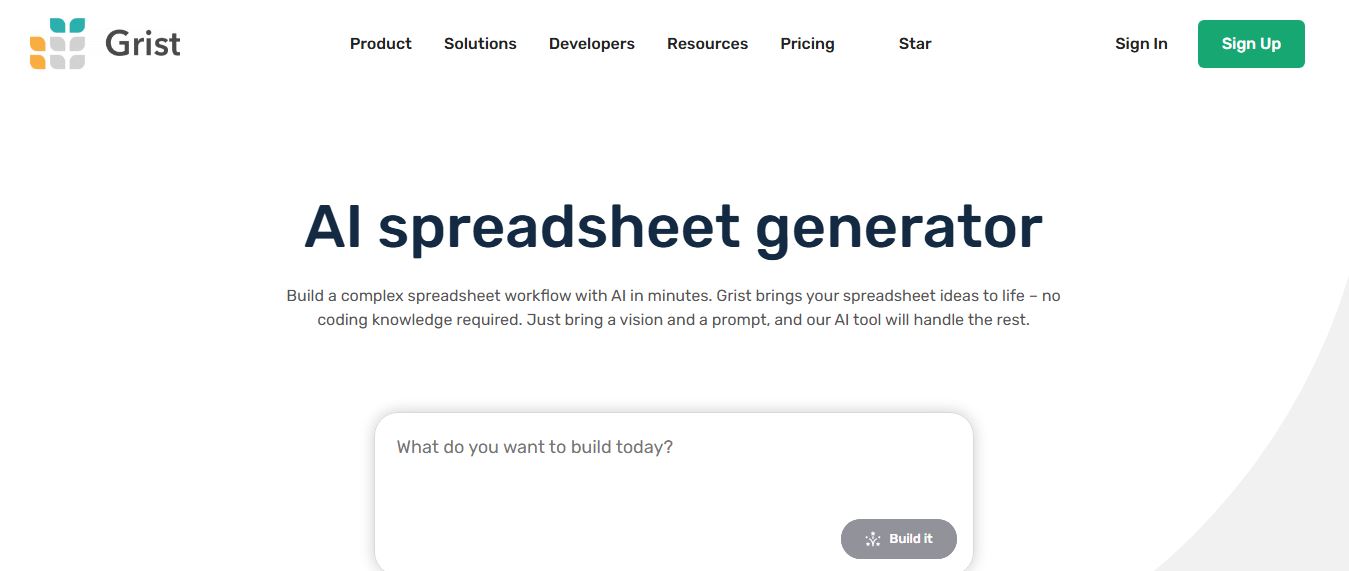
Grist AI Spreadsheet Generator (getgrist.com/ai/spreadsheet-generator/) is an open-source, relational AI spreadsheet and custom application builder that turns text prompts into structured relational databases, Python formulas, dashboards, and access rules via an in-product AI Assistant and Model Context Protocol (MCP).
 4.9
4.9Shortcut AI
Spreadsheets
Shortcut AI is an AI-powered Excel agent that helps finance teams build financial models, analyze data, and automate complex spreadsheet workflows using natural language. It generates formulas, structures reports, and processes data with high accuracy, enabling faster decision-making and reducing manual analysis work.
 4.9
4.9Microsoft Excel
Spreadsheets
Microsoft Excel AI (Copilot for Excel) is an AI-powered assistant that helps users analyze data, write formulas, create charts, and generate insights using natural language. It automates complex tasks, highlights trends, and builds reports, enabling faster, data-driven decisions directly within Excel workflows.
 4.9
4.9Coefficient
Spreadsheets
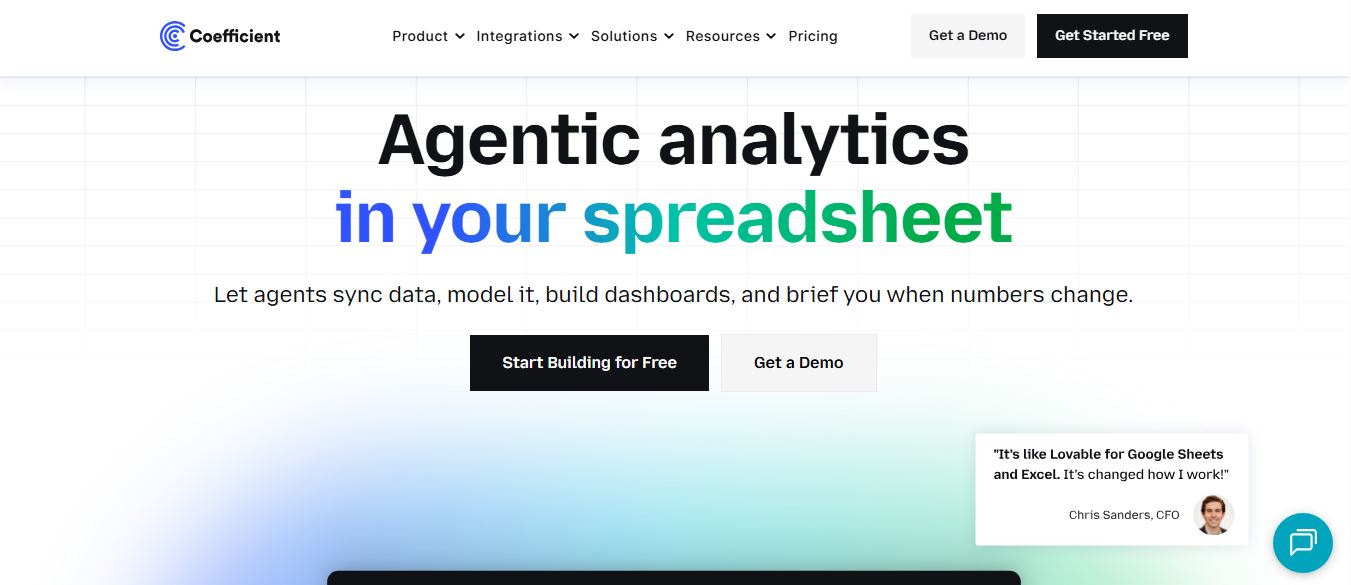
Coefficient is an AI-powered spreadsheet automation platform that connects live data from tools like Salesforce, HubSpot, and databases directly into Google Sheets and Excel. It enables real-time reporting, automated refreshes, and AI-driven analysis, helping teams build dashboards and workflows without manual exports or coding.
 4.9
4.9SheetGPT
Spreadsheets
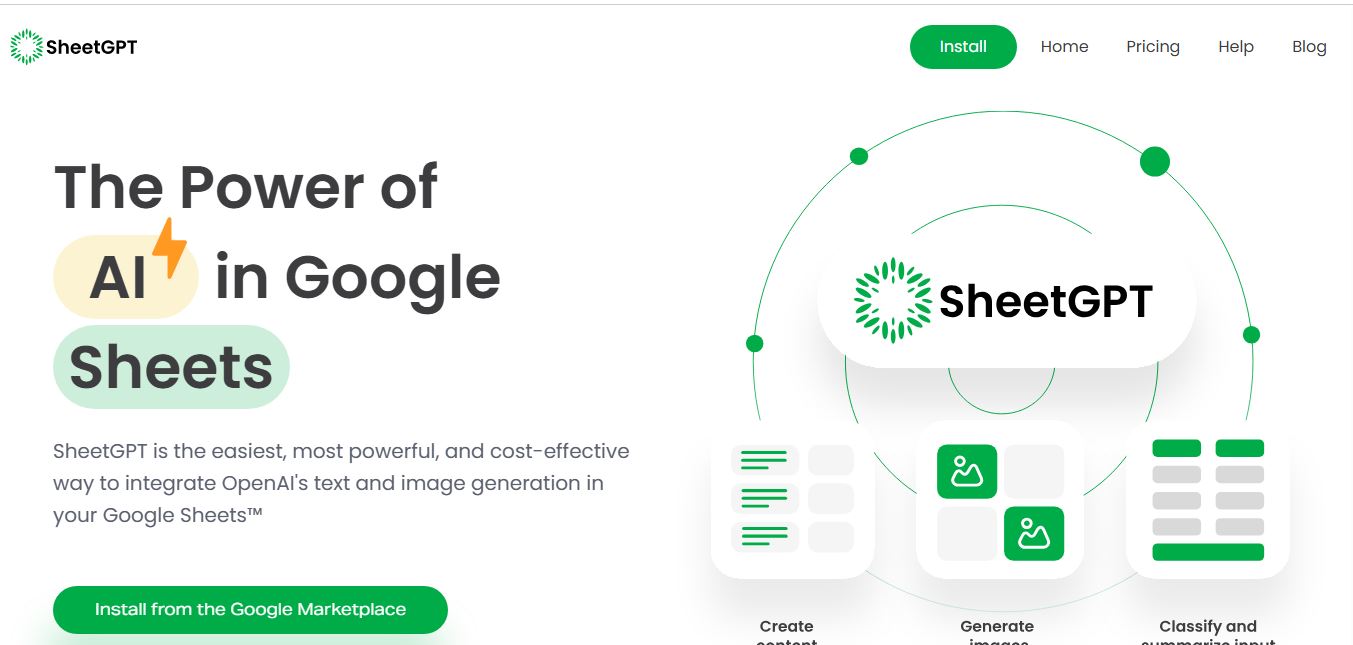
SheetGPT is an AI-powered Google Sheets add-on that helps users generate content, analyze data, and automate tasks using simple formulas like =GPT(). It integrates models like ChatGPT, Claude, and Gemini, enabling faster workflows for summarization, translation, classification, and large-scale spreadsheet operations.
 4.9
4.9GPT for Work
Spreadsheets
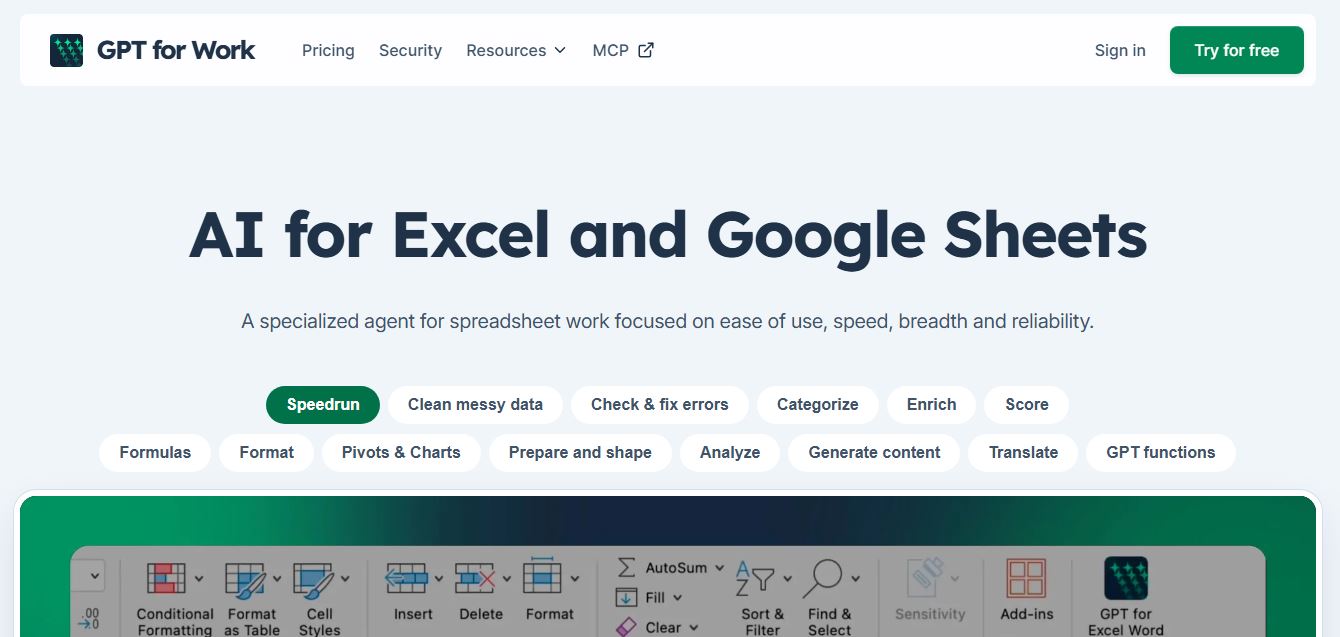
GPT for Work is an AI-powered spreadsheet assistant that helps users automate tasks in Excel and Google Sheets using natural language. It writes formulas, cleans data, generates content, and processes thousands of rows in bulk, enabling faster analysis, workflow automation, and data-driven decision-making.