
GPT for Work
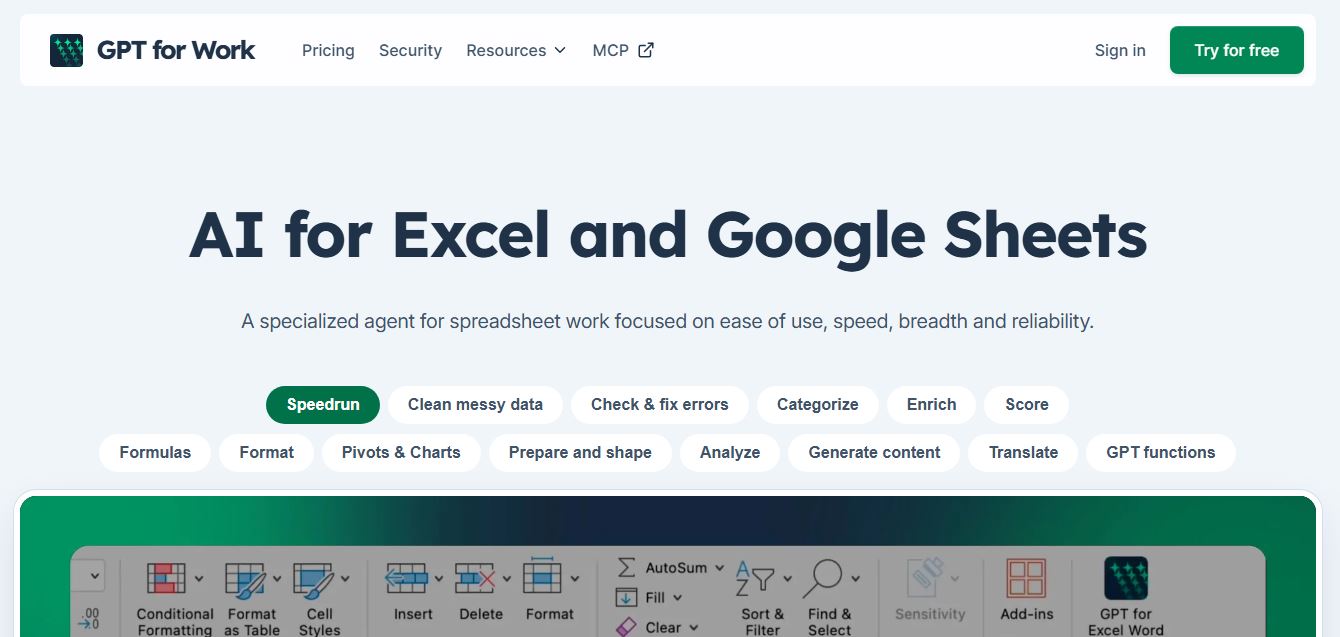
GPT for Work is an AI-powered spreadsheet assistant that helps users automate tasks in Excel and Google Sheets using natural language. It writes formulas, cleans data, generates content, and processes thousands of rows in bulk, enabling faster analysis, workflow automation, and data-driven decision-making.
What is GPT for Work?
GPT for Work is an AI productivity tool that integrates ChatGPT directly into Google Sheets, Excel, Docs, and Gmail to help users automate writing, data analysis, and repetitive tasks. It allows users to generate content, clean and transform data, summarize information, and perform bulk operations using simple prompts within their existing workflows. Designed for professionals, marketers, and analysts, it helps save time, improve accuracy, and scale tasks efficiently without needing advanced technical skills or switching between tools.
Developed by Talarian (the Paris-based independent software company behind Yet Another Mail Merge and Awesome Table, led by CEO Stanislas Marion), GPT for Work is trusted by over 7 million installations and certified under ISO 27001. The suite comprises GPT for Sheets, GPT for Excel, and the Autosheet MCP (Model Context Protocol), enabling users to interact with spreadsheets directly from Claude or ChatGPT. By providing custom spreadsheet functions—such as =GPT(), =GPT_FILL(), =GPT_EXTRACT(), and =GPT_TRANSLATE()—alongside autonomous multi-agent sidebars, GPT for Work turns ordinary spreadsheet workbooks into powerful automated data extraction and enrichment pipelines.
- Developer / Company: Talarian (Paris, France & Global; founded by Stanislas Marion)
- Evolution / Launch: Built upon Talarian's decade-long spreadsheet plugin expertise (since 2015); expanded through 2023–2026 into a full AI spreadsheet suite with Autosheet MCP server integration, Azure OpenAI private endpoints, team workspaces, and multi-model LLM support
Use Cases:
- Applying a single generative prompt across thousands of rows to categorize user feedback, extract structured entities, or tag product catalogs
- Conducting row-by-row automated web research to enrich company profiles, verify domains, and retrieve up-to-date business intelligence with linked sources
- Cleaning and standardizing messy datasets by fixing inconsistent names, formatting dates, stripping phone number delimiters, and deduping rows
- Writing, checking, and troubleshooting complex Excel and Google Sheets formulas using plain-English conversational prompts in the agent sidebar
Technology:
- Multi-model routing architecture supporting OpenAI GPT models, Anthropic Claude, Google Gemini, and custom enterprise Azure OpenAI endpoints
- Autosheet Model Context Protocol (MCP) server enabling conversational IDE and LLM clients (Claude Desktop, ChatGPT) to read and manipulate live sheets
- Optimized batch execution pipelines capable of parallelizing API calls to process tens of thousands of spreadsheet rows without crashing browser tabs
Target Users:
- Programmatic SEO specialists and content teams generating meta titles, descriptions, and localized copy in bulk
- E-commerce catalog managers enriching product attributes, translating listings into 12+ languages, and classifying supplier feeds
- Growth marketers and sales development reps (SDRs) enriching prospect lead lists with live web scraping and verification
- Content creators using writing tools to draft programmatic content briefs, ad variants, and multichannel marketing templates
Corporate Entity: Operates as Talarian SAS (Paris, France & Global)

Key features of GPT for Work
GPT for Work's key features are
- Comprehensive In-Cell Formula Suite: Use custom formula functions including =GPT(), =GPT_EXTRACT(), =GPT_TRANSLATE(), =GPT_SPLIT(), and =GPT_TAG() directly in any cell.
- Few-Shot Learning with =GPT_FILL(): Provide a couple of finished row examples and let GPT_FILL infer the pattern and populate thousands of remaining entries automatically.
- Interactive Spreadsheet Agent: Conversational sidebar agent that cleans messy columns, restructures tables, analyzes trends, and fixes broken formulas using natural language.
- Row-by-Row Live Web Research: Perform live web searches directly within your spreadsheet to fill missing company information, executive profiles, and market data with verifiable sources.
- Autosheet MCP Integration: Connect external AI clients like Claude Desktop or ChatGPT directly to your active sheets via the Model Context Protocol to execute sheet manipulations.
- Multi-LLM Selection & BYOK: Switch between frontier models (OpenAI GPT, Claude, Gemini) or configure your own API keys and private Azure OpenAI endpoints.
- Bulk Processing Engine: Purpose-built for high-speed bulk execution, enabling seamless processing of large-scale datasets across hundreds of thousands of rows.
- Enterprise Security (ISO 27001): Enterprise-grade security standards with encrypted data pipelines, SAML SSO, and strict non-training guarantees for customer data.
GPT for Work Pricing
GPT for Work offers a free trial with complimentary usage credits alongside transparent monthly subscriptions with built-in usage allowances and optional extra usage top-ups.
Free Trial:
- $0 / Free trial
- Includes free initial usage credits upon installation, access to core spreadsheet agent tools and bulk GPT functions, with no credit card required to start
Standard Plan (Individual):
- $25.00 / month
- Includes access to either GPT for Sheets or GPT for Excel, $25.00 of monthly model usage included, agent sidebar, bulk tools and formula functions, large choice of AI models, detailed usage reporting, and Autosheet MCP access (Google Sheets)
Business Plan (Teams):
- $45.00 / seat / month
- Includes everything in Standard plus $25.00 usage included per seat, shared extra usage pools, team management, centralized billing and limits, centralized AI model configurations, Bring Your Own API Key (BYOK) support, and custom AI/Azure endpoints
Enterprise Tier:
- Custom quote pricing for large corporate deployments
- Includes all Business features plus enforced Bring Your Own AI, SAML SSO, non-standard contractual terms, guided team training, high-priority support, and custom SLAs
Disclaimer: Prices are listed in USD. Legacy spaces remain on pay-as-you-go credit billing, while new spaces operate on predictable monthly subscription quotas ($25 included usage per seat). Unused included usage does not roll over. Visit gptforwork.com/pricing for active plans.
Who is using GPT for Work?
GPT for Work is designed for data teams, marketers, and operations professionals, including
- Programmatic SEO & Growth Leads: Writing meta descriptions, formatting keyword datasets, clustering search intent, and translating multi-region landing page copies
- E-Commerce Merchandisers & Resellers: Generating bullet points, translating catalog titles into 12+ languages, and categorizing supplier feeds in bulk
- Sales Development & RevOps Teams: Enriching prospect spreadsheets with company details, LinkedIn profiles, and company summaries gathered via live web search
- Data Analysts & Operations Managers: Standardizing messy addresses, extracting specific entities from freeform text, and categorizing survey feedback
- Content Creators: Using writing tools to draft programmatic content briefs, ad variants, and multichannel marketing templates
- Financial Analysts & Accountants: Troubleshooting complex formulas and restructuring tabular workbooks using the agent sidebar
Best GPT for Work Alternatives
Some of the strongest GPT for Work alternatives include
- Numerous.ai
- Formula Bot
- SheetGPT
- Ajelix
- Coefficient
- Equals
Pros and Cons of GPT for Work
Pros
- Engineered specifically for large-scale bulk processing across hundreds of thousands of rows without crashing
- Comprehensive custom formula suite (=GPT, =GPT_FILL, =GPT_EXTRACT) allows complete control within cell calculations
- Autosheet MCP support connects external clients like Claude Desktop and ChatGPT directly to live spreadsheets
- Supports multi-model flexibility (OpenAI, Claude, Gemini) and enterprise Bring Your Own API Key (BYOK) options
- Backed by Talarian’s proven track record of 7M+ installs and ISO 27001 data security compliance
Cons
- Subscription entry price ($25/month) is higher than lightweight individual formula tools like Formula Bot ($9/mo)
- Standard individual subscriptions provide access to either Google Sheets OR Excel, requiring separate configurations or upgrades for multi-platform use
- Unused monthly included usage credits ($25/month allocation) do not roll over to subsequent months
- Large batch web searches across thousands of rows can take time depending on target website scraping latencies
Why Choose GPT for Work?
GPT for Work is the premier choice for organizations and power users who need an enterprise-grade AI spreadsheet copilot designed for high-volume bulk processing, multi-LLM support, and modern MCP server connectivity.
- Automate repetitive spreadsheet grunt work across hundreds of thousands of rows
- Use powerful custom formulas like =GPT(), =GPT_FILL(), and =GPT_EXTRACT() directly in cells
- Connect spreadsheets to Claude and ChatGPT using the Autosheet Model Context Protocol (MCP)
- Enrich lead lists and product databases with live row-by-row web research
- Rely on ISO 27001-certified infrastructure trusted by over 7 million installations worldwide
GPT for Work vs. Competitors
The main difference between GPT for Work, Numerous.ai, Formula Bot, and SheetGPT is that GPT for Work is engineered for massive enterprise bulk processing and multi-LLM flexibility (OpenAI, Claude, Gemini, Azure) featuring Autosheet MCP server integration and ISO 27001 certification, whereas Numerous.ai specializes in simple in-cell copywriting and few-shot pattern matching for smaller business catalogs, Formula Bot emphasizes conversational formula generation and data preparation, and SheetGPT is a lightweight Sheets-only pay-as-you-go utility. GPT for Work stands out for its high-volume throughput, enterprise security compliance, and MCP connectivity.
| Feature / Tool | GPT for Work (Talarian) | Numerous.ai | Formula Bot | SheetGPT |
|---|---|---|---|---|
| Core Focus | Enterprise Bulk Processing & AI Agent | In-Cell AI Formulas & Copy Generation | Formula Generator & Data Prep Assistant | Lightweight Sheets-Only AI Formulas |
| In-Cell Functions | =GPT, =GPT_FILL, =GPT_EXTRACT | =AI, =INFER, =WRITE | Sidebar & Add-in Tools | =GPT, =GPTLIST |
| MCP Server Integration | Yes (Autosheet MCP for Claude/ChatGPT) | No MCP Support | No MCP Support | No MCP Support |
| Multi-LLM Selection | OpenAI, Claude, Gemini, Azure | OpenAI & Frontier Models | OpenAI GPT Models | OpenAI Models Only |
| Starting Price | Free trial / Standard $25.00/mo | Free trial / Plans from ~$10–$12/mo | Free tier / Basic $9.00/mo | Free trial / $9.00/mo |
| Best For | High-Volume Enterprise & Power Users | Solo Creators & E-Commerce Catalogs | Formula Creation & Data Analysis | Casual Google Sheets Lookups |
How do we rate GPT for Work?
| Parameter | Rating (out of 5) |
|---|---|
| Bulk Processing Speed & Stability | 5.0 |
| In-Cell Formula Breadth (=GPT, =GPT_FILL) | 5.0 |
| Multi-Model Flexibility & MCP Integration | 4.9 |
| Row-by-Row Web Research Capabilities | 4.8 |
| Value for Money | 4.8 |
| Overall Score | 4.90 |
GPT for Work Review
GPT for Work provides one of the most reliable and capable implementations of artificial intelligence within spreadsheet environments. While lightweight add-ins often struggle with rate limits or timeout errors when faced with thousands of rows, GPT for Work was built specifically for high-volume bulk execution. The inclusion of specialized functions like =GPT_FILL() allows users to execute pattern-based transformations without complex manual prompting, while row-by-row live web research automates data enrichment that previously required dedicated scraping software. Furthermore, with the launch of the Autosheet MCP server, power users can connect their external LLM clients directly to live sheets. For marketing agencies, programmatic SEO teams, and e-commerce enterprises managing substantial tabular data, GPT for Work is a dependable, high-performance tool.
Conclusion
GPT for Work is an established AI agent and spreadsheet add-in that streamlines how organizations interact with Google Sheets and Microsoft Excel. By combining custom formula functions, an interactive agent sidebar, row-by-row web research, Autosheet MCP server integration, and multi-LLM support into an ISO 27001-certified architecture, it transforms everyday spreadsheets into automated data processing powerhouses. While casual users needing occasional simple formula help may opt for entry-level tools like Formula Bot, GPT for Work’s scalability, speed, and enterprise reliability make it an essential spreadsheet tool.
FAQ
What is GPT for Work and how does GPT for Work work?
GPT for Work is an AI-powered spreadsheet assistant designed for Google Sheets, Excel, Word, and Docs. It allows users to run AI tasks directly inside their files using simple formulas or prompts, such as generating text, cleaning data, or analyzing content. Instead of switching between tools, GPT for Work processes tasks directly in rows and columns, making it easy to apply the same instruction across thousands of entries efficiently.
What problem does GPT for Work solve for users?
GPT for Work solves the problem of repetitive and time-consuming spreadsheet work like data cleaning, categorization, translation, and content generation. Traditional AI tools handle one prompt at a time, but GPT for Work enables bulk processing across entire datasets, saving hours of manual effort and reducing errors in large workflows.
GPT for Work solves the problem of repetitive and time-consuming spreadsheet work like data cleaning, categorization, translation, and content generation. Traditional AI tools handle one prompt at a t
GPT for Work offers features like bulk AI processing, data cleaning, formula generation, content creation, translation, classification, and web data extraction. It also supports multiple AI providers, API integration, and the ability to run tasks across thousands or even millions of rows, making it highly scalable for business use cases.
How fast and scalable is GPT for Work for large datasets?
GPT for Work is built for high-scale operations and can process up to thousands of rows per minute, depending on the task and model. It is capable of handling datasets with up to around one million rows in a single bulk run, making it suitable for enterprise-level workflows and large data processing tasks.
Does GPT for Work require coding or API setup?
GPT for Work does not require coding for basic usage, as users can operate it through spreadsheet formulas and built-in functions. However, advanced users can integrate their own API keys or endpoints to access additional AI models, control costs, and customize workflows.
How does GPT for Work pricing work?
GPT for Work uses a usage-based pricing model where users purchase credits instead of paying per seat. Credits are consumed based on the complexity of tasks and AI model usage, with starter packs beginning around $29. Teams share a common credit pool, and users can set spending limits to control costs and avoid unexpected charges.
Who should use GPT for Work?
GPT for Work is ideal for marketers, SEO professionals, data analysts, sales teams, and operations teams who rely heavily on spreadsheets. It is especially valuable for businesses that need to process large datasets, automate workflows, and scale repetitive tasks without hiring additional resources.
How is GPT for Work different from other AI tools like ChatGPT or Copilot?
GPT for Work stands out because it is built specifically for spreadsheet workflows and bulk operations. Unlike general AI tools that handle one query at a time, GPT for Work enables large-scale automation directly inside spreadsheets and supports multiple AI providers instead of locking users into a single model ecosystem.
User Reviews
No reviews yet for GPT for Work.
Featured Tools
Featured AI tools from TechShark

Melody Genie
MelodyGenie is an AI-powered music generator that creates original songs from simple text prompts. Users can choose styles, moods, and genres, then instantly generate melodies and full tracks, making it easy for creators, marketers, and hobbyists to produce custom music without musical expertise.
Freemium

Kimi AI
Kimi AI is an advanced AI assistant developed by Moonshot AI that helps you chat, research, write, code, and automate tasks in one place. It supports web search, file analysis, and multimodal inputs, and can even run autonomous “agent” workflows to complete complex tasks end-to-end.
Freemium

Fashion Diffusion AI
Fashion Diffusion is an AI-powered fashion design platform that helps brands and designers create clothing designs, virtual try-ons, AI models, product photos, and marketing visuals faster and cost-effectively.
Paid

Veo 4
Veo 4 AI is an AI video creation platform that generates dramatic videos from text, images, audio, and video prompts using realistic motion and synchronized sound.
Paid
Alternatives
Alternatives to GPT for Work
The best GPT for Work alternatives include Numerous.ai, Formula Bot (Excel Formula Bot), SheetGPT, Ajelix (AI Excel Assistant), Coefficient, and Equals. These platforms provide AI formula generation, spreadsheet automation, and in-cell data enrichment. While GPT for Work specializes in high-volume enterprise bulk processing across hundreds of thousands of rows, multi-LLM flexibility (OpenAI, Claude, Gemini, Azure), and Autosheet MCP server integration backed by ISO 27001 certification, alternatives like Numerous.ai focus on user-friendly copywriting formulas and few-shot pattern matching for smaller catalogs, and Formula Bot emphasizes conversational formula generation. Choosing the right tool depends on whether you require high-scale bulk processing and MCP server connectivity, simple in-cell copywriting, or dedicated formula troubleshooting.
 4.9
4.9Equals
Spreadsheets
Equals is an AI-powered spreadsheet and GTM analytics platform that helps teams connect live data, build dashboards, and answer business questions using natural language. It combines a managed data warehouse, spreadsheet, and AI analyst, enabling faster, reliable insights without SQL or complex data tools.
 4.9
4.9Google Sheets
Spreadsheets
Google Sheets is a cloud-based spreadsheet tool that helps users create, edit, and collaborate on data in real time. It supports formulas, charts, automation, and integrations with Google Workspace, enabling teams to manage data, analyze information, and build workflows from anywhere with shared access.
 4.9
4.9Row Zero
Spreadsheets
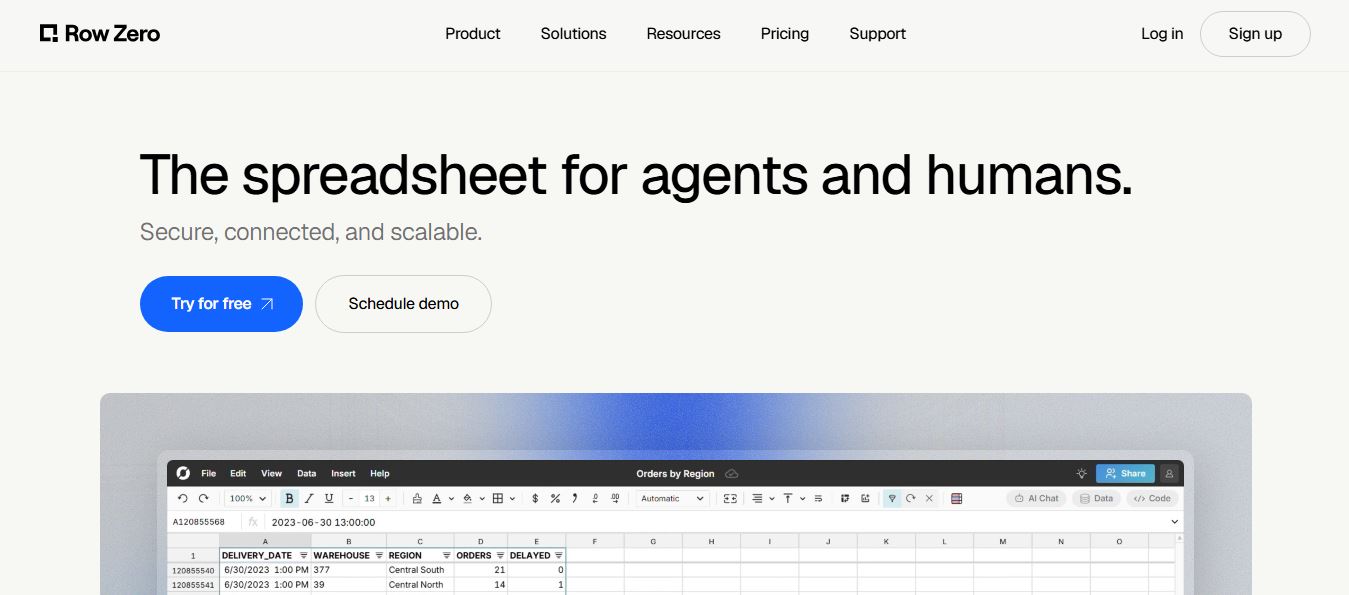
Row Zero is an AI-powered cloud spreadsheet platform that helps teams analyze massive datasets using familiar spreadsheet workflows. It connects directly to data warehouses, auto-updates live data, and scales to billions of rows, enabling fast, secure, and collaborative data analysis without traditional spreadsheet limitations.
 4.9
4.9Grist AI Spreadsheet Generator
Spreadsheets
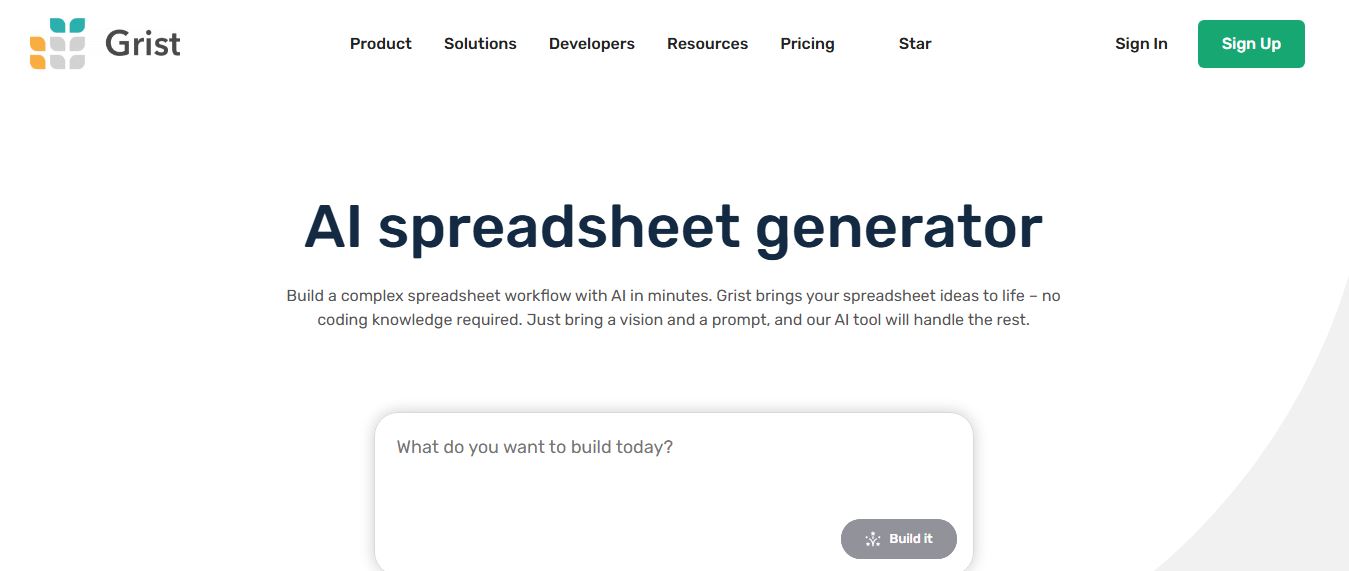
Grist AI Spreadsheet Generator (getgrist.com/ai/spreadsheet-generator/) is an open-source, relational AI spreadsheet and custom application builder that turns text prompts into structured relational databases, Python formulas, dashboards, and access rules via an in-product AI Assistant and Model Context Protocol (MCP).
 4.9
4.9Shortcut AI
Spreadsheets
Shortcut AI is an AI-powered Excel agent that helps finance teams build financial models, analyze data, and automate complex spreadsheet workflows using natural language. It generates formulas, structures reports, and processes data with high accuracy, enabling faster decision-making and reducing manual analysis work.
 4.9
4.9Microsoft Excel
Spreadsheets
Microsoft Excel AI (Copilot for Excel) is an AI-powered assistant that helps users analyze data, write formulas, create charts, and generate insights using natural language. It automates complex tasks, highlights trends, and builds reports, enabling faster, data-driven decisions directly within Excel workflows.
 4.9
4.9Coefficient
Spreadsheets
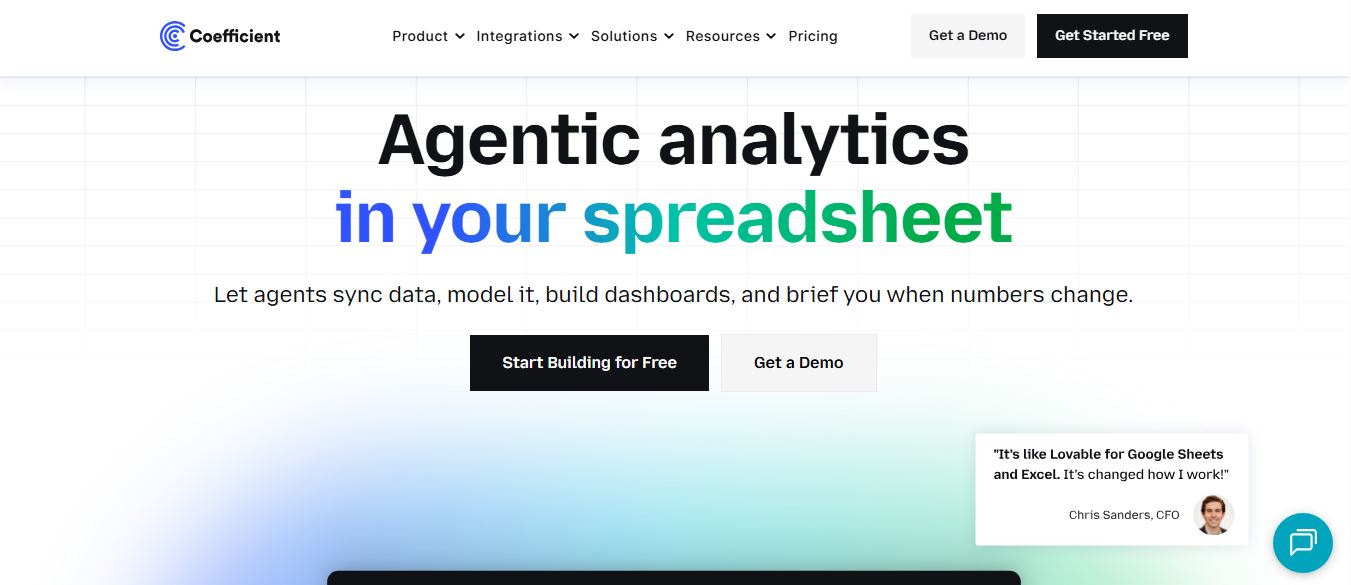
Coefficient is an AI-powered spreadsheet automation platform that connects live data from tools like Salesforce, HubSpot, and databases directly into Google Sheets and Excel. It enables real-time reporting, automated refreshes, and AI-driven analysis, helping teams build dashboards and workflows without manual exports or coding.
 4.9
4.9SheetGPT
Spreadsheets
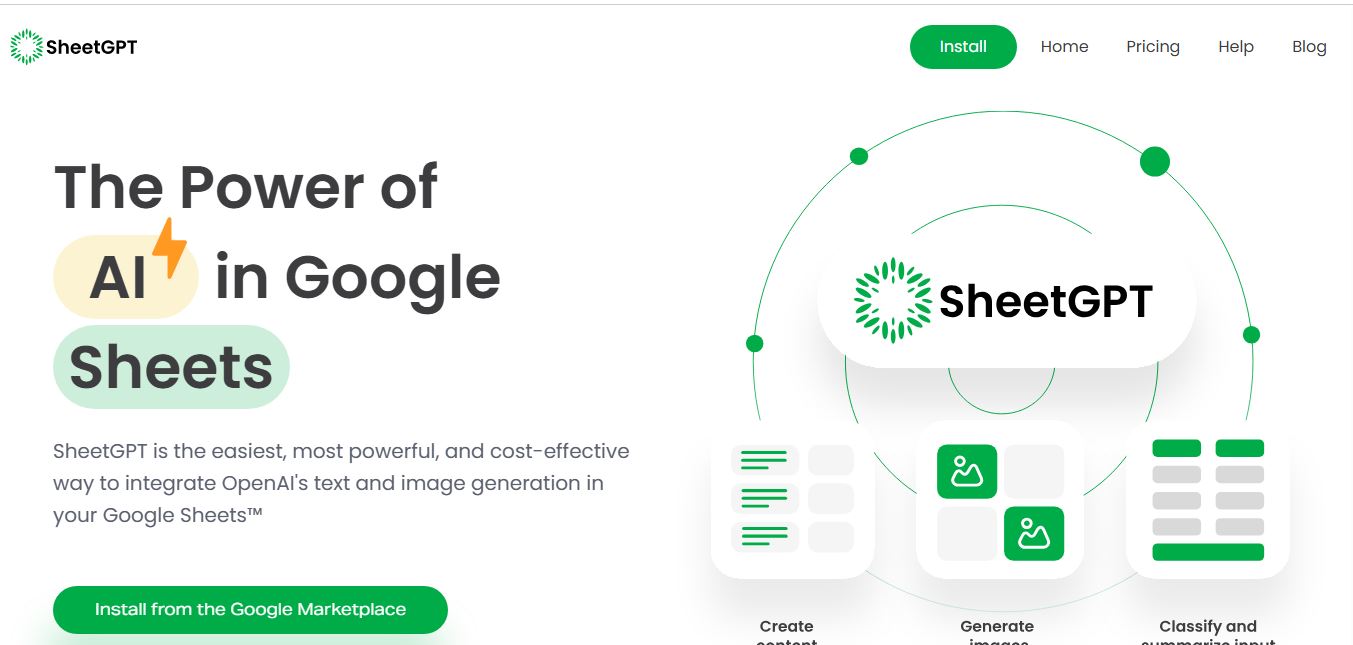
SheetGPT is an AI-powered Google Sheets add-on that helps users generate content, analyze data, and automate tasks using simple formulas like =GPT(). It integrates models like ChatGPT, Claude, and Gemini, enabling faster workflows for summarization, translation, classification, and large-scale spreadsheet operations.
 4.9
4.9Numerous AI
Spreadsheets
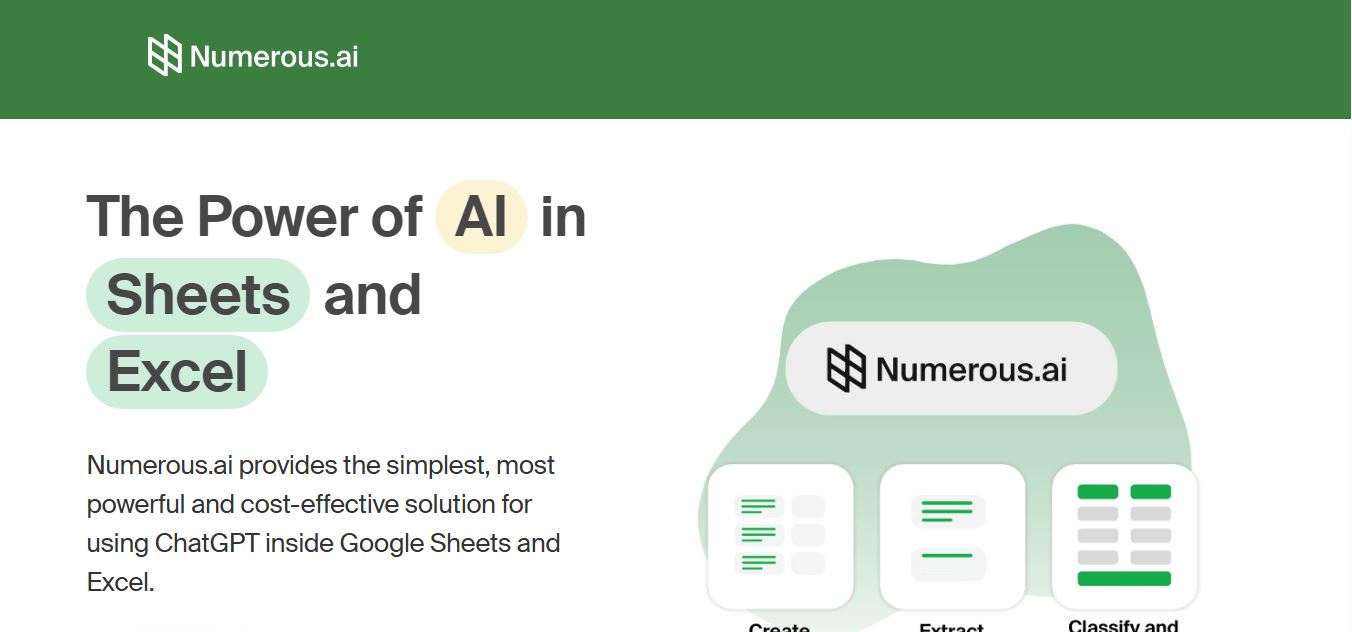
Numerous.ai is an AI-powered spreadsheet automation tool that helps users generate content, write formulas, clean data, and analyze information directly in Google Sheets and Excel. It uses simple functions like =AI() to automate repetitive tasks, enabling faster workflows, bulk processing, and data-driven decision-making.