Google Sheets
Google Sheets is a cloud-based spreadsheet tool that helps users create, edit, and collaborate on data in real time. It supports formulas, charts, automation, and integrations with Google Workspace, enabling teams to manage data, analyze information, and build workflows from anywhere with shared access.

What is Google Sheets?
Google Sheets is a cloud-based spreadsheet tool that allows users to create, edit, and collaborate on spreadsheets in real time from any device. It supports functions, formulas, charts, and data analysis tools, along with integrations with Google Workspace apps like Docs, Drive, and Forms. Users can automate tasks with scripts, use add-ons, and apply AI features like smart suggestions and data insights. Designed for individuals, teams, and businesses, Google Sheets makes it easy to manage data, track projects, and collaborate efficiently online.
Serving over 3 billion Google Workspace users worldwide, Google Sheets integrates Gemini natively through the "Help me organize" sidebar, in-cell =AI() functions, smart fill automation, and automated chart builders. Users can describe a business objective—such as an event budget, content calendar, sales pipeline, or product launch tracker—and Gemini automatically designs the table layout, populates sample rows, and applies dropdown chips. With native integrations connecting Google Drive, BigQuery, and the Google Workspace Marketplace, Google Sheets combines accessibility with enterprise-grade cloud computing.
- Developer / Parent Company: Google LLC / Alphabet Inc. (Mountain View, CA, USA; NASDAQ: GOOGL)
- Evolution / Launch: First launched in 2006; evolved through Smart Fill and Duet AI into full Gemini for Google Workspace integration, featuring in-cell =AI() functions, conversational side panels, and automated table generation
Use Cases:
- Generating structured project planners, event budgets, and editorial calendars from natural language prompts using "Help me organize"
- Extracting entities, classifying customer feedback sentiment, and summarizing cell text across columns using the built-in =AI() formula function
- Detecting patterns in manual data entry and automatically auto-completing remaining rows with AI-powered Smart Fill
- Summarizing large spreadsheet tabs, identifying hidden trends, and generating instant charts through the conversational Gemini side panel
Technology:
- Gemini multimodal foundation models fine-tuned for spreadsheet table schema design, entity extraction, and formula syntax
- Smart Fill neural pattern-matching engine detecting structural intent and populating values across columns automatically
- Cloud-native serverless architecture running non-destructive calculations with real-time multi-user cursor synchronization
Target Users:
- Small business owners, startup founders, and project leads planning operations without dedicated spreadsheet engineers
- Digital marketers and programmatic SEO specialists categorizing search queries, organizing keywords, and tracking deliverables
- Educators, researchers, and students structuring research logs, class rosters, and survey responses
- Content creators using writing tools to draft business briefs, KPI reporting presentations, and executive board summaries
Corporate Entity: Operates as Google LLC / Alphabet Inc. (Mountain View, CA, USA & Global)

Key features of Google Sheets (Gemini AI)
Google Sheets (Gemini AI)'s key features are
- "Help Me Organize" Table Builder: Describe what you want to track in everyday language, and Gemini generates a complete table with suggested headers, dropdown chips, and formatting.
- In-Cell =AI() Formula Function: Call Gemini directly within cells to summarize long text, classify sentiment, translate content, and extract entities without external add-ons.
- AI-Powered Smart Fill: Automatically detects patterns in data transformations (e.g., splitting names, standardizing phone numbers) and fills remaining rows.
- Conversational Gemini Side Panel: Ask questions about your workbook data in plain English to uncover trends, calculate totals, and get step-by-step formula advice.
- Automated Data Visualizations: Ask Gemini to create bar charts, line graphs, and pivot tables based on specific columns and insert them into your sheets.
- Real-Time Multiplayer Collaboration: Share spreadsheets with teammates for simultaneous co-authoring, cell locking, version history, and interactive comments.
- Google Workspace Ecosystem Synergy: Link sheets seamlessly to Google Docs, Slides presentations, Gmail mail merges, and Google Drive storage.
- BigQuery Connected Sheets: Query and analyze billions of rows of live enterprise data warehouse records directly from Google Sheets using SQL integrations.
Google Sheets (Gemini AI) Pricing
Google Sheets is free for individual Google account holders, while advanced Gemini AI features are accessible via Google One AI Premium or bundled Google Workspace business plans.
Personal Free Plan:
- $0 / Free forever with any personal Google account
- Includes full access to standard Google Sheets, real-time collaboration, 15GB shared Google Drive storage, Smart Fill, and Workspace Experiments Gemini access
Google One AI Premium (Individual):
- $19.99 / month
- Includes Gemini Advanced access (Gemini Pro/Ultra models), Gemini integrated inside Google Sheets, Docs, Slides, and Gmail, and 2TB cloud storage
Google Workspace Business Standard:
- ~$14.00 / user / month (billed annually)
- Includes Gemini AI side panel and tools across Sheets, Docs, Meet, and Gmail, custom business email, 2TB pooled storage per user, and standard admin controls
Google Workspace Business Plus & Enterprise:
- Business Plus: ~$22.00 / user / month (annual) – includes advanced security, vault data retention, and 5TB pooled storage per user
- Enterprise: Custom quote pricing – includes advanced AI security governance, S/MIME encryption, BigQuery Connected Sheets, and dedicated support
Disclaimer: Prices are listed in USD and adjust according to regional billing. Gemini features in Google Sheets are bundled into Workspace Standard, Plus, and Enterprise tiers or via Google One AI Premium. Visit workspace.google.com/pricing for active plans.
Who is using Google Sheets (Gemini AI)?
Google Sheets (Gemini AI) is designed for professionals, creators, and teams, including
- Startup Founders & Small Business Owners: Organizing inventories, hiring schedules, and customer contacts without technical database overhead
- Digital Marketers & Social Teams: Managing campaign calendars, UTM link trackers, and influencer deliverables in collaborative sheets
- Project Managers & Team Leads: Building project trackers, team sprint boards, and status dashboards using natural language prompts
- Operations & HR Coordinators: Tracking onboarding checklists, employee directories, and equipment registers with interactive dropdowns
- Content Creators: Using writing tools to draft business briefs, KPI reporting presentations, and executive board summaries
- Educators & Students: Organizing research bibliographies, grading rosters, and group project schedules in real time
Best Google Sheets (Gemini AI) Alternatives
Some of the strongest Google Sheets (Gemini AI) alternatives include
- Microsoft Copilot in Excel
- GPT for Work (Talarian)
- Numerous.ai
- SheetGPT
- Grist AI Spreadsheet Generator
- Row Zero
Pros and Cons of Google Sheets (Gemini AI)
Pros
- Natively embedded directly into Google Sheets without requiring third-party API keys or extension installations
- "Help me organize" allows users to generate fully formatted tables and trackers from simple natural language prompts
- World-class real-time collaboration with simultaneous multi-user co-editing, comments, and change tracking
- Deep integration with the broader Google Workspace ecosystem across Docs, Slides, Gmail, and Google Drive
- Accessible anywhere via modern web browsers and mobile apps with automatic cloud saving
Cons
- Full Gemini side panel features require an eligible Google Workspace Business Standard+ or Google One AI Premium plan
- Spreadsheet capacity is capped at 10 million cells, lagging behind big-data engines like Row Zero
- In-cell =AI() functions are optimized for lightweight text tasks rather than complex multi-turn code generation
- Lacks native local Python standard library execution in cells compared to desktop Excel or Quadratic
Why Choose Google Sheets (Gemini AI)?
Google Sheets with Gemini AI is the premier choice for collaborative teams, small businesses, and creators who want a cloud-native spreadsheet with built-in generative AI that builds tables, writes formulas, and analyzes data without third-party add-ons.
- Build custom project trackers and tables in seconds using "Help me organize"
- Summarize data, discover trends, and generate charts through conversational AI prompts
- Automate text extraction and classification directly inside cells using =AI()
- Collaborate seamlessly in real time with teammates across any web browser or mobile device
- Integrate smoothly into Google Drive, Docs, Slides, and BigQuery data sources
Google Sheets (Gemini) vs. Competitors
The main difference between Google Sheets (Gemini AI), Microsoft Copilot in Excel, GPT for Work, and Grist is that Google Sheets provides free real-time cloud collaboration with Gemini table generation and in-cell =AI() functions natively built into Google Workspace, whereas Microsoft Copilot in Excel specializes in native desktop Excel data modeling with Python execution, GPT for Work provides enterprise bulk LLM processing across both Sheets and Excel, and Grist offers an open-source relational database spreadsheet with native Python standard library formulas. Google Sheets stands out for its collaboration, zero-install cloud access, and Workspace integration.
| Feature / Tool | Google Sheets (Gemini AI) | Microsoft Copilot in Excel | GPT for Work | Grist AI Spreadsheet |
|---|---|---|---|---|
| Core Focus | Cloud Collaboration & Built-In Gemini | Native Desktop/Web Excel AI Copilot | Enterprise In-Cell Bulk LLM Add-in | Relational AI Database & App Builder |
| Native AI Integration | Native (Gemini Sidebar & =AI) | Native (Copilot Ribbon & Chat) | Add-in Sidebar & In-Cell Formulas | Native In-Product AI Assistant |
| Table Capacity | Up to 10 Million Cells | 1,048,576 Rows Hard Limit | Bounded by Sheets/Excel Limits | 100K–150K records per document |
| Multiplayer Collaboration | Real-Time Cloud Co-Authoring | OneDrive / SharePoint Co-Authoring | Follows host platform sharing | Real-time multiplayer editing |
| Starting Price | Free / Workspace from ~$14/user/mo | $20.00/mo (Pro) / $30/user/mo | Free trial / Standard $25.00/mo | Free tier / Pro $8.00/user/mo |
| Best For | Collaborative Teams & Cloud Tracking | Enterprises Needing Native Excel & Python | High-Volume In-Cell Bulk LLM Tasks | Relational Data & Open-Source Self-Hosting |
How do we rate Google Sheets (Gemini AI)?
| Parameter | Rating (out of 5) |
|---|---|
| Cloud Collaboration & Multi-User Co-Authoring | 5.0 |
| Table Generation & "Help Me Organize" | 4.9 |
| In-Cell AI Execution & Formula Help | 4.8 |
| Google Workspace Ecosystem Synergy | 5.0 |
| Value for Money | 4.9 |
| Overall Score | 4.92 |
Google Sheets (Gemini AI) Review
Google Sheets with Gemini AI brings generative intelligence into everyday cloud spreadsheet workflows. Where standalone spreadsheet extensions require users to register API keys, manage separate billing accounts, or risk data leakage, Gemini operates as a native component of Google Workspace with enterprise data protections. The "Help me organize" tool simplifies the initial setup of new trackers by turning plain-language descriptions into organized tables complete with dropdown chips and conditional colors. Furthermore, the in-cell =AI() function and conversational side panel allow users to summarize customer feedback, draft emails, and extract insights without leaving their sheet. For modern businesses, marketing agencies, and remote teams looking for a reliable, collaborative spreadsheet environment, Google Sheets with Gemini is a capable platform.
Conclusion
Google Sheets with Gemini AI is a leading cloud spreadsheet platform that modernizes data tracking and collaborative analysis. By uniting prompt-driven table generation, in-cell =AI() functions, Smart Fill pattern matching, conversational data insights, and real-time multiplayer co-authoring into Google’s cloud infrastructure, it makes spreadsheet management accessible to everyone. While technical data science teams requiring native in-cell Python execution or billion-row capacities may turn to tools like Quadratic or Row Zero, Google Sheets’ ease of use, team collaboration, and native Gemini integration make it an indispensable productivity tool.
FAQ
What is Google Sheets and how does Google Sheets work?
Google Sheets is a cloud-based spreadsheet tool that allows users to create, edit, and analyze data online in real time. It works directly in a browser, where users can input data, use formulas, build charts, and collaborate with others simultaneously. All changes are saved automatically, and files are stored in Google Drive, making them accessible from any device.
What problem does Google Sheets solve for users?
Google Sheets solves the problem of managing data and collaboration in spreadsheets without needing installed software. It eliminates version control issues by allowing multiple users to work on the same file at the same time, while also providing easy sharing, cloud storage, and real-time updates.
What are the key features of Google Sheets?
Google Sheets includes features like real-time collaboration, cloud storage, built-in formulas, charts, pivot tables, conditional formatting, and integrations with other Google Workspace apps. It also supports add-ons and AI features that help automate tasks, clean data, and generate insights.
Does Google Sheets support AI features?
Yes, Google Sheets includes AI-powered features like Smart Fill, Smart Cleanup, and integration with Google’s AI models through add-ons and Workspace tools. These features help automate repetitive tasks, suggest formulas, and generate insights from data without manual effort.
Is Google Sheets free to use?
Google Sheets is free for individual users with a Google account. Businesses can access additional features through Google Workspace paid plans, which offer more storage, admin controls, and collaboration tools for teams.
Can Google Sheets handle large datasets?
Google Sheets can handle moderately large datasets, typically up to around 10 million cells per spreadsheet. While it works well for most use cases, extremely large datasets may require tools like BigQuery or specialized platforms for better performance.
Who should use Google Sheets?
Google Sheets is ideal for students, marketers, analysts, small businesses, and teams that need an easy-to-use, collaborative spreadsheet tool. It is especially useful for users who want to work online, share files easily, and collaborate in real time.
User Reviews
No reviews yet for Google Sheets.
Featured Tools
Featured AI tools from TechShark

Melody Genie
MelodyGenie is an AI-powered music generator that creates original songs from simple text prompts. Users can choose styles, moods, and genres, then instantly generate melodies and full tracks, making it easy for creators, marketers, and hobbyists to produce custom music without musical expertise.
Freemium

Kimi AI
Kimi AI is an advanced AI assistant developed by Moonshot AI that helps you chat, research, write, code, and automate tasks in one place. It supports web search, file analysis, and multimodal inputs, and can even run autonomous “agent” workflows to complete complex tasks end-to-end.
Freemium

Fashion Diffusion AI
Fashion Diffusion is an AI-powered fashion design platform that helps brands and designers create clothing designs, virtual try-ons, AI models, product photos, and marketing visuals faster and cost-effectively.
Paid

Veo 4
Veo 4 AI is an AI video creation platform that generates dramatic videos from text, images, audio, and video prompts using realistic motion and synchronized sound.
Paid
Alternatives
Alternatives to Google Sheets
The best Google Sheets (Gemini AI) alternatives include Microsoft Copilot in Excel, GPT for Work (Talarian), Numerous.ai, SheetGPT, Grist AI Spreadsheet Generator, and Row Zero. These platforms provide AI formula assistance, data analysis, and spreadsheet automation. While Google Sheets specializes in native real-time cloud collaboration with Gemini table generation and in-cell =AI() functions integrated across Google Workspace, alternatives like Microsoft Copilot in Excel provide native desktop Excel analysis with Python execution, GPT for Work specializes in high-volume in-cell LLM transformations (=GPT) across both Sheets and Excel, and Row Zero handles big data scaling past 1 billion rows with Rust and WebGL speed. Choosing the right tool depends on whether you require cloud-native team collaboration within Google Workspace, enterprise desktop Excel modeling with Python, or massive data warehouse scalability.
 4.9
4.9Equals
Spreadsheets
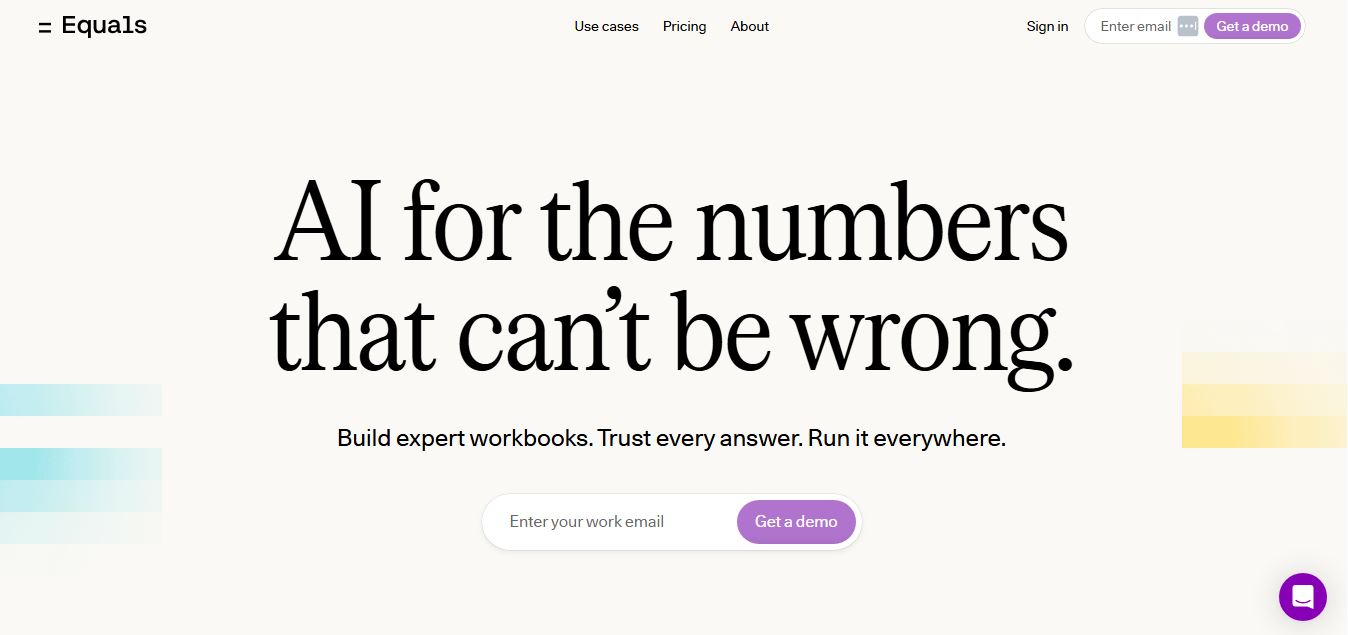
Equals is an AI-powered spreadsheet and GTM analytics platform that helps teams connect live data, build dashboards, and answer business questions using natural language. It combines a managed data warehouse, spreadsheet, and AI analyst, enabling faster, reliable insights without SQL or complex data tools.
 4.9
4.9Row Zero
Spreadsheets
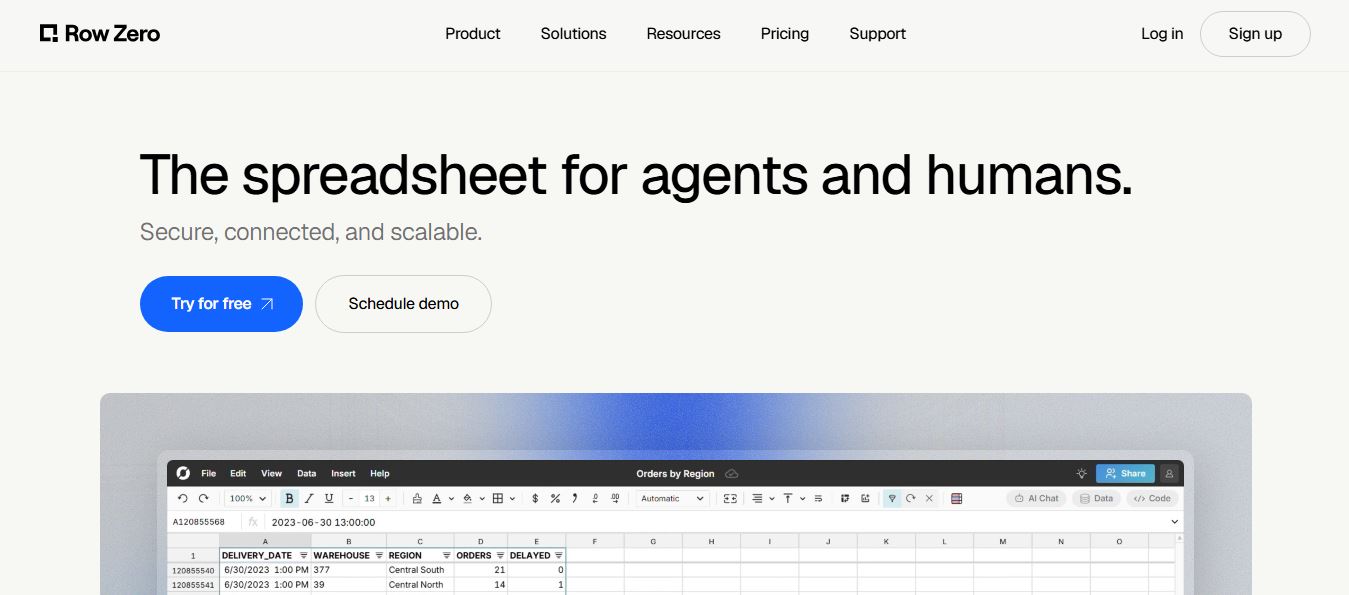
Row Zero is an AI-powered cloud spreadsheet platform that helps teams analyze massive datasets using familiar spreadsheet workflows. It connects directly to data warehouses, auto-updates live data, and scales to billions of rows, enabling fast, secure, and collaborative data analysis without traditional spreadsheet limitations.
 4.9
4.9Grist AI Spreadsheet Generator
Spreadsheets
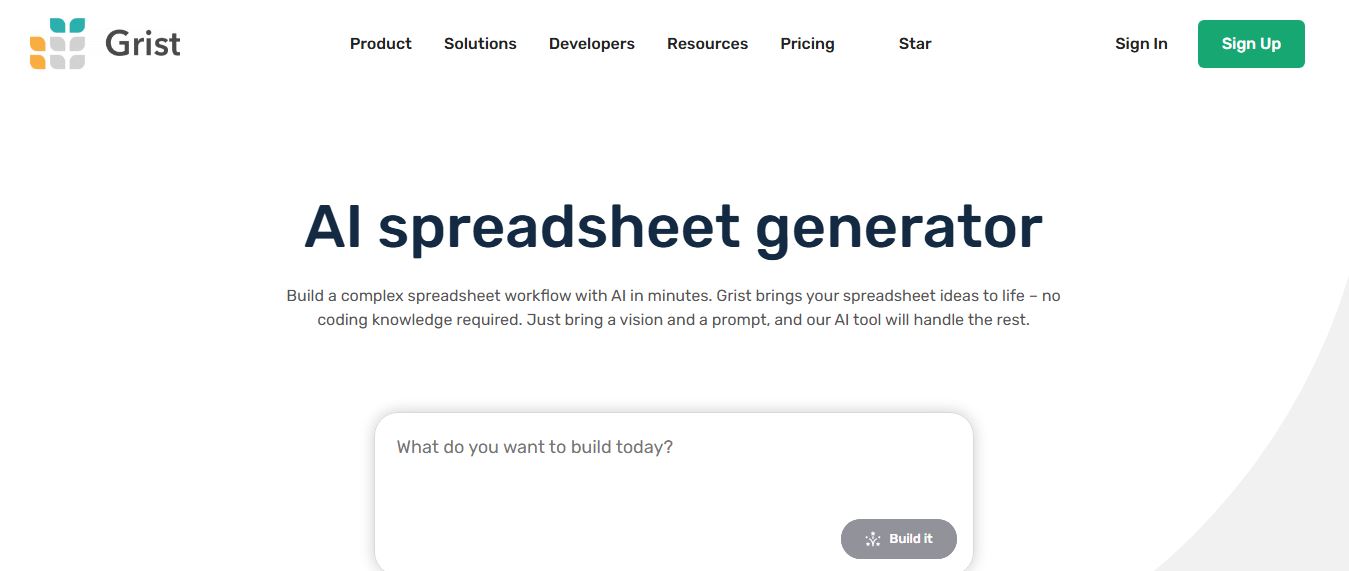
Grist AI Spreadsheet Generator (getgrist.com/ai/spreadsheet-generator/) is an open-source, relational AI spreadsheet and custom application builder that turns text prompts into structured relational databases, Python formulas, dashboards, and access rules via an in-product AI Assistant and Model Context Protocol (MCP).
 4.9
4.9Shortcut AI
Spreadsheets
Shortcut AI is an AI-powered Excel agent that helps finance teams build financial models, analyze data, and automate complex spreadsheet workflows using natural language. It generates formulas, structures reports, and processes data with high accuracy, enabling faster decision-making and reducing manual analysis work.
 4.9
4.9Microsoft Excel
Spreadsheets
Microsoft Excel AI (Copilot for Excel) is an AI-powered assistant that helps users analyze data, write formulas, create charts, and generate insights using natural language. It automates complex tasks, highlights trends, and builds reports, enabling faster, data-driven decisions directly within Excel workflows.
 4.9
4.9Coefficient
Spreadsheets
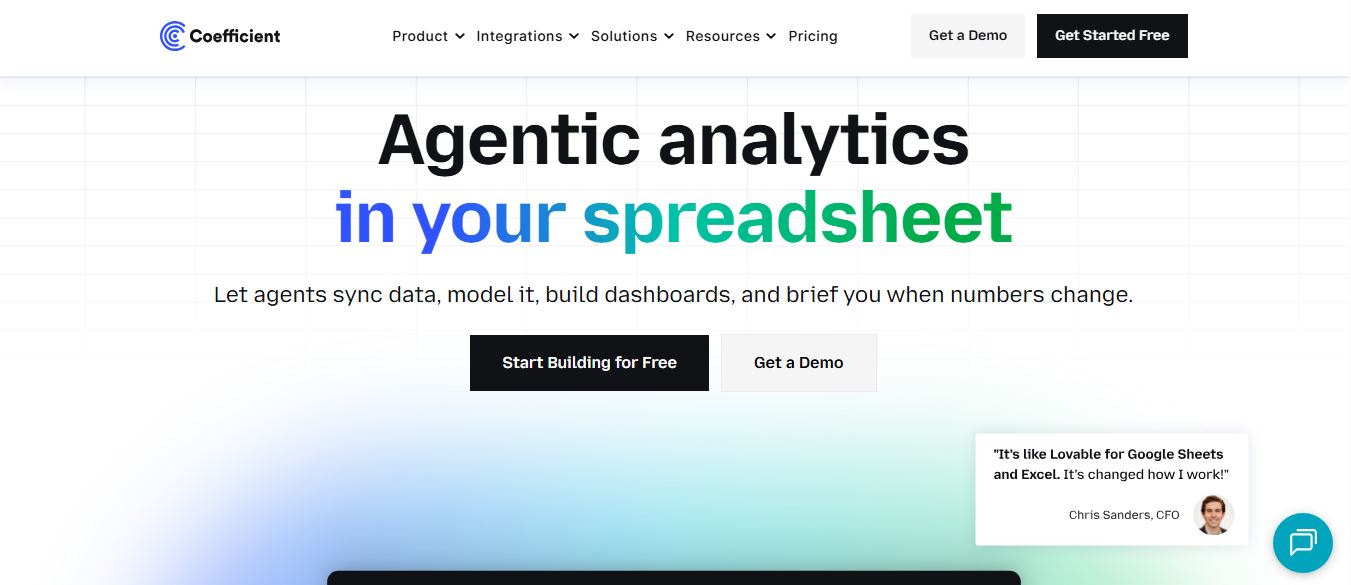
Coefficient is an AI-powered spreadsheet automation platform that connects live data from tools like Salesforce, HubSpot, and databases directly into Google Sheets and Excel. It enables real-time reporting, automated refreshes, and AI-driven analysis, helping teams build dashboards and workflows without manual exports or coding.
 4.9
4.9SheetGPT
Spreadsheets
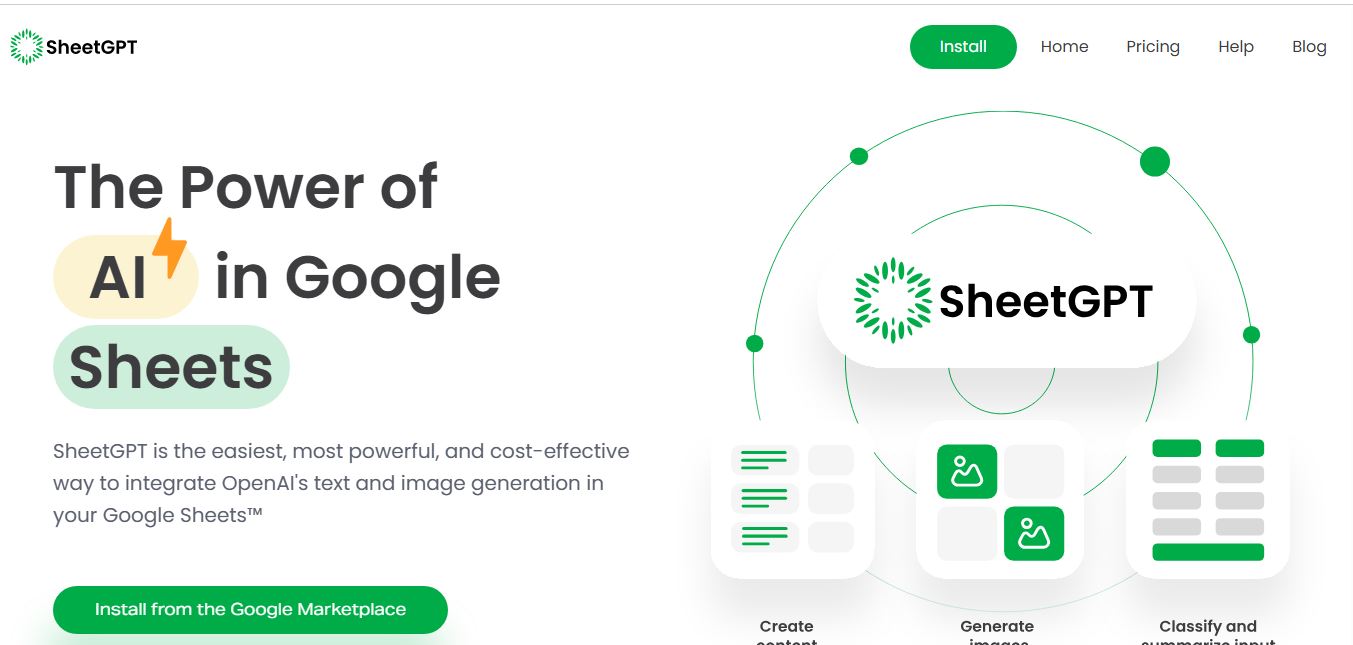
SheetGPT is an AI-powered Google Sheets add-on that helps users generate content, analyze data, and automate tasks using simple formulas like =GPT(). It integrates models like ChatGPT, Claude, and Gemini, enabling faster workflows for summarization, translation, classification, and large-scale spreadsheet operations.
 4.9
4.9GPT for Work
Spreadsheets
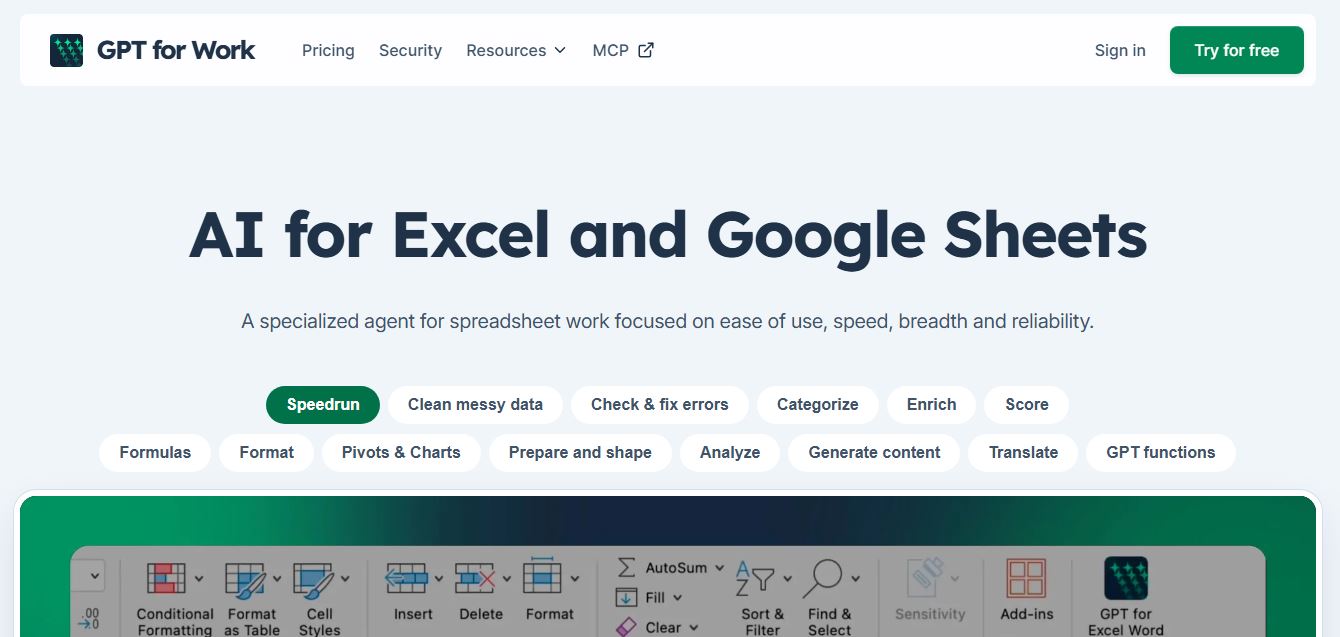
GPT for Work is an AI-powered spreadsheet assistant that helps users automate tasks in Excel and Google Sheets using natural language. It writes formulas, cleans data, generates content, and processes thousands of rows in bulk, enabling faster analysis, workflow automation, and data-driven decision-making.
 4.9
4.9Numerous AI
Spreadsheets
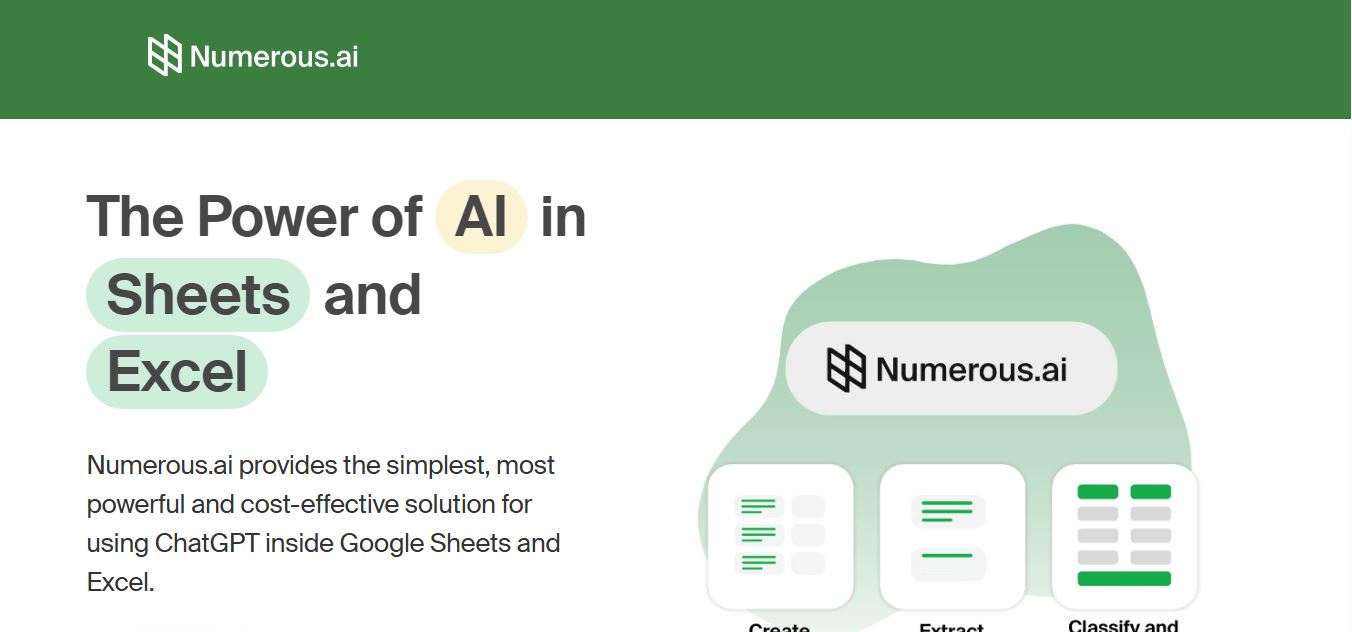
Numerous.ai is an AI-powered spreadsheet automation tool that helps users generate content, write formulas, clean data, and analyze information directly in Google Sheets and Excel. It uses simple functions like =AI() to automate repetitive tasks, enabling faster workflows, bulk processing, and data-driven decision-making.