Numerous AI
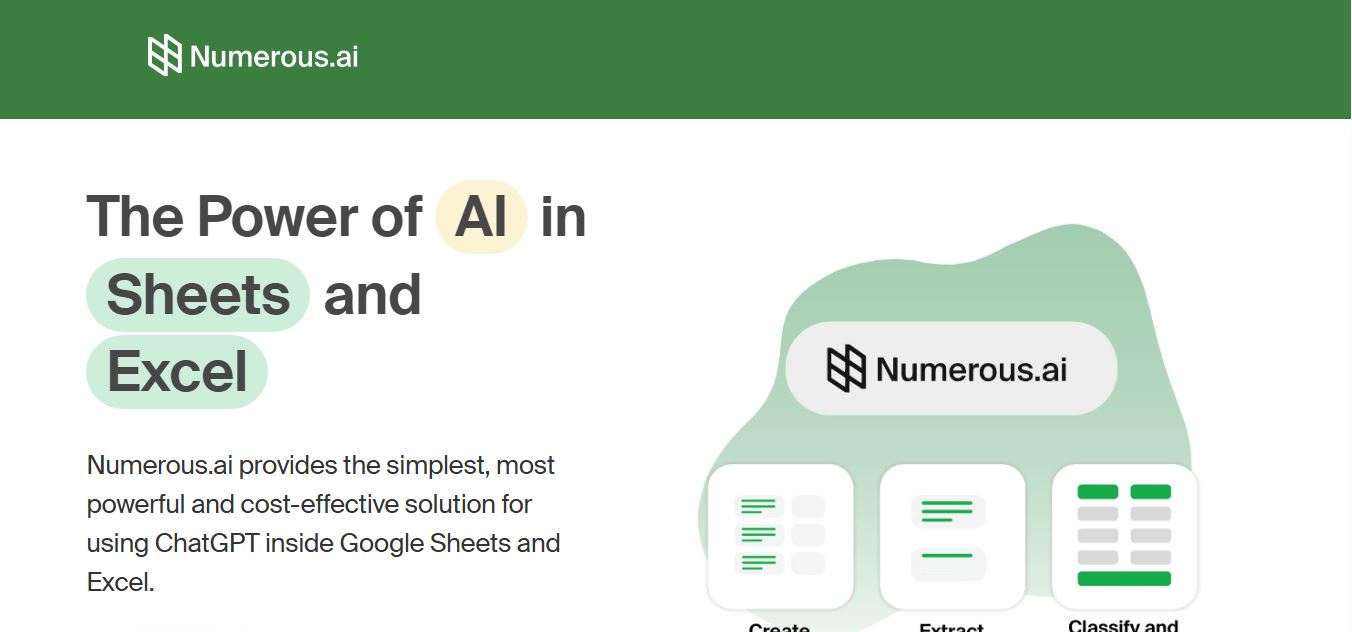
Numerous.ai is an AI-powered spreadsheet automation tool that helps users generate content, write formulas, clean data, and analyze information directly in Google Sheets and Excel. It uses simple functions like =AI() to automate repetitive tasks, enabling faster workflows, bulk processing, and data-driven decision-making.
What is Numerous AI?
Numerous AI is an AI-powered productivity tool that brings automation and data analysis directly into spreadsheets like Google Sheets and Excel. It allows users to use AI formulas to generate content, clean data, categorize information, and extract insights at scale without manual effort. By combining spreadsheet functionality with AI capabilities, it helps marketers, analysts, and businesses automate repetitive tasks, improve data workflows, and make faster, data-driven decisions without needing advanced technical skills.
Compatible with both Google Sheets and Microsoft Excel, Numerous.ai serves hundreds of thousands of spreadsheet users and businesses globally. The platform introduces high-utility custom functions—most notably =AI(), =INFER(), and =WRITE()—which allow users to prompt AI directly within any cell formula. By combining prompt-based completions with pattern-matching heuristics, formula generation, plain-language formula explanations, and bulk e-commerce copy generation, Numerous.ai transforms standard spreadsheets into automated data processing and analytical engines.
- Platform / Developer: Numerous.ai (Global AI Productivity Platform)
- Evolution / Launch: Scaled through 2023–2026 with native Google Workspace Marketplace add-ons, Microsoft 365 / Excel Add-in integrations, few-shot =INFER() pattern recognition engines, and enterprise token pools
Use Cases:
- Generating complex formulas, nested IF statements, and regex expressions simply by describing the analytical goal in plain English
- Extracting structured data (such as emails, phone numbers, addresses, or SKU numbers) from messy unformatted text columns
- Classifying customer support tickets, survey responses, and user feedback by topic, sentiment, or priority across thousands of rows
- Drafting programmatic SEO copy, e-commerce product descriptions, and localized ad copy in bulk across spreadsheet grids
Technology:
- Custom spreadsheet formula engine integrating OpenAI GPT models and frontier LLMs directly into cell calculation pipelines
- Few-shot pattern matching engine (=INFER) that learns from a handful of user-provided examples and applies the pattern down the entire column
- Cloud-connected API bridge facilitating rapid batch evaluation across both Google Workspace and Microsoft 365 platforms
Target Users:
- E-commerce catalog managers writing and localizing product titles, bullet points, and descriptions in bulk
- Digital marketers, programmatic SEO specialists, and growth leads categorizing search queries and cleaning backlink data
- Financial analysts, operations managers, and accountants seeking fast formula troubleshooting and data parsing
- Content creators using writing tools to draft programmatic content briefs, ad variants, and multichannel marketing templates
Corporate Entity: Operates as Numerous.ai (Global)

Key features of Numerous.ai
Numerous.ai's key features are
- Custom =AI() Cell Function: Execute natural language prompts directly within spreadsheet cells to summarize text, translate languages, answer questions, or reformat values.
- Few-Shot Learning with =INFER(): Provide 3 to 4 completed examples and let the =INFER() function automatically detect the pattern and complete thousands of remaining rows.
- Plain-English Formula Generator: Describe what calculation or logic you need in everyday language, and Numerous.ai outputs the exact working Google Sheets or Excel formula.
- Formula Explainer & Debugger: Paste intricate or broken legacy formulas into the assistant sidebar to receive clear step-by-step breakdowns and fix syntax errors.
- Bulk Content Generation (=WRITE): Generate localized marketing copy, social media captions, SEO meta tags, and e-commerce descriptions across hundreds of rows in parallel.
- Sentiment Analysis & Categorization: Automatically tag customer reviews, feedback forms, and survey responses with sentiment ratings and thematic categories.
- Cross-Platform Support (Sheets & Excel): Works natively inside Google Sheets via Google Workspace Marketplace and Microsoft Excel (Web, Windows, and Mac) via Microsoft AppSource.
- Bring Your Own Key (BYOK) Flexibility: Use pre-packaged Numerous token pools or integrate your own OpenAI API key for customized enterprise volume control.
Numerous.ai Pricing
Numerous.ai operates on a tiered freemium subscription model based on monthly token usage and feature access across both Google Sheets and Excel add-ins.
Free Trial:
- $0 / Free trial
- Includes complimentary initial token allowance (~30 to 60 cell generations), access to core =AI() and formula generation features, and standard customer support
Individual Plan:
- Starting from ~$10.00 to $12.00 / month (discounted on annual billing)
- Includes approximately 20,000 to 25,000 monthly tokens, full access to =AI() and =INFER() functions, formula generator and explainer, and email support
Pro Plan:
- Starting from ~$30.00 to $40.00 / month
- Includes higher monthly token pools (~100,000+ tokens), faster response processing, priority support, and multi-user workspace access
Enterprise Tier:
- Custom quote pricing for high-volume data teams and corporations
- Includes unlimited or custom token allocations, Bring Your Own Key (BYOK) configurations, team-wide licensing, and dedicated account management
Disclaimer: Prices are listed in USD. Free trial allowances provide introductory testing without upfront purchase. Visit numerous.ai/pricing for active plans, token breakdowns, and enterprise quotes.
Who is using Numerous.ai?
Numerous.ai is designed for data analysts, marketers, and operations professionals, including
- E-Commerce Merchandisers & Resellers: Generating bullet points, product titles, and descriptive catalog copy across thousands of supplier SKUs
- Programmatic SEO & Content Marketers: Formatting keyword clusters, drafting bulk meta descriptions, and translating localized page assets
- Data Analysts & Operations Managers: Extracting unstructured contact data, cleaning inconsistent addresses, and categorizing CRM pipeline entries
- Customer Support & Product Teams: Running sentiment analysis and tagging thousands of user feedback surveys and review records
- Content Creators: Using writing tools to draft programmatic content briefs, ad variants, and multichannel marketing templates
- Business Professionals & Accountants: Generating complex spreadsheet formulas and debugging broken Excel models without technical roadblocks
Best Numerous.ai Alternatives
Some of the strongest Numerous.ai alternatives include
- Formula Bot
- GPT for Sheets and Excel
- SheetGPT
- Ajelix
- Coefficient
- Equals
Pros and Cons of Numerous.ai
Pros
- Brings conversational AI and LLMs directly into Google Sheets and Microsoft Excel cells via simple formulas like =AI()
- The =INFER() function makes complex data transformations easy by learning from just a few examples
- Generates accurate spreadsheet formulas and explains complex legacy logic in plain language
- Accelerates bulk tasks like e-commerce copywriting, text categorization, and sentiment analysis across thousands of rows
- Works smoothly across both Google Workspace and Microsoft 365 ecosystems
Cons
- Processing thousands of complex rows simultaneously can consume monthly token limits quickly
- Calculations across very large batch ranges depend on third-party LLM response times and may take a few moments to finish loading
- Free trial provides a limited token pool, requiring a paid subscription for regular business workflows
- Occasional LLM hallucinations can occur on ambiguous prompts, requiring human spot-checking for sensitive data
Why Choose Numerous.ai?
Numerous.ai is the premier choice for professionals who spend hours in spreadsheets and want an integrated AI copilot that handles data cleanup, formula writing, and bulk content generation without leaving Google Sheets or Excel.
- Run AI prompts directly in your cells with custom =AI() and =WRITE() functions
- Train custom column logic from just a few sample rows using =INFER()
- Create and troubleshoot complex spreadsheet formulas using everyday plain English
- Classify sentiment and extract unstructured data across thousands of rows in minutes
- Available across both Google Sheets and Microsoft Excel add-in ecosystems
Numerous.ai vs. Competitors
The main difference between Numerous.ai, Formula Bot, GPT for Sheets and Excel, and Ajelix is that Numerous.ai combines in-cell generative functions (=AI, =INFER) with formula generation and bulk row execution across both Google Sheets and Excel, whereas Formula Bot focuses primarily on conversational formula generation and data visualization, GPT for Sheets focuses on API-key-driven in-cell prompts, and Ajelix emphasizes VBA script generation and Excel productivity utilities. Numerous.ai stands out for its few-shot =INFER() pattern matching, user-friendly in-cell functions, and dual-platform ecosystem support.
| Feature / Tool | Numerous.ai | Formula Bot | GPT for Sheets (Talarian) | Ajelix |
|---|---|---|---|---|
| Core Focus | In-Cell AI Functions & Formula Copilot | Formula Generator & Data Prep Assistant | Developer In-Cell AI Add-in | Excel AI Assistant & VBA Generator |
| In-Cell Functions | Yes (=AI, =INFER, =WRITE) | Yes (Sidebar & Add-in) | Yes (=GPT, =GPT_FILL) | Limited In-Cell Formulas |
| Pattern Inference (=INFER) | Yes (Automatic Few-Shot Patterning) | Basic Pattern Matching | Yes (=GPT_FILL) | No Pattern Function |
| Platform Support | Google Sheets & Microsoft Excel | Web, Sheets & Excel Add-ins | Google Sheets & Microsoft Excel | Web Portal & Excel Add-in |
| Starting Price | Free trial / Plans from ~$10–$12/mo | Free tier / Basic $9.00/mo | Pay-as-you-go (OpenAI API key) | Free tier / Starter $9.95/mo |
| Best For | Bulk In-Cell Data Enrichment & Copy | Formula Creation & Data Analysis | Technical Users with Custom API Keys | Excel Users Writing VBA & Macros |
How do we rate Numerous.ai?
| Parameter | Rating (out of 5) |
|---|---|
| In-Cell AI Execution & Formula Versatility | 4.9 |
| Few-Shot Pattern Recognition (=INFER) | 5.0 |
| Formula Generation & Explainer Precision | 4.8 |
| Platform Compatibility (Sheets & Excel) | 4.9 |
| Value for Money | 4.8 |
| Overall Score | 4.88 |
Numerous.ai Review
Numerous.ai provides a practical productivity boost for anyone who works heavily with tabular data. Moving back and forth between a web browser chat window and a spreadsheet to process data line by line is inefficient. Numerous.ai solves this by bringing AI intelligence directly into standard formula syntax. The =INFER() function is particularly useful for operational workflows: instead of building complicated nested REGEX formulas to parse messy customer addresses or extract item codes, a user can provide three completed rows as guidance and let the tool handle the remaining dataset. With native support across both Google Sheets and Microsoft Excel, Numerous.ai is a capable, time-saving addition to any data professional's toolkit.
Conclusion
Numerous.ai is an established AI spreadsheet copilot that transforms everyday data management in Google Sheets and Microsoft Excel. By combining intuitive cell formulas like =AI() and =INFER() with plain-English formula generation, legacy formula troubleshooting, and bulk copywriting capabilities, it eliminates repetitive spreadsheet chores. While enterprise data warehouses with complex SQL pipelines will still rely on database clients like Chat2DB or DBeaver, Numerous.ai’s spreadsheet integration, pattern learning, and bulk processing make it an essential productivity tool.
FAQ
What is Numerous.ai and how does Numerous.ai work?
Numerous.ai is an AI-powered add-on for Google Sheets and Microsoft Excel that lets users run AI tasks directly inside spreadsheet cells. By using simple functions like =AI() or =WRITE(), users can generate text, summarize content, categorize data, and create formulas using plain English. Instead of switching between tools, Numerous.ai brings AI directly into spreadsheets, allowing users to apply the same task across thousands of rows efficiently.
What problem does Numerous.ai solve for users?
Numerous.ai solves the problem of repetitive and time-consuming spreadsheet work such as manual data cleaning, categorization, and content generation. Instead of copying data into AI tools one row at a time, users can automate these tasks at scale within their spreadsheets, significantly reducing manual effort and improving productivity.
What are the key features of Numerous.ai?
Numerous.ai offers features like AI-powered text generation, summarization, classification, data extraction, and formula generation. It also includes functions to explain complex formulas, perform sentiment analysis, and automate repetitive tasks by dragging formulas across rows. These features make it highly effective for handling large datasets directly within spreadsheets.
How does Numerous.ai improve productivity in spreadsheets?
Numerous.ai improves productivity by allowing users to run AI operations across multiple rows simultaneously instead of working cell by cell. Tasks like generating product descriptions, tagging data, or summarizing feedback can be completed in bulk using a single formula, which saves hours of manual work and reduces human error.
Does Numerous.ai require coding or API setup?
Numerous.ai does not require coding or API setup. Users can simply install the add-on and start using AI functions directly in their spreadsheets without needing to configure external APIs or write scripts. This makes it accessible to non-technical users as well.
How does Numerous.ai pricing work?
Numerous.ai follows a freemium pricing model with a free tier that includes limited usage. Paid plans typically start around $10 per month and provide higher usage limits, more tokens, and additional features for individuals and teams. The cost scales based on how much AI processing you use within your spreadsheets.
Can Numerous.ai handle large datasets and bulk tasks?
Numerous.ai is designed specifically for bulk operations and can handle large datasets by applying AI formulas across thousands of rows. This makes it ideal for tasks like categorizing large lists, generating content at scale, or cleaning messy data without manual intervention.
Who should use Numerous.ai?
Numerous.ai is best suited for marketers, data analysts, content creators, researchers, and teams that work heavily with spreadsheets. It is especially useful for users who want to automate repetitive data tasks and integrate AI into their existing workflows without switching tools.
User Reviews
No reviews yet for Numerous AI.
Featured Tools
Featured AI tools from TechShark

Melody Genie
MelodyGenie is an AI-powered music generator that creates original songs from simple text prompts. Users can choose styles, moods, and genres, then instantly generate melodies and full tracks, making it easy for creators, marketers, and hobbyists to produce custom music without musical expertise.
Freemium

Kimi AI
Kimi AI is an advanced AI assistant developed by Moonshot AI that helps you chat, research, write, code, and automate tasks in one place. It supports web search, file analysis, and multimodal inputs, and can even run autonomous “agent” workflows to complete complex tasks end-to-end.
Freemium

Fashion Diffusion AI
Fashion Diffusion is an AI-powered fashion design platform that helps brands and designers create clothing designs, virtual try-ons, AI models, product photos, and marketing visuals faster and cost-effectively.
Paid

Veo 4
Veo 4 AI is an AI video creation platform that generates dramatic videos from text, images, audio, and video prompts using realistic motion and synchronized sound.
Paid
Alternatives
Alternatives to Numerous AI
The best Numerous.ai alternatives include Formula Bot (Excel Formula Bot), GPT for Sheets and Excel (by Talarian), SheetGPT, Ajelix (AI Excel Assistant), Coefficient, and Equals. These platforms provide AI formula generation, spreadsheet automation, and in-cell data enrichment. While Numerous.ai specializes in custom in-cell functions (=AI, =INFER, =WRITE) with few-shot pattern matching and bulk row generation across both Google Sheets and Excel starting around $10/month, alternatives like Formula Bot focus primarily on plain-English formula translation and automated data visualization, GPT for Sheets caters to technical users bringing their own OpenAI API keys, and Ajelix specializes in Excel VBA script writing. Choosing the right tool depends on whether you require in-cell pattern recognition and bulk content writing, dedicated formula troubleshooting, or VBA code generation.
 4.9
4.9Equals
Spreadsheets
Equals is an AI-powered spreadsheet and GTM analytics platform that helps teams connect live data, build dashboards, and answer business questions using natural language. It combines a managed data warehouse, spreadsheet, and AI analyst, enabling faster, reliable insights without SQL or complex data tools.
 4.9
4.9Google Sheets
Spreadsheets
Google Sheets is a cloud-based spreadsheet tool that helps users create, edit, and collaborate on data in real time. It supports formulas, charts, automation, and integrations with Google Workspace, enabling teams to manage data, analyze information, and build workflows from anywhere with shared access.
 4.9
4.9Row Zero
Spreadsheets
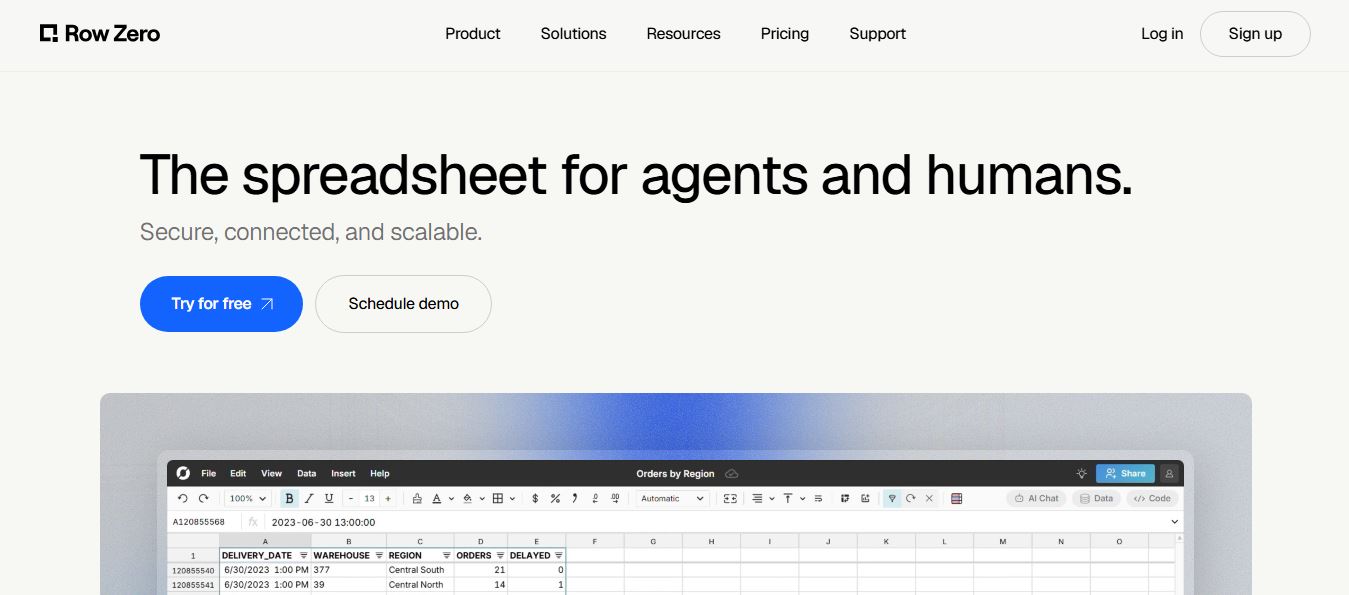
Row Zero is an AI-powered cloud spreadsheet platform that helps teams analyze massive datasets using familiar spreadsheet workflows. It connects directly to data warehouses, auto-updates live data, and scales to billions of rows, enabling fast, secure, and collaborative data analysis without traditional spreadsheet limitations.
 4.9
4.9Grist AI Spreadsheet Generator
Spreadsheets
Grist AI Spreadsheet Generator (getgrist.com/ai/spreadsheet-generator/) is an open-source, relational AI spreadsheet and custom application builder that turns text prompts into structured relational databases, Python formulas, dashboards, and access rules via an in-product AI Assistant and Model Context Protocol (MCP).
 4.9
4.9Shortcut AI
Spreadsheets
Shortcut AI is an AI-powered Excel agent that helps finance teams build financial models, analyze data, and automate complex spreadsheet workflows using natural language. It generates formulas, structures reports, and processes data with high accuracy, enabling faster decision-making and reducing manual analysis work.
 4.9
4.9Microsoft Excel
Spreadsheets
Microsoft Excel AI (Copilot for Excel) is an AI-powered assistant that helps users analyze data, write formulas, create charts, and generate insights using natural language. It automates complex tasks, highlights trends, and builds reports, enabling faster, data-driven decisions directly within Excel workflows.
 4.9
4.9Coefficient
Spreadsheets
Coefficient is an AI-powered spreadsheet automation platform that connects live data from tools like Salesforce, HubSpot, and databases directly into Google Sheets and Excel. It enables real-time reporting, automated refreshes, and AI-driven analysis, helping teams build dashboards and workflows without manual exports or coding.
 4.9
4.9SheetGPT
Spreadsheets
SheetGPT is an AI-powered Google Sheets add-on that helps users generate content, analyze data, and automate tasks using simple formulas like =GPT(). It integrates models like ChatGPT, Claude, and Gemini, enabling faster workflows for summarization, translation, classification, and large-scale spreadsheet operations.
 4.9
4.9GPT for Work
Spreadsheets
GPT for Work is an AI-powered spreadsheet assistant that helps users automate tasks in Excel and Google Sheets using natural language. It writes formulas, cleans data, generates content, and processes thousands of rows in bulk, enabling faster analysis, workflow automation, and data-driven decision-making.