
Grist AI Spreadsheet Generator
Grist AI Spreadsheet Generator (getgrist.com/ai/spreadsheet-generator/) is an open-source, relational AI spreadsheet and custom application builder that turns text prompts into structured relational databases, Python formulas, dashboards, and access rules via an in-product AI Assistant and Model Context Protocol (MCP).
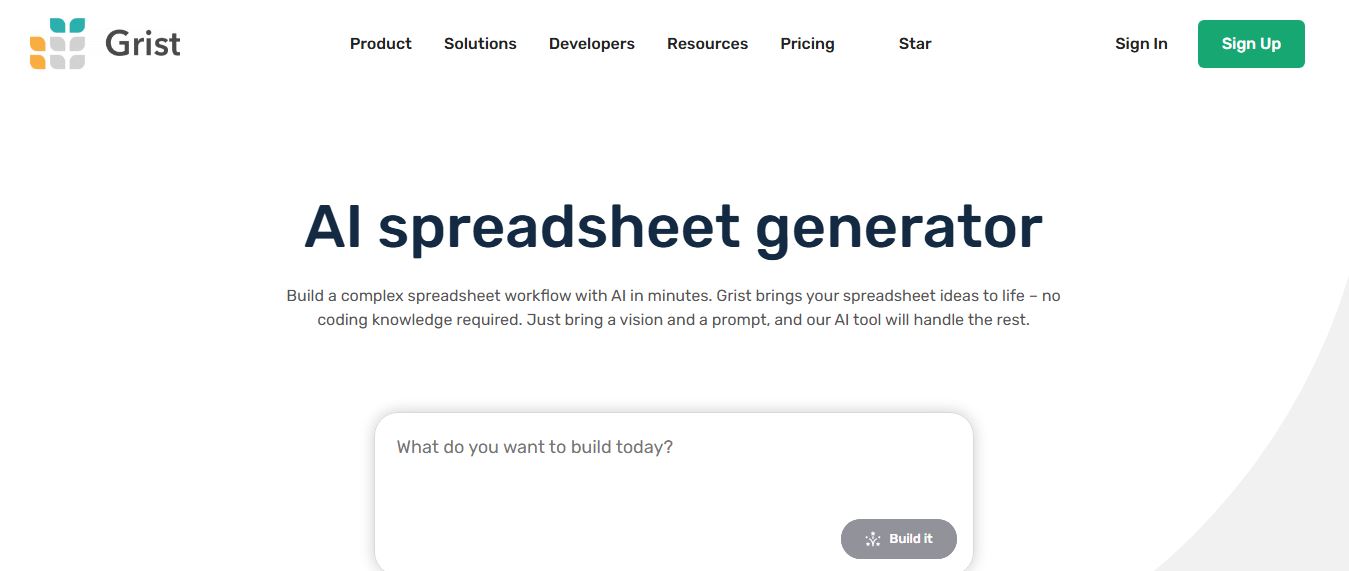
What is Grist AI Spreadsheet Generator?
Grist AI Spreadsheet Generator is an AI-powered spreadsheet tool that helps users create custom spreadsheets from simple text prompts. By describing the structure or use case—such as a budget tracker, CRM, or project plan—the platform automatically generates a ready-to-use spreadsheet with tables, fields, and logic. Built on Grist’s flexible database-style spreadsheet system, it also allows users to customize workflows, add formulas, and collaborate in real time. Designed for businesses and teams, it simplifies spreadsheet creation and turns ideas into functional data tools quickly.
Founded by former Google software engineers Dmitry Sagalovskiy (CEO) and Paul Fitchett (CTO) in New York, Grist is trusted by thousands of organizations, data teams, and open-source advocates globally. Operating under an open-core, privacy-first philosophy, Grist stores documents in portable, self-contained .grist SQLite database files containing data, layouts, business logic, and granular cell-level access rules in one place. By incorporating an in-product AI Assistant (powered by OpenAI GPT-4o) and native Model Context Protocol (MCP) server support, Grist enables "vibe-coding" of full data apps—allowing users to deploy in the cloud or self-host in air-gapped environments while bringing their own AI models.
- Founders / Leadership: Dmitry Sagalovskiy (Co-founder & CEO) and Paul Fitchett (Co-founder & CTO)
- Corporate Entity & Origin: Grist Labs Inc. (New York, NY, USA & Global; founded in 2014)
- Evolution / Launch: Open-sourced in 2021; expanded through 2024–2026 with relational AI app generators, Model Context Protocol (MCP) server architecture, in-product Python formula assistants, cell-level security rules, and self-hosted team deployments
Use Cases:
- Generating custom relational business applications (lightweight CRMs, inventory managers, project trackers, investment logs) from a single prompt
- Writing and troubleshooting complex Python formulas and aggregations across cross-linked tables using natural language descriptions
- Building interactive dashboards that automatically connect tables, card views, calendars, and charts without writing frontend code
- Connecting external AI desktop clients (Claude Desktop, Cursor, ChatGPT) via Grist's MCP server to inspect, query, and modify live databases
Technology:
- Open-source relational database engine built on SQLite and Python, packaging views, records, and access permissions in a portable .grist file
- Integrated OpenAI GPT-4o model routing allowing conversational schema definition, record editing, and automated formula construction
- Model Context Protocol (MCP) server integration enabling external LLM agents and IDE copilots to read and manipulate live Grist tables
Target Users:
- Operations managers, founders, and department leads building custom internal workflow tools without engineering dependencies
- Data analysts and Python programmers wanting an interactive visual spreadsheet frontend for relational SQLite databases
- Privacy-conscious enterprises and self-hosters requiring local, on-premise data governance without third-party cloud lock-in
- Content creators using writing tools to draft business briefs, KPI reporting presentations, and executive board summaries
Corporate Entity: Operates as Grist Labs Inc. (New York, NY, USA & Global)

Key features of Grist AI Spreadsheet Generator
Grist AI Spreadsheet Generator's key features are
- Prompt-to-App Generation: Describe your operational requirements in plain English, and the AI builds relational tables, views, sample records, and connected summaries automatically.
- Relational Data Structure: Connect records across multiple tables using foreign key relationships and reference lists, eliminating duplicated data and formula breakdown.
- Python-Powered Formulas: Supports full Python standard library syntax alongside standard spreadsheet functions for advanced calculations, date handling, and string manipulation.
- Model Context Protocol (MCP) Integration: Native MCP server connectivity allows external agents (such as Claude Desktop and Cursor) to query, structure, and manipulate Grist documents.
- Dynamic Dashboard Layouts: Arrange multiple linked widgets—including tables, record summary cards, interactive charts, and custom URL widgets—on a single drag-and-drop page.
- Granular Access Rules: Define cell-, column-, and row-level access permissions that restrict data visibility for specific users, team roles, and AI prompts.
- One File = One App (.grist): Encapsulates entire applications (schemas, UI layouts, access permissions, and data) inside a portable, downloadable SQLite-based file.
- Self-Hostable & Open Source: Fully open-source core available on GitHub and Docker, allowing complete self-hosting on private servers with Bring Your Own Key (BYOK) AI options.
Grist AI Spreadsheet Generator Pricing
Grist operates on an open-core freemium model offering a generous free cloud tier, affordable team subscriptions, and a completely free, self-hostable Community edition.
Free Plan (Cloud):
- $0 / Free forever
- Includes unlimited documents, up to 5,000 records per document, 30-day snapshot history, 100 one-time AI Assistant credits, 2 free guest collaborators per doc, and 3,000 API/MCP calls/month
Pro Plan:
- $10.00 / user / month billed monthly (or $8.00 / user / month billed annually)
- Includes up to 100,000 records per document, 3-year snapshot backup history, 100 AI Assistant credits per month (upgradable up to 2,000 credits/mo), 40,000 API/MCP calls per doc/day, and unlimited workspaces
Business Plan:
- $30.00 / user / month billed monthly (or $24.00 / user / month billed annually; min 5 users)
- Includes up to 150,000 records per document, 5-year backup history, 2,000 AI Assistant credits per month, 60,000 API/MCP calls per doc/day, automated workflows, and priority support
Enterprise & Self-Hosted Editions:
- Grist Community: 100% Free and open source on GitHub/Docker with self-hosted AI integration
- Enterprise Cloud/On-Premise: Custom quotes including dedicated servers, custom SSO/SAML, audit log streaming, and custom SLAs ($0 activation key available for qualifying organizations under $1M revenue)
Disclaimer: Prices are listed in USD. Additional AI Assistant credits can be purchased on paid plans starting at $10/month for 500 credits or $29/month for 2,000 credits. Visit getgrist.com/pricing for active plans.
Who is using Grist AI Spreadsheet Generator?
Grist AI Spreadsheet Generator is designed for operations teams, developers, and organizations, including
- Operations & Project Managers: Building tailored project trackers, team capacity schedules, and equipment asset registers without custom development
- Small Business Owners & Founders: Generating lightweight CRMs, invoice trackers, and vendor directories with linked client relationships
- Data Analysts & Python Developers: Creating visual, interactive data interfaces on top of relational datasets using native Python formulas
- Privacy-Conscious Organizations & DevOps: Self-hosting spreadsheet applications on private cloud infrastructure to comply with strict GDPR/HIPAA boundaries
- Content Creators: Using writing tools to draft business briefs, KPI reporting presentations, and executive board summaries
- Researchers & Labs: Managing multi-table laboratory inventories, specimen logs, and clinical trial records with granular access controls
Best Grist AI Spreadsheet Generator Alternatives
Some of the strongest Grist AI Spreadsheet Generator alternatives include
- Airtable
- NocoDB
- Baserow
- Quadratic
- Coefficient
- GPT for Work (Talarian)
Pros and Cons of Grist AI Spreadsheet Generator
Pros
- Combines true relational database relationships with the visual flexibility and calculation power of spreadsheets
- Fully open-source core with self-hosting options and zero vendor lock-in via portable .grist SQLite files
- Native Python support allows users to write standard Python code and aggregations inside spreadsheet formulas
- Model Context Protocol (MCP) server enables external AI agents (like Claude Desktop) to read and modify active documents
- Granular cell-, column-, and row-level access rules provide superior security compared to traditional spreadsheets
Cons
- Steeper learning curve than basic flat spreadsheets like Google Sheets for users unfamiliar with relational database concepts
- Document size limit of 100,000 to 150,000 records per file is lower than dedicated data warehouses like Snowflake or BigQuery
- AI Assistant on the free plan provides 100 lifetime credits, requiring a paid subscription or self-hosted API key for continuous generation
- Multi-widget page layouts require manual drag-and-drop customization to achieve ideal visual proportions
Why Choose Grist AI Spreadsheet Generator?
Grist AI Spreadsheet Generator is the premier choice for organizations and builders who want an open-source, relational AI spreadsheet that transforms natural language prompts into complete, self-contained business applications with Python formulas and MCP server connectivity.
- Build relational database applications with connected tables in minutes using AI prompts
- Write advanced calculations effortlessly using native in-grid Python formulas
- Connect external LLM agents and IDEs to your tables using the Model Context Protocol (MCP)
- Protect sensitive information with granular row- and cell-level access controls
- Deploy in the managed cloud or self-host on your own infrastructure with zero vendor lock-in
Grist vs. Competitors
The main difference between Grist AI Spreadsheet Generator, Airtable, NocoDB, and Quadratic is that Grist provides a portable SQLite-based spreadsheet database (.grist) combining relational tables, Python formulas, and Model Context Protocol (MCP) server integration with open-source self-hosting from $8/user/mo, whereas Airtable is a proprietary cloud database with strict per-base record caps and higher subscription pricing, NocoDB functions as a smart spreadsheet UI over existing SQL databases without native Python formula execution, and Quadratic is an infinite-canvas computational spreadsheet focused on data science and WebGL rendering. Grist stands out for its relational power, portable database file architecture, Python formula engine, and MCP agent readiness.
| Feature / Tool | Grist AI (getgrist.com) | Airtable | NocoDB | Quadratic |
|---|---|---|---|---|
| Core Focus | Relational AI Spreadsheet & App Builder | No-Code Relational Database & App Platform | Open-Source Smart Spreadsheet for SQL | Infinite Canvas Python & SQL Sheet |
| Formula Engine | Native Python Standard Library | Proprietary Formula Language | Basic Spreadsheet Formulas | Native Python (Pandas) & SQL |
| Open-Source & Self-Hosting | Yes (Open source on GitHub/Docker) | No (Proprietary Cloud Only) | Yes (Open source on GitHub) | Yes (Open source on GitHub) |
| MCP Server Integration | Yes (Native Grist MCP Server) | Limited (via third-party bridges) | No Native MCP Support | No MCP Server Support |
| Starting Paid Price | Free tier / Pro $8.00/user/mo (annual) | Free tier / Team $20.00/user/mo | Free open-source / Cloud $9/user/mo | Free open-source / Pro ~$15–$20/mo |
| Best For | Relational Apps, Python Formulas & MCP | Enterprise No-Code Workflow Portals | Database Teams Needing Spreadsheet UIs | Data Scientists Needing Infinite Canvases |
How do we rate Grist AI Spreadsheet Generator?
| Parameter | Rating (out of 5) |
|---|---|
| Relational Architecture & App Generation | 5.0 |
| Python Formula Power & Logic Flexibility | 4.9 |
| MCP Server & External AI Connectivity | 5.0 |
| Data Ownership, Security & Self-Hosting | 5.0 |
| Value for Money | 4.9 |
| Overall Score | 4.96 |
Grist AI Spreadsheet Generator Review
Grist AI Spreadsheet Generator provides a well-engineered bridge between simple spreadsheet grids and full relational software development. Flat spreadsheets often break down when teams attempt to track relational entities—such as matching clients with multi-line invoices, or assigning tasks across multiple team members—leading to error-prone VLOOKUP chains and duplicated rows. Grist solves this by structuring tables relationally while preserving the intuitive look and feel of a spreadsheet. With its AI generator and in-product assistant, users can describe their operational workflow in everyday language and receive a structured database schema with linked views and Python calculations. Crucially, the introduction of native Model Context Protocol (MCP) server capabilities positions Grist as an ideal foundation for autonomous AI agents and vibe-coding, allowing developers to read and manipulate data without being locked into proprietary walled gardens.
Conclusion
Grist AI Spreadsheet Generator is an industry-leading open-source relational spreadsheet and custom app builder that elevates how teams manage business data. By combining prompt-driven database generation, native Python standard library formulas, dynamic multi-widget dashboards, granular cell-level permissions, and native MCP server integration into portable .grist SQLite files, it bridges the gap between spreadsheet ease and database reliability. While users seeking quick marketing copywriting formulas inside Google Sheets may opt for lightweight tools like SheetGPT or Numerous.ai, Grist’s relational database integrity, self-hostability, and AI agent readiness make it a standout data platform.
FAQ
What is Grist AI Spreadsheet Generator and how does Grist AI Spreadsheet Generator work?
Grist AI Spreadsheet Generator is an AI-powered tool that creates complete spreadsheet workflows from simple text prompts. Users describe what they want to build, such as a CRM, tracker, or dashboard, and the tool automatically generates tables, views, formulas, and logic in one structured file. It combines spreadsheet functionality with database-like structure, allowing users to build fully functional data apps without coding.
What problem does Grist AI Spreadsheet Generator solve for users?
Grist AI Spreadsheet Generator solves the problem of manually building complex spreadsheets and workflows from scratch. Traditional spreadsheets require users to create formulas, structure data, and manage relationships manually, which is time-consuming and error-prone. This tool automates the entire process by turning ideas into structured systems instantly, reducing setup time and complexity.
What are the key features of Grist AI Spreadsheet Generator?
Grist AI Spreadsheet Generator offers features like AI-driven spreadsheet creation, relational data modeling, natural language formula generation, data cleaning, and automated dashboards. It also supports Python-based formulas, custom views, templates, and workflow automation, making it more powerful than traditional spreadsheets.
How is Grist AI Spreadsheet Generator different from Excel or Google Sheets?
Grist AI Spreadsheet Generator differs from traditional tools by understanding relationships between data instead of treating everything as flat tables. It combines spreadsheet simplicity with database-level structure, allowing users to connect tables, automate workflows, and generate complex logic using AI. This makes it more suitable for advanced data workflows compared to Excel or Google Sheets.
How does Grist AI Spreadsheet Generator handle data analysis and visualization?
Grist AI Spreadsheet Generator allows users to analyze and visualize data by generating summaries, charts, and dashboards using natural language commands. It prepares data automatically and creates structured outputs that can be visualized through tables, charts, or custom widgets, helping users extract insights quickly.
Who should use Grist AI Spreadsheet Generator?
Grist AI Spreadsheet Generator is ideal for analysts, operations teams, startups, and businesses that need custom workflows, dashboards, or internal tools. It is especially useful for users who want to build structured data systems quickly without relying on developers.
User Reviews
No reviews yet for Grist AI Spreadsheet Generator.
Featured Tools
Featured AI tools from TechShark

Melody Genie
MelodyGenie is an AI-powered music generator that creates original songs from simple text prompts. Users can choose styles, moods, and genres, then instantly generate melodies and full tracks, making it easy for creators, marketers, and hobbyists to produce custom music without musical expertise.
Freemium

Kimi AI
Kimi AI is an advanced AI assistant developed by Moonshot AI that helps you chat, research, write, code, and automate tasks in one place. It supports web search, file analysis, and multimodal inputs, and can even run autonomous “agent” workflows to complete complex tasks end-to-end.
Freemium

Fashion Diffusion AI
Fashion Diffusion is an AI-powered fashion design platform that helps brands and designers create clothing designs, virtual try-ons, AI models, product photos, and marketing visuals faster and cost-effectively.
Paid

Veo 4
Veo 4 AI is an AI video creation platform that generates dramatic videos from text, images, audio, and video prompts using realistic motion and synchronized sound.
Paid
Alternatives
Alternatives to Grist AI Spreadsheet Generator
The best Grist AI Spreadsheet Generator alternatives include Airtable (Airtable AI), NocoDB (Open-source Airtable Alternative), Baserow, Quadratic, Coefficient, and GPT for Work (Talarian). These platforms provide relational database management, spreadsheet automation, and computational workflows. While Grist specializes in an open-source, relational SQLite-backed spreadsheet app builder with native Python formulas, granular cell-level access rules, and Model Context Protocol (MCP) server integration starting at $8/user/month (annual) or free self-hosting, alternatives like Airtable operate as proprietary cloud databases with higher pricing, NocoDB connects smart spreadsheet interfaces to pre-existing SQL databases without Python formulas, and Quadratic provides an infinite-canvas computational sheet for data science modeling. Choosing the right tool depends on whether you require open-source relational database apps with Python and MCP, a commercial no-code platform, or an infinite canvas data science workspace.
 4.9
4.9Equals
Spreadsheets
Equals is an AI-powered spreadsheet and GTM analytics platform that helps teams connect live data, build dashboards, and answer business questions using natural language. It combines a managed data warehouse, spreadsheet, and AI analyst, enabling faster, reliable insights without SQL or complex data tools.
 4.9
4.9Google Sheets
Spreadsheets
Google Sheets is a cloud-based spreadsheet tool that helps users create, edit, and collaborate on data in real time. It supports formulas, charts, automation, and integrations with Google Workspace, enabling teams to manage data, analyze information, and build workflows from anywhere with shared access.
 4.9
4.9Row Zero
Spreadsheets
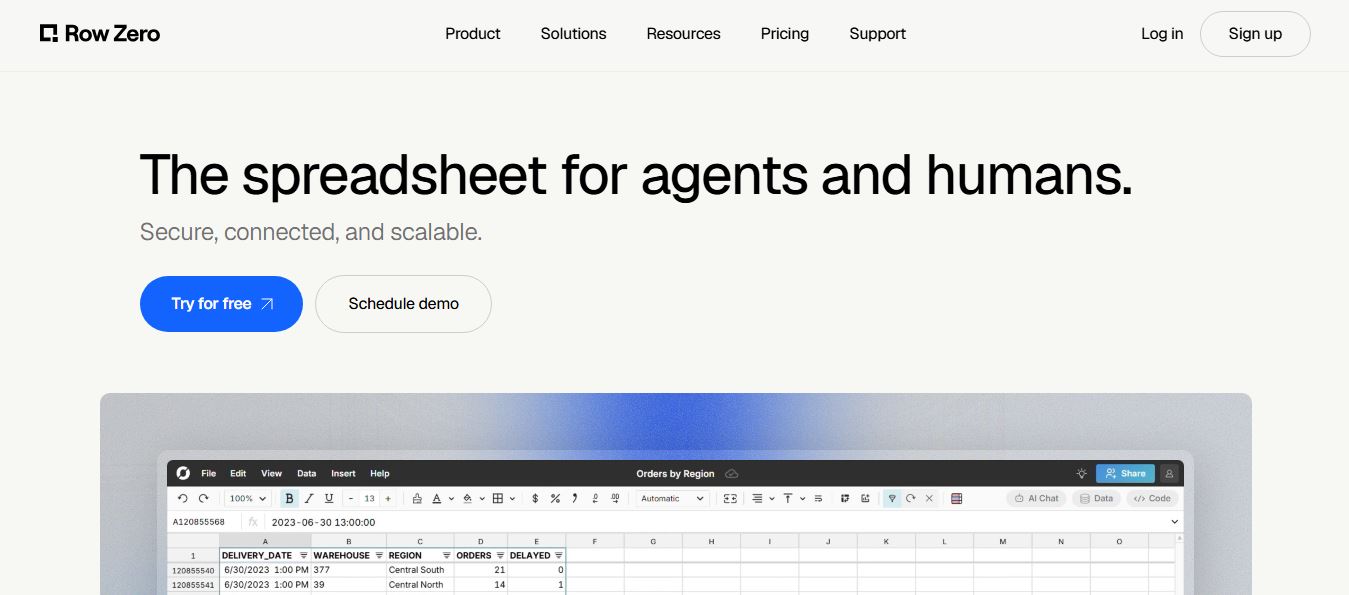
Row Zero is an AI-powered cloud spreadsheet platform that helps teams analyze massive datasets using familiar spreadsheet workflows. It connects directly to data warehouses, auto-updates live data, and scales to billions of rows, enabling fast, secure, and collaborative data analysis without traditional spreadsheet limitations.
 4.9
4.9Shortcut AI
Spreadsheets
Shortcut AI is an AI-powered Excel agent that helps finance teams build financial models, analyze data, and automate complex spreadsheet workflows using natural language. It generates formulas, structures reports, and processes data with high accuracy, enabling faster decision-making and reducing manual analysis work.
 4.9
4.9Microsoft Excel
Spreadsheets
Microsoft Excel AI (Copilot for Excel) is an AI-powered assistant that helps users analyze data, write formulas, create charts, and generate insights using natural language. It automates complex tasks, highlights trends, and builds reports, enabling faster, data-driven decisions directly within Excel workflows.
 4.9
4.9Coefficient
Spreadsheets
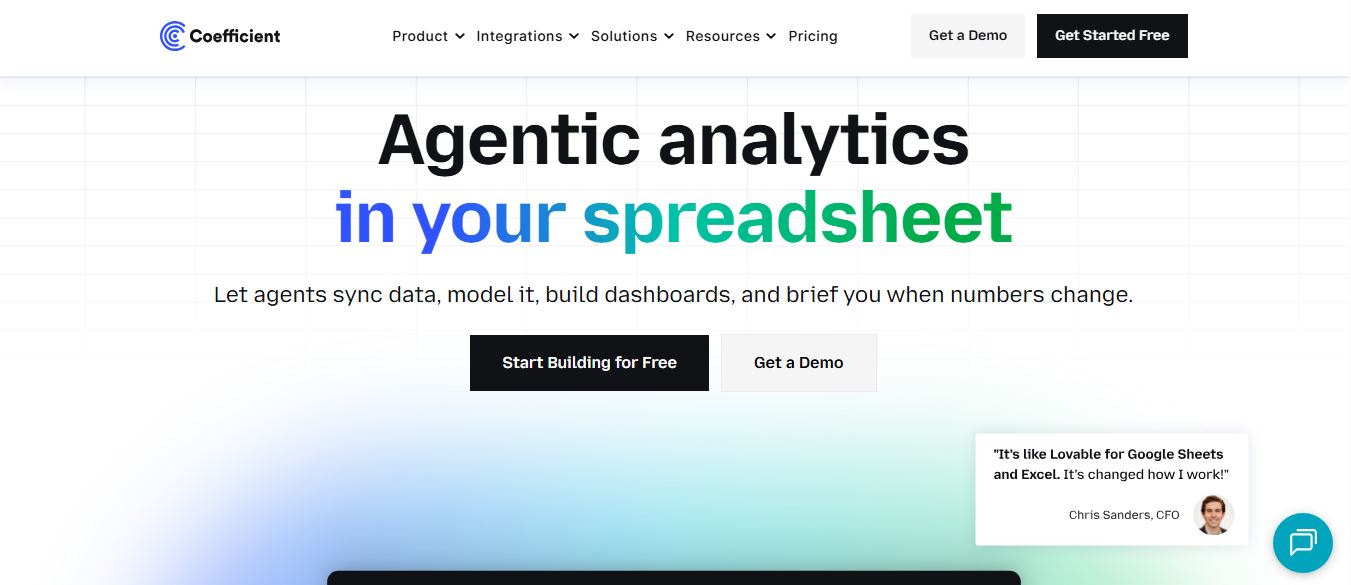
Coefficient is an AI-powered spreadsheet automation platform that connects live data from tools like Salesforce, HubSpot, and databases directly into Google Sheets and Excel. It enables real-time reporting, automated refreshes, and AI-driven analysis, helping teams build dashboards and workflows without manual exports or coding.
 4.9
4.9SheetGPT
Spreadsheets
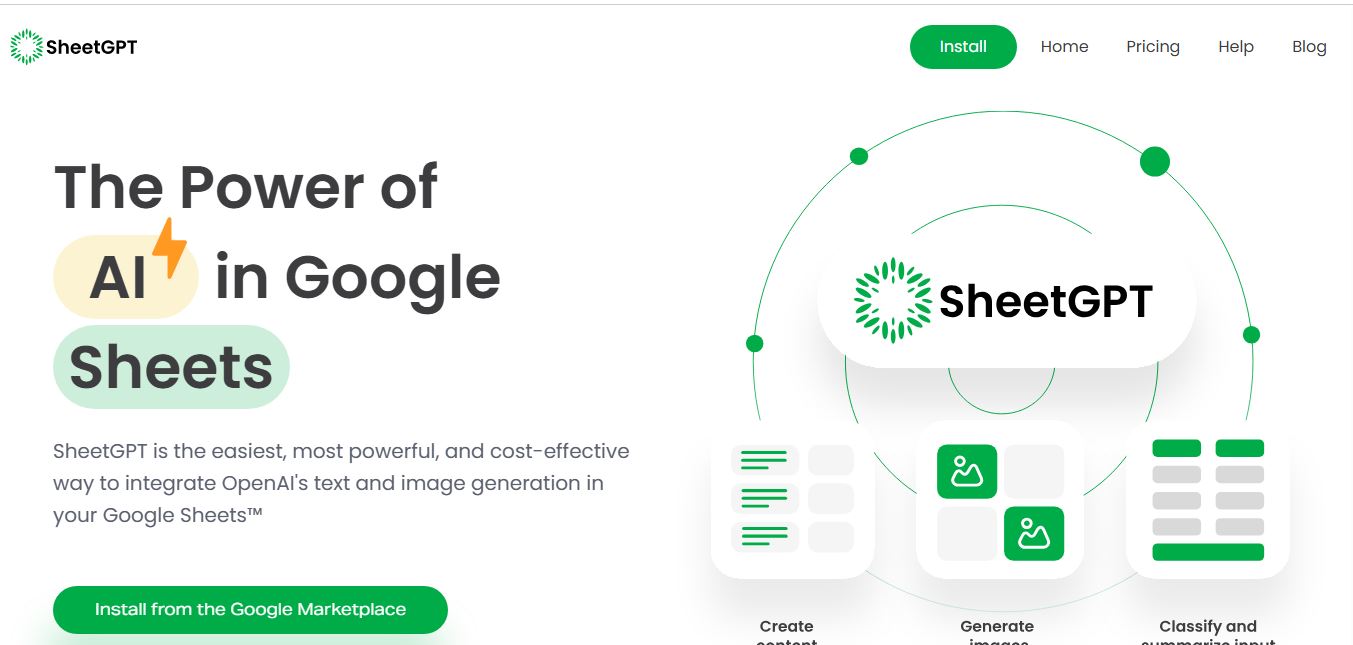
SheetGPT is an AI-powered Google Sheets add-on that helps users generate content, analyze data, and automate tasks using simple formulas like =GPT(). It integrates models like ChatGPT, Claude, and Gemini, enabling faster workflows for summarization, translation, classification, and large-scale spreadsheet operations.
 4.9
4.9GPT for Work
Spreadsheets
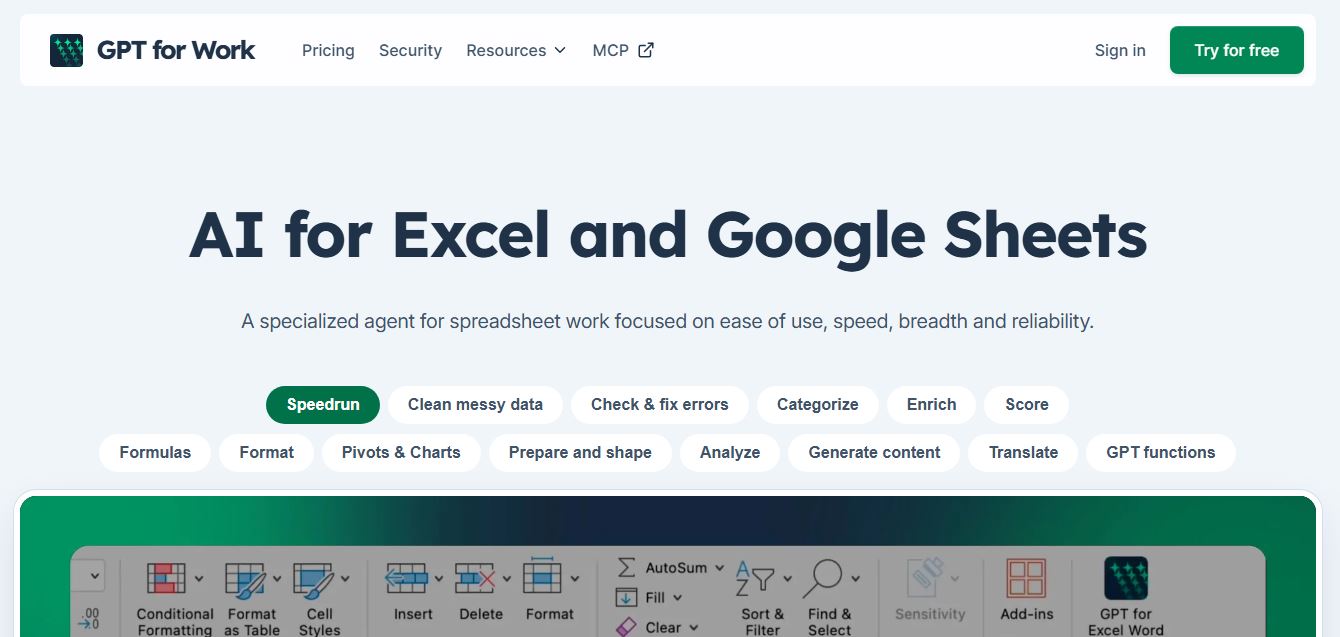
GPT for Work is an AI-powered spreadsheet assistant that helps users automate tasks in Excel and Google Sheets using natural language. It writes formulas, cleans data, generates content, and processes thousands of rows in bulk, enabling faster analysis, workflow automation, and data-driven decision-making.
 4.9
4.9Numerous AI
Spreadsheets
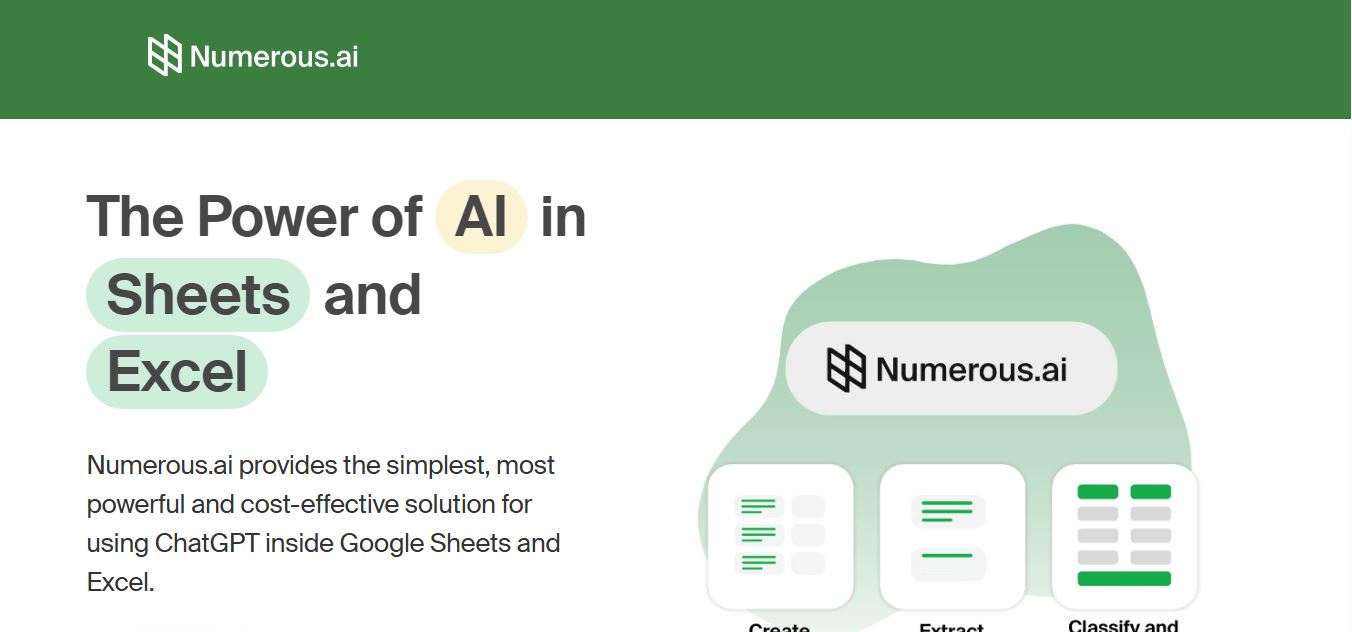
Numerous.ai is an AI-powered spreadsheet automation tool that helps users generate content, write formulas, clean data, and analyze information directly in Google Sheets and Excel. It uses simple functions like =AI() to automate repetitive tasks, enabling faster workflows, bulk processing, and data-driven decision-making.