Microsoft Excel
Microsoft Excel AI (Copilot for Excel) is an AI-powered assistant that helps users analyze data, write formulas, create charts, and generate insights using natural language. It automates complex tasks, highlights trends, and builds reports, enabling faster, data-driven decisions directly within Excel workflows.

What is Microsoft Copilot in Excel?
Microsoft Excel AI is an AI-powered feature set within Excel that helps users analyze data, generate insights, and automate tasks more efficiently. It includes capabilities like Copilot for Excel, which allows users to use natural language to create formulas, summarize data, identify trends, and build visualizations instantly. The platform also offers data forecasting, pattern recognition, and smart suggestions to improve decision-making. Designed for professionals, analysts, and businesses, it enhances productivity by turning complex data tasks into simple, AI-driven workflows.
Engineered as a cornerstone of the Microsoft 365 Copilot ecosystem (powered by OpenAI GPT-4o models and Microsoft Graph intelligence), Copilot in Excel serves tens of millions of enterprise and commercial workers globally. Unlike third-party spreadsheet add-ins that operate outside native calculation trees, Copilot in Excel has deep hooks into the workbook grid. It can generate new formula columns, apply multi-condition formatting rules, surface hidden statistical correlations, build PivotTables, and execute advanced Python in Excel scripts directly in cloud-backed workbooks stored on OneDrive and SharePoint.
- Developer / Parent Company: Microsoft Corporation (Redmond, WA, USA; NASDAQ: MSFT)
- Evolution / Launch: Unveiled in 2023; expanded through 2024–2026 with Python in Excel integration, unstructured data range recognition, automatic table conversion, Copilot Pro individual subscriptions, and enterprise data governance
Use Cases:
- Analyzing sales revenues, customer churn, and seasonal shifts by asking exploratory questions in plain English
- Generating calculated columns with complex formulas (XLOOKUP, INDEX/MATCH, IFS, text parsing) and reviewing formula previews before insertion
- Running advanced Python-based predictive forecasting, clustering, and data visualizations without local Python environment setups
- Standardizing messy data entries, color-coding metrics via conditional formatting, and generating presentation-ready PivotCharts
Technology:
- Large Language Models (LLMs) fine-tuned for spreadsheet computational semantics, formula syntax, and data frame manipulation
- Microsoft Graph semantic indexing coordinating workbook data, corporate context, and enterprise security permissions
- Cloud-connected Python runtime sandbox executing Pandas, Statsmodels, and Seaborn libraries safely within Excel cells
Target Users:
- Financial analysts, corporate controllers, and accountants modeling forecasts and analyzing variance reports
- Sales operations (SalesOps) and marketing leads evaluating lead conversions, campaign ROI, and customer pipeline health
- Operations managers and supply chain planners tracking inventory levels, shipping timelines, and procurement costs
- Content creators using writing tools to draft programmatic content briefs, ad variants, and multichannel marketing templates
Corporate Entity: Operates as Microsoft Corporation (Redmond, WA, USA & Global)

Key features of Microsoft Copilot in Excel
Microsoft Copilot in Excel's key features are
- Conversational Data Exploration: Ask questions like "What are the top three drivers of revenue this quarter?" or "Show monthly sales trends" to receive instant answers and charts.
- Formula Column Suggestions: Describe a desired calculation in plain language; Copilot proposes the exact formula with explanations and previews changes before you insert it.
- Native Python in Excel Integration: Leverage Python libraries like Pandas, Matplotlib, and Scikit-learn directly through Copilot prompts for advanced statistics and machine learning.
- One-Click Conditional Formatting: Apply visual rules effortlessly (e.g., "Highlight all margins below 15% in red and top 10% in green") without manual rule builders.
- Automated PivotTable & Chart Creation: Summarize complex multi-column datasets into structured PivotTables and interactive charts that insert directly into new sheets.
- Data Cleaning & Standardization: Detect inconsistencies, strip redundant whitespace, unify date formats, and correct typos across large tabular datasets.
- Explain Formula & Cell Logic: Highlight any legacy formula or nested calculation and ask Copilot to explain its step-by-step logic in everyday English.
- Enterprise-Grade Security & Compliance: Backed by Microsoft 365 commercial data protection, ensuring your sensitive enterprise data is never used to train foundation models.
Microsoft Copilot in Excel Pricing
Microsoft Copilot in Excel is accessible via Microsoft 365 Copilot subscriptions for business and enterprise organizations or through Copilot Pro for individual and family subscribers.
Copilot Pro (Individuals & Power Users):
- $20.00 / user / month
- Requires an active Microsoft 365 Personal ($6.99/mo) or Family ($9.99/mo) subscription
- Includes full access to Copilot in Excel, Word, PowerPoint, Outlook, and OneNote, priority access to GPT-4o models, and AI image generation credits
Microsoft 365 Copilot for Business & Enterprise:
- $30.00 / user / month (billed annually at $360.00 / user / year)
- Requires an underlying license of Microsoft 365 Business Standard ($12.50/user/mo), Business Premium ($22.00/user/mo), or Enterprise E3/E5
- Includes enterprise-grade commercial data protection, Copilot in Excel with Python capabilities, Microsoft Graph semantic grounding, Teams integration, and IT admin controls
Disclaimer: Prices are listed in USD. Workbooks must be saved in an Excel Table format (.xlsx) on OneDrive or SharePoint to enable Copilot features. Visit microsoft.com/microsoft-365/pricing for active regional rates and promotional bundles.
Who is using Microsoft Copilot in Excel?
Microsoft Copilot in Excel is designed for analysts, executives, and business teams, including
- Financial Analysts & Controllers: Summarizing P&L statements, building financial models, and identifying unexpected budget variances
- Sales Operations & Commercial Teams: Tracking rep quota attainment, pipeline conversion velocities, and territory performance metrics
- Marketing Managers: Calculating multichannel campaign customer acquisition costs (CAC) and visualizing ROI trends across campaigns
- Data Analysts & BI Teams: Running quick exploratory data analysis (EDA) using Python in Excel before deploying formal Power BI dashboards
- Content Creators: Using writing tools to draft programmatic content briefs, ad variants, and multichannel marketing templates
- Everyday Business Professionals: Creating professional charts and conditional formatting rules without mastering Excel syntax
Best Microsoft Copilot in Excel Alternatives
Some of the strongest Microsoft Copilot in Excel alternatives include
- GPT for Work (Talarian)
- Numerous.ai
- Quadratic
- Coefficient
- Formula Bot
- Equals
Pros and Cons of Microsoft Copilot in Excel
Pros
- Natively embedded directly into the Microsoft Excel desktop, web, and Mac interface without third-party plugins
- Python in Excel support allows users to perform machine learning and advanced data visualization using conversational prompts
- Previews proposed formula columns and conditional formatting changes before committing them to the sheet
- Backed by Microsoft enterprise security and compliance, guaranteeing data privacy without training external models
- Connects seamlessly into the broader Microsoft 365 Graph across Word, PowerPoint, and Teams
Cons
- Requires files to be saved in OneDrive or SharePoint and formatted as formal Excel Tables to activate
- Copilot for Business requires a $30/user/month annual commitment on top of an existing Microsoft 365 subscription
- Lacks custom in-cell generative drag-and-fill functions like =AI() or =GPT() found in specialized add-ins
- Can occasionally struggle with multi-tab workbooks containing non-standard layouts or merged cells
Why Choose Microsoft Copilot in Excel?
Microsoft Copilot in Excel is the premier choice for organizations and professionals already invested in Microsoft 365 who want an enterprise-grade AI spreadsheet copilot that offers native ribbon integration, formula previews, and Python execution.
- Explore and analyze spreadsheet data using conversational natural language
- Generate, test, and explain complex Excel formulas before inserting them into tables
- Execute Python data science scripts directly inside Excel cells
- Build interactive PivotTables and conditional formatting rules in seconds
- Operate within a trusted, SOC-compliant enterprise ecosystem with strict data protection
Microsoft Copilot in Excel vs. Competitors
The main difference between Microsoft Copilot in Excel, GPT for Work, Numerous.ai, and Quadratic is that Copilot is natively integrated into Excel with Python execution and enterprise Microsoft Graph security, whereas GPT for Work specializes in high-volume in-cell formula processing (=GPT) and Autosheet MCP connectivity, Numerous.ai focuses on few-shot in-cell pattern matching (=INFER) and copywriting, and Quadratic is an open-source infinite-canvas spreadsheet executing Python and SQL natively in cells. Microsoft Copilot in Excel stands out for its native ribbon convenience, corporate compliance, and built-in Python integration.
| Feature / Tool | Microsoft Copilot in Excel | GPT for Work | Numerous.ai | Quadratic |
|---|---|---|---|---|
| Core Focus | Native Desktop/Web Excel AI Copilot | Enterprise In-Cell Bulk LLM Processing | In-Cell AI Formulas & Copywriting | Infinite Canvas Python & SQL Sheet |
| Interface Integration | Native Excel Ribbon & Chat Pane | Add-in Sidebar & Formulas | Add-in Sidebar & Formulas | Standalone WebGL Canvas App |
| Python Execution | Yes (Native Python in Excel via Cloud) | No Python Execution | No Python Execution | Yes (Native in-cell Python & Pandas) |
| Custom In-Cell Functions | No (Generates standard Excel formulas) | Yes (=GPT, =GPT_FILL, =GPT_EXTRACT) | Yes (=AI, =INFER, =WRITE) | Python formulas & standard math |
| Starting Price | $20/mo (Pro) / $30/user/mo (Business) | Free trial / Standard $25.00/mo | Free trial / Plans from ~$10–$12/mo | Free open-source / Pro ~$15–$20/mo |
| Best For | M365 Enterprises & Native Excel Users | High-Volume Data Teams & Web Scraping | Bulk Copywriting & Pattern Learning | Data Scientists Needing Python & SQL |
How do we rate Microsoft Copilot in Excel?
| Parameter | Rating (out of 5) |
|---|---|
| Native Integration & Interface Usability | 5.0 |
| Formula Generation & Logic Explanation | 4.9 |
| Python in Excel Execution & Visualizations | 4.9 |
| Enterprise Security & Data Governance | 5.0 |
| Value for Money | 4.7 |
| Overall Score | 4.90 |
Microsoft Copilot in Excel Review
Microsoft Copilot in Excel brings generative AI directly into the world's most popular spreadsheet application. The biggest advantage of Copilot over standalone add-ins is its native integration: it operates seamlessly inside the Excel interface, proposing formulas and formatting with live visual previews before anything is committed to your worksheet. The integration of Python in Excel through Copilot is particularly valuable for data professionals, allowing users to run Pandas transformations and statistical models simply by describing what they want to see. While it enforces certain workflow habits—such as requiring workbooks to be formatted as Excel Tables and saved to cloud storage—its security standards, enterprise compliance, and native desktop capability make Microsoft Copilot in Excel a leading tool for modern spreadsheet analytics.
Conclusion
Microsoft Copilot in Excel is a premier AI-powered spreadsheet copilot that modernizes financial modeling, reporting, and data analysis. By combining natural language formula generation, automated conditional formatting, instant PivotTable synthesis, and Python in Excel into Microsoft’s enterprise-grade cloud ecosystem, it reduces the complexity of data management. While marketing teams needing in-cell text generation may still utilize tools like Numerous.ai or GPT for Work, Copilot in Excel’s native integration, analytical power, and enterprise data governance make it an essential productivity tool.
FAQ
What is Microsoft Excel AI and how does Microsoft Excel AI work?
Microsoft Excel AI, powered by Copilot, is an AI assistant built directly into Excel that helps users create, edit, and analyze spreadsheets using natural language. Instead of writing formulas manually, users can describe what they want, and Microsoft Excel AI generates formulas, builds charts, and updates worksheets automatically. It works through a chat interface and integrates directly with Excel’s core features like tables, PivotTables, and formulas.
What problem does Microsoft Excel AI solve for users?
Microsoft Excel AI solves the problem of complex spreadsheet tasks that require time and expertise, such as writing formulas, cleaning data, and analyzing trends. It reduces manual effort by automating repetitive work and helps users quickly extract insights from data without needing advanced Excel knowledge.
What are the key features of Microsoft Excel AI?
Microsoft Excel AI includes features like automatic formula generation, data cleaning, trend analysis, chart creation, and PivotTable building. It can also summarize large datasets, highlight patterns or outliers, and transform messy data into structured formats, making it easier to analyze and present information.
How does Microsoft Excel AI help with data analysis?
Microsoft Excel AI allows users to ask questions about their data in plain English and receive insights in the form of charts, summaries, or tables. It can identify trends, detect anomalies, and generate calculations automatically, helping users understand complex datasets faster and make better decisions.
Does Microsoft Excel AI require coding or advanced Excel skills?
Microsoft Excel AI does not require coding or deep Excel knowledge. Users can interact with it using natural language prompts, and it handles the complexity of formulas and analysis in the background. However, advanced users can still modify and refine outputs manually if needed.
How does Microsoft Excel AI pricing work?
Microsoft Excel AI is included with Microsoft 365 subscriptions that support Copilot. Access typically requires a Microsoft 365 plan along with a Copilot add-on or AI credits, depending on whether the user is an individual or part of a business or enterprise plan.
Can Microsoft Excel AI handle large datasets and workflows?
Microsoft Excel AI is designed to handle both small and large datasets by automating tasks like sorting, filtering, summarizing, and generating reports. It can also create dashboards and repeatable workflows, making it suitable for business analytics and ongoing reporting tasks.
Who should use Microsoft Excel AI?
Microsoft Excel AI is ideal for analysts, marketers, finance teams, business professionals, and anyone who works with spreadsheets. It is especially useful for users who want to save time, automate repetitive tasks, and gain insights from data without deep technical expertise.
User Reviews
No reviews yet for Microsoft Excel.
Featured Tools
Featured AI tools from TechShark

Melody Genie
MelodyGenie is an AI-powered music generator that creates original songs from simple text prompts. Users can choose styles, moods, and genres, then instantly generate melodies and full tracks, making it easy for creators, marketers, and hobbyists to produce custom music without musical expertise.
Freemium

Kimi AI
Kimi AI is an advanced AI assistant developed by Moonshot AI that helps you chat, research, write, code, and automate tasks in one place. It supports web search, file analysis, and multimodal inputs, and can even run autonomous “agent” workflows to complete complex tasks end-to-end.
Freemium

Fashion Diffusion AI
Fashion Diffusion is an AI-powered fashion design platform that helps brands and designers create clothing designs, virtual try-ons, AI models, product photos, and marketing visuals faster and cost-effectively.
Paid

Veo 4
Veo 4 AI is an AI video creation platform that generates dramatic videos from text, images, audio, and video prompts using realistic motion and synchronized sound.
Paid
Alternatives
Alternatives to Microsoft Excel
The best Microsoft Copilot in Excel alternatives include GPT for Work (Talarian), Numerous.ai, Quadratic, Coefficient, Formula Bot (Excel Formula Bot), and Equals. These platforms provide AI formula assistance, data analysis, and spreadsheet automation. While Microsoft Copilot in Excel specializes in native ribbon-level integration across desktop and web Excel with Python in Excel execution, PivotTable generation, and enterprise Microsoft Graph security, alternatives like GPT for Work focus on high-volume in-cell LLM formula processing (=GPT) across both Sheets and Excel, Numerous.ai specializes in few-shot pattern matching (=INFER) and bulk marketing copy, and Quadratic provides an open-source infinite-canvas spreadsheet executing Python and SQL natively in cells. Choosing the right tool depends on whether you require native Microsoft 365 integration with Python, in-cell generative bulk text operations, or an open-source data science canvas.
 4.9
4.9Equals
Spreadsheets
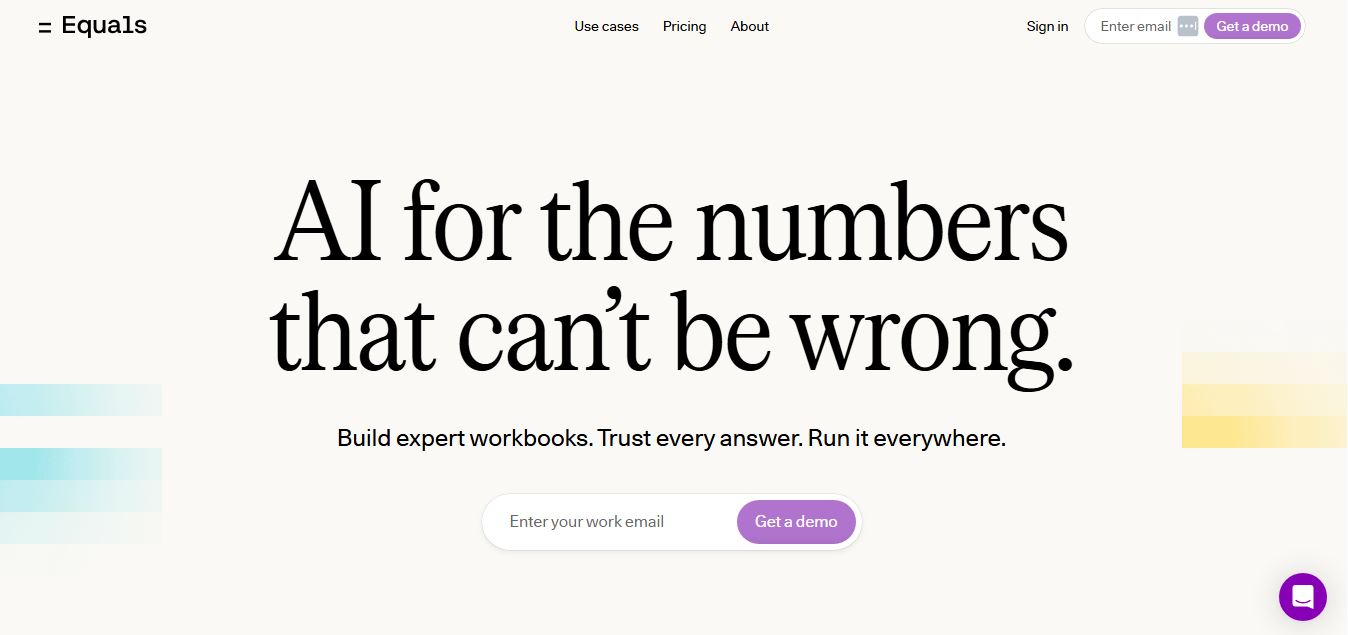
Equals is an AI-powered spreadsheet and GTM analytics platform that helps teams connect live data, build dashboards, and answer business questions using natural language. It combines a managed data warehouse, spreadsheet, and AI analyst, enabling faster, reliable insights without SQL or complex data tools.
 4.9
4.9Google Sheets
Spreadsheets
Google Sheets is a cloud-based spreadsheet tool that helps users create, edit, and collaborate on data in real time. It supports formulas, charts, automation, and integrations with Google Workspace, enabling teams to manage data, analyze information, and build workflows from anywhere with shared access.
 4.9
4.9Row Zero
Spreadsheets
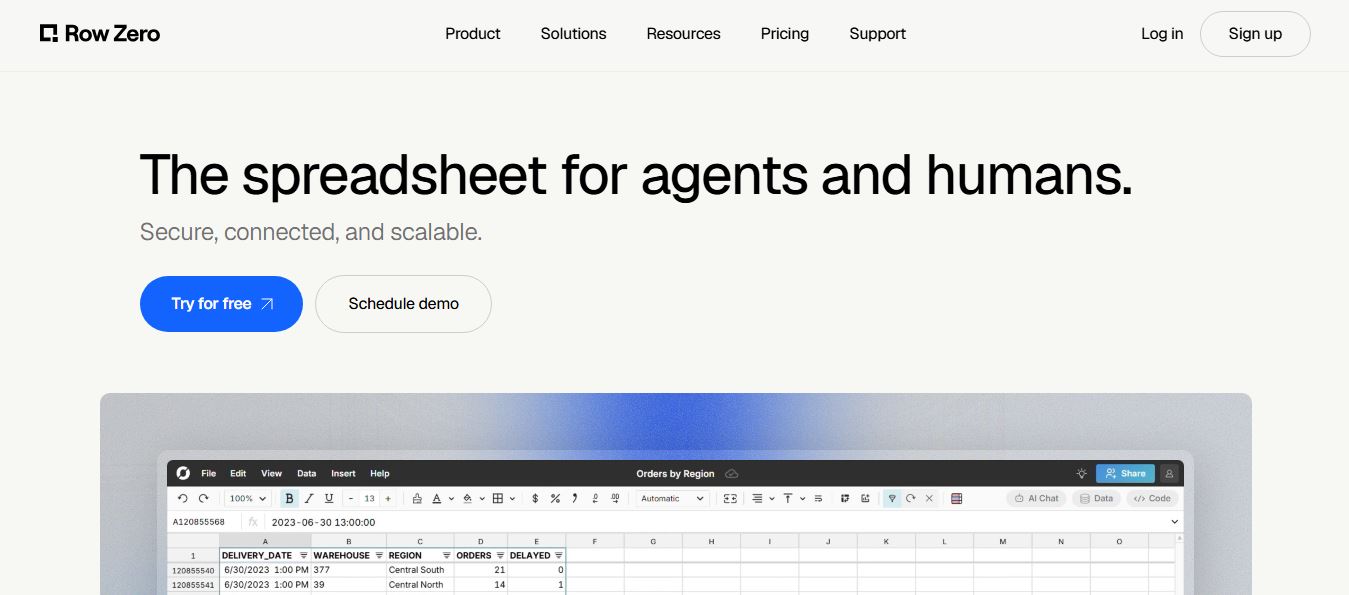
Row Zero is an AI-powered cloud spreadsheet platform that helps teams analyze massive datasets using familiar spreadsheet workflows. It connects directly to data warehouses, auto-updates live data, and scales to billions of rows, enabling fast, secure, and collaborative data analysis without traditional spreadsheet limitations.
 4.9
4.9Grist AI Spreadsheet Generator
Spreadsheets
Grist AI Spreadsheet Generator (getgrist.com/ai/spreadsheet-generator/) is an open-source, relational AI spreadsheet and custom application builder that turns text prompts into structured relational databases, Python formulas, dashboards, and access rules via an in-product AI Assistant and Model Context Protocol (MCP).
 4.9
4.9Shortcut AI
Spreadsheets
Shortcut AI is an AI-powered Excel agent that helps finance teams build financial models, analyze data, and automate complex spreadsheet workflows using natural language. It generates formulas, structures reports, and processes data with high accuracy, enabling faster decision-making and reducing manual analysis work.
 4.9
4.9Coefficient
Spreadsheets
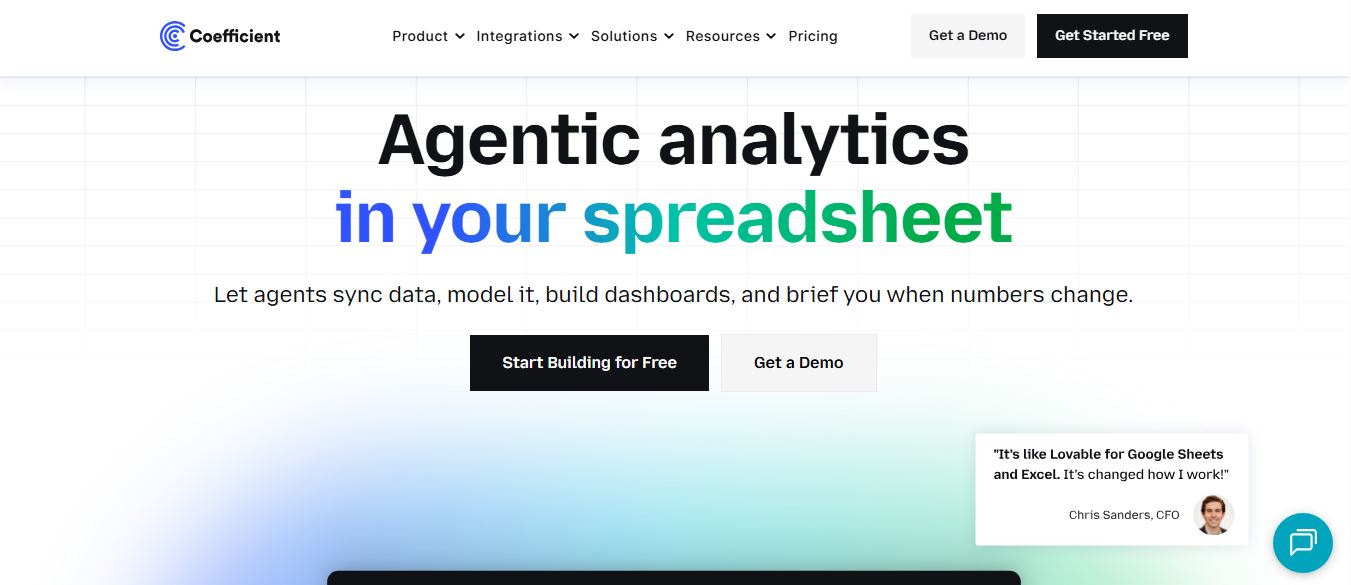
Coefficient is an AI-powered spreadsheet automation platform that connects live data from tools like Salesforce, HubSpot, and databases directly into Google Sheets and Excel. It enables real-time reporting, automated refreshes, and AI-driven analysis, helping teams build dashboards and workflows without manual exports or coding.
 4.9
4.9SheetGPT
Spreadsheets
SheetGPT is an AI-powered Google Sheets add-on that helps users generate content, analyze data, and automate tasks using simple formulas like =GPT(). It integrates models like ChatGPT, Claude, and Gemini, enabling faster workflows for summarization, translation, classification, and large-scale spreadsheet operations.
 4.9
4.9GPT for Work
Spreadsheets
GPT for Work is an AI-powered spreadsheet assistant that helps users automate tasks in Excel and Google Sheets using natural language. It writes formulas, cleans data, generates content, and processes thousands of rows in bulk, enabling faster analysis, workflow automation, and data-driven decision-making.
 4.9
4.9Numerous AI
Spreadsheets
Numerous.ai is an AI-powered spreadsheet automation tool that helps users generate content, write formulas, clean data, and analyze information directly in Google Sheets and Excel. It uses simple functions like =AI() to automate repetitive tasks, enabling faster workflows, bulk processing, and data-driven decision-making.